
Soil Infiltration Usability Test Report Usability expert Pooja
Soil Infiltration Usability Test Report Usability expert : Pooja mothukuri
OUTLINE • Brief Introduction – Soil Infiltration App • Test procedure and setup • Pre-Test Questionnaire Result • Scenario 1 • Scenario 2 • scenario 3 • Post-Test Questionnaire Result • Bug Report • Summary
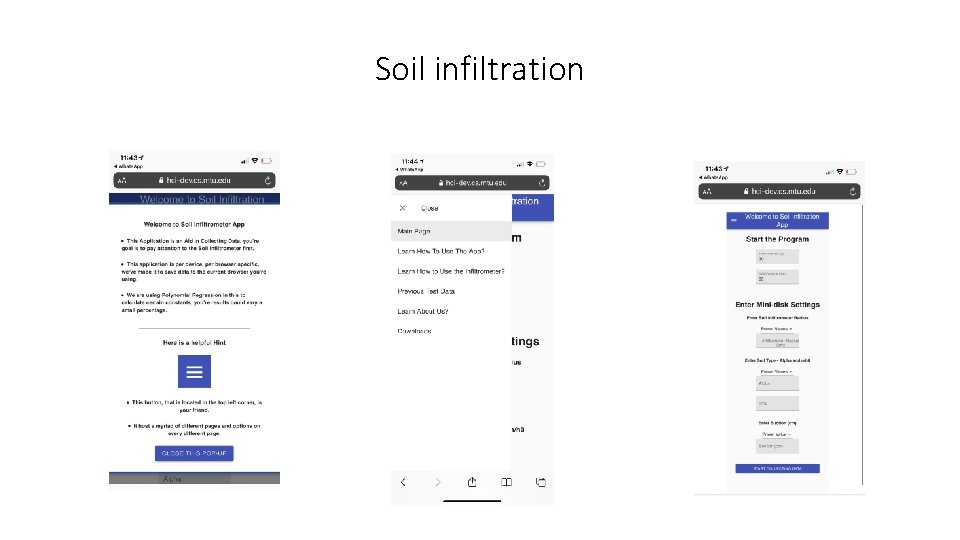
Soil infiltration
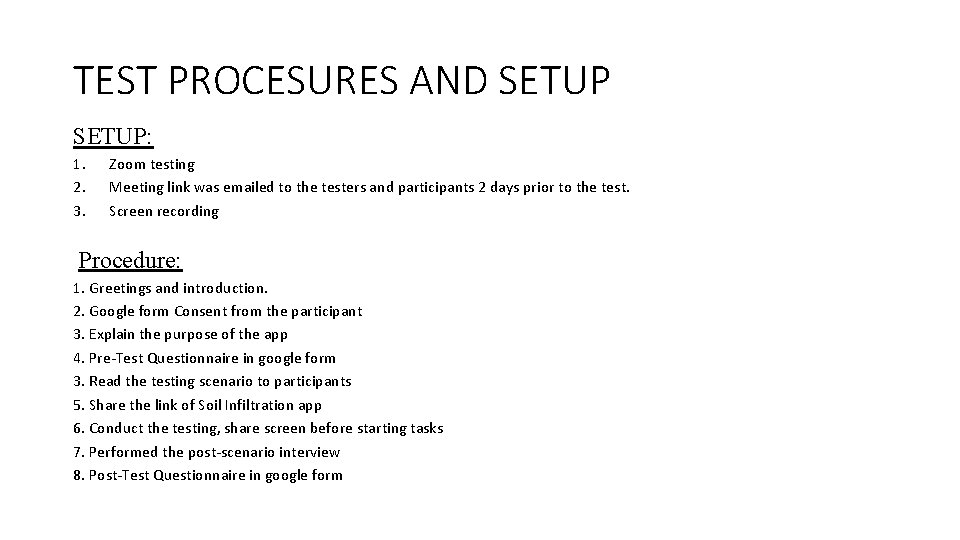
TEST PROCESURES AND SETUP: 1. 2. 3. Zoom testing Meeting link was emailed to the testers and participants 2 days prior to the test. Screen recording Procedure: 1. Greetings and introduction. 2. Google form Consent from the participant 3. Explain the purpose of the app 4. Pre-Test Questionnaire in google form 3. Read the testing scenario to participants 5. Share the link of Soil Infiltration app 6. Conduct the testing, share screen before starting tasks 7. Performed the post-scenario interview 8. Post-Test Questionnaire in google form
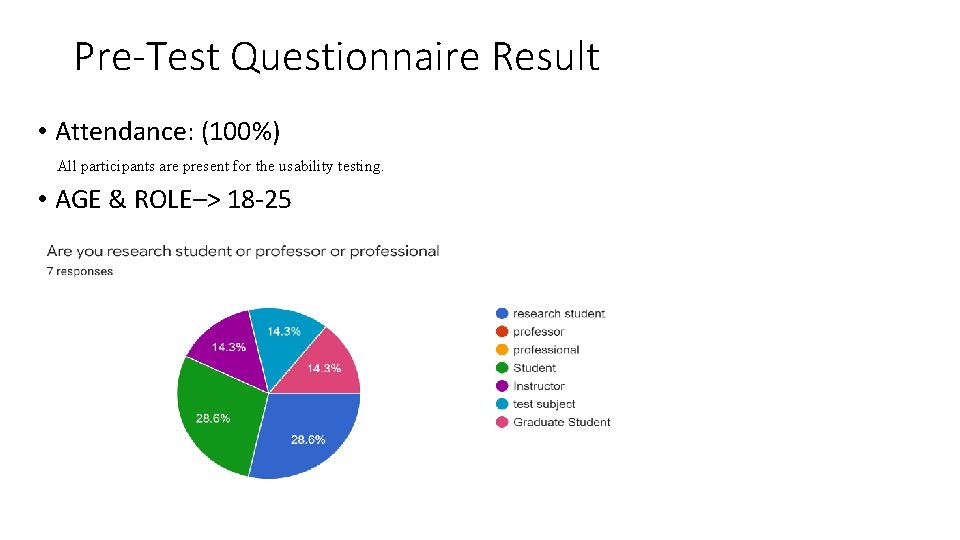
Pre-Test Questionnaire Result • Attendance: (100%) All participants are present for the usability testing. • AGE & ROLE–> 18 -25
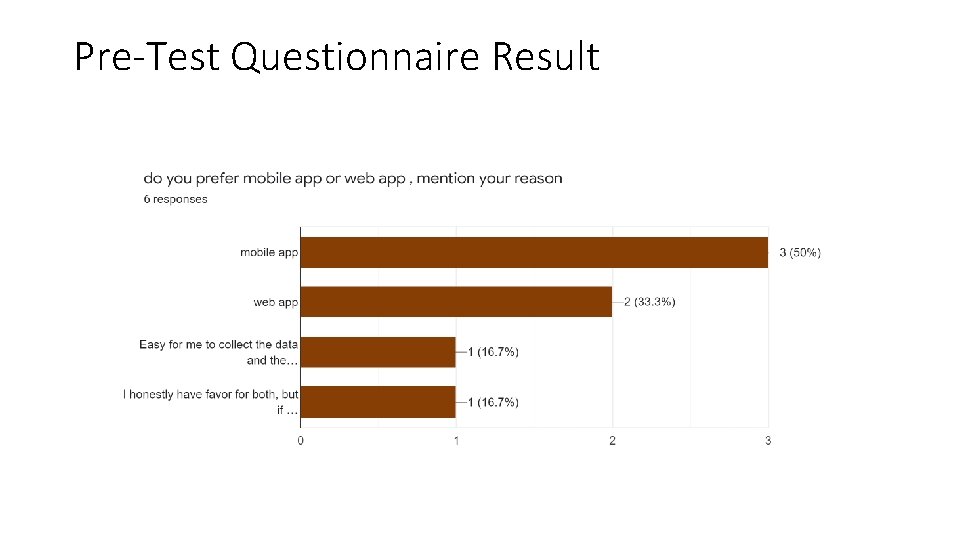
Pre-Test Questionnaire Result
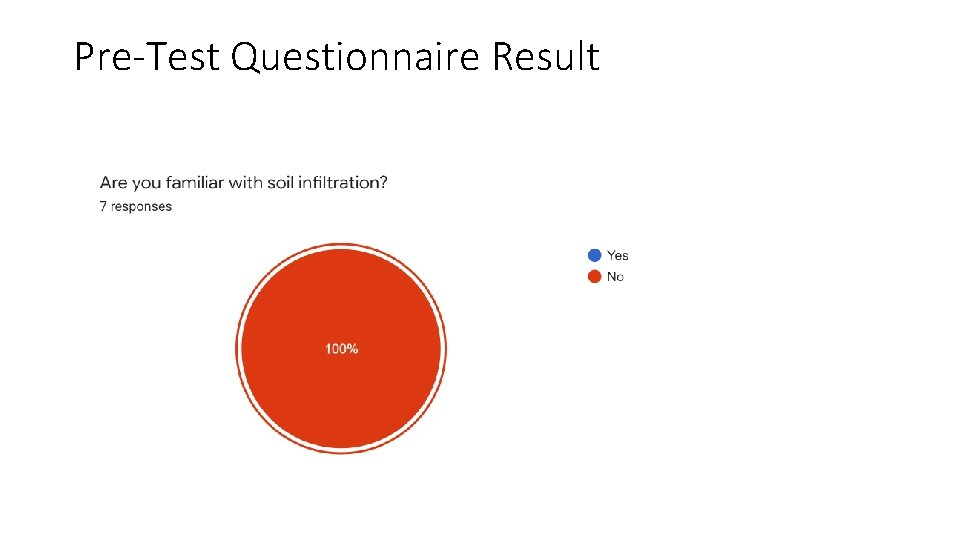
Pre-Test Questionnaire Result
Scenario 1 : Non Student (road engineer ) Goal : • To determine if the participant can use the app easily or is it difficult or confusing to navigate Task list : • Open application and read pop up • Learn about app • Learn how to use the app
Scenario 1 : Non Student (road engineer ) Test result : • Time taken to navigate: <3 sec • No questions asked by participants during first scenario. • They are comfortable while doing their tasks. • Overall feedback given by the participant - satisfied
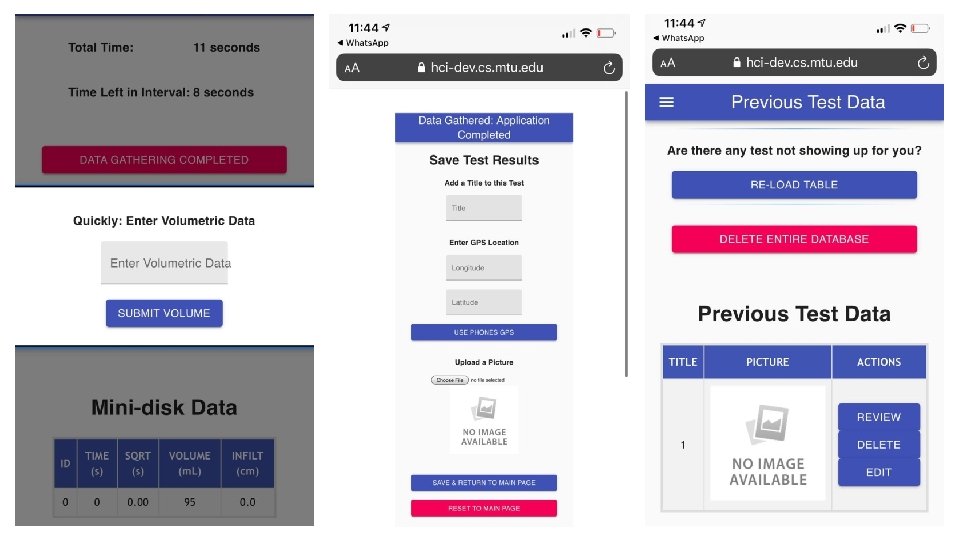
Scenario 2 – Research student Goal: • To determine if participant is able to enter data and save it Task list : • Read pop up and enter given data in the input fields • Checked for the entered data in the table • Save and return to main page
Scenario 2 – Research student Test result : • Time taken to navigate: <3 sec • Participants took some time at the preset values, but they figure it out • They seem confused while doing their tasks. - After entering volumetric data • Overall feedback given by the participant - satisfied
Scenario 3 - Research student Goal: • To determine if user is able to edit and review from previous test data Task list : • In previous test data edit title, location and picture • After editing save and return to main page • Review the edited data
Scenario 3 - Research student • Test result : • Time taken to navigate: <3 sec • Participants looked around the page and they figure it out in no time. • They seem confused while doing their tasks. - Especially to save their changes and return to the main page • Overall feedback given by the participant - satisfied
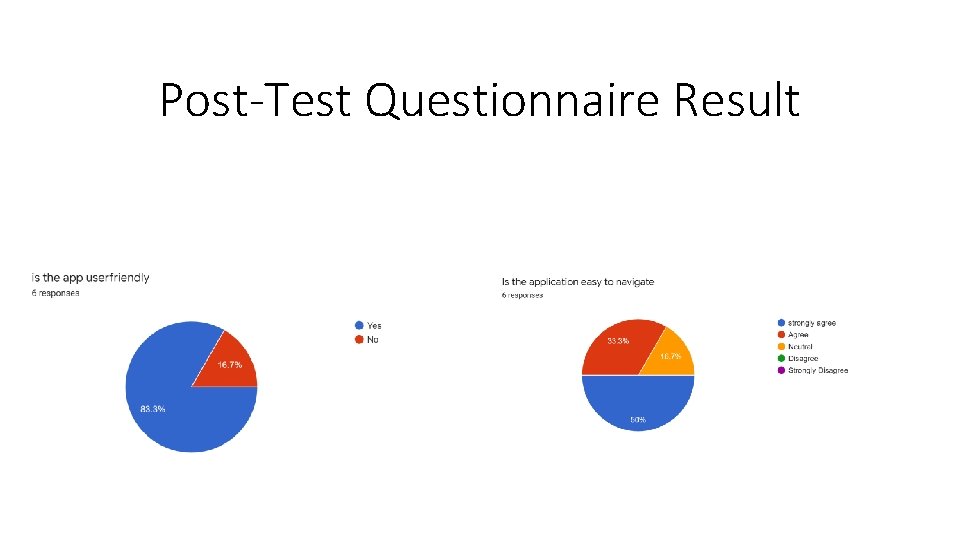
Post-Test Questionnaire Result
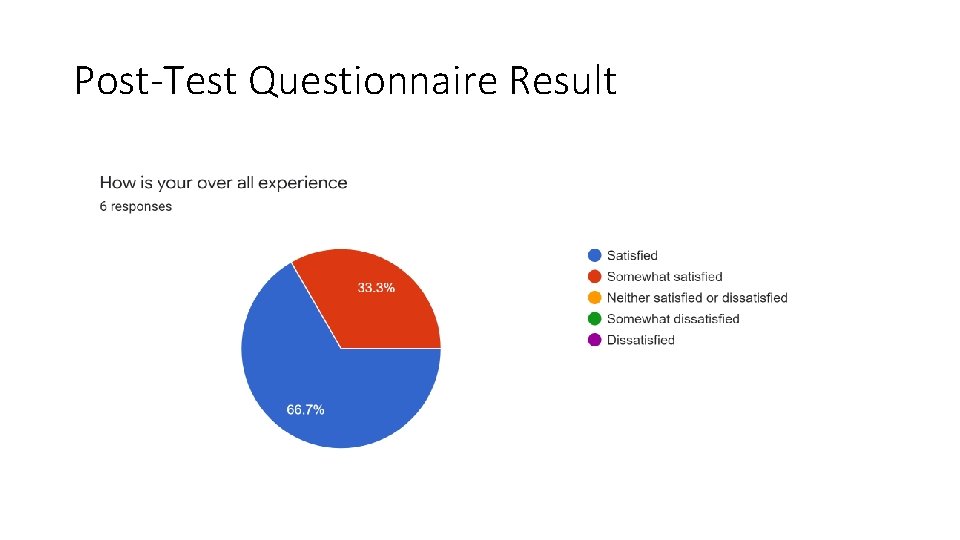
Post-Test Questionnaire Result
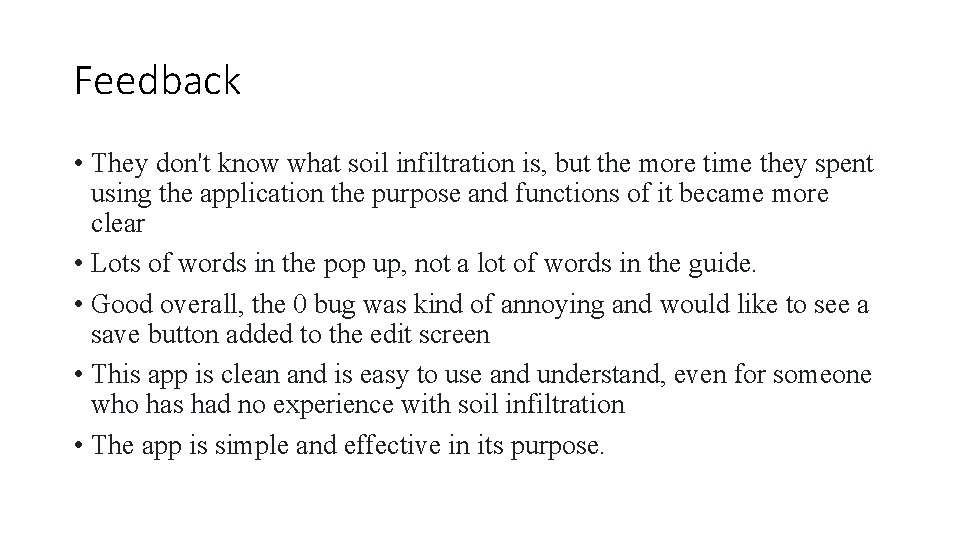
Feedback • They don't know what soil infiltration is, but the more time they spent using the application the purpose and functions of it became more clear • Lots of words in the pop up, not a lot of words in the guide. • Good overall, the 0 bug was kind of annoying and would like to see a save button added to the edit screen • This app is clean and is easy to use and understand, even for someone who has had no experience with soil infiltration • The app is simple and effective in its purpose.
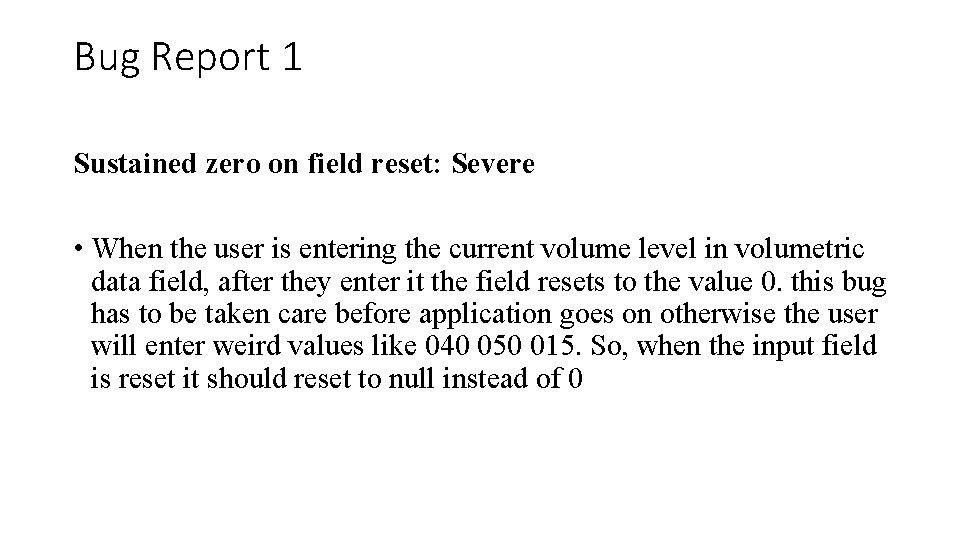
Bug Report 1 Sustained zero on field reset: Severe • When the user is entering the current volume level in volumetric data field, after they enter it the field resets to the value 0. this bug has to be taken care before application goes on otherwise the user will enter weird values like 040 050 015. So, when the input field is reset it should reset to null instead of 0
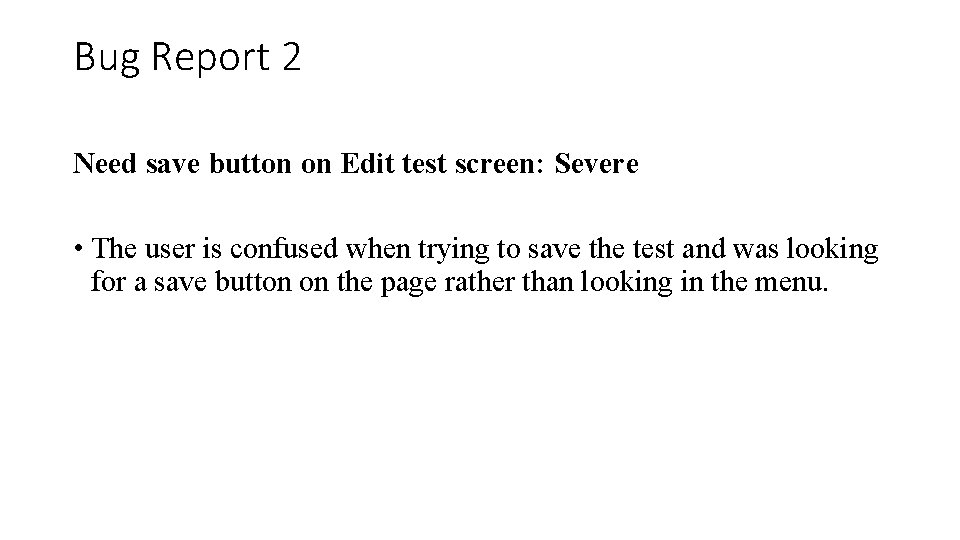
Bug Report 2 Need save button on Edit test screen: Severe • The user is confused when trying to save the test and was looking for a save button on the page rather than looking in the menu.
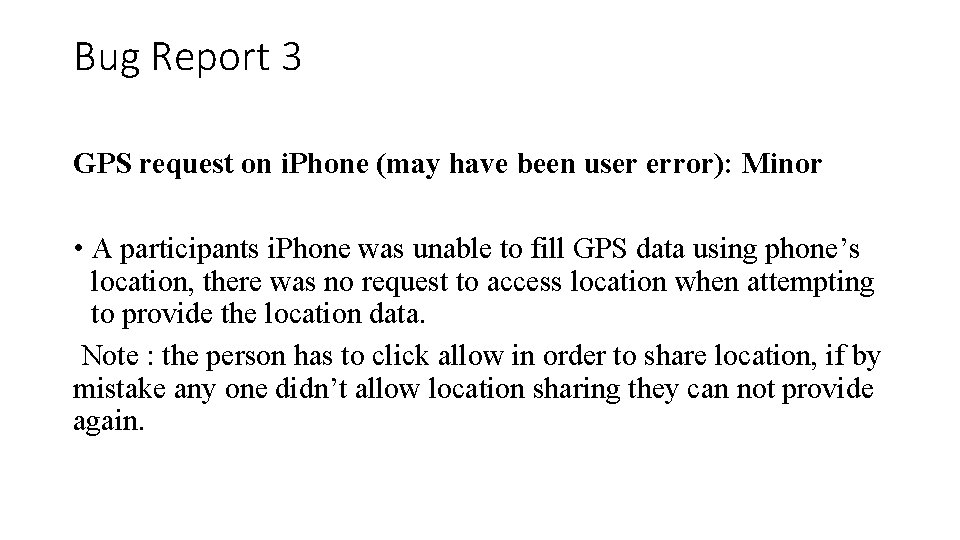
Bug Report 3 GPS request on i. Phone (may have been user error): Minor • A participants i. Phone was unable to fill GPS data using phone’s location, there was no request to access location when attempting to provide the location data. Note : the person has to click allow in order to share location, if by mistake any one didn’t allow location sharing they can not provide again.
Recommended changes • Even without giving any input, it prompts to next page. Need validation • Save button be need to in the same page after editing the title and location • Fixing reset to zero in the volumetric data entry field • Moving preset values above the manual entry field • Even after volume is given 0, the pop up to enter volume shows up • Give another pop up or note near location about the “allow” and “don’t allow”
summary • Ios android phones are used to test this application, as it is mainly designed for mobile application. All the functionalities were working good and there is just minor bugs/errors to be taken into consideration. Overall the participants are happy to test the application, also they felt application is user friend and easy to navigate. More details will be posted in the website http: //www. csl. mtu. edu/classes/cs 4760/www/projects/s 21/grad 8/w ww/

Next Presenter • Grad Student: Isaac Appleby
- Slides: 23