
Software Testing QA III Kerry Zhu Kerrygmail com







- Slides: 178
Software Testing & QA (III) Kerry Zhu. Kerry@gmail. com 1
Zhu. Kerry@gmail. com Part III: Applying Your Testing Skills n 8. Configuration Testing. n 9. Compatibility Testing. n 10. Foreign-Language Testing. n 11. Usability Testing. n 12. Testing the Documentation. n 13. Testing for Security n 14. Web Site Testing 2
Zhu. Kerry@gmail. com Chapter 8 Applying Your Testing Skills Configuration Testing 3
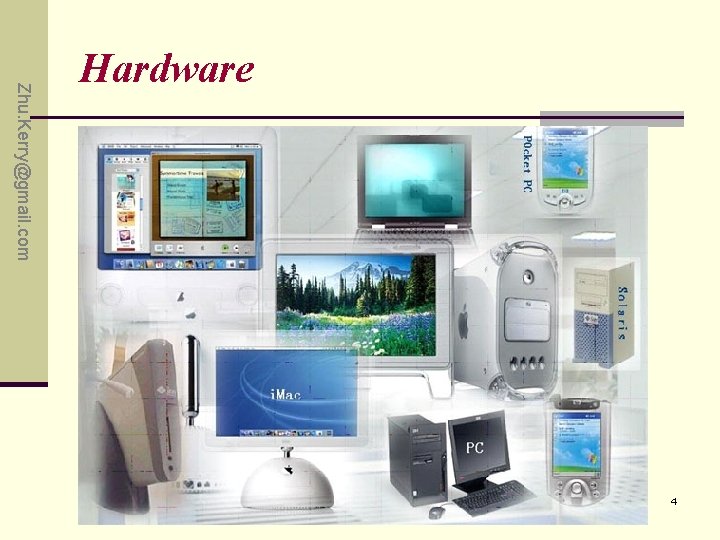
Zhu. Kerry@gmail. com Hardware 4
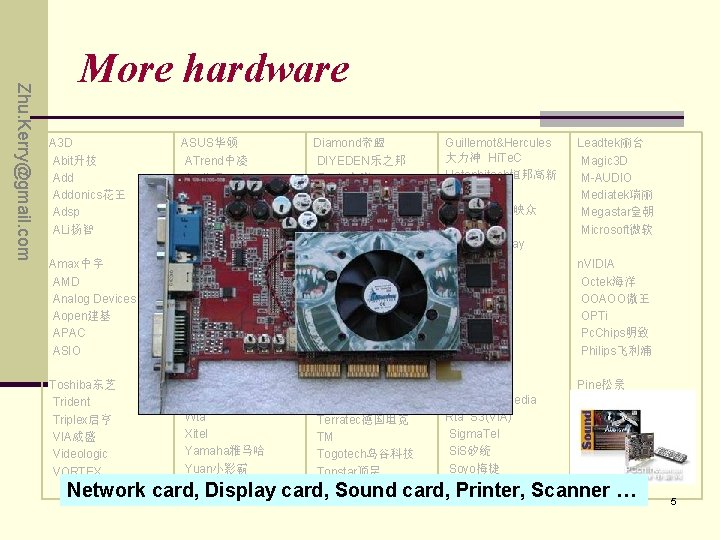
Zhu. Kerry@gmail. com More hardware A 3 D Abit升技 Addonics花王 Adsp ALi扬智 Amax中宇 AMD Analog Devices Aopen建基 APAC ASIO Toshiba东芝 Trident Triplex启亨 VIA威盛 Videologic VORTEX ASUS华硕 Diamond帝盟 ATrend中凌 DIYEDEN乐之邦 Audio. Excel Eagle金鹰 Audiotrak Echo Aureal傲锐 Emu FPM Aztech爱捷特 (Fast Page Mode) ESI EDO (Extended Data Out) Cirrus. Logic SGRAM (Synchronous Graphics Cmedia骅讯 SDRAM (Synchronous DRAM) Creative创新 Video RAM (VRAM) Crystal Semiconductors WRAM Window RAM CSUN世讯 Gamtec和跃 Data. Expert联讯 Genius Voyetra Turtle Beach Wta Xitel Yamaha雅马哈 Yuan小影霸 Zoltrix速捷时 T&W同维 Taiyanfa太阳花 Terratec德国坦克 TM Togotech岛谷科技 Topstar顶星 Guillemot&Hercules 大力神 Hi. Te. C Hotonhitech恒邦高新 IBM Inno. VISION映众 ITE联阳 Jazz Labway RAM) ESS Forte. Media Rta S 3(VIA) Sigma. Tel Si. S矽统 Soyo梅捷 Superpower上普 Leadtek丽台 Magic 3 D M-AUDIO Mediatek瑞丽 Megastar皇朝 Microsoft微软 n. VIDIA Octek海洋 OOAOO傲王 OPTi Pc. Chips明致 Philips飞利浦 Pine松景 Pre. Sonus Realtek瑞昱 Real. World RME Rongfeng融丰 Network card, Display card, Sound card, Printer, Scanner … 5
Zhu. Kerry@gmail. com Contents a. b. c. d. e. Overview of configuration testing. Approaching Task Obtaining the Hardware Identifying Hardware Standards Configuration Testing Other Hardware 6
Zhu. Kerry@gmail. com Highlights of this chapter include ü Why configuration testing is necessary. ü Why configuration testing can be a huge job. ü A basic approach to configuration testing. ü How to find the hardware you need to test with. ü What to do if you are not testing software for a desktop computer 7
Zhu. Kerry@gmail. com What must be done ? Normally we do dynamic, white box testing for this. Don’t assume hardware standards, protocols, or specs are correct. First identify what is really going to affect the running of the software-No graphics, try standard video cards or none. Major Problem: If you suspect the fault is the hardware manufacturer, who is responsible? 8
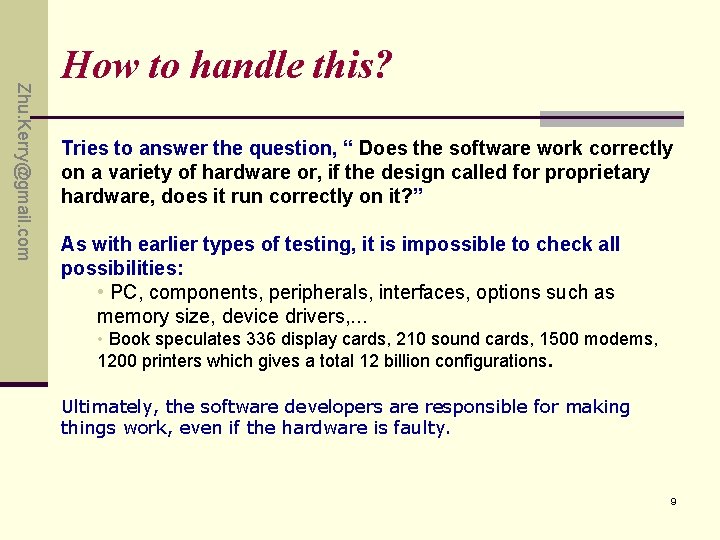
Zhu. Kerry@gmail. com How to handle this? Tries to answer the question, “ Does the software work correctly on a variety of hardware or, if the design called for proprietary hardware, does it run correctly on it? ” As with earlier types of testing, it is impossible to check all possibilities: • PC, components, peripherals, interfaces, options such as memory size, device drivers, . . . • Book speculates 336 display cards, 210 sound cards, 1500 modems, 1200 printers which gives a total 12 billion configurations. Ultimately, the software developers are responsible for making things work, even if the hardware is faulty. 9
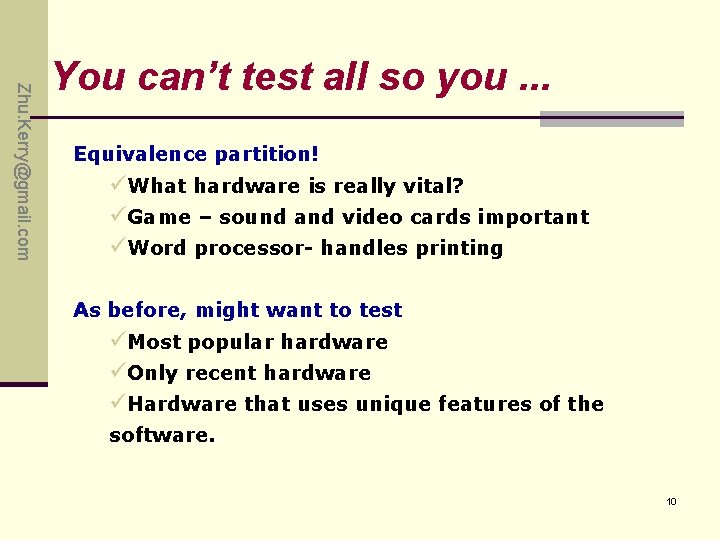
Zhu. Kerry@gmail. com You can’t test all so you. . . Equivalence partition! üWhat hardware is really vital? üGame – sound and video cards important üWord processor- handles printing As before, might want to test üMost popular hardware üOnly recent hardware üHardware that uses unique features of the software. 10
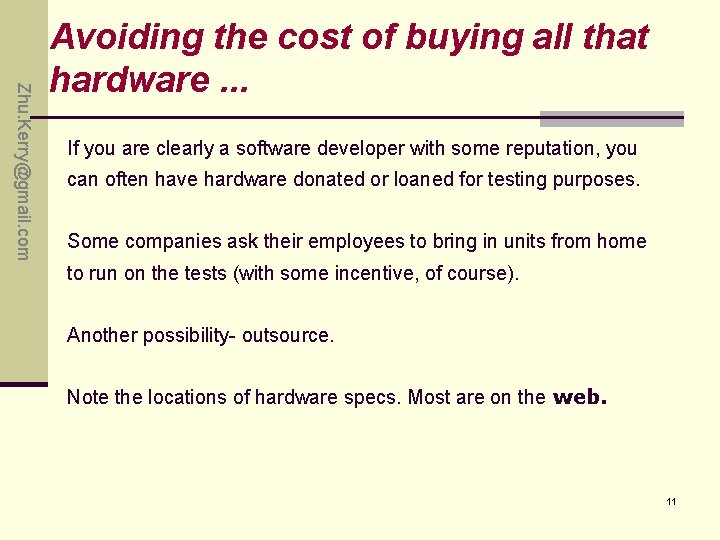
Zhu. Kerry@gmail. com Avoiding the cost of buying all that hardware. . . If you are clearly a software developer with some reputation, you can often have hardware donated or loaned for testing purposes. Some companies ask their employees to bring in units from home to run on the tests (with some incentive, of course). Another possibility- outsource. Note the locations of hardware specs. Most are on the web. 11
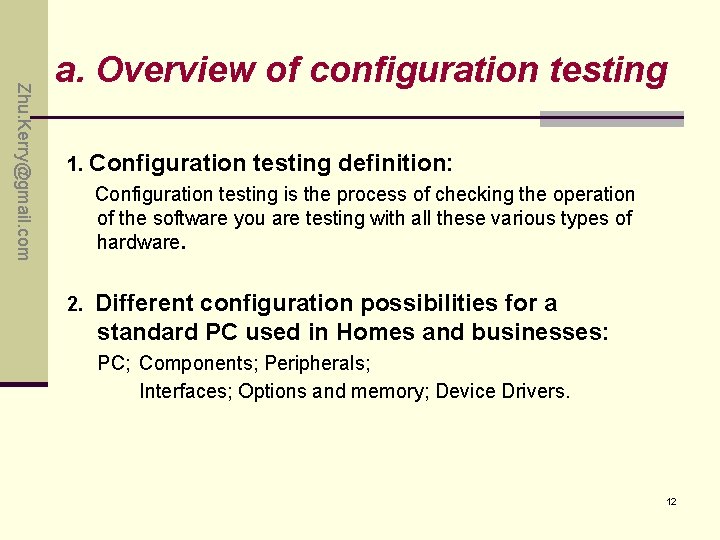
Zhu. Kerry@gmail. com a. Overview of configuration testing 1. Configuration testing definition: Configuration testing is the process of checking the operation of the software you are testing with all these various types of hardware. 2. Different configuration possibilities for a standard PC used in Homes and businesses: PC; Components; Peripherals; Interfaces; Options and memory; Device Drivers. 12
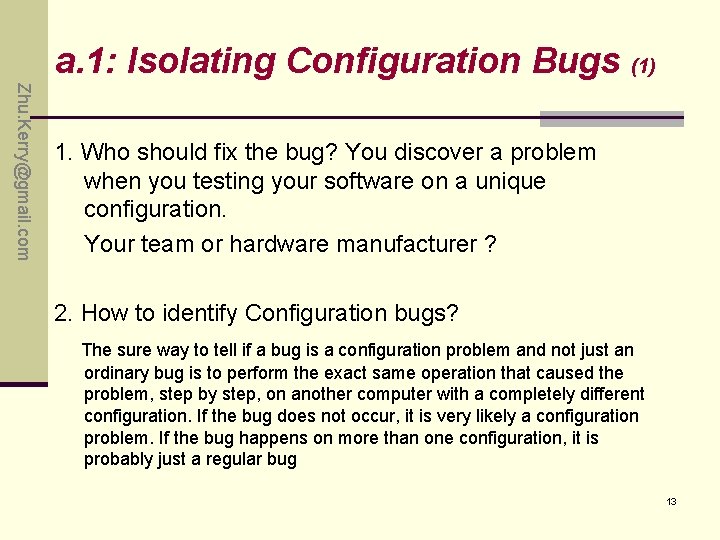
a. 1: Isolating Configuration Bugs (1) Zhu. Kerry@gmail. com 1. Who should fix the bug? You discover a problem when you testing your software on a unique configuration. Your team or hardware manufacturer ? 2. How to identify Configuration bugs? The sure way to tell if a bug is a configuration problem and not just an ordinary bug is to perform the exact same operation that caused the problem, step by step, on another computer with a completely different configuration. If the bug does not occur, it is very likely a configuration problem. If the bug happens on more than one configuration, it is probably just a regular bug 13
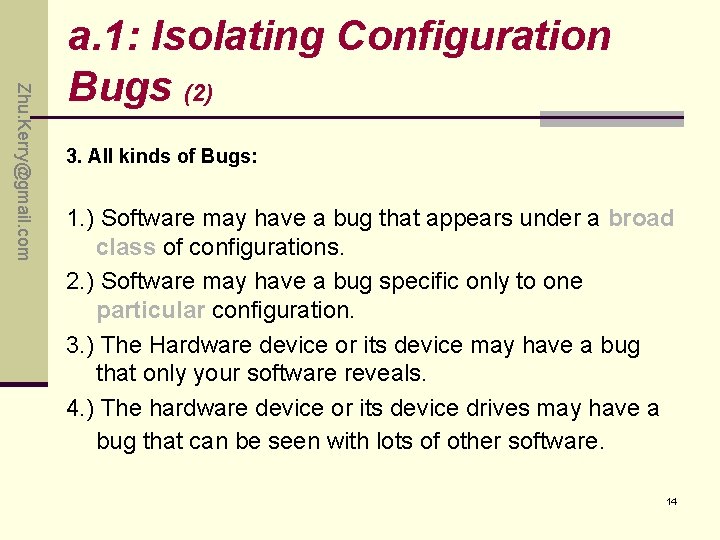
Zhu. Kerry@gmail. com a. 1: Isolating Configuration Bugs (2) 3. All kinds of Bugs: 1. ) Software may have a bug that appears under a broad class of configurations. 2. ) Software may have a bug specific only to one particular configuration. 3. ) The Hardware device or its device may have a bug that only your software reveals. 4. ) The hardware device or its device drives may have a bug that can be seen with lots of other software. 14
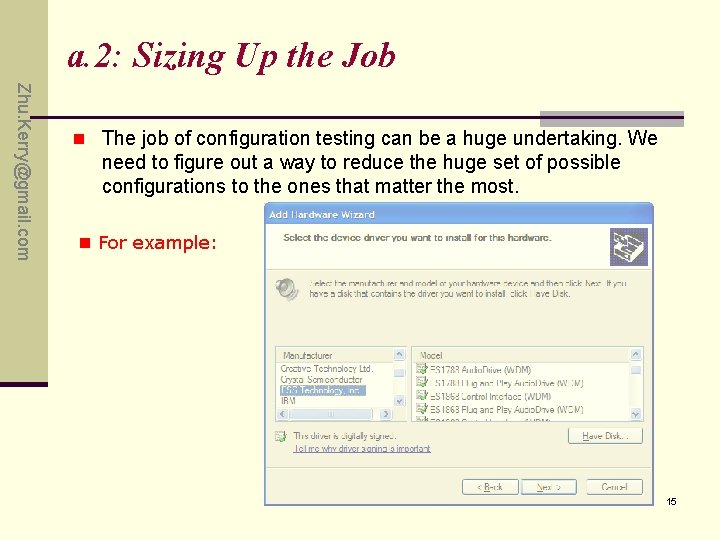
a. 2: Sizing Up the Job Zhu. Kerry@gmail. com n The job of configuration testing can be a huge undertaking. We need to figure out a way to reduce the huge set of possible configurations to the ones that matter the most. n For example: 15
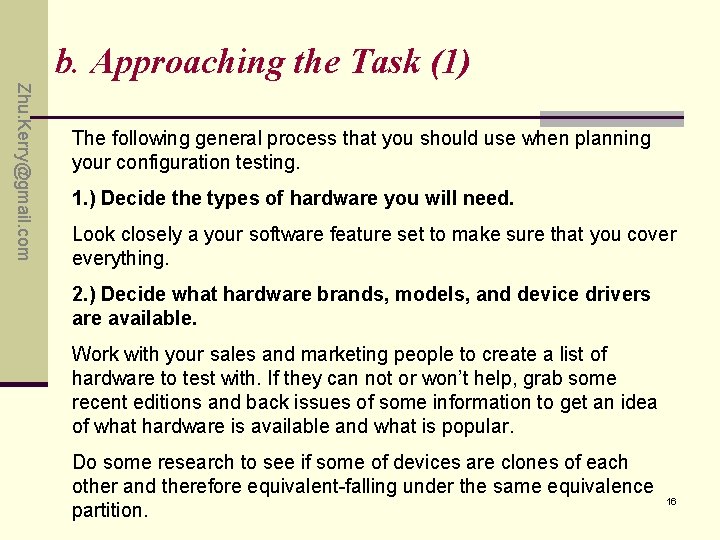
b. Approaching the Task (1) Zhu. Kerry@gmail. com The following general process that you should use when planning your configuration testing. 1. ) Decide the types of hardware you will need. Look closely a your software feature set to make sure that you cover everything. 2. ) Decide what hardware brands, models, and device drivers are available. Work with your sales and marketing people to create a list of hardware to test with. If they can not or won’t help, grab some recent editions and back issues of some information to get an idea of what hardware is available and what is popular. Do some research to see if some of devices are clones of each other and therefore equivalent-falling under the same equivalence partition. 16
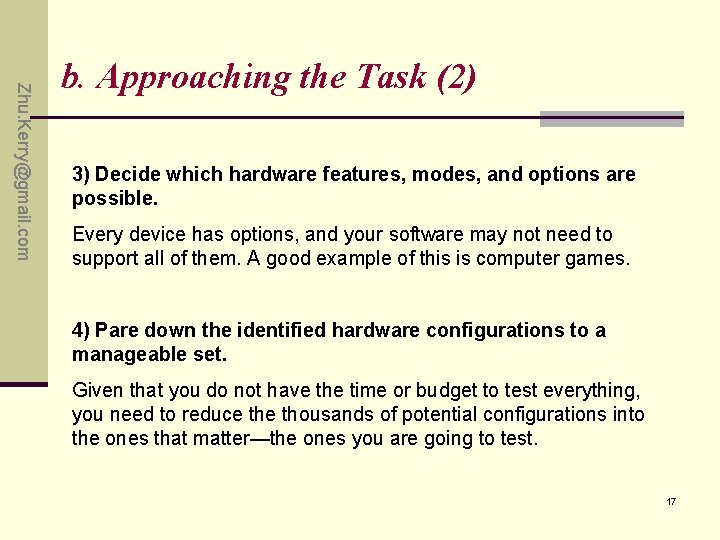
Zhu. Kerry@gmail. com b. Approaching the Task (2) 3) Decide which hardware features, modes, and options are possible. Every device has options, and your software may not need to support all of them. A good example of this is computer games. 4) Pare down the identified hardware configurations to a manageable set. Given that you do not have the time or budget to test everything, you need to reduce thousands of potential configurations into the ones that matter—the ones you are going to test. 17
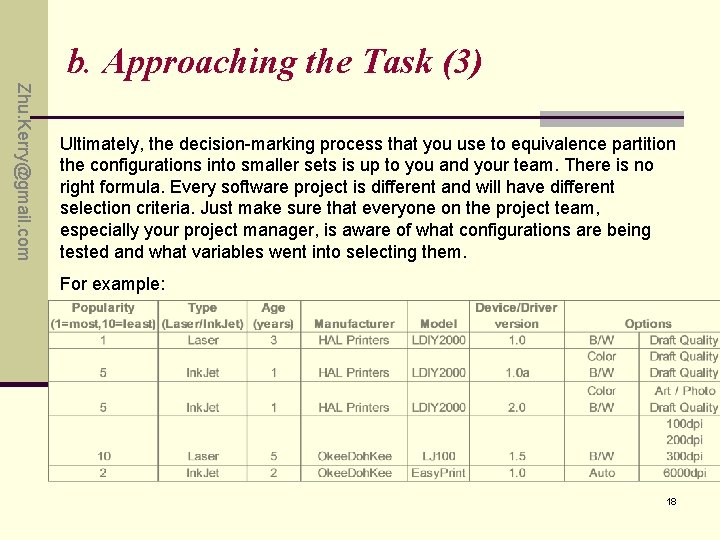
b. Approaching the Task (3) Zhu. Kerry@gmail. com Ultimately, the decision-marking process that you use to equivalence partition the configurations into smaller sets is up to you and your team. There is no right formula. Every software project is different and will have different selection criteria. Just make sure that everyone on the project team, especially your project manager, is aware of what configurations are being tested and what variables went into selecting them. For example: 18
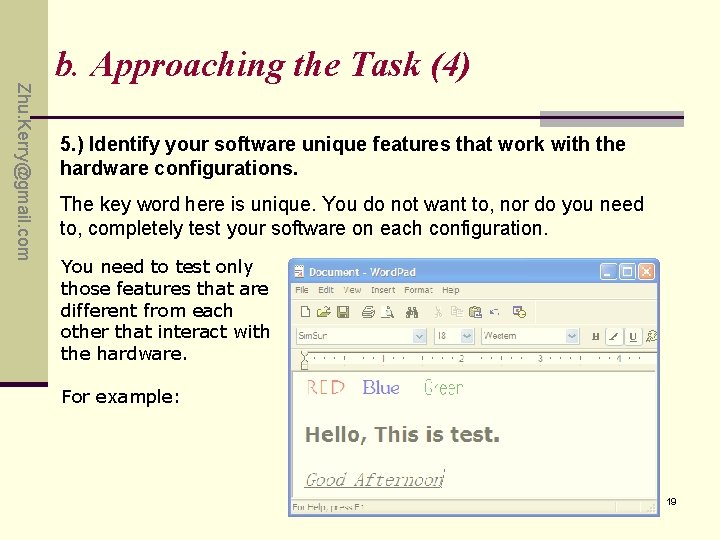
Zhu. Kerry@gmail. com b. Approaching the Task (4) 5. ) Identify your software unique features that work with the hardware configurations. The key word here is unique. You do not want to, nor do you need to, completely test your software on each configuration. You need to test only those features that are different from each other that interact with the hardware. For example: 19
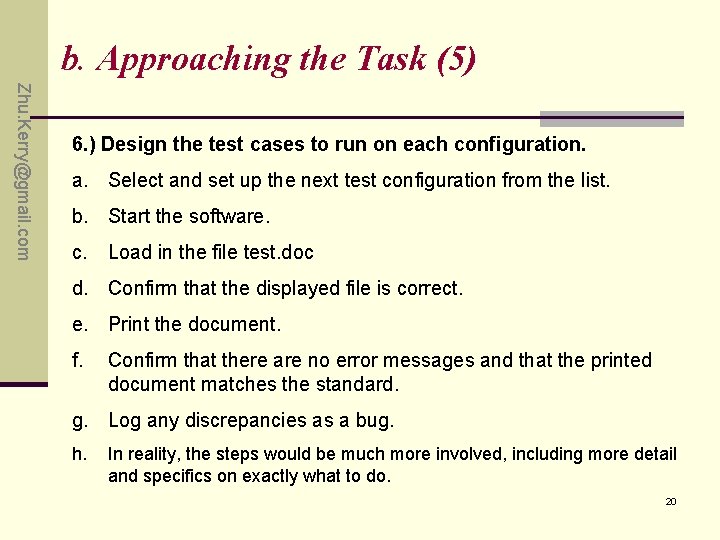
b. Approaching the Task (5) Zhu. Kerry@gmail. com 6. ) Design the test cases to run on each configuration. a. Select and set up the next test configuration from the list. b. Start the software. c. Load in the file test. doc d. Confirm that the displayed file is correct. e. Print the document. f. Confirm that there are no error messages and that the printed document matches the standard. g. Log any discrepancies as a bug. h. In reality, the steps would be much more involved, including more detail and specifics on exactly what to do. 20
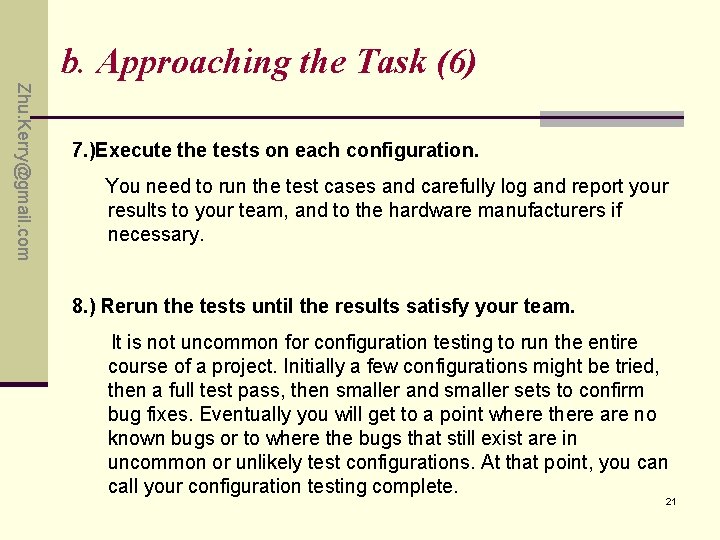
b. Approaching the Task (6) Zhu. Kerry@gmail. com 7. )Execute the tests on each configuration. You need to run the test cases and carefully log and report your results to your team, and to the hardware manufacturers if necessary. 8. ) Rerun the tests until the results satisfy your team. It is not uncommon for configuration testing to run the entire course of a project. Initially a few configurations might be tried, then a full test pass, then smaller and smaller sets to confirm bug fixes. Eventually you will get to a point where there are no known bugs or to where the bugs that still exist are in uncommon or unlikely test configurations. At that point, you can call your configuration testing complete. 21
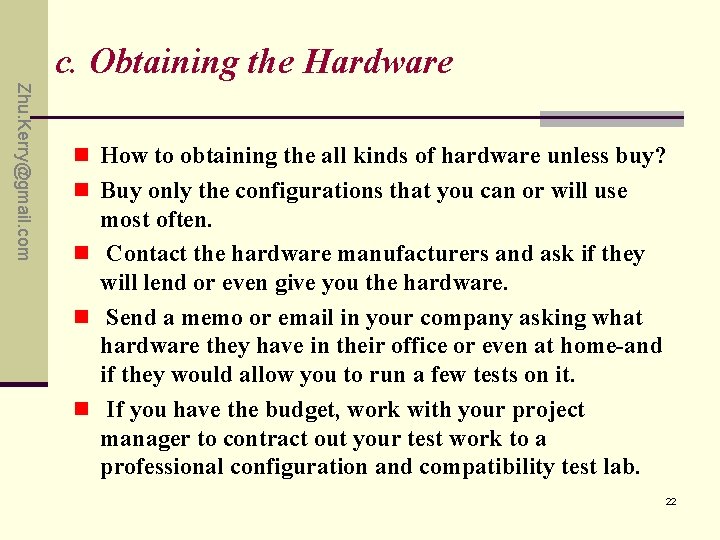
c. Obtaining the Hardware Zhu. Kerry@gmail. com n How to obtaining the all kinds of hardware unless buy? n Buy only the configurations that you can or will use most often. n Contact the hardware manufacturers and ask if they will lend or even give you the hardware. n Send a memo or email in your company asking what hardware they have in their office or even at home-and if they would allow you to run a few tests on it. n If you have the budget, work with your project manager to contract out your test work to a professional configuration and compatibility test lab. 22
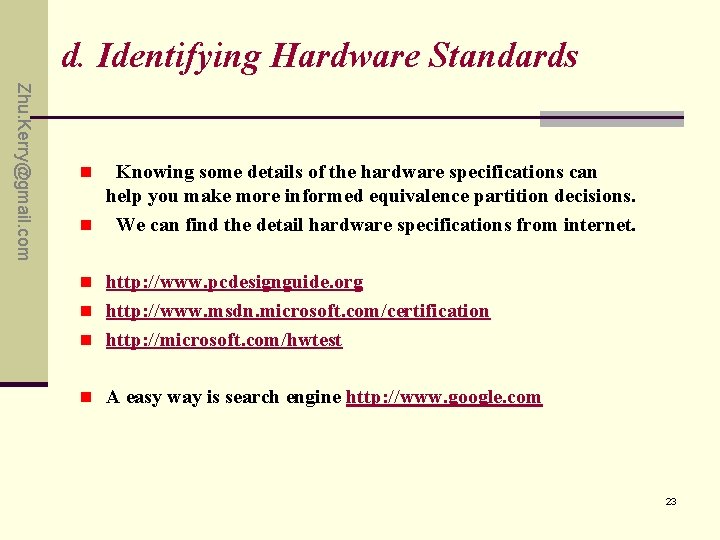
d. Identifying Hardware Standards Zhu. Kerry@gmail. com Knowing some details of the hardware specifications can help you make more informed equivalence partition decisions. n We can find the detail hardware specifications from internet. n n http: //www. pcdesignguide. org n http: //www. msdn. microsoft. com/certification n http: //microsoft. com/hwtest n A easy way is search engine http: //www. google. com 23
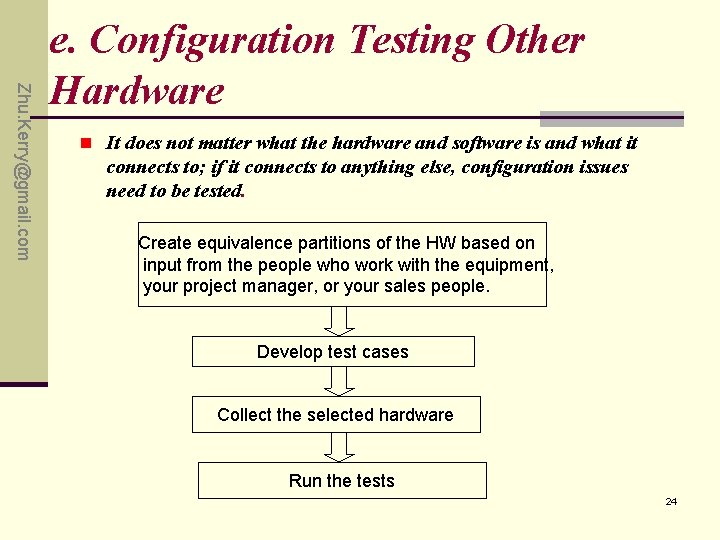
Zhu. Kerry@gmail. com e. Configuration Testing Other Hardware n It does not matter what the hardware and software is and what it connects to; if it connects to anything else, configuration issues need to be tested. Create equivalence partitions of the HW based on input from the people who work with the equipment, your project manager, or your sales people. Develop test cases Collect the selected hardware Run the tests 24
Zhu. Kerry@gmail. com Q&A 25
Zhu. Kerry@gmail. com Exercise P 140: 2. , 3. 26
Zhu. Kerry@gmail. com Chapter 9 Applying Your Testing Skills Compatibility Testing 27
Zhu. Kerry@gmail. com Content a. b. c. d. Overview of Compatibility testing Platform and Application Version Standards and Guidelines Data Sharing Compatibility - System compatibility Data compatibility 28
Zhu. Kerry@gmail. com Highlights of this chapter include • What it means for software to be compatible • How standards define compatible. • What platforms are and what they mean for compatibility. • Why being able to transfer data among software applications is the key to compatibility. 29
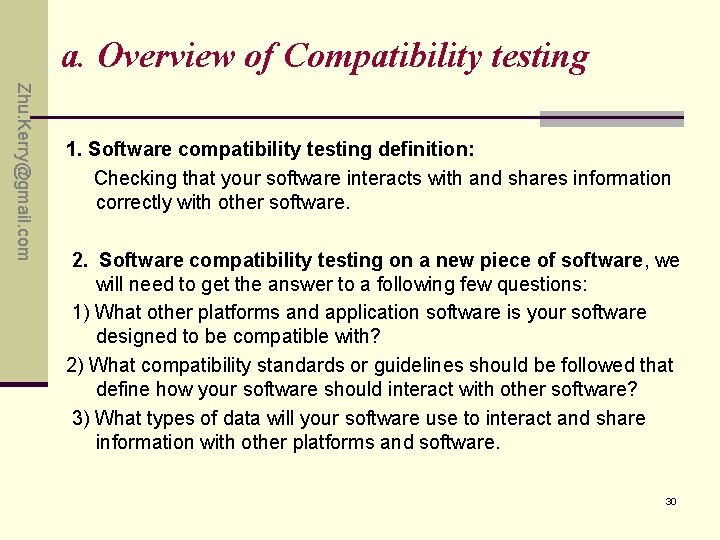
a. Overview of Compatibility testing Zhu. Kerry@gmail. com 1. Software compatibility testing definition: Checking that your software interacts with and shares information correctly with other software. 2. Software compatibility testing on a new piece of software, we will need to get the answer to a following few questions: 1) What other platforms and application software is your software designed to be compatible with? 2) What compatibility standards or guidelines should be followed that define how your software should interact with other software? 3) What types of data will your software use to interact and share information with other platforms and software. 30
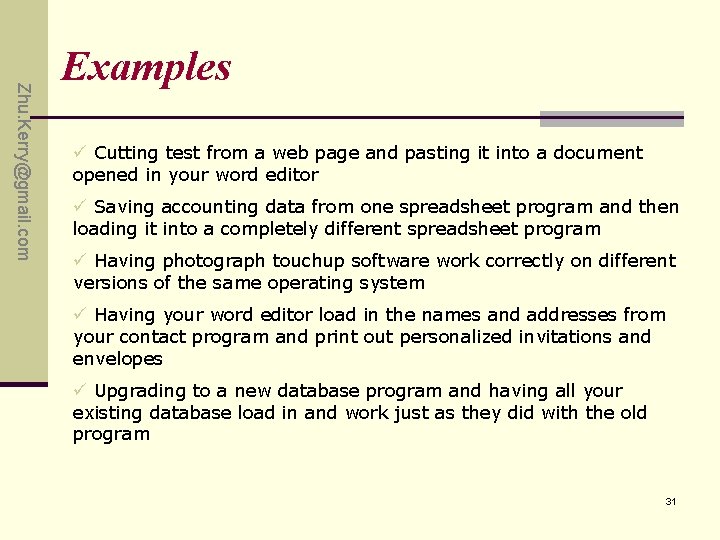
Zhu. Kerry@gmail. com Examples ü Cutting test from a web page and pasting it into a document opened in your word editor ü Saving accounting data from one spreadsheet program and then loading it into a completely different spreadsheet program ü Having photograph touchup software work correctly on different versions of the same operating system ü Having your word editor load in the names and addresses from your contact program and print out personalized invitations and envelopes ü Upgrading to a new database program and having all your existing database load in and work just as they did with the old program 31
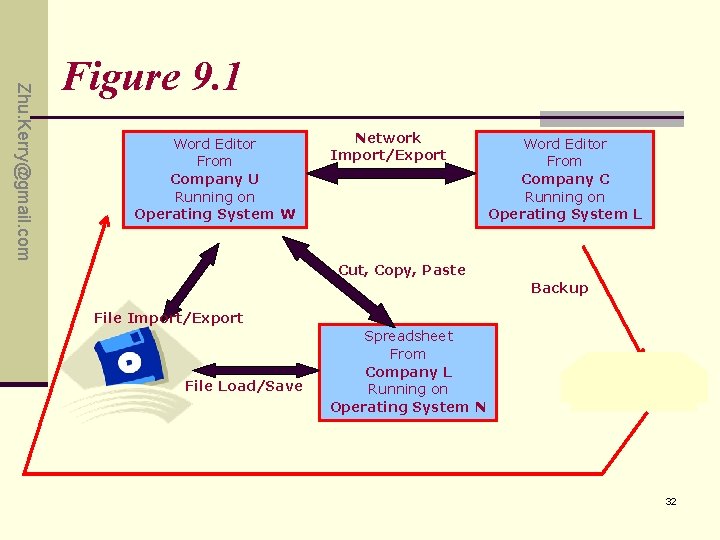
Zhu. Kerry@gmail. com Figure 9. 1 Word Editor From Company U Running on Operating System W Network Import/Export Word Editor From Company C Running on Operating System L Cut, Copy, Paste Backup File Import/Export File Load/Save Spreadsheet From Company L Running on Operating System N 32
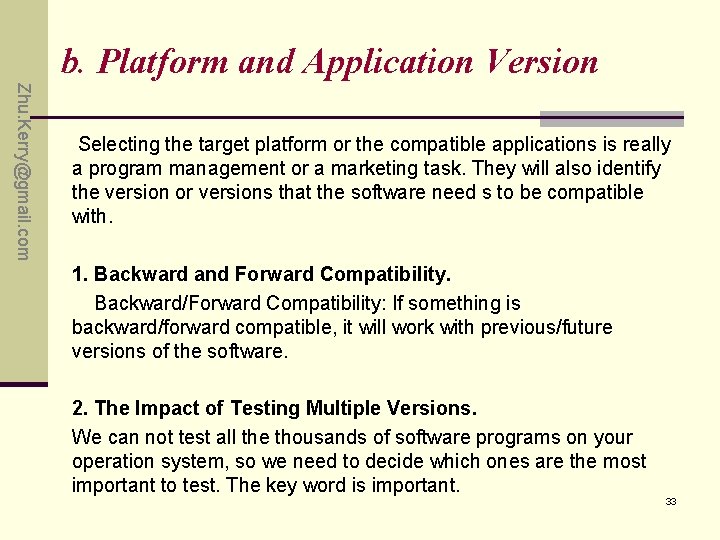
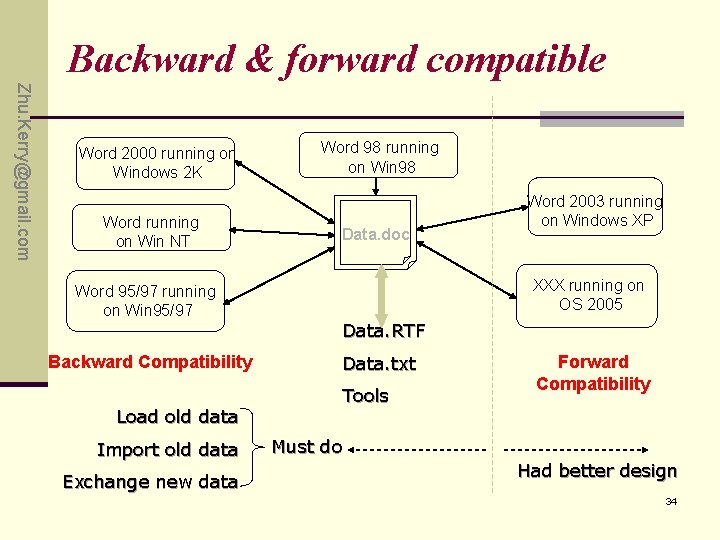
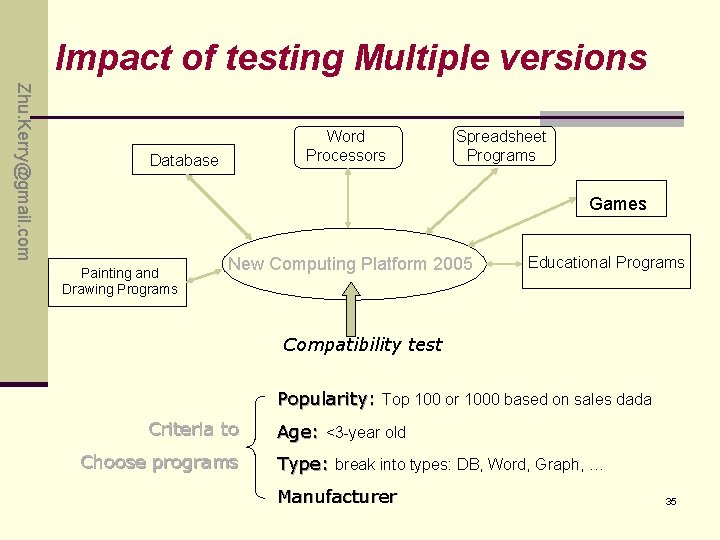
b. Platform and Application Version Zhu. Kerry@gmail. com Selecting the target platform or the compatible applications is really a program management or a marketing task. They will also identify the version or versions that the software need s to be compatible with. 1. Backward and Forward Compatibility. Backward/Forward Compatibility: If something is backward/forward compatible, it will work with previous/future versions of the software. 2. The Impact of Testing Multiple Versions. We can not test all the thousands of software programs on your operation system, so we need to decide which ones are the most important to test. The key word is important. 33
Backward & forward compatible Zhu. Kerry@gmail. com Word 2000 running on Windows 2 K Word running on Win NT Word 95/97 running on Win 95/97 Backward Compatibility Load old data Import old data Exchange new data Word 98 running on Win 98 Data. doc Word 2003 running on Windows XP XXX running on OS 2005 Data. RTF Data. txt Tools Forward Compatibility Must do Had better design 34
Impact of testing Multiple versions Zhu. Kerry@gmail. com Word Processors Database Spreadsheet Programs Games Painting and Drawing Programs New Computing Platform 2005 Educational Programs Compatibility test Popularity: Top 100 or 1000 based on sales dada Criteria to Choose programs Age: <3 -year old Type: break into types: DB, Word, Graph, … Manufacturer 35
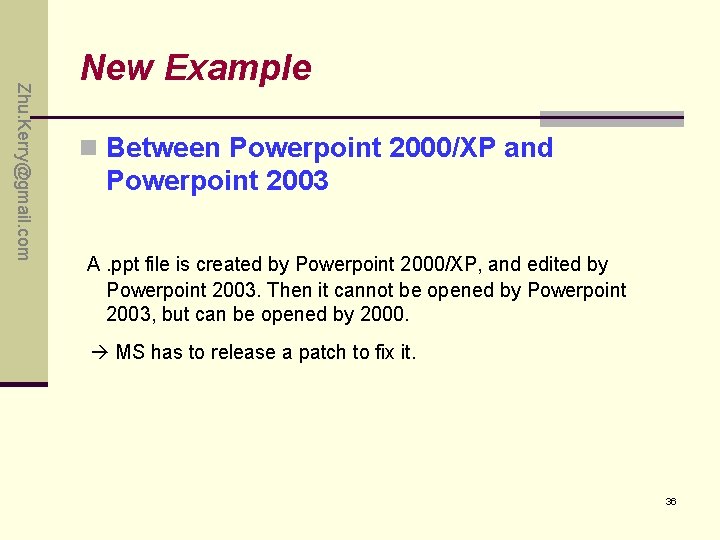
Zhu. Kerry@gmail. com New Example n Between Powerpoint 2000/XP and Powerpoint 2003 A. ppt file is created by Powerpoint 2000/XP, and edited by Powerpoint 2003. Then it cannot be opened by Powerpoint 2003, but can be opened by 2000. MS has to release a patch to fix it. 36
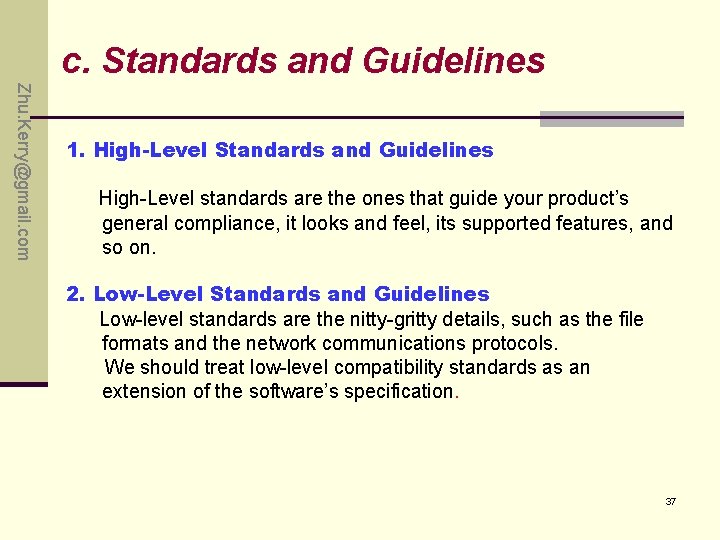
c. Standards and Guidelines Zhu. Kerry@gmail. com 1. High-Level Standards and Guidelines High-Level standards are the ones that guide your product’s general compliance, it looks and feel, its supported features, and so on. 2. Low-Level Standards and Guidelines Low-level standards are the nitty-gritty details, such as the file formats and the network communications protocols. We should treat low-level compatibility standards as an extension of the software’s specification. 37
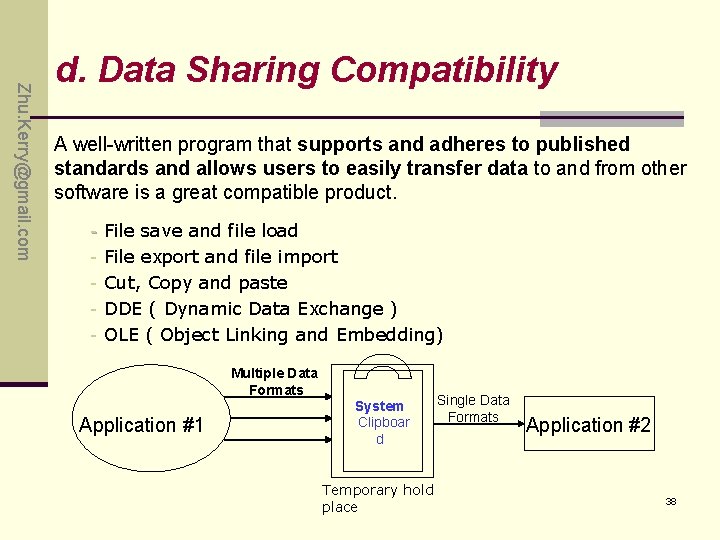
Zhu. Kerry@gmail. com d. Data Sharing Compatibility A well-written program that supports and adheres to published standards and allows users to easily transfer data to and from other software is a great compatible product. - File save and file load File export and file import Cut, Copy and paste DDE ( Dynamic Data Exchange ) OLE ( Object Linking and Embedding) Multiple Data Formats Application #1 System Clipboar d Temporary hold place Single Data Formats Application #2 38
3. P 151: Zhu. Kerry@gmail. com Exercise 39
Zhu. Kerry@gmail. com Chapter 10 Applying Your Testing Skills Foreign-Language Testing 40
Zhu. Kerry@gmail. com Highlights • General Concepts • Make the Words and Picture Make Sense • Translation Issue • Localization Issue • Configuration and Compatibility Issue • How Much Should You Test? 41
Zhu. Kerry@gmail. com General Concepts • Translation – the language piece only. • Internationalization - Designing and engineering a product so that it can be easily “localized. ” • Localization - Adapting an entire product for a specific “locale” • Globalization • How to make product to basic i 18 n support 42
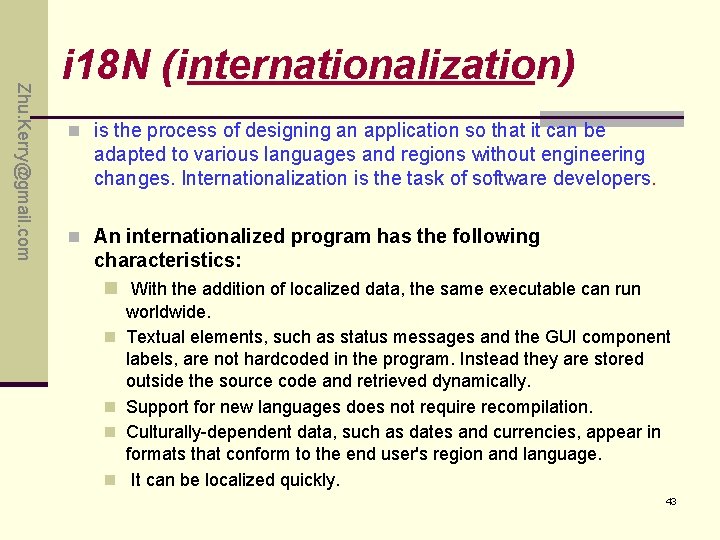
Zhu. Kerry@gmail. com i 18 N (internationalization) n is the process of designing an application so that it can be adapted to various languages and regions without engineering changes. Internationalization is the task of software developers. n An internationalized program has the following characteristics: n With the addition of localized data, the same executable can run n n worldwide. Textual elements, such as status messages and the GUI component labels, are not hardcoded in the program. Instead they are stored outside the source code and retrieved dynamically. Support for new languages does not require recompilation. Culturally-dependent data, such as dates and currencies, appear in formats that conform to the end user's region and language. It can be localized quickly. 43
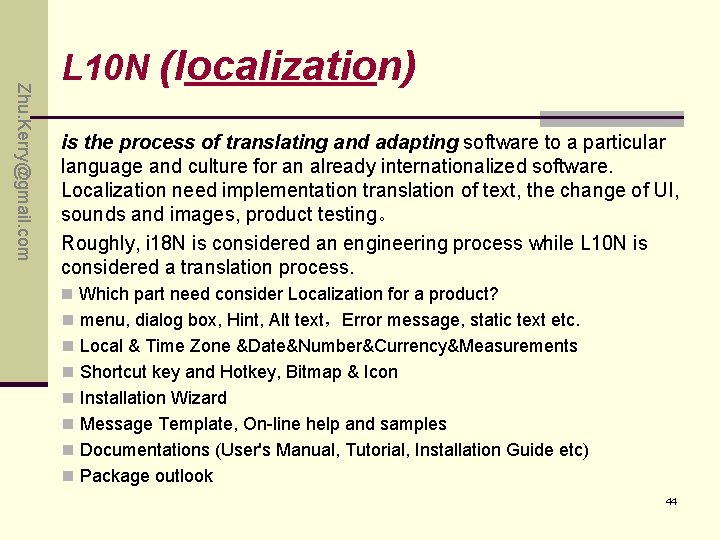
Zhu. Kerry@gmail. com L 10 N (localization) is the process of translating and adapting software to a particular language and culture for an already internationalized software. Localization need implementation translation of text, the change of UI, sounds and images, product testing。 Roughly, i 18 N is considered an engineering process while L 10 N is considered a translation process. n Which part need consider Localization for a product? n menu, dialog box, Hint, Alt text,Error message, static text etc. n Local & Time Zone &Date&Number&Currency&Measurements n Shortcut key and Hotkey, Bitmap & Icon n Installation Wizard n Message Template, On-line help and samples n Documentations (User's Manual, Tutorial, Installation Guide etc) n Package outlook 44
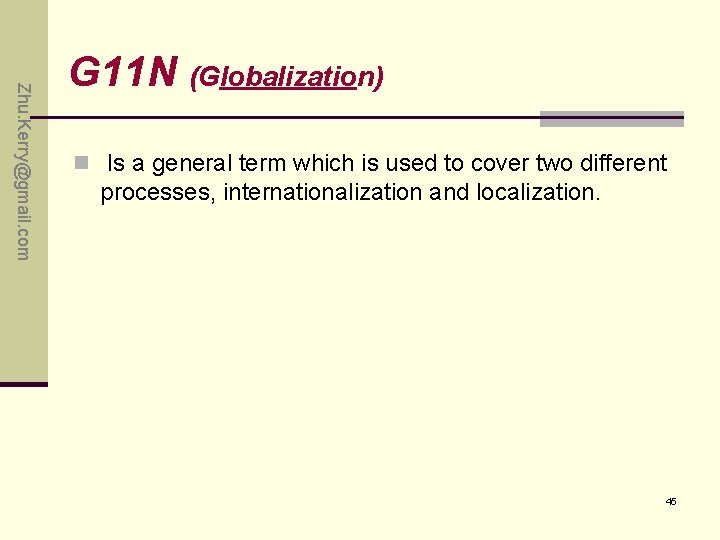
Zhu. Kerry@gmail. com G 11 N (Globalization) n Is a general term which is used to cover two different processes, internationalization and localization. 45
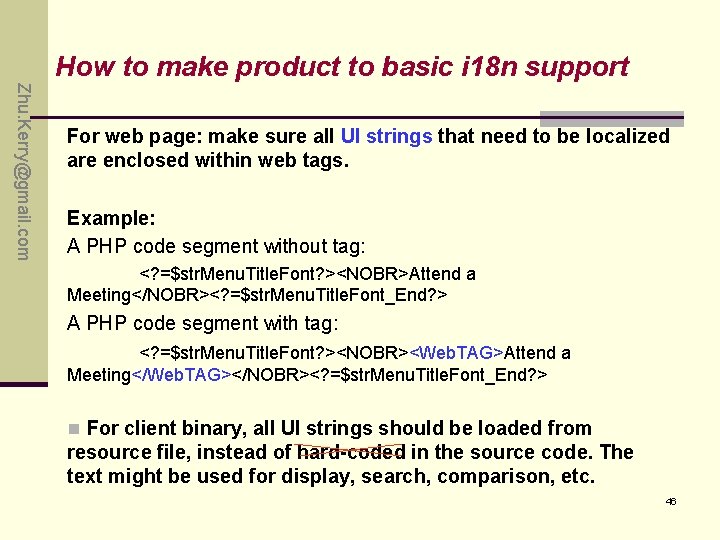
How to make product to basic i 18 n support Zhu. Kerry@gmail. com For web page: make sure all UI strings that need to be localized are enclosed within web tags. Example: A PHP code segment without tag: <? =$str. Menu. Title. Font? ><NOBR>Attend a Meeting</NOBR><? =$str. Menu. Title. Font_End? > A PHP code segment with tag: <? =$str. Menu. Title. Font? ><NOBR><Web. TAG>Attend a Meeting</Web. TAG></NOBR><? =$str. Menu. Title. Font_End? > n For client binary, all UI strings should be loaded from resource file, instead of hard-coded in the source code. The text might be used for display, search, comparison, etc. 46
Zhu. Kerry@gmail. com Translation Issue n Text Expansion n ASCII, DBCS, and Unicode n Hot Keys and Shortcuts n Extended Characters n Computations on Characters n Reading Left to Right and Right to Left n Text in Graphics n Keep the Text of the Code 47
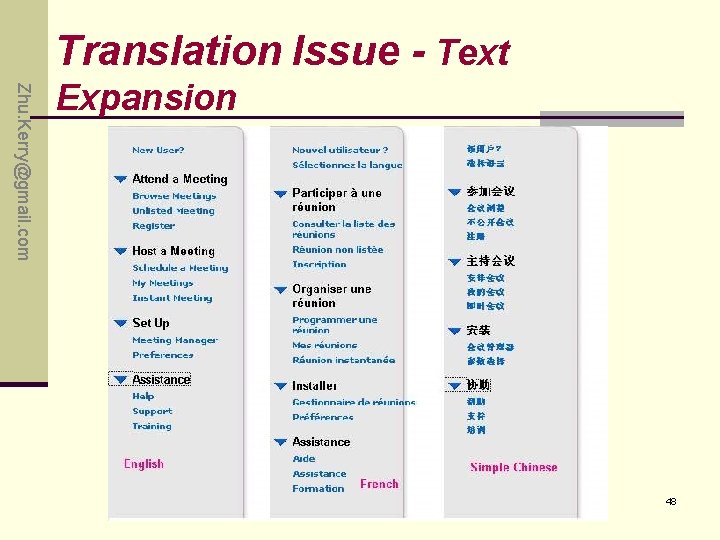
Translation Issue - Text Zhu. Kerry@gmail. com Expansion 48
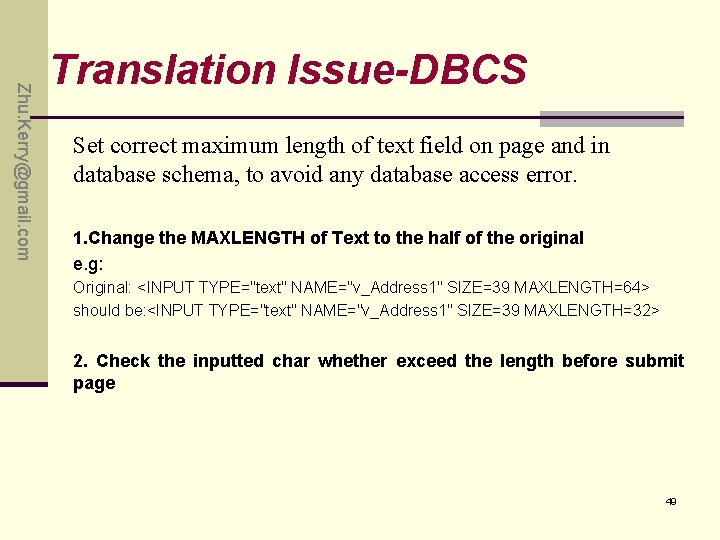
Zhu. Kerry@gmail. com Translation Issue-DBCS Set correct maximum length of text field on page and in database schema, to avoid any database access error. 1. Change the MAXLENGTH of Text to the half of the original e. g: Original: <INPUT TYPE="text" NAME="v_Address 1" SIZE=39 MAXLENGTH=64> should be: <INPUT TYPE="text" NAME="v_Address 1" SIZE=39 MAXLENGTH=32> 2. Check the inputted char whether exceed the length before submit page 49
Zhu. Kerry@gmail. com I 18 N Issues in web page n Layout and UI issue n Disorder code or garbled text n Char Index or Sort Issues n Full name difference between European and Asian 50
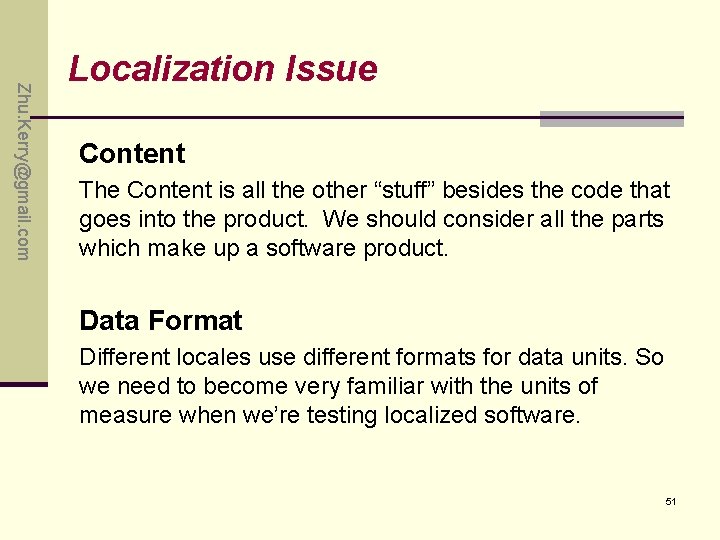
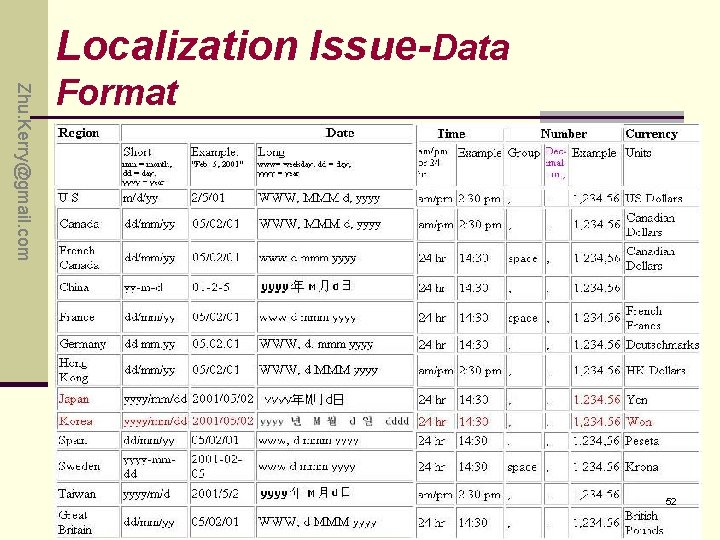
Zhu. Kerry@gmail. com Localization Issue Content The Content is all the other “stuff” besides the code that goes into the product. We should consider all the parts which make up a software product. Data Format Different locales use different formats for data units. So we need to become very familiar with the units of measure when we’re testing localized software. 51
Localization Issue-Data Zhu. Kerry@gmail. com Format 52
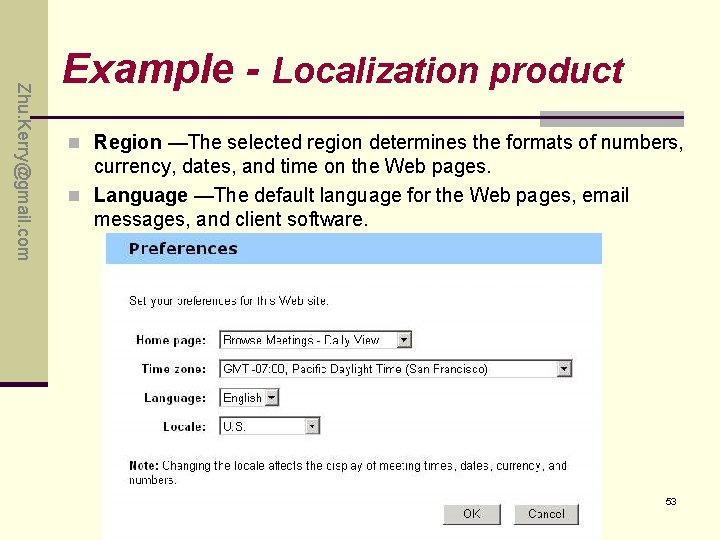
Zhu. Kerry@gmail. com Example - Localization product n Region —The selected region determines the formats of numbers, currency, dates, and time on the Web pages. n Language —The default language for the Web pages, email messages, and client software. 53
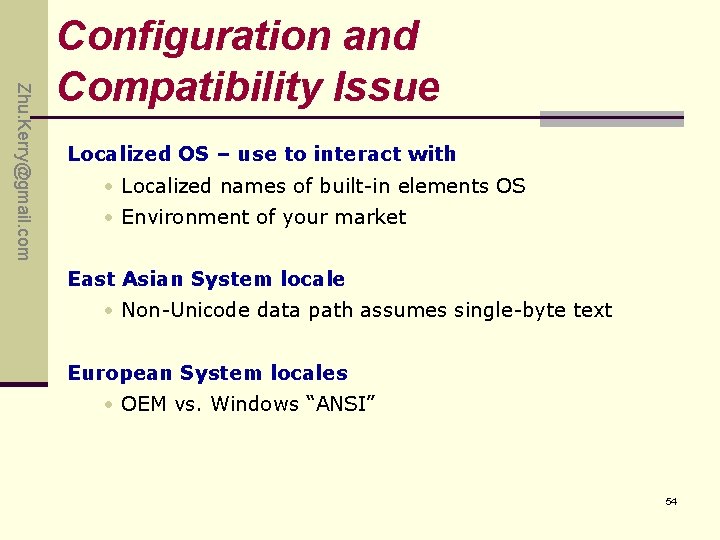
Zhu. Kerry@gmail. com Configuration and Compatibility Issue Localized OS – use to interact with • Localized names of built-in elements OS • Environment of your market East Asian System locale • Non-Unicode data path assumes single-byte text European System locales • OEM vs. Windows “ANSI” 54
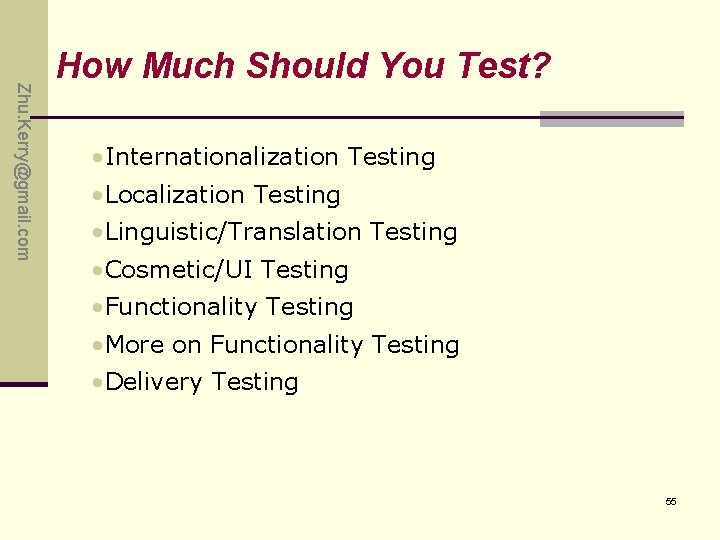
Zhu. Kerry@gmail. com How Much Should You Test? • Internationalization Testing • Localization Testing • Linguistic/Translation Testing • Cosmetic/UI Testing • Functionality Testing • More on Functionality Testing • Delivery Testing 55
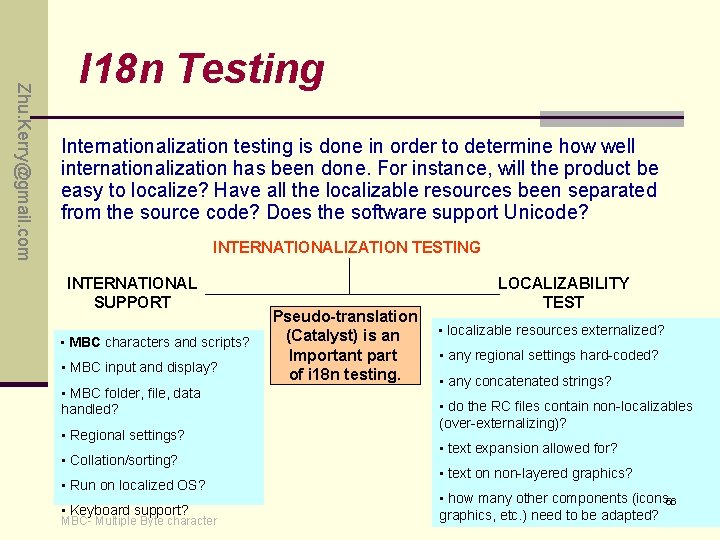
Zhu. Kerry@gmail. com I 18 n Testing Internationalization testing is done in order to determine how well internationalization has been done. For instance, will the product be easy to localize? Have all the localizable resources been separated from the source code? Does the software support Unicode? INTERNATIONALIZATION TESTING INTERNATIONAL SUPPORT • MBC characters and scripts? • MBC input and display? • MBC folder, file, data handled? • Regional settings? • Collation/sorting? • Run on localized OS? • Keyboard support? MBC- Multiple Byte character Pseudo-translation (Catalyst) is an Important part of i 18 n testing. LOCALIZABILITY TEST • localizable resources externalized? • any regional settings hard-coded? • any concatenated strings? • do the RC files contain non-localizables (over-externalizing)? • text expansion allowed for? • text on non-layered graphics? • how many other components (icons, 56 graphics, etc. ) need to be adapted?
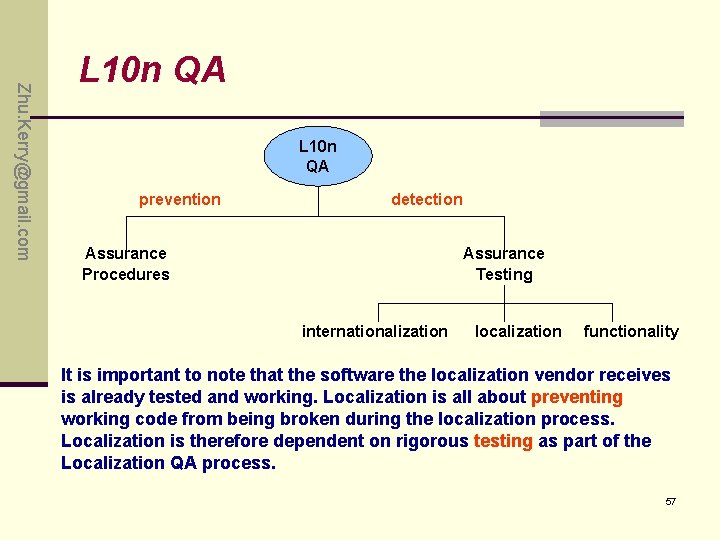
Zhu. Kerry@gmail. com L 10 n QA prevention detection Assurance Procedures Assurance Testing internationalization localization functionality It is important to note that the software the localization vendor receives is already tested and working. Localization is all about preventing working code from being broken during the localization process. Localization is therefore dependent on rigorous testing as part of the Localization QA process. 57
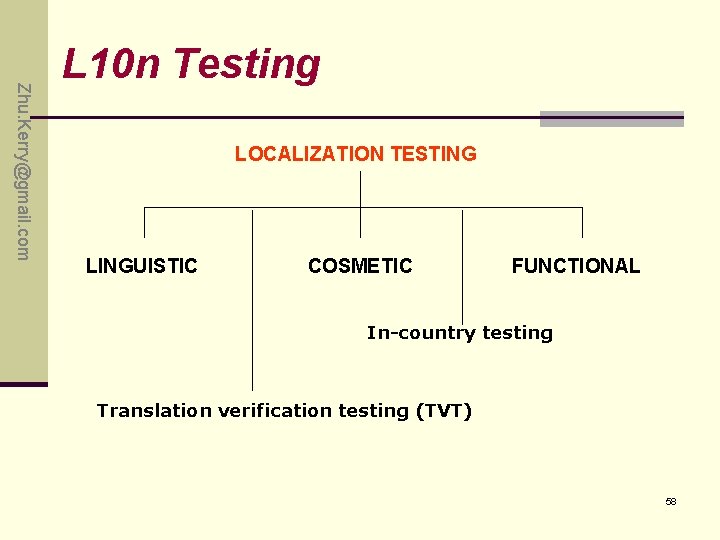
Zhu. Kerry@gmail. com L 10 n Testing LOCALIZATION TESTING LINGUISTIC COSMETIC FUNCTIONAL In-country testing Translation verification testing (TVT) 58
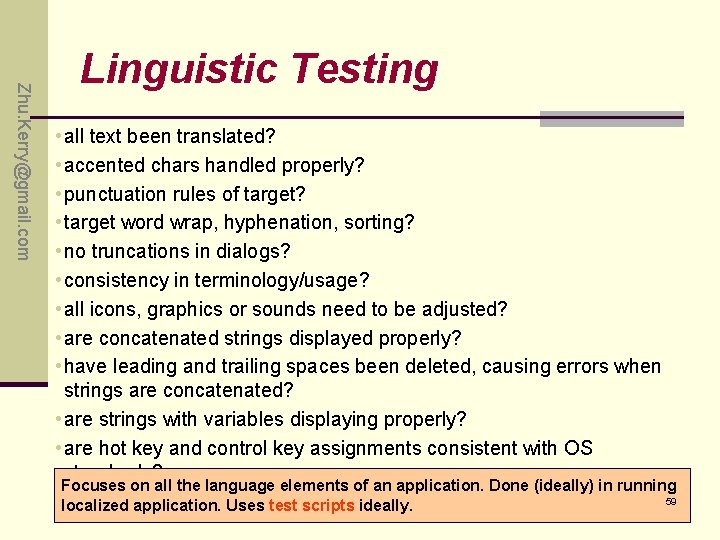
Zhu. Kerry@gmail. com Linguistic Testing • all text been translated? • accented chars handled properly? • punctuation rules of target? • target word wrap, hyphenation, sorting? • no truncations in dialogs? • consistency in terminology/usage? • all icons, graphics or sounds need to be adjusted? • are concatenated strings displayed properly? • have leading and trailing spaces been deleted, causing errors when strings are concatenated? • are strings with variables displaying properly? • are hot key and control key assignments consistent with OS standards? Focuses on all the language elements of an application. Done (ideally) in running 59 localized application. Uses test scripts ideally.
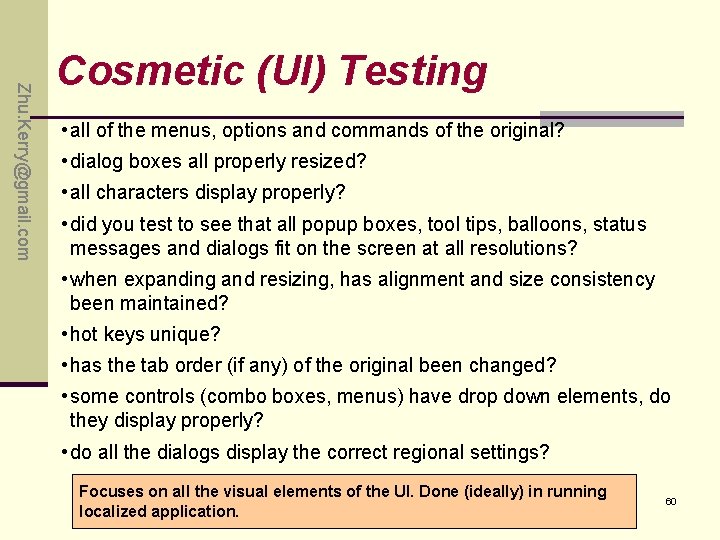
Zhu. Kerry@gmail. com Cosmetic (UI) Testing • all of the menus, options and commands of the original? • dialog boxes all properly resized? • all characters display properly? • did you test to see that all popup boxes, tool tips, balloons, status messages and dialogs fit on the screen at all resolutions? • when expanding and resizing, has alignment and size consistency been maintained? • hot keys unique? • has the tab order (if any) of the original been changed? • some controls (combo boxes, menus) have drop down elements, do they display properly? • do all the dialogs display the correct regional settings? Focuses on all the visual elements of the UI. Done (ideally) in running localized application. 60
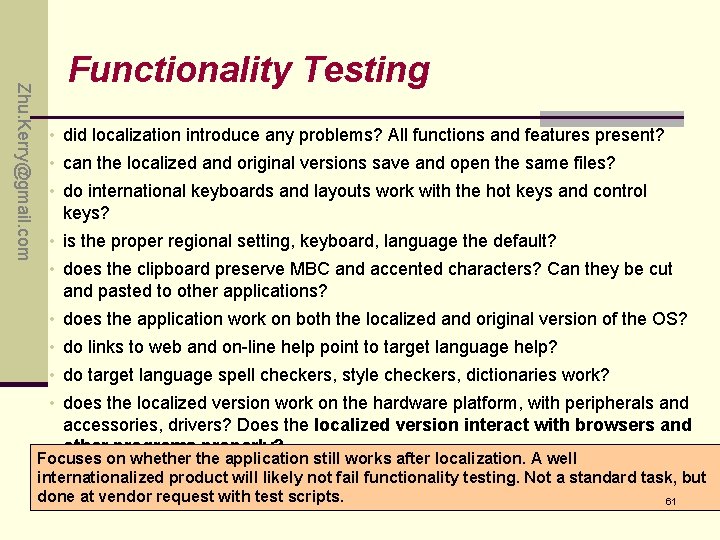
Zhu. Kerry@gmail. com Functionality Testing • did localization introduce any problems? All functions and features present? • can the localized and original versions save and open the same files? • do international keyboards and layouts work with the hot keys and control keys? • is the proper regional setting, keyboard, language the default? • does the clipboard preserve MBC and accented characters? Can they be cut and pasted to other applications? • does the application work on both the localized and original version of the OS? • do links to web and on-line help point to target language help? • do target language spell checkers, style checkers, dictionaries work? • does the localized version work on the hardware platform, with peripherals and accessories, drivers? Does the localized version interact with browsers and other programs properly? Focuses on whether the application still works after localization. A well internationalized product will likely not fail functionality testing. Not a standard task, but done at vendor request with test scripts. 61
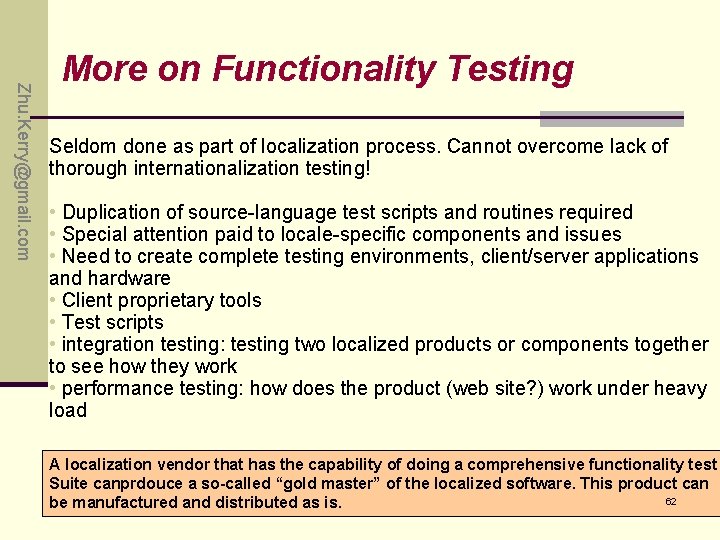
Zhu. Kerry@gmail. com More on Functionality Testing Seldom done as part of localization process. Cannot overcome lack of thorough internationalization testing! • Duplication of source-language test scripts and routines required • Special attention paid to locale-specific components and issues • Need to create complete testing environments, client/server applications and hardware • Client proprietary tools • Test scripts • integration testing: testing two localized products or components together to see how they work • performance testing: how does the product (web site? ) work under heavy load A localization vendor that has the capability of doing a comprehensive functionality test Suite canprdouce a so-called “gold master” of the localized software. This product can 62 be manufactured and distributed as is.
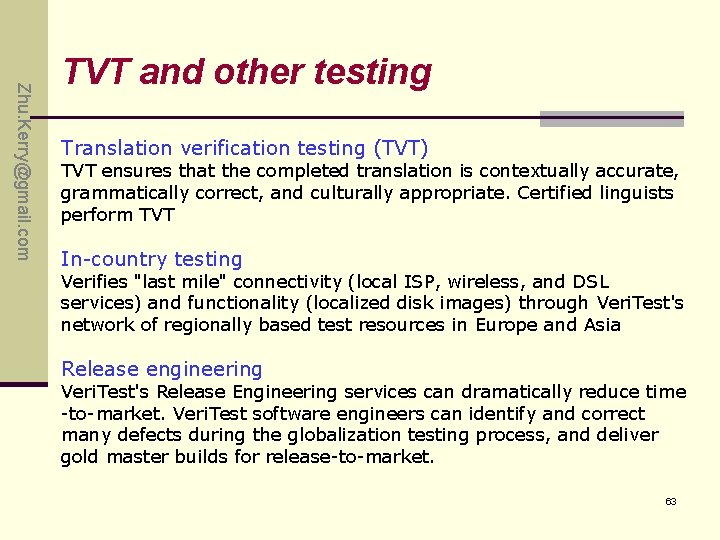
Zhu. Kerry@gmail. com TVT and other testing Translation verification testing (TVT) TVT ensures that the completed translation is contextually accurate, grammatically correct, and culturally appropriate. Certified linguists perform TVT In-country testing Verifies "last mile" connectivity (local ISP, wireless, and DSL services) and functionality (localized disk images) through Veri. Test's network of regionally based test resources in Europe and Asia Release engineering Veri. Test's Release Engineering services can dramatically reduce time -to-market. Veri. Test software engineers can identify and correct many defects during the globalization testing process, and deliver gold master builds for release-to-market. 63
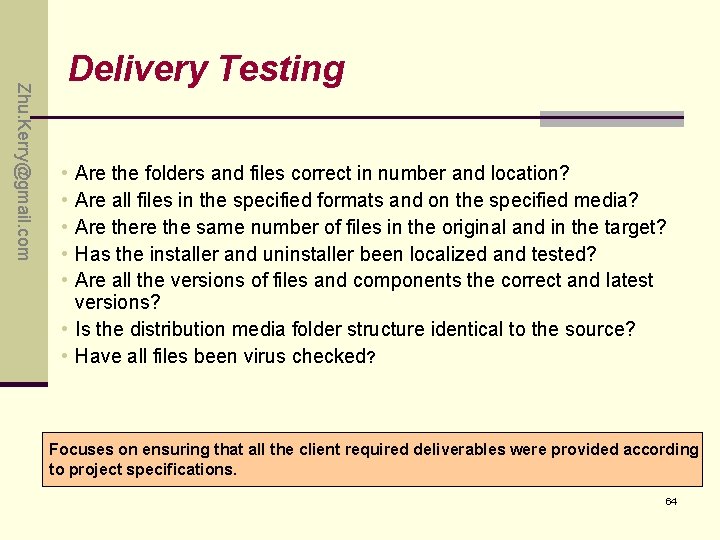
Zhu. Kerry@gmail. com Delivery Testing • • • Are the folders and files correct in number and location? Are all files in the specified formats and on the specified media? Are the same number of files in the original and in the target? Has the installer and uninstaller been localized and tested? Are all the versions of files and components the correct and latest versions? • Is the distribution media folder structure identical to the source? • Have all files been virus checked? Focuses on ensuring that all the client required deliverables were provided according to project specifications. 64
Zhu. Kerry@gmail. com Q&A 65
Zhu. Kerry@gmail. com Exercise P 168: 4. , 6. 66
Zhu. Kerry@gmail. com Chapter 11 Applying Your Testing Skills Usability Testing 67
Zhu. Kerry@gmail. com Highlights • Why need do Usability Testing • User Interface Testing and Usability Testing • What Makes a Good UI • Testing for the Disabled: Accessibility Testing 68
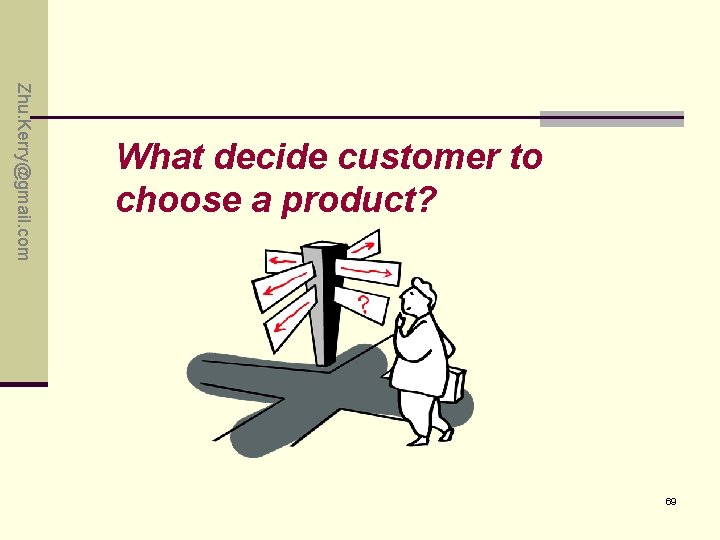
Zhu. Kerry@gmail. com What decide customer to choose a product? 69
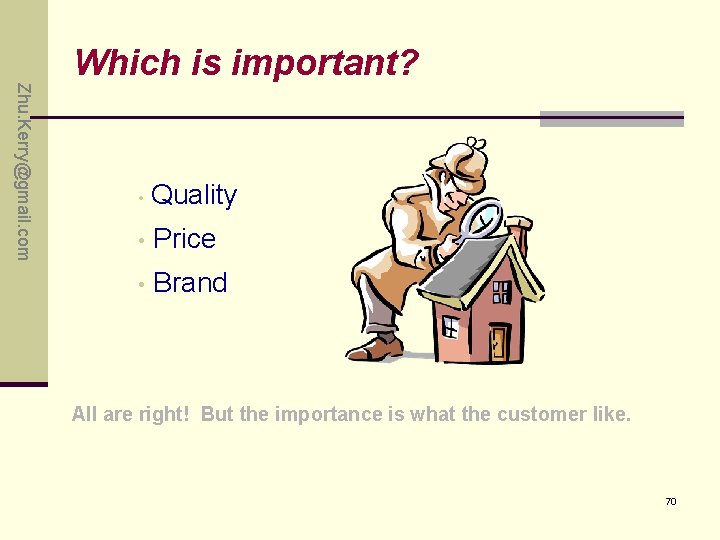
Zhu. Kerry@gmail. com Which is important? • Quality • Price • Brand All are right! But the importance is what the customer like. 70
Zhu. Kerry@gmail. com What is usability? p Easy to discover p Easy to learn p Easy to use p Availability 71
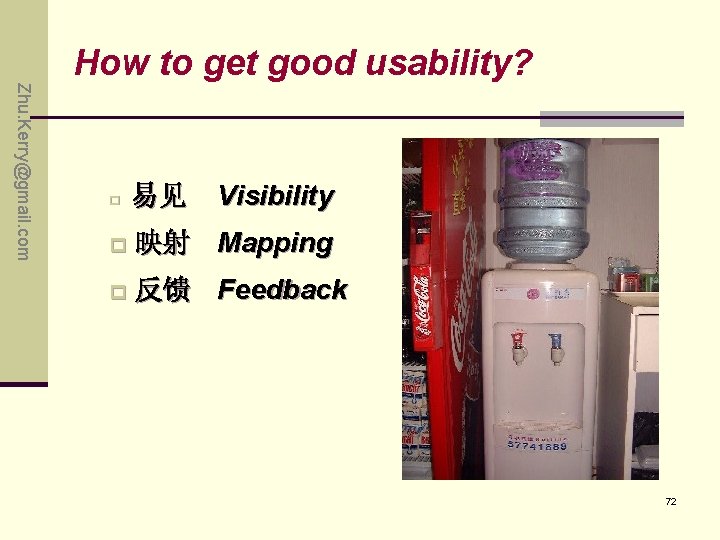
Zhu. Kerry@gmail. com How to get good usability? Visibility p 易见 p 映射 Mapping p 反馈 Feedback 72
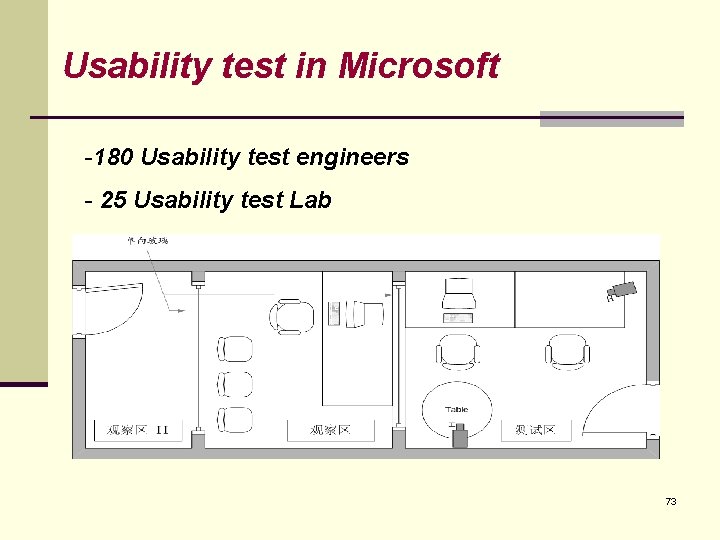
Usability test in Microsoft -180 Usability test engineers - 25 Usability test Lab 73
UI /Usability Testing Zhu. Kerry@gmail. com • UI is User Interface - Obtain user input ; - Display the results; • Usability is how appropriate, functional, and effective that interaction is. • A good UI determine the usability of product; • GUI’s need USABILITY testing • The main content of usability testing is UI testing. 74
Zhu. Kerry@gmail. com What Makes a Good UI • Follows Standards or Guidelines • Intuitive • Correct • Consistent • Flexible • Comfortable • Useful • Simple 75
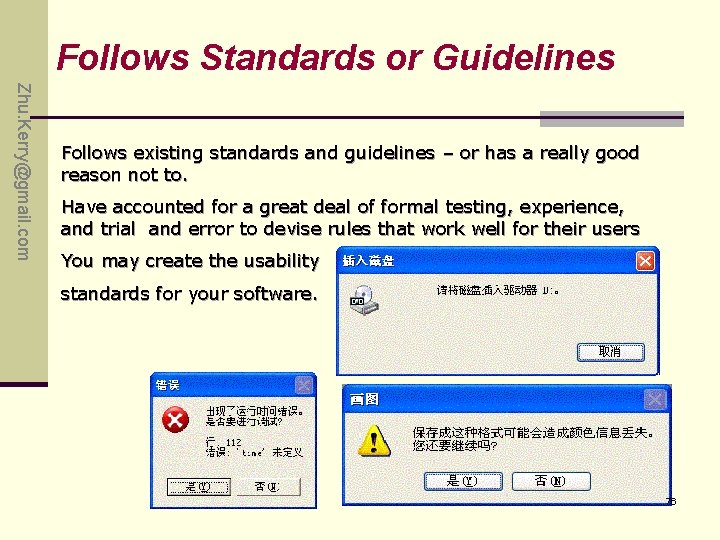
Follows Standards or Guidelines Zhu. Kerry@gmail. com Follows existing standards and guidelines – or has a really good reason not to. Have accounted for a great deal of formal testing, experience, and trial and error to devise rules that work well for their users You may create the usability standards for your software. 76
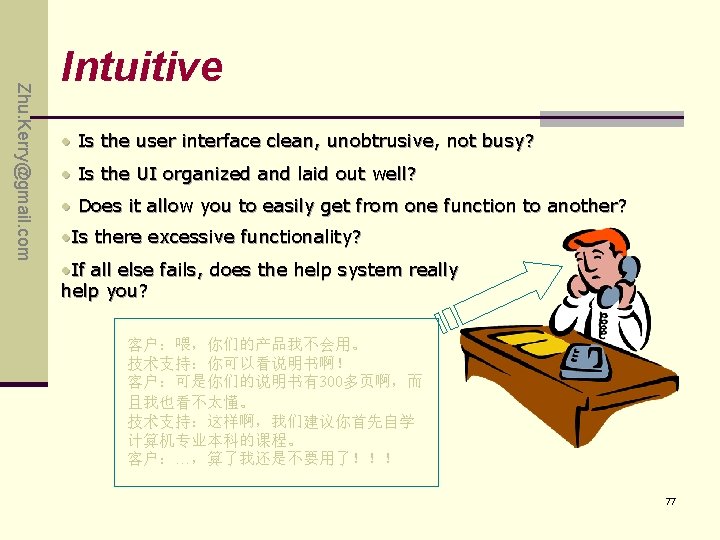
Zhu. Kerry@gmail. com Intuitive • Is the user interface clean, unobtrusive, not busy? • Is the UI organized and laid out well? • Does it allow you to easily get from one function to another? • Is there excessive functionality? • If all else fails, does the help system really help you? 客户:喂,你们的产品我不会用。 技术支持:你可以看说明书啊! 客户:可是你们的说明书有300多页啊,而 且我也看不太懂。 技术支持:这样啊,我们建议你首先自学 计算机专业本科的课程。 客户:…,算了我还是不要用了!!! 77
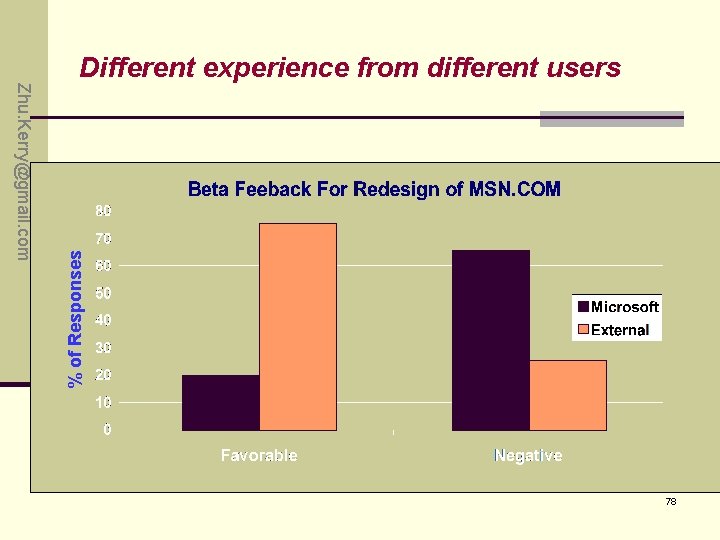
% of Responses Zhu. Kerry@gmail. com Different experience from different users 78
Zhu. Kerry@gmail. com Correct • Marketing Differences • Language and Spelling • Bad media • WYSIWYG ( what you see is what you get) 79
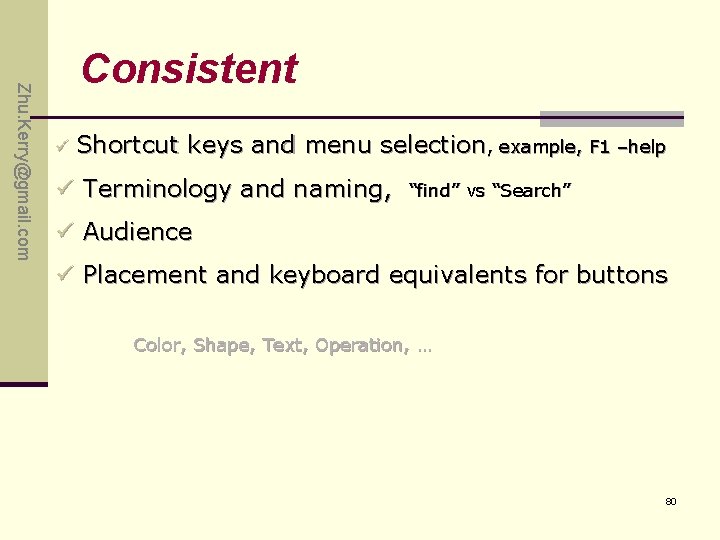
Zhu. Kerry@gmail. com Consistent ü Shortcut keys and menu selection, example, F 1 –help ü Terminology and naming, “find” vs “Search” ü Audience ü Placement and keyboard equivalents for buttons Color, Shape, Text, Operation, … 80
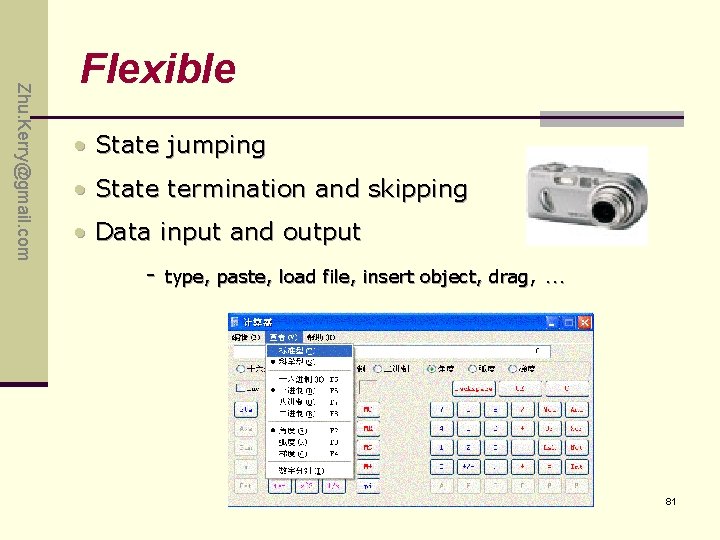
Zhu. Kerry@gmail. com Flexible • State jumping • State termination and skipping • Data input and output - type, paste, load file, insert object, drag, … 81
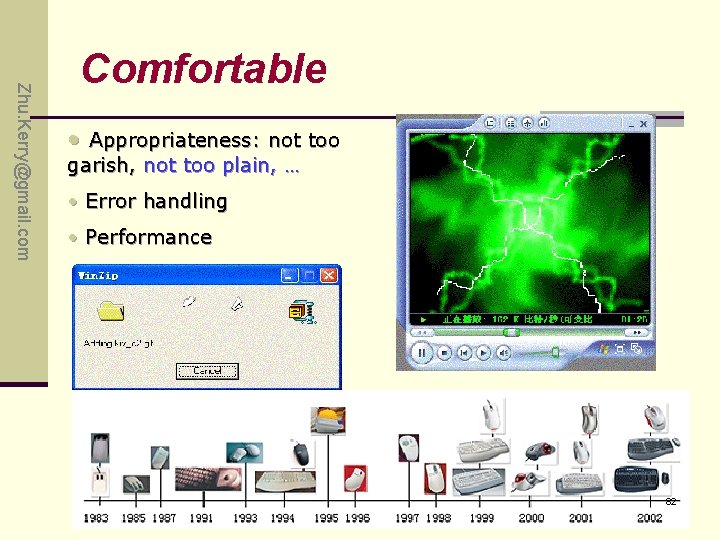
Zhu. Kerry@gmail. com Comfortable • Appropriateness: not too garish, not too plain, … • Error handling • Performance 82
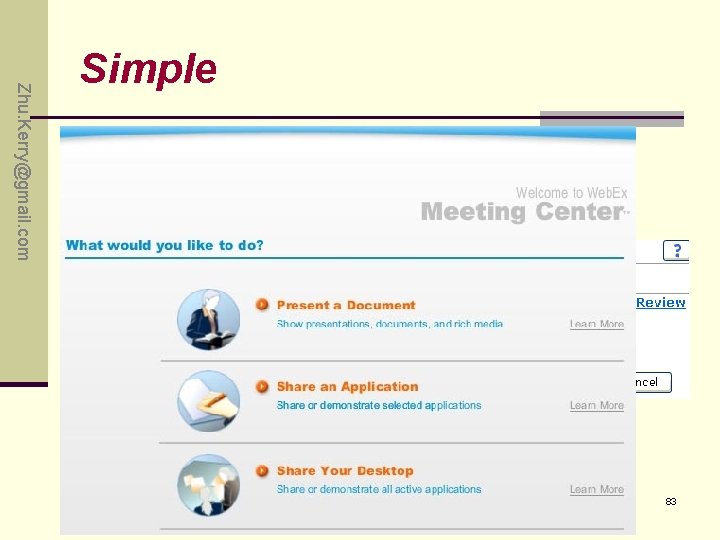
Zhu. Kerry@gmail. com Simple • 1 -click • Next … 83
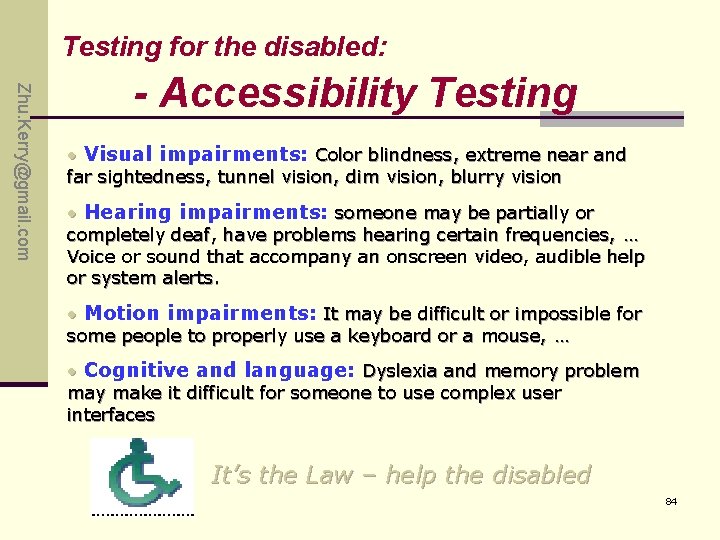
Testing for the disabled: Zhu. Kerry@gmail. com - Accessibility Testing • Visual impairments: Color blindness, extreme near and far sightedness, tunnel vision, dim vision, blurry vision • Hearing impairments: someone may be partially or completely deaf, have problems hearing certain frequencies, … Voice or sound that accompany an onscreen video, audible help or system alerts. • Motion impairments: It may be difficult or impossible for some people to properly use a keyboard or a mouse, … • Cognitive and language: Dyslexia and memory problem may make it difficult for someone to use complex user interfaces It’s the Law – help the disabled 84
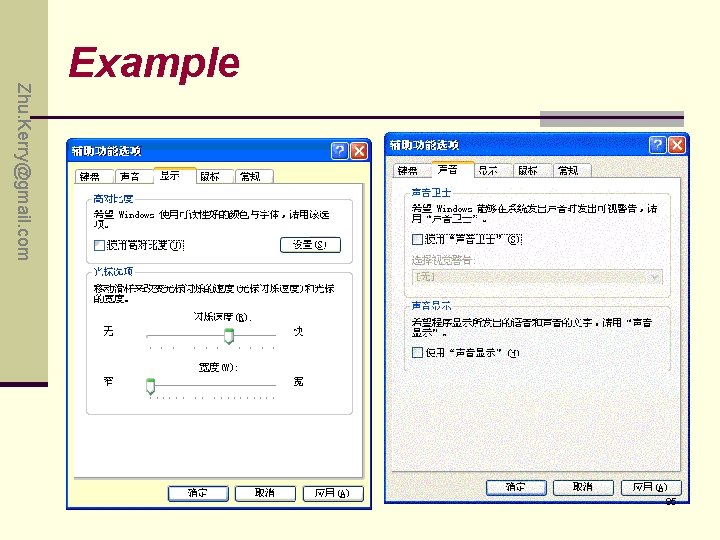
Zhu. Kerry@gmail. com Example 85
Zhu. Kerry@gmail. com Q&A 86
Zhu. Kerry@gmail. com Exercise P 182: 3. , 4. 87
Zhu. Kerry@gmail. com Chapter 12 Applying Your Testing Skills Testing the Documentation 88
Zhu. Kerry@gmail. com Highlight n Distinguish between system & user documentation n Types of Software Documentation n The Importance of Documentation Testing n What to Look for when Reviewing Documentation n The Realities of Documentation Testing 89
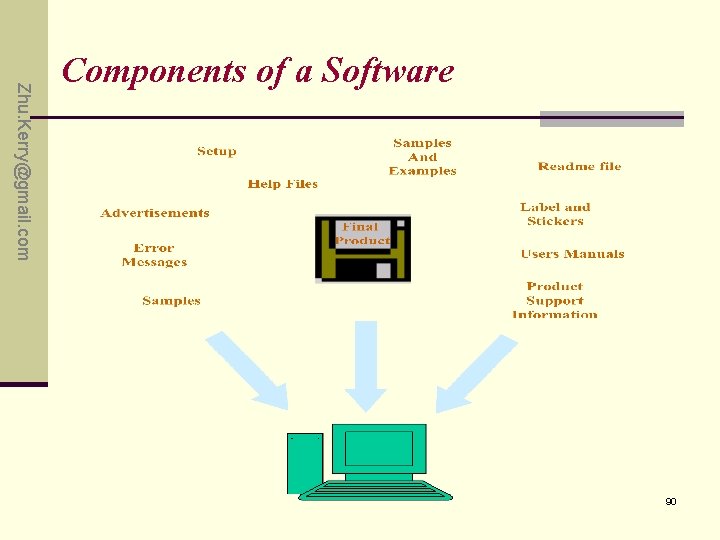
Zhu. Kerry@gmail. com Components of a Software 90
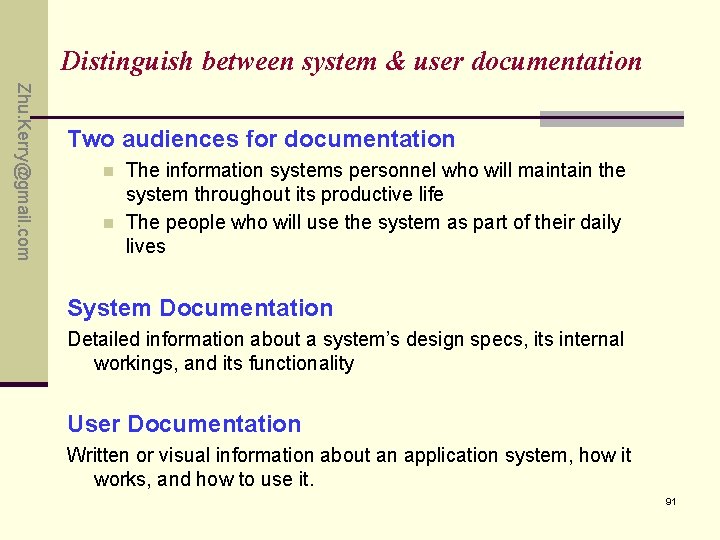
Distinguish between system & user documentation Zhu. Kerry@gmail. com Two audiences for documentation n n The information systems personnel who will maintain the system throughout its productive life The people who will use the system as part of their daily lives System Documentation Detailed information about a system’s design specs, its internal workings, and its functionality User Documentation Written or visual information about an application system, how it works, and how to use it. 91
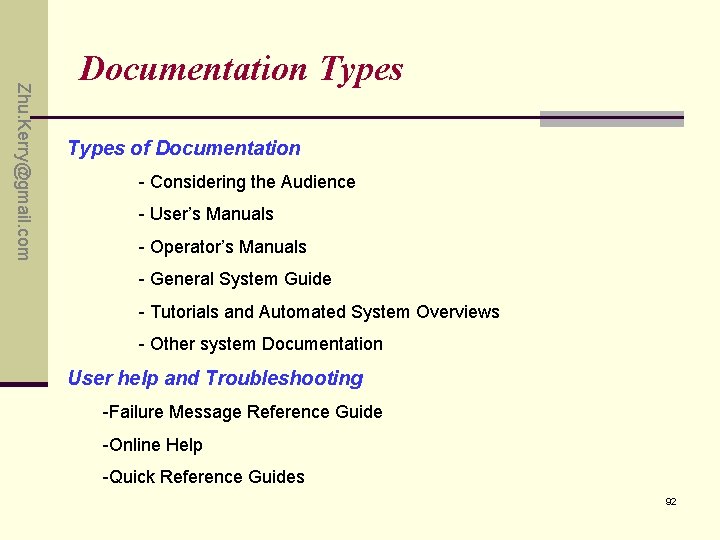
Zhu. Kerry@gmail. com Documentation Types of Documentation - Considering the Audience - User’s Manuals - Operator’s Manuals - General System Guide - Tutorials and Automated System Overviews - Other system Documentation User help and Troubleshooting -Failure Message Reference Guide -Online Help -Quick Reference Guides 92
Zhu. Kerry@gmail. com More Types of Documentation • Package text and graphics • Marketing material, ads and other inserts • Warranty/Registration(sign up) • EULA ( End User License Agreement) • Labels and stickers • Samples, example and template 93
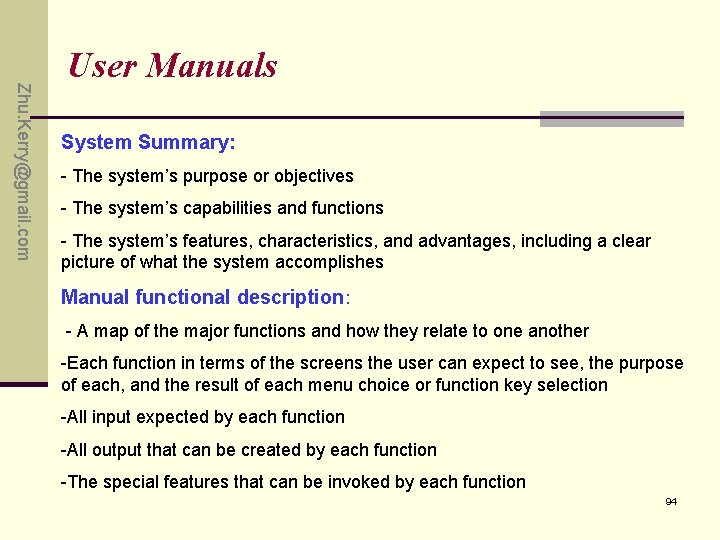
Zhu. Kerry@gmail. com User Manuals System Summary: - The system’s purpose or objectives - The system’s capabilities and functions - The system’s features, characteristics, and advantages, including a clear picture of what the system accomplishes Manual functional description: - A map of the major functions and how they relate to one another -Each function in terms of the screens the user can expect to see, the purpose of each, and the result of each menu choice or function key selection -All input expected by each function -All output that can be created by each function -The special features that can be invoked by each function 94
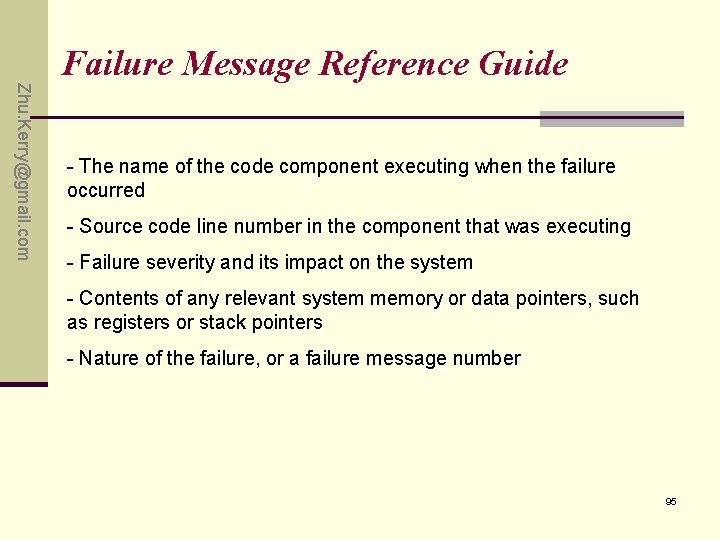
Failure Message Reference Guide Zhu. Kerry@gmail. com - The name of the code component executing when the failure occurred - Source code line number in the component that was executing - Failure severity and its impact on the system - Contents of any relevant system memory or data pointers, such as registers or stack pointers - Nature of the failure, or a failure message number 95
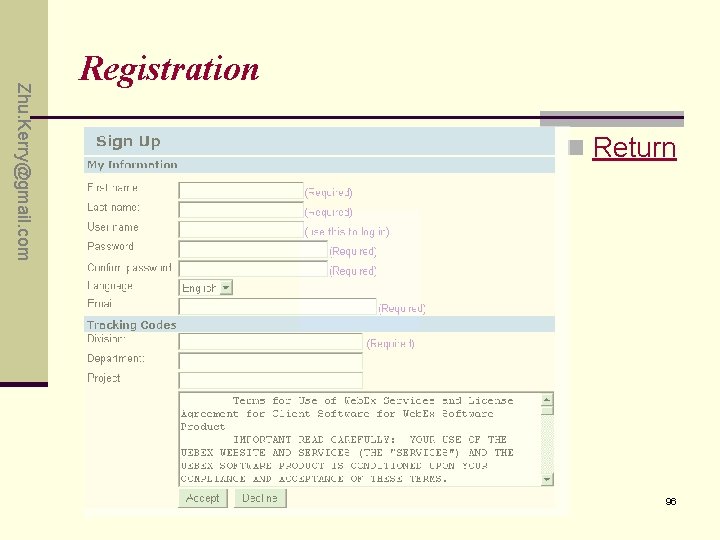
Zhu. Kerry@gmail. com Registration n Return 96
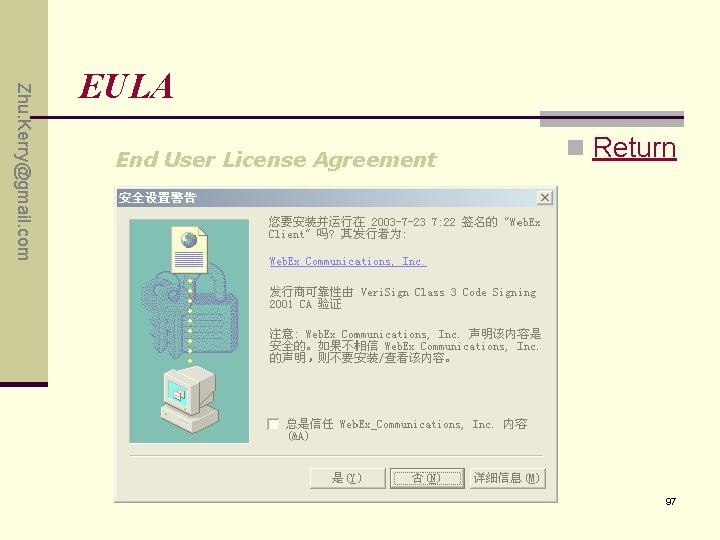
Zhu. Kerry@gmail. com EULA End User License Agreement n Return 97
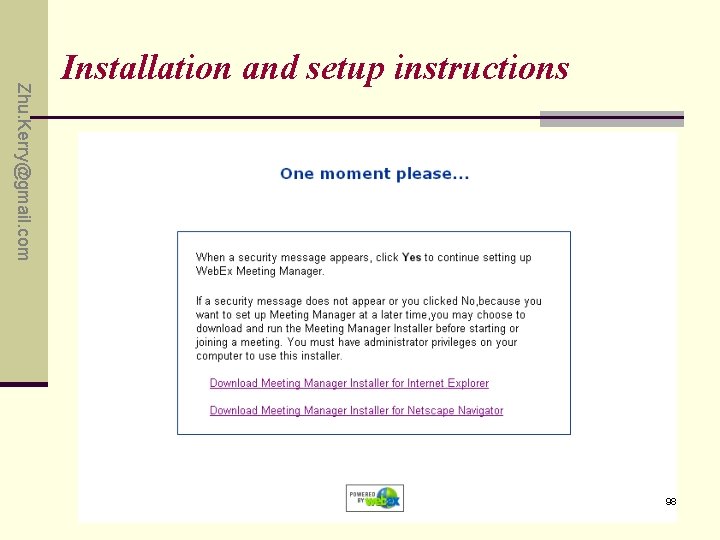
Zhu. Kerry@gmail. com Installation and setup instructions 98
Importance of Documentation Testing Zhu. Kerry@gmail. com Good documentation contributes to the product’s overall quality in three ways: • It improves usability • It improves reliability • It improves support costs To uncover documentation fault, documentation checking is needed. 99
What to Look for when Reviewing Documentation ü What Makes Good documentation? ü Documentation testing Criteria ü A Documentation testing Checklist 100
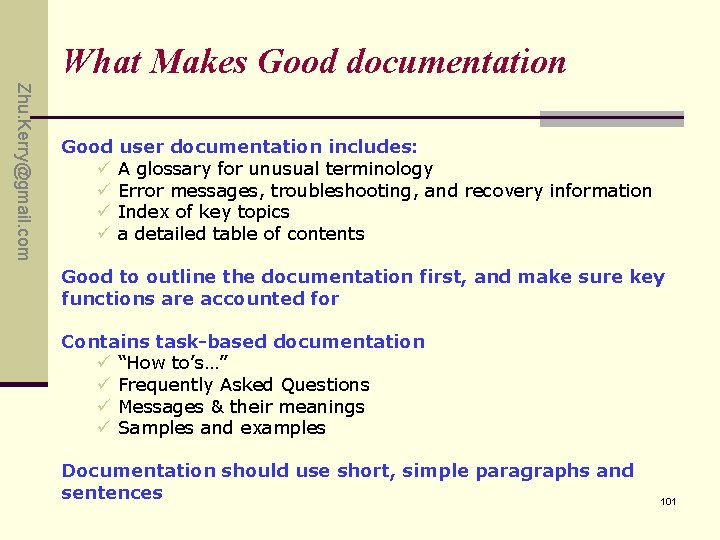
What Makes Good documentation Zhu. Kerry@gmail. com Good user documentation includes: ü A glossary for unusual terminology ü Error messages, troubleshooting, and recovery information ü Index of key topics ü a detailed table of contents Good to outline the documentation first, and make sure key functions are accounted for Contains task-based documentation ü “How to’s…” ü Frequently Asked Questions ü Messages & their meanings ü Samples and examples Documentation should use short, simple paragraphs and sentences 101
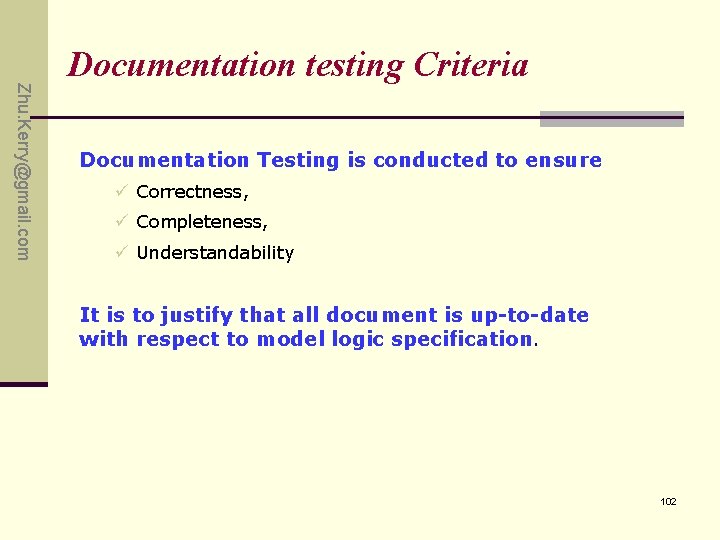
Zhu. Kerry@gmail. com Documentation testing Criteria Documentation Testing is conducted to ensure ü Correctness, ü Completeness, ü Understandability It is to justify that all document is up-to-date with respect to model logic specification. 102
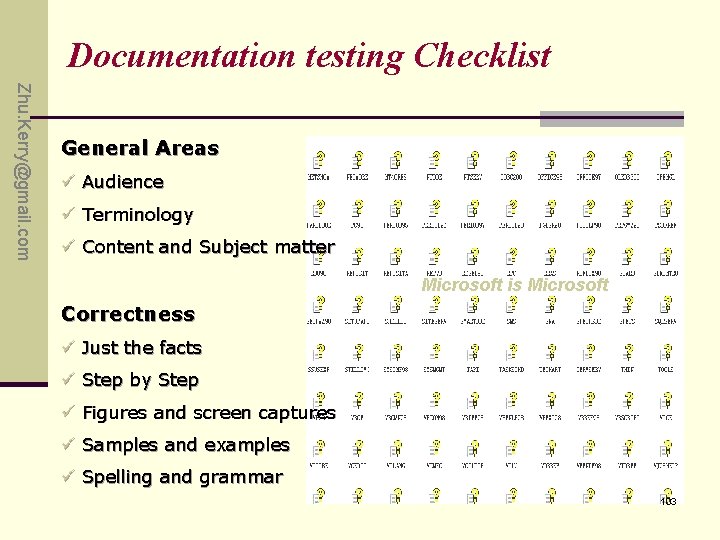
Documentation testing Checklist Zhu. Kerry@gmail. com General Areas ü Audience ü Terminology ü Content and Subject matter Microsoft is Microsoft Correctness ü Just the facts ü Step by Step ü Figures and screen captures ü Samples and examples ü Spelling and grammar 103
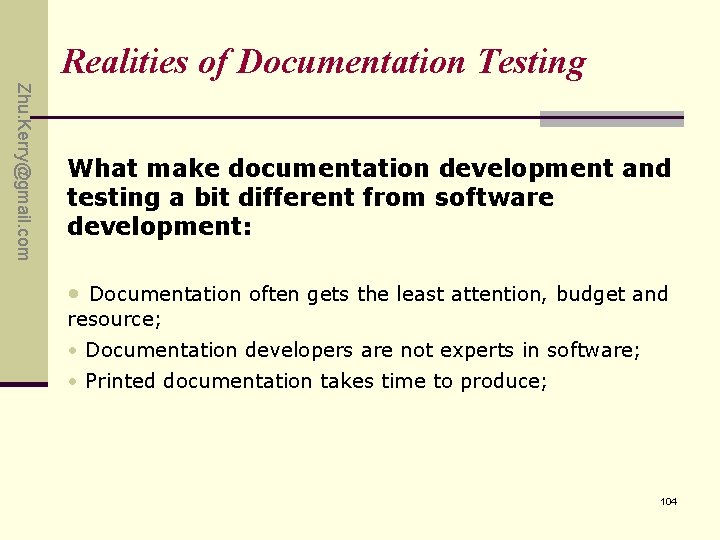
Realities of Documentation Testing Zhu. Kerry@gmail. com What make documentation development and testing a bit different from software development: • Documentation often gets the least attention, budget and resource; • Documentation developers are not experts in software; • Printed documentation takes time to produce; 104
Zhu. Kerry@gmail. com Q&A 105
Zhu. Kerry@gmail. com Exercise P 197: 2. , 4. 106
Zhu. Kerry@gmail. com Chapter 13 Applying Your Testing Skills Testing for Security 107
Zhu. Kerry@gmail. com Highlight n Why someone would want to break into a computer n What types of break-ins are common n How to work with your design team to identify security issues n Why software security problems are nothing more than software bugs n How can find security vulnerabilities (弱点) n How the new filed of computer forensics is related to software security testing 108
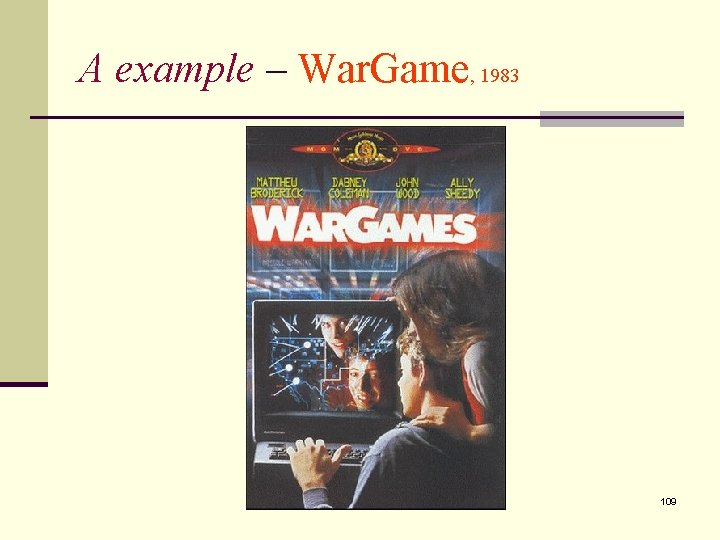
A example – War. Game, 1983 109
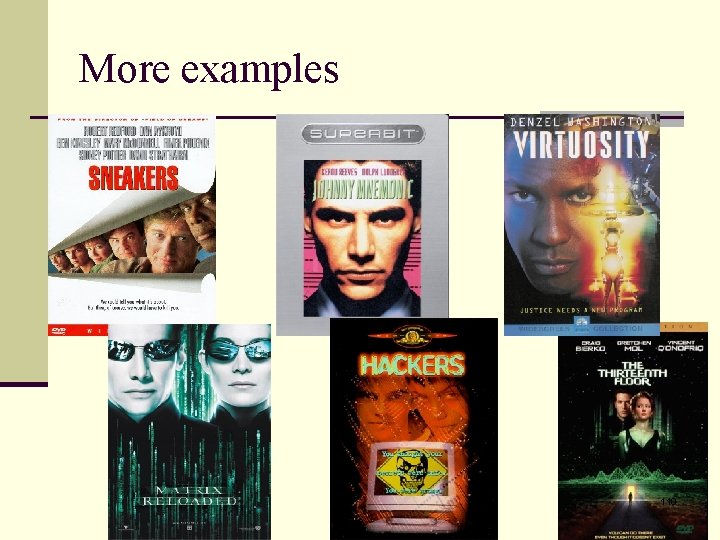
More examples 110
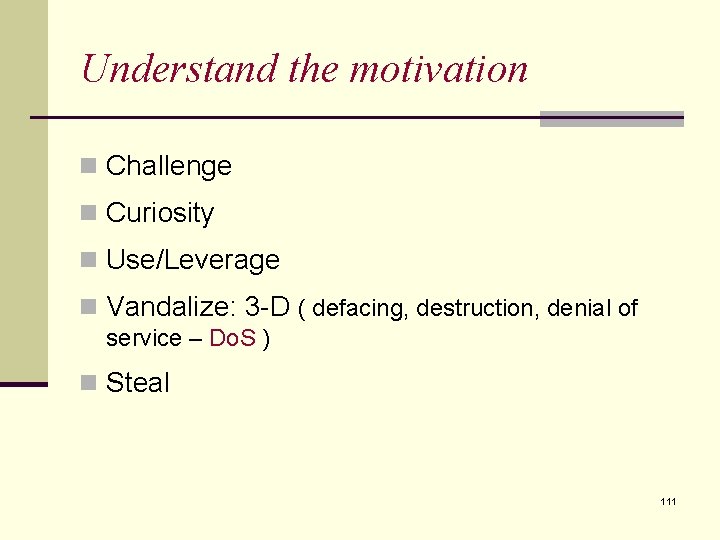
Understand the motivation n Challenge n Curiosity n Use/Leverage n Vandalize: 3 -D ( defacing, destruction, denial of service – Do. S ) n Steal 111
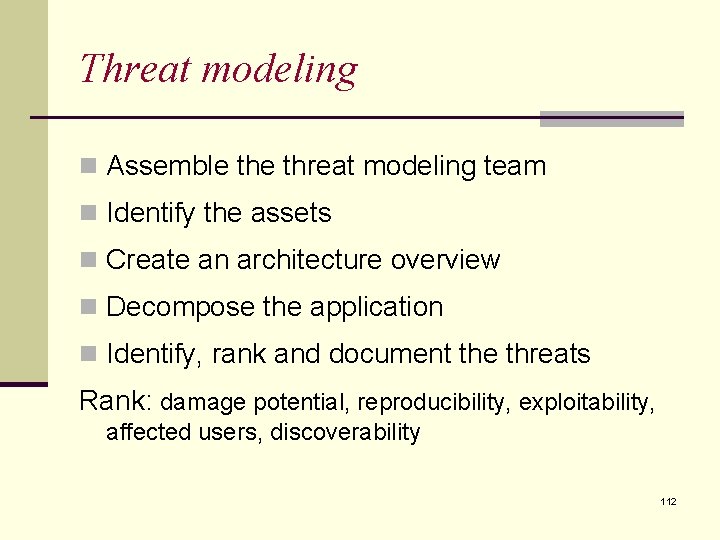
Threat modeling n Assemble threat modeling team n Identify the assets n Create an architecture overview n Decompose the application n Identify, rank and document the threats Rank: damage potential, reproducibility, exploitability, affected users, discoverability 112
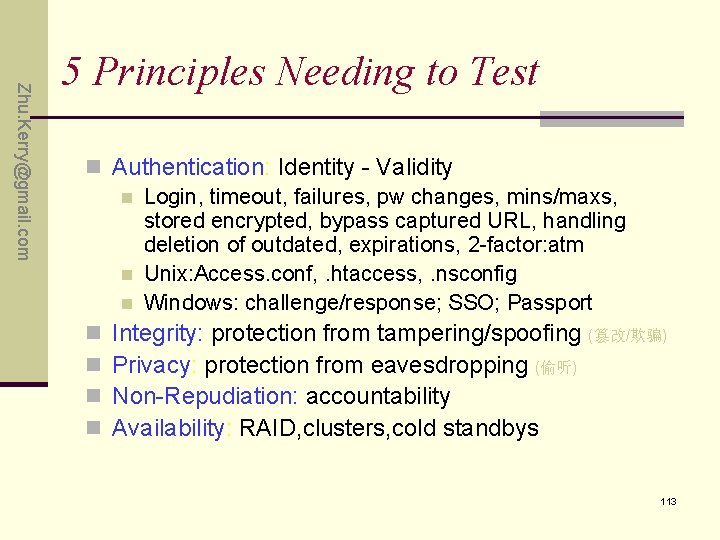
Zhu. Kerry@gmail. com 5 Principles Needing to Test n Authentication: Identity - Validity n Login, timeout, failures, pw changes, mins/maxs, stored encrypted, bypass captured URL, handling deletion of outdated, expirations, 2 -factor: atm n Unix: Access. conf, . htaccess, . nsconfig n Windows: challenge/response; SSO; Passport n Integrity: protection from tampering/spoofing (篡改/欺骗) n Privacy: protection from eavesdropping (偷听) n Non-Repudiation: accountability n Availability: RAID, clusters, cold standbys 113
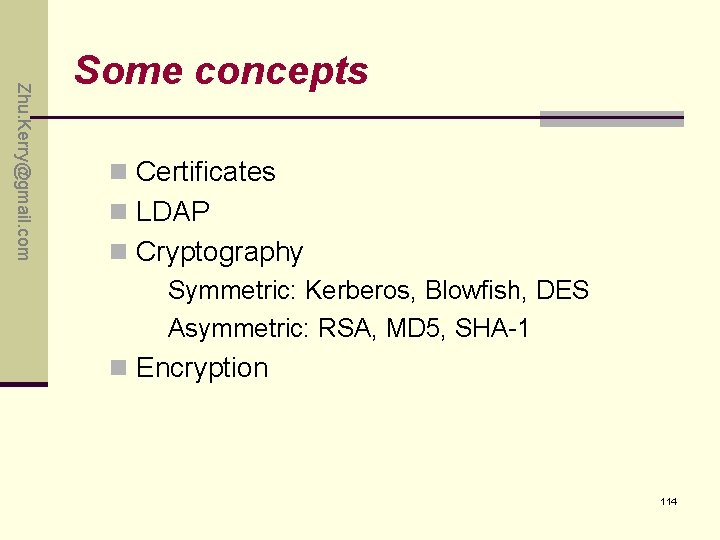
Zhu. Kerry@gmail. com Some concepts n Certificates n LDAP n Cryptography Symmetric: Kerberos, Blowfish, DES Asymmetric: RSA, MD 5, SHA-1 n Encryption 114
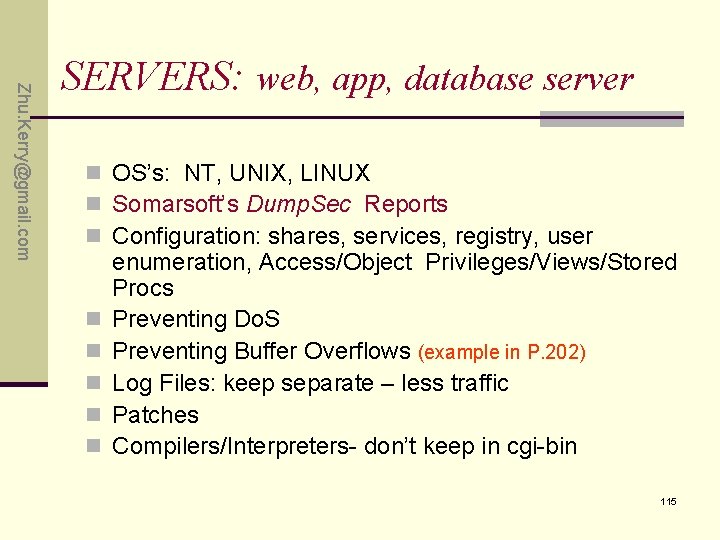
Zhu. Kerry@gmail. com SERVERS: web, app, database server n OS’s: NT, UNIX, LINUX n Somarsoft’s Dump. Sec Reports n Configuration: shares, services, registry, user n n n enumeration, Access/Object Privileges/Views/Stored Procs Preventing Do. S Preventing Buffer Overflows (example in P. 202) Log Files: keep separate – less traffic Patches Compilers/Interpreters- don’t keep in cgi-bin 115
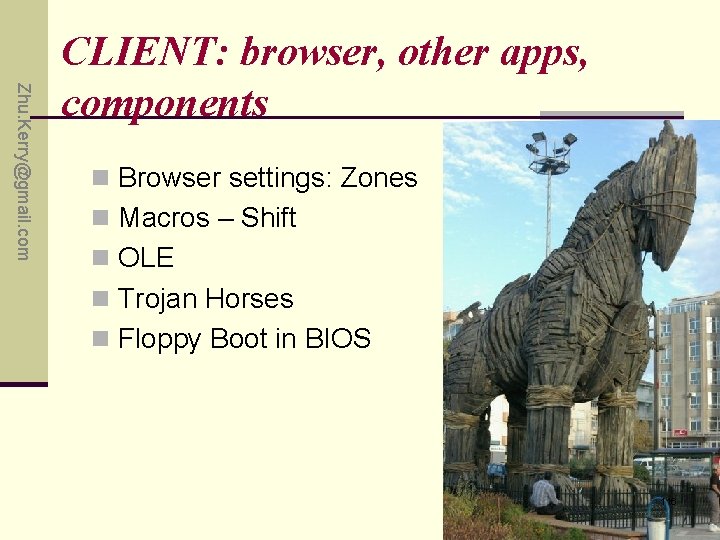
Zhu. Kerry@gmail. com CLIENT: browser, other apps, components n Browser settings: Zones n Macros – Shift n OLE n Trojan Horses n Floppy Boot in BIOS 116
Zhu. Kerry@gmail. com Cookies Accepting. Cookies: Cannot be used as a virus or plug-in n http: //www. cookiecentral. com/ n n n n text only Max 4 k Windows: Cookies. txt Unix: can be read into PERL using $ENV{‘HTTP_COOKIE’} When deleting- close browser first! NS limit = 300 total / 20 per domain IE limit = 2% default 117
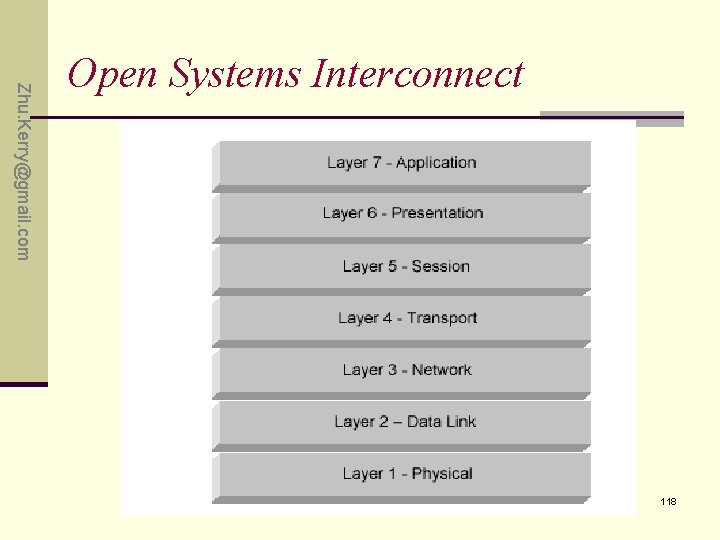
Zhu. Kerry@gmail. com Open Systems Interconnect 118
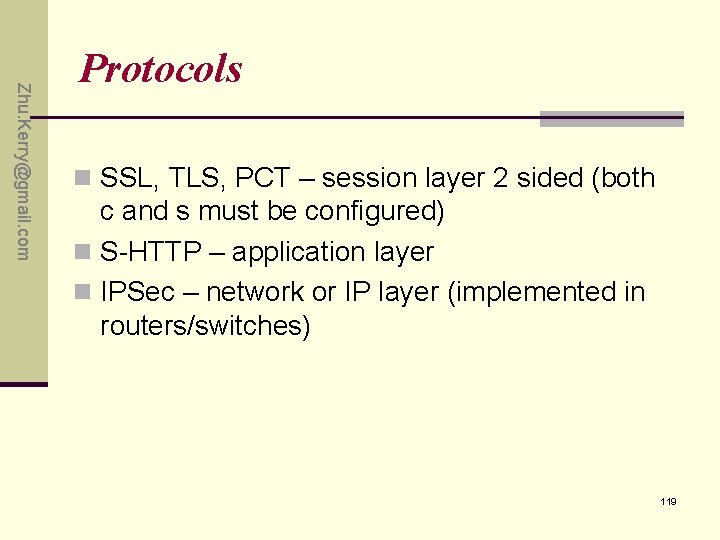
Zhu. Kerry@gmail. com Protocols n SSL, TLS, PCT – session layer 2 sided (both c and s must be configured) n S-HTTP – application layer n IPSec – network or IP layer (implemented in routers/switches) 119
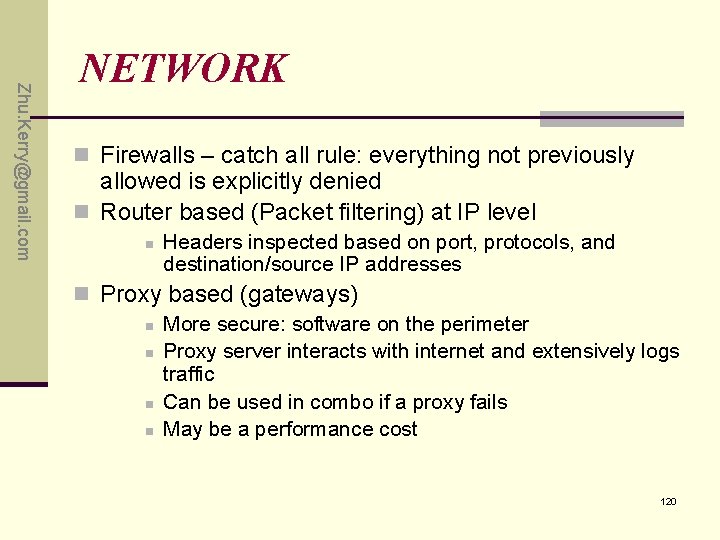
Zhu. Kerry@gmail. com NETWORK n Firewalls – catch all rule: everything not previously allowed is explicitly denied n Router based (Packet filtering) at IP level n Headers inspected based on port, protocols, and destination/source IP addresses n Proxy based (gateways) n More secure: software on the perimeter n Proxy server interacts with internet and extensively logs traffic n Can be used in combo if a proxy fails n May be a performance cost 120
Zhu. Kerry@gmail. com Router Tools: Lancope Stealth. Watch n Watch abnormal traffic patterns n Monitor bandwidth spikes n Routers should encrypt data & authenticate one another for traffic exchange n Test the Routers Built-in Filters that set limits on which IP’s can be used on other ISP networks 121
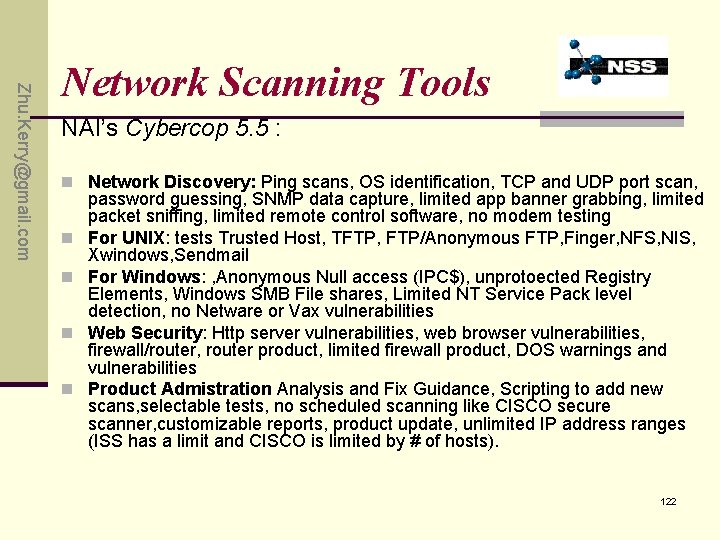
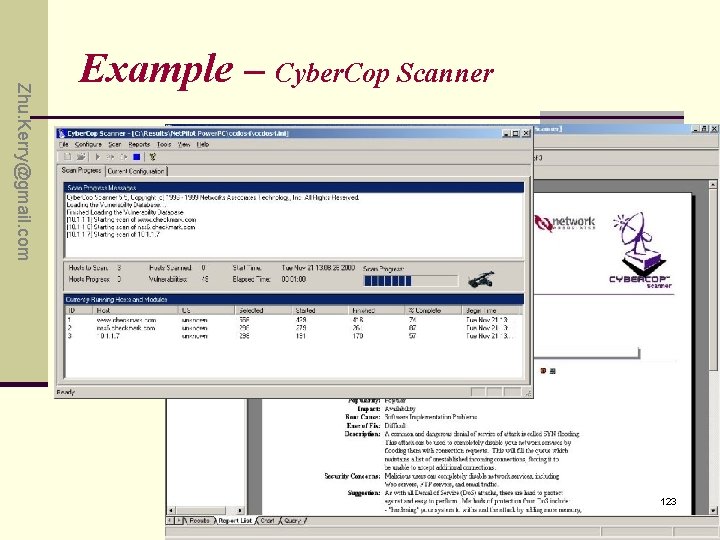
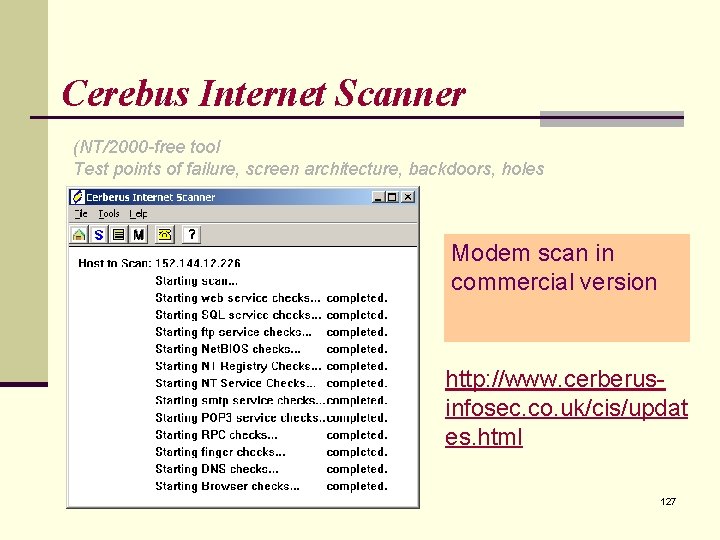
Zhu. Kerry@gmail. com Network Scanning Tools NAI’s Cybercop 5. 5 : n Network Discovery: Ping scans, OS identification, TCP and UDP port scan, n n password guessing, SNMP data capture, limited app banner grabbing, limited packet sniffing, limited remote control software, no modem testing For UNIX: tests Trusted Host, TFTP, FTP/Anonymous FTP, Finger, NFS, NIS, Xwindows, Sendmail For Windows: , Anonymous Null access (IPC$), unprotoected Registry Elements, Windows SMB File shares, Limited NT Service Pack level detection, no Netware or Vax vulnerabilities Web Security: Http server vulnerabilities, web browser vulnerabilities, firewall/router, router product, limited firewall product, DOS warnings and vulnerabilities Product Admistration Analysis and Fix Guidance, Scripting to add new scans, selectable tests, no scheduled scanning like CISCO secure scanner, customizable reports, product update, unlimited IP address ranges (ISS has a limit and CISCO is limited by # of hosts). 122
Zhu. Kerry@gmail. com Example – Cyber. Cop Scanner 123
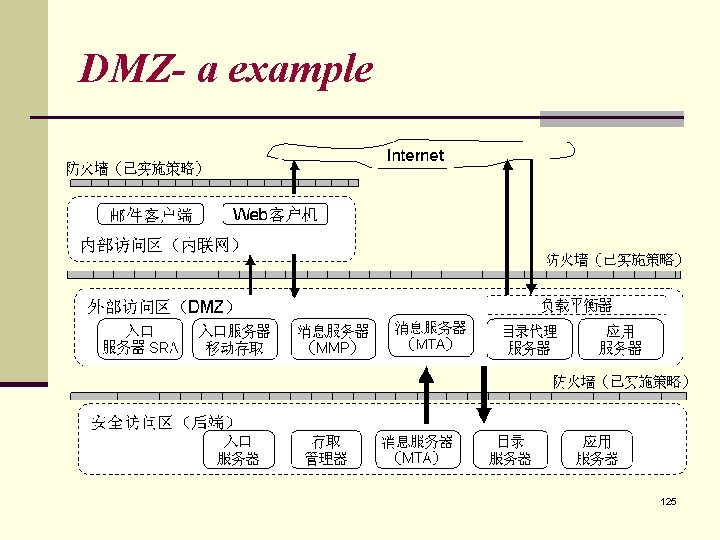
DMZ n Small network/host between private and outside public n n network Separated by another packet filter Does not initiate any inward connections- no access to hosts within private network Open subnet -> router -> proxy -> router -> internal network (good for web-commerce with SSL) Testing should be done outside the network perimeter as well as inside 124
DMZ- a example 125
VPN n Remote users dial into local Point of Presence to connect n Provides private encrypted tunnel through public internet space -app n IPSec, PPTP, L 2 TP 126
Cerebus Internet Scanner (NT/2000 -free tool Test points of failure, screen architecture, backdoors, holes Modem scan in commercial version http: //www. cerberusinfosec. co. uk/cis/updat es. html 127
www. whois. net n Social Engineering: phone numbers/contacts n DMZ Network Address targets n Backdoors n Even internal network address disclosures n DNS Server targets 128
WEB Vulnerabilities HTML – run as nobody – fork from root (binds to 80) JAVA – signed applets Jscript/VBScript – not in a sandbox Active X – signed script policy CGI, ASP, PHP, SSI 129
Host/Network Identification n n n Ipconfig /all Nslookup Nbtstat Net use Netstat –s 5 (intervals stats every 5 seconds) http: //visualroute. visualware. com/ http: //www. hackerwatch. org/probe/ oracle. com Unbreakable? n LANGUARD: DNS Lookup, Enumerate, Traceroute, New Scan 130
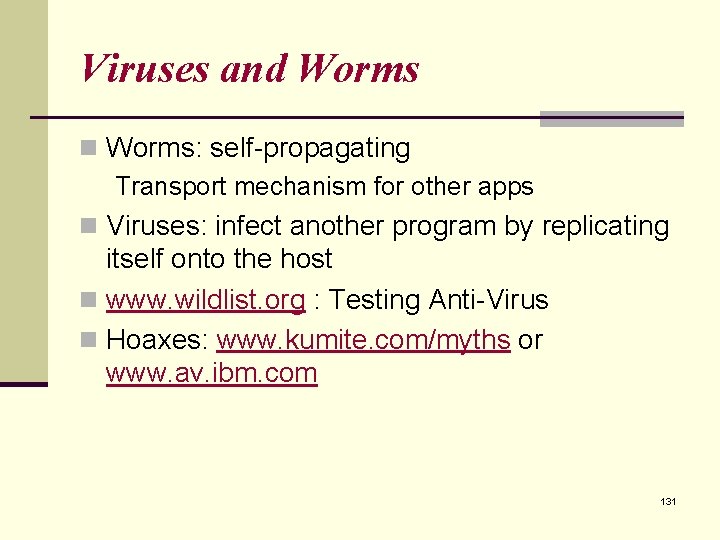
Viruses and Worms n Worms: self-propagating Transport mechanism for other apps n Viruses: infect another program by replicating itself onto the host n www. wildlist. org : Testing Anti-Virus n Hoaxes: www. kumite. com/myths or www. av. ibm. com 131
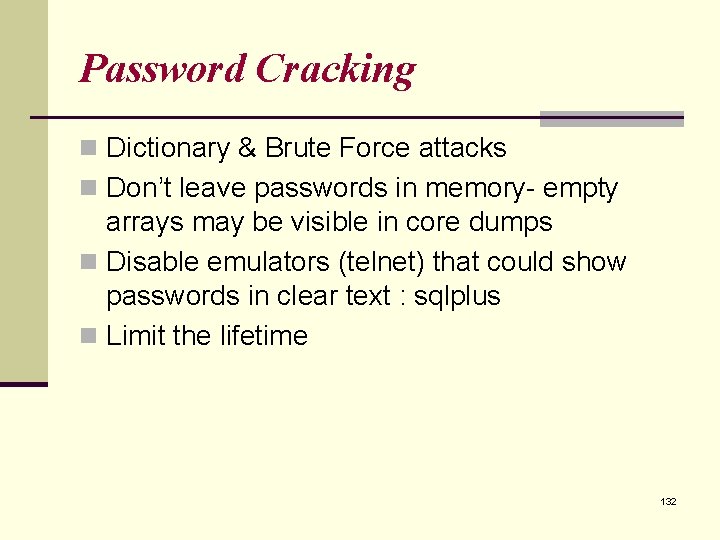
Password Cracking n Dictionary & Brute Force attacks n Don’t leave passwords in memory- empty arrays may be visible in core dumps n Disable emulators (telnet) that could show passwords in clear text : sqlplus n Limit the lifetime 132
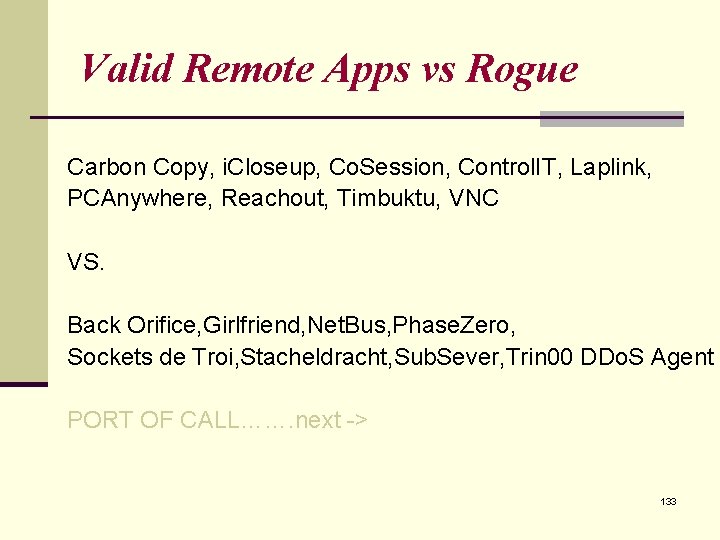
Valid Remote Apps vs Rogue Carbon Copy, i. Closeup, Co. Session, Control. IT, Laplink, PCAnywhere, Reachout, Timbuktu, VNC VS. Back Orifice, Girlfriend, Net. Bus, Phase. Zero, Sockets de Troi, Stacheldracht, Sub. Sever, Trin 00 DDo. S Agent PORT OF CALL……. next -> 133
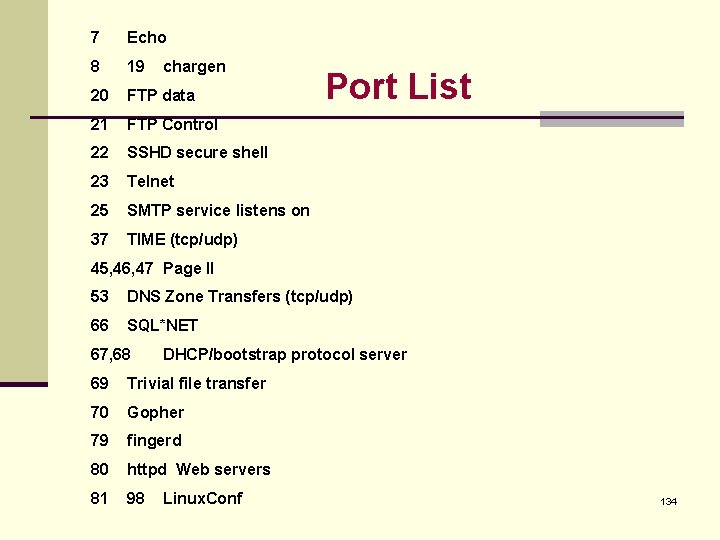
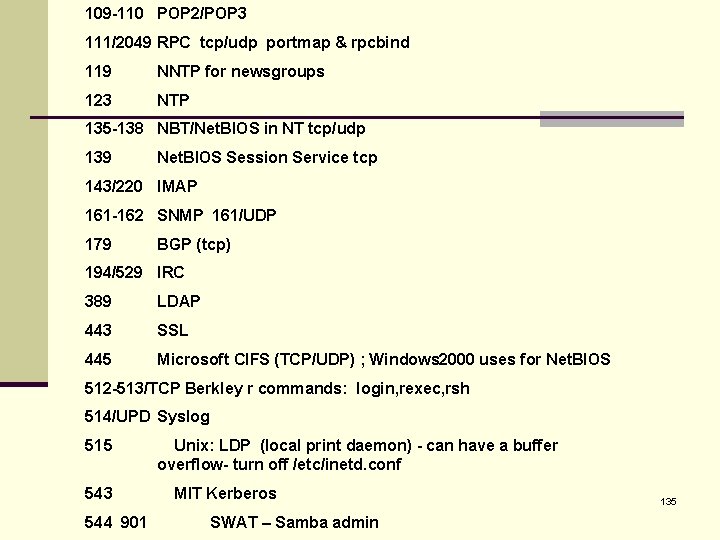
7 Echo 8 19 20 FTP data 21 FTP Control 22 SSHD secure shell 23 Telnet 25 SMTP service listens on 37 TIME (tcp/udp) chargen Port List 45, 46, 47 Page II 53 DNS Zone Transfers (tcp/udp) 66 SQL*NET 67, 68 DHCP/bootstrap protocol server 69 Trivial file transfer 70 Gopher 79 fingerd 80 httpd Web servers 81 98 Linux. Conf 134
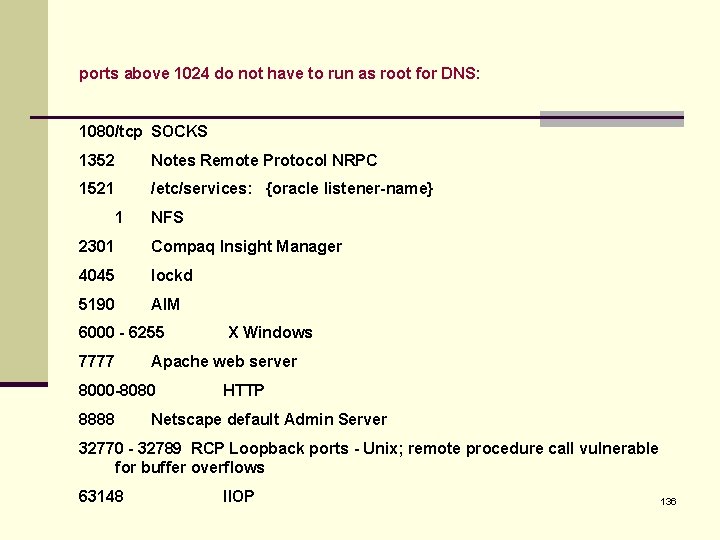
109 -110 POP 2/POP 3 111/2049 RPC tcp/udp portmap & rpcbind 119 NNTP for newsgroups 123 NTP 135 -138 NBT/Net. BIOS in NT tcp/udp 139 Net. BIOS Session Service tcp 143/220 IMAP 161 -162 SNMP 161/UDP 179 BGP (tcp) 194/529 IRC 389 LDAP 443 SSL 445 Microsoft CIFS (TCP/UDP) ; Windows 2000 uses for Net. BIOS 512 -513/TCP Berkley r commands: login, rexec, rsh 514/UPD Syslog 515 543 544 901 Unix: LDP (local print daemon) - can have a buffer overflow- turn off /etc/inetd. conf MIT Kerberos SWAT – Samba admin 135
ports above 1024 do not have to run as root for DNS: 1080/tcp SOCKS 1352 Notes Remote Protocol NRPC 1521 /etc/services: {oracle listener-name} 1 NFS 2301 Compaq Insight Manager 4045 lockd 5190 AIM 6000 - 6255 7777 Apache web server 8000 -8080 8888 X Windows HTTP Netscape default Admin Server 32770 - 32789 RCP Loopback ports - Unix; remote procedure call vulnerable for buffer overflows 63148 IIOP 136
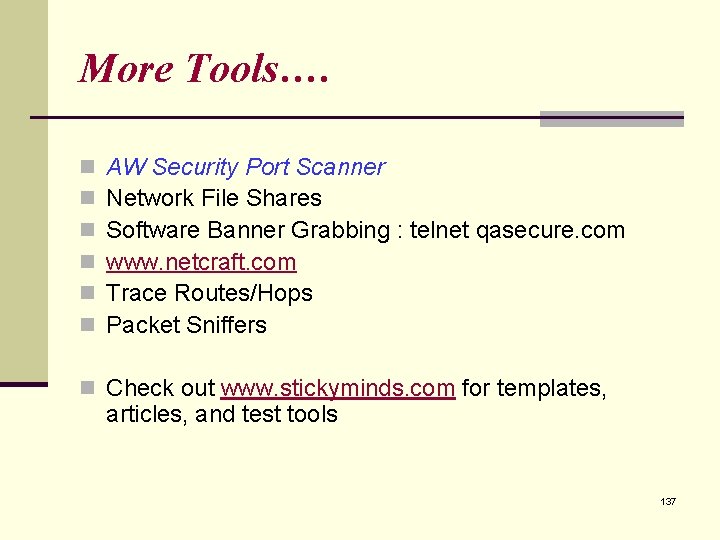
More Tools…. n n n AW Security Port Scanner Network File Shares Software Banner Grabbing : telnet qasecure. com www. netcraft. com Trace Routes/Hops Packet Sniffers n Check out www. stickyminds. com for templates, articles, and test tools 137
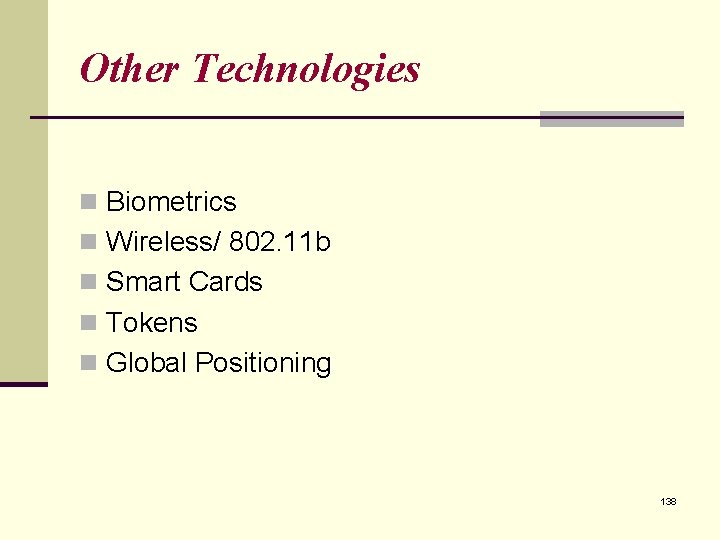
Other Technologies n Biometrics n Wireless/ 802. 11 b n Smart Cards n Tokens n Global Positioning 138
Policy Your company’s security team (NOT the software testing team alone) determines policy on user access, time outs, content availability, database viewing, system protection, security tools etc. As a team we need to document and model our structures, flows, dependencies, and protocols. The role of the test group is test the existing system to look for errors in security implementation, primarily at the application level. Gather configuration issues for the tech support knowledge base. IT is generally responsible for network security, firewall testing, packet counting, traffic monitoring, virus protection, and server-break in testing. They would install IP address screening policies. Tying it together with cross-team buy-in 139
Test Objective In Web Application n Form Element n Input/Output Control n XSS n Path Travelling n URL Redirection n SQL Injection n Java script in Source Code n Pre-fill n Information Leakage n Implement Strategy n n AA Bypass Account Brute Crack Encrypting Not Enforced Credential Theft 140
XSS Testing n Cross-Site Scripting harm n http: //security. ctocio. com. cn/wpsummary/436/8266436. shtml n Cross-Site Scripting n Normal XSS n n n Inject scripting via HTTP Post Inject scripting via HTTP Get Stored XSS n n Inject scripting via HTTP Post Inject scripting via HTTP Get 141
Security test tool n Paros - security tool for web application vulnerability assessment http: //www. parosproxy. org/index. shtml n Klocwork delivers the most comprehensive source code analysis solution. http: //www. klocwork. com/ n Http. Watch is an HTTP viewer and debugger that integrates with IE and Firefox to provide seamless HTTP and HTTPS monitoring without leaving the browser http: //httpwatch. com/ 142
Zhu. Kerry@gmail. com Chapter 14 Applying Your Testing Skills Web Site Testing 143
Zhu. Kerry@gmail. com Highlight ü Web Page Fundamentals ü Web site Testing knowledge ü Black-Box Testing ü Gray-Box Testing ü White-Box Testing ü Configuration and Compatibility Testing ü Usability Testing ü Introducing Automation 144
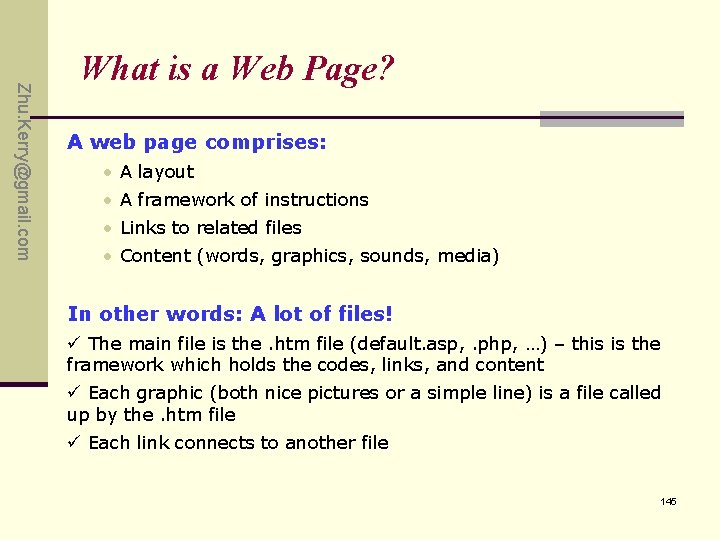
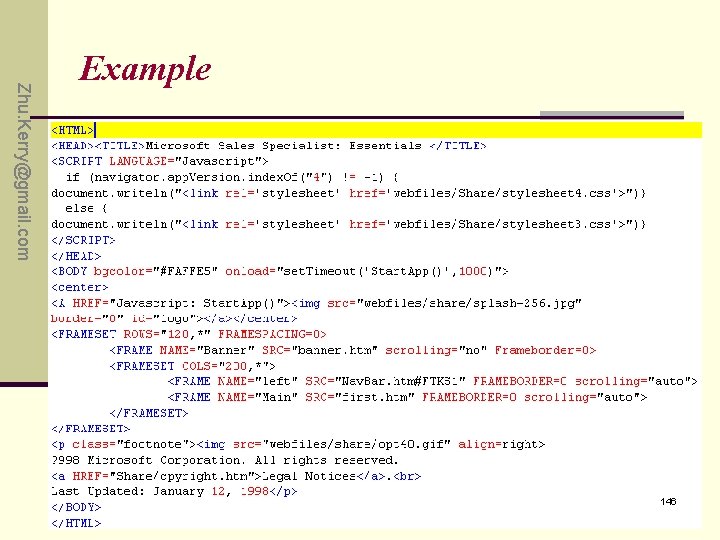
Zhu. Kerry@gmail. com What is a Web Page? A web page comprises: • A layout • A framework of instructions • Links to related files • Content (words, graphics, sounds, media) In other words: A lot of files! ü The main file is the. htm file (default. asp, . php, …) – this is the framework which holds the codes, links, and content ü Each graphic (both nice pictures or a simple line) is a file called up by the. htm file ü Each link connects to another file 145
Zhu. Kerry@gmail. com Example 146
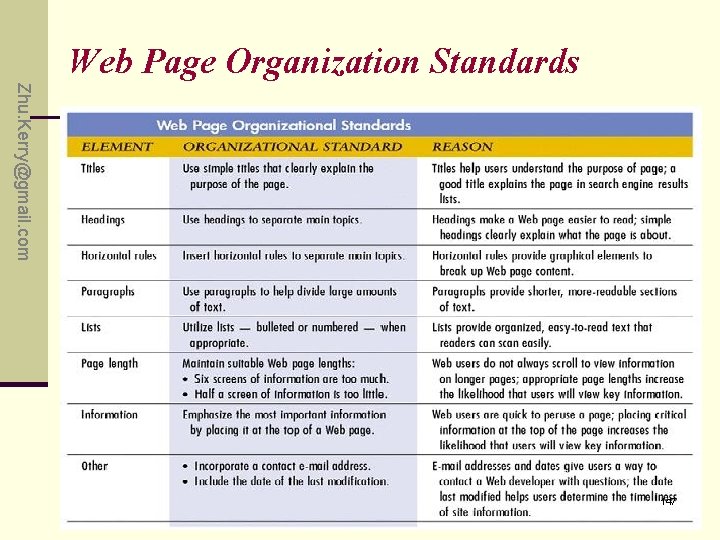
Web Page Organization Standards Zhu. Kerry@gmail. com 147
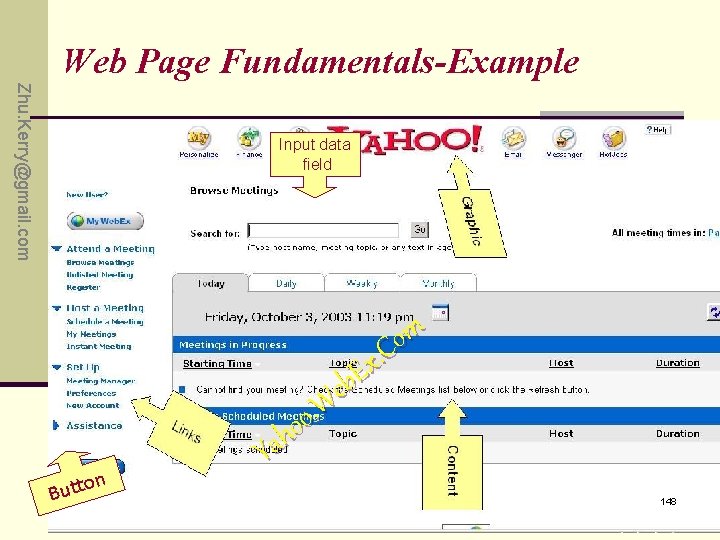
Web Page Fundamentals-Example Zhu. Kerry@gmail. com Input data field n to But m o. C x E b e W. o o h Ya 148
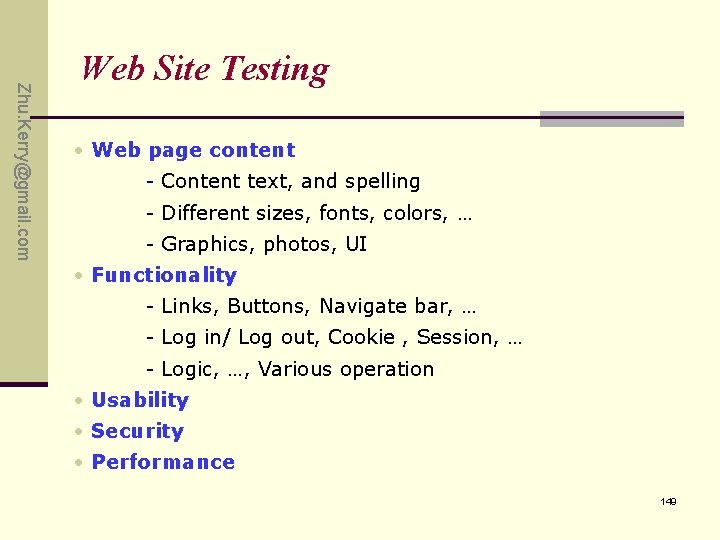
Zhu. Kerry@gmail. com Web Site Testing • Web page content - Content text, and spelling - Different sizes, fonts, colors, … - Graphics, photos, UI • Functionality - Links, Buttons, Navigate bar, … - Log in/ Log out, Cookie , Session, … - Logic, …, Various operation • Usability • Security • Performance 149
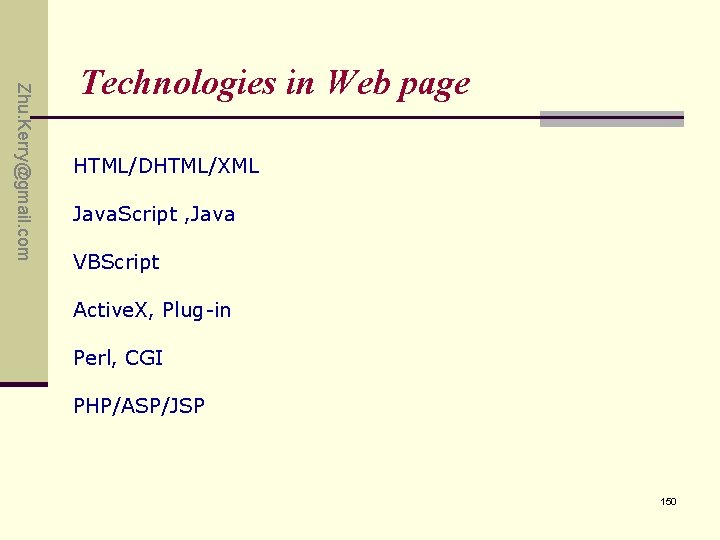
Zhu. Kerry@gmail. com Technologies in Web page HTML/DHTML/XML Java. Script , Java VBScript Active. X, Plug-in Perl, CGI PHP/ASP/JSP 150
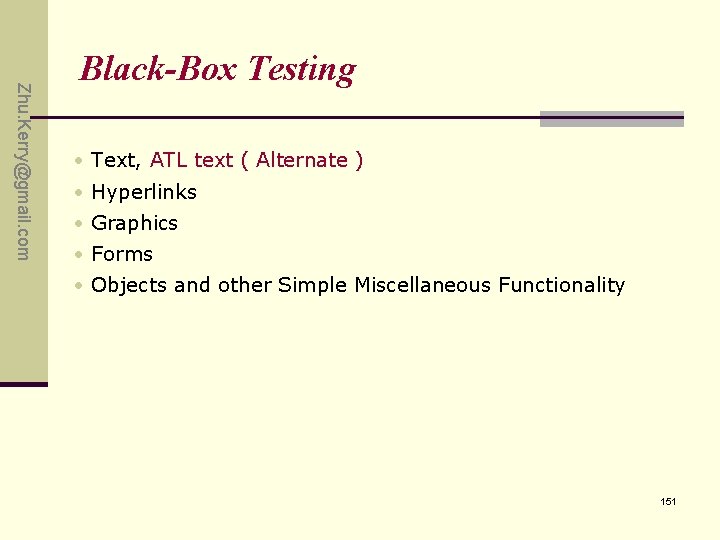
Zhu. Kerry@gmail. com Black-Box Testing • Text, ATL text ( Alternate ) • Hyperlinks • Graphics • Forms • Objects and other Simple Miscellaneous Functionality 151
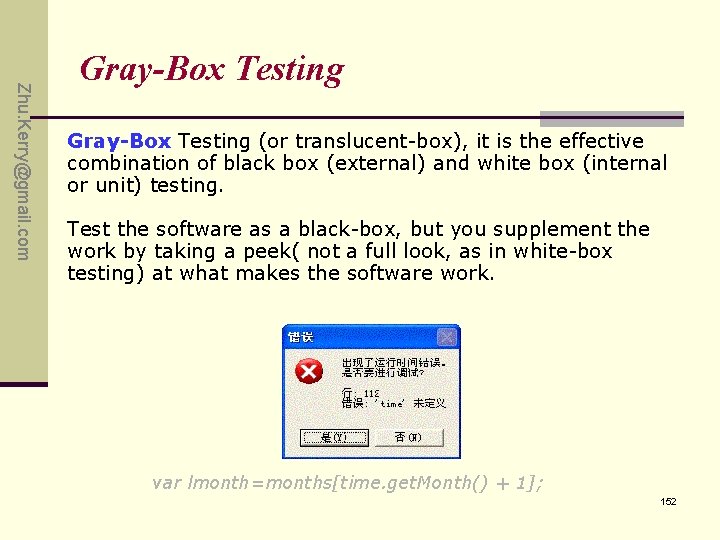
Zhu. Kerry@gmail. com Gray-Box Testing (or translucent-box), it is the effective combination of black box (external) and white box (internal or unit) testing. Test the software as a black-box, but you supplement the work by taking a peek( not a full look, as in white-box testing) at what makes the software work. var lmonth=months[time. get. Month() + 1]; 152
Zhu. Kerry@gmail. com White-Box Testing Precondition: • Need have some knowledge of the Web site’s system structure; • Need have some knowledge of programming Then: - Dynamic Content - Database Driven Web pages - Programmatically Created Web Pages - Server performance and Loading - Security 153
Zhu. Kerry@gmail. com Compatibility Testing Is performed to ensure that a site performs as intended across multiple operating system and browser configurations. Ensure certain coding such as Active X, Javascript and CGI, function properly across multiple configurations. 154
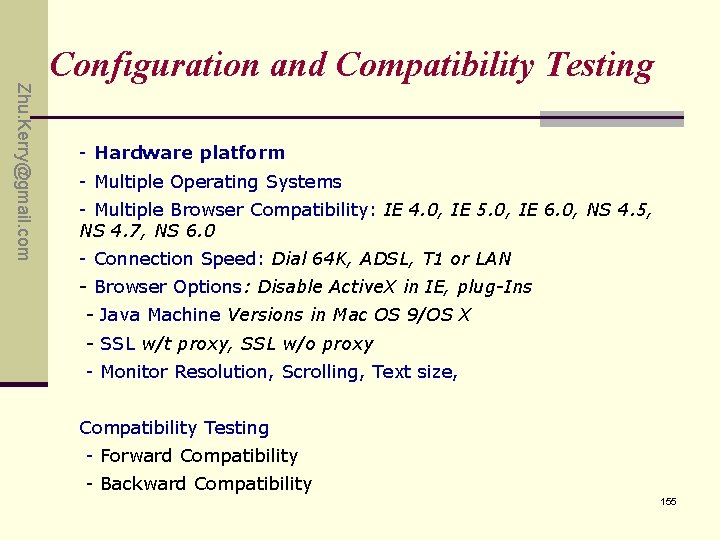
Zhu. Kerry@gmail. com Configuration and Compatibility Testing - Hardware platform - Multiple Operating Systems - Multiple Browser Compatibility: IE 4. 0, IE 5. 0, IE 6. 0, NS 4. 5, NS 4. 7, NS 6. 0 - Connection Speed: Dial 64 K, ADSL, T 1 or LAN - Browser Options: Disable Active. X in IE, plug-Ins - Java Machine Versions in Mac OS 9/OS X - SSL w/t proxy, SSL w/o proxy - Monitor Resolution, Scrolling, Text size, Compatibility Testing - Forward Compatibility - Backward Compatibility 155
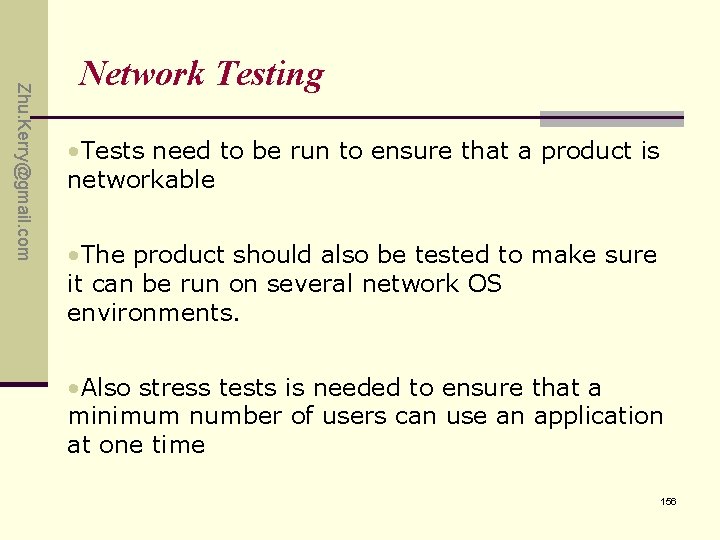
Zhu. Kerry@gmail. com Network Testing • Tests need to be run to ensure that a product is networkable • The product should also be tested to make sure it can be run on several network OS environments. • Also stress tests is needed to ensure that a minimum number of users can use an application at one time 156
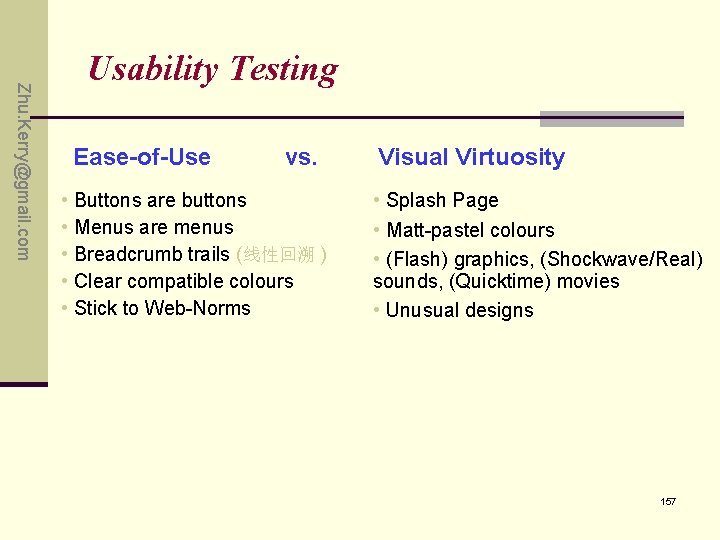
Zhu. Kerry@gmail. com Usability Testing Ease-of-Use vs. • Buttons are buttons • Menus are menus • Breadcrumb trails (线性回溯 ) • Clear compatible colours • Stick to Web-Norms Visual Virtuosity • Splash Page • Matt-pastel colours • (Flash) graphics, (Shockwave/Real) sounds, (Quicktime) movies • Unusual designs 157
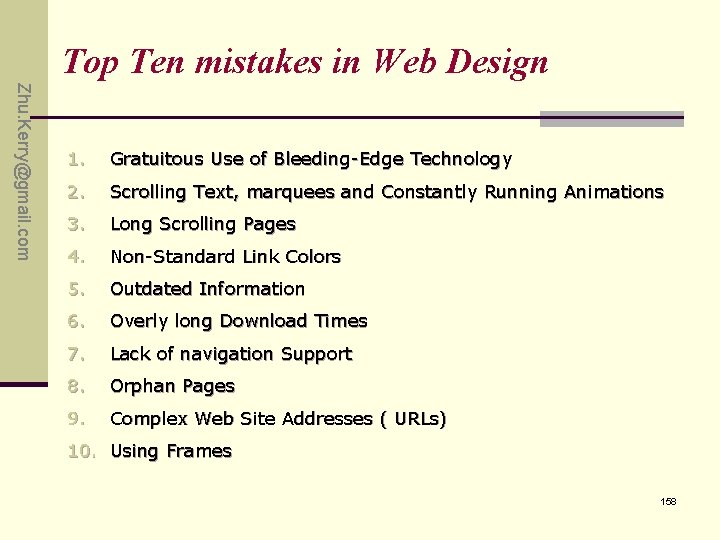
Top Ten mistakes in Web Design Zhu. Kerry@gmail. com 1. Gratuitous Use of Bleeding-Edge Technology 2. Scrolling Text, marquees and Constantly Running Animations 3. Long Scrolling Pages 4. Non-Standard Link Colors 5. Outdated Information 6. Overly long Download Times 7. Lack of navigation Support 8. Orphan Pages 9. Complex Web Site Addresses ( URLs) 10. Using Frames 158
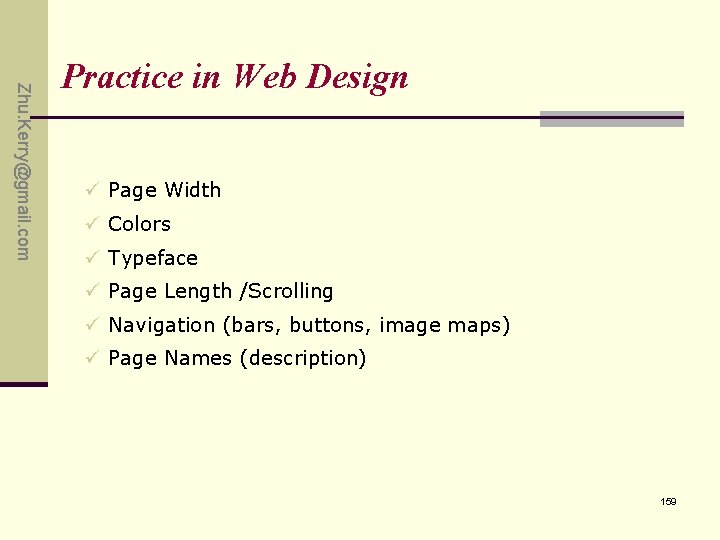
Zhu. Kerry@gmail. com Practice in Web Design ü Page Width ü Colors ü Typeface ü Page Length /Scrolling ü Navigation (bars, buttons, image maps) ü Page Names (description) 159
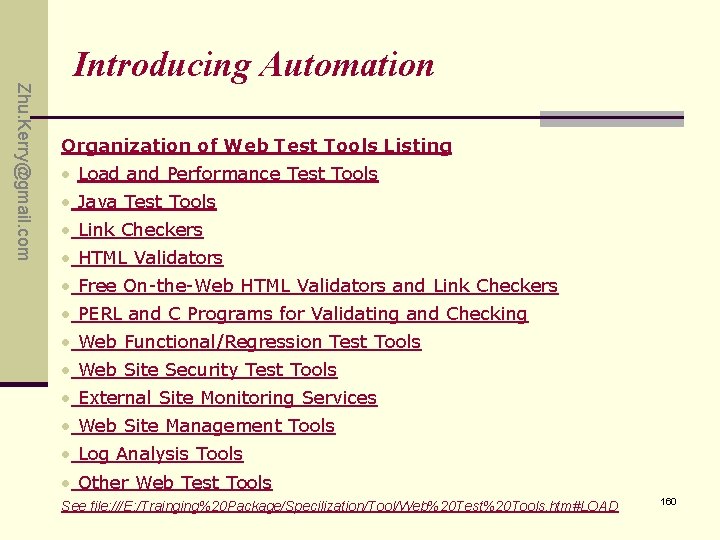
Zhu. Kerry@gmail. com Introducing Automation Organization of Web Test Tools Listing • Load and Performance Test Tools • Java Test Tools • Link Checkers • HTML Validators • Free On-the-Web HTML Validators and Link Checkers • PERL and C Programs for Validating and Checking • Web Functional/Regression Test Tools • Web Site Security Test Tools • External Site Monitoring Services • Web Site Management Tools • Log Analysis Tools • Other Web Test Tools See file: ///E: /Trainging%20 Package/Specilization/Tool/Web%20 Test%20 Tools. htm#LOAD 160
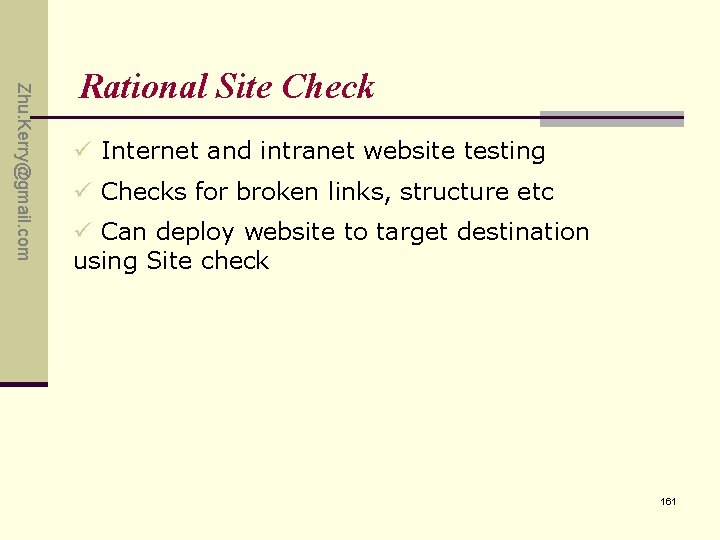
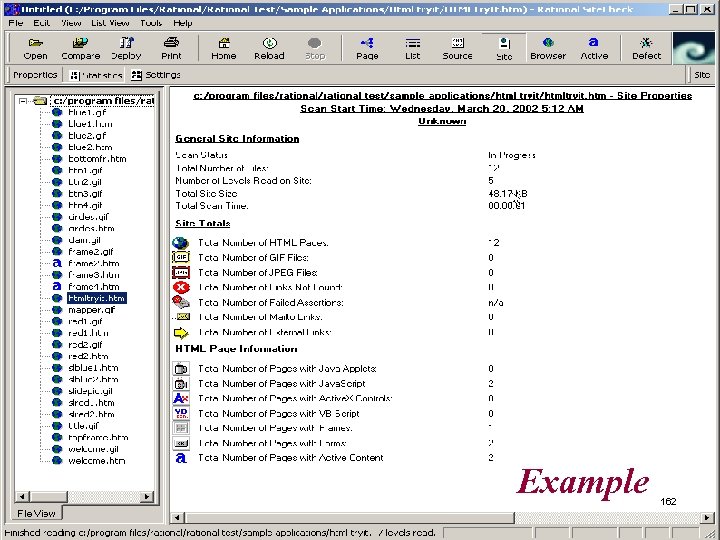
Zhu. Kerry@gmail. com Rational Site Check ü Internet and intranet website testing ü Checks for broken links, structure etc ü Can deploy website to target destination using Site check 161
Example 162
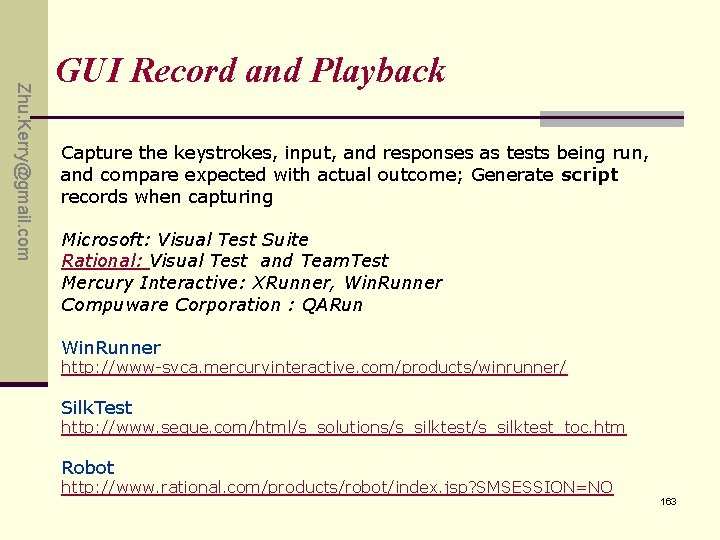
Zhu. Kerry@gmail. com GUI Record and Playback Capture the keystrokes, input, and responses as tests being run, and compare expected with actual outcome; Generate script records when capturing Microsoft: Visual Test Suite Rational: Visual Test and Team. Test Mercury Interactive: XRunner, Win. Runner Compuware Corporation : QARun Win. Runner http: //www-svca. mercuryinteractive. com/products/winrunner/ Silk. Test http: //www. segue. com/html/s_solutions/s_silktest_toc. htm Robot http: //www. rational. com/products/robot/index. jsp? SMSESSION=NO 163
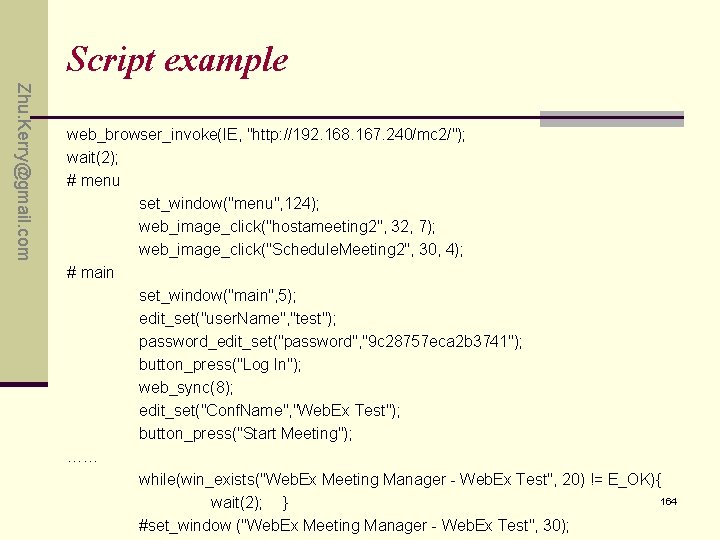
Script example Zhu. Kerry@gmail. com web_browser_invoke(IE, "http: //192. 168. 167. 240/mc 2/"); wait(2); # menu set_window("menu", 124); web_image_click("hostameeting 2", 32, 7); web_image_click("Schedule. Meeting 2", 30, 4); # main set_window("main", 5); edit_set("user. Name", "test"); password_edit_set("password", "9 c 28757 eca 2 b 3741"); button_press("Log In"); web_sync(8); edit_set("Conf. Name", "Web. Ex Test"); button_press("Start Meeting"); …… while(win_exists("Web. Ex Meeting Manager - Web. Ex Test", 20) != E_OK){ 164 wait(2); } #set_window ("Web. Ex Meeting Manager - Web. Ex Test", 30);
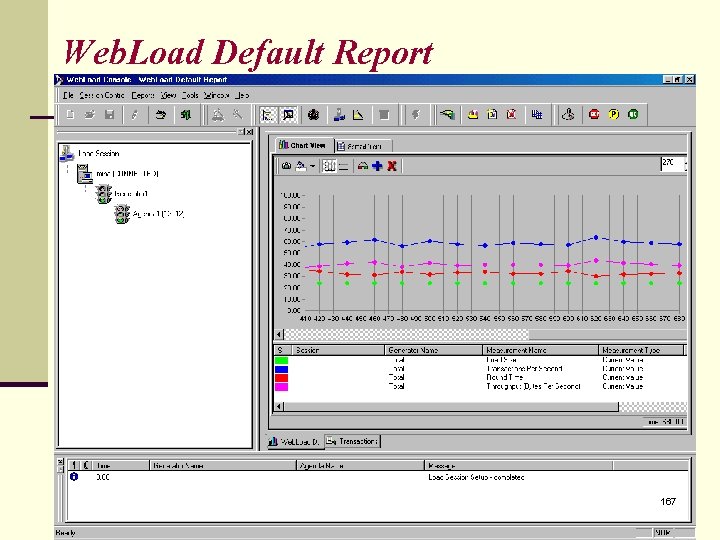
Zhu. Kerry@gmail. com Load Test • The purpose is to simulate thousands of users concurrently visiting and interacting with web site • There are Tools such as Web. Load that allows tester to provide different scripts to simulates the stress/load testing. ü Indicates where problems are occurring. ü Indicates how many concurrent users your site can handle before response times become unacceptable 165
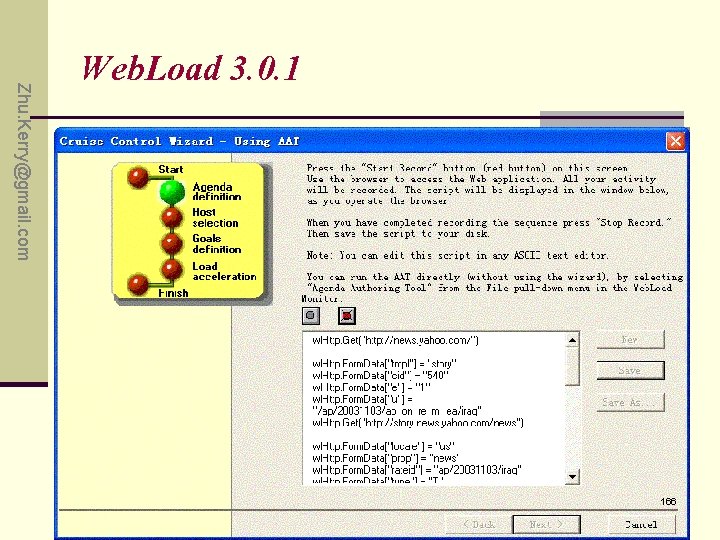
Zhu. Kerry@gmail. com Web. Load 3. 0. 1 166
Web. Load Default Report 167
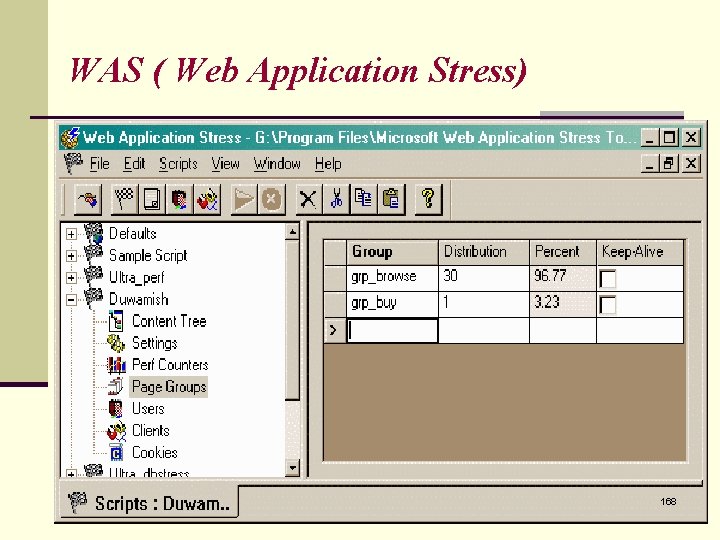
WAS ( Web Application Stress) 168
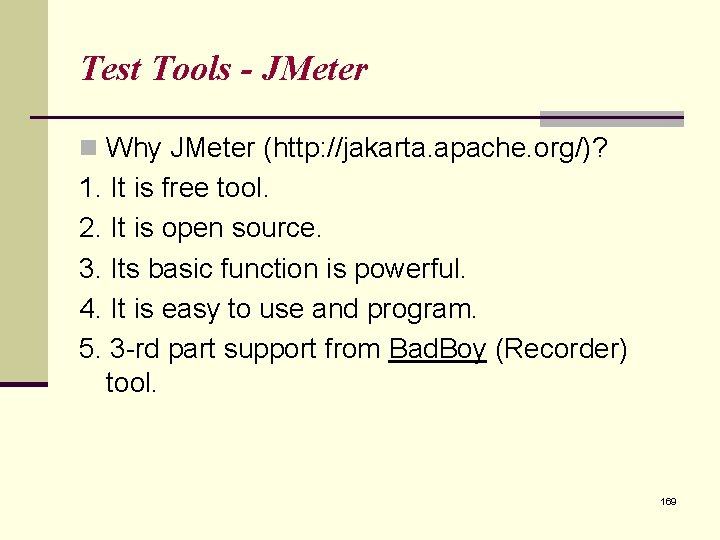
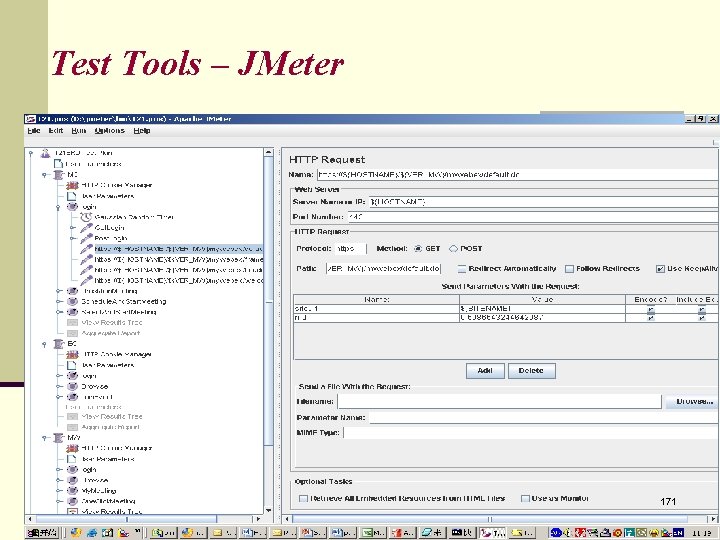
Test Tools - JMeter n Why JMeter (http: //jakarta. apache. org/)? 1. It is free tool. 2. It is open source. 3. Its basic function is powerful. 4. It is easy to use and program. 5. 3 -rd part support from Bad. Boy (Recorder) tool. 169
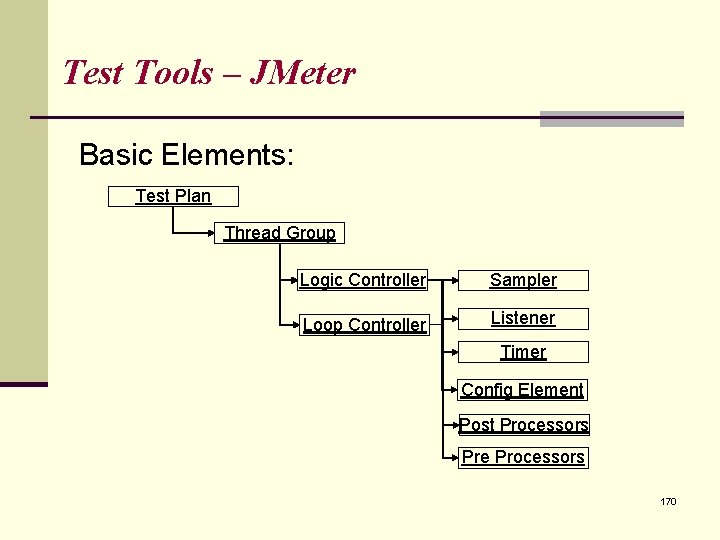
Test Tools – JMeter Basic Elements: Test Plan Thread Group Logic Controller Sampler Loop Controller Listener Timer Config Element Post Processors Pre Processors 170
Test Tools – JMeter 171
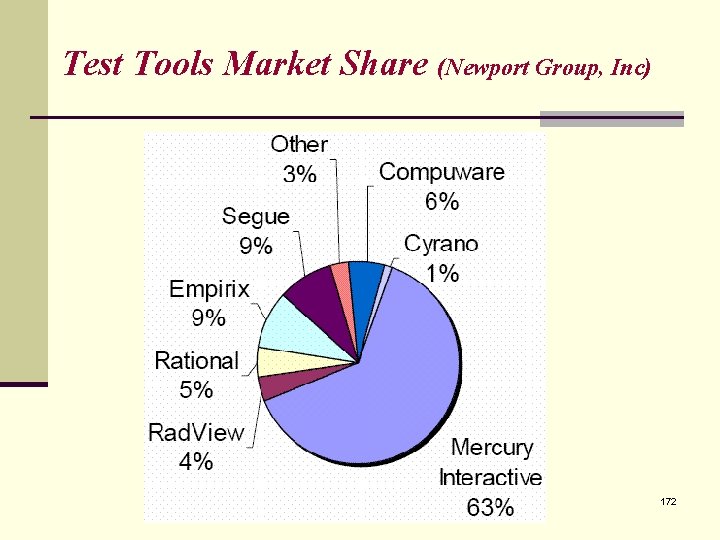
Test Tools Market Share (Newport Group, Inc) 172
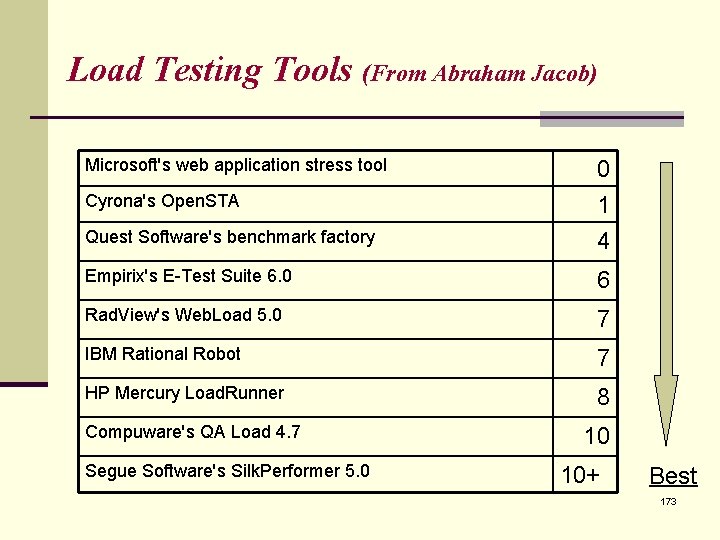
Load Testing Tools (From Abraham Jacob) Microsoft's web application stress tool Quest Software's benchmark factory 0 1 4 Empirix's E-Test Suite 6. 0 6 Rad. View's Web. Load 5. 0 7 IBM Rational Robot 7 HP Mercury Load. Runner 8 Cyrona's Open. STA Compuware's QA Load 4. 7 Segue Software's Silk. Performer 5. 0 10 10+ Best 173
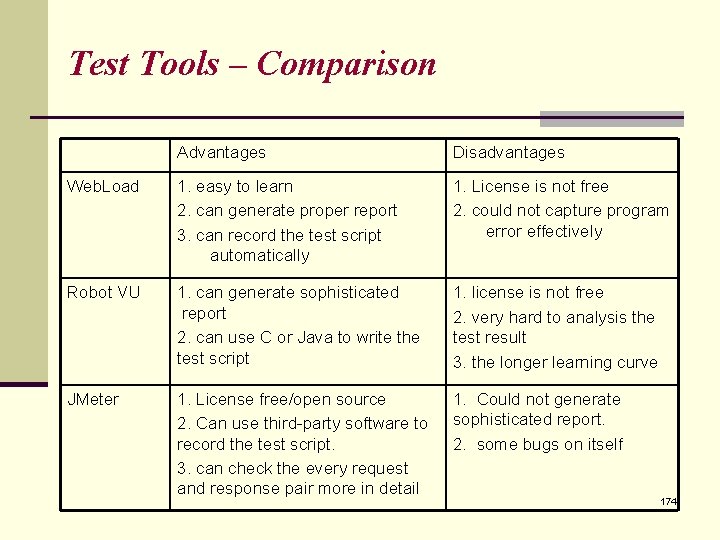
Test Tools – Comparison Advantages Disadvantages Web. Load 1. easy to learn 2. can generate proper report 3. can record the test script automatically 1. License is not free 2. could not capture program error effectively Robot VU 1. can generate sophisticated report 2. can use C or Java to write the test script 1. license is not free 2. very hard to analysis the test result 3. the longer learning curve JMeter 1. License free/open source 2. Can use third-party software to record the test script. 3. can check the every request and response pair more in detail 1. Could not generate sophisticated report. 2. some bugs on itself 174
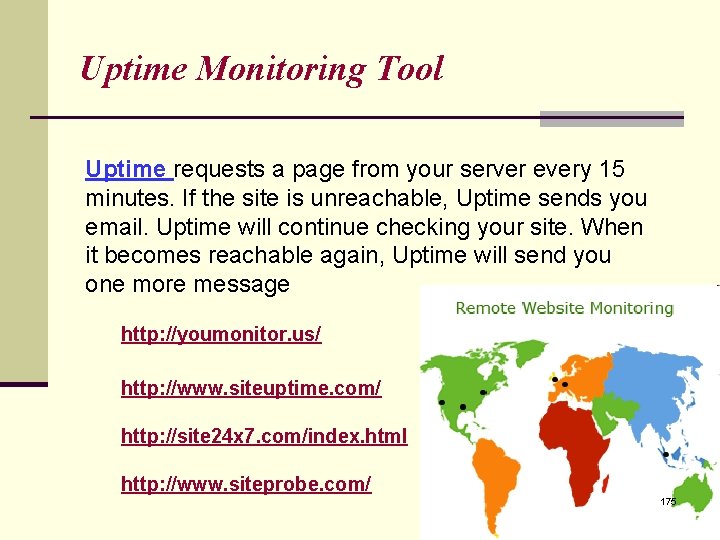
Uptime Monitoring Tool Uptime requests a page from your server every 15 minutes. If the site is unreachable, Uptime sends you email. Uptime will continue checking your site. When it becomes reachable again, Uptime will send you one more message http: //youmonitor. us/ http: //www. siteuptime. com/ http: //site 24 x 7. com/index. html http: //www. siteprobe. com/ 175
Server Uptime Monitoring Tool It doesn't really matter how good your site is if people can't rely on its being there. <Philip Greenspun> Uptime is a simple free tool that will monitor your web site's visibility on the web and send a message each time your site can't be seen and again when it becomes visible again. This is to know how reliable is your ISP 176
Zhu. Kerry@gmail. com Q&A 177
Zhu. Kerry@gmail. com Exercise Page 227: 3. , 4. , 5. 178