
Software Software is a set of instructions for
- Slides: 16
Software • Software is a set of instructions for the computer to follow to accomplish a task. • Two main types of software are… – 1) Operating System – 2) Applications
Applications • Applications (also called Programs) = Instructions for the computer on how to do certain functions under the control of the operating system • Examples Of Applications: – Firefox – Microsoft Word – Games – Etc.
Operating System • Set of instructions that controls all hardware and software on the computer – Examples: • • Mac. OS Windows Linux Chrome
Why care what operating system runs your computer?
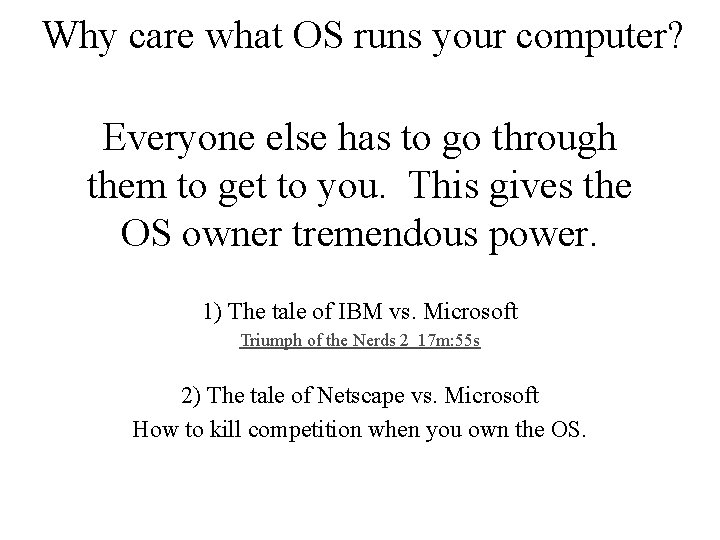
Why care what OS runs your computer? Everyone else has to go through them to get to you. This gives the OS owner tremendous power. 1) The tale of IBM vs. Microsoft Triumph of the Nerds 2 17 m: 55 s 2) The tale of Netscape vs. Microsoft How to kill competition when you own the OS.
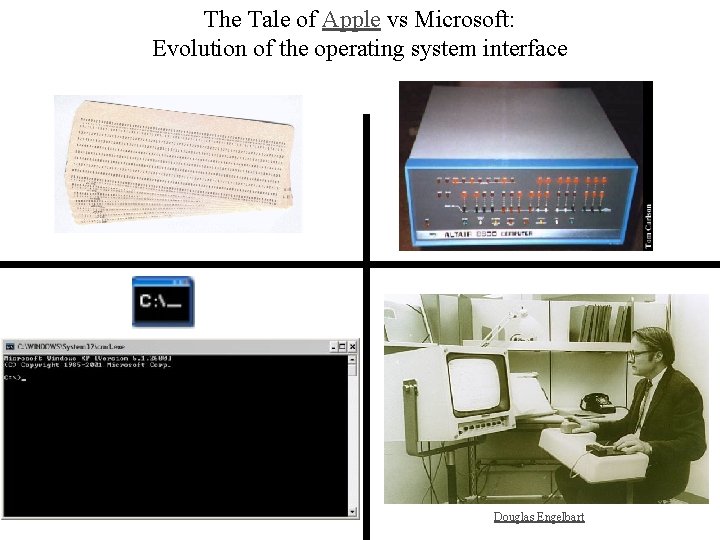
The Tale of Apple vs Microsoft: Evolution of the operating system interface Douglas Engelbart
New user interfaces? Let the games begin?
Operating System Current Usage Percentage Desktop Operating System Market Share Worldwide Wikipedia Operating System Current Usage
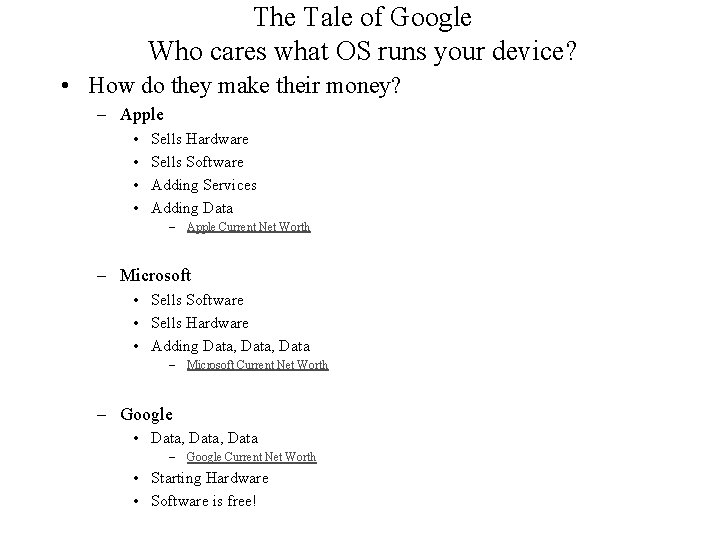
The Tale of Google Who cares what OS runs your device? • How do they make their money? – Apple • • Sells Hardware Sells Software Adding Services Adding Data – Apple Current Net Worth – Microsoft • Sells Software • Sells Hardware • Adding Data, Data – Microsoft Current Net Worth – Google • Data, Data – Google Current Net Worth • Starting Hardware • Software is free!
What explains the Mac and Windows Stereotypes? Is it an Open or Closed System?
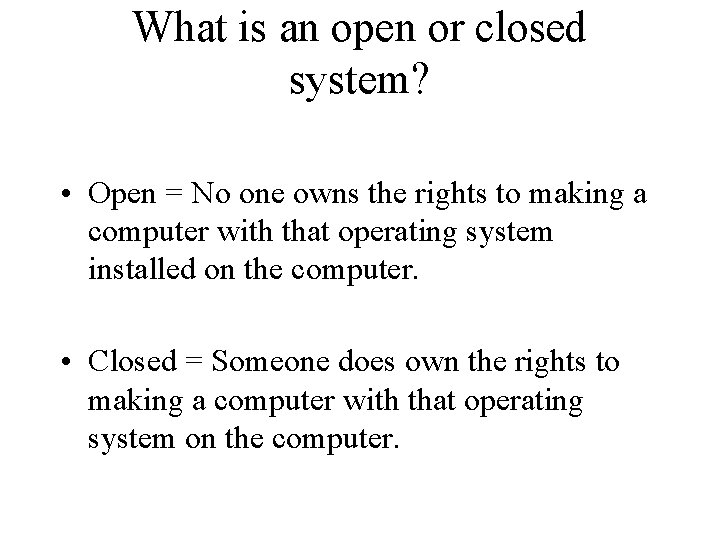
What is an open or closed system? • Open = No one owns the rights to making a computer with that operating system installed on the computer. • Closed = Someone does own the rights to making a computer with that operating system on the computer.
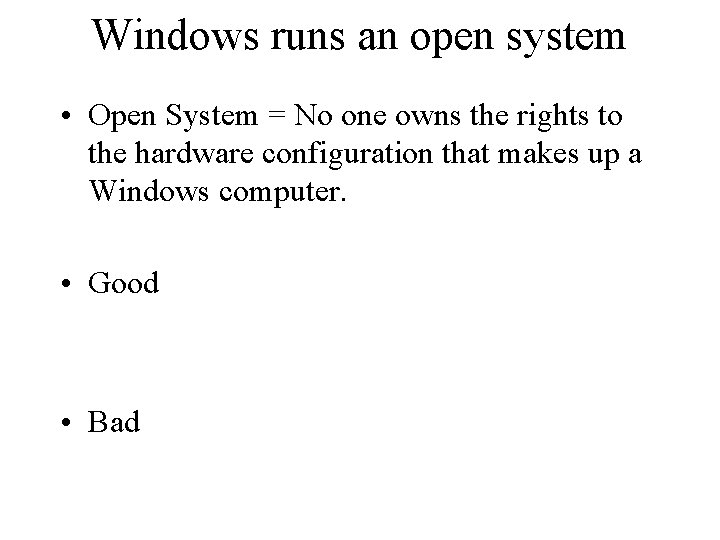
Windows runs an open system • Open System = No one owns the rights to the hardware configuration that makes up a Windows computer. • Good • Bad
Macintosh OS runs a closed system • Closed system = Apple owns the rights to the hardware configuration of an Apple computer (Macintosh) • Good • Bad
Why is Chrome OS starting to catch on? • Open system: – Cheap – Google makes money on your data
Tips to maintain Windows in good running condition • 8 Windows 10 Tips • 5 Windows 7 Tips
• 8 Tips to Keep your Mac Happy, Healthy, and Safe