
Software Servo Library TYWU Download https github comadafruitAdafruitSoft

Software Servo Library TYWU
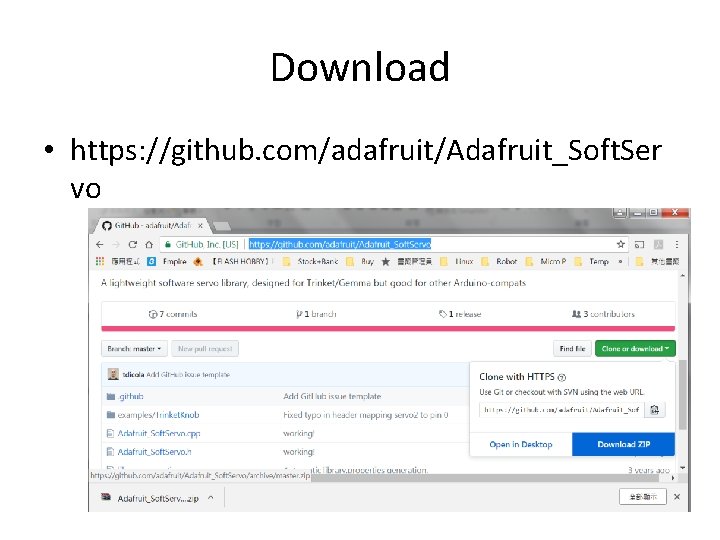
Download • https: //github. com/adafruit/Adafruit_Soft. Ser vo
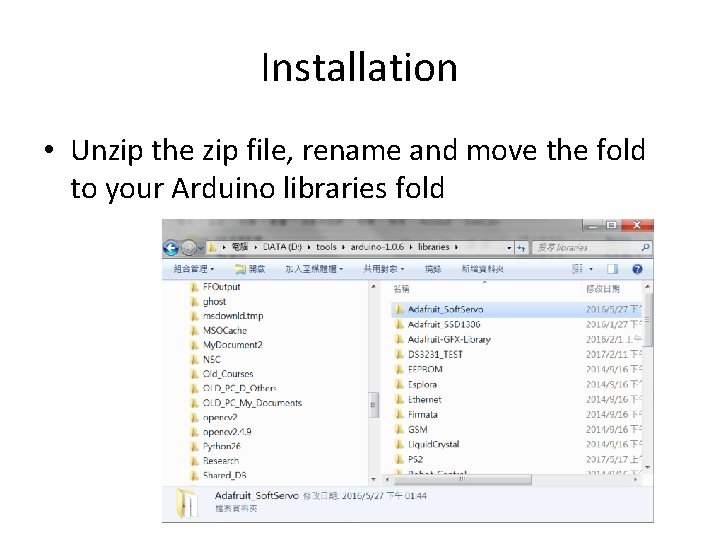
Installation • Unzip the zip file, rename and move the fold to your Arduino libraries fold
Interrupt • The Timer/Counter (TCNT 0) and Output Compare Registers (OCR 0 A and OCR 0 B) are 8 bit registers. • All interrupts are individually masked with the Timer Interrupt Mask Register (TIMSK).
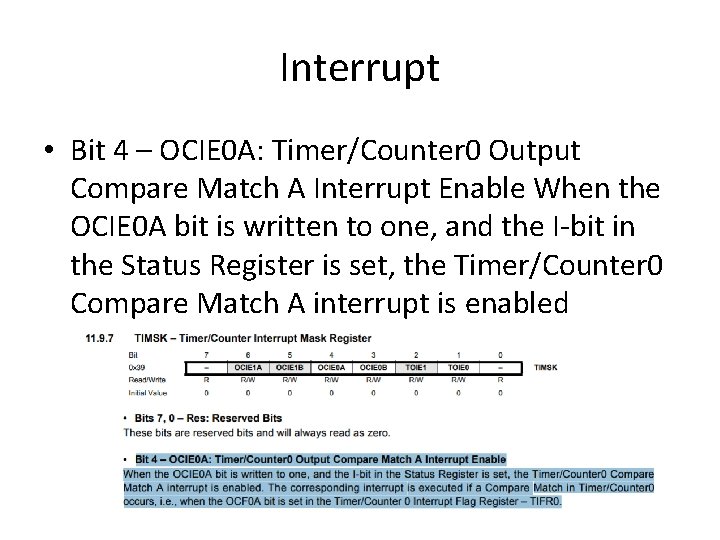
Interrupt • Bit 4 – OCIE 0 A: Timer/Counter 0 Output Compare Match A Interrupt Enable When the OCIE 0 A bit is written to one, and the I-bit in the Status Register is set, the Timer/Counter 0 Compare Match A interrupt is enabled
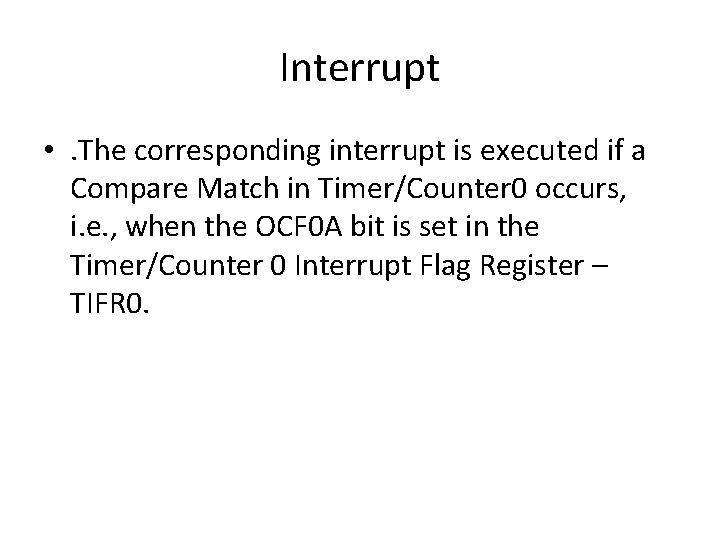
Interrupt • . The corresponding interrupt is executed if a Compare Match in Timer/Counter 0 occurs, i. e. , when the OCF 0 A bit is set in the Timer/Counter 0 Interrupt Flag Register – TIFR 0.
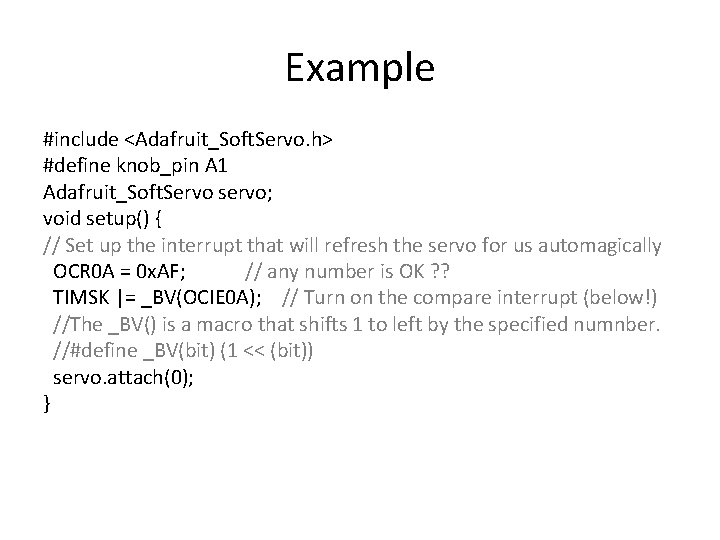
Example #include <Adafruit_Soft. Servo. h> #define knob_pin A 1 Adafruit_Soft. Servo servo; void setup() { // Set up the interrupt that will refresh the servo for us automagically OCR 0 A = 0 x. AF; // any number is OK ? ? TIMSK |= _BV(OCIE 0 A); // Turn on the compare interrupt (below!) //The _BV() is a macro that shifts 1 to left by the specified numnber. //#define _BV(bit) (1 << (bit)) servo. attach(0); }
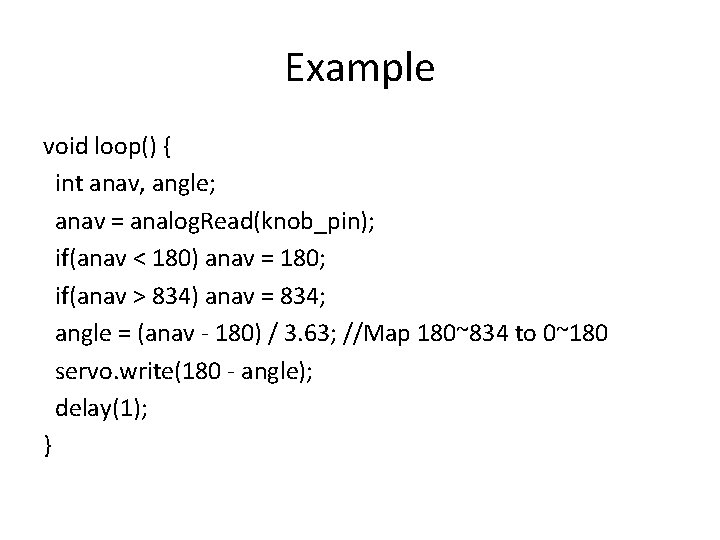
Example void loop() { int anav, angle; anav = analog. Read(knob_pin); if(anav < 180) anav = 180; if(anav > 834) anav = 834; angle = (anav - 180) / 3. 63; //Map 180~834 to 0~180 servo. write(180 - angle); delay(1); }
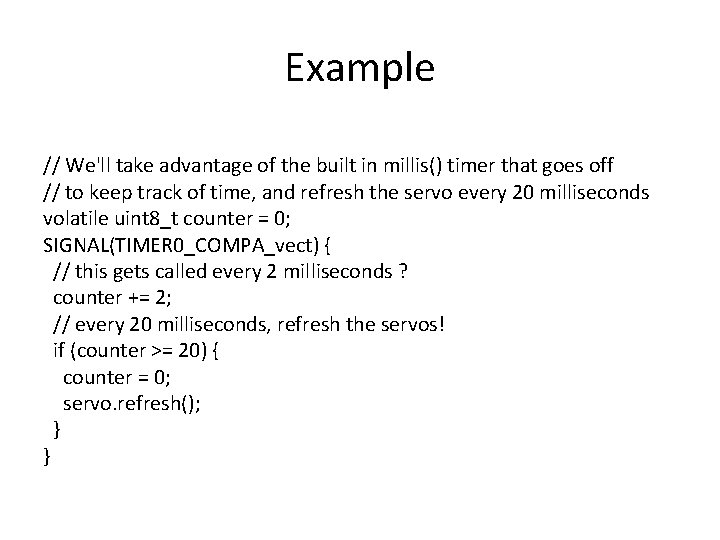
Example // We'll take advantage of the built in millis() timer that goes off // to keep track of time, and refresh the servo every 20 milliseconds volatile uint 8_t counter = 0; SIGNAL(TIMER 0_COMPA_vect) { // this gets called every 2 milliseconds ? counter += 2; // every 20 milliseconds, refresh the servos! if (counter >= 20) { counter = 0; servo. refresh(); } }
Example • The library CANNOT achieve 0~180° swing.
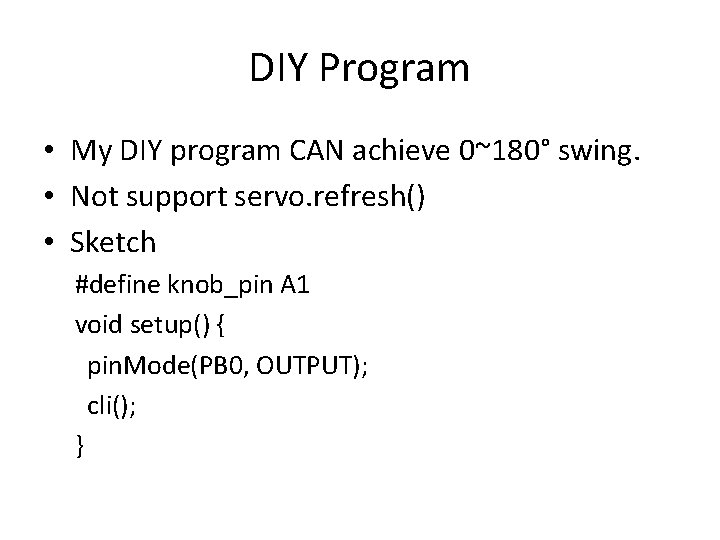
DIY Program • My DIY program CAN achieve 0~180° swing. • Not support servo. refresh() • Sketch #define knob_pin A 1 void setup() { pin. Mode(PB 0, OUTPUT); cli(); }
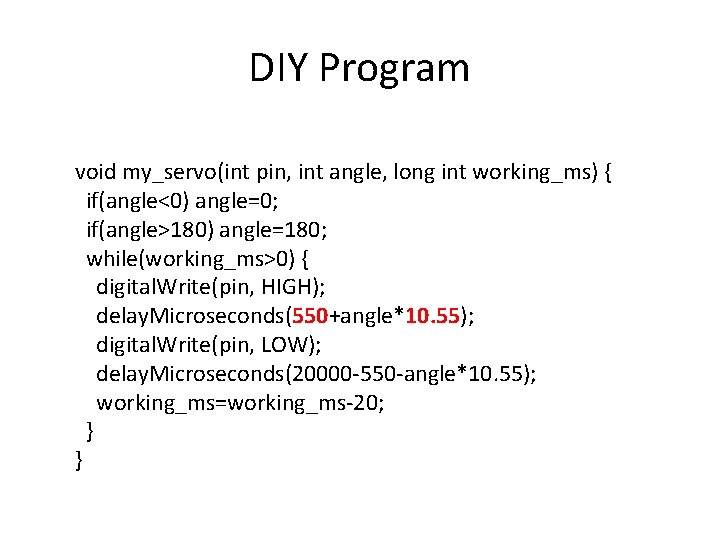
DIY Program void my_servo(int pin, int angle, long int working_ms) { if(angle<0) angle=0; if(angle>180) angle=180; while(working_ms>0) { digital. Write(pin, HIGH); delay. Microseconds(550+angle*10. 55); digital. Write(pin, LOW); delay. Microseconds(20000 -550 -angle*10. 55); working_ms=working_ms-20; } }
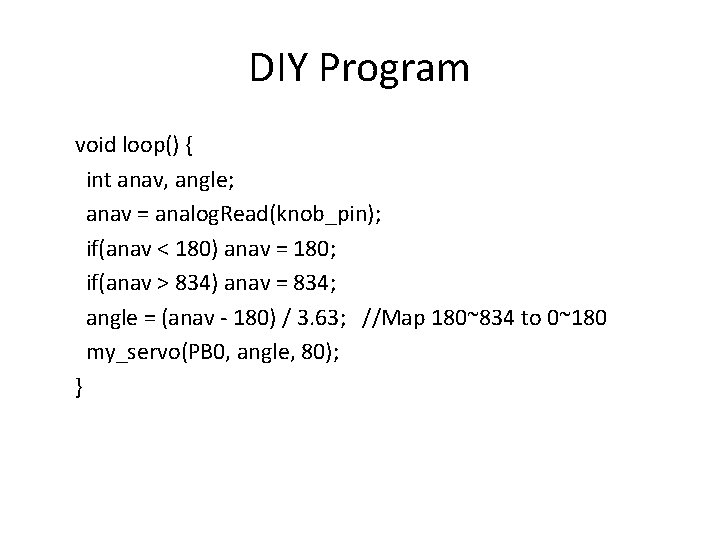
DIY Program void loop() { int anav, angle; anav = analog. Read(knob_pin); if(anav < 180) anav = 180; if(anav > 834) anav = 834; angle = (anav - 180) / 3. 63; //Map 180~834 to 0~180 my_servo(PB 0, angle, 80); }
Arduino UNO • Use Servo Library. • http: //120. 107. 171. 121/~tywua/sub/ISAR/Ser vo. pptx
- Slides: 14