
Software Process Prof Ing Ivo Vondrak CSc Dept
![Example of a Core Workflow [New system] [Existing System] [New Input] [Can’t Do All](https://slidetodoc.com/presentation_image_h/7fbf715d78d17c3946ca5c5300abcb67/image-40.jpg "Example of a Core Workflow [New system] [Existing System] [New Input] [Can’t Do All")
![[Early Inception] Workflow Assess Business Status [Domain Modeling Only] [Business Modeling] Identify Business Processes](https://slidetodoc.com/presentation_image_h/7fbf715d78d17c3946ca5c5300abcb67/image-78.jpg "[Early Inception] Workflow Assess Business Status [Domain Modeling Only] [Business Modeling] Identify Business Processes")
![Workflow [New System] [Existing System] Analyze the Problem [Incorrect Problem] Understand Stakeholder Needs [Addressing](https://slidetodoc.com/presentation_image_h/7fbf715d78d17c3946ca5c5300abcb67/image-84.jpg "Workflow [New System] [Existing System] Analyze the Problem [Incorrect Problem] Understand Stakeholder Needs [Addressing")
![[Early Elaboration Iteration] [Inception Iteration (Optional)] Workflow Define a Candidate Architecture Refine the Architecture](https://slidetodoc.com/presentation_image_h/7fbf715d78d17c3946ca5c5300abcb67/image-90.jpg "[Early Elaboration Iteration] [Inception Iteration (Optional)] Workflow Define a Candidate Architecture Refine the Architecture")
![Workflow [Another Technique] Define Evaluation Mission Verify Test Approach Validate Build Stability Test and](https://slidetodoc.com/presentation_image_h/7fbf715d78d17c3946ca5c5300abcb67/image-104.jpg "Workflow [Another Technique] Define Evaluation Mission Verify Test Approach Validate Build Stability Test and")
![Workflow Plan Deployment [Change Requests] Develop Support Material Manage Acceptance Test (At Development Site)](https://slidetodoc.com/presentation_image_h/7fbf715d78d17c3946ca5c5300abcb67/image-109.jpg "Workflow Plan Deployment [Change Requests] Develop Support Material Manage Acceptance Test (At Development Site)")
![[Start of Project Only] [All Subsequent Iterations] Workflow Conceive New Project Manage Iteration Plan](https://slidetodoc.com/presentation_image_h/7fbf715d78d17c3946ca5c5300abcb67/image-117.jpg "[Start of Project Only] [All Subsequent Iterations] Workflow Conceive New Project Manage Iteration Plan")
![Workflow [Inception Iterations] Prepare Environment for Project Prepare Environment for an Iteration Support Environment](https://slidetodoc.com/presentation_image_h/7fbf715d78d17c3946ca5c5300abcb67/image-127.jpg "Workflow [Inception Iterations] Prepare Environment for Project Prepare Environment for an Iteration Support Environment")
- Slides: 135
Software Process Prof. Ing. Ivo Vondrak, CSc. Dept. of Computer Science Technical University of Ostrava ivo. vondrak@vsb. cz http: //vondrak. cs. vsb. cz
References 1. 2. 3. 4. 5. Kruchten, P. : The Rational Unified Process: An Introduction, Third Edition, Addison-Wesley Pearson Education, Inc. , NJ, 2004 Humphrey, W. Managing the Software Process, Addison-Wesley/SEI series in Software Engineering, Reading, Ma, 1989 Jacobson, I. , Booch, G. , Rumbaugh, J. : The Unified Software Development Process, Addison Wesley Longman, Inc. , 1999 Booch, G. , Jacobson, I. , Rumbaugh, J. : The Unified Modeling Language User Guide, Addison Wesley Longman, Inc. , 1999 IBM Corporation, Rational University: PRJ 270: Essentials of Rational Unified Process, USA, 2003
Contents l l Introduction l Layout of Software Development, Definition of the Process, Capability Maturity Model Software Process l Software Development Best Practices, Rational Unified Process, Process Description, Iterative Development, Architecture-Centric Development, Use-Case-Driven Development Process Disciplines l Business Modeling, Requirements, Analysis and Design, Implementation, Testing, Deployment, Project Management, Configuration and Change Management, Environment Conclusions
Introduction Layout of Software Development Definition of the Process Capability Maturity Model
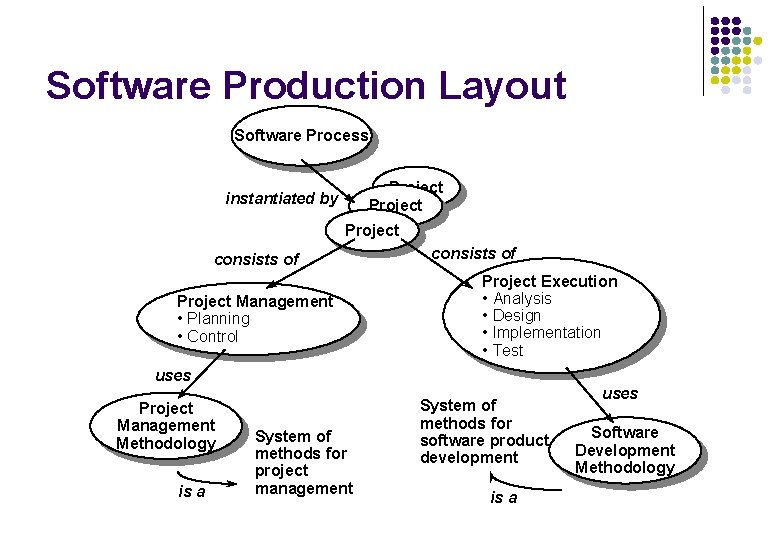
Software Production Layout Software Process Project instantiated by Project consists of Project Management • Planning • Control consists of Project Execution • Analysis • Design • Implementation • Test uses Project Management Methodology is a System of methods for project management System of methods for software product development is a uses Software Development Methodology
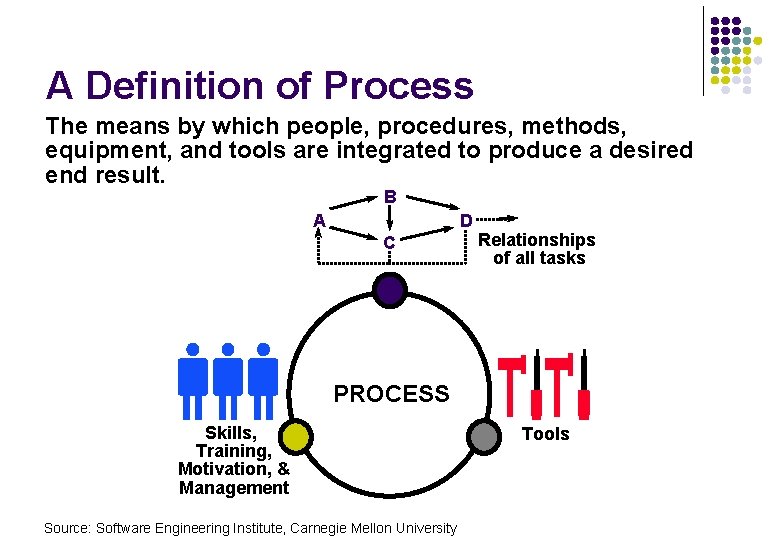
A Definition of Process The means by which people, procedures, methods, equipment, and tools are integrated to produce a desired end result. B A D C Relationships of all tasks PROCESS Skills, Training, Motivation, & Management Source: Software Engineering Institute, Carnegie Mellon University Tools
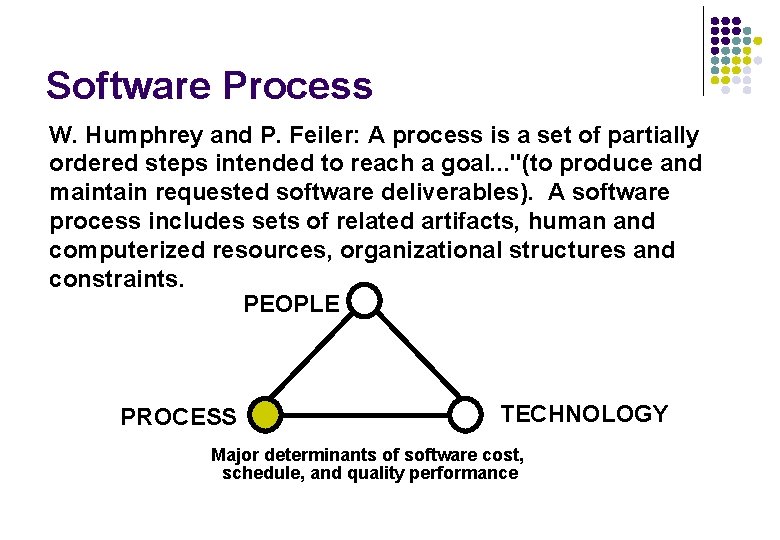
Software Process W. Humphrey and P. Feiler: A process is a set of partially ordered steps intended to reach a goal. . . "(to produce and maintain requested software deliverables). A software process includes sets of related artifacts, human and computerized resources, organizational structures and constraints. PEOPLE PROCESS TECHNOLOGY Major determinants of software cost, schedule, and quality performance
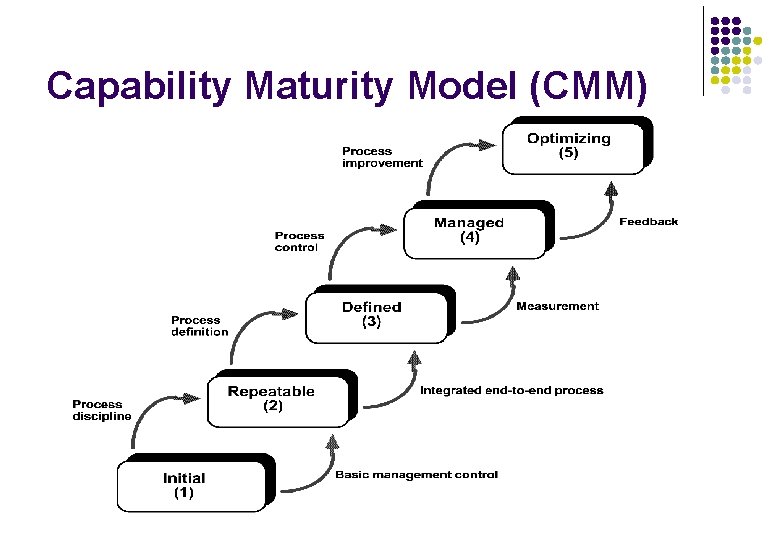
Capability Maturity Model (CMM)
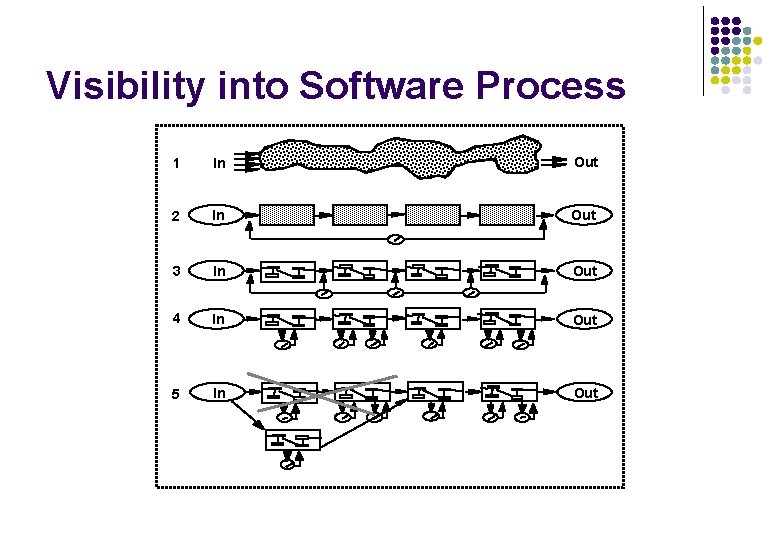
Visibility into Software Process 1 In Out 2 In Out 3 In Out 4 In Out 5 In Out
Software Process Software Development Best Practices Rational Unified Process Description Iterative Development Architecture-Centric Development Use-Case-Driven Development
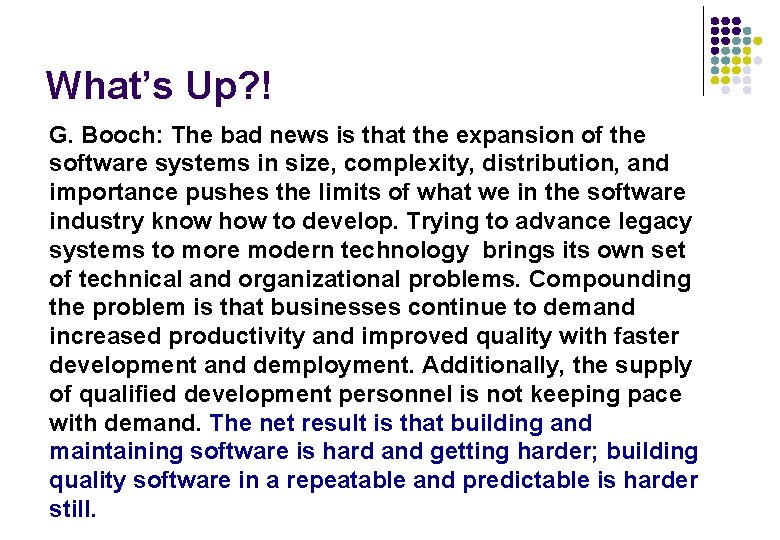
What’s Up? ! G. Booch: The bad news is that the expansion of the software systems in size, complexity, distribution, and importance pushes the limits of what we in the software industry know how to develop. Trying to advance legacy systems to more modern technology brings its own set of technical and organizational problems. Compounding the problem is that businesses continue to demand increased productivity and improved quality with faster development and demployment. Additionally, the supply of qualified development personnel is not keeping pace with demand. The net result is that building and maintaining software is hard and getting harder; building quality software in a repeatable and predictable is harder still.
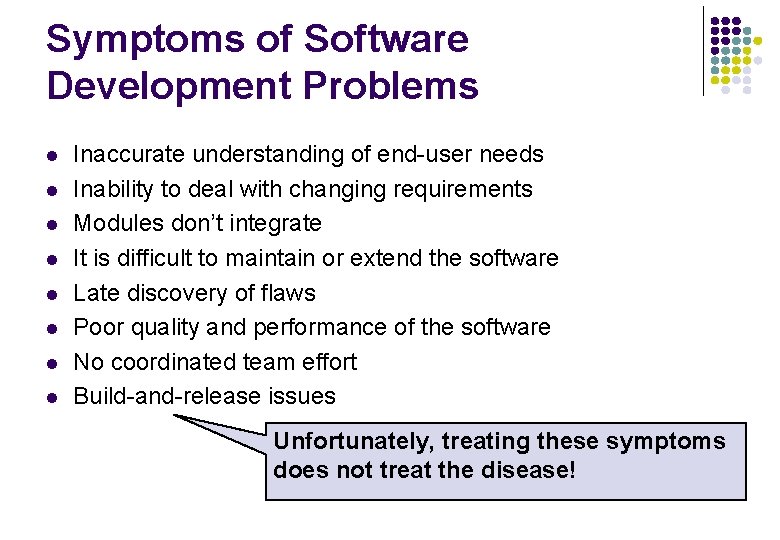
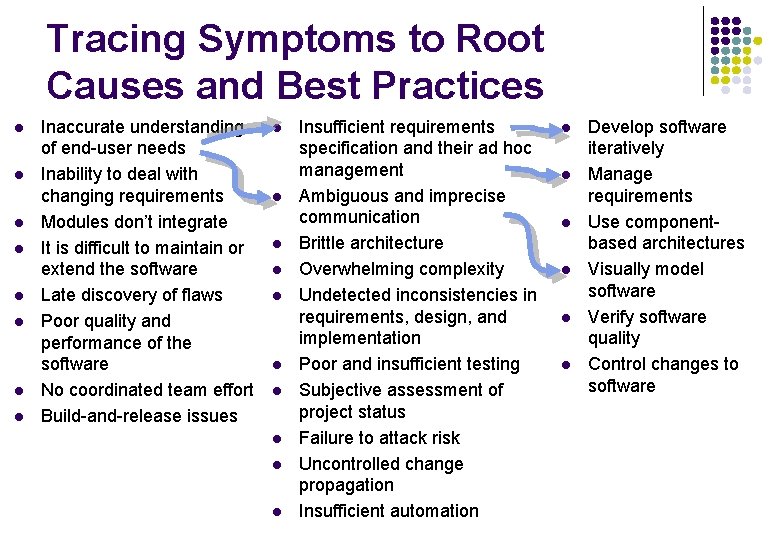
Symptoms of Software Development Problems l l l l Inaccurate understanding of end-user needs Inability to deal with changing requirements Modules don’t integrate It is difficult to maintain or extend the software Late discovery of flaws Poor quality and performance of the software No coordinated team effort Build-and-release issues Unfortunately, treating these symptoms does not treat the disease!
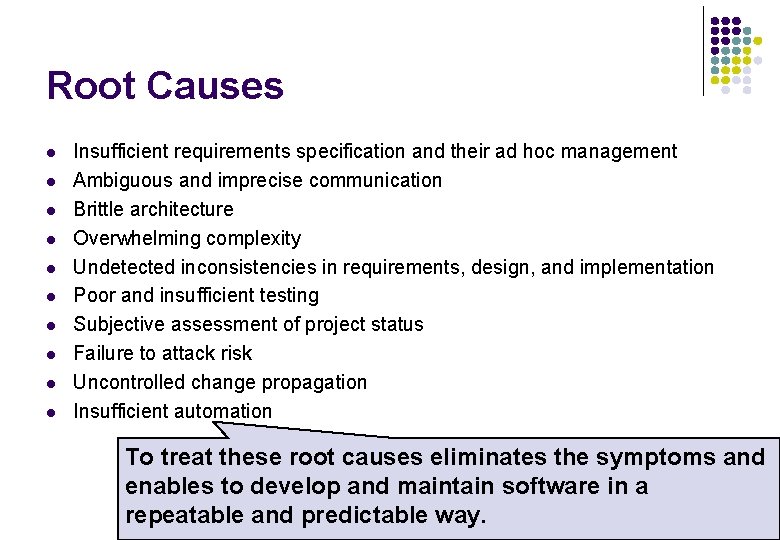
Root Causes l l l l l Insufficient requirements specification and their ad hoc management Ambiguous and imprecise communication Brittle architecture Overwhelming complexity Undetected inconsistencies in requirements, design, and implementation Poor and insufficient testing Subjective assessment of project status Failure to attack risk Uncontrolled change propagation Insufficient automation To treat these root causes eliminates the symptoms and enables to develop and maintain software in a repeatable and predictable way.
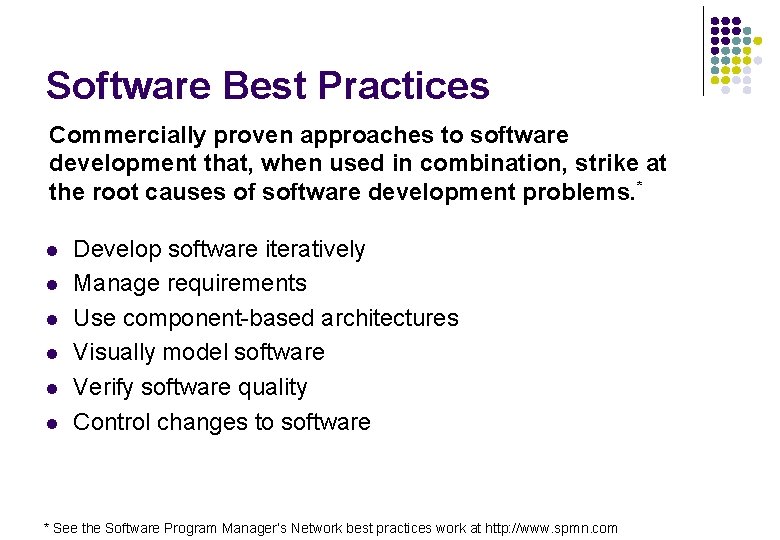
Software Best Practices Commercially proven approaches to software development that, when used in combination, strike at the root causes of software development problems. * l l l Develop software iteratively Manage requirements Use component-based architectures Visually model software Verify software quality Control changes to software * See the Software Program Manager’s Network best practices work at http: //www. spmn. com
Tracing Symptoms to Root Causes and Best Practices l l l l Inaccurate understanding of end-user needs Inability to deal with changing requirements Modules don’t integrate It is difficult to maintain or extend the software Late discovery of flaws Poor quality and performance of the software No coordinated team effort Build-and-release issues l l l l l Insufficient requirements specification and their ad hoc management Ambiguous and imprecise communication Brittle architecture Overwhelming complexity Undetected inconsistencies in requirements, design, and implementation Poor and insufficient testing Subjective assessment of project status Failure to attack risk Uncontrolled change propagation Insufficient automation l l l Develop software iteratively Manage requirements Use componentbased architectures Visually model software Verify software quality Control changes to software
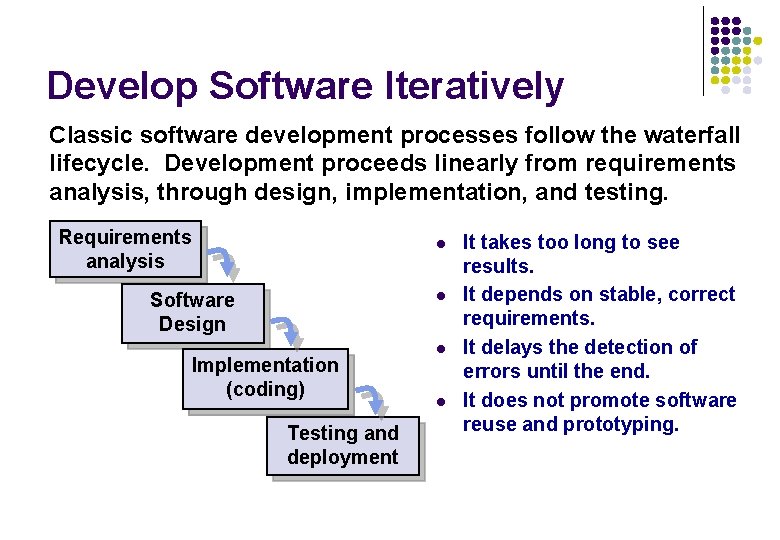
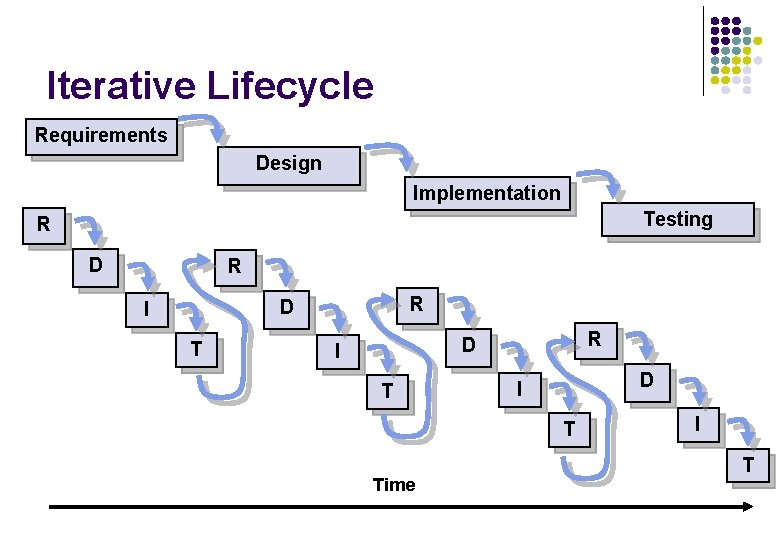
Develop Software Iteratively Classic software development processes follow the waterfall lifecycle. Development proceeds linearly from requirements analysis, through design, implementation, and testing. Requirements analysis l l Software Design Implementation (coding) Testing and deployment l l It takes too long to see results. It depends on stable, correct requirements. It delays the detection of errors until the end. It does not promote software reuse and prototyping.
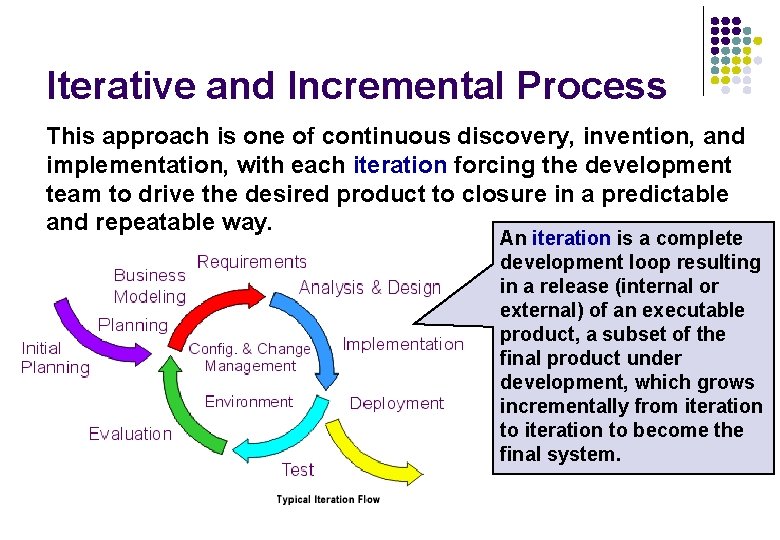
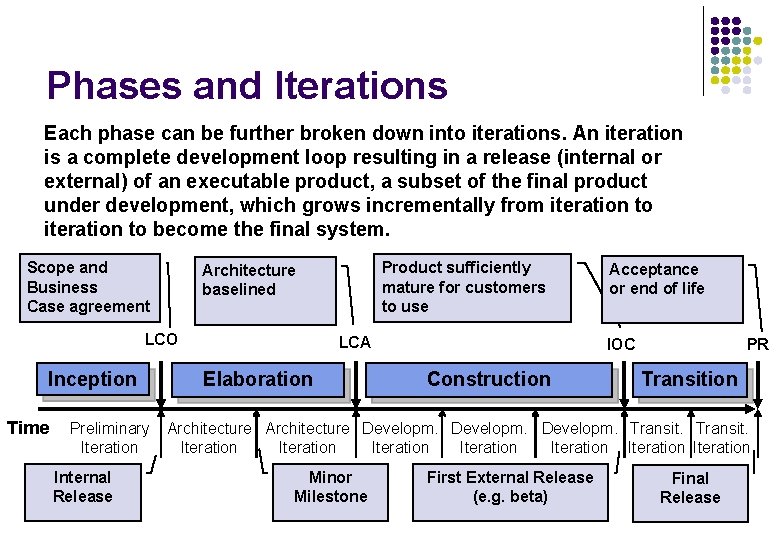
Iterative and Incremental Process This approach is one of continuous discovery, invention, and implementation, with each iteration forcing the development team to drive the desired product to closure in a predictable and repeatable way. An iteration is a complete development loop resulting in a release (internal or external) of an executable product, a subset of the final product under development, which grows incrementally from iteration to become the final system.
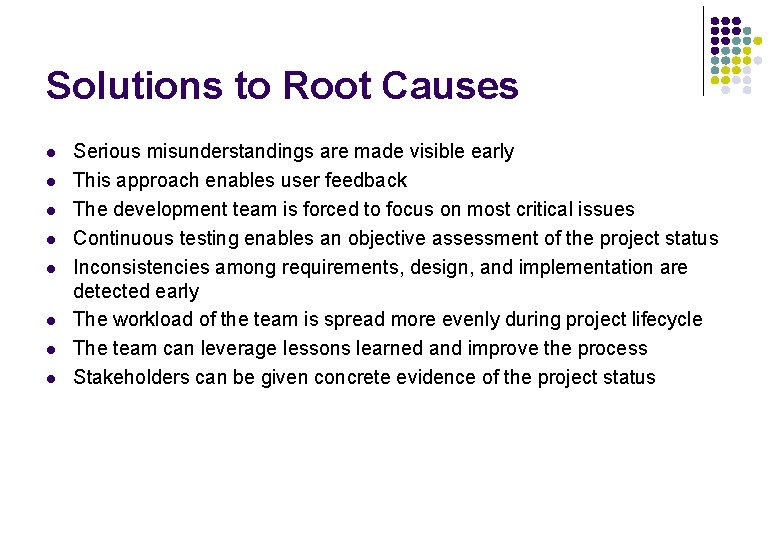
Solutions to Root Causes l l l l Serious misunderstandings are made visible early This approach enables user feedback The development team is forced to focus on most critical issues Continuous testing enables an objective assessment of the project status Inconsistencies among requirements, design, and implementation are detected early The workload of the team is spread more evenly during project lifecycle The team can leverage lessons learned and improve the process Stakeholders can be given concrete evidence of the project status
Manage Requirements A requirement is a condition or capability a system must have. l l It is a real problem to capture all requirements before the start of development. Requirements change during project lifecycle. Understanding and identifying of requirements is a continuous process. The active management of requirements is about following three activities: eliciting, organizing, and documenting the system required functionality and constraints.
Solutions to Root Causes l l l A disciplined approach is built into requirements management Communication is based on defined requirements Requirements have to be prioritized, filtered, and traced An objective assessment of functionality is possible Inconsistencies are detected more easily With a tool support it is possible to provide a repository for system requirements
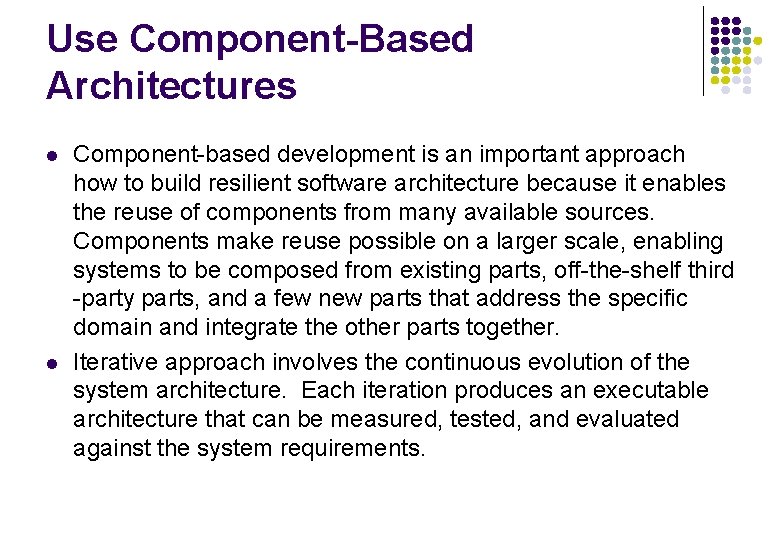
Use Component-Based Architectures l l Component-based development is an important approach how to build resilient software architecture because it enables the reuse of components from many available sources. Components make reuse possible on a larger scale, enabling systems to be composed from existing parts, off-the-shelf third -party parts, and a few new parts that address the specific domain and integrate the other parts together. Iterative approach involves the continuous evolution of the system architecture. Each iteration produces an executable architecture that can be measured, tested, and evaluated against the system requirements.
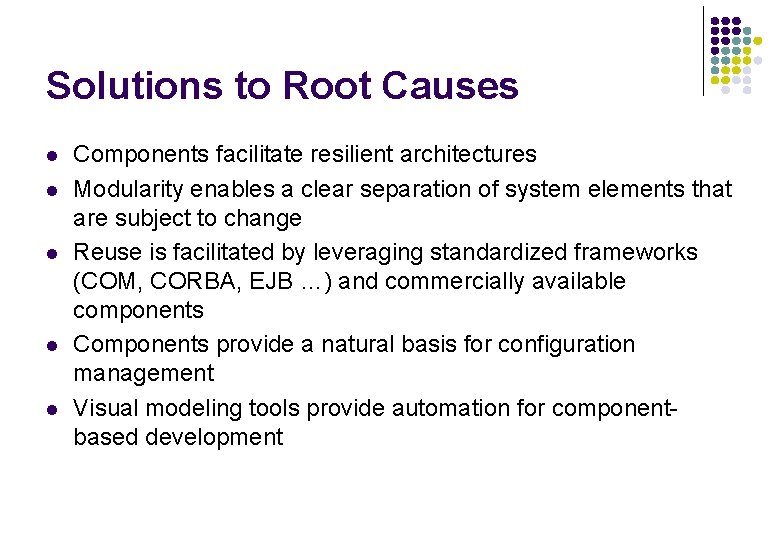
Solutions to Root Causes l l l Components facilitate resilient architectures Modularity enables a clear separation of system elements that are subject to change Reuse is facilitated by leveraging standardized frameworks (COM, CORBA, EJB …) and commercially available components Components provide a natural basis for configuration management Visual modeling tools provide automation for componentbased development
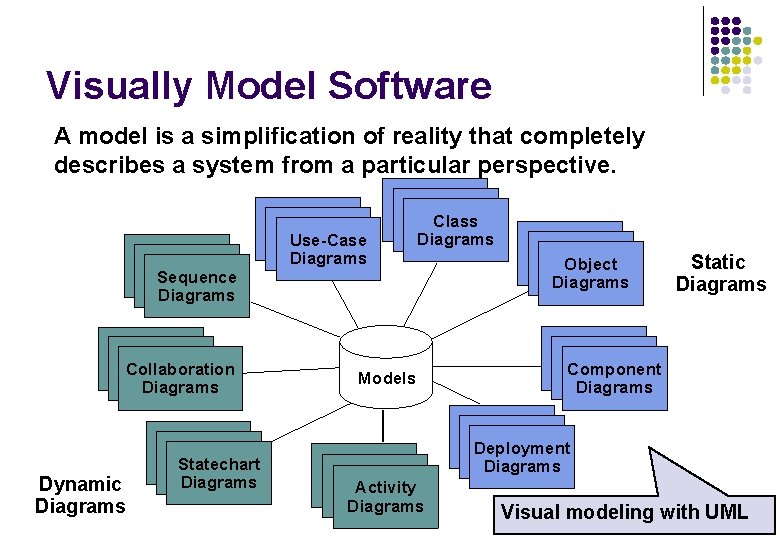
Visually Model Software A model is a simplification of reality that completely describes a system from a particular perspective. Sequence Diagrams Collaboration Diagrams Dynamic Diagrams Statechart Diagrams Use-Case Diagrams Class Diagrams Models Object Diagrams Static Diagrams Component Diagrams Deployment Diagrams Activity Diagrams Visual modeling with UML
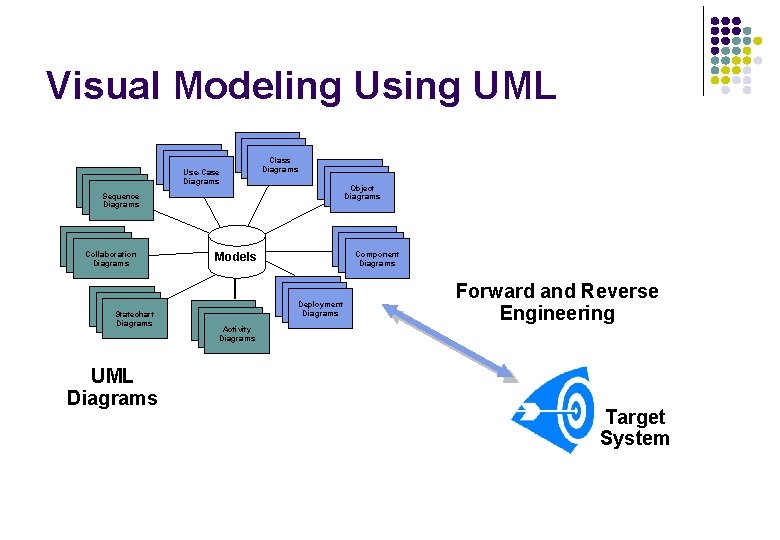
Visual Modeling Using UML Use-Case Diagrams Class Diagrams Object Diagrams Sequence Diagrams Collaboration Diagrams Statechart Diagrams UML Diagrams Component Diagrams Models Deployment Diagrams Forward and Reverse Engineering Activity Diagrams Target System
Solutions to Root Causes l l l Use cases and scenarios unambiguously specify behavior Software design is unambiguously captured by models Details can be hidden when needed Unambiguous design discovers inconsistencies more readily Application quality begins with good design Visual modeling tools provide support for UML modeling
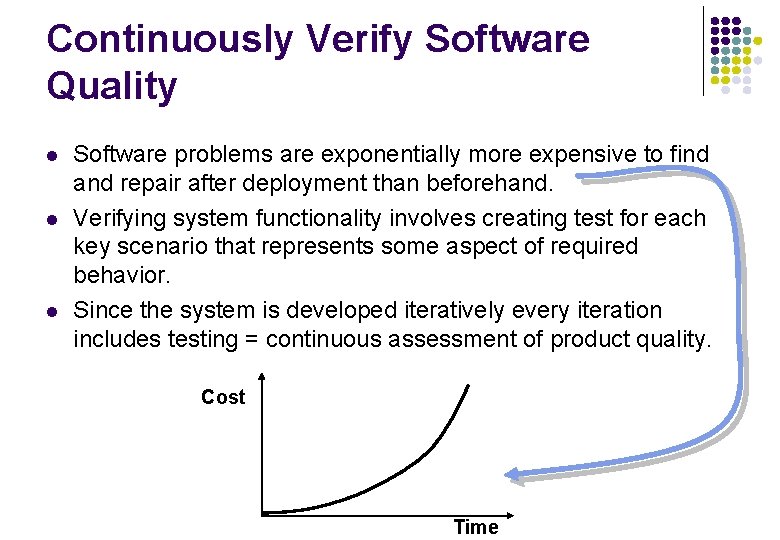
Continuously Verify Software Quality l l l Software problems are exponentially more expensive to find and repair after deployment than beforehand. Verifying system functionality involves creating test for each key scenario that represents some aspect of required behavior. Since the system is developed iteratively every iteration includes testing = continuous assessment of product quality. Cost Time
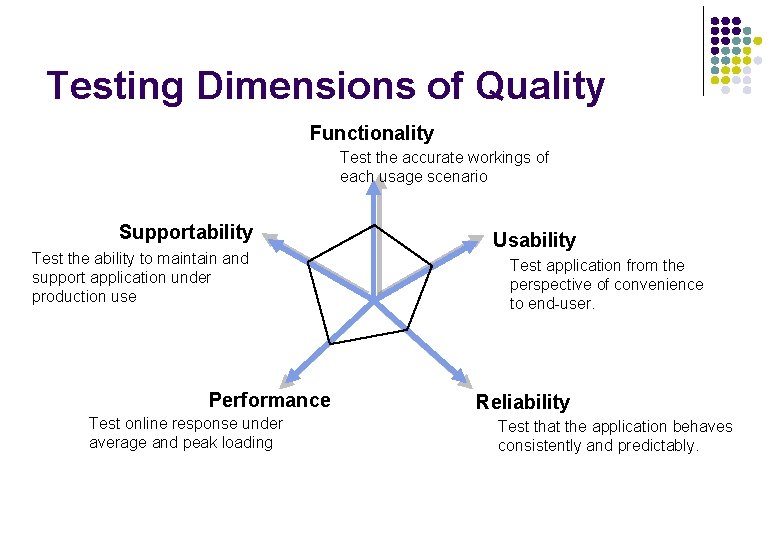
Testing Dimensions of Quality Functionality Test the accurate workings of each usage scenario Supportability Test the ability to maintain and support application under production use Performance Test online response under average and peak loading Usability Test application from the perspective of convenience to end-user. Reliability Test that the application behaves consistently and predictably.
Solutions to Root Causes l l l Project status assessment is made objective because test results are continuously evaluated This objective assessment exposes inconsistencies in requirements, design and implementation Testing and verification is focused on most important areas Defects are identified early and thus the costs of fixing them are reduced Automated testing tools provide testing for functionality, reliability, and performance
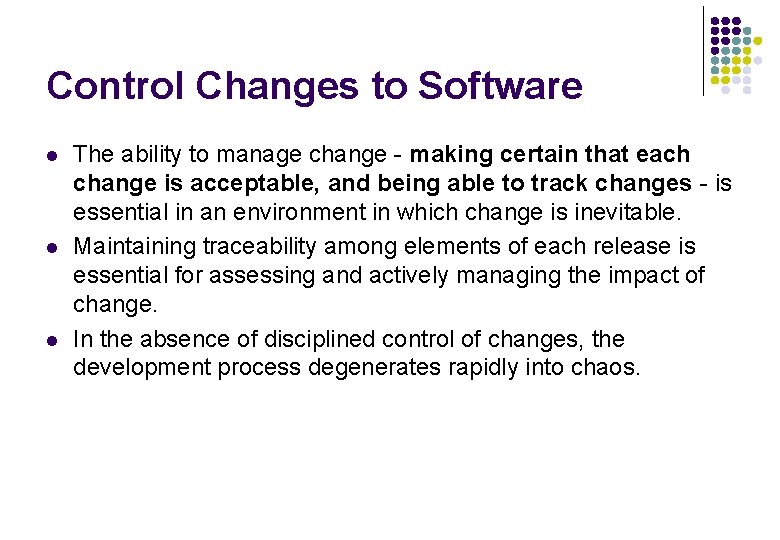
Control Changes to Software l l l The ability to manage change - making certain that each change is acceptable, and being able to track changes - is essential in an environment in which change is inevitable. Maintaining traceability among elements of each release is essential for assessing and actively managing the impact of change. In the absence of disciplined control of changes, the development process degenerates rapidly into chaos.
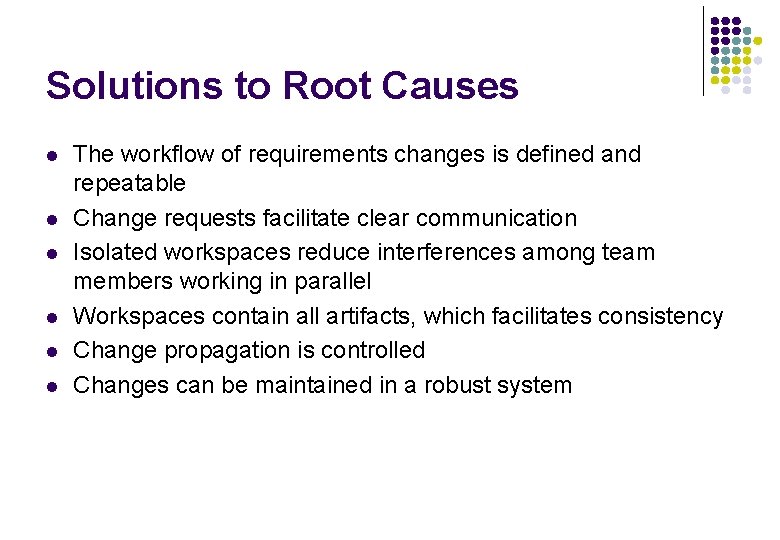
Solutions to Root Causes l l l The workflow of requirements changes is defined and repeatable Change requests facilitate clear communication Isolated workspaces reduce interferences among team members working in parallel Workspaces contain all artifacts, which facilitates consistency Change propagation is controlled Changes can be maintained in a robust system
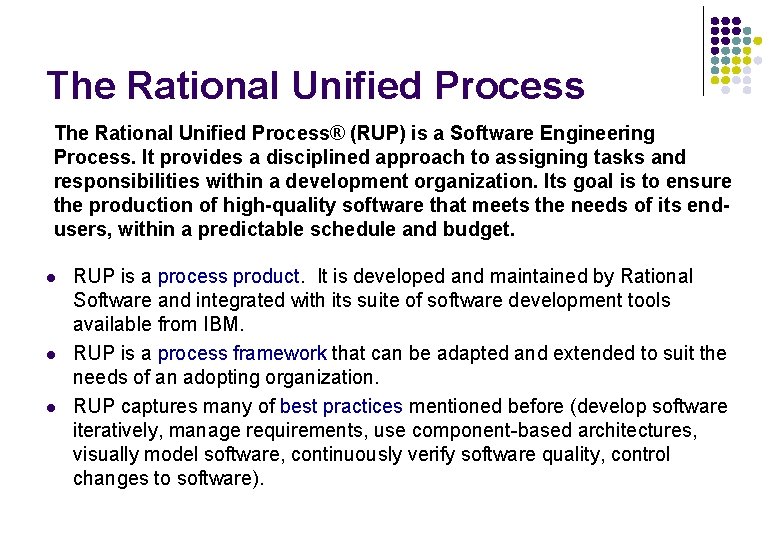
The Rational Unified Process® (RUP) is a Software Engineering Process. It provides a disciplined approach to assigning tasks and responsibilities within a development organization. Its goal is to ensure the production of high-quality software that meets the needs of its endusers, within a predictable schedule and budget. l l l RUP is a process product. It is developed and maintained by Rational Software and integrated with its suite of software development tools available from IBM. RUP is a process framework that can be adapted and extended to suit the needs of an adopting organization. RUP captures many of best practices mentioned before (develop software iteratively, manage requirements, use component-based architectures, visually model software, continuously verify software quality, control changes to software).
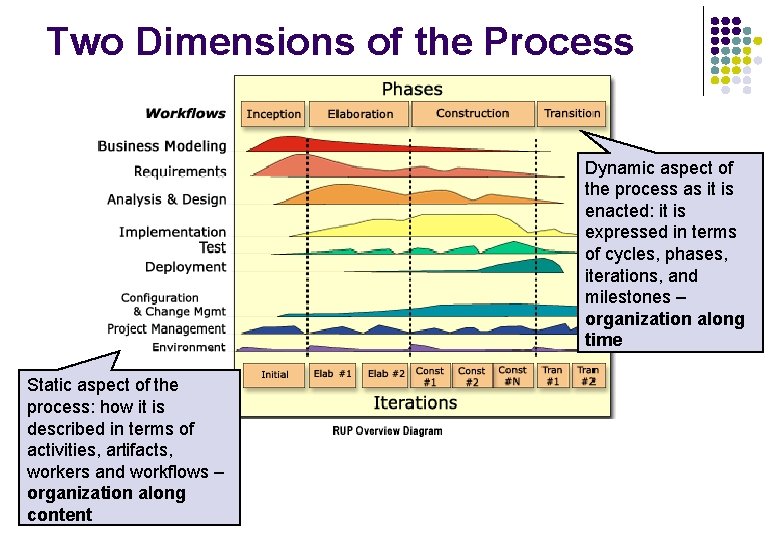
Two Dimensions of the Process Dynamic aspect of the process as it is enacted: it is expressed in terms of cycles, phases, iterations, and milestones – organization along time Static aspect of the process: how it is described in terms of activities, artifacts, workers and workflows – organization along content
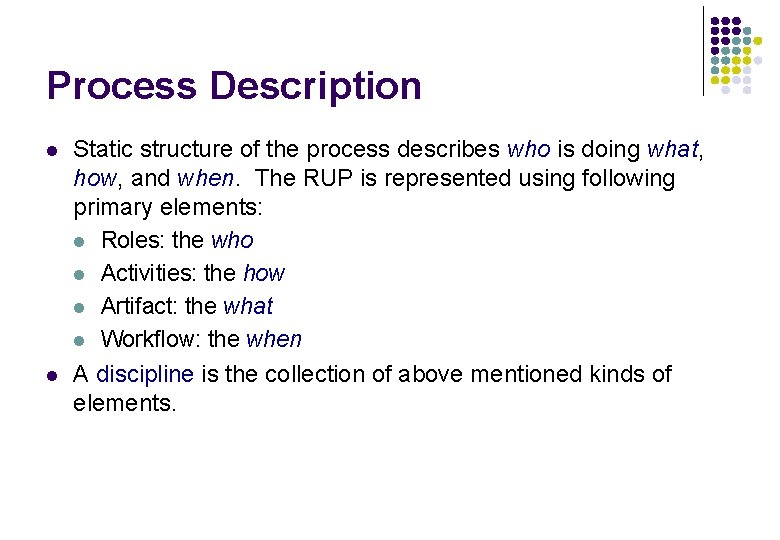
Process Description l l Static structure of the process describes who is doing what, how, and when. The RUP is represented using following primary elements: l Roles: the who l Activities: the how l Artifact: the what l Workflow: the when A discipline is the collection of above mentioned kinds of elements.
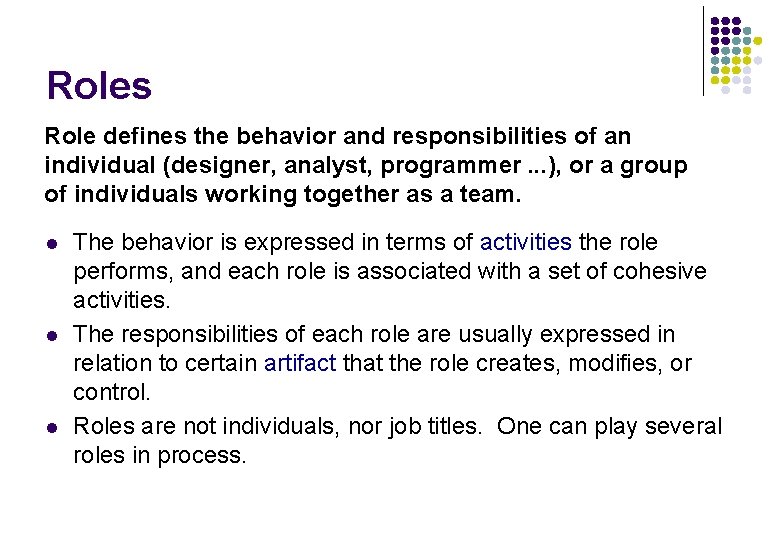
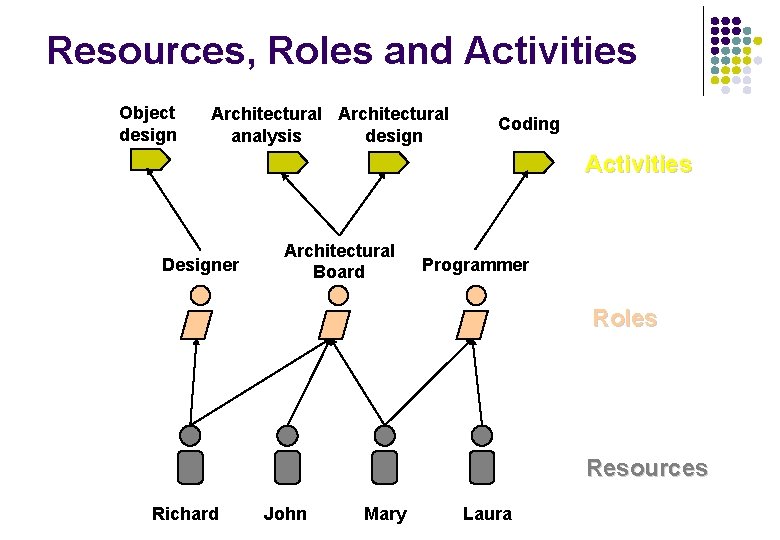
Roles Role defines the behavior and responsibilities of an individual (designer, analyst, programmer. . . ), or a group of individuals working together as a team. l l l The behavior is expressed in terms of activities the role performs, and each role is associated with a set of cohesive activities. The responsibilities of each role are usually expressed in relation to certain artifact that the role creates, modifies, or control. Roles are not individuals, nor job titles. One can play several roles in process.
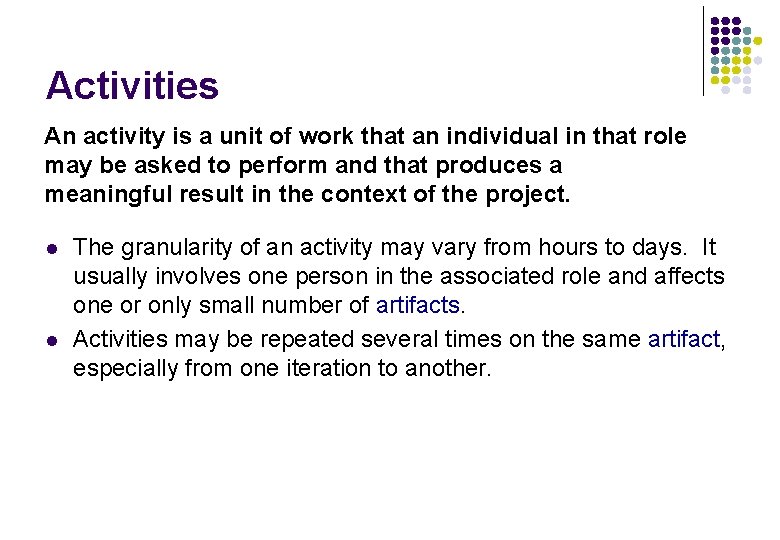
Activities An activity is a unit of work that an individual in that role may be asked to perform and that produces a meaningful result in the context of the project. l l The granularity of an activity may vary from hours to days. It usually involves one person in the associated role and affects one or only small number of artifacts. Activities may be repeated several times on the same artifact, especially from one iteration to another.
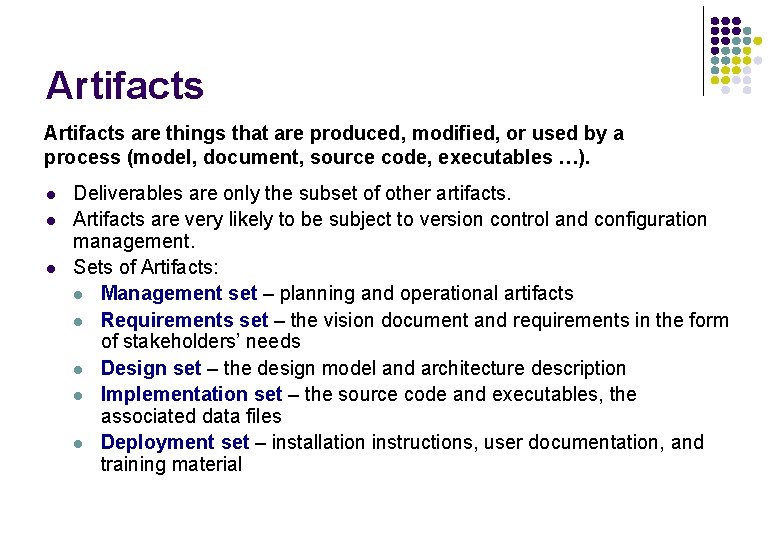
Artifacts are things that are produced, modified, or used by a process (model, document, source code, executables …). l l l Deliverables are only the subset of other artifacts. Artifacts are very likely to be subject to version control and configuration management. Sets of Artifacts: l Management set – planning and operational artifacts l Requirements set – the vision document and requirements in the form of stakeholders’ needs l Design set – the design model and architecture description l Implementation set – the source code and executables, the associated data files l Deployment set – installation instructions, user documentation, and training material
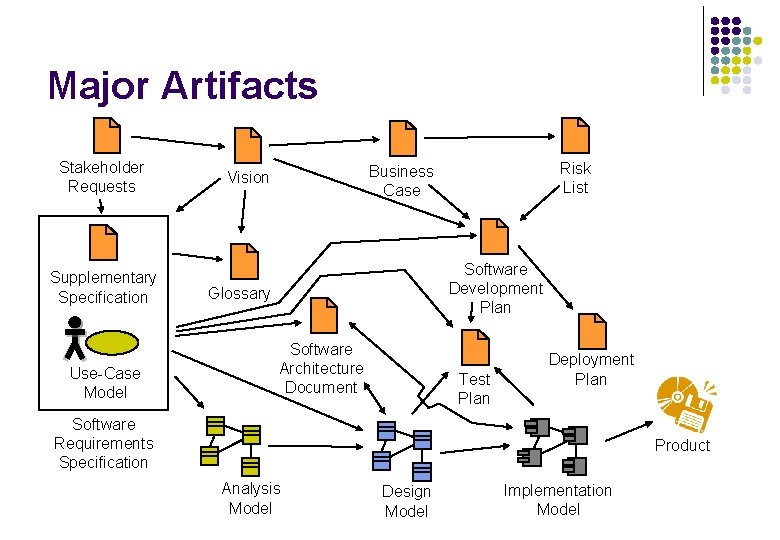
Major Artifacts Stakeholder Requests Supplementary Specification Use-Case Model Risk List Business Case Vision Software Development Plan Glossary Software Architecture Document Test Plan Deployment Plan Software Requirements Specification Product Analysis Model Design Model Implementation Model
Resources, Roles and Activities Object design Architectural design analysis Coding Activities Designer Architectural Board Programmer Roles Resources Richard John Mary Laura
Workflows are sequences of activities that produce results of observable value (business modeling, implementation …). l l l Core Workflow gives the overall flow of activities for each discipline. Workflow Details show roles, activities they perform, input artifacts they need, and output artifacts they produce. Iteration Plan is time-sequenced set of activities and tasks, with assigned resources, and containing task dependencies. A fine-grained plan, one per iteration.
Example of a Core Workflow [New system] [Existing System] [New Input] [Can’t Do All the Work] Analyze the Problem [Incorrect Problem] Define the System Workflow Detail Understand Stakeholder Needs [Addressing Correct Problem] Manage the Scope of the System Manage Changing Requirements [Work in Scope] Refine the System Definition
Iterative Development l l l Given today’s sophisticated software systems, it is not possible to sequentially first define the entire problem, design the entire solution, build the software and then test the product at the end. An iterative approach is required that allows an increasing understanding of the problem through successive refinements, and to incrementally grow an effective solution over multiple iterations. Each iteration ends with an executable release.
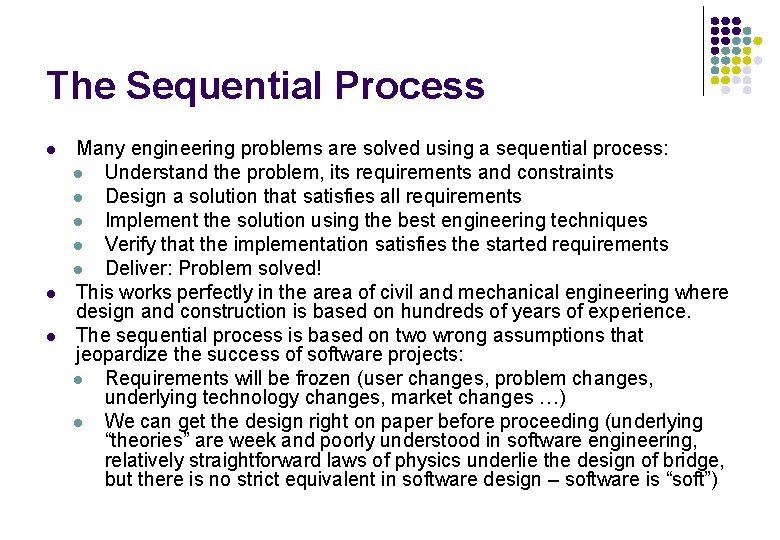
The Sequential Process l l l Many engineering problems are solved using a sequential process: l Understand the problem, its requirements and constraints l Design a solution that satisfies all requirements l Implement the solution using the best engineering techniques l Verify that the implementation satisfies the started requirements l Deliver: Problem solved! This works perfectly in the area of civil and mechanical engineering where design and construction is based on hundreds of years of experience. The sequential process is based on two wrong assumptions that jeopardize the success of software projects: l Requirements will be frozen (user changes, problem changes, underlying technology changes, market changes …) l We can get the design right on paper before proceeding (underlying “theories” are week and poorly understood in software engineering, relatively straightforward laws of physics underlie the design of bridge, but there is no strict equivalent in software design – software is “soft”)
Iterative Lifecycle Requirements Design Implementation Testing R D R R D I T Time I T
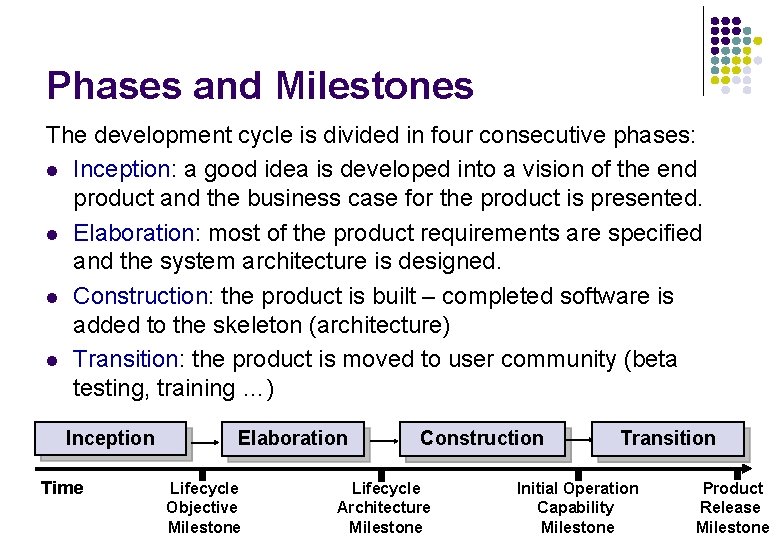
Phases and Milestones The development cycle is divided in four consecutive phases: l Inception: a good idea is developed into a vision of the end product and the business case for the product is presented. l Elaboration: most of the product requirements are specified and the system architecture is designed. l Construction: the product is built – completed software is added to the skeleton (architecture) l Transition: the product is moved to user community (beta testing, training …) Inception Time Elaboration Lifecycle Objective Milestone Construction Lifecycle Architecture Milestone Transition Initial Operation Capability Milestone Product Release Milestone
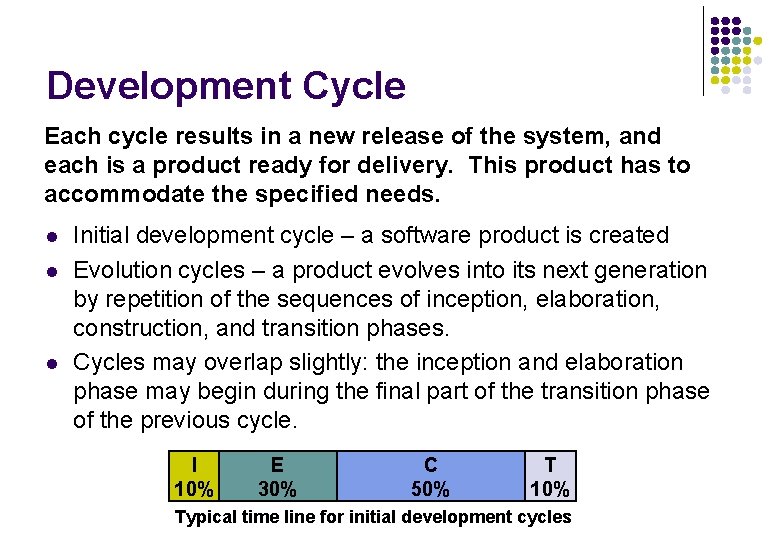
Development Cycle Each cycle results in a new release of the system, and each is a product ready for delivery. This product has to accommodate the specified needs. l l l Initial development cycle – a software product is created Evolution cycles – a product evolves into its next generation by repetition of the sequences of inception, elaboration, construction, and transition phases. Cycles may overlap slightly: the inception and elaboration phase may begin during the final part of the transition phase of the previous cycle. I 10% E 30% C 50% T 10% Typical time line for initial development cycles
Phases and Iterations Each phase can be further broken down into iterations. An iteration is a complete development loop resulting in a release (internal or external) of an executable product, a subset of the final product under development, which grows incrementally from iteration to become the final system. Scope and Business Case agreement LCO Inception Time Preliminary Iteration Internal Release Product sufficiently mature for customers to use Architecture baselined LCA Elaboration Acceptance or end of life IOC Construction PR Transition Architecture Developm. Transit. Iteration Iteration Minor Milestone First External Release (e. g. beta) Final Release
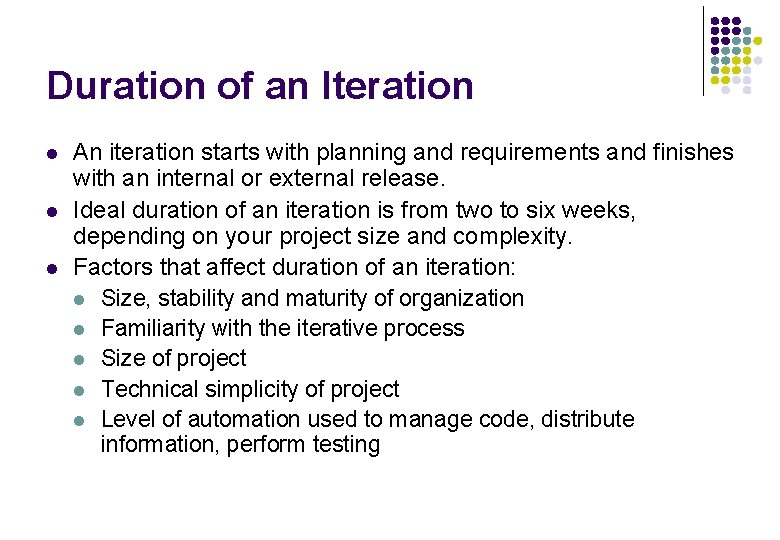
Duration of an Iteration l l l An iteration starts with planning and requirements and finishes with an internal or external release. Ideal duration of an iteration is from two to six weeks, depending on your project size and complexity. Factors that affect duration of an iteration: l Size, stability and maturity of organization l Familiarity with the iterative process l Size of project l Technical simplicity of project l Level of automation used to manage code, distribute information, perform testing
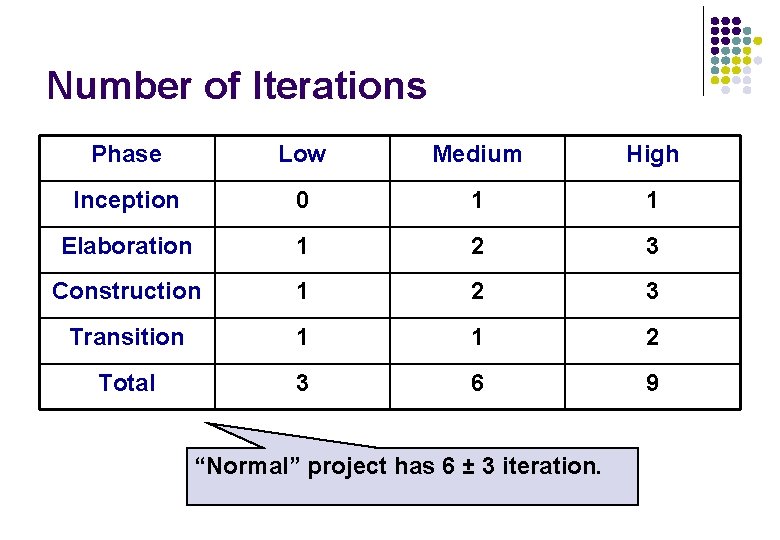
Number of Iterations Phase Low Medium High Inception 0 1 1 Elaboration 1 2 3 Construction 1 2 3 Transition 1 1 2 Total 3 6 9 “Normal” project has 6 ± 3 iteration.
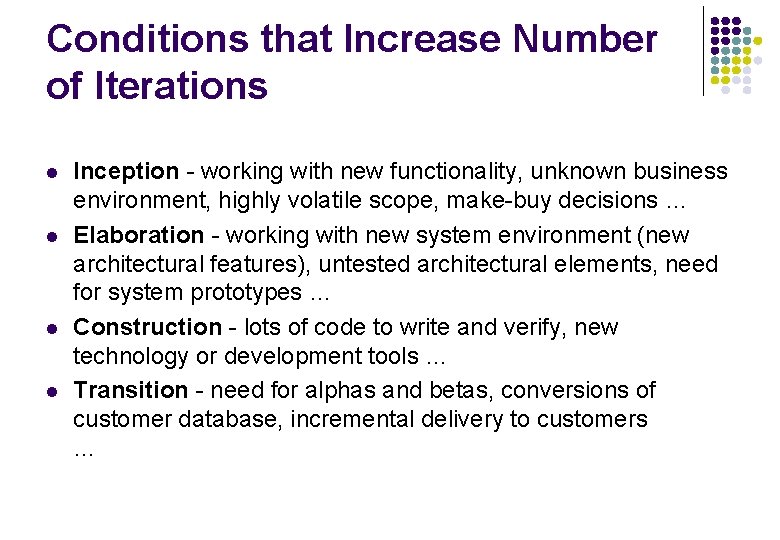
Conditions that Increase Number of Iterations l l Inception - working with new functionality, unknown business environment, highly volatile scope, make-buy decisions … Elaboration - working with new system environment (new architectural features), untested architectural elements, need for system prototypes … Construction - lots of code to write and verify, new technology or development tools … Transition - need for alphas and betas, conversions of customer database, incremental delivery to customers …
Inception Phase: Objectives l l l Establish project scope and boundary conditions, including operational concepts, and acceptance criteria Determine the critical use cases and primary scenarios of behavior that drive the system functionality Demonstrate at least one candidate architecture against some of the primary scenarios Estimate the overall cost and schedule for the entire project Identify potential risks (the sources of unpredictability) Prepare the supporting environment for the project
Milestone: Lifecycle Objective (LCO) l l l Stakeholder concurrence on scope definition and cost and schedule estimates Agreement that the right set of requirements has been captured and that there is a shared understanding of these requirements Credibility of the cost and schedule estimates, priorities, risks, and development process All risks have been identified and a mitigation strategy exists for each Actual expenditures versus planned expenditures
Elaboration Phase: Objectives l l l Define, validate and baseline the architecture as rapidly as is practical Baseline the vision Baseline a high-fidelity plan for the construction phase Refine support environment Demonstrate that the baseline architecture will support the vision at a reasonable cost in a reasonable time A baseline is a reviewed and approved release of artifacts that constitutes and agreed-on basis for further evolution or development and that can be changed only through a formal procedure.
Milestone: Lifecycle Architecture (LCA) l l l Product vision and requirements are stable. Architecture is stable. The executable demonstration show that the major risks have been addressed and resolved. Iteration plans for Construction phase is sufficiently detailed to allow work to proceed, and are supported by credible estimates. All stakeholders agree that current vision can be achieved if the current plan is executed to develop the complete system, in the context of the current architecture. Actual resource expenditures versus planned expenditures are acceptable.
Construction Phase: Objectives l l Complete the software product for transition to user Minimize development costs by optimizing resources and avoiding unnecessary scrap and rework Achieve adequate quality as rapidly as is practical Achieve useful versions (alpha, beta, and other test releases) as rapidly as possible
Milestone: Initial Operational Capability (IOC) l l l The product release is stable and mature enough to be deployed in the user community. All the stakeholders are ready for the product’s transition into the user community. The actual resource expenditures versus planned are still acceptable.
Transition Phase: Objectives l l l Achieve user self-supportability Achieve stakeholder concurrence that deployment baselines are complete and consistent with the evaluation criteria of the vision Achieve final product baseline as rapidly and cost-effectively as practical
Milestone: Product Release (PR) l l The user is satisfied. Actual resources expenditures versus planned expenditures are acceptable.
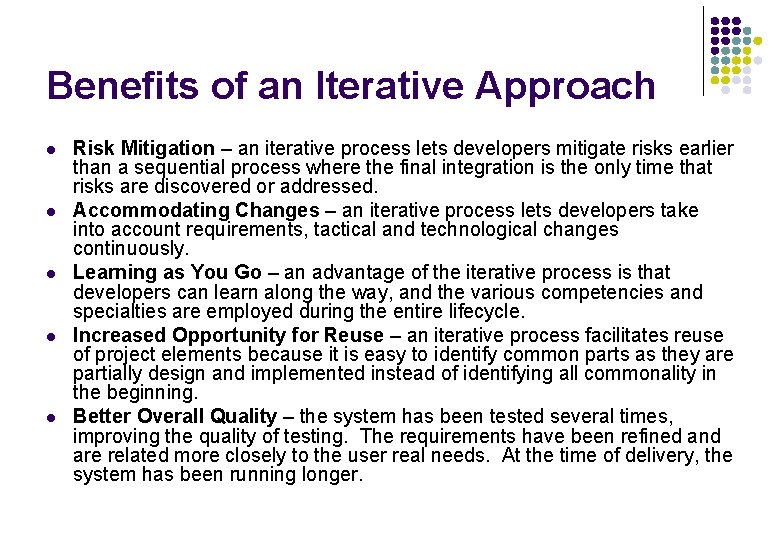
Benefits of an Iterative Approach l l l Risk Mitigation – an iterative process lets developers mitigate risks earlier than a sequential process where the final integration is the only time that risks are discovered or addressed. Accommodating Changes – an iterative process lets developers take into account requirements, tactical and technological changes continuously. Learning as You Go – an advantage of the iterative process is that developers can learn along the way, and the various competencies and specialties are employed during the entire lifecycle. Increased Opportunity for Reuse – an iterative process facilitates reuse of project elements because it is easy to identify common parts as they are partially design and implemented instead of identifying all commonality in the beginning. Better Overall Quality – the system has been tested several times, improving the quality of testing. The requirements have been refined and are related more closely to the user real needs. At the time of delivery, the system has been running longer.
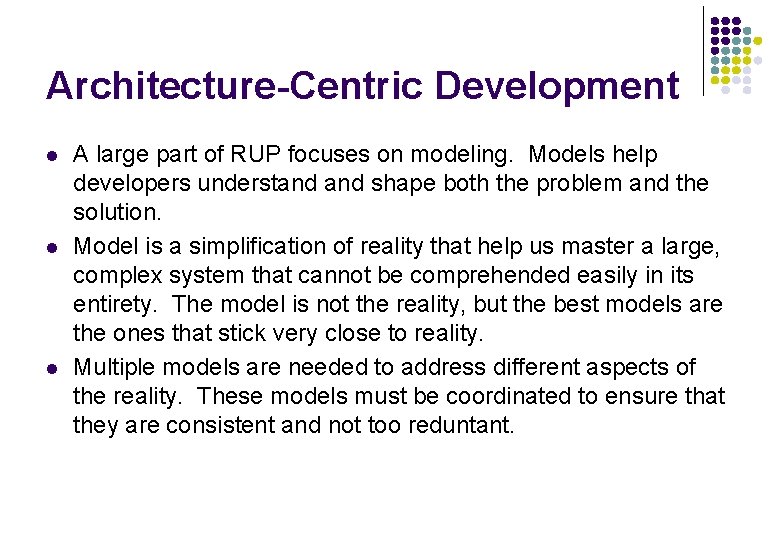
Architecture-Centric Development l l l A large part of RUP focuses on modeling. Models help developers understand shape both the problem and the solution. Model is a simplification of reality that help us master a large, complex system that cannot be comprehended easily in its entirety. The model is not the reality, but the best models are the ones that stick very close to reality. Multiple models are needed to address different aspects of the reality. These models must be coordinated to ensure that they are consistent and not too reduntant.
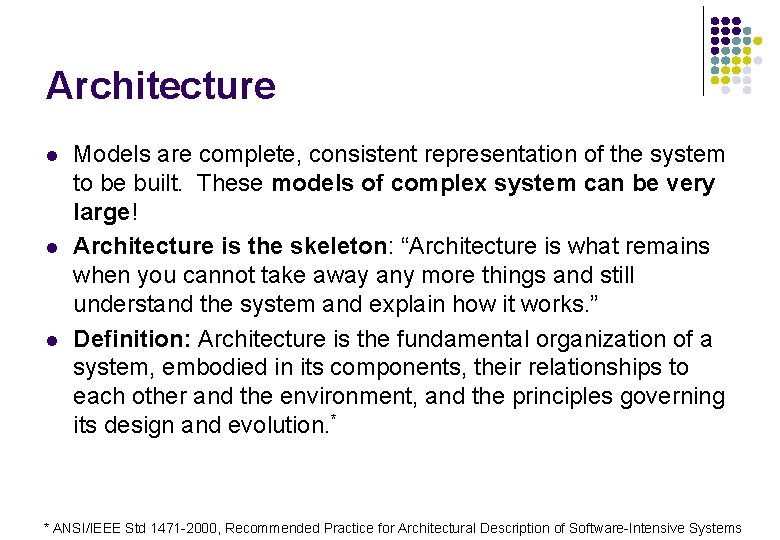
Architecture l l l Models are complete, consistent representation of the system to be built. These models of complex system can be very large! Architecture is the skeleton: “Architecture is what remains when you cannot take away any more things and still understand the system and explain how it works. ” Definition: Architecture is the fundamental organization of a system, embodied in its components, their relationships to each other and the environment, and the principles governing its design and evolution. * * ANSI/IEEE Std 1471 -2000, Recommended Practice for Architectural Description of Software-Intensive Systems
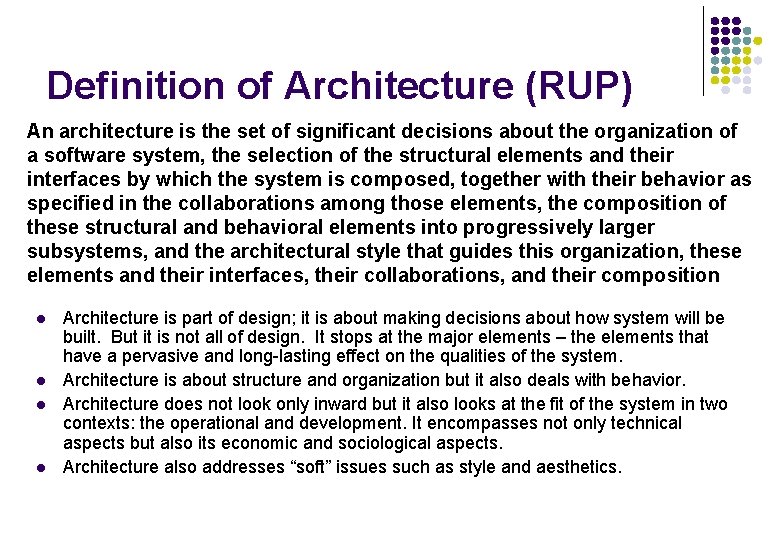
Definition of Architecture (RUP) An architecture is the set of significant decisions about the organization of a software system, the selection of the structural elements and their interfaces by which the system is composed, together with their behavior as specified in the collaborations among those elements, the composition of these structural and behavioral elements into progressively larger subsystems, and the architectural style that guides this organization, these elements and their interfaces, their collaborations, and their composition l l Architecture is part of design; it is about making decisions about how system will be built. But it is not all of design. It stops at the major elements – the elements that have a pervasive and long-lasting effect on the qualities of the system. Architecture is about structure and organization but it also deals with behavior. Architecture does not look only inward but it also looks at the fit of the system in two contexts: the operational and development. It encompasses not only technical aspects but also its economic and sociological aspects. Architecture also addresses “soft” issues such as style and aesthetics.
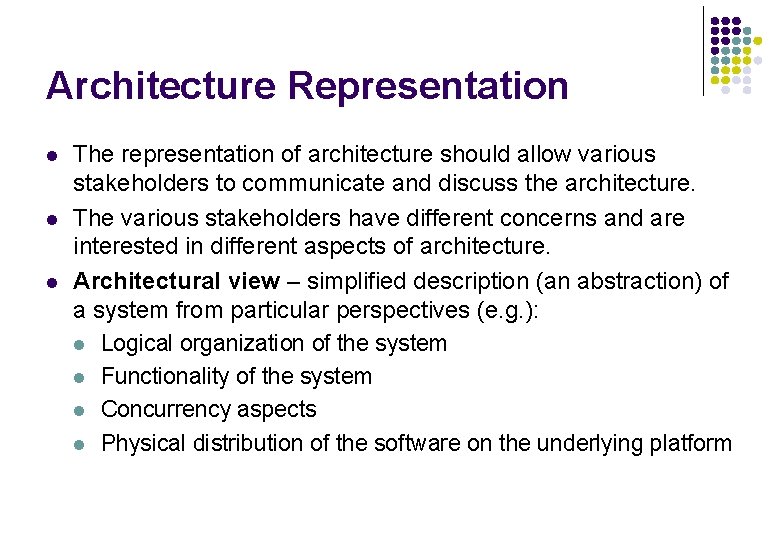
Architecture Representation l l l The representation of architecture should allow various stakeholders to communicate and discuss the architecture. The various stakeholders have different concerns and are interested in different aspects of architecture. Architectural view – simplified description (an abstraction) of a system from particular perspectives (e. g. ): l Logical organization of the system l Functionality of the system l Concurrency aspects l Physical distribution of the software on the underlying platform
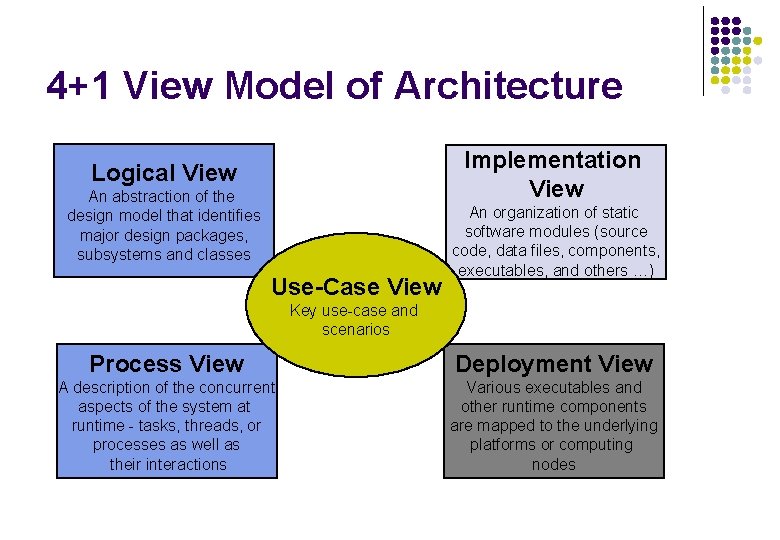
4+1 View Model of Architecture Implementation View Logical View An abstraction of the design model that identifies major design packages, subsystems and classes Use-Case View An organization of static software modules (source code, data files, components, executables, and others …) Key use-case and scenarios Process View Deployment View A description of the concurrent aspects of the system at runtime - tasks, threads, or processes as well as their interactions Various executables and other runtime components are mapped to the underlying platforms or computing nodes
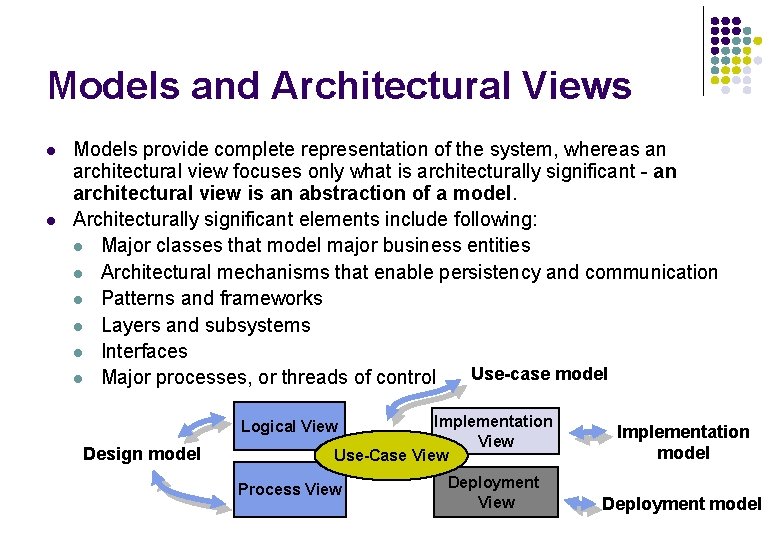
Models and Architectural Views l l Models provide complete representation of the system, whereas an architectural view focuses only what is architecturally significant - an architectural view is an abstraction of a model. Architecturally significant elements include following: l Major classes that model major business entities l Architectural mechanisms that enable persistency and communication l Patterns and frameworks l Layers and subsystems l Interfaces Use-case model l Major processes, or threads of control Implementation View Use-Case View Logical View Design model Process View Deployment View Implementation model Deployment model
Primary Architectural Artifacts l l Software Architecture Document (SAD) represents comprehensive overview of the architecture of the software system. It includes the following: l Architectural Views l Requirements and constraints l Size and performance characteristics l Quality, extensibility, and portability targets The architectural prototype, which is used to validate the architecture (tested via architecturally significant use cases) and which serves as the baseline for the rest of development.
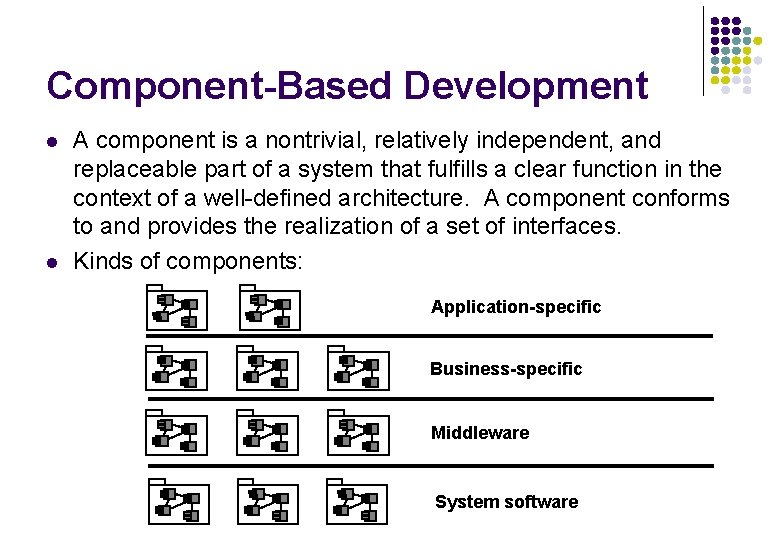
Component-Based Development l l A component is a nontrivial, relatively independent, and replaceable part of a system that fulfills a clear function in the context of a well-defined architecture. A component conforms to and provides the realization of a set of interfaces. Kinds of components: Application-specific Business-specific Middleware System software
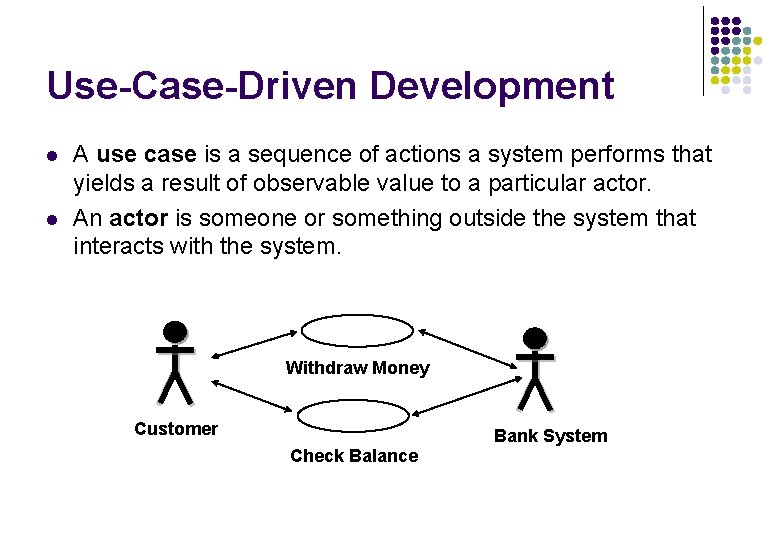
Use-Case-Driven Development l l A use case is a sequence of actions a system performs that yields a result of observable value to a particular actor. An actor is someone or something outside the system that interacts with the system. Withdraw Money Customer Bank System Check Balance
Use Case l l A system functionality is defined by a set of use cases, each of which represents a specific sequence of actions (flow of events). The use-case flow of events expresses the behavior of the system in a black box view of the system, whereas a use-case realization is the white box view that shows how the use case is actually performed in terms of interaction objects. A use case is initiated by an actor to invoke a certain functionality in the system. All use cases constitute all possible ways of using the system.
Scenarios l l A scenario is an unique sequence of actions (thread) through a use case – one path through use case. A scenario is an instance of the use case – using object technology: use case is a class, whereas scenario is the instance of this class. Obviously, each use can have many instances (scenarios) ATM example: one scenario exhibits correct money withdrawal, another scenario show the process of money withdrawal is canceled because of insufficient balance etc.
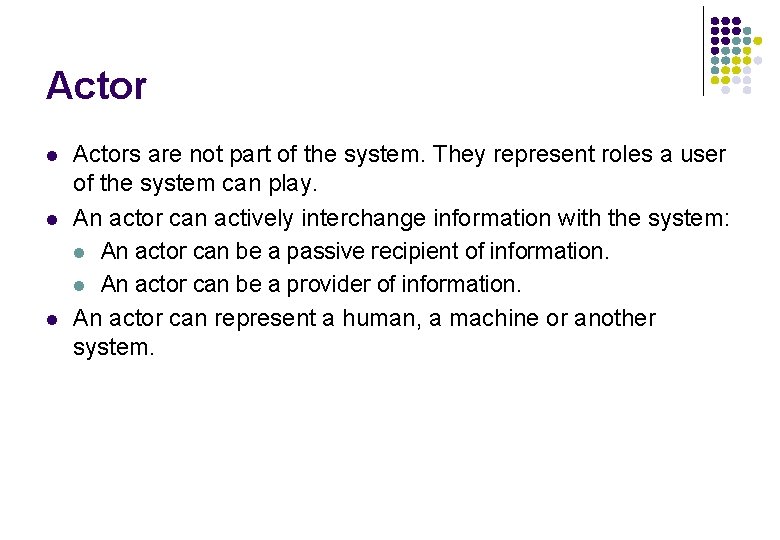
Actor l l l Actors are not part of the system. They represent roles a user of the system can play. An actor can actively interchange information with the system: l An actor can be a passive recipient of information. l An actor can be a provider of information. An actor can represent a human, a machine or another system.
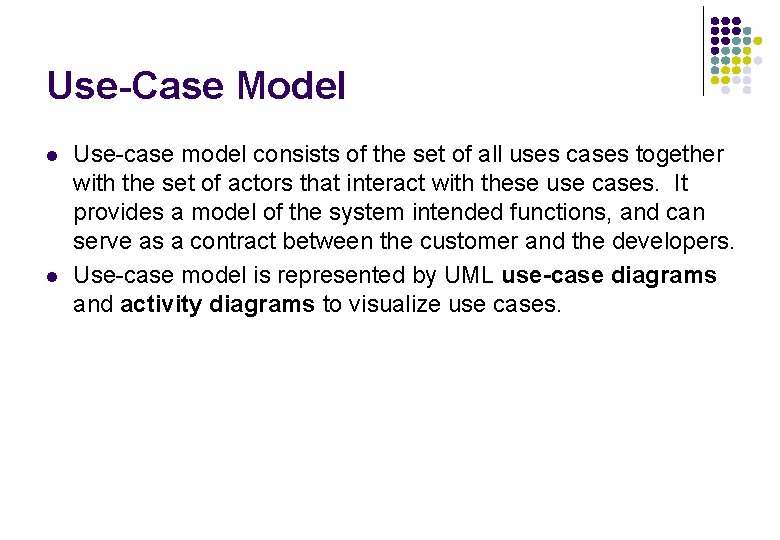
Use-Case Model l l Use-case model consists of the set of all uses cases together with the set of actors that interact with these use cases. It provides a model of the system intended functions, and can serve as a contract between the customer and the developers. Use-case model is represented by UML use-case diagrams and activity diagrams to visualize use cases.
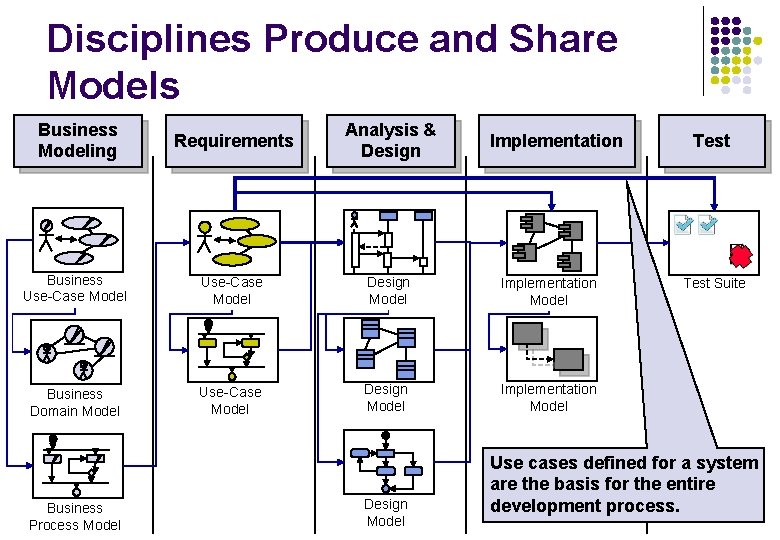
Disciplines Produce and Share Models Business Modeling Requirements Analysis & Design Business Use-Case Model Design Model Implementation Model Business Domain Model Use-Case Model Design Model Implementation Model Business Process Model Design Model Implementation Test Suite Use cases defined for a system are the basis for the entire development process.
Use Cases in the Process l l The use-case model is a result of the requirements discipline. It captures what the system should do from user point of view. In analysis and design use cases serve as the basis for use case realizations that describe how the use case is performed in terms of interacting objects in design model. All the required behavior is represented in the system design. Because cases are the basis for the design model and the design model is the implementation specification, they are implemented in terms of design classes. During testing, use cases define the basis for identifying test cases and procedures.
Process Disciplines Business Modeling Requirements Analysis and Design Implementation Testing Deployment Project Management Configuration and Change Management Environment
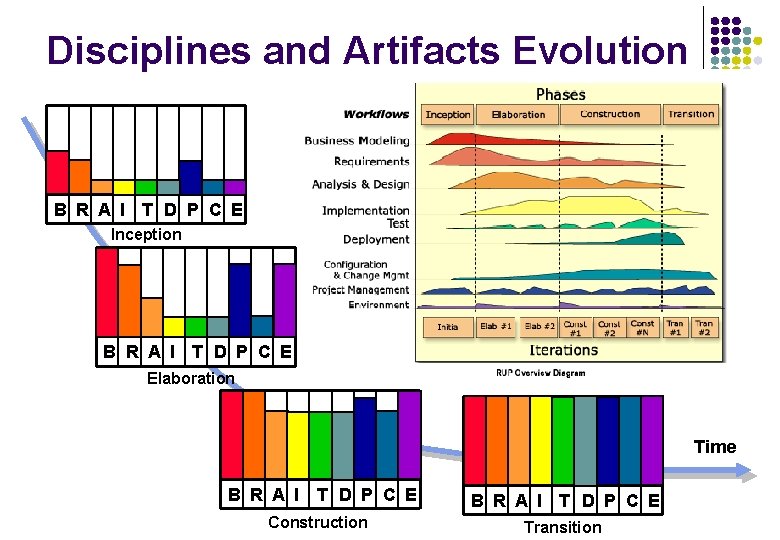
Disciplines and Artifacts Evolution B R A I T D P C E Inception B R A I T D P C E Elaboration Time B R A I T D P C E Construction Transition
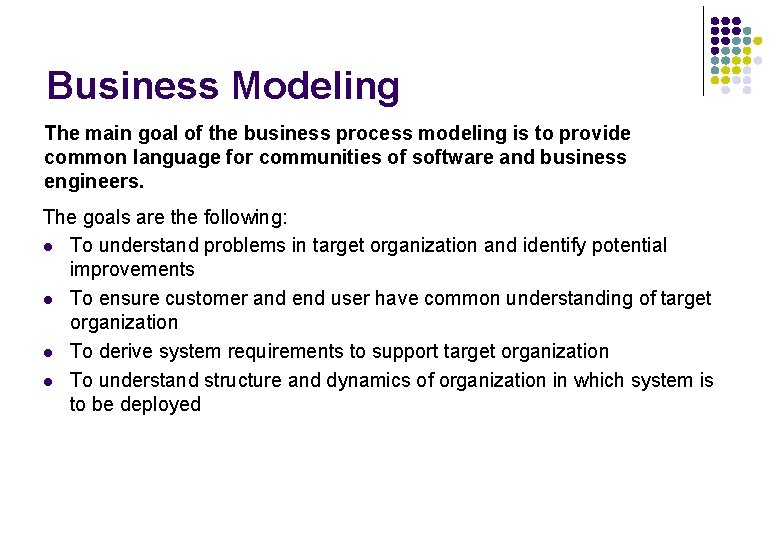
Business Modeling The main goal of the business process modeling is to provide common language for communities of software and business engineers. The goals are the following: l To understand problems in target organization and identify potential improvements l To ensure customer and end user have common understanding of target organization l To derive system requirements to support target organization l To understand structure and dynamics of organization in which system is to be deployed
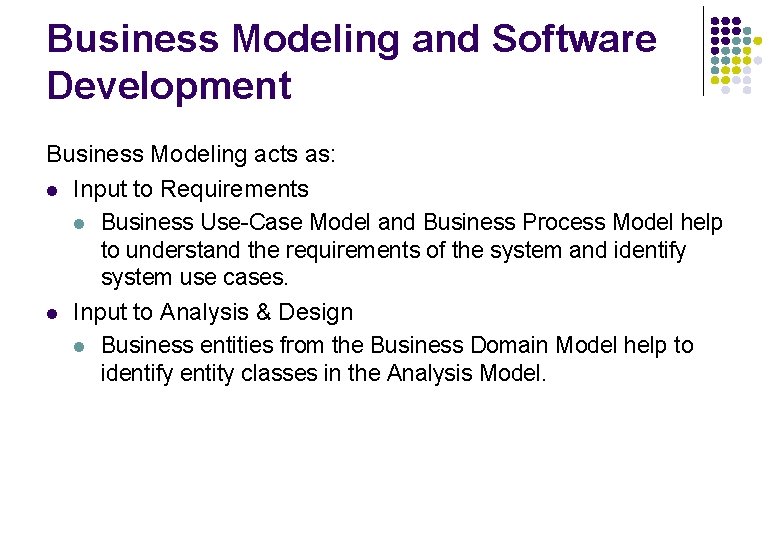
Business Modeling and Software Development Business Modeling acts as: l Input to Requirements l Business Use-Case Model and Business Process Model help to understand the requirements of the system and identify system use cases. l Input to Analysis & Design l Business entities from the Business Domain Model help to identify entity classes in the Analysis Model.
[Early Inception] Workflow Assess Business Status [Domain Modeling Only] [Business Modeling] Identify Business Processes Refine Business Process Definitions Explore Process Automation Design Business Process Realizations Describe Current Business Refine Roles and Responsibilities Develop Domain Model
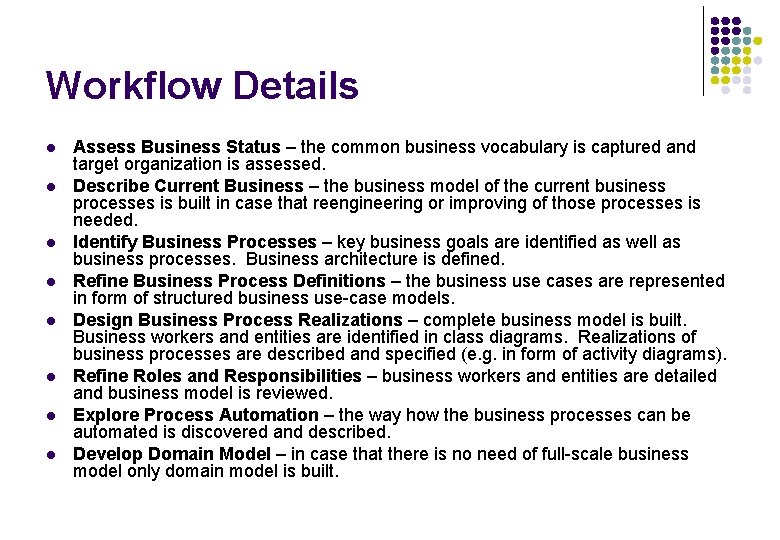
Workflow Details l l l l Assess Business Status – the common business vocabulary is captured and target organization is assessed. Describe Current Business – the business model of the current business processes is built in case that reengineering or improving of those processes is needed. Identify Business Processes – key business goals are identified as well as business processes. Business architecture is defined. Refine Business Process Definitions – the business use cases are represented in form of structured business use-case models. Design Business Process Realizations – complete business model is built. Business workers and entities are identified in class diagrams. Realizations of business processes are described and specified (e. g. in form of activity diagrams). Refine Roles and Responsibilities – business workers and entities are detailed and business model is reviewed. Explore Process Automation – the way how the business processes can be automated is discovered and described. Develop Domain Model – in case that there is no need of full-scale business model only domain model is built.
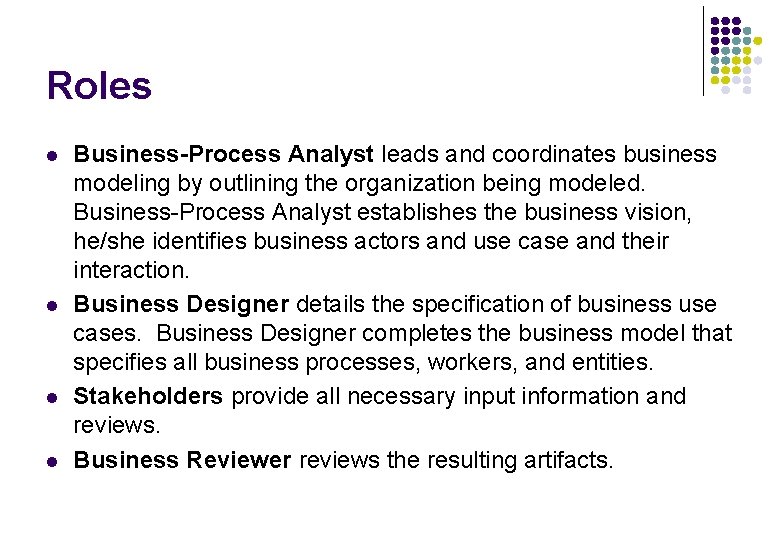
Roles l l Business-Process Analyst leads and coordinates business modeling by outlining the organization being modeled. Business-Process Analyst establishes the business vision, he/she identifies business actors and use case and their interaction. Business Designer details the specification of business use cases. Business Designer completes the business model that specifies all business processes, workers, and entities. Stakeholders provide all necessary input information and reviews. Business Reviewer reviews the resulting artifacts.
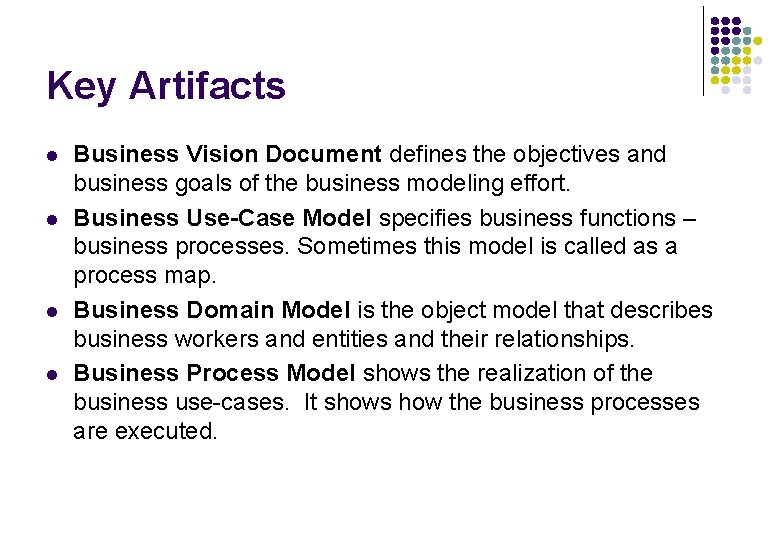
Key Artifacts l l Business Vision Document defines the objectives and business goals of the business modeling effort. Business Use-Case Model specifies business functions – business processes. Sometimes this model is called as a process map. Business Domain Model is the object model that describes business workers and entities and their relationships. Business Process Model shows the realization of the business use-cases. It shows how the business processes are executed.
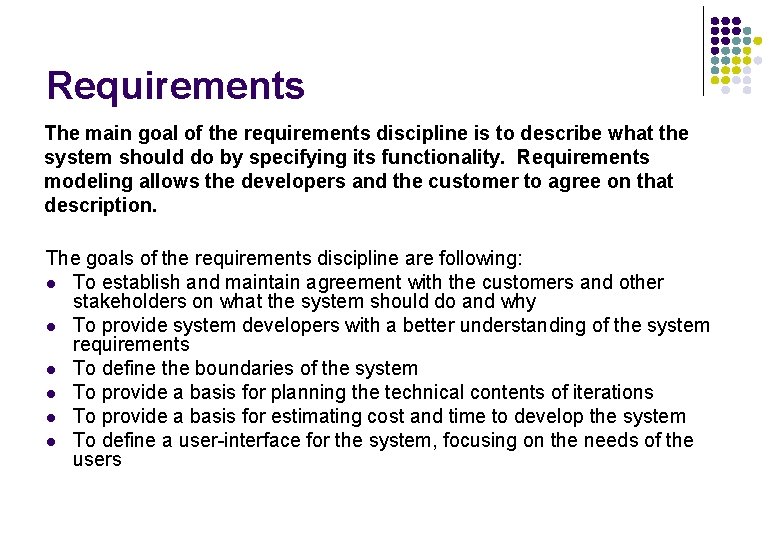
Requirements The main goal of the requirements discipline is to describe what the system should do by specifying its functionality. Requirements modeling allows the developers and the customer to agree on that description. The goals of the requirements discipline are following: l To establish and maintain agreement with the customers and other stakeholders on what the system should do and why l To provide system developers with a better understanding of the system requirements l To define the boundaries of the system l To provide a basis for planning the technical contents of iterations l To provide a basis for estimating cost and time to develop the system l To define a user-interface for the system, focusing on the needs of the users
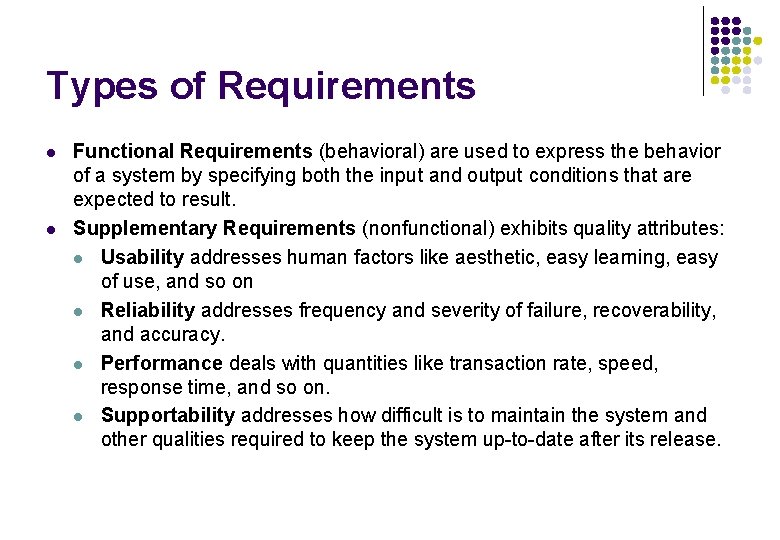
Types of Requirements l l Functional Requirements (behavioral) are used to express the behavior of a system by specifying both the input and output conditions that are expected to result. Supplementary Requirements (nonfunctional) exhibits quality attributes: l Usability addresses human factors like aesthetic, easy learning, easy of use, and so on l Reliability addresses frequency and severity of failure, recoverability, and accuracy. l Performance deals with quantities like transaction rate, speed, response time, and so on. l Supportability addresses how difficult is to maintain the system and other qualities required to keep the system up-to-date after its release.
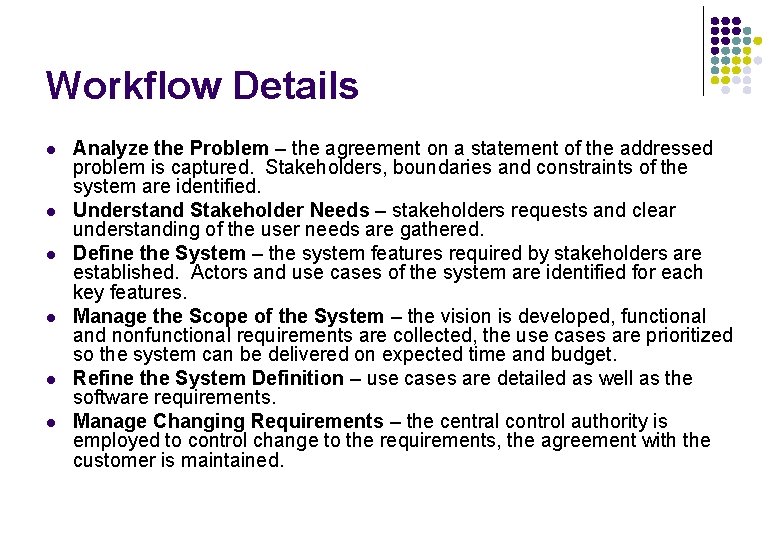
Workflow [New System] [Existing System] Analyze the Problem [Incorrect Problem] Understand Stakeholder Needs [Addressing Correct Problem] Define the System [New Input] Manage the Scope of the System Manage Changing Requirements [Can’t Do All the Work] [Work in Scope] Refine the System Definition
Workflow Details l l l Analyze the Problem – the agreement on a statement of the addressed problem is captured. Stakeholders, boundaries and constraints of the system are identified. Understand Stakeholder Needs – stakeholders requests and clear understanding of the user needs are gathered. Define the System – the system features required by stakeholders are established. Actors and use cases of the system are identified for each key features. Manage the Scope of the System – the vision is developed, functional and nonfunctional requirements are collected, the use cases are prioritized so the system can be delivered on expected time and budget. Refine the System Definition – use cases are detailed as well as the software requirements. Manage Changing Requirements – the central control authority is employed to control change to the requirements, the agreement with the customer is maintained.
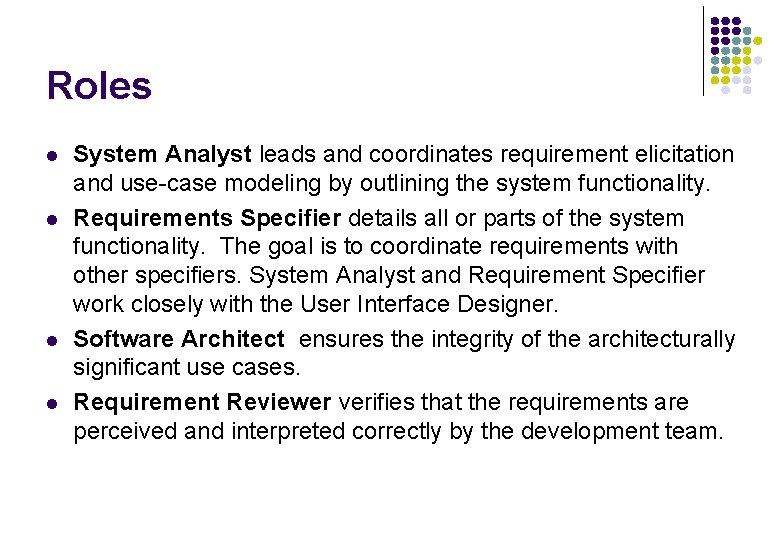
Roles l l System Analyst leads and coordinates requirement elicitation and use-case modeling by outlining the system functionality. Requirements Specifier details all or parts of the system functionality. The goal is to coordinate requirements with other specifiers. System Analyst and Requirement Specifier work closely with the User Interface Designer. Software Architect ensures the integrity of the architecturally significant use cases. Requirement Reviewer verifies that the requirements are perceived and interpreted correctly by the development team.
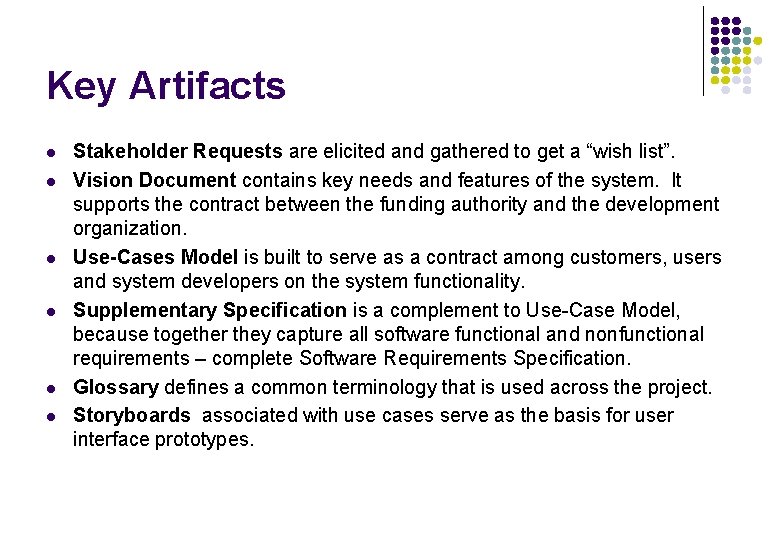
Key Artifacts l l l Stakeholder Requests are elicited and gathered to get a “wish list”. Vision Document contains key needs and features of the system. It supports the contract between the funding authority and the development organization. Use-Cases Model is built to serve as a contract among customers, users and system developers on the system functionality. Supplementary Specification is a complement to Use-Case Model, because together they capture all software functional and nonfunctional requirements – complete Software Requirements Specification. Glossary defines a common terminology that is used across the project. Storyboards associated with use cases serve as the basis for user interface prototypes.
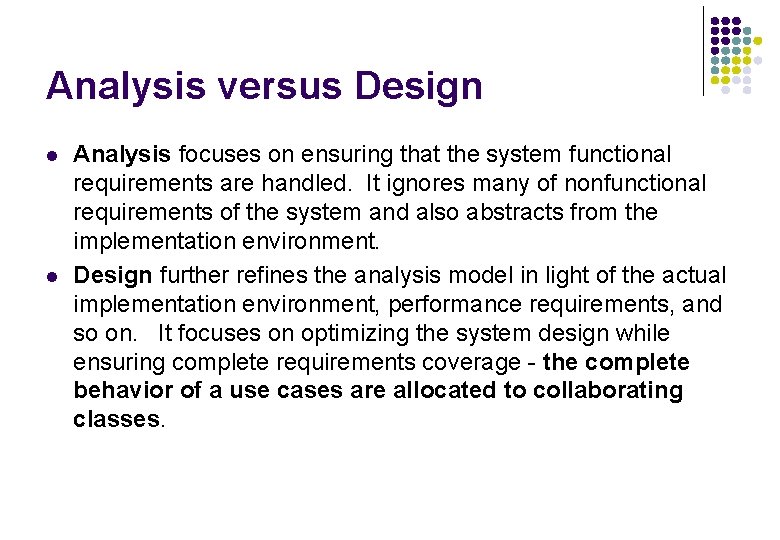
Analysis & Design The main goal of the analysis & design discipline is to show the system will be realized in the implementation phase. The purpose of analysis and design is as follows: l To translate the requirements into a specification that describes how to implement the system l To establish robust architecture so that you can design a system that is easy to understand, build, and evolve
Analysis versus Design l l Analysis focuses on ensuring that the system functional requirements are handled. It ignores many of nonfunctional requirements of the system and also abstracts from the implementation environment. Design further refines the analysis model in light of the actual implementation environment, performance requirements, and so on. It focuses on optimizing the system design while ensuring complete requirements coverage - the complete behavior of a use cases are allocated to collaborating classes.
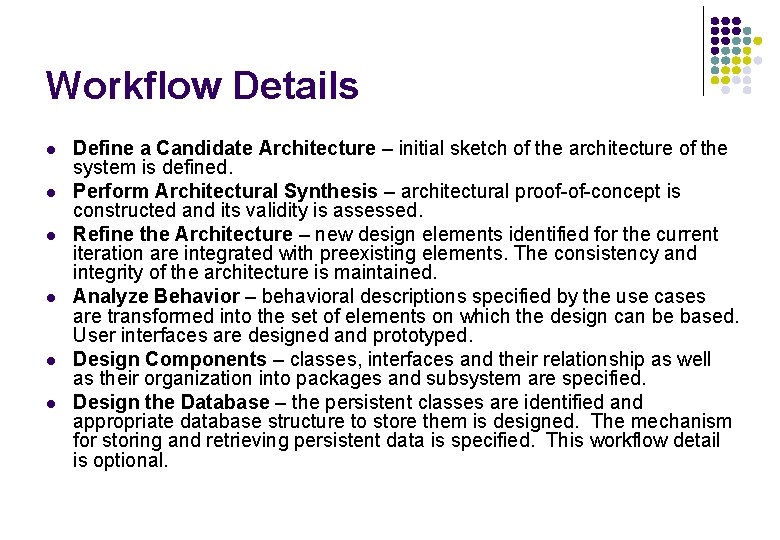
[Early Elaboration Iteration] [Inception Iteration (Optional)] Workflow Define a Candidate Architecture Refine the Architecture Perform Architectural Synthesis Analyze Behavior [Optional] Design Components Design the Database
Workflow Details l l l Define a Candidate Architecture – initial sketch of the architecture of the system is defined. Perform Architectural Synthesis – architectural proof-of-concept is constructed and its validity is assessed. Refine the Architecture – new design elements identified for the current iteration are integrated with preexisting elements. The consistency and integrity of the architecture is maintained. Analyze Behavior – behavioral descriptions specified by the use cases are transformed into the set of elements on which the design can be based. User interfaces are designed and prototyped. Design Components – classes, interfaces and their relationship as well as their organization into packages and subsystem are specified. Design the Database – the persistent classes are identified and appropriate database structure to store them is designed. The mechanism for storing and retrieving persistent data is specified. This workflow detail is optional.
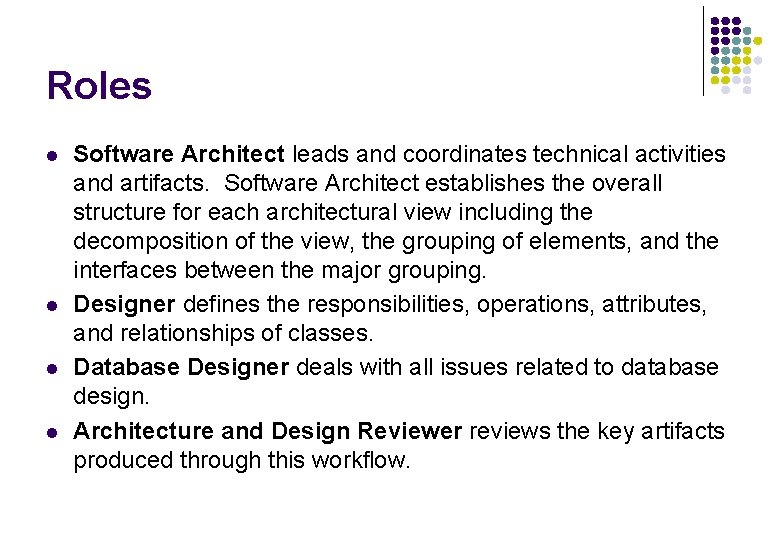
Roles l l Software Architect leads and coordinates technical activities and artifacts. Software Architect establishes the overall structure for each architectural view including the decomposition of the view, the grouping of elements, and the interfaces between the major grouping. Designer defines the responsibilities, operations, attributes, and relationships of classes. Database Designer deals with all issues related to database design. Architecture and Design Reviewer reviews the key artifacts produced through this workflow.
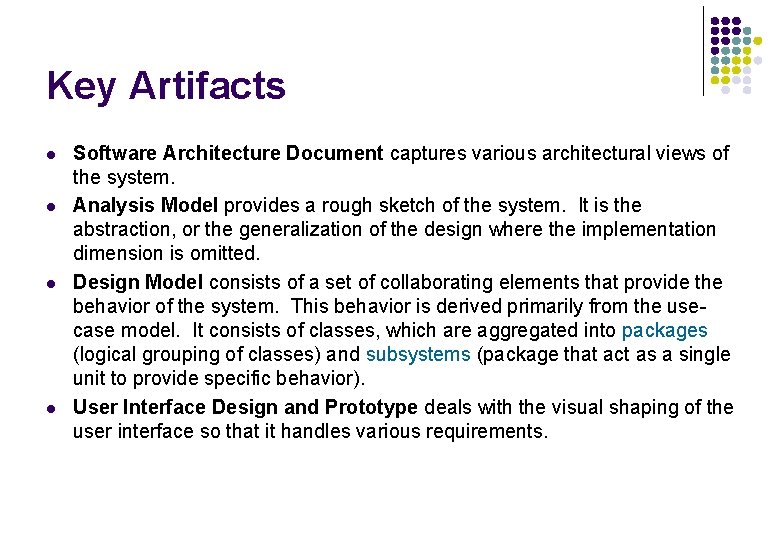
Key Artifacts l l Software Architecture Document captures various architectural views of the system. Analysis Model provides a rough sketch of the system. It is the abstraction, or the generalization of the design where the implementation dimension is omitted. Design Model consists of a set of collaborating elements that provide the behavior of the system. This behavior is derived primarily from the usecase model. It consists of classes, which are aggregated into packages (logical grouping of classes) and subsystems (package that act as a single unit to provide specific behavior). User Interface Design and Prototype deals with the visual shaping of the user interface so that it handles various requirements.
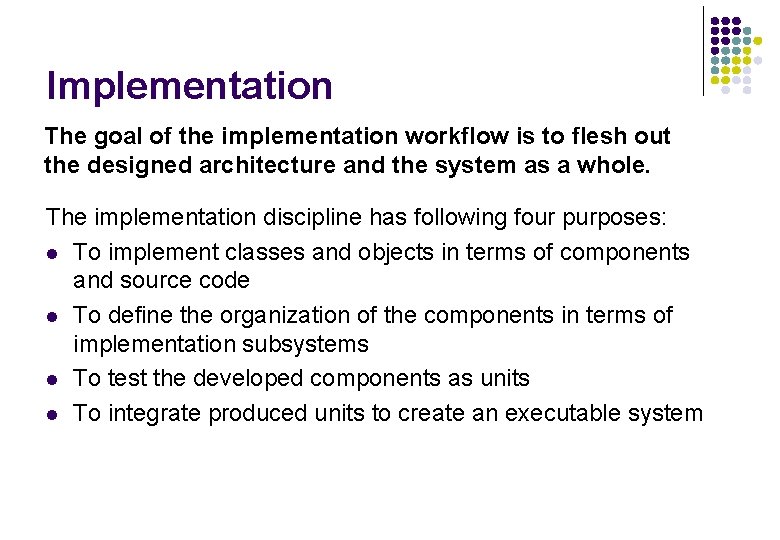
Implementation The goal of the implementation workflow is to flesh out the designed architecture and the system as a whole. The implementation discipline has following four purposes: l To implement classes and objects in terms of components and source code l To define the organization of the components in terms of implementation subsystems l To test the developed components as units l To integrate produced units to create an executable system
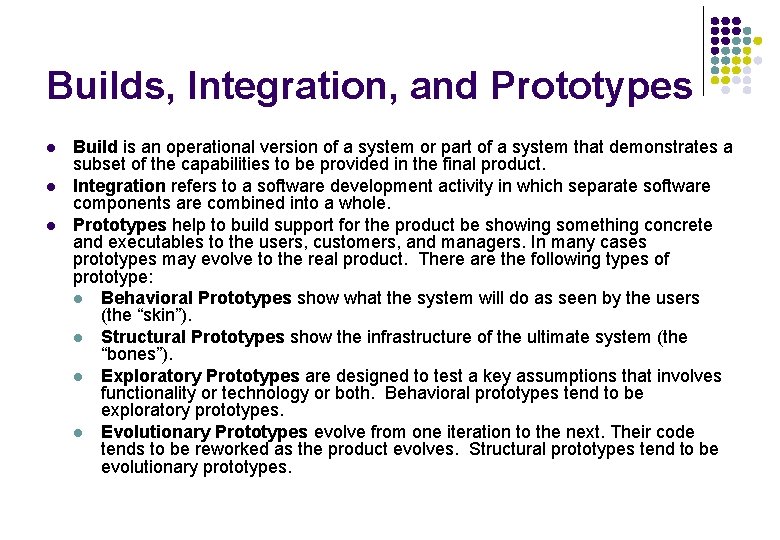
Builds, Integration, and Prototypes l l l Build is an operational version of a system or part of a system that demonstrates a subset of the capabilities to be provided in the final product. Integration refers to a software development activity in which separate software components are combined into a whole. Prototypes help to build support for the product be showing something concrete and executables to the users, customers, and managers. In many cases prototypes may evolve to the real product. There are the following types of prototype: l Behavioral Prototypes show what the system will do as seen by the users (the “skin”). l Structural Prototypes show the infrastructure of the ultimate system (the “bones”). l Exploratory Prototypes are designed to test a key assumptions that involves functionality or technology or both. Behavioral prototypes tend to be exploratory prototypes. l Evolutionary Prototypes evolve from one iteration to the next. Their code tends to be reworked as the product evolves. Structural prototypes tend to be evolutionary prototypes.
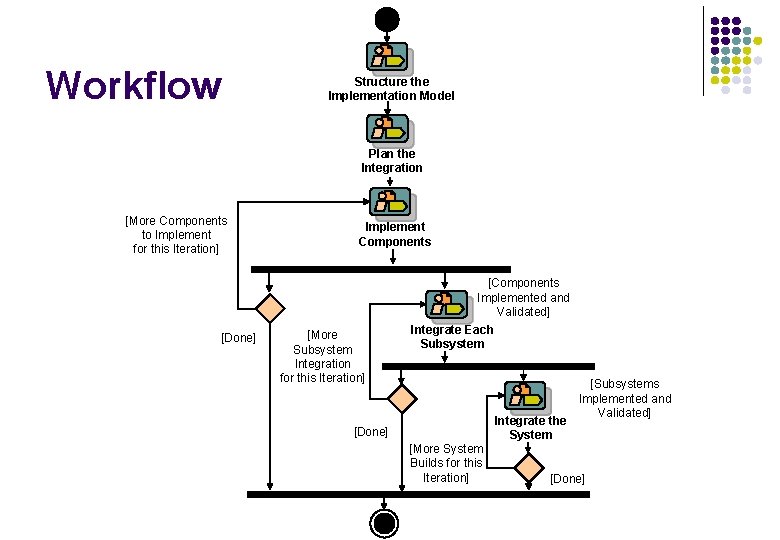
Workflow Structure the Implementation Model Plan the Integration [More Components to Implement for this Iteration] [Done] Implement Components [More Subsystem Integration for this Iteration] [Components Implemented and Validated] Integrate Each Subsystem Integrate the System [Done] [More System Builds for this Iteration] [Subsystems Implemented and Validated] [Done]
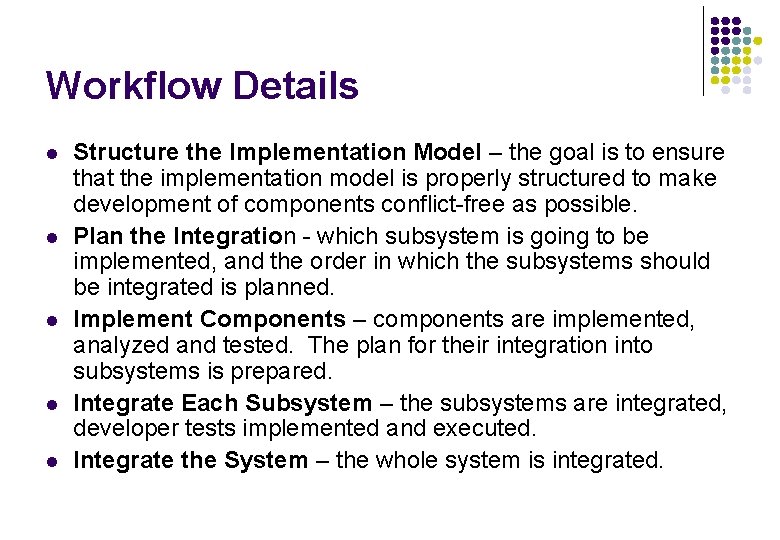
Workflow Details l l l Structure the Implementation Model – the goal is to ensure that the implementation model is properly structured to make development of components conflict-free as possible. Plan the Integration - which subsystem is going to be implemented, and the order in which the subsystems should be integrated is planned. Implement Components – components are implemented, analyzed and tested. The plan for their integration into subsystems is prepared. Integrate Each Subsystem – the subsystems are integrated, developer tests implemented and executed. Integrate the System – the whole system is integrated.
Roles l l Implementer develops the components and all related artifacts and performs unit testing. Integrator constructs a build. Software Architect defines the structure of the implementation model including layering and subsystems. Code Reviewer inspects the code for required quality and conformance to the project standards.
Key Artifacts l l l Implementation Elements – pieces of the software code like source, binary a executable components as well as various data files (configuration, readme etc. ). Implementation Subsystem – a collection of implementation elements and other implementation subsystems. Integration Build Plan – a document that defines the order in which the elements and subsystems are built.
Testing The goal of testing is to evaluate product quality and to find and expose the weakness in the software product. Testing employs the following core practices l Find and document defects in the software product l Advise management about perceived software quality l Prove the validity of the assumptions made in design and requirement specifications through concrete demonstration l Validate the software product functions as designed l Validate that the requirements are implemented appropriately
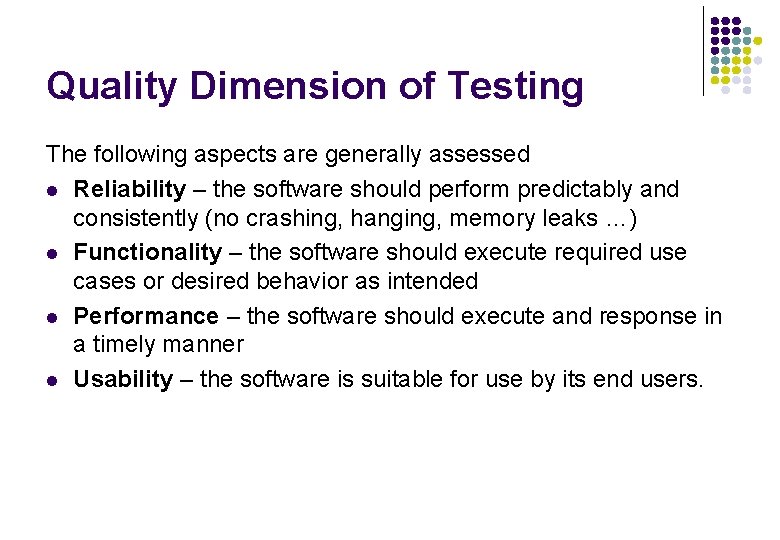
Quality Dimension of Testing The following aspects are generally assessed l Reliability – the software should perform predictably and consistently (no crashing, hanging, memory leaks …) l Functionality – the software should execute required use cases or desired behavior as intended l Performance – the software should execute and response in a timely manner l Usability – the software is suitable for use by its end users.
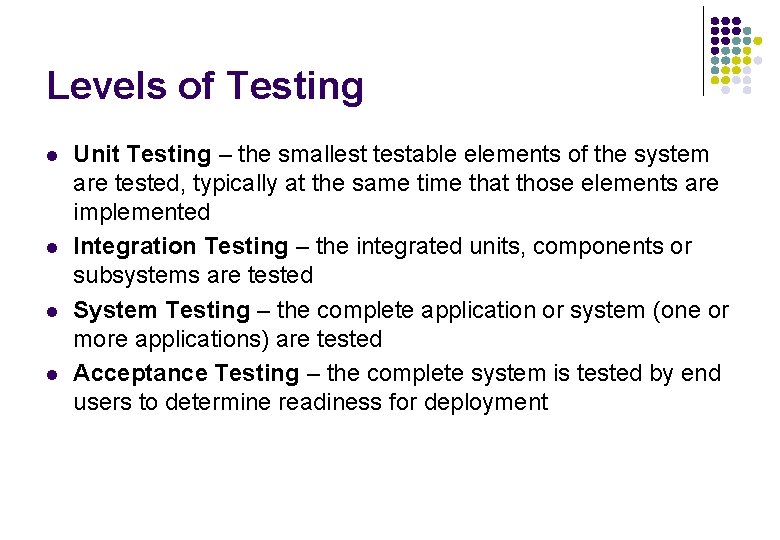
Levels of Testing l l Unit Testing – the smallest testable elements of the system are tested, typically at the same time that those elements are implemented Integration Testing – the integrated units, components or subsystems are tested System Testing – the complete application or system (one or more applications) are tested Acceptance Testing – the complete system is tested by end users to determine readiness for deployment
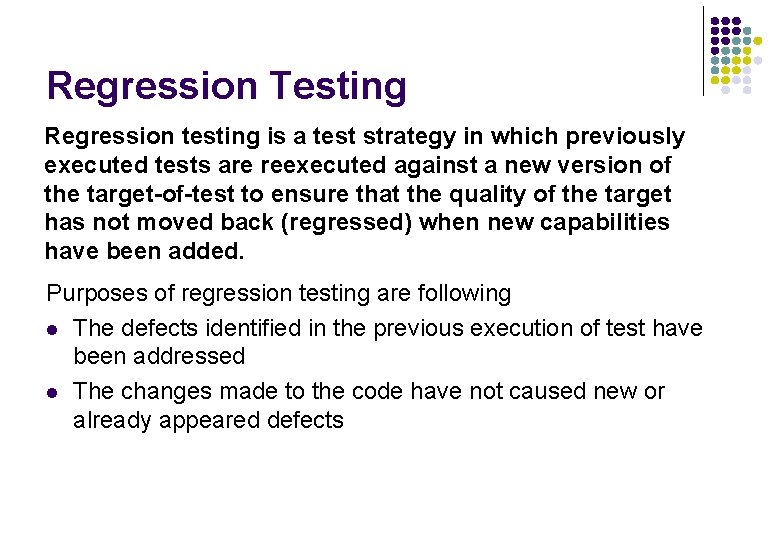
Regression Testing Regression testing is a test strategy in which previously executed tests are reexecuted against a new version of the target-of-test to ensure that the quality of the target has not moved back (regressed) when new capabilities have been added. Purposes of regression testing are following l The defects identified in the previous execution of test have been addressed l The changes made to the code have not caused new or already appeared defects
Workflow [Another Technique] Define Evaluation Mission Verify Test Approach Validate Build Stability Test and Evaluate Achieve Acceptable Mission Improve Test Assets [Another Test Cycle]
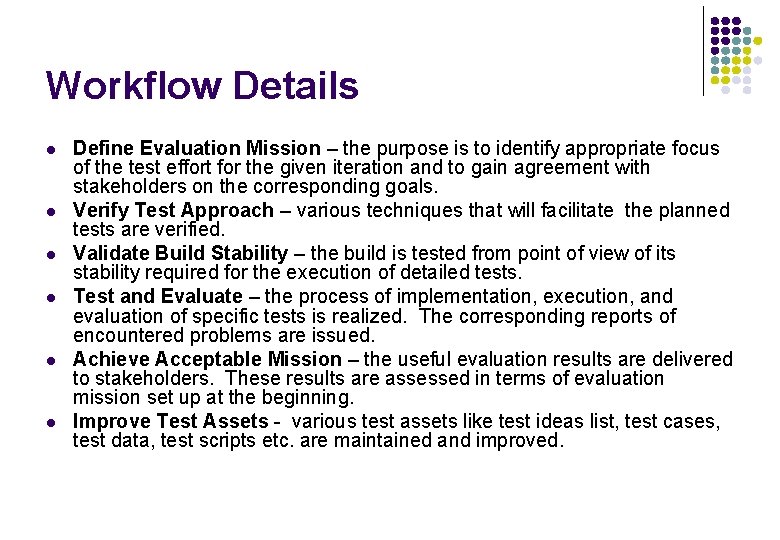
Workflow Details l l l Define Evaluation Mission – the purpose is to identify appropriate focus of the test effort for the given iteration and to gain agreement with stakeholders on the corresponding goals. Verify Test Approach – various techniques that will facilitate the planned tests are verified. Validate Build Stability – the build is tested from point of view of its stability required for the execution of detailed tests. Test and Evaluate – the process of implementation, execution, and evaluation of specific tests is realized. The corresponding reports of encountered problems are issued. Achieve Acceptable Mission – the useful evaluation results are delivered to stakeholders. These results are assessed in terms of evaluation mission set up at the beginning. Improve Test Assets - various test assets like test ideas list, test cases, test data, test scripts etc. are maintained and improved.
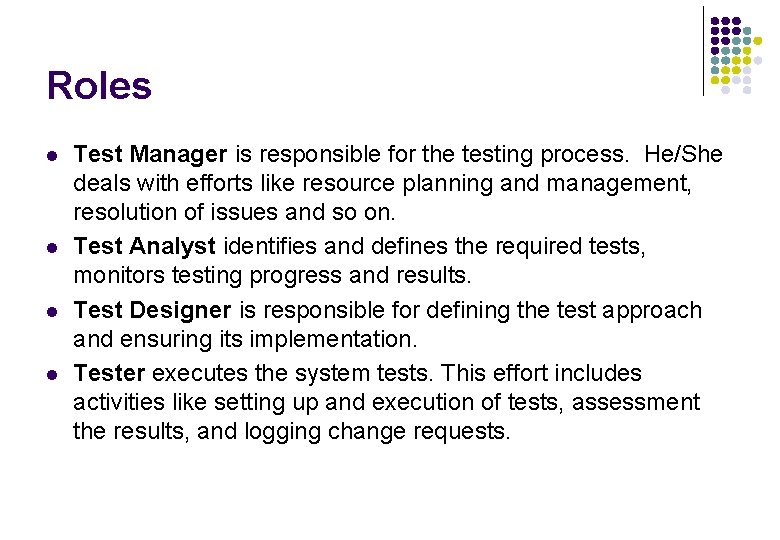
Roles l l Test Manager is responsible for the testing process. He/She deals with efforts like resource planning and management, resolution of issues and so on. Test Analyst identifies and defines the required tests, monitors testing progress and results. Test Designer is responsible for defining the test approach and ensuring its implementation. Tester executes the system tests. This effort includes activities like setting up and execution of tests, assessment the results, and logging change requests.
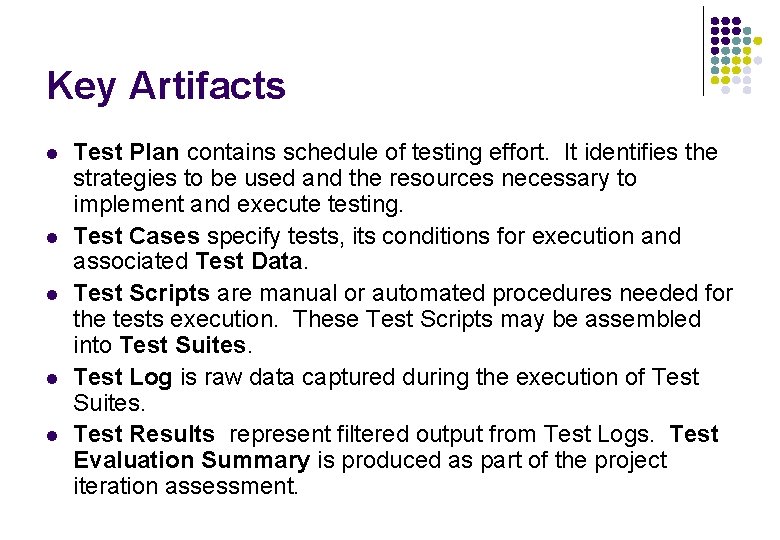
Key Artifacts l l l Test Plan contains schedule of testing effort. It identifies the strategies to be used and the resources necessary to implement and execute testing. Test Cases specify tests, its conditions for execution and associated Test Data. Test Scripts are manual or automated procedures needed for the tests execution. These Test Scripts may be assembled into Test Suites. Test Log is raw data captured during the execution of Test Suites. Test Results represent filtered output from Test Logs. Test Evaluation Summary is produced as part of the project iteration assessment.
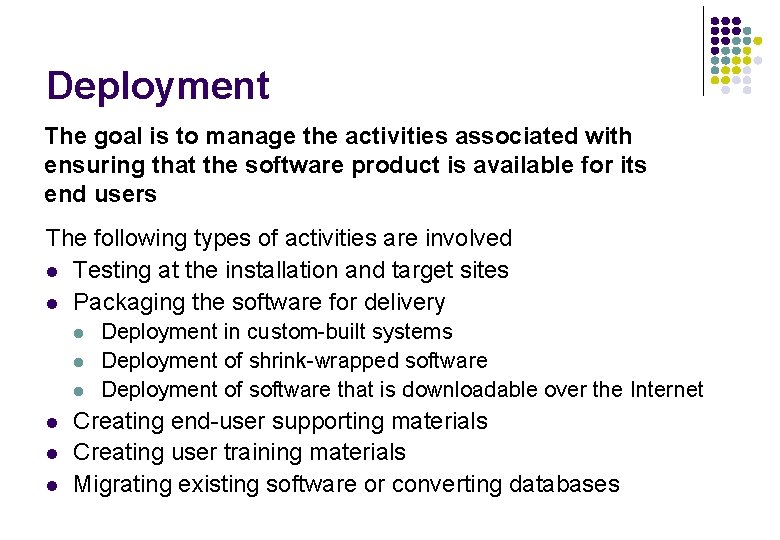
Deployment The goal is to manage the activities associated with ensuring that the software product is available for its end users The following types of activities are involved l Testing at the installation and target sites l Packaging the software for delivery l l l Deployment in custom-built systems Deployment of shrink-wrapped software Deployment of software that is downloadable over the Internet Creating end-user supporting materials Creating user training materials Migrating existing software or converting databases
Workflow Plan Deployment [Change Requests] Develop Support Material Manage Acceptance Test (At Development Site) [Approved] Produce Deployment Unit [Beta Release] [Customer Release] [Custom Install] [Downloadable Software] [Shrinkwrap Product] Manage Acceptance Test (at Installation Site) Package Product Provide Access to Download Site Beta Test Product
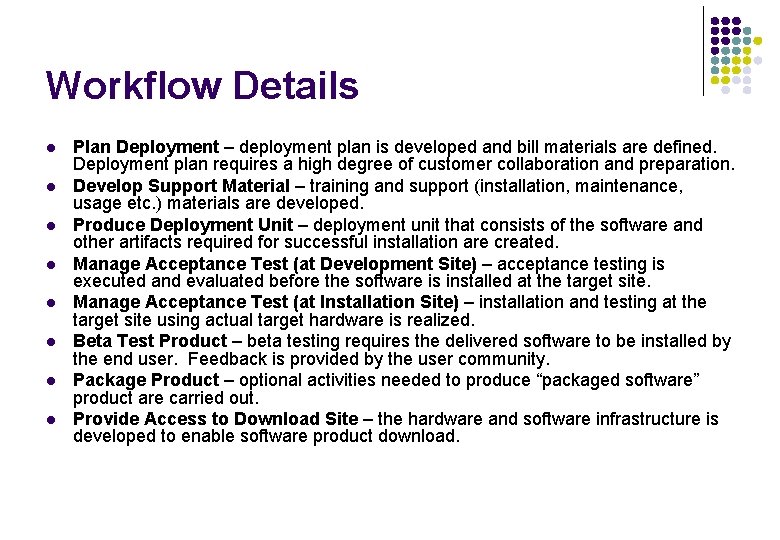
Workflow Details l l l l Plan Deployment – deployment plan is developed and bill materials are defined. Deployment plan requires a high degree of customer collaboration and preparation. Develop Support Material – training and support (installation, maintenance, usage etc. ) materials are developed. Produce Deployment Unit – deployment unit that consists of the software and other artifacts required for successful installation are created. Manage Acceptance Test (at Development Site) – acceptance testing is executed and evaluated before the software is installed at the target site. Manage Acceptance Test (at Installation Site) – installation and testing at the target site using actual target hardware is realized. Beta Test Product – beta testing requires the delivered software to be installed by the end user. Feedback is provided by the user community. Package Product – optional activities needed to produce “packaged software” product are carried out. Provide Access to Download Site – the hardware and software infrastructure is developed to enable software product download.
Roles l l l Deployment Manager plans and organizes deployment. He/She is responsible for beta test feedback program and that the product is packaged and shipped appropriately. Project Manager is responsible for approving deployment and for the customer acceptance of delivery. Technical Writer plans and produces end-user support and training material. Graphic Artist is responsible for all product-related artwork. Tester runs the acceptance tests. Implementer creates installation scripts and related artifacts.
Key Artifacts l l l l Executable Software in all cases. Installation artifacts: scripts, tools, files, guides, licensing information. Release Notes, describing the main features of the release for the end user. Support Materials, such as user, operations and maintenance manuals. Training Materials. Bill of Materials is complete list of items to be included in the product. Product Artwork helps with product branding and identification.
Project Management Software project management is the art of balancing competing objectives, managing risk, and overcoming constraints to deliver a product that meets the needs of the customers (the ones who pay bills) and the end users. The following three purposes are related to project management l To provide a framework for managing software-intensive projects l To provide practical guidelines for planning, staffing, executing, and monitoring projects l To Provide a framework for managing risk
The Concept of Risk An ongoing or upcoming concern that has a significant probability of adversely affecting the success of major milestones. l l Technical/Architectural risks - unproven technology, uncertain scope, … Resource risks - people, skills, funding Business risks - competition, return of investments, supplier interfaces Schedule risks - project dependencies, only 24 hours in a day
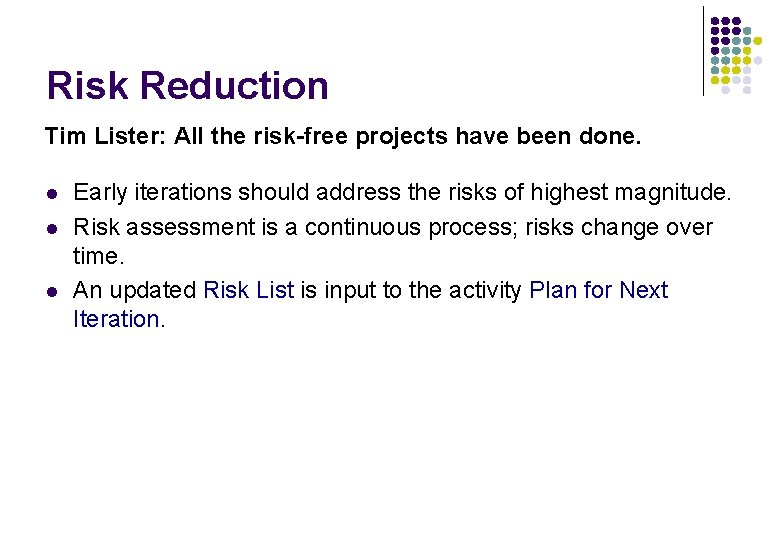
Risk Reduction Tim Lister: All the risk-free projects have been done. l l l Early iterations should address the risks of highest magnitude. Risk assessment is a continuous process; risks change over time. An updated Risk List is input to the activity Plan for Next Iteration.
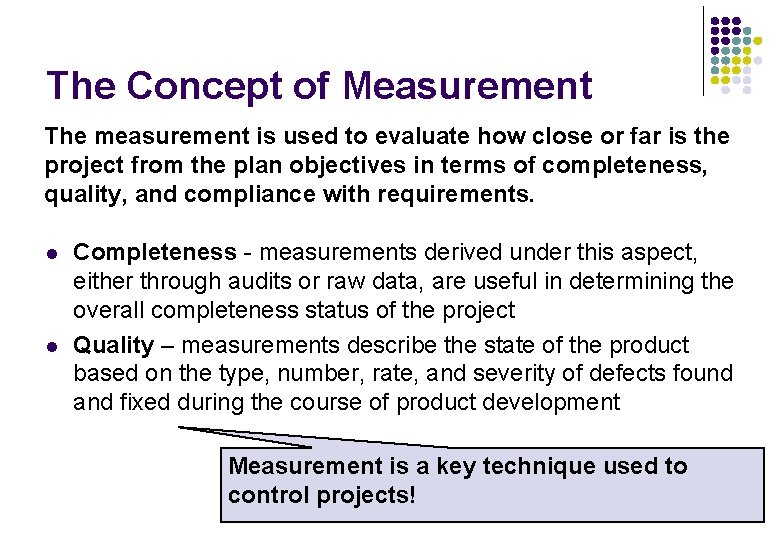
The Concept of Measurement The measurement is used to evaluate how close or far is the project from the plan objectives in terms of completeness, quality, and compliance with requirements. l l Completeness - measurements derived under this aspect, either through audits or raw data, are useful in determining the overall completeness status of the project Quality – measurements describe the state of the product based on the type, number, rate, and severity of defects found and fixed during the course of product development Measurement is a key technique used to control projects!
[Start of Project Only] [All Subsequent Iterations] Workflow Conceive New Project Manage Iteration Plan for Next Iteration [Project Canceled] [Iteration Successful] Evaluate Project Scope and Risk Canceled Project Evaluate Project Scope and Risk [Project End] Plan the [Initial Project Iteration in Inception] [Project Canceled] Canceled Project Close Out Project [Project Complete] End Project [Failed Acceptance] [Phase End] Monitor and Control Close Out Project [Iteration Phase [Project End] Canceled] [Phase Complete] Canceled Project Plan for Next Iteration Plan the Project End Iteration
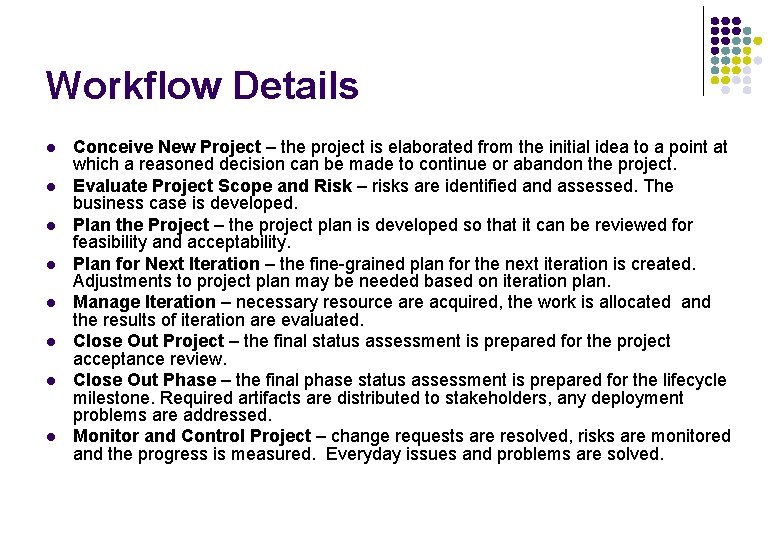
Workflow Details l l l l Conceive New Project – the project is elaborated from the initial idea to a point at which a reasoned decision can be made to continue or abandon the project. Evaluate Project Scope and Risk – risks are identified and assessed. The business case is developed. Plan the Project – the project plan is developed so that it can be reviewed for feasibility and acceptability. Plan for Next Iteration – the fine-grained plan for the next iteration is created. Adjustments to project plan may be needed based on iteration plan. Manage Iteration – necessary resource are acquired, the work is allocated and the results of iteration are evaluated. Close Out Project – the final status assessment is prepared for the project acceptance review. Close Out Phase – the final phase status assessment is prepared for the lifecycle milestone. Required artifacts are distributed to stakeholders, any deployment problems are addressed. Monitor and Control Project – change requests are resolved, risks are monitored and the progress is measured. Everyday issues and problems are solved.
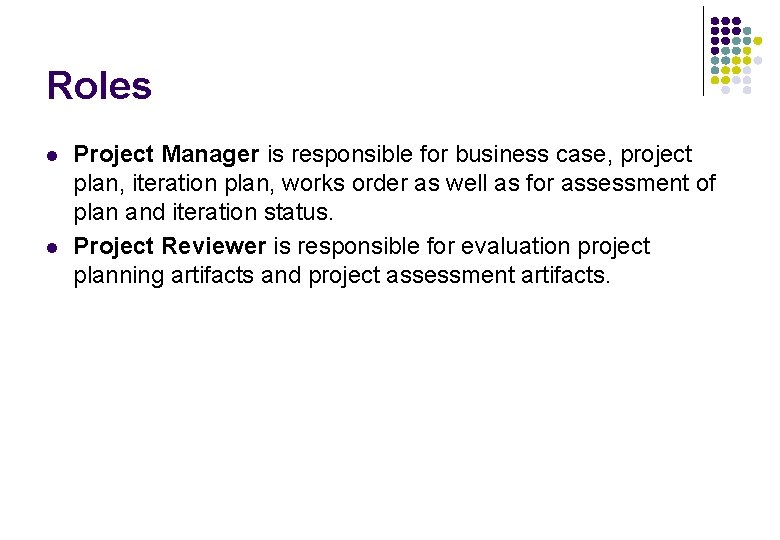
Roles l l Project Manager is responsible for business case, project plan, iteration plan, works order as well as for assessment of plan and iteration status. Project Reviewer is responsible for evaluation project planning artifacts and project assessment artifacts.
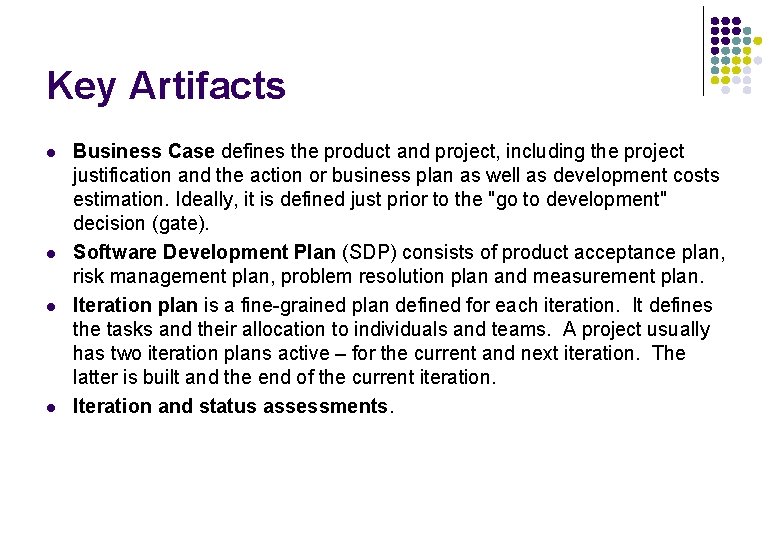
Key Artifacts l l Business Case defines the product and project, including the project justification and the action or business plan as well as development costs estimation. Ideally, it is defined just prior to the "go to development" decision (gate). Software Development Plan (SDP) consists of product acceptance plan, risk management plan, problem resolution plan and measurement plan. Iteration plan is a fine-grained plan defined for each iteration. It defines the tasks and their allocation to individuals and teams. A project usually has two iteration plans active – for the current and next iteration. The latter is built and the end of the current iteration. Iteration and status assessments.
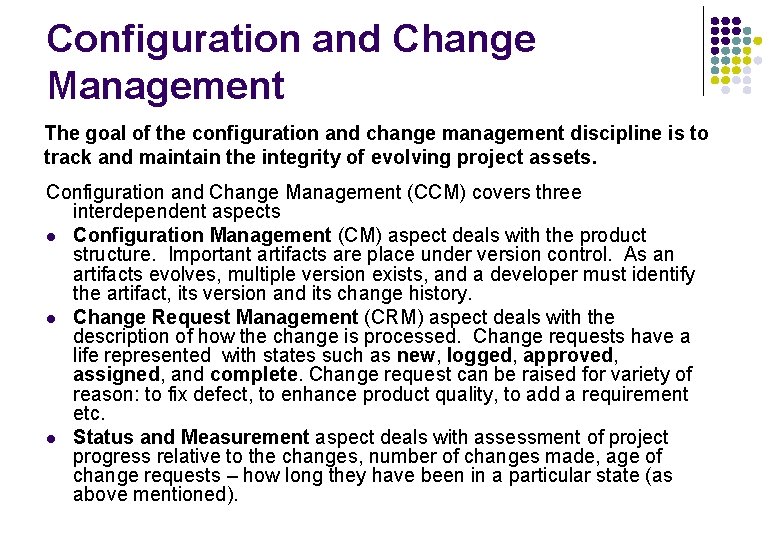
Configuration and Change Management The goal of the configuration and change management discipline is to track and maintain the integrity of evolving project assets. Configuration and Change Management (CCM) covers three interdependent aspects l Configuration Management (CM) aspect deals with the product structure. Important artifacts are place under version control. As an artifacts evolves, multiple version exists, and a developer must identify the artifact, its version and its change history. l Change Request Management (CRM) aspect deals with the description of how the change is processed. Change requests have a life represented with states such as new, logged, approved, assigned, and complete. Change request can be raised for variety of reason: to fix defect, to enhance product quality, to add a requirement etc. l Status and Measurement aspect deals with assessment of project progress relative to the changes, number of changes made, age of change requests – how long they have been in a particular state (as above mentioned).
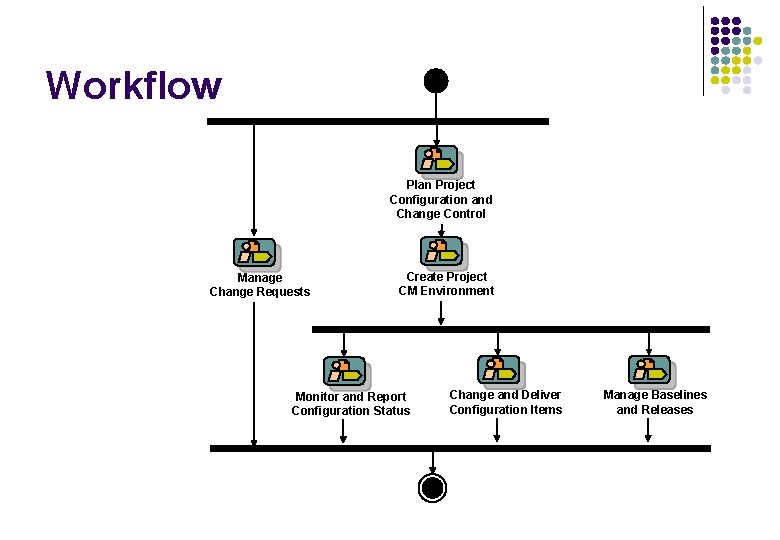
Workflow Plan Project Configuration and Change Control Manage Change Requests Create Project CM Environment Monitor and Report Configuration Status Change and Deliver Configuration Items Manage Baselines and Releases
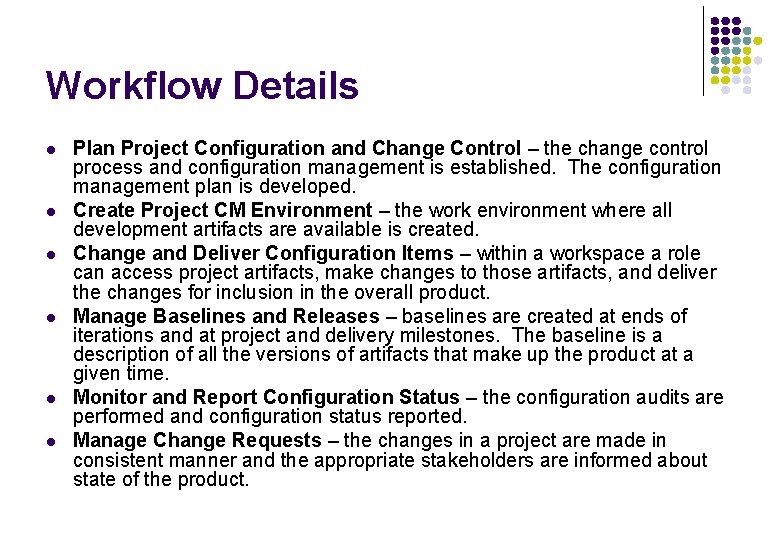
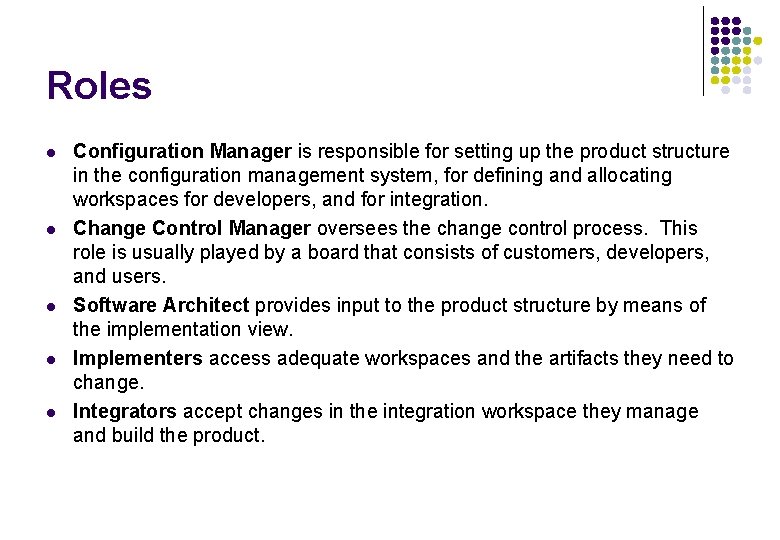
Workflow Details l l l Plan Project Configuration and Change Control – the change control process and configuration management is established. The configuration management plan is developed. Create Project CM Environment – the work environment where all development artifacts are available is created. Change and Deliver Configuration Items – within a workspace a role can access project artifacts, make changes to those artifacts, and deliver the changes for inclusion in the overall product. Manage Baselines and Releases – baselines are created at ends of iterations and at project and delivery milestones. The baseline is a description of all the versions of artifacts that make up the product at a given time. Monitor and Report Configuration Status – the configuration audits are performed and configuration status reported. Manage Change Requests – the changes in a project are made in consistent manner and the appropriate stakeholders are informed about state of the product.
Roles l l l Configuration Manager is responsible for setting up the product structure in the configuration management system, for defining and allocating workspaces for developers, and for integration. Change Control Manager oversees the change control process. This role is usually played by a board that consists of customers, developers, and users. Software Architect provides input to the product structure by means of the implementation view. Implementers access adequate workspaces and the artifacts they need to change. Integrators accept changes in the integration workspace they manage and build the product.
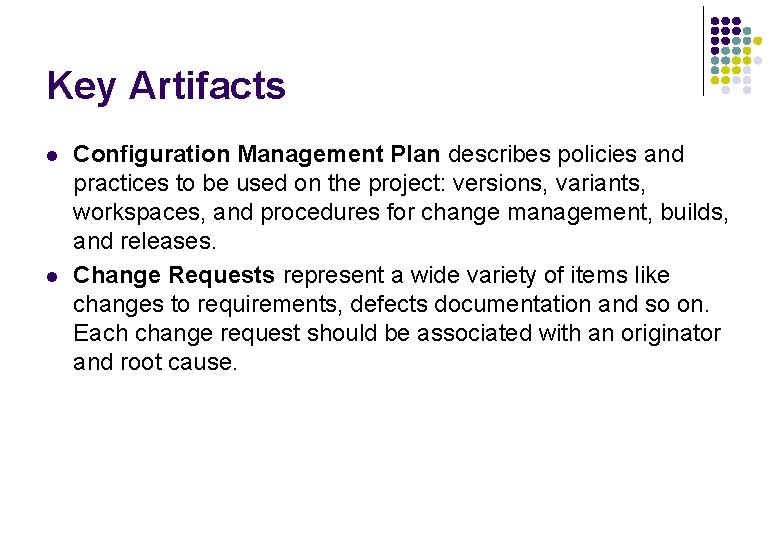
Key Artifacts l l Configuration Management Plan describes policies and practices to be used on the project: versions, variants, workspaces, and procedures for change management, builds, and releases. Change Requests represent a wide variety of items like changes to requirements, defects documentation and so on. Each change request should be associated with an originator and root cause.
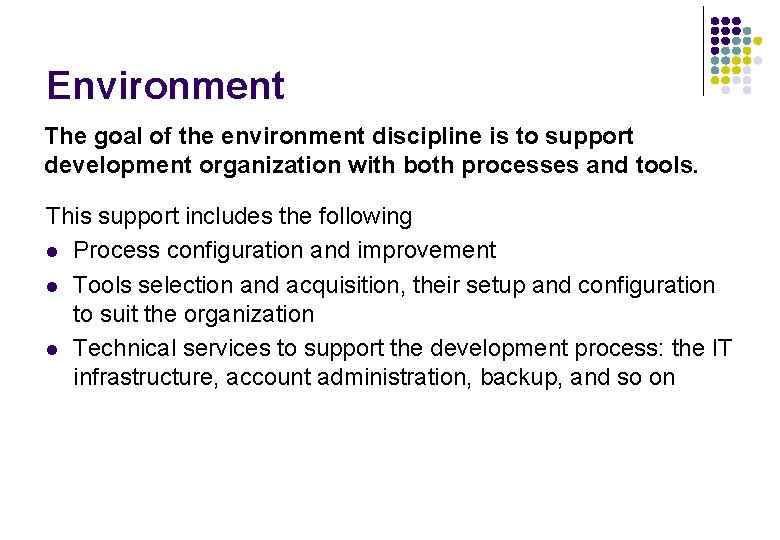
Environment The goal of the environment discipline is to support development organization with both processes and tools. This support includes the following l Process configuration and improvement l Tools selection and acquisition, their setup and configuration to suit the organization l Technical services to support the development process: the IT infrastructure, account administration, backup, and so on
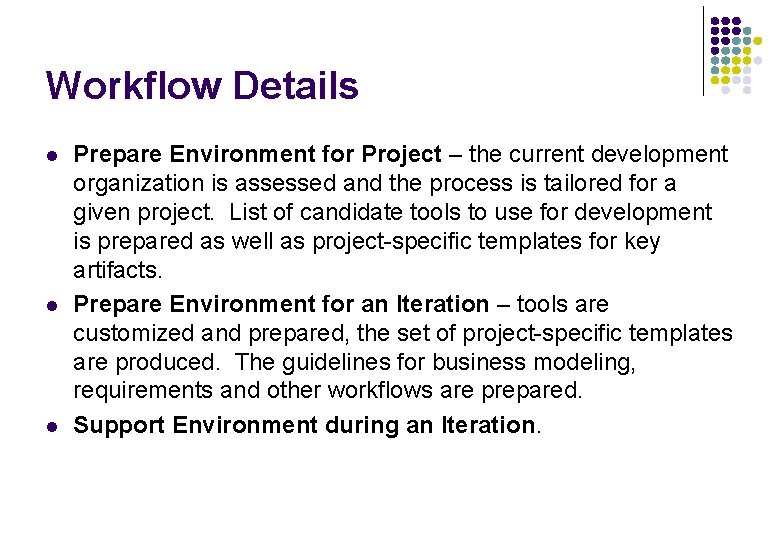
Workflow [Inception Iterations] Prepare Environment for Project Prepare Environment for an Iteration Support Environment during an Iteration
Workflow Details l l l Prepare Environment for Project – the current development organization is assessed and the process is tailored for a given project. List of candidate tools to use for development is prepared as well as project-specific templates for key artifacts. Prepare Environment for an Iteration – tools are customized and prepared, the set of project-specific templates are produced. The guidelines for business modeling, requirements and other workflows are prepared. Support Environment during an Iteration.
Roles l l l Process Engineer is responsible for the software development process itself. This means configuring the process before project start-up and continuously improving the process during the development. Tool Specialist selects and acquires tools to support development. He/She sets up and configures the tools to suit the project needs. System Administrator maintains the hardware and software development environment and performs system administrative tasks like account administration, backups, and so on.
Key Artifacts l Development Case specifies the tailored process for the individual project. It describes, for each process discipline, how the project will apply the process. For each process discipline the decision which artifacts to use and how to use is made.
Conclusions Other Approaches Adaptive versus Predictive
Other Approaches l l Spiral model (Barry Boehm) – evolutionary model where each cycle produces something to be evaluated, but not it need not be a usable system. Management of risks is built into the model. Prototyping Model - simplified version of the proposed system is presented to the customer for consideration as part of the development process. The customer in turn provides feedback to the developer, who goes back to refine the system requirements to incorporate the additional information. Often, the prototype code is thrown away and entirely new programs are developed once requirements are identified. Agile Software Processes - agile methods attempt to minimize risk by developing software in short timeboxes, called iterations, which typically last one to four weeks. Intensive communication between the developers and customers is assumed. The key idea is that the process must be adaptable. l e. Xtreme Programming (Kent Beck) - XP focuses on frequent testing, integration, and user review. XP is also known for being "radical" and less theoretically based than other methodologies. While XP does involve the user in the development process, it utilizes the actual source code as the design document and "user stories" as requirements documents, thus limiting requirements traceability. XP also places all control in the hands of the development team, which may be counter to many organizational needs. …
e. Xtreme Programming l Extreme Programming is based on 12 principles: l l l The Planning Process -- Quickly determine the scope of the next release by combining business priorities and technical estimates. As reality overtakes the plan, update the plan. Small Releases -- The software is developed in small stages that are updated frequently, typically every two weeks. Metaphor -- Guide all development with a simple shared story of how the whole system works. Simple Design -- The software should include only the code that is necessary to achieve the desired results communicated by the customer at each stage in the process. Extra complexity is removed as soon as it is discovered. Testing -- Testing is done consistently throughout the process. Programmers design the tests first and then write the software to fulfill the requirements of the test. The customer also provides acceptance tests at each stage to ensure the desired results are achieved. Refactoring -- XP programmers improve the design of the software through every stage of development instead of waiting until the end of the development and going back to correct flaws. Pair Programming -- All code is written by a pair of programmers working at the same machine. Collective Ownership -- Anyone can change any code anywhere in the system at any time. Continuous Integration -- The XP team integrates and builds the software system multiple times per day to keep all the programmers at the same stage of the development process at once. 40 -Hour Week -- The XP team does not work excessive overtime to ensure that the team remains well-rested, alert and effective. On-Site Customer -- The XP project is directed by the customer who is available all the time to answer questions, set priorities and determine requirements of the project. Coding Standard -- The programmers all write code in the same way. This allows them to work in pairs and to share ownership of the code.
RUP vs. XP l l l RUP is a process framework from which particular processes can be configured and then instantiated. Such a tailored RUP process could accommodate some XP practices (such as pair programming and test-first design and refactoring), but would not be identical to XP because of its acknowledgment of the importance of architecture, abstraction (in modeling), and risk, and its different structure in time (phases, iterations). RUP will permit the construction of processes to accommodate projects that are outside the scope of XP in scale or kind. A large system development is not suitable for XP. RUP shifts much of the effort up-front, both in training requirements and process tailoring. An organization will also tailor RUP for organization-wide application on particular types and sizes of projects, and will use the results in several projects. With XP the adoption effort will be spread over a project lifetime. XP does not obviously motivate the capture of “corporate memory”, leaving an adopting organization (if it does not save its process experience) vulnerable to staff turnover (fluctuation). XP is about programming to meet a business need. How that business need occurred—and how it’s modeled, captured, and reasoned about—is not XP’s main concern. The magic of how the „user stories“ came to be expressed in that form is not the concern of XP. The desired behavior of larger, more complex systems can be very difficult to articulate without some systematic approach such as use cases. Neither will it be possible to rely on conversation between customer and developer to consistently elaborate complex user stories. XP employes CRC (Class, Responsibilities and Collaborations) cards and UML skteches. RUP is focused on Design Model. But for small project roadmap RUP says: “The Design Model is expected to evolve over a series of brainstorming sessions in which developers will use CRC cards and hand-drawn diagrams to explore and capture the design. The Design Model will only be maintained as long as the developers find it useful. It will not be kept consistent with the implementation, but will be filed for reference. ”
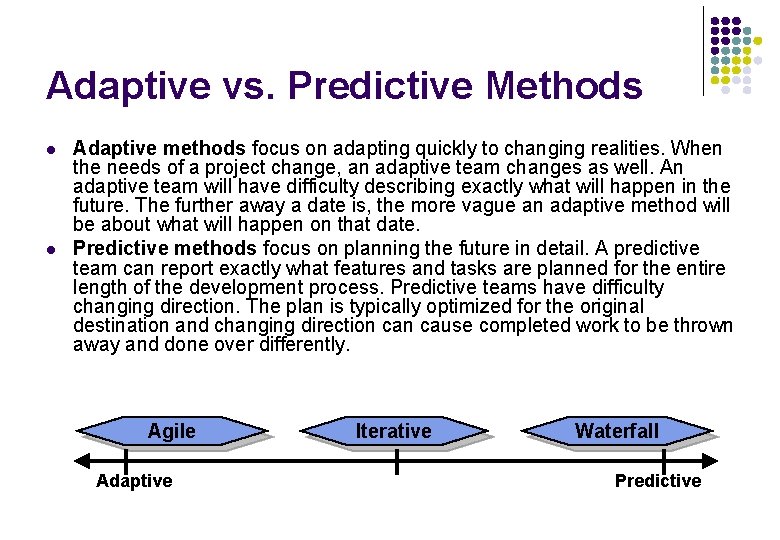
Adaptive vs. Predictive Methods l l Adaptive methods focus on adapting quickly to changing realities. When the needs of a project change, an adaptive team changes as well. An adaptive team will have difficulty describing exactly what will happen in the future. The further away a date is, the more vague an adaptive method will be about what will happen on that date. Predictive methods focus on planning the future in detail. A predictive team can report exactly what features and tasks are planned for the entire length of the development process. Predictive teams have difficulty changing direction. The plan is typically optimized for the original destination and changing direction cause completed work to be thrown away and done over differently. Agile Adaptive Iterative Waterfall Predictive