
Software Overview Call Accounting System CAS Facilities Management


- Slides: 27
Software Overview Call Accounting System (CAS) Facilities Management (COM-FACS) Student Resale Billing Click Each Screen to View Information
Marcia Suarez President msuarez@prosysserv. com Michele Kuenzler Director of Technology micheles@prosysserv. com Please contact us at 1 -800 -327 -1940 or fax us at 561 -241 -2804. www. prosysserv. com
INTRODUCTION Professional System Services CAS is a powerful tool for managing the costs of a telephone system. This Software was developed in 1980 to meet a growing demand for telephone management systems. In 1992 the software was moved to the Intel-based PC running under the direction of a multi-user operating system called UNIX, which was developed by AT&T. Bringing this software to an industry standard hardware platform under a universally accepted operating system, like UNIX, offers the user a significantly wider range of options to meet management criteria. Professional System Services CAS provides managers with the information needed to justify expenses, request additional budgets, curb telephone misuse by employees and help employees use the telephone more efficiently. To compliment call accounting, managers can analyze traffic, justify lower-cost lines, and add more lines to heavily used facilities, thereby fine tuning their networks to meet business and employee needs. THE COMPUTER Your computer can perform other functions such as word processing and general accounting simultaneously with call accounting operations. Customized reports and other applications may be developed for a company’s specific needs. A full set of system utilities is available to manage system and data resources, as well as to communicate with other systems. It can be put on your network to allow other users to telnet or FTP a file over to their PC.
SUBSYSTEMS OF THE CALL ACCOUNTING SYSTEM: (CAS) TMR TRAFFIC MANAGEMENT REPORTS – Provides reports on your line and trunk use. These reports are run daily to aid in the ongoing management of the communications network. SMDR CALL COLLECTION – SMDR data received from a PBX is collected and formatted into a Standard Call record and rated based on the type of trunk used. Call records are analyzed to produce traffic management and call detail information. SMDS STATION MESSAGE DETAIL SYSTEM – Provides reports to manage the internal communications system. ADS ATTENDANT DIRECTORY SERVICE – Provides directory services and listings. The details include the following: ØSearch by full or partial last or first name ØDisplay the extensions by Division, Department or both ØPrint the company telephone listing
Call Collection SMDR CALL COLLECTION: SMDR data received from the PBX is collected, formatted into a standard call record and rated based on the type of trunk used. Call records are analyzed to produced traffic management and call detail information. Call Collection File Maintenance Directory Service Call Records Call Analysis Directory Traffic Analysis Traffic Reports Station Message Detail SMD Reports
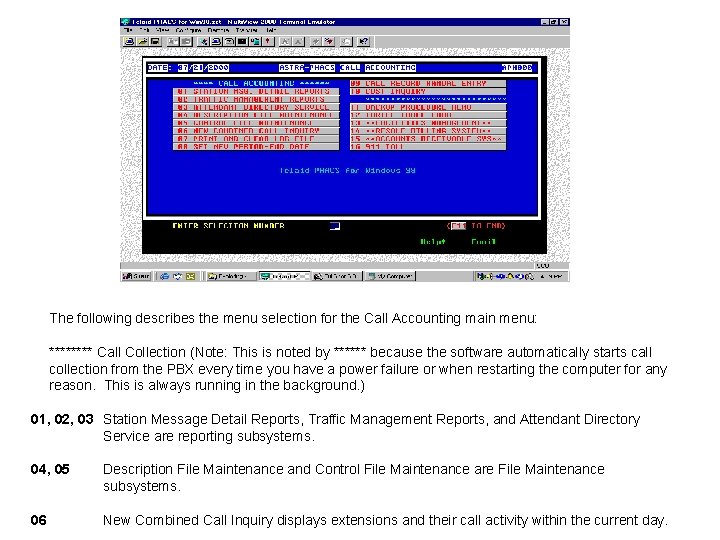
The following describes the menu selection for the Call Accounting main menu: **** Call Collection (Note: This is noted by ****** because the software automatically starts call collection from the PBX every time you have a power failure or when restarting the computer for any reason. This is always running in the background. ) 01, 02, 03 Station Message Detail Reports, Traffic Management Reports, and Attendant Directory Service are reporting subsystems. 04, 05 Description File Maintenance and Control File Maintenance are File Maintenance subsystems. 06 New Combined Call Inquiry displays extensions and their call activity within the current day.
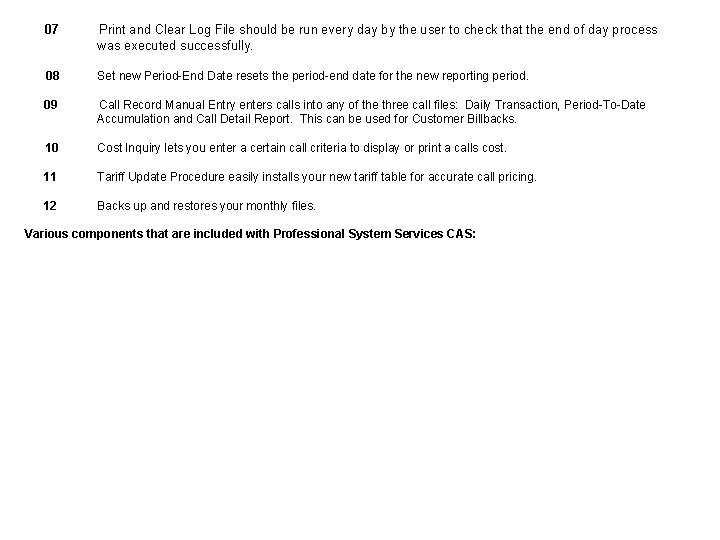
07 Print and Clear Log File should be run every day by the user to check that the end of day process was executed successfully. 08 Set new Period-End Date resets the period-end date for the new reporting period. 09 Call Record Manual Entry enters calls into any of the three call files: Daily Transaction, Period-To-Date Accumulation and Call Detail Report. This can be used for Customer Billbacks. 10 Cost Inquiry lets you enter a certain call criteria to display or print a calls cost. 11 Tariff Update Procedure easily installs your new tariff table for accurate call pricing. 12 Backs up and restores your monthly files. Various components that are included with Professional System Services CAS:
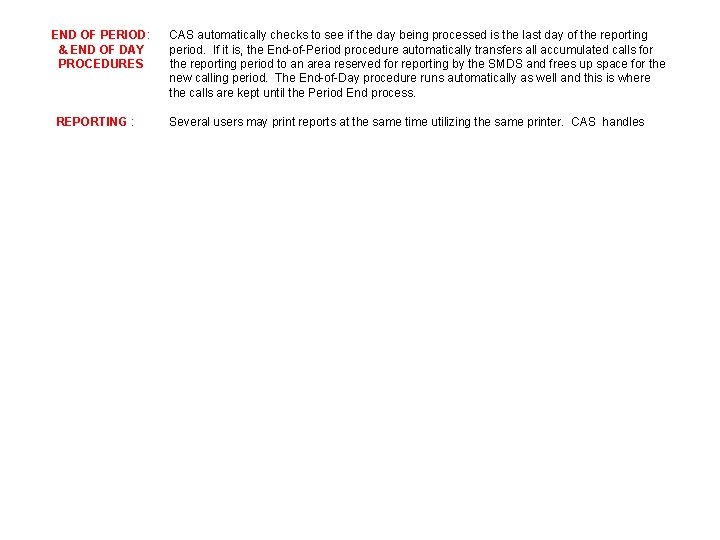
END OF PERIOD: & END OF DAY PROCEDURES REPORTING : CAS automatically checks to see if the day being processed is the last day of the reporting period. If it is, the End-of-Period procedure automatically transfers all accumulated calls for the reporting period to an area reserved for reporting by the SMDS and frees up space for the new calling period. The End-of-Day procedure runs automatically as well and this is where the calls are kept until the Period End process. Several users may print reports at the same time utilizing the same printer. CAS handles
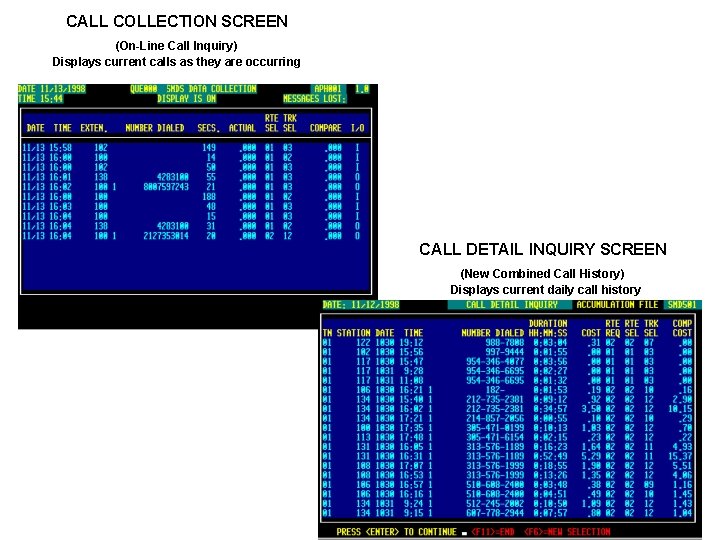
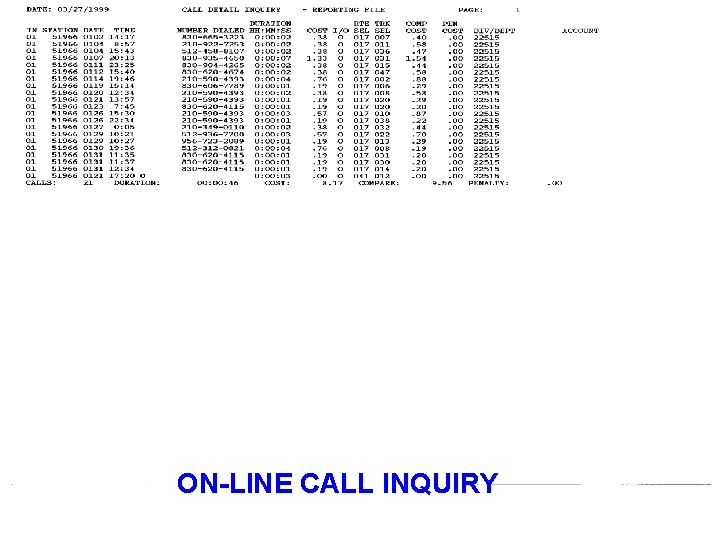
CALL COLLECTION SCREEN (On-Line Call Inquiry) Displays current calls as they are occurring CALL DETAIL INQUIRY SCREEN (New Combined Call History) Displays current daily call history
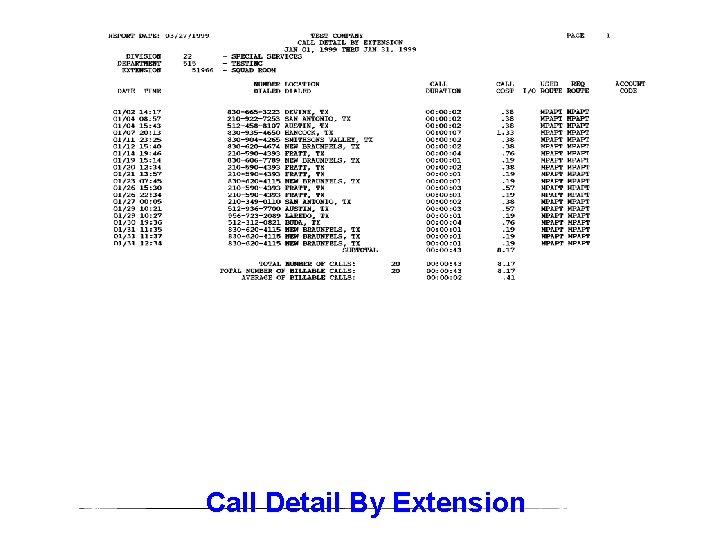
Call Detail By Extension
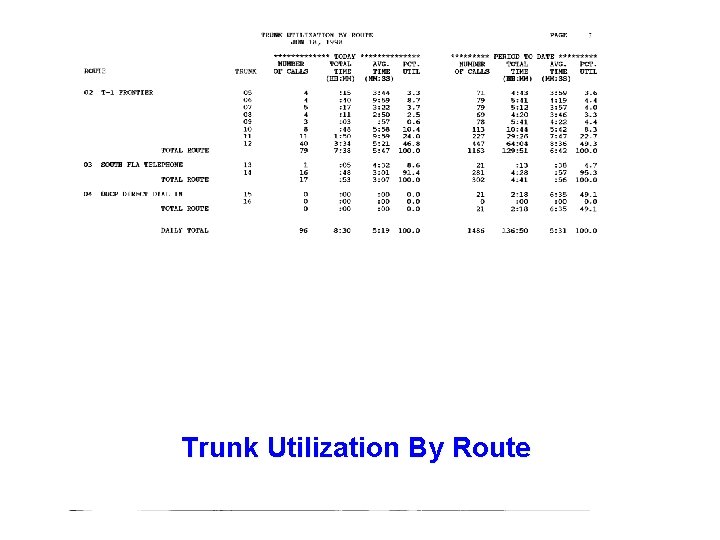
Trunk Utilization By Route
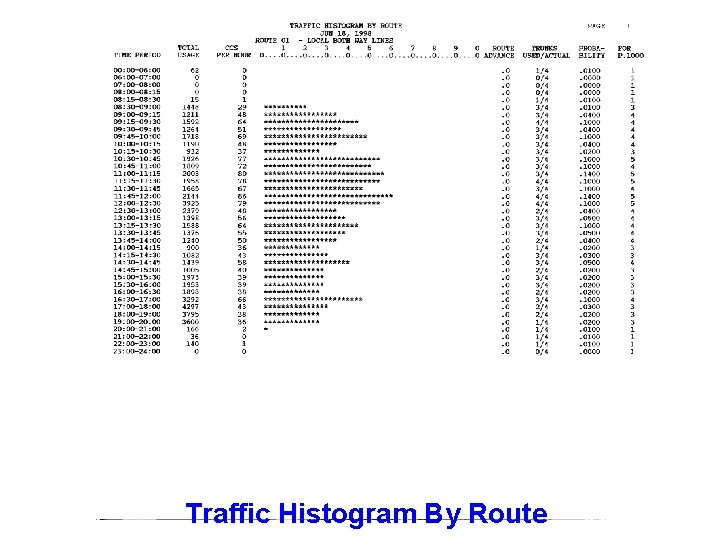
Traffic Histogram By Route
ON-LINE CALL INQUIRY
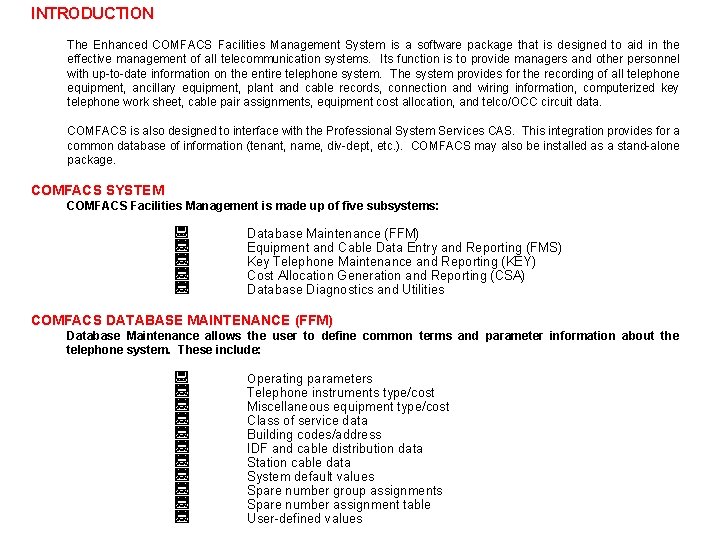
INTRODUCTION The Enhanced COMFACS Facilities Management System is a software package that is designed to aid in the effective management of all telecommunication systems. Its function is to provide managers and other personnel with up-to-date information on the entire telephone system. The system provides for the recording of all telephone equipment, ancillary equipment, plant and cable records, connection and wiring information, computerized key telephone work sheet, cable pair assignments, equipment cost allocation, and telco/OCC circuit data. COMFACS is also designed to interface with the Professional System Services CAS. This integration provides for a common database of information (tenant, name, div-dept, etc. ). COMFACS may also be installed as a stand-alone package. COMFACS SYSTEM COMFACS Facilities Management is made up of five subsystems: U U U Database Maintenance (FFM) Equipment and Cable Data Entry and Reporting (FMS) Key Telephone Maintenance and Reporting (KEY) Cost Allocation Generation and Reporting (CSA) Database Diagnostics and Utilities COMFACS DATABASE MAINTENANCE (FFM) Database Maintenance allows the user to define common terms and parameter information about the telephone system. These include: U U U Operating parameters Telephone instruments type/cost Miscellaneous equipment type/cost Class of service data Building codes/address IDF and cable distribution data Station cable data System default values Spare number group assignments Spare number assignment table User-defined values
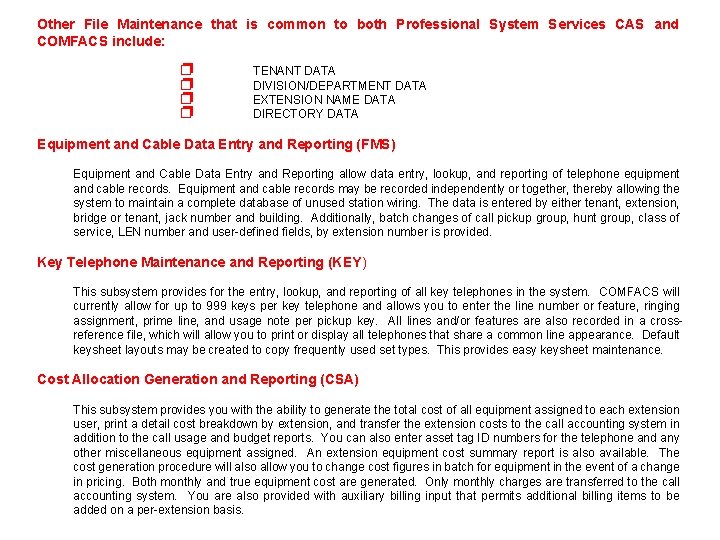
Other File Maintenance that is common to both Professional System Services CAS and COMFACS include: p p TENANT DATA DIVISION/DEPARTMENT DATA EXTENSION NAME DATA DIRECTORY DATA Equipment and Cable Data Entry and Reporting (FMS) Equipment and Cable Data Entry and Reporting allow data entry, lookup, and reporting of telephone equipment and cable records. Equipment and cable records may be recorded independently or together, thereby allowing the system to maintain a complete database of unused station wiring. The data is entered by either tenant, extension, bridge or tenant, jack number and building. Additionally, batch changes of call pickup group, hunt group, class of service, LEN number and user-defined fields, by extension number is provided. Key Telephone Maintenance and Reporting (KEY) This subsystem provides for the entry, lookup, and reporting of all key telephones in the system. COMFACS will currently allow for up to 999 keys per key telephone and allows you to enter the line number or feature, ringing assignment, prime line, and usage note per pickup key. All lines and/or features are also recorded in a crossreference file, which will allow you to print or display all telephones that share a common line appearance. Default keysheet layouts may be created to copy frequently used set types. This provides easy keysheet maintenance. Cost Allocation Generation and Reporting (CSA) This subsystem provides you with the ability to generate the total cost of all equipment assigned to each extension user, print a detail cost breakdown by extension, and transfer the extension costs to the call accounting system in addition to the call usage and budget reports. You can also enter asset tag ID numbers for the telephone and any other miscellaneous equipment assigned. An extension equipment cost summary report is also available. The cost generation procedure will also allow you to change cost figures in batch for equipment in the event of a change in pricing. Both monthly and true equipment cost are generated. Only monthly charges are transferred to the call accounting system. You are also provided with auxiliary billing input that permits additional billing items to be added on a per-extension basis.
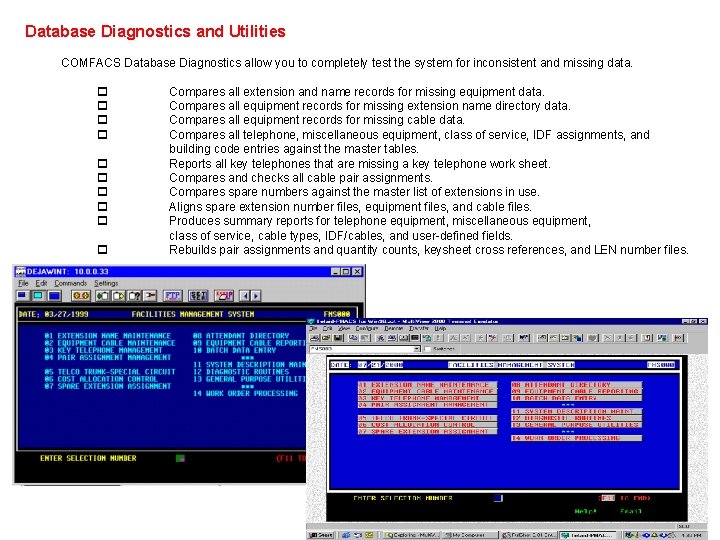
Database Diagnostics and Utilities COMFACS Database Diagnostics allow you to completely test the system for inconsistent and missing data. p p p p p Compares all extension and name records for missing equipment data. Compares all equipment records for missing extension name directory data. Compares all equipment records for missing cable data. Compares all telephone, miscellaneous equipment, class of service, IDF assignments, and building code entries against the master tables. Reports all key telephones that are missing a key telephone work sheet. Compares and checks all cable pair assignments. Compares spare numbers against the master list of extensions in use. Aligns spare extension number files, equipment files, and cable files. Produces summary reports for telephone equipment, miscellaneous equipment, class of service, cable types, IDF/cables, and user-defined fields. Rebuilds pair assignments and quantity counts, keysheet cross references, and LEN number files.
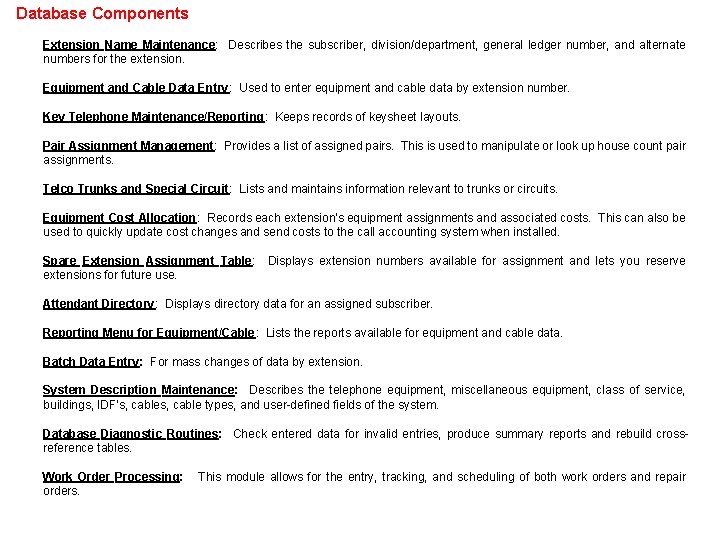
Database Components Extension Name Maintenance: Describes the subscriber, division/department, general ledger number, and alternate numbers for the extension. Equipment and Cable Data Entry: Used to enter equipment and cable data by extension number. Key Telephone Maintenance/Reporting: Keeps records of keysheet layouts. Pair Assignment Management: Provides a list of assigned pairs. This is used to manipulate or look up house count pair assignments. Telco Trunks and Special Circuit: Lists and maintains information relevant to trunks or circuits. Equipment Cost Allocation: Records each extension's equipment assignments and associated costs. This can also be used to quickly update cost changes and send costs to the call accounting system when installed. Spare Extension Assignment Table: extensions for future use. Displays extension numbers available for assignment and lets you reserve Attendant Directory: Displays directory data for an assigned subscriber. Reporting Menu for Equipment/Cable: Lists the reports available for equipment and cable data. Batch Data Entry: For mass changes of data by extension. System Description Maintenance: Describes the telephone equipment, miscellaneous equipment, class of service, buildings, IDF's, cable types, and user-defined fields of the system. Database Diagnostic Routines: Check entered data for invalid entries, produce summary reports and rebuild crossreference tables. Work Order Processing: orders. This module allows for the entry, tracking, and scheduling of both work orders and repair
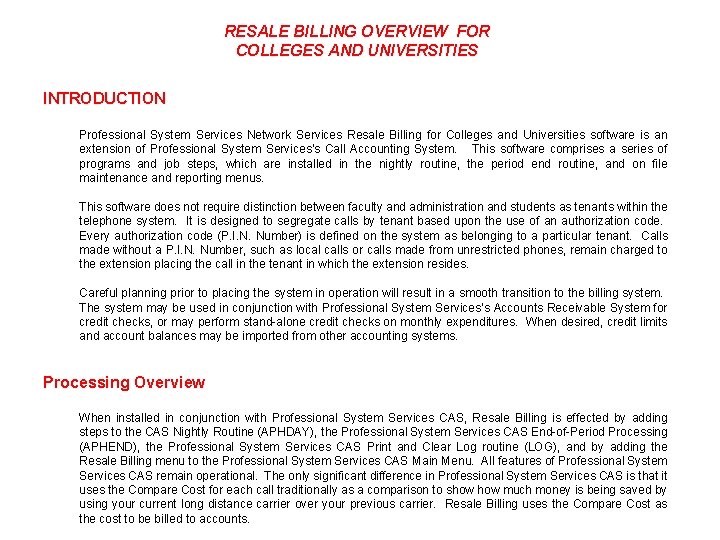
RESALE BILLING OVERVIEW FOR COLLEGES AND UNIVERSITIES INTRODUCTION Professional System Services Network Services Resale Billing for Colleges and Universities software is an extension of Professional System Services's Call Accounting System. This software comprises a series of programs and job steps, which are installed in the nightly routine, the period end routine, and on file maintenance and reporting menus. This software does not require distinction between faculty and administration and students as tenants within the telephone system. It is designed to segregate calls by tenant based upon the use of an authorization code. Every authorization code (P. I. N. Number) is defined on the system as belonging to a particular tenant. Calls made without a P. I. N. Number, such as local calls or calls made from unrestricted phones, remain charged to the extension placing the call in the tenant in which the extension resides. Careful planning prior to placing the system in operation will result in a smooth transition to the billing system. The system may be used in conjunction with Professional System Services’s Accounts Receivable System for credit checks, or may perform stand-alone credit checks on monthly expenditures. When desired, credit limits and account balances may be imported from other accounting systems. Processing Overview When installed in conjunction with Professional System Services CAS, Resale Billing is effected by adding steps to the CAS Nightly Routine (APHDAY), the Professional System Services CAS End-of-Period Processing (APHEND), the Professional System Services CAS Print and Clear Log routine (LOG), and by adding the Resale Billing menu to the Professional System Services CAS Main Menu. All features of Professional System Services CAS remain operational. The only significant difference in Professional System Services CAS is that it uses the Compare Cost for each call traditionally as a comparison to show much money is being saved by using your current long distance carrier over your previous carrier. Resale Billing uses the Compare Cost as the cost to be billed to accounts.
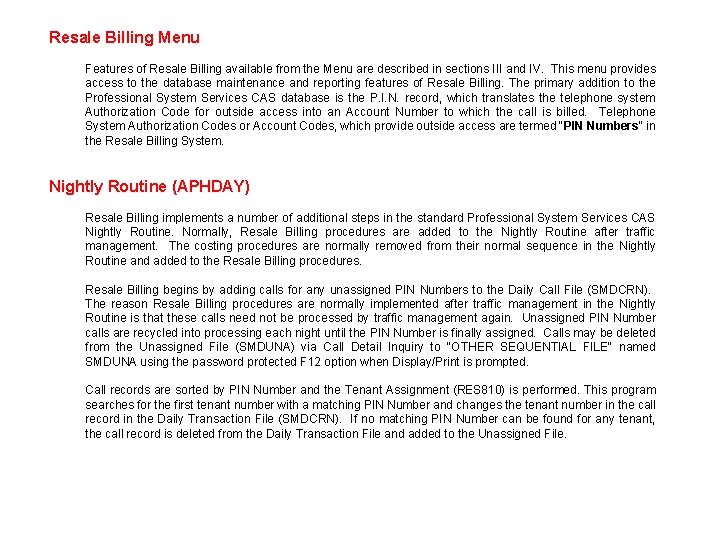
Resale Billing Menu Features of Resale Billing available from the Menu are described in sections III and IV. This menu provides access to the database maintenance and reporting features of Resale Billing. The primary addition to the Professional System Services CAS database is the P. I. N. record, which translates the telephone system Authorization Code for outside access into an Account Number to which the call is billed. Telephone System Authorization Codes or Account Codes, which provide outside access are termed "PIN Numbers" in the Resale Billing System. Nightly Routine (APHDAY) Resale Billing implements a number of additional steps in the standard Professional System Services CAS Nightly Routine. Normally, Resale Billing procedures are added to the Nightly Routine after traffic management. The costing procedures are normally removed from their normal sequence in the Nightly Routine and added to the Resale Billing procedures. Resale Billing begins by adding calls for any unassigned PIN Numbers to the Daily Call File (SMDCRN). The reason Resale Billing procedures are normally implemented after traffic management in the Nightly Routine is that these calls need not be processed by traffic management again. Unassigned PIN Number calls are recycled into processing each night until the PIN Number is finally assigned. Calls may be deleted from the Unassigned File (SMDUNA) via Call Detail Inquiry to "OTHER SEQUENTIAL FILE" named SMDUNA using the password protected F 12 option when Display/Print is prompted. Call records are sorted by PIN Number and the Tenant Assignment (RES 810) is performed. This program searches for the first tenant number with a matching PIN Number and changes the tenant number in the call record in the Daily Transaction File (SMDCRN). If no matching PIN Number can be found for any tenant, the call record is deleted from the Daily Transaction File and added to the Unassigned File.
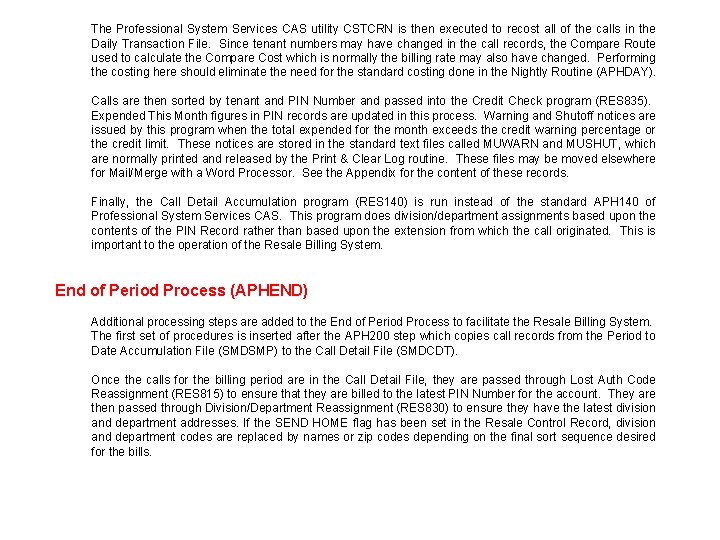
The Professional System Services CAS utility CSTCRN is then executed to recost all of the calls in the Daily Transaction File. Since tenant numbers may have changed in the call records, the Compare Route used to calculate the Compare Cost which is normally the billing rate may also have changed. Performing the costing here should eliminate the need for the standard costing done in the Nightly Routine (APHDAY). Calls are then sorted by tenant and PIN Number and passed into the Credit Check program (RES 835). Expended This Month figures in PIN records are updated in this process. Warning and Shutoff notices are issued by this program when the total expended for the month exceeds the credit warning percentage or the credit limit. These notices are stored in the standard text files called MUWARN and MUSHUT, which are normally printed and released by the Print & Clear Log routine. These files may be moved elsewhere for Mail/Merge with a Word Processor. See the Appendix for the content of these records. Finally, the Call Detail Accumulation program (RES 140) is run instead of the standard APH 140 of Professional System Services CAS. This program does division/department assignments based upon the contents of the PIN Record rather than based upon the extension from which the call originated. This is important to the operation of the Resale Billing System. End of Period Process (APHEND) Additional processing steps are added to the End of Period Process to facilitate the Resale Billing System. The first set of procedures is inserted after the APH 200 step which copies call records from the Period to Date Accumulation File (SMDSMP) to the Call Detail File (SMDCDT). Once the calls for the billing period are in the Call Detail File, they are passed through Lost Auth Code Reassignment (RES 815) to ensure that they are billed to the latest PIN Number for the account. They are then passed through Division/Department Reassignment (RES 830) to ensure they have the latest division and department addresses. If the SEND HOME flag has been set in the Resale Control Record, division and department codes are replaced by names or zip codes depending on the final sort sequence desired for the bills.
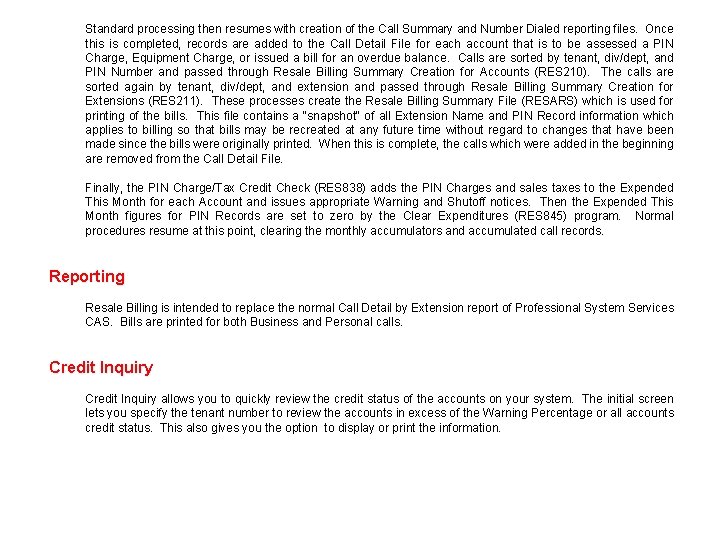
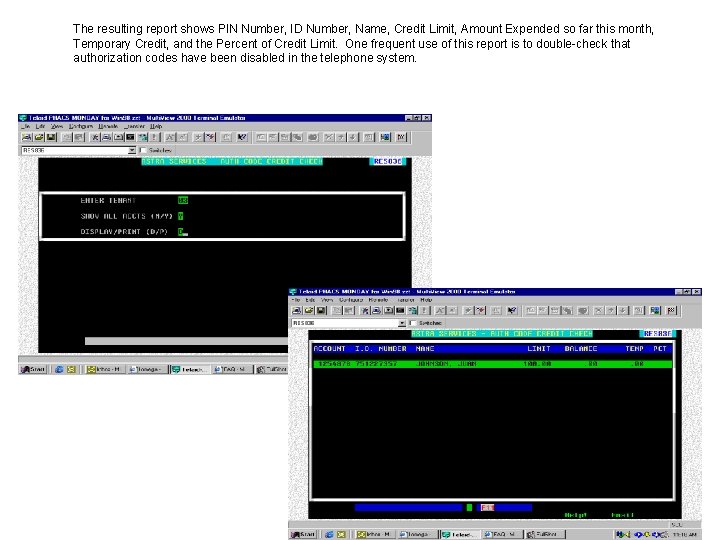
Standard processing then resumes with creation of the Call Summary and Number Dialed reporting files. Once this is completed, records are added to the Call Detail File for each account that is to be assessed a PIN Charge, Equipment Charge, or issued a bill for an overdue balance. Calls are sorted by tenant, div/dept, and PIN Number and passed through Resale Billing Summary Creation for Accounts (RES 210). The calls are sorted again by tenant, div/dept, and extension and passed through Resale Billing Summary Creation for Extensions (RES 211). These processes create the Resale Billing Summary File (RESARS) which is used for printing of the bills. This file contains a "snapshot" of all Extension Name and PIN Record information which applies to billing so that bills may be recreated at any future time without regard to changes that have been made since the bills were originally printed. When this is complete, the calls which were added in the beginning are removed from the Call Detail File. Finally, the PIN Charge/Tax Credit Check (RES 838) adds the PIN Charges and sales taxes to the Expended This Month for each Account and issues appropriate Warning and Shutoff notices. Then the Expended This Month figures for PIN Records are set to zero by the Clear Expenditures (RES 845) program. Normal procedures resume at this point, clearing the monthly accumulators and accumulated call records. Reporting Resale Billing is intended to replace the normal Call Detail by Extension report of Professional System Services CAS. Bills are printed for both Business and Personal calls. Credit Inquiry allows you to quickly review the credit status of the accounts on your system. The initial screen lets you specify the tenant number to review the accounts in excess of the Warning Percentage or all accounts credit status. This also gives you the option to display or print the information.
The resulting report shows PIN Number, ID Number, Name, Credit Limit, Amount Expended so far this month, Temporary Credit, and the Percent of Credit Limit. One frequent use of this report is to double-check that authorization codes have been disabled in the telephone system.
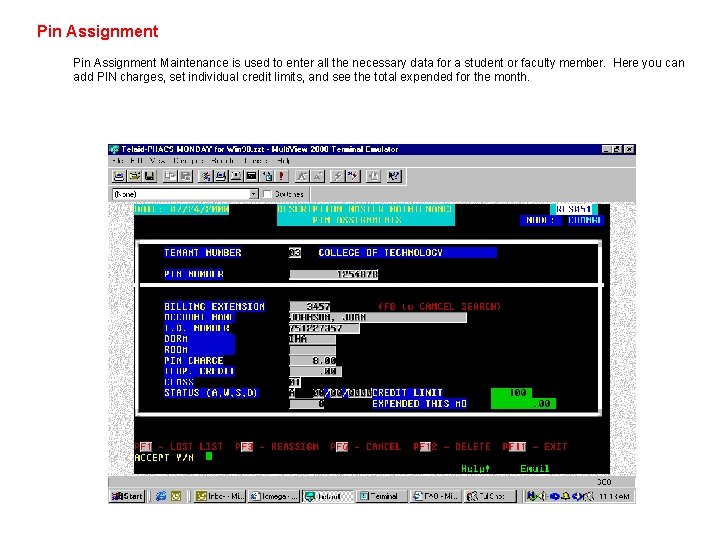
Pin Assignment Maintenance is used to enter all the necessary data for a student or faculty member. Here you can add PIN charges, set individual credit limits, and see the total expended for the month.