
Software Interfaces Learning Objectives Describe the characteristics of
Software Interfaces
Learning Objectives Describe the characteristics of different types of user interfaces. Discuss the types of user interfaces which make them appropriate for use by different types of users.
Human Computer Interface (HCI) / User Interface (UI) The means by which the human and the computer communicate.
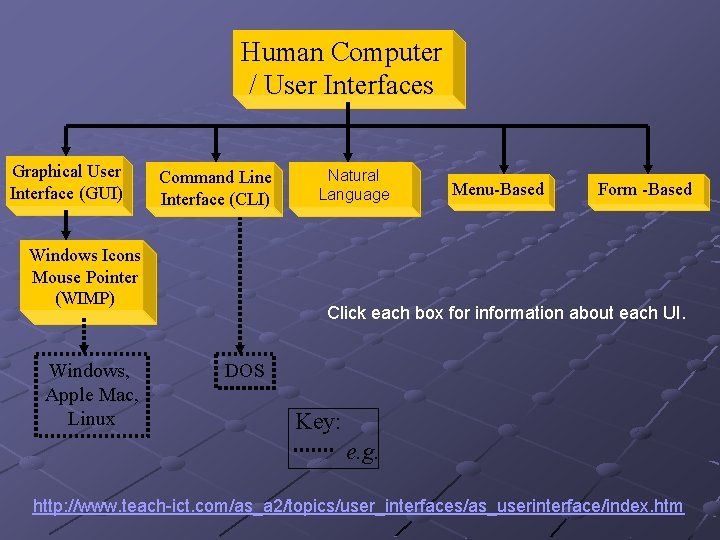
Human Computer / User Interfaces Graphical User Interface (GUI) Command Line Interface (CLI) Windows Icons Mouse Pointer (WIMP) Windows, Apple Mac, Linux Natural Language Menu-Based Form -Based Click each box for information about each UI. DOS Key: e. g. http: //www. teach-ict. com/as_a 2/topics/user_interfaces/as_userinterface/index. htm

Graphical User Interface (GUI) http: //www. teach-ict. com/as_a 2/topics/user_interfaces/as_userinterface/gui. htm Most popular today is WIMP (windows, icons, menus, pointer). View different applications or files in windows. n Use some sort of pointing device to select options in menus and small pictures (icons). n
Uses of GUI Non-experienced user Justifications Largely intuitive and only requires a little knowledge of how a computer actually works. It is possible to restrict access to certain parts of the system. Back
Command Line Interface (CLI) http: //www. teachict. com/as_a 2/topics/user_interfaces/as_userinterface/command_driven. htm User types a series of commands at the keyboard which tell the computer what their intentions are. The user needs to: Know what commands are available. n Understand the commands. n Understand the way that material is stored in the computer system. n
Uses of CLI technician looking after a network Justifications Allows access to whole system. Does not use large amount of memory Back
Menu Based Interface http: //www. teachict. com/as_a 2/topics/user_interfaces/as_userinterface/menu_driven. htm Restricted number of choices offered to the user which may lead to further sub-menus. Uses of Menu Based Interface Typically with touch screen e. g. information bureaus
Justifications Easy to use and very intuitive (even for non-computer users), requires almost no knowledge of how a computer actually works. Limits user to choices required by the data structure Easy to test, administer and change Restricts access to computer system Helps customers to determine what they want because choices are given at each stage. Back
Natural Language http: //www. teachict. com/as_a 2/topics/user_interfaces/as_u serinterface/language. htm A translator works out the general meaning of the sentence by first understanding the keywords and then, from their positions in a sentence, works out the syntax. n It then searches for the keywords and syntax in a database to provide appropriate responses or outputs. Use: Search engine or expert system. Back
Form Based Interface http: //www. teach-ict. com/as_a 2/topics/user_interfaces/as_userinterface/form_driven. htm Replicates a hard copy paper form. Specified areas for the data which may have helpful instructions (usually by clicking a ? mark by the text box). n E. g. boxes for input of coded material like the date or the sex of the customer, and areas to be filled in with textual information. Can contain radio buttons and/or drop down lists. A cursor moves to the next box to be filled in. Highlighted boxes make it clear where the data is to be inserted User can be forced to enter data before being allowed to continue. Checks can be made to make sure input is sensible for that box before moving on to the next.
Uses of Form Based Interface telephone sales, order forms Justifications User can be forced to enter data in a predetermined order Does not allow information to be missed out Simple to use and easy to validate data Back
Plenary What is a or human computer interface or user interface? n The means by which the human and the computer communicate.
Plenary Describe the following types of user interface. For each type of interface give a suitable use, justifying your answer in each case.
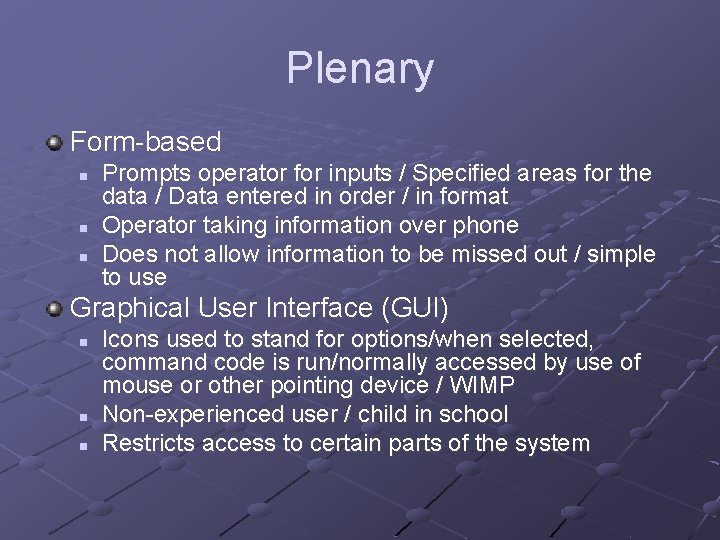
Plenary Form-based n n n Prompts operator for inputs / Specified areas for the data / Data entered in order / in format Operator taking information over phone Does not allow information to be missed out / simple to use Graphical User Interface (GUI) n n n Icons used to stand for options/when selected, command code is run/normally accessed by use of mouse or other pointing device / WIMP Non-experienced user / child in school Restricts access to certain parts of the system
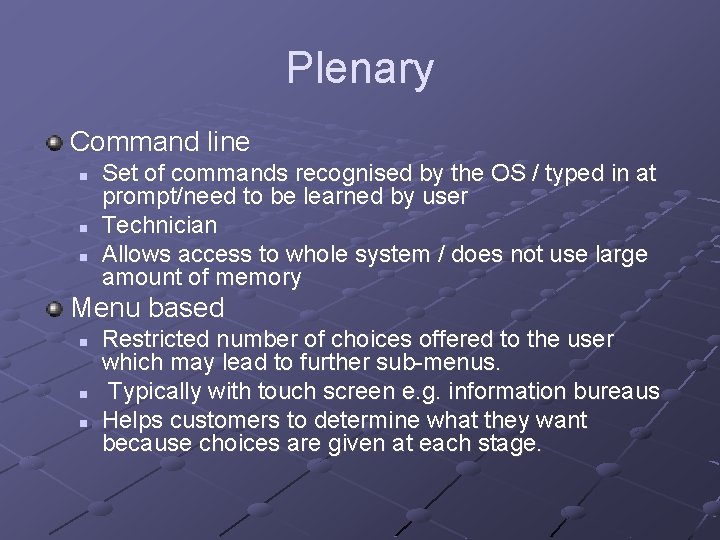
Plenary Command line n n n Set of commands recognised by the OS / typed in at prompt/need to be learned by user Technician Allows access to whole system / does not use large amount of memory Menu based n n n Restricted number of choices offered to the user which may lead to further sub-menus. Typically with touch screen e. g. information bureaus Helps customers to determine what they want because choices are given at each stage.
- Slides: 17