
Software for Engineers Overview Objectives Software Tasks Background
Software for Engineers
Overview • Objectives • Software Tasks • Background • Procedure • Assignment • Closing
Objective • Familiarization with relevant software • Explore software tools • Word • Excel • Power. Point • Inventor
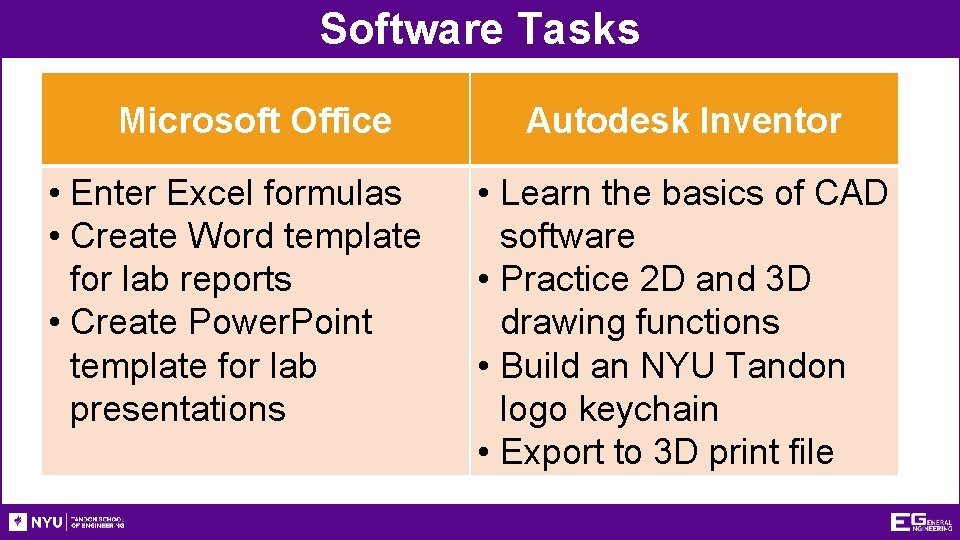
Software Tasks Microsoft Office • Enter Excel formulas • Create Word template for lab reports • Create Power. Point template for lab presentations Autodesk Inventor • Learn the basics of CAD software • Practice 2 D and 3 D drawing functions • Build an NYU Tandon logo keychain • Export to 3 D print file
Background Information Microsoft Excel or Google Sheets • For tables, charts/graphs, data analysis Microsoft Word or Google Docs • For lab reports, proposals, documents Microsoft Power. Point or Google Slides • For professional slideshow presentations
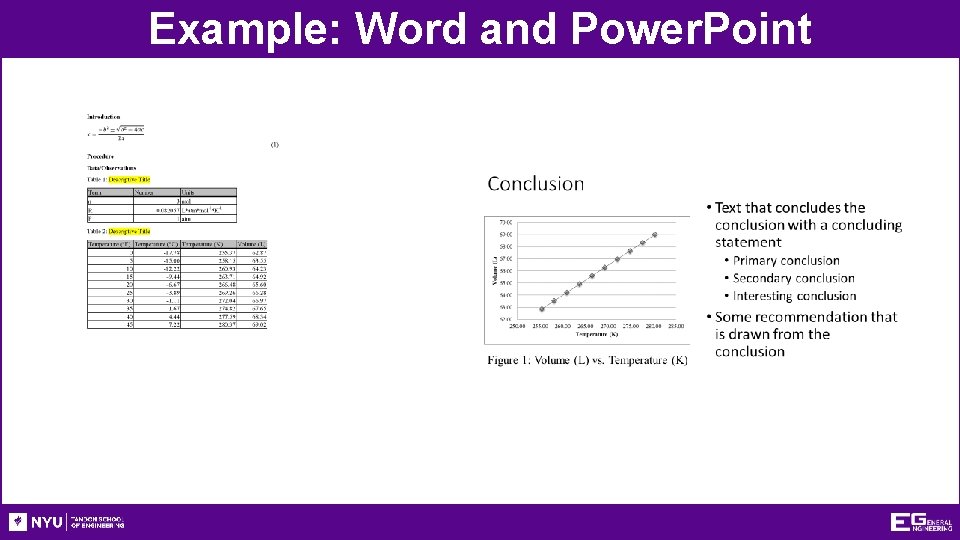
Example: Word and Power. Point
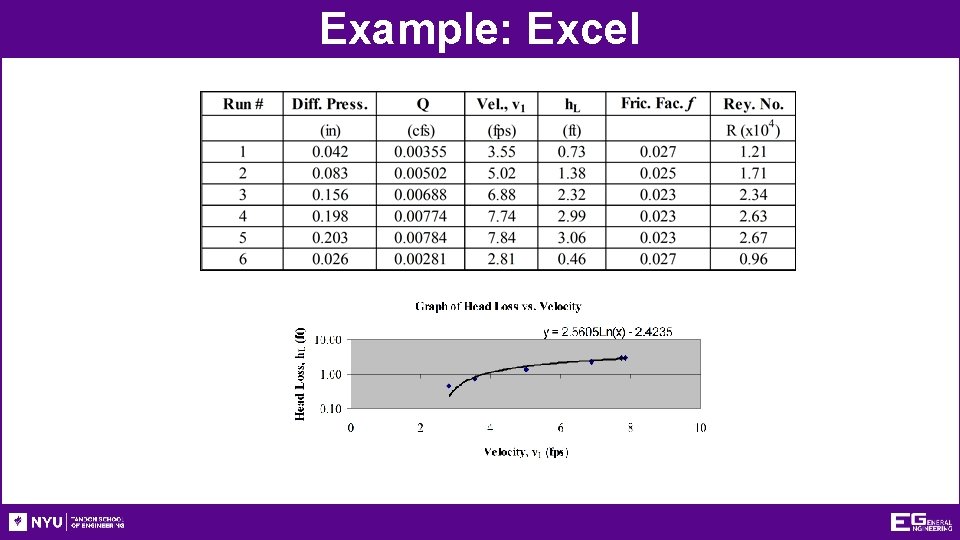
Example: Excel
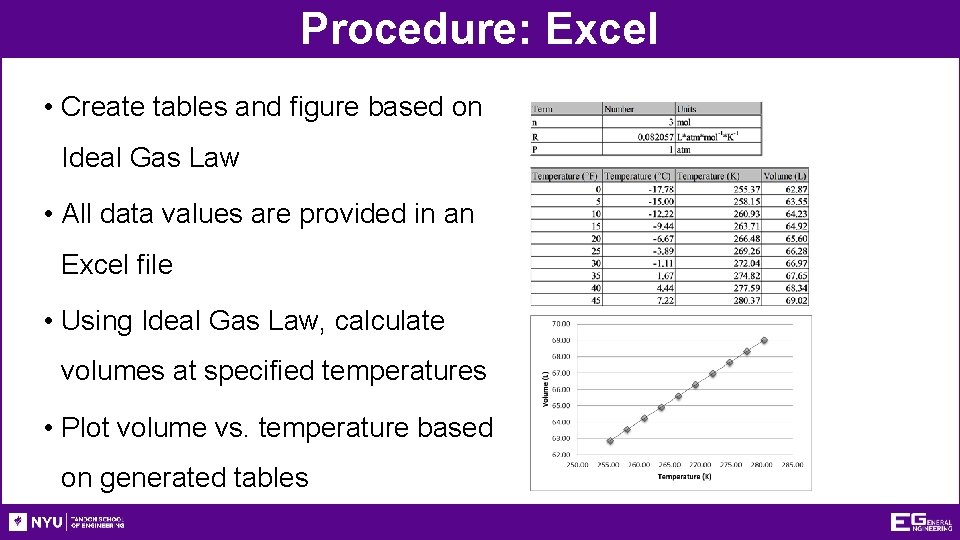
Procedure: Excel • Create tables and figure based on Ideal Gas Law • All data values are provided in an Excel file • Using Ideal Gas Law, calculate volumes at specified temperatures • Plot volume vs. temperature based on generated tables
Procedure: Word and Power. Point • Create templates to use for this class • Change highlighted text to your info • Use online resources, partners, and TAs • Focus on professional formatting (paste as image) • Attention to detail is a critical skill for engineers • Match the given templates accurately
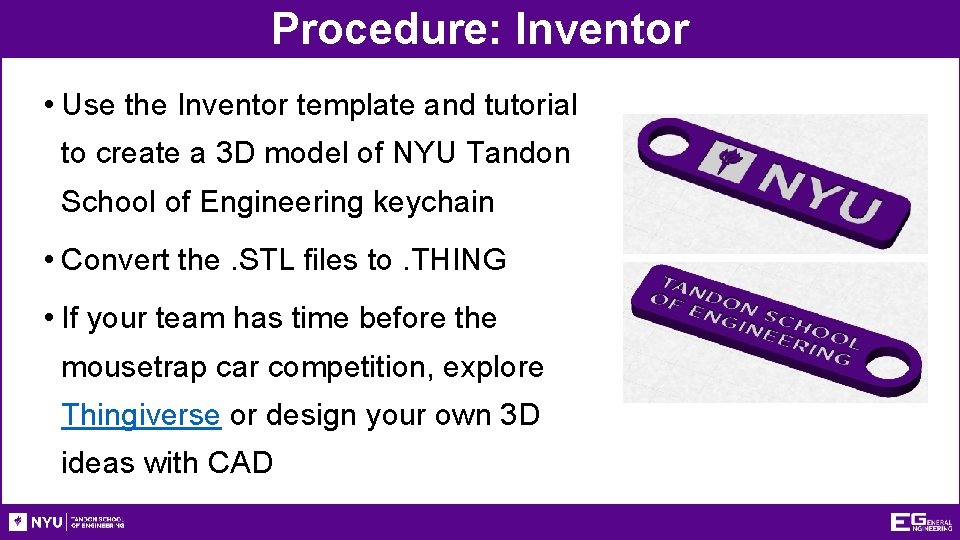
Procedure: Inventor • Use the Inventor template and tutorial to create a 3 D model of NYU Tandon School of Engineering keychain • Convert the. STL files to. THING • If your team has time before the mousetrap car competition, explore Thingiverse or design your own 3 D ideas with CAD
Assignment: Written Report • Independent report (one report per student) • Standard lab report submission (Lab 1 C only) • Submit online (eg. poly. edu) before midnight of day of Lab #2 • Submission includes (1 file, do not include 1 A and 1 B) • Mousetrap competition report
Closing • Each team member must use software • Submit all work electronically by 11: 59 PM before Lab #2 • Work together with your partner • TA is always available for assistance • Mousetrap Car Competition (winner get 3 D printed keychain) • Following MS Office and Inventor Exercise
Closing • When importing into Microsoft from Google Docs, Slides, and Sheets formatting errors may occur • Submission must be Microsoft files, so recheck your final Microsoft formatting • Copy and paste all figures and tables as pictures • All files needed are available in Lab 1 A and 1 B • Write-ups on the EG manual (2 PDF templates, 1 Excel file with data, 1 Inventor file)
Closing
Software for Engineers QUESTIONS?
- Slides: 15