
Software for data management The contribution of Stata
Software for data management: The contribution of Stata Dr Karen Robson, Senior Research Fellow, The Geary Institute, University College Dublin, Ireland
Getting acquainted with Stata. Corp develops and distributes Stata, software for statistical analysis. l Stata is available for Windows, Macintosh, and Unix computers. l Stata is used by medical researchers, biostatisticians, epidemiologists, economists, sociologists, political scientists, geographers, psychologists, social scientists, and other research professionals needing to analyze data. Gaining popularity in the social and medical sciences l Particularly useful for handling large-scale longitudinal data l

Stata SE (for large data sets) can analyze datasets with as many as 32, 766 variables, and the only limit on observations is the amount of RAM on your computer l can handle string variables with a maximum length of 244 characters l can handle matrices up to 11, 000 x 11, 000. l requires at least 512 megabytes of RAM and 80 megabytes of disk space l
Stata/Intercooled (the standard one) l can analyze datasets with as many as 2, 047 variables, and the only limit on observations is the amount of RAM on your computer l can handle string variables with a maximum length of 244 characters l can handle matrices up to 800 x 800.
Small Stata l. A smaller, student version of Stata (for educational purchases only)
Stata MP l The fastest version of Stata (for dualcore and multicore/multiprocessor computers) l Stata/MP is the fastest and largest version of Stata.
Resources l Stata. Corp website (www. stata. com)
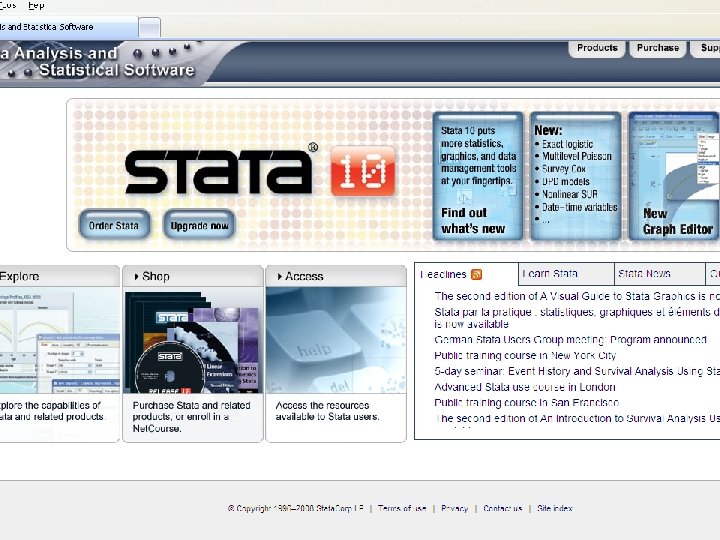
Resources Stata. Corp website (www. stata. com) l Timberlake website (www. timberlake. co. uk) l
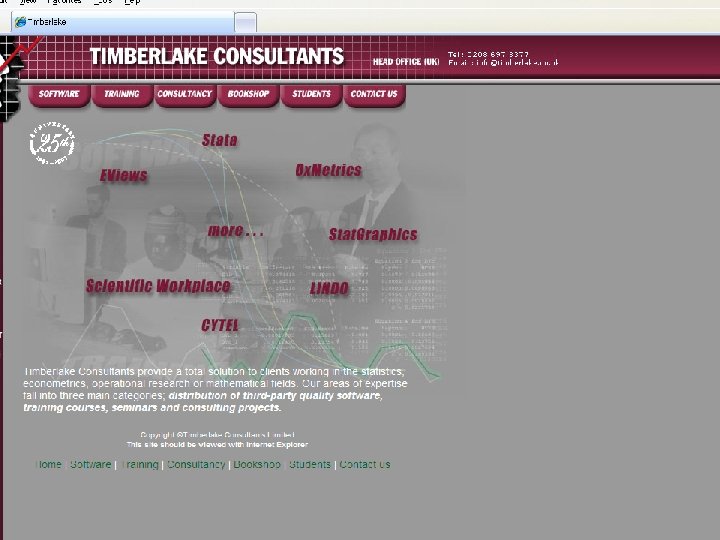
Resources Stata. Corp website (www. stata. com) l Timberlake website (www. timberlake. co. uk) l UCLA Stata “portal” (http: //www. ats. ucla. edu/stat/) l

Resources Stata. Corp website (www. stata. com) l Timberlake website (www. timberlake. co. uk) l UCLA Stata “portal” (statcomp. ats. ucla. edu/stata) l Statalist (www. hsph. harvard. edu/statalist) l
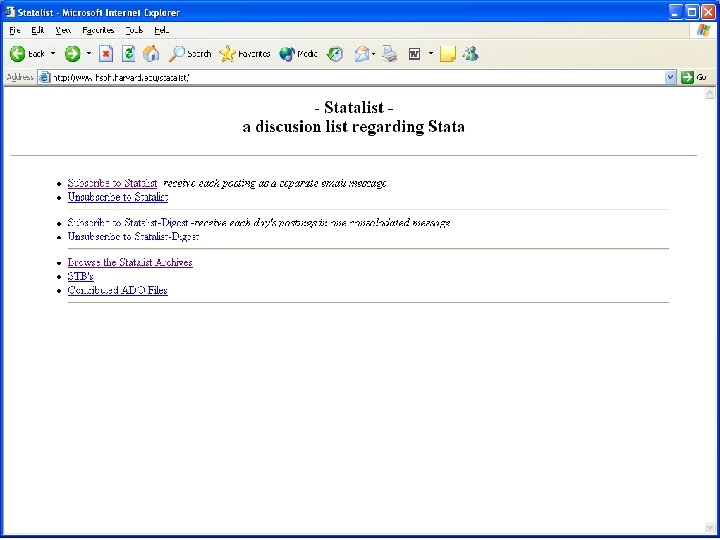
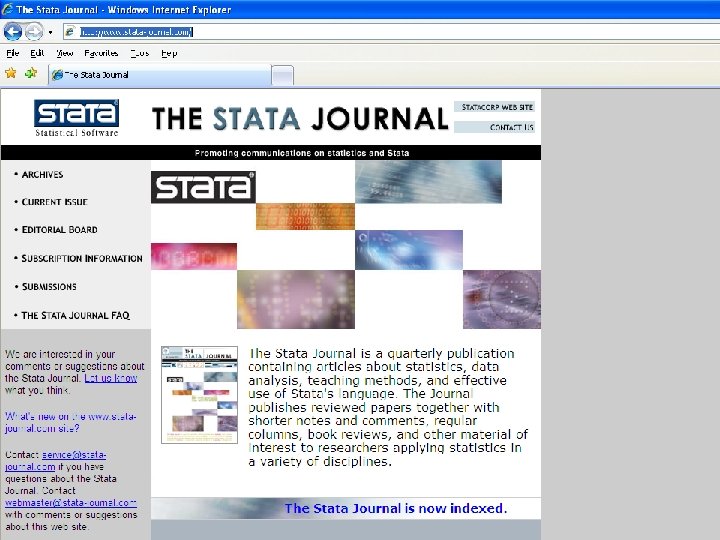
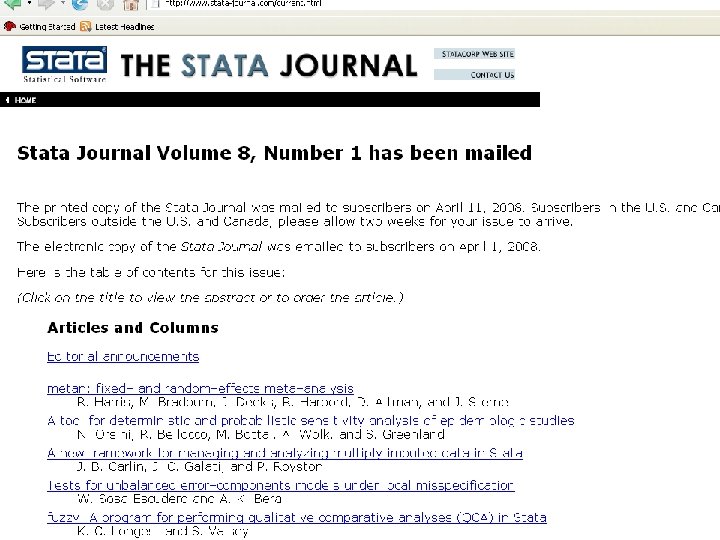
Resources l l l Stata. Corp website (www. stata. com) Timberlake website (www. timberlake. co. uk) UCLA Stata “portal” (statcomp. ats. ucla. edu/stata) Statalist (www. hsph. harvard. edu/statalist) Stata Journal (www. stata-journal. com)
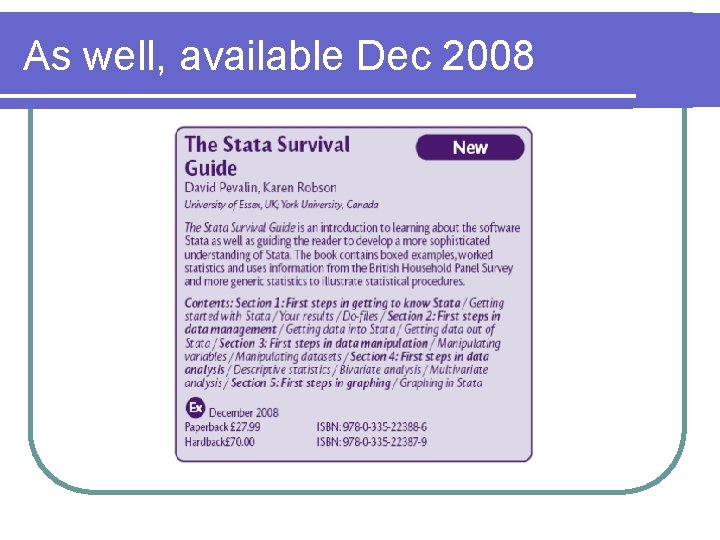
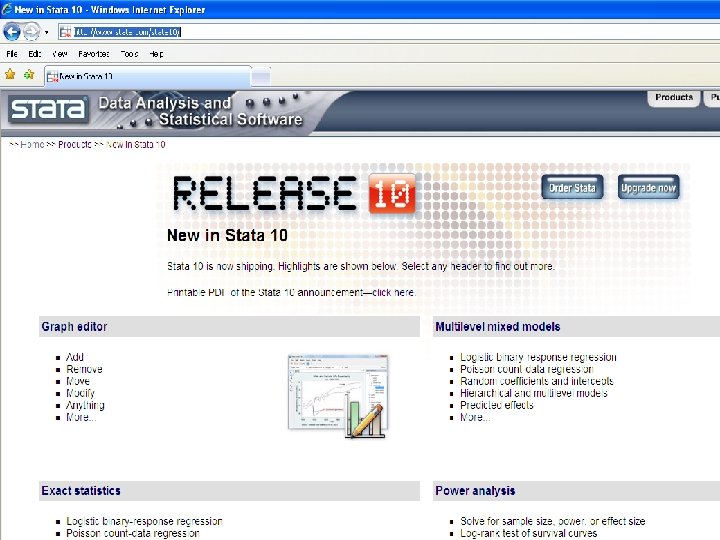
As well, available Dec 2008
Launching Stata l OS contingent l Default window preferences l Window preferences fully adjustable l Auto memory set
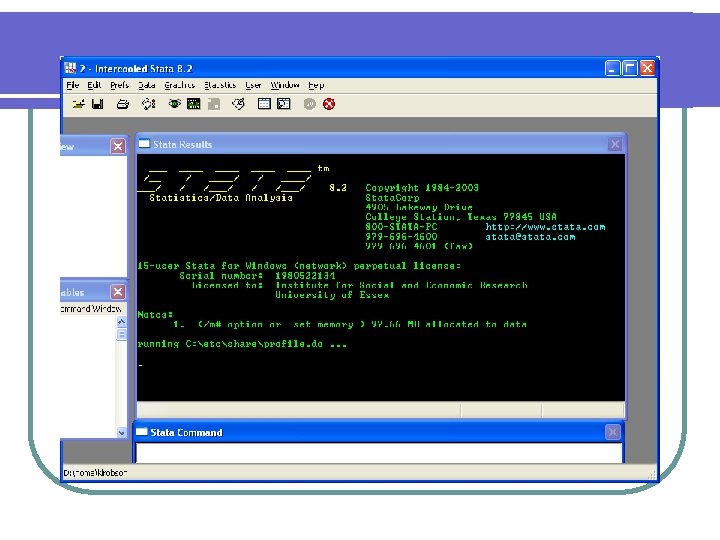
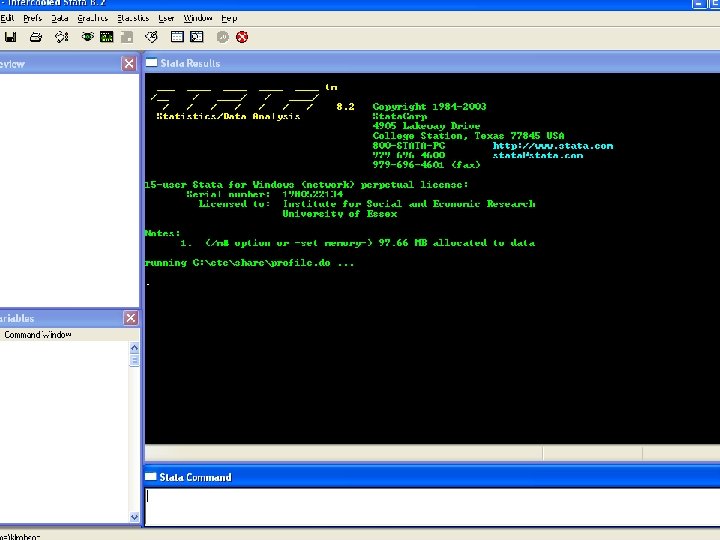
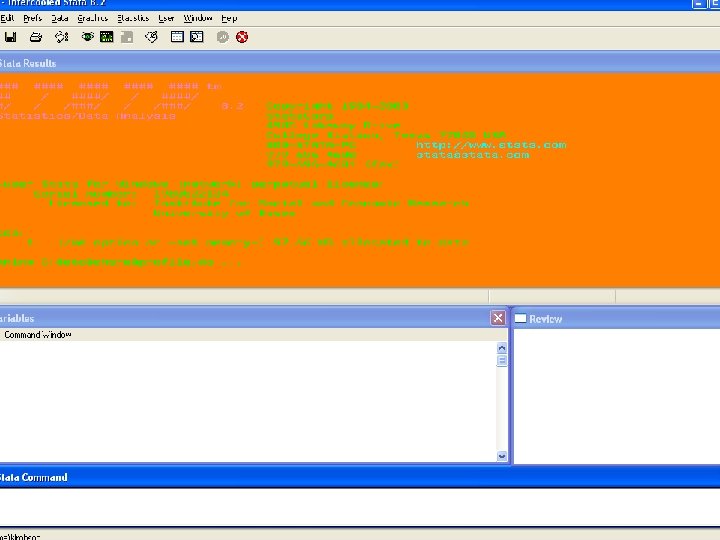
Comparing with SPSS l Start up differences
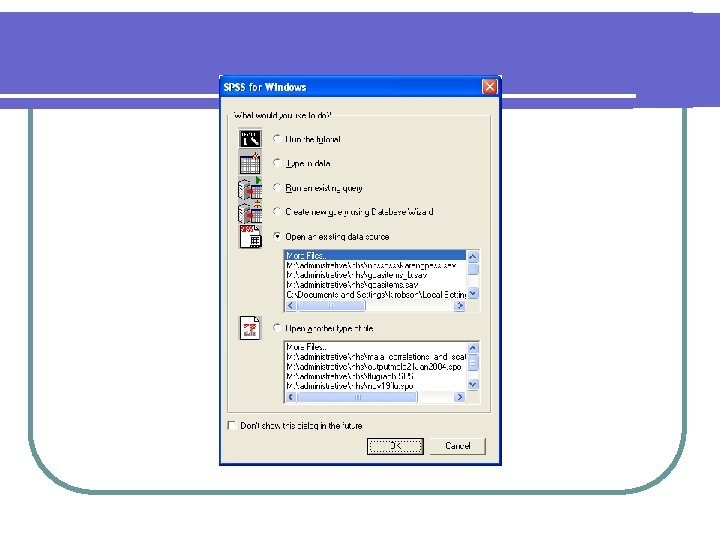
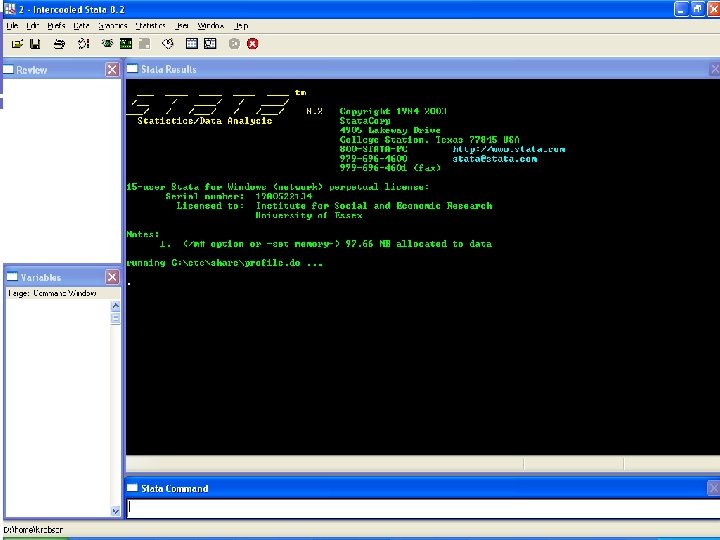
Comparing with SPSS l Start up differences l With data file open
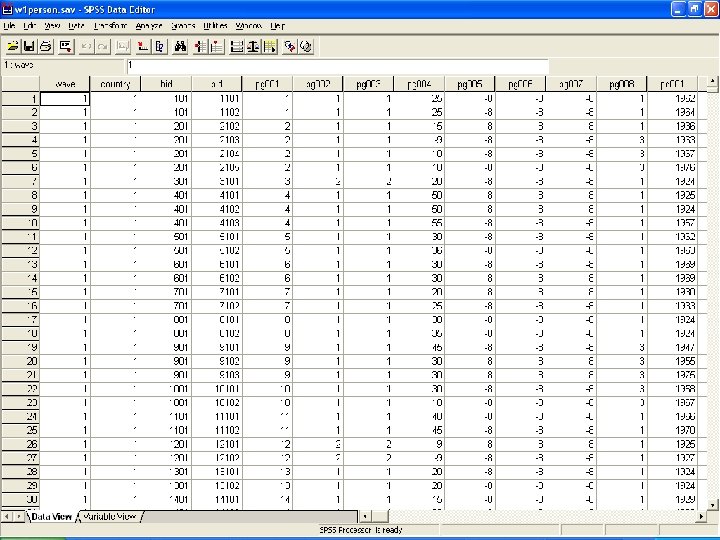
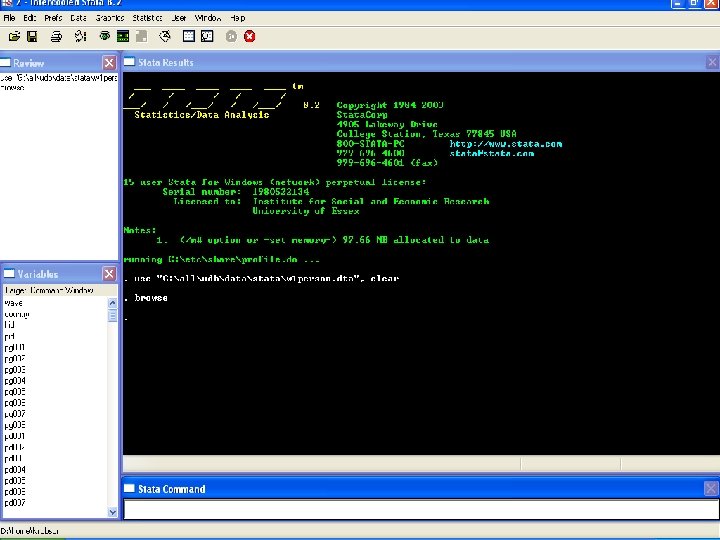
Comparing with SPSS l Start up differences l With data file open l Viewing data l data viewer, data editor
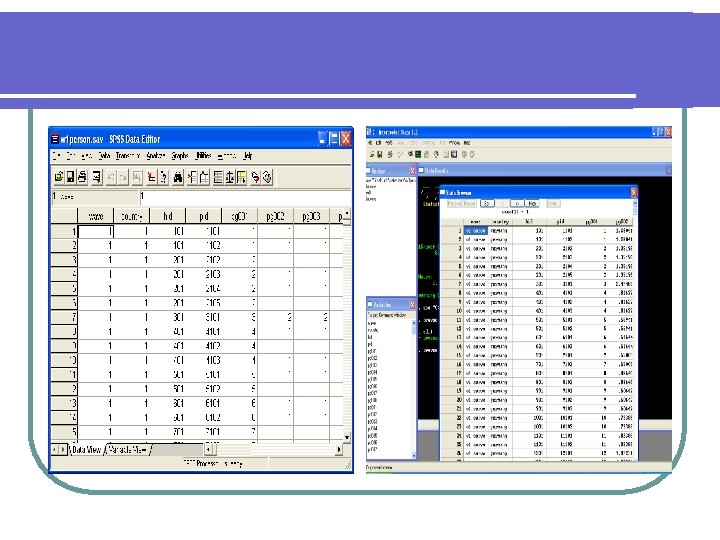
Comparing with SPSS l Start up differences l With data file open l Viewing data l data viewer, data editor l Viewing variables
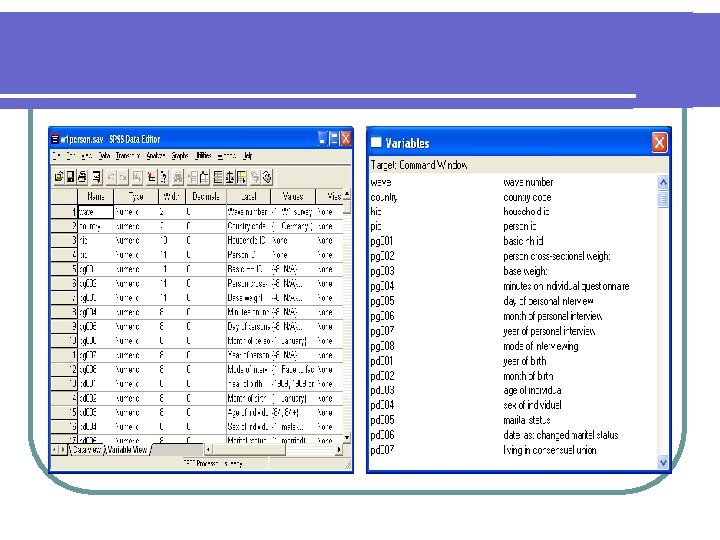
Comparing with SPSS l Start up differences l With data file open l Viewing data l data viewer, data editor l Viewing variables l Viewing output/commands l output window buffer, log files
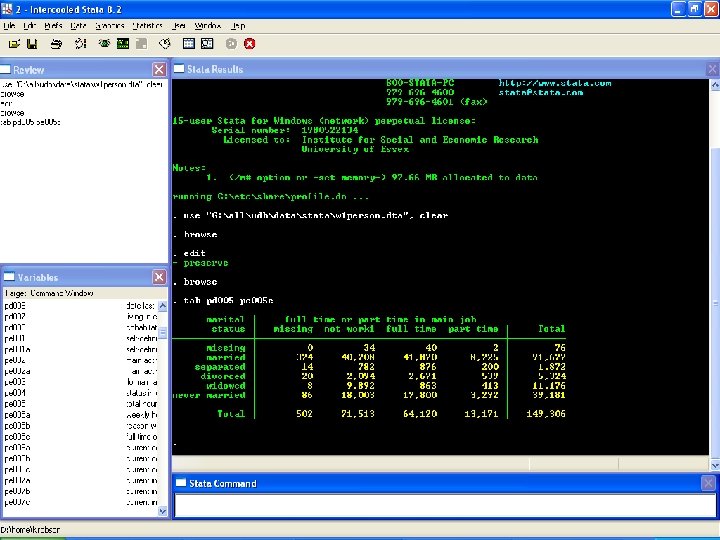
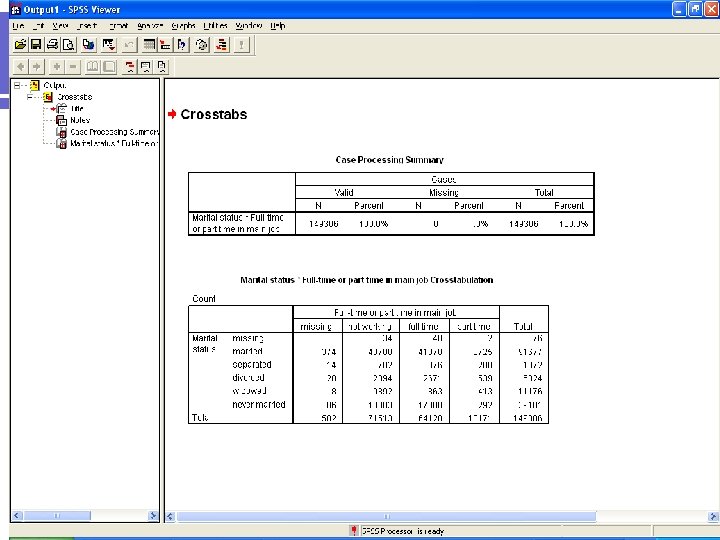
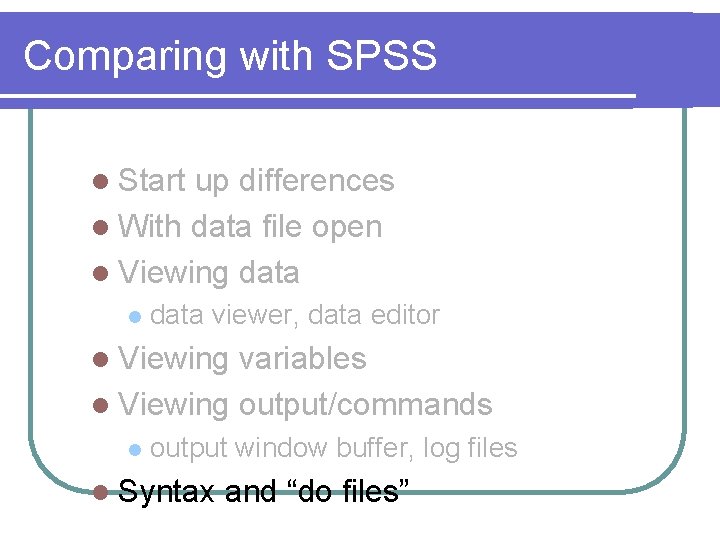
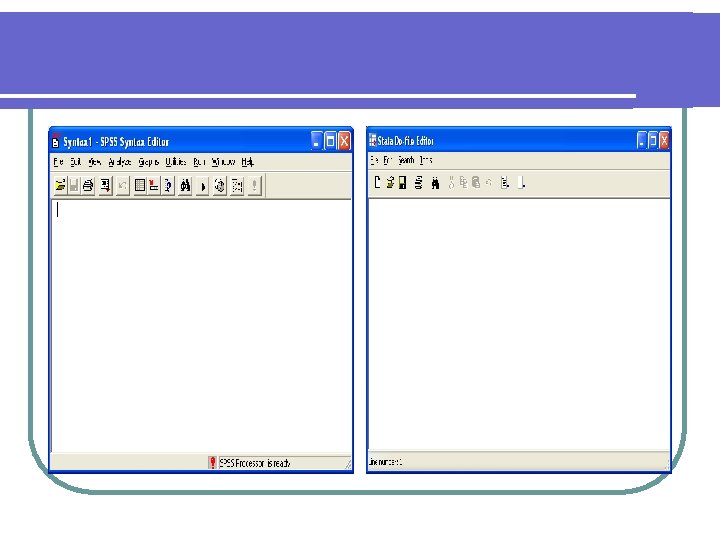
Comparing with SPSS l Start up differences l With data file open l Viewing data l data viewer, data editor l Viewing variables l Viewing output/commands l output window buffer, log files l Syntax and “do files”
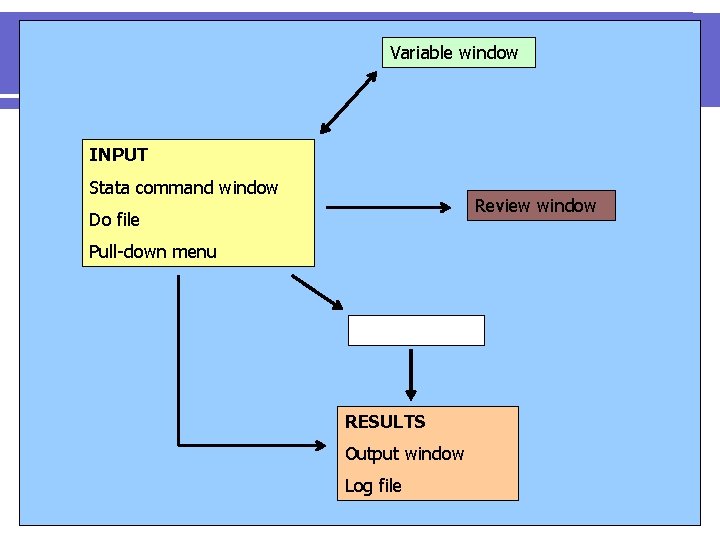
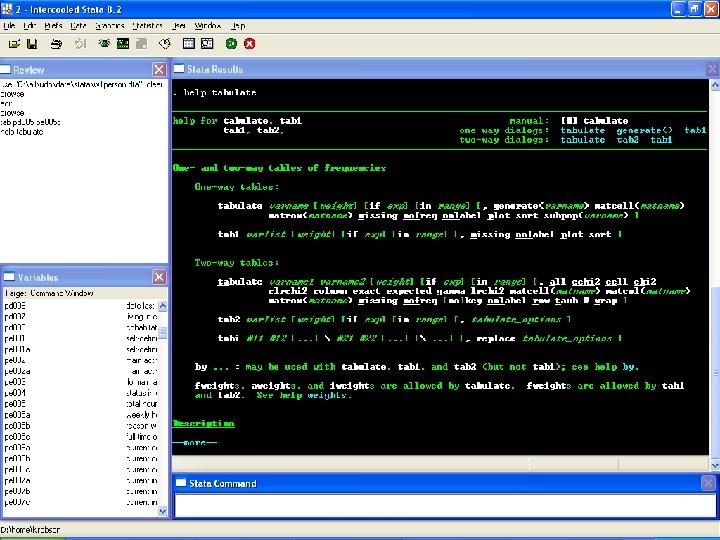
Variable window INPUT Stata command window Review window Do file Pull-down menu Computation RESULTS Output window Log file
Advantages and disadvantages of Stata l l l User driven Free STBs Dedicated journal Web active Memory requirements Backward compatible Change! l SPSS dominance l Orientated to writing syntax/code l Pull-down windows debate! Now in version 8 forward l
Advantages and disadvantages of Stata Easier code l Easier data handling l Clarity of operations/ feedback l Results table function l Before version 8, limited graphics l Now, complex graphics l Variable labelling l Editing of output l
Advantages and disadvantages of Stata l l l Nested/master do files Flexible terminology Setting types of data Interactive help Switch output (log file) on/off l Copy and paste
Overview of analytic techniques l Too numerous to mention! l Comprehensive manuals l A selection: All types of regression l Survey package l Epidemiological package l Multilevel modelling l Time series functions l Cluster analysis l
Data l Data files. dta l Stat/Transfer software
Stata – using wide and long file formats l Wide file formats (everything you add goes to the right of the existing data) l Long file formats (everything you add goes underneath the existing data)
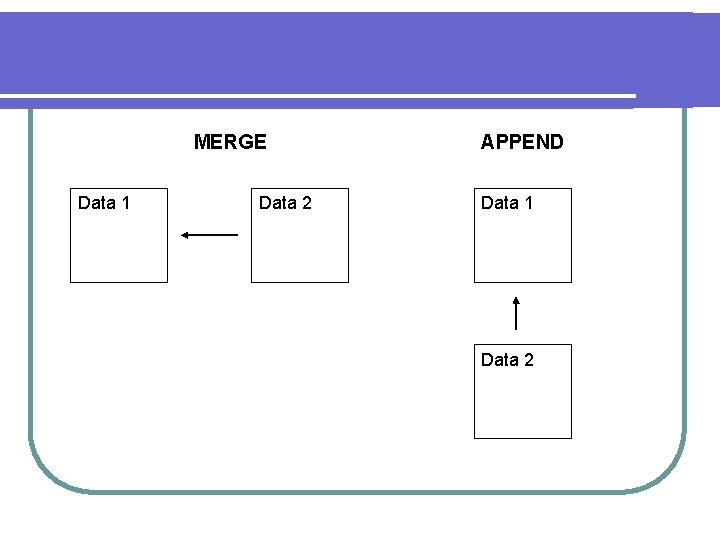
MERGE Data 1 Data 2 APPEND Data 1 Data 2
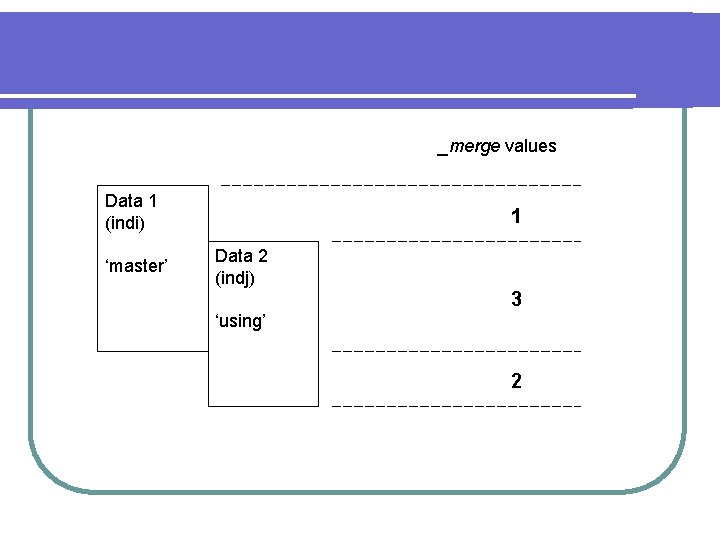
_merge values Data 1 (indi) ‘master’ 1 Data 2 (indj) 3 ‘using’ 2
- Slides: 48