
Software Engineering Introduction to Flowcharts KuYaw Chang cansecomail

- Slides: 10
Software Engineering Introduction to Flowcharts Ku-Yaw Chang canseco@mail. dyu. edu. tw Assistant Professor Department of Computer Science and Information Engineering Da-Yeh University Flowcharts Ku-Yaw Chang
Flowcharts Special shapes to represent different types of actions or steps in a process n Lines and arrows to show the sequence of the steps, and the relationships among them Illustrate the steps in a process. n Flowcharts Quickly help identify bottlenecks or inefficiencies where the process can be streamlined or improved Ku-Yaw Chang 2
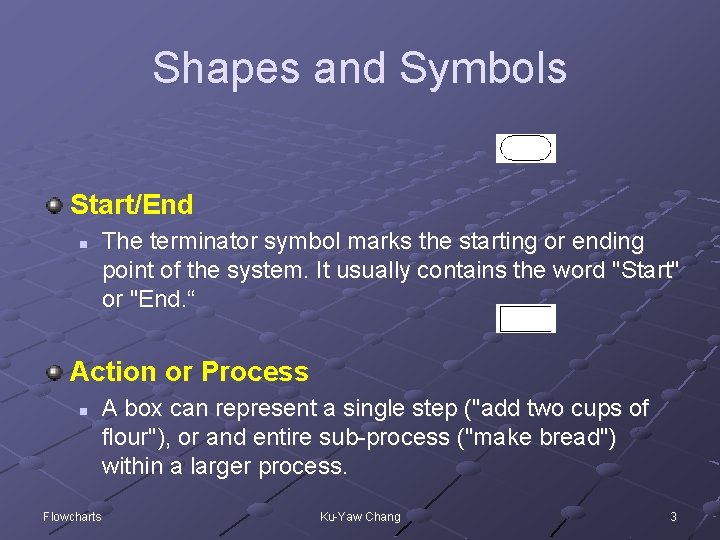
Shapes and Symbols Start/End n The terminator symbol marks the starting or ending point of the system. It usually contains the word "Start" or "End. “ Action or Process n Flowcharts A box can represent a single step ("add two cups of flour"), or and entire sub-process ("make bread") within a larger process. Ku-Yaw Chang 3
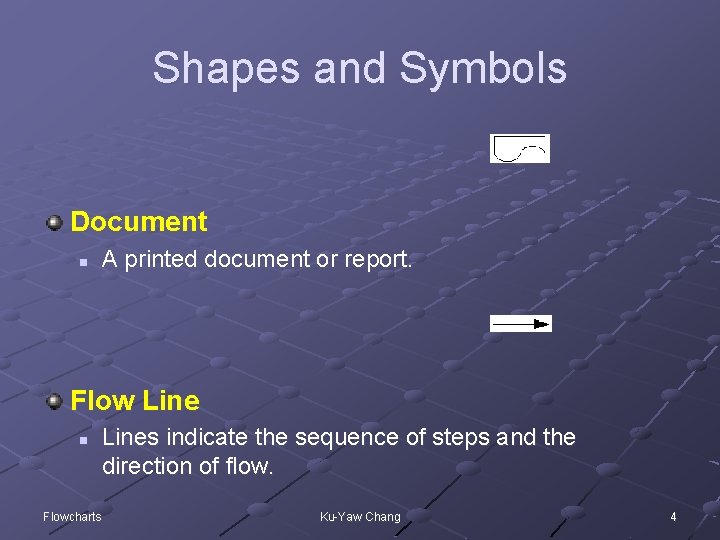
Shapes and Symbols Document n A printed document or report. Flow Line n Flowcharts Lines indicate the sequence of steps and the direction of flow. Ku-Yaw Chang 4
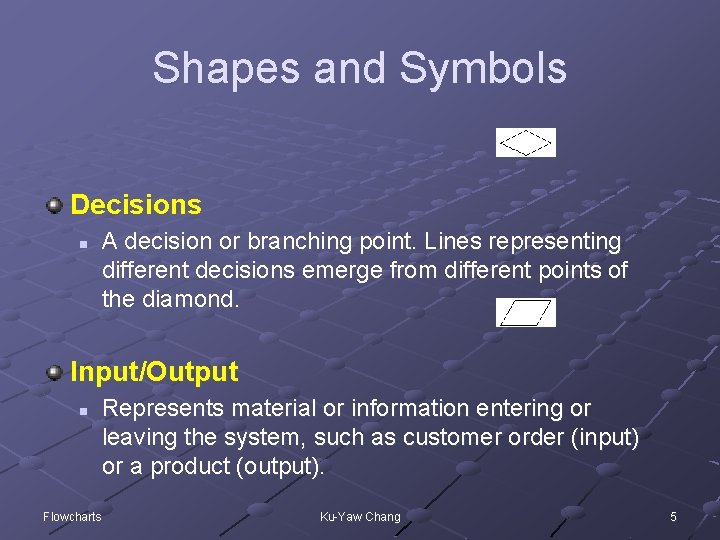
Shapes and Symbols Decisions n A decision or branching point. Lines representing different decisions emerge from different points of the diamond. Input/Output n Flowcharts Represents material or information entering or leaving the system, such as customer order (input) or a product (output). Ku-Yaw Chang 5
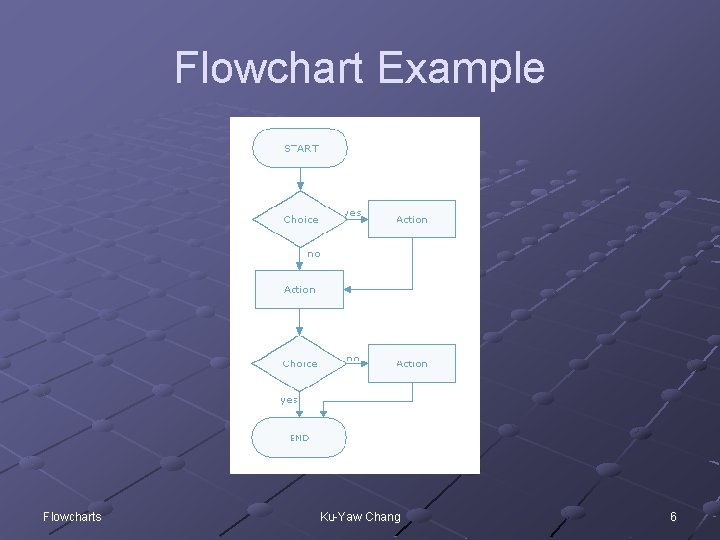
Flowchart Example Flowcharts Ku-Yaw Chang 6
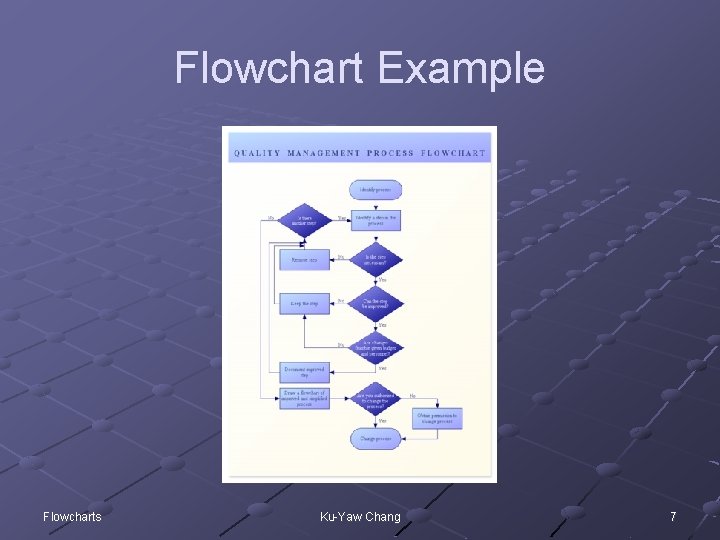
Flowchart Example Flowcharts Ku-Yaw Chang 7
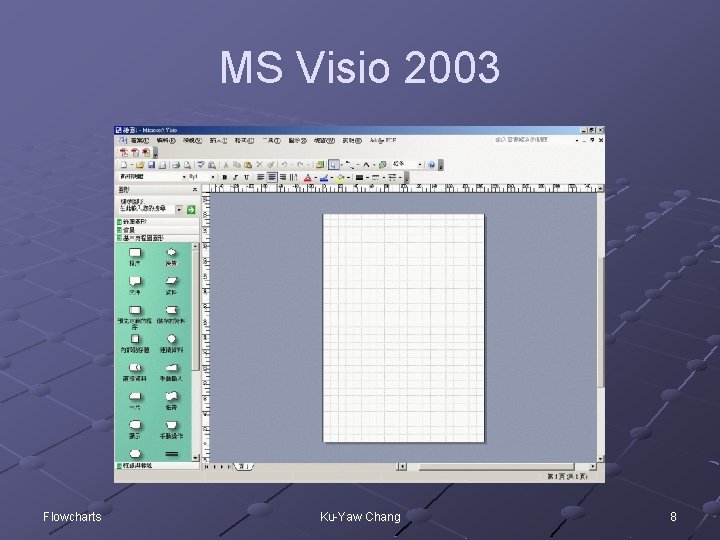
MS Visio 2003 Flowcharts Ku-Yaw Chang 8
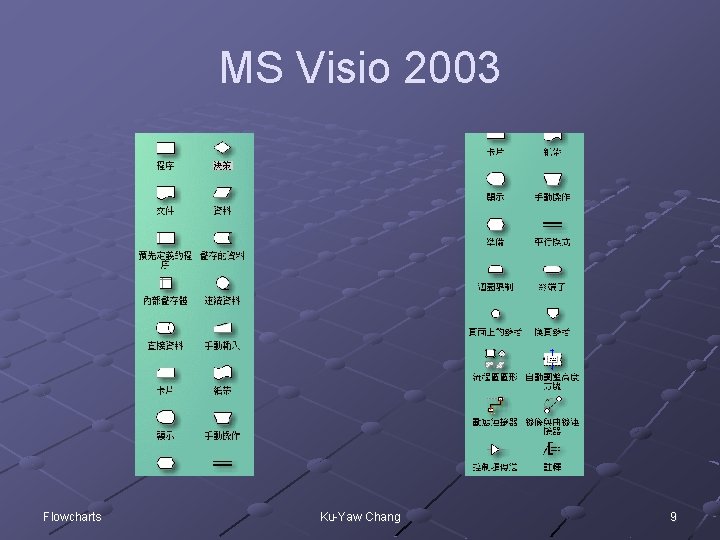
MS Visio 2003 Flowcharts Ku-Yaw Chang 9
Smart. Draw 7 http: //www. smartdraw. com/exp/ste/home/ n Flowcharts http: //www. smartdraw. com/tutorials/flowcharts/basic. htm Ku-Yaw Chang 10