
Software Engineering D 7025 E User Interaction Design

- Slides: 24
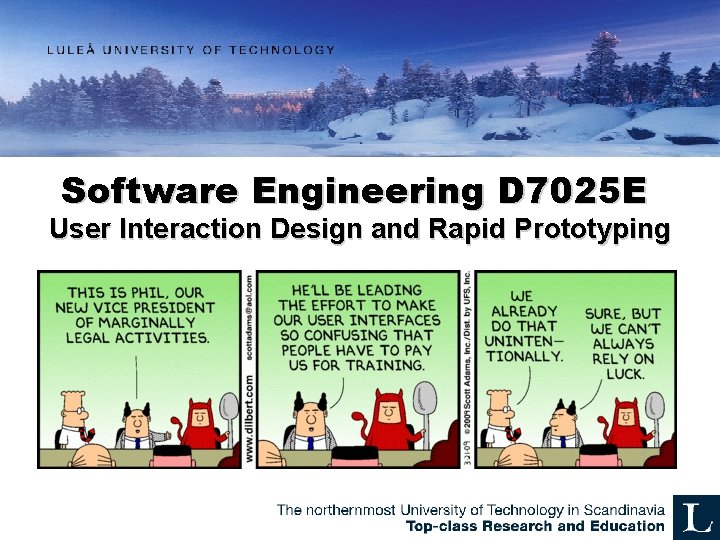
Software Engineering D 7025 E User Interaction Design and Rapid Prototyping
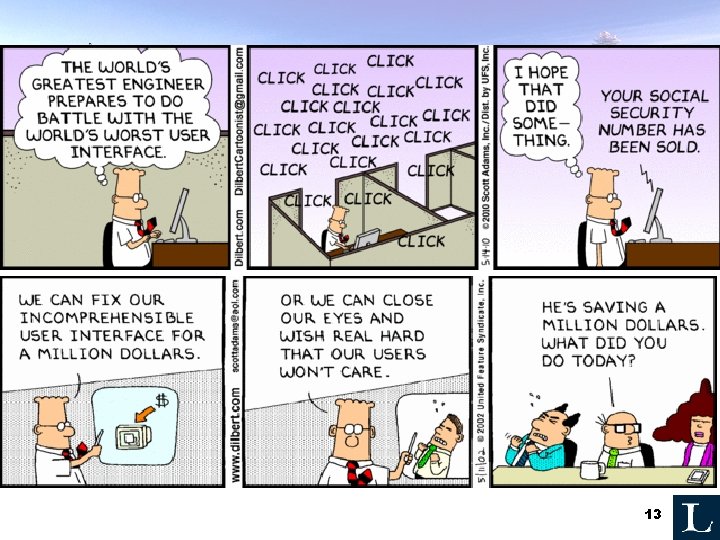
User Interaction Design • User Interfaces – why are they important? – – – Prevent mistakes Efficient and Pleasant use Usability, Intuitiveness Give the user what they want Because bad UIs cause applications to fail Make/Save money 2
Understanding User Needs • • Purpose of the application? Target user? Means of interaction? Special constraints (environment, hardware, physical limitations, disabilities, etc. )? 3
Common pitfalls • • • Not focusing on user’s needs Breaking common interaction models Allowing technology to drive innovation Not being consistent Allowing improper behavior Making bad assumptions of use 4
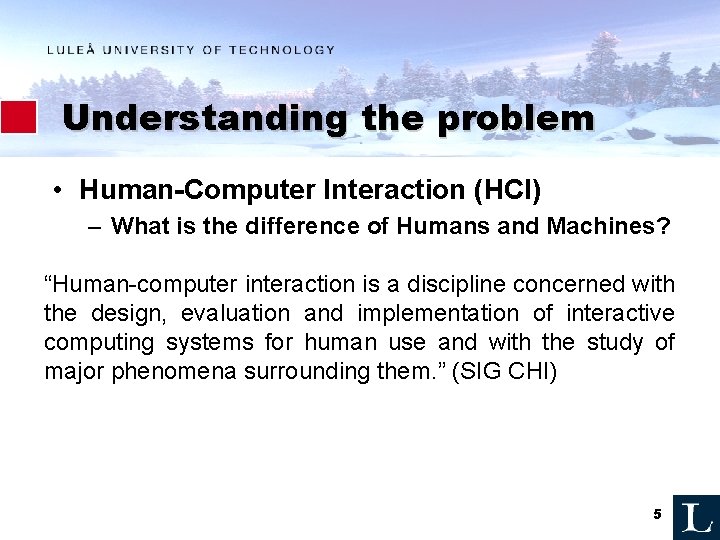
Understanding the problem • Human-Computer Interaction (HCI) – What is the difference of Humans and Machines? “Human-computer interaction is a discipline concerned with the design, evaluation and implementation of interactive computing systems for human use and with the study of major phenomena surrounding them. ” (SIG CHI) 5
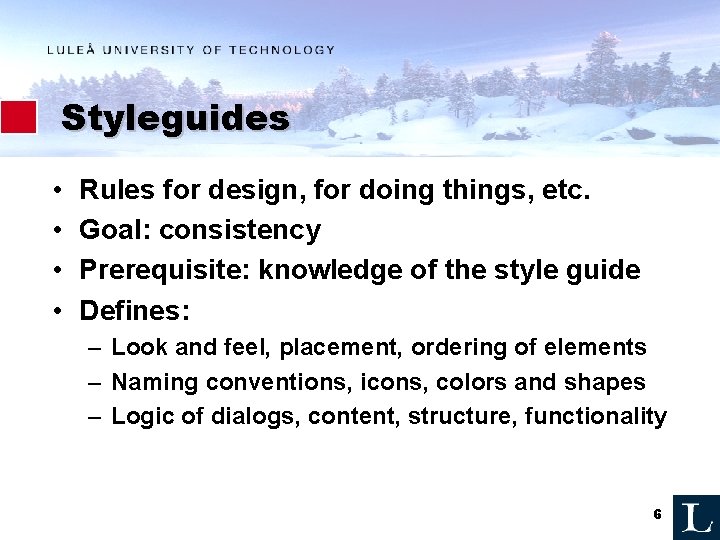
Styleguides • • Rules for design, for doing things, etc. Goal: consistency Prerequisite: knowledge of the style guide Defines: – Look and feel, placement, ordering of elements – Naming conventions, icons, colors and shapes – Logic of dialogs, content, structure, functionality 6
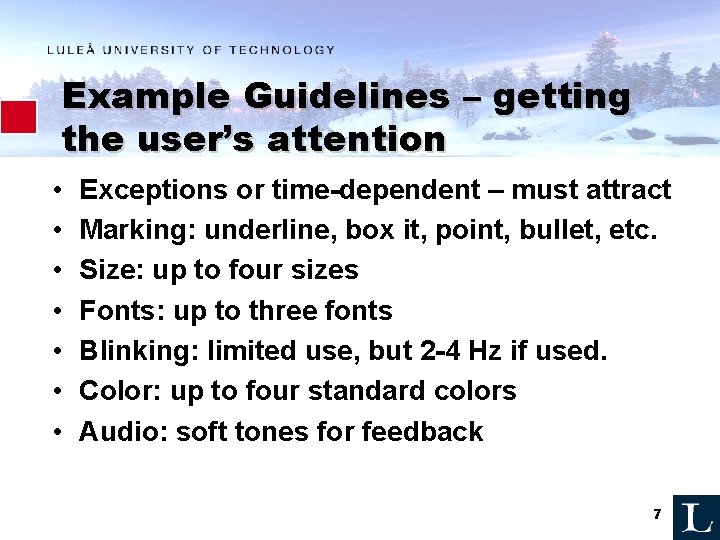
Example Guidelines – getting the user’s attention • • Exceptions or time-dependent – must attract Marking: underline, box it, point, bullet, etc. Size: up to four sizes Fonts: up to three fonts Blinking: limited use, but 2 -4 Hz if used. Color: up to four standard colors Audio: soft tones for feedback 7
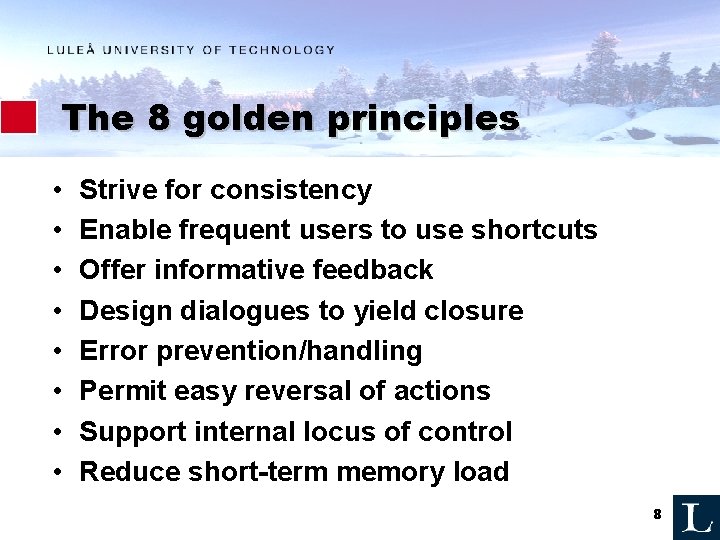
The 8 golden principles • • Strive for consistency Enable frequent users to use shortcuts Offer informative feedback Design dialogues to yield closure Error prevention/handling Permit easy reversal of actions Support internal locus of control Reduce short-term memory load 8
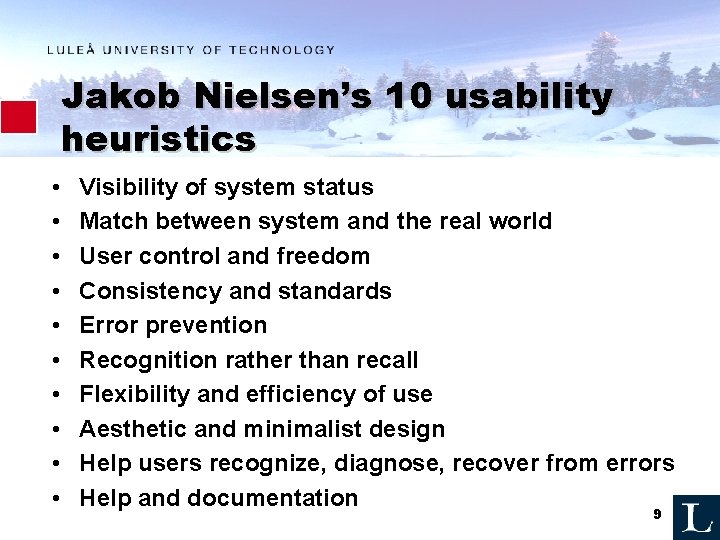
Jakob Nielsen’s 10 usability heuristics • • • Visibility of system status Match between system and the real world User control and freedom Consistency and standards Error prevention Recognition rather than recall Flexibility and efficiency of use Aesthetic and minimalist design Help users recognize, diagnose, recover from errors Help and documentation 9
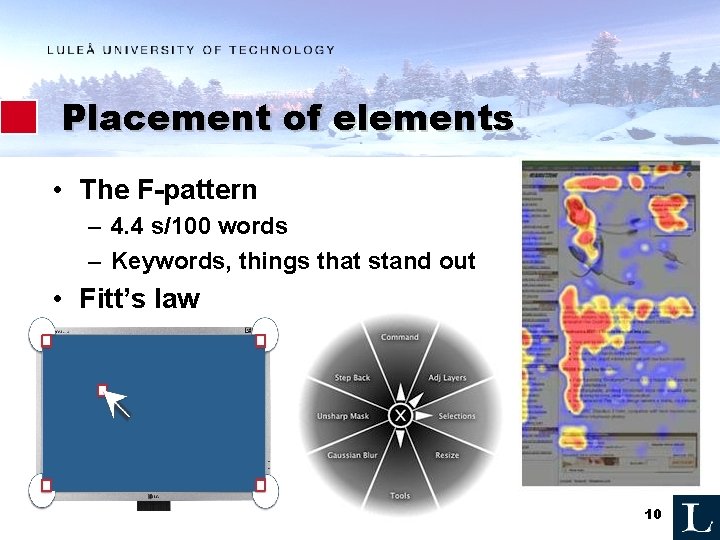
Placement of elements • The F-pattern – 4. 4 s/100 words – Keywords, things that stand out • Fitt’s law 10
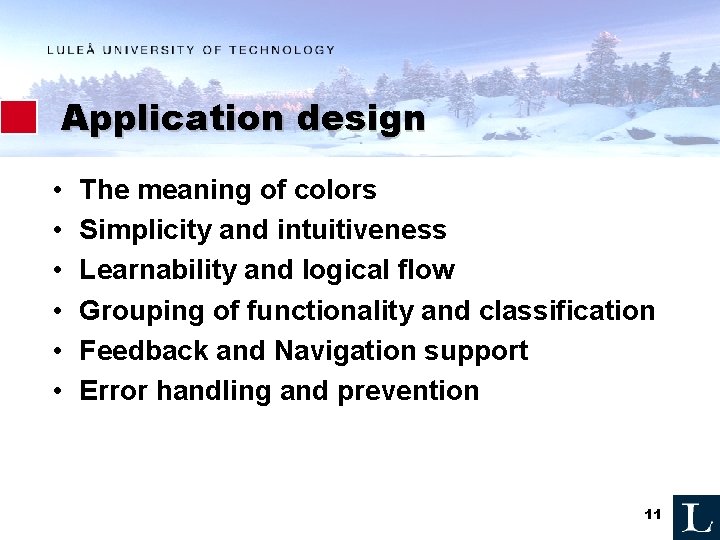
Application design • • • The meaning of colors Simplicity and intuitiveness Learnability and logical flow Grouping of functionality and classification Feedback and Navigation support Error handling and prevention 11
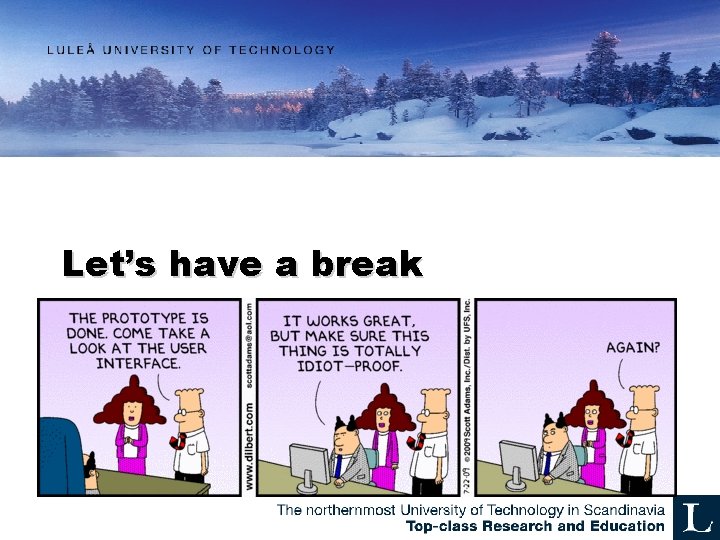
Let’s have a break
Hum 13
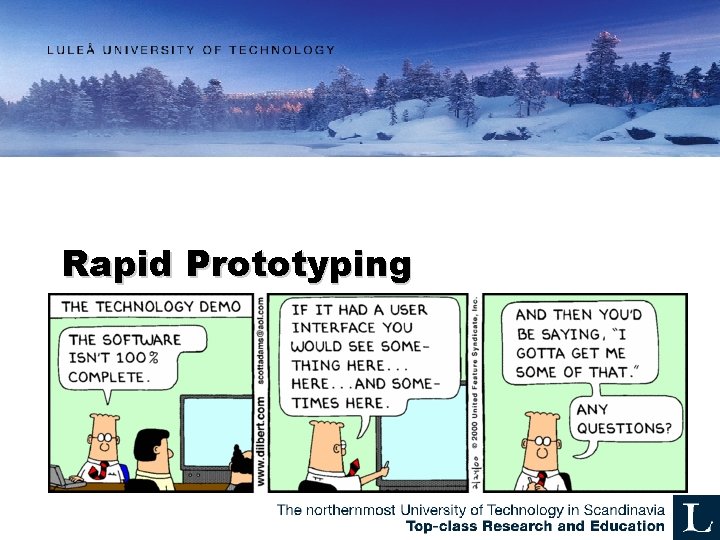
Rapid Prototyping
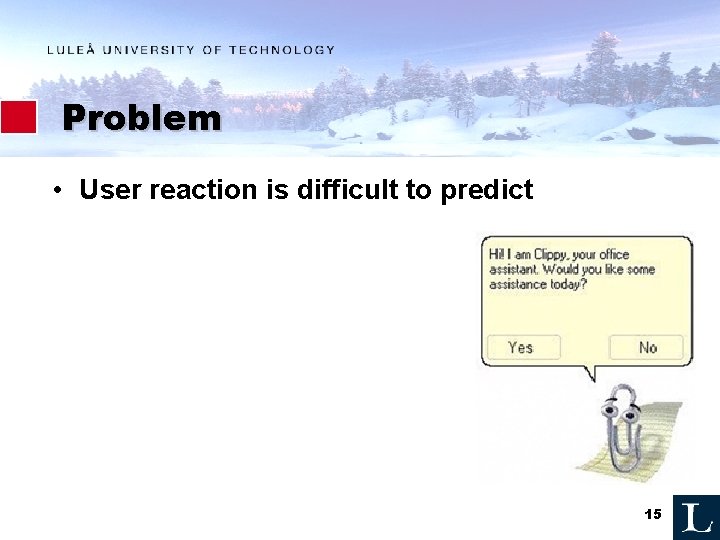
Problem • User reaction is difficult to predict 15
What is Rapid Prototyping? • • User Centric (User Centered) Experimental and partial design Testing design ideas Something to do early on 16
Why rapid prototyping? • Test early – Get feedback early • Implementation is expensive – Rapid prototypes are cheap • Traditionally users lack the ability to envisage desigs conceptually 17
Prototyping tools • GUI design – Mockingbird – Balsamiq – Pen and paper, Powerpoint • Functionality – – – Powerpoint Wizard of Oz Pen and Paper, Post-it notes, Storyboards Video Simple code 18
Powerpoint prototypes • Add ”functionality” by – Insert Hyperlink / Action • Place in document, Last slide viewed, First slide, etc. 19
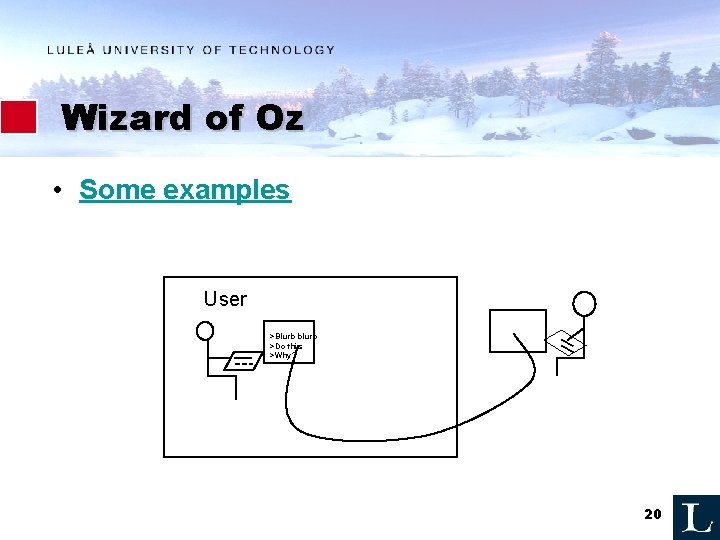
Wizard of Oz • Some examples User >Blurb blurb >Do this >Why? 20
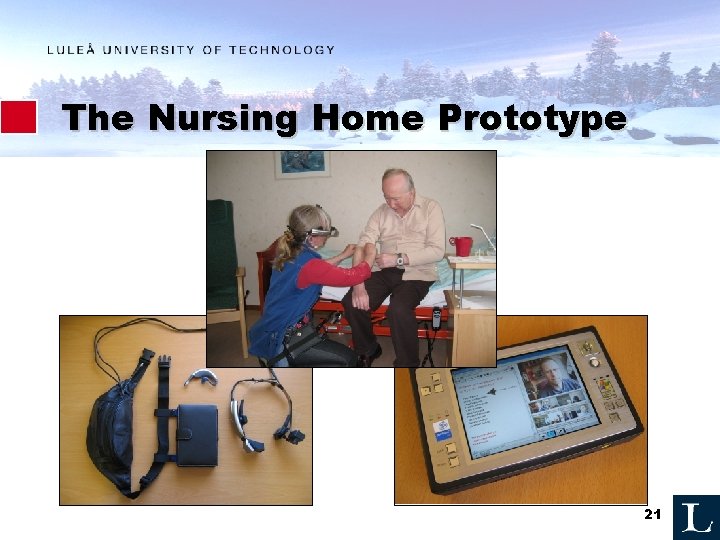
The Nursing Home Prototype 21
How? • Purpose? – When, Where, How, Experience, etc. • Target user? • Remove inessential elements – Avoid unnecessary design – Remove unnecessary features – Evaluate early 22
Friday: Code-review workshop • Purpose: to give you some assistance • To prepare: look at the code, discuss • I will bring printouts that you can write on • Come prepared… 23
QUESTIONS? 24