
Software Engineering and Architecture Virtualization Containerization and Cloud






- Slides: 22
Software Engineering and Architecture Virtualization, Containerization, and Cloud Computing
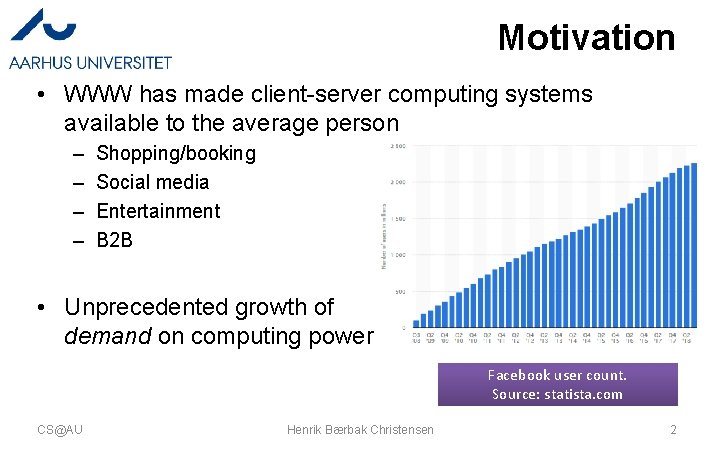
Motivation • WWW has made client-server computing systems available to the average person – – Shopping/booking Social media Entertainment B 2 B • Unprecedented growth of demand on computing power Facebook user count. Source: statista. com CS@AU Henrik Bærbak Christensen 2
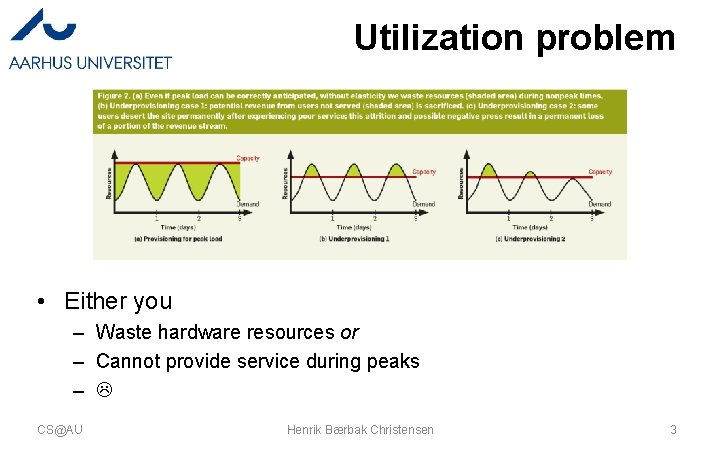
Utilization problem • Either you – Waste hardware resources or – Cannot provide service during peaks – CS@AU Henrik Bærbak Christensen 3
Solution • Pool the hardware, and rent it; instead of owning it • NIST: CS@AU Henrik Bærbak Christensen 4
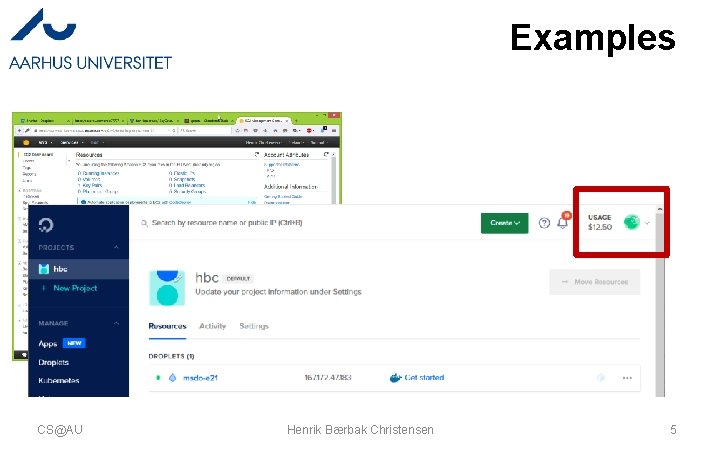
Examples CS@AU Henrik Bærbak Christensen 5
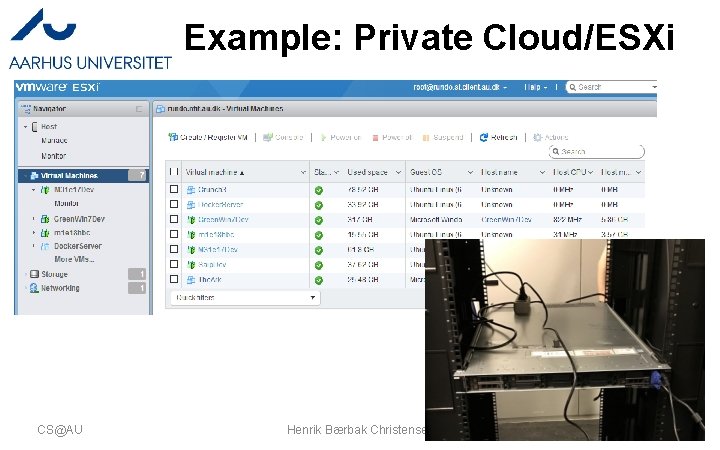
Example: Private Cloud/ESXi CS@AU Henrik Bærbak Christensen 6
Virtualization The Core Enabling Technology
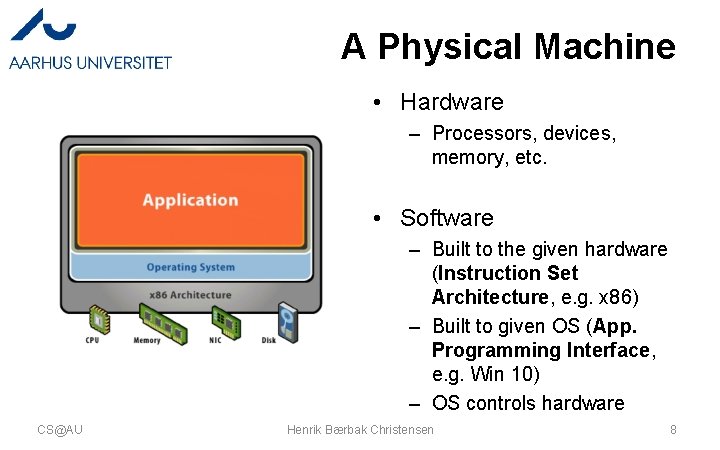
A Physical Machine • Hardware – Processors, devices, memory, etc. • Software – Built to the given hardware (Instruction Set Architecture, e. g. x 86) – Built to given OS (App. Programming Interface, e. g. Win 10) – OS controls hardware CS@AU Henrik Bærbak Christensen 8
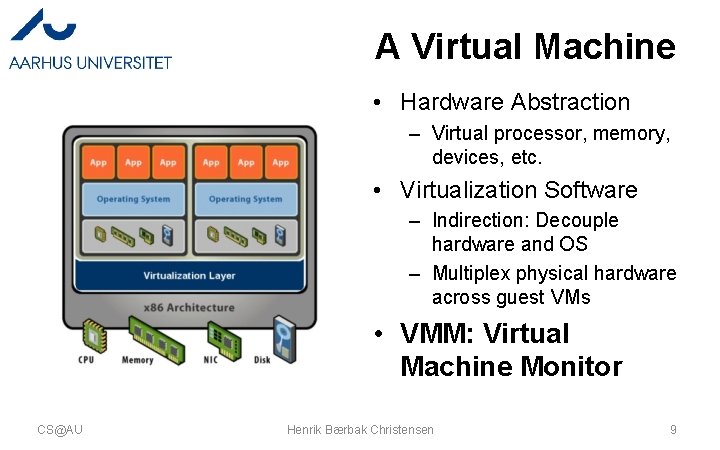
A Virtual Machine • Hardware Abstraction – Virtual processor, memory, devices, etc. • Virtualization Software – Indirection: Decouple hardware and OS – Multiplex physical hardware across guest VMs • VMM: Virtual Machine Monitor CS@AU Henrik Bærbak Christensen 9
Examples CS@AU Henrik B Christensen
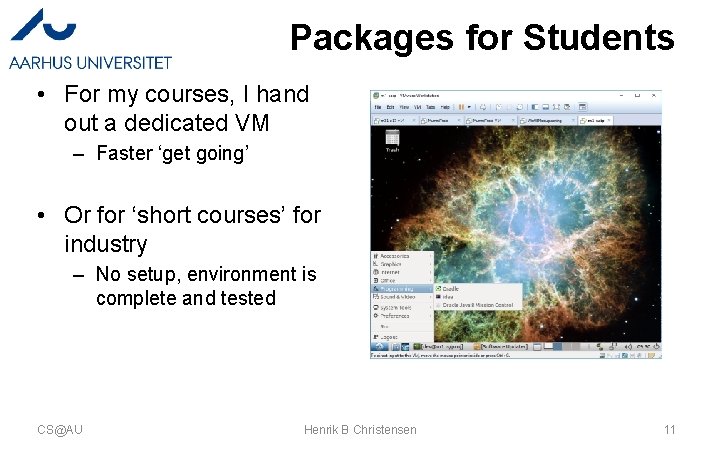
Packages for Students • For my courses, I hand out a dedicated VM – Faster ‘get going’ • Or for ‘short courses’ for industry – No setup, environment is complete and tested CS@AU Henrik B Christensen 11
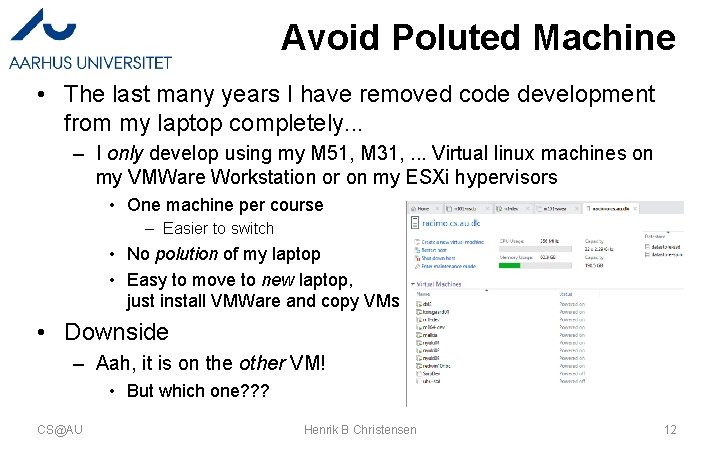
Avoid Poluted Machine • The last many years I have removed code development from my laptop completely. . . – I only develop using my M 51, M 31, . . . Virtual linux machines on my VMWare Workstation or on my ESXi hypervisors • One machine per course – Easier to switch • No polution of my laptop • Easy to move to new laptop, just install VMWare and copy VMs • Downside – Aah, it is on the other VM! • But which one? ? ? CS@AU Henrik B Christensen 12
Moving Production • Crunch 3 machine was the production machine to do awesome stuff in another course I am running – It runs on my local ESXI – But, but – our students could not see it! • Moved to the AUIT v. Sphere infrastructure – VMWare converter… • Crunch 3 is highly disk IO sensitive – Staff moved it ‘as we spoke’ to a pure SSD hypervisor CS@AU Henrik B Christensen 13
Keep Legacy Running My company’s accounting system, Summa. Summerum, is a legacy system, unsupported and cannot be reinstalled due to license server has been shut down. I managed to pull license files from my company machine, and ”save it” in a VM. It is called ”The. Ark” CS@AU Henrik B Christensen 14
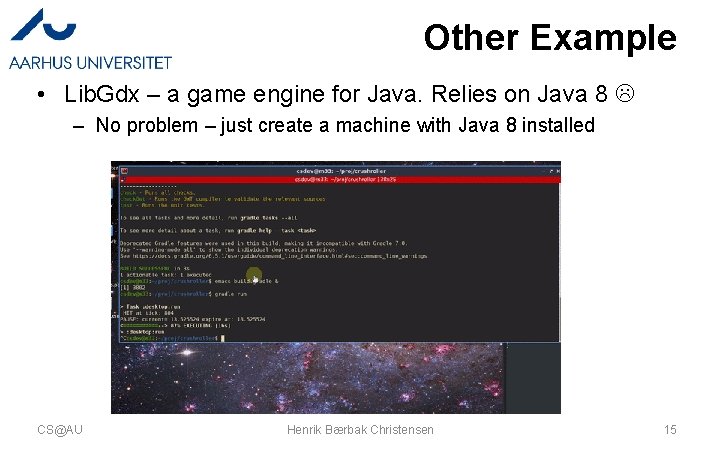
Other Example • Lib. Gdx – a game engine for Java. Relies on Java 8 – No problem – just create a machine with Java 8 installed CS@AU Henrik Bærbak Christensen 15
And sometimes they hang around • Resuming a VM on a laptop that was not used much due to Corona CS@AU Henrik Bærbak Christensen 16
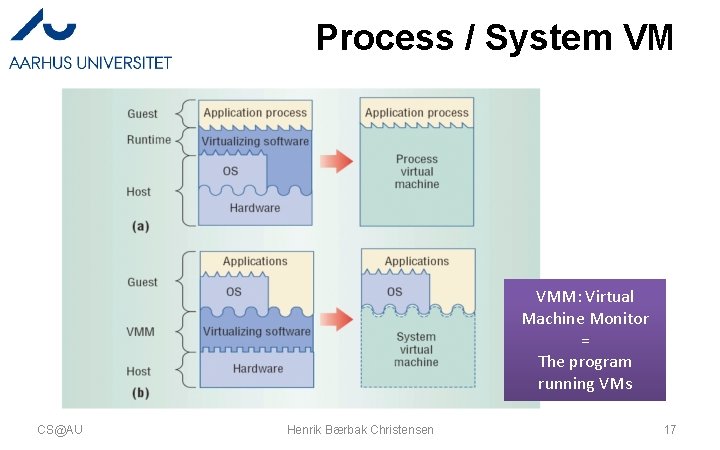
Process / System VM VMM: Virtual Machine Monitor = The program running VMs CS@AU Henrik Bærbak Christensen 17
Process VMs • Java VM runs across different OS and machines. . . CS@AU Henrik Bærbak Christensen 18
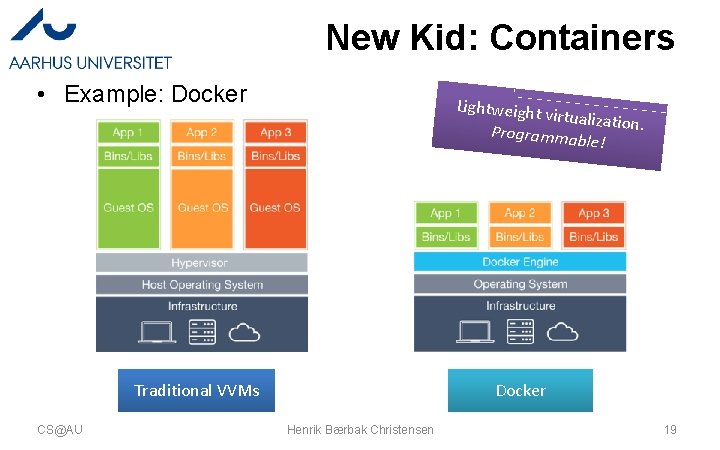
New Kid: Containers • Example: Docker Lightweight virtualization. Programma ble! Traditional VVMs CS@AU Docker Henrik Bærbak Christensen 19
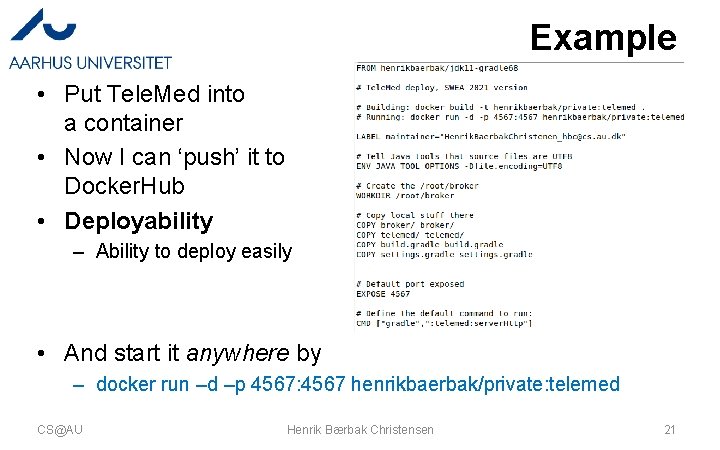
Infrastructure-as-code • Dockerfile = the OS installation procedure as code! – Installing a machine using a single command in the shell ! • Example – Create a container including Ubuntu 18. 04, Java 11 JDK and Gradle CS@AU Henrik Bærbak Christensen 20
Example • Put Tele. Med into a container • Now I can ‘push’ it to Docker. Hub • Deployability – Ability to deploy easily • And start it anywhere by – docker run –d –p 4567: 4567 henrikbaerbak/private: telemed CS@AU Henrik Bærbak Christensen 21
Summary • Virtualization: – The ultimate abstraction: • An executing machine is abstracted into executing software • Which allows us to: – Encapsulate a complete computer+software into a file – Rent a virtual machine from a cloud provider – Remote control it: start it, install OS and sw, monitor it – Allows scaling – just rent more resources when need arises CS@AU Henrik Bærbak Christensen 22