
Software Development using KIDS Developed by David Whitten
Software Development using KIDS Developed by David Whitten World. Vist. A Education Meeting Las Cruces, NM Standard MUMPS Programming World. Vist. A - May 2007 1
Who is David Whitten ? • MUMPS Programmer since 1982 • Programmer in File. Man since version 15 • Involved in initial installation of DHCP (Vist. A) at Houston VAMC in mid 1980 s • Worked at SAIC on (Do. D Kernel) Tools team in early 1990 s • Chief Technical Officer of World. Vist. A since January 2007 Standard MUMPS Programming World. Vist. A - May 2007 2
Definitions of Terms • KIDS is an acronym for – Kernel • the backbone of a Vist. A computing platform, providing a virtual operating system for packages – Installation and – Distribution – System Standard MUMPS Programming World. Vist. A - May 2007 3
KIDS history • Replacement for DIFROM – DIFROM is part of VA File. Man and converts all transported elements into MUMPS routines – These MUMPS routines were called INIT routines • Developed by San Francisco ISC • Ron Dimicelli was chief architect Standard MUMPS Programming World. Vist. A - May 2007 4
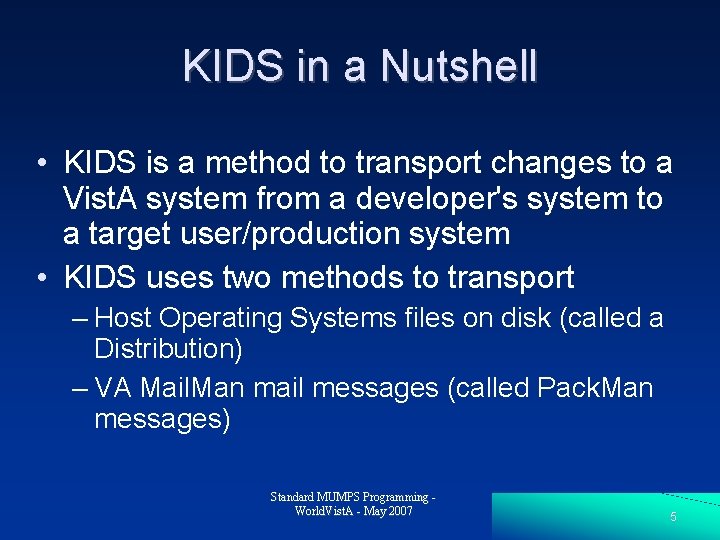
KIDS in a Nutshell • KIDS is a method to transport changes to a Vist. A system from a developer's system to a target user/production system • KIDS uses two methods to transport – Host Operating Systems files on disk (called a Distribution) – VA Mail. Man mail messages (called Pack. Man messages) Standard MUMPS Programming World. Vist. A - May 2007 5
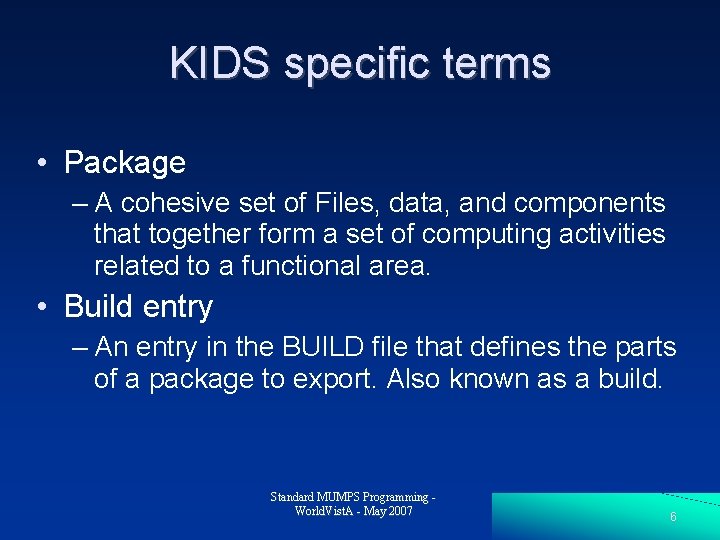
KIDS specific terms • Package – A cohesive set of Files, data, and components that together form a set of computing activities related to a functional area. • Build entry – An entry in the BUILD file that defines the parts of a package to export. Also known as a build. Standard MUMPS Programming World. Vist. A - May 2007 6
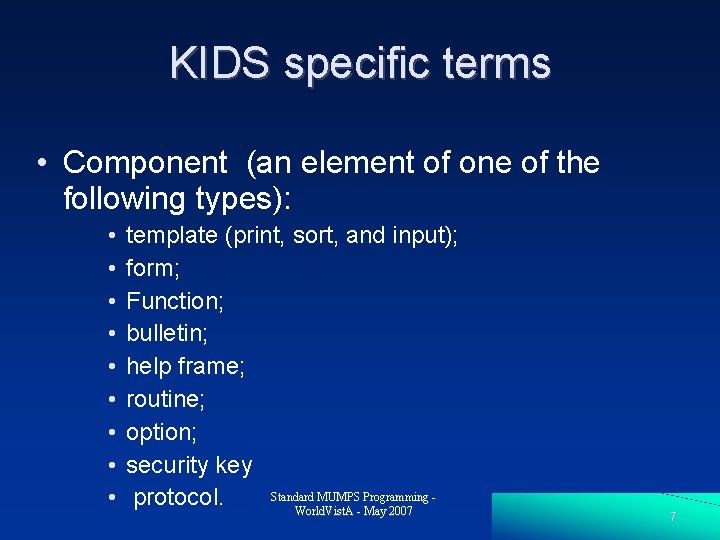
KIDS specific terms • Component (an element of one of the following types): • • • template (print, sort, and input); form; Function; bulletin; help frame; routine; option; security key Standard MUMPS Programming protocol. World. Vist. A - May 2007 7
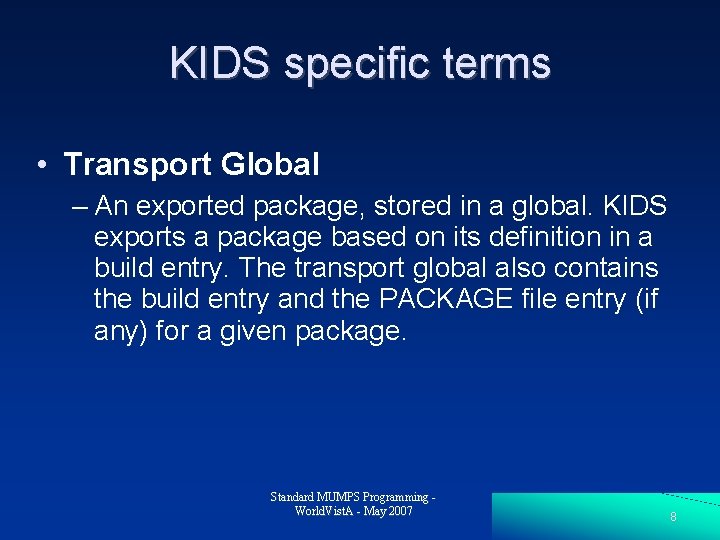
KIDS specific terms • Transport Global – An exported package, stored in a global. KIDS exports a package based on its definition in a build entry. The transport global also contains the build entry and the PACKAGE file entry (if any) for a given package. Standard MUMPS Programming World. Vist. A - May 2007 8
KIDS specific terms • Distribution – A host file system (HFS) file containing transport global(s). If a distribution contains multiple transport globals, KIDS treats them as a single installation when installing from the distribution. Standard MUMPS Programming World. Vist. A - May 2007 9
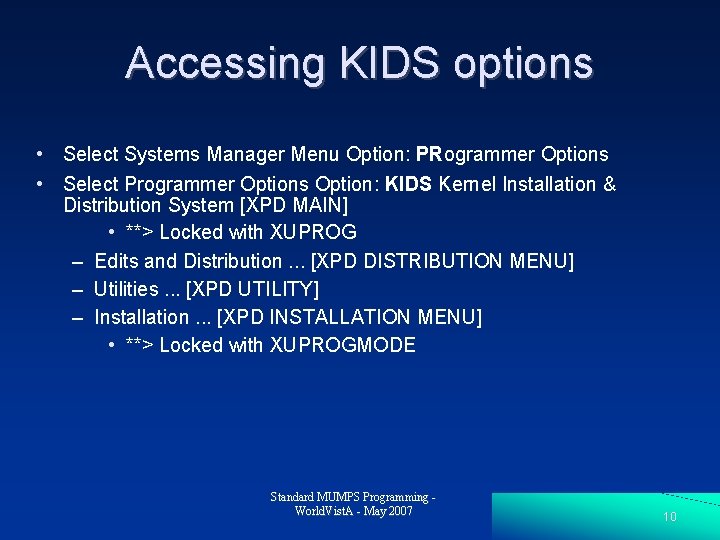
Accessing KIDS options • Select Systems Manager Menu Option: PRogrammer Options • Select Programmer Options Option: KIDS Kernel Installation & Distribution System [XPD MAIN] • **> Locked with XUPROG – Edits and Distribution. . . [XPD DISTRIBUTION MENU] – Utilities. . . [XPD UTILITY] – Installation. . . [XPD INSTALLATION MENU] • **> Locked with XUPROGMODE Standard MUMPS Programming World. Vist. A - May 2007 10

Build Entries & the BUILD File (#9. 6) • Used by developers to define a package. – Developers can select any components available on the current system and include them in their build entries as package components. • A package's build entry is installed as part of the package – Sites can examine the build entry to see the package definition. Standard MUMPS Programming World. Vist. A - May 2007 11
The INSTALL File (#9. 7) • The INSTALL file stores a record of each installation a site performs. • KIDS stores a separate installation entry for each installation with its own installation's history. – The developers' installation history – sites' installation history Standard MUMPS Programming World. Vist. A - May 2007 12
The INSTALL File (#9. 7) • The three main items recorded in the INSTALL file for each installation – the installing site's answers to installation questions (each BUILD can be different) – any installation output, including warning messages and status messages – the installation's timing information. • Start times, Stop times, • timing for different phases Standard MUMPS Programming World. Vist. A - May 2007 13
The PACKAGE File (#9. 4) • A cohesive set of Files, data, and components that together form a set of computing activities related to a functional area. • Mainly static package information that is not version specific • There is a link from the build entry of a package to the PACKAGE file. • installations automatically update the VERSION multiple. Standard MUMPS Programming World. Vist. A - May 2007 14
Two kinds of KIDS distributions • standard distribution – contains transport globals for packages, including files, data, and all components. – can contain one or more transport globals – If there is more than one, • each one is treated as a single installation unit. • global distribution – contains one transport global only, and that transport global can export M globals only Standard MUMPS Programming World. Vist. A - May 2007 15
KIDS Installation Sequence • standard distributions have multiple phases: – Loading transport globals from the distribution – Previewing transport globals information – Answering installation questions for each transport global – Installing each transport global in the distribution. Standard MUMPS Programming World. Vist. A - May 2007 16
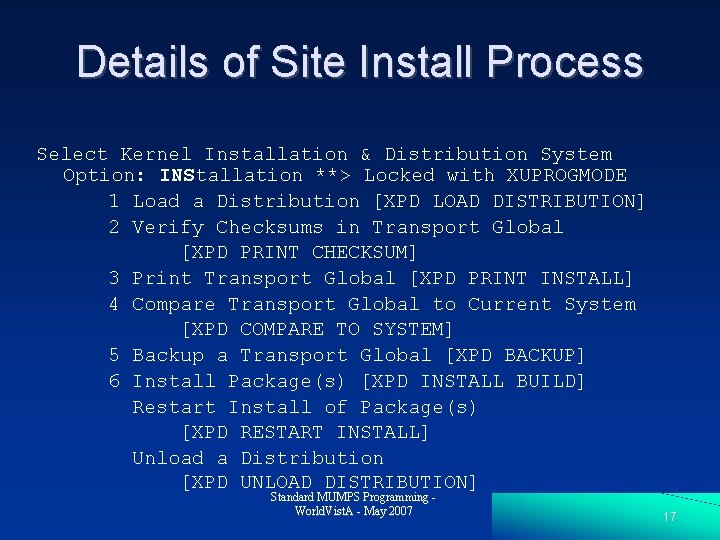
Details of Site Install Process Select Kernel Installation & Distribution System Option: INStallation **> Locked with XUPROGMODE 1 Load a Distribution [XPD LOAD DISTRIBUTION] 2 Verify Checksums in Transport Global [XPD PRINT CHECKSUM] 3 Print Transport Global [XPD PRINT INSTALL] 4 Compare Transport Global to Current System [XPD COMPARE TO SYSTEM] 5 Backup a Transport Global [XPD BACKUP] 6 Install Package(s) [XPD INSTALL BUILD] Restart Install of Package(s) [XPD RESTART INSTALL] Unload a Distribution [XPD UNLOAD DISTRIBUTION] Standard MUMPS Programming World. Vist. A - May 2007 17
Loading transport globals from the distribution • If loading from an HFS File, – Use the Load a Distribution option – Choose the HFS file to load distributions from. • If loading from a Pack. Man message – choose the message – invoke the INSTALL/CHECK MESSAGE Pack. Man option (accessed via “X” action). Standard MUMPS Programming World. Vist. A - May 2007 18
Verify Checksums in Transport Global • Checksums only exist for Routine components of a build • The checksum is a number that represents a routine as a whole. There is more than one checksum algorithm even in Kernel • Checksum mismatching is usually a sign of a local modification to a program • Checksum mismatch does NOT stop install. Standard MUMPS Programming World. Vist. A - May 2007 19
Print Transport Global • prints out description of build • print out the definitions stored in the transport globals • every component exported in each transport global is listed • Useful review before you install a KIDS build • Description in the build is not the same as Patch description (in Mail message or HFS) Standard MUMPS Programming World. Vist. A - May 2007 20
Compare Transport Global to Current System • VA Kernel equivalent to Unix diff command • you can compare the package you're about to install with the current version of the package on your system. • Compares are good practice to stay informed about changes which are made in an incoming build. Standard MUMPS Programming World. Vist. A - May 2007 21
Compare Transport Global to Current System • Compares a transport global to the matching package already installed on your system • Most useful for routines, but does work on other components as well • Pointers are converted to free text when exporting VA File. Man entries, so these show up as differences when using the compare feature. Standard MUMPS Programming World. Vist. A - May 2007 22
Backup a Transport Global • Creates a Mail. Man message (Pack. Man format) • Backs up all current routines on your system that would be replaced by a KIDS install • It only works on a build that has been loaded on your system, but not installed. • Does NOT backup KIDS Components that are not routines. Standard MUMPS Programming World. Vist. A - May 2007 23
Answering Installation Questions For each transport global in a distribution: ➢ pre-installation questions defined by developers ➢ standard KIDS questions. ➢ post-installation questions defined by developers Standard MUMPS Programming World. Vist. A - May 2007 24
Answering Installation Questions After answering Installation question, person installing must choose a device for the installation to run on. can queue the installation ➢ can run it directly; ➢ can enter an up-arrow to stop the installation. ➢ Standard MUMPS Programming World. Vist. A - May 2007 25
Order of Installation 1. KIDS disables any options and protocols the site has asked to be disabled for this install. However, KIDS does not disable options and protocols which have an Action of USE AS LINK FOR MENU ITEMS. 2. KIDS waits for the time period (from 0 to 60 minutes) the site specifies, if they chose to disable options and protocols. Standard MUMPS Programming World. Vist. A - May 2007 26
Order of Installation 3. KIDS suspends the running of queued options by Task. Man for this install, if the site chooses to do so. 4. For each transport global in the distribution 4. 1 The pre-install routine is run 4. 2 All components are installed 4. 3 The post-install routine Standard MUMPS Programming World. Vist. A - May 2007 27
Order of Installation 5. Options and protocols that were disabled for this install (if any) are re-enabled. 6. Queued options are removed from suspense (if the site chose to suspend queued options). 7. Messages are sent that install was completed. Standard MUMPS Programming World. Vist. A - May 2007 28
Restart Install of Package(s) • KIDS uses a checkpoint system to keep track of how many phases of an installation it completed. • KIDS does not automatically re-run the entire installation from the beginning; • KIDS re-runs the installation only from the last completed checkpoint. Standard MUMPS Programming World. Vist. A - May 2007 29
KIDS Checkpointing • Standard checkpoints built into KIDS – Completion of pre-install – completion of each component type – completion of postinstall • Developers can create checkpoints – within their pre-install routines – within their post-install routines. Standard MUMPS Programming World. Vist. A - May 2007 30
Restarting Install Caveats • you should try to determine what caused an installation to abort. – If an error occurred, any error messages will be in the INSTALL file entry, in the MESSAGES word processing field. • Once you've fixed the problem – use the Restart Install Of Package(s) option to continue with the installation. • KIDS also allows you to restart an install if the install is queued and you get an error during the installation. Standard MUMPS Programming World. Vist. A - May 2007 31
Global Distributions • second type of distribution supported by KIDS • Use the Load a Distribution option to install global distributions. • There is no Compare and Backup process for global distributions • KIDS installs global distributions immediately • There is no queueing of the installation Standard MUMPS Programming World. Vist. A - May 2007 32
Summary • KIDS allows a site to receive updates and enhancements from Developers • KIDS has high level logging capability • An install is a multiple step process • Installs can be automated and queued • Updates and Enhancements (aka Patches) cover more than programs, but also data structures as well Standard MUMPS Programming World. Vist. A - May 2007 33
• QUESTIONS ? • Thank you • Contact me at – David Whitten – 713 -870 -3834 – whitten@worldvista. org Standard MUMPS Programming World. Vist. A - May 2007 34
- Slides: 34