
Software Development Process and Introduction to Java Session
- Slides: 40
Software Development Process and Introduction to Java Session 1 LBSC 790 / INFM 718 B Building the Human-Computer Interface
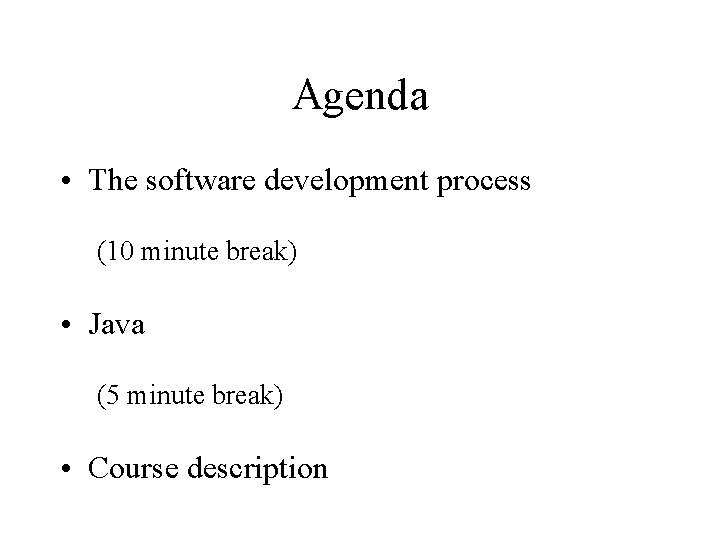
Agenda • The software development process (10 minute break) • Java (5 minute break) • Course description
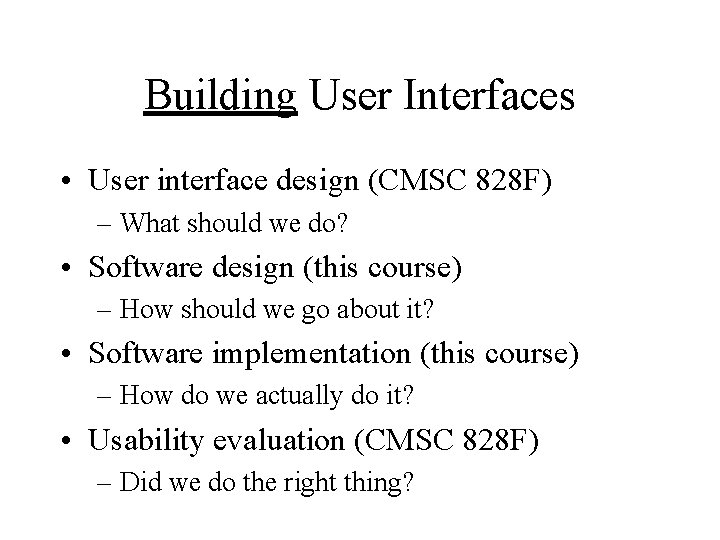
Building User Interfaces • User interface design (CMSC 828 F) – What should we do? • Software design (this course) – How should we go about it? • Software implementation (this course) – How do we actually do it? • Usability evaluation (CMSC 828 F) – Did we do the right thing?
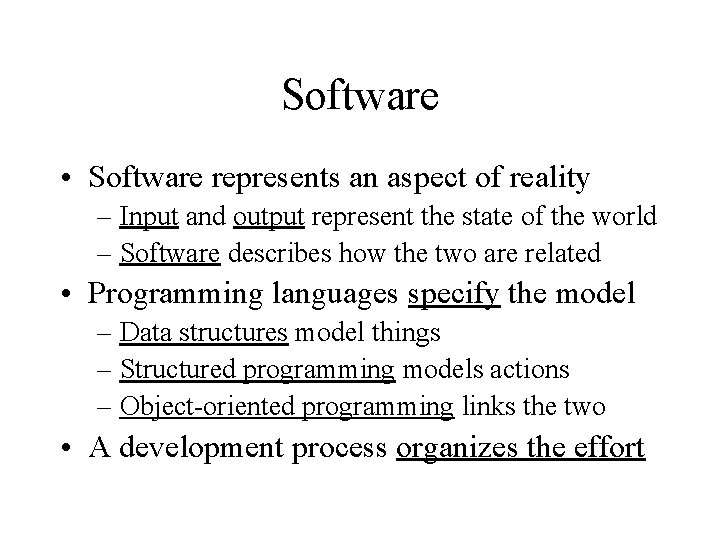
Software • Software represents an aspect of reality – Input and output represent the state of the world – Software describes how the two are related • Programming languages specify the model – Data structures model things – Structured programming models actions – Object-oriented programming links the two • A development process organizes the effort
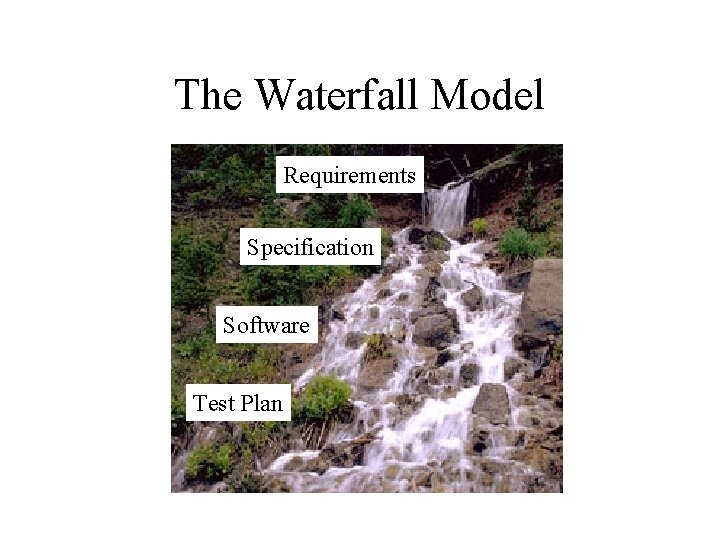
The Waterfall Model • Key insight: invest in the design stage – An hour of design can save a week of debugging! • Three key documents – Requirements • Specifies what the software is supposed to do – Specification • Specifies the design of the software – Test plan • Specifies how you will know that it did it
The Waterfall Model Requirements Specification Software Test Plan
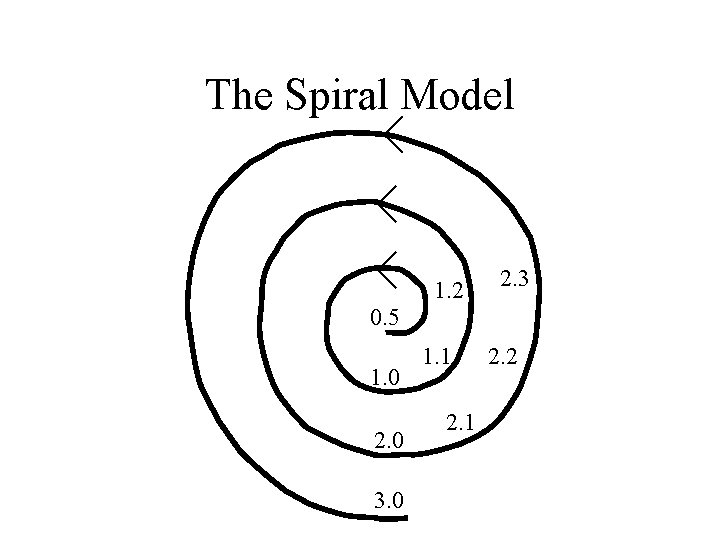
The Spiral Model • Build what you think you need – Perhaps using the waterfall model • Get a few users to help you debug it – First an “alpha” release, then a “beta” release • Release it as a product (version 1. 0) – Make small changes as needed (1. 1, 1. 2, …. ) • Save big changes for a major new release – Often based on a total redesign (2. 0, 3. 0, …)
The Spiral Model 1. 2 2. 3 0. 5 1. 0 2. 0 3. 0 1. 1 2. 2
Unpleasant Realities • The waterfall model doesn’t work well – Requirements usually incomplete or incorrect • The spiral model is expensive – Rule of thumb: 3 iterations to get it right – Redesign leads to recoding and retesting
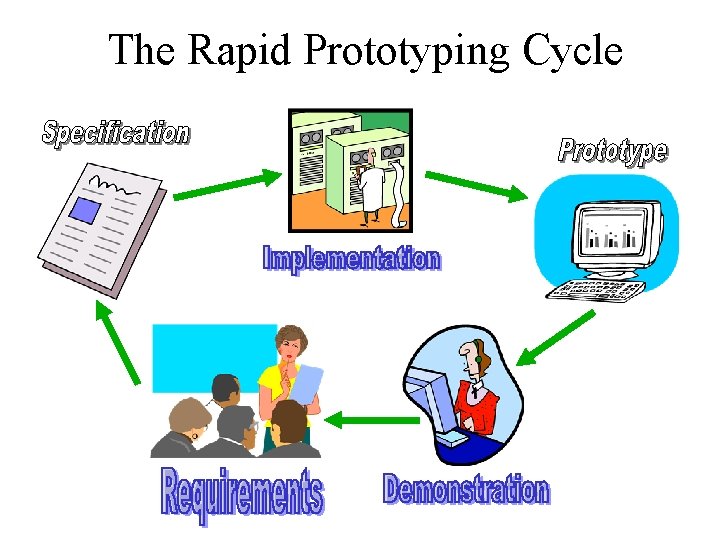
The Rapid Prototyping Model • Goal: explore requirements – Without building the complete product • Start with part of the functionality – That will (hopefully) yield significant insight • Build a prototype – Focus on core functionality, not in efficiency • Use the prototype to refine the requirements • Repeat the process, expanding functionality
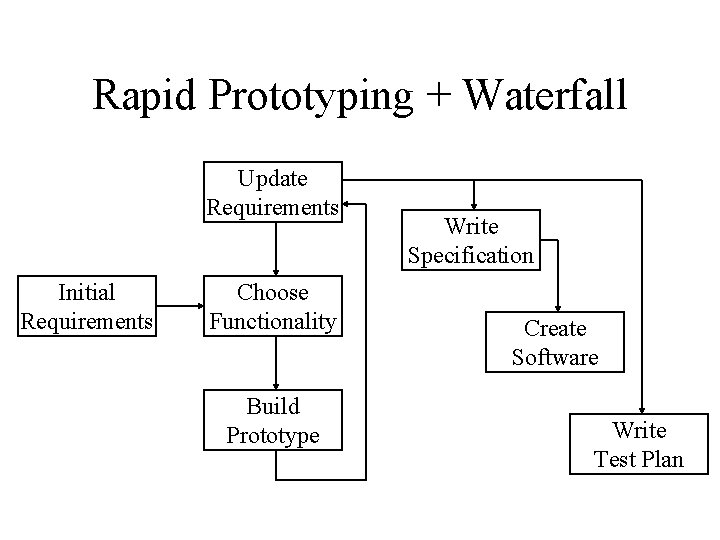
Rapid Prototyping + Waterfall Update Requirements Initial Requirements Choose Functionality Build Prototype Write Specification Create Software Write Test Plan
Objectives of Rapid Prototyping • Quality – Build systems that satisfy the real requirements by focusing on requirements discovery • Affordability – Minimize development costs by building the right thing the first time • Schedule – Minimize schedule risk by reducing the chance of requirements discovery during coding
What are Requirements? • Attributes – Appearance – Concepts (represented by data) • Behavior – What it does – How you control it – How you observe the results
Who Sets the Requirements? • People who need the task done (customers) • People that will operate the system (users) • People who use the system’s outputs • People who provide the system’s inputs • Whoever pays for it (requirements commissioner)
The Rapid Prototyping Cycle
The Requirements Interview • Focus the discussion on the task – Look for objects that are mentioned • Discuss the system’s most important effects – Displays, reports, data storage, device control, … • Learn where the system’s inputs come from – People, stored data, devices, … • Note any data that is mentioned – Try to understand the structure of the data • Shoot for the big picture, not every detail
The Specification • Formal representation of the requirements • Represent objects and their relationships – Using a constrained entity-relationship model • Specify how the behavior is controlled – Activity diagrams, etc.
Characteristics of Good Prototypes • Easily built (about a week’s work) – Requires powerful prototyping tools – Intentionally incomplete • Insightful – Basis for gaining experience – Well-chosen focus (DON’T built it all at once!) • Easily modified – Facilitates incremental exploration
Prototype Demonstration • Choose a scenario based on the task • Develop a one-hour script – Focus on newly implemented requirements • See if it behaves as desired – The user’s view of correctness • Solicit suggestions for additional capabilities – And capabilities that should be removed
A Disciplined Process • Agree on a project plan – To establish shared expectations • Start with a requirements document – That specifies only bedrock requirements • Build a prototype and try it out – Informal, focused on users -- not developers • Document the new requirements • Repeat, expanding functionality in small steps
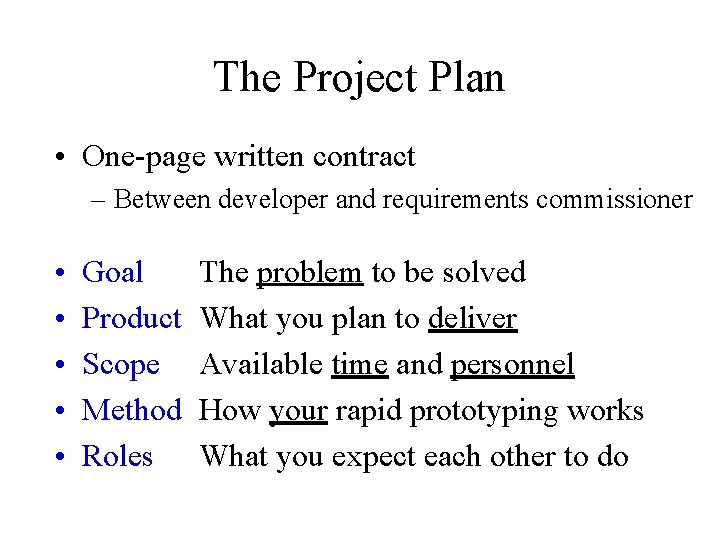
The Project Plan • One-page written contract – Between developer and requirements commissioner • • • Goal Product Scope Method Roles The problem to be solved What you plan to deliver Available time and personnel How your rapid prototyping works What you expect each other to do
Requirements Approval • Plan on between 12 and 50 iterations – Adding about 10 new objects per iteration • Use the project plan to enforce a deadline – New requirements shrink, but never disappear • Schedule a formal approval demonstration – Allow one more iteration to fix any problems
What is NOT Rapid Prototyping? • Focusing only on appearance – Behavior is a key aspect of requirements • Just building capabilities one at a time – User involvement is the reason for prototyping • Building a bulletproof prototype – Which may do the wrong thing very well • Discovering requirements you can’t directly use – More efficient to align prototyping with coding
Programming for the Web • Server-side – Java servlet, Perl • Client-side – Java applet, Java. Script • Browser plug-ins – Java application, C, C++, …
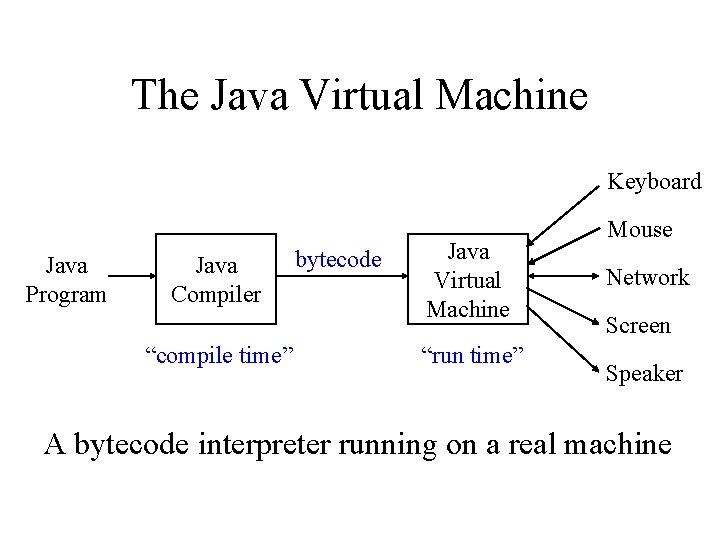
The Java Virtual Machine Keyboard Java Program Java Compiler “compile time” bytecode Java Virtual Machine “run time” Mouse Network Screen Speaker A bytecode interpreter running on a real machine
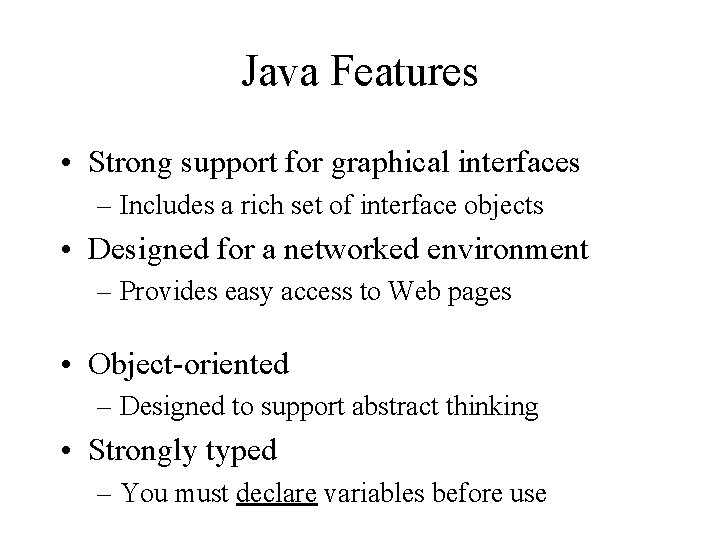
Java Features • Strong support for graphical interfaces – Includes a rich set of interface objects • Designed for a networked environment – Provides easy access to Web pages • Object-oriented – Designed to support abstract thinking • Strongly typed – You must declare variables before use
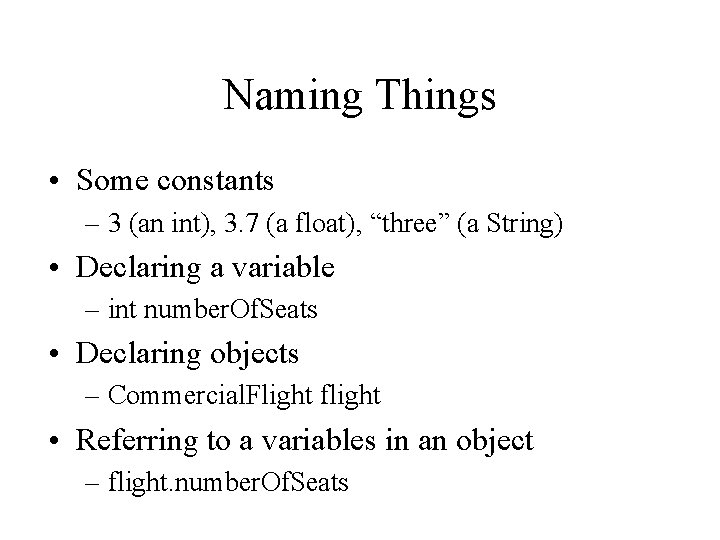
Naming Things • Some constants – 3 (an int), 3. 7 (a float), “three” (a String) • Declaring a variable – int number. Of. Seats • Declaring objects – Commercial. Flight flight • Referring to a variables in an object – flight. number. Of. Seats
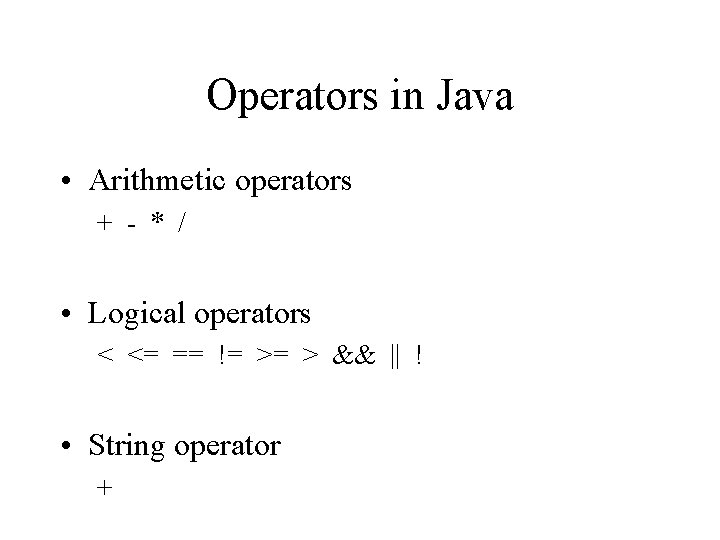
Operators in Java • Arithmetic operators + - * / • Logical operators < <= == != >= > && || ! • String operator +
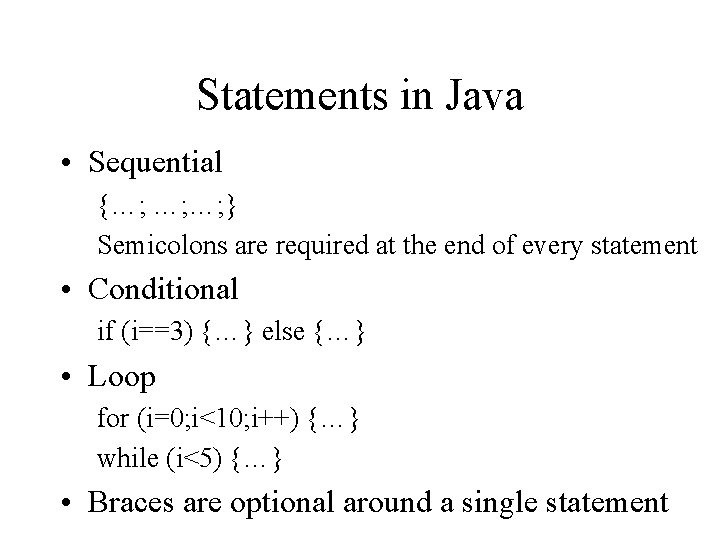
Statements in Java • Sequential {…; …; …; } Semicolons are required at the end of every statement • Conditional if (i==3) {…} else {…} • Loop for (i=0; i<10; i++) {…} while (i<5) {…} • Braces are optional around a single statement
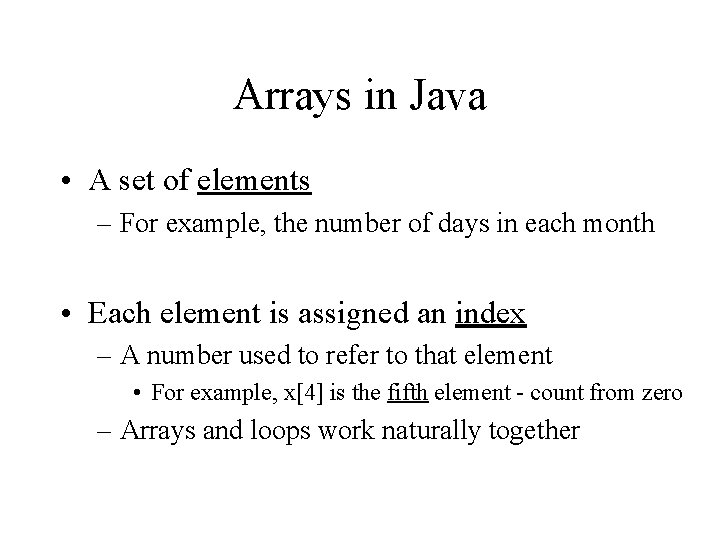
Arrays in Java • A set of elements – For example, the number of days in each month • Each element is assigned an index – A number used to refer to that element • For example, x[4] is the fifth element - count from zero – Arrays and loops work naturally together
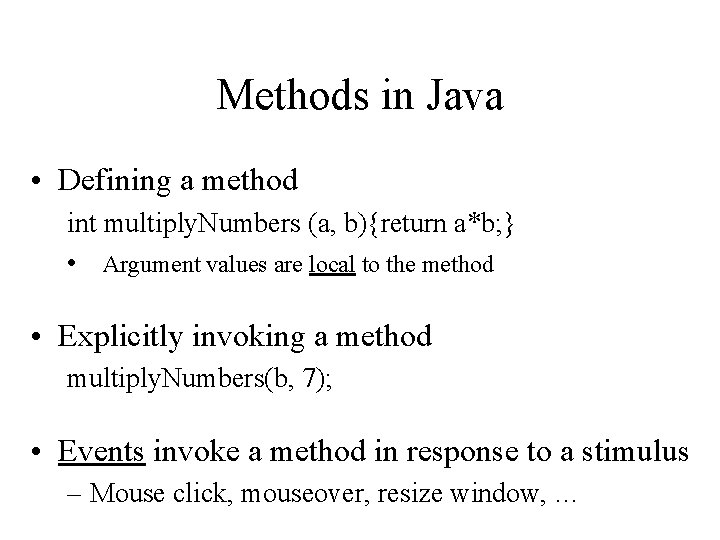
Methods in Java • Defining a method int multiply. Numbers (a, b){return a*b; } • Argument values are local to the method • Explicitly invoking a method multiply. Numbers(b, 7); • Events invoke a method in response to a stimulus – Mouse click, mouseover, resize window, …
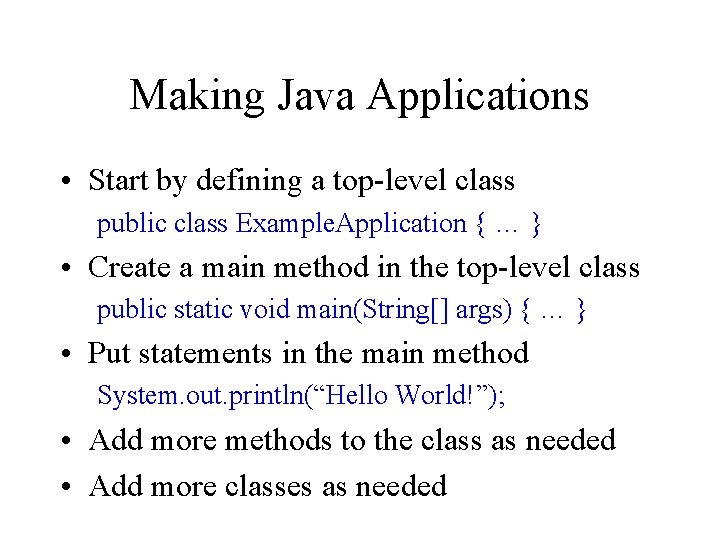
Making Java Applications • Start by defining a top-level class public class Example. Application { … } • Create a main method in the top-level class public static void main(String[] args) { … } • Put statements in the main method System. out. println(“Hello World!”); • Add more methods to the class as needed • Add more classes as needed
Getting the Java 2 SDK • Java 2 SDK standard edition version 1. 4. 2 – Available free at http: //java. sun. com/j 2 se/ – Runs on Windows, Solaris (Sun’s unix) and Linux • Already installed several places on campus – On the Windows machines in HBK 2105 – Available on WAM and Glue Unix systems • Over telnet (without graphics display) • On console in CSS 4352, PG 2 and EPSL
Main Java 2 SDK Components • javac – Compiles Java source to produce bytecode • java – Interprets Java application bytecode • appletviewer – Interprets Java applet bytecode • jdb – Supports typical debugging tasks
Getting the Java 2 SDK to Work • path – Where to look for javac, java, … • classpath – Where to look for “. class” files • Both can be set automatically – On WAM and Glue, “tap java” – On Windows: • Control Panel->System->Advanced->Environment Variables
Eclipse • Java integrated development environment – Integrated editor, execution, and debugging • http: //eclipse. org/downloads/index. php – Main Eclipse download site->Build 3. 0 ->http – After installation of Java 2 SDK 1. 4. 2! • First practice exercise will get this working
Course Organization Linked from http: //www. glue. umd. edu/~oard ØNote: the pages moved last week (disk errors) • Goals • Communications – Be sure that you are receiving email from me! • Syllabus
Learning Opportunities • Class sessions – Theory, programming, show-and-tell • Reading – Primary source for detail (esp. programming!) • Assignments – Graded homework, ungraded exercises • Lab sessions (Let’s choose a time now!) – Help with programming • Project – A vehicle for putting it all together
Project • Designed for teams of three people – Larger or smaller is okay, working alone is not • Form a team and choose your goal by week 6 – Plan on 6 hours person per week after that – Choose one of my project ideas, or invent your own • Go through three prototype iterations – 2 weeks each (=36 person-hours to design/code/test) • Make a presentation during the final class session – We need to choose the date and time for this now!
Muddiest Point On a blank sheet of paper, write a single sentence that will convey to me what you found to be the most confusing that was discussed during today’s class.