
Software Development Method C Language Elements HK Chapter
- Slides: 34
Software Development Method & C Language Elements H&K Chapter 1 -2 Instructor – Gokcen Cilingir Cpt S 121 (June 21, 2011) Washington State University
Software Development Method � Equivalent to the “Scientific Method” in the sciences, and the “Systems Approach” in business � Six basic steps: 1. Specify problem requirements 2. Analyze the problem 3. Design an algorithm to solve the problem 4. Implement the algorithm 5. Test and verify the completed program 6. Maintain and update the program C. Hundhausen, A. O’Fallon 2
Applying the Software Development Method (1) � Warning: You will rarely get it right the first time! This is an iterative process in which you would do well to be persistent and learn from your mistakes � Example problem: Compute the volume of a cone C. Hundhausen, A. O’Fallon 3
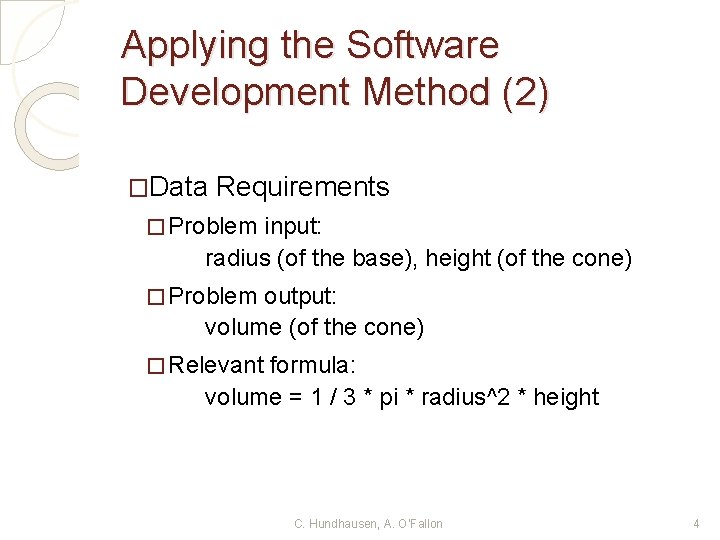
Applying the Software Development Method (2) �Data Requirements � Problem input: radius (of the base), height (of the cone) � Problem output: volume (of the cone) � Relevant formula: volume = 1 / 3 * pi * radius^2 * height C. Hundhausen, A. O’Fallon 4
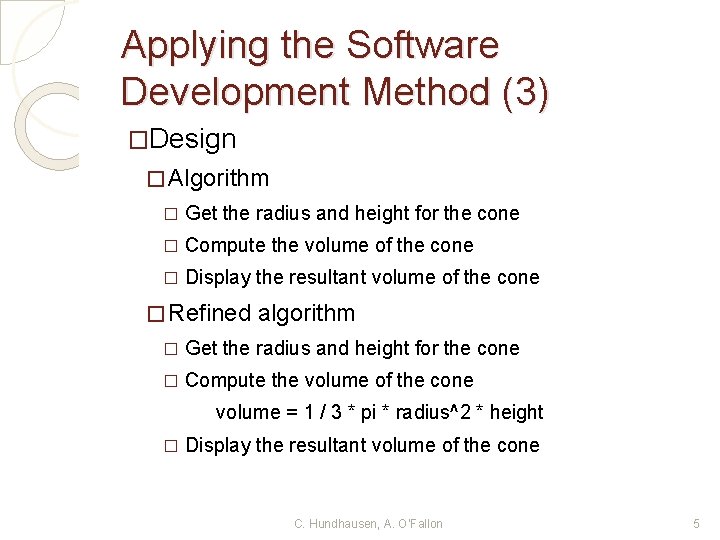
Applying the Software Development Method (3) �Design � Algorithm � Get the radius and height for the cone � Compute the volume of the cone � Display the resultant volume of the cone � Refined algorithm � Get the radius and height for the cone � Compute the volume of the cone volume = 1 / 3 * pi * radius^2 * height � Display the resultant volume of the cone C. Hundhausen, A. O’Fallon 5
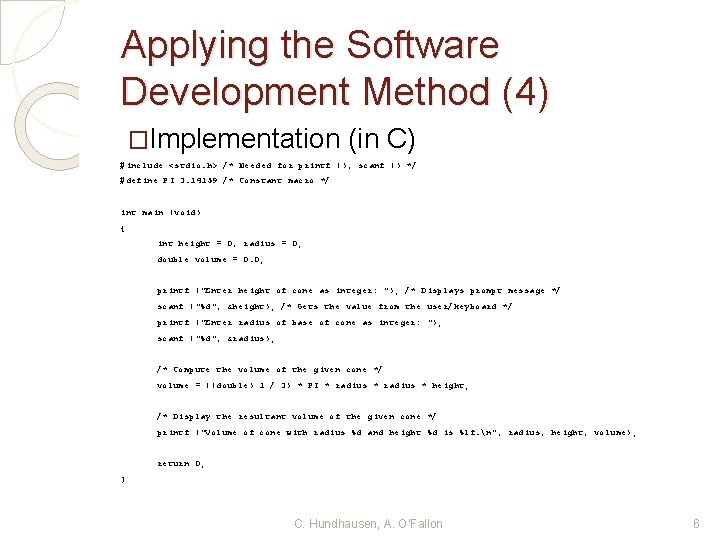
Applying the Software Development Method (4) �Implementation (in C) #include <stdio. h> /* Needed for printf (), scanf () */ #define PI 3. 14159 /* Constant macro */ int main (void) { int height = 0, radius = 0; double volume = 0. 0; printf ("Enter height of cone as integer: "); /* Displays prompt message */ scanf ("%d", &height); /* Gets the value from the user/keyboard */ printf ("Enter radius of base of cone as integer: "); scanf ("%d", &radius); /* Compute the volume of the given cone */ volume = ((double) 1 / 3) * PI * radius * height; /* Display the resultant volume of the given cone */ printf ("Volume of cone with radius %d and height %d is %lf. n", radius, height, volume); return 0; } C. Hundhausen, A. O’Fallon 6
Applying the Software Development Method (5) �Testing � We would compile and execute the program, trying several different input data values and observing the results �Maintenance � It is highly unlikely that this particular program will be of general use to anyone. Most likely, we'll want to update it with new functionality… C. Hundhausen, A. O’Fallon 7
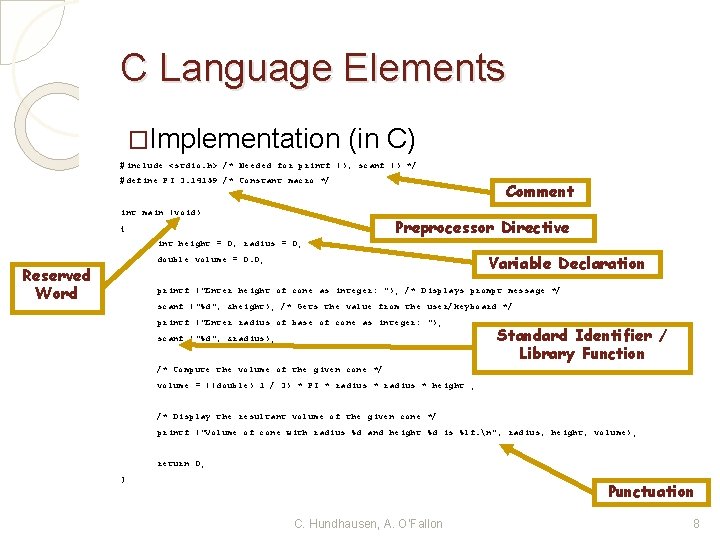
C Language Elements �Implementation (in C) #include <stdio. h> /* Needed for printf (), scanf () */ #define PI 3. 14159 /* Constant macro */ int main (void) Comment Preprocessor Directive { int height = 0, radius = 0; Variable Declaration double volume = 0. 0; Reserved Word printf ("Enter height of cone as integer: "); /* Displays prompt message */ scanf ("%d", &height); /* Gets the value from the user/keyboard */ printf ("Enter radius of base of cone as integer: "); scanf ("%d", &radius); Standard Identifier / Library Function /* Compute the volume of the given cone */ volume = ((double) 1 / 3) * PI * radius * height ; /* Display the resultant volume of the given cone */ printf ("Volume of cone with radius %d and height %d is %lf. n", radius, height, volume); return 0; } Punctuation C. Hundhausen, A. O’Fallon 8
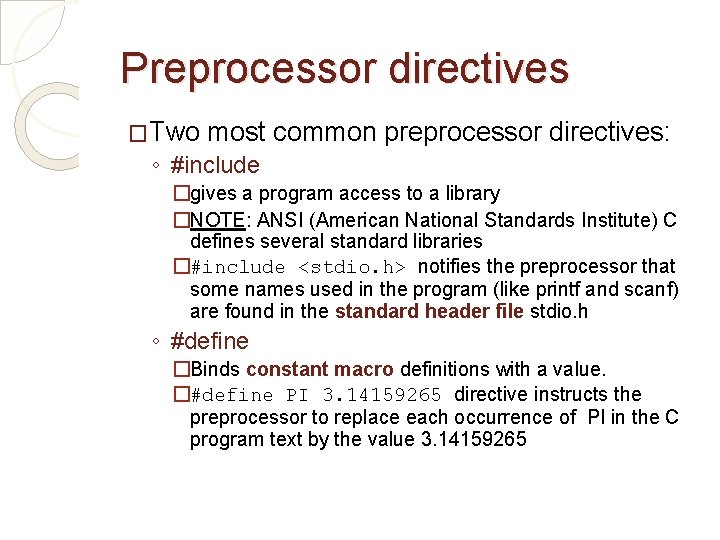
Preprocessor directives �Two most common preprocessor directives: ◦ #include �gives a program access to a library �NOTE: ANSI (American National Standards Institute) C defines several standard libraries �#include <stdio. h> notifies the preprocessor that some names used in the program (like printf and scanf) are found in the standard header file stdio. h ◦ #define �Binds constant macro definitions with a value. �#define PI 3. 14159265 directive instructs the preprocessor to replace each occurrence of PI in the C program text by the value 3. 14159265
Preprocessor directives (II) �Preprocessor directives give instruction to the C preprocessor �C preprocessor modifies the text of C program before it is compiled �A preprocessor directive starts with a number(pound) symbol “#”
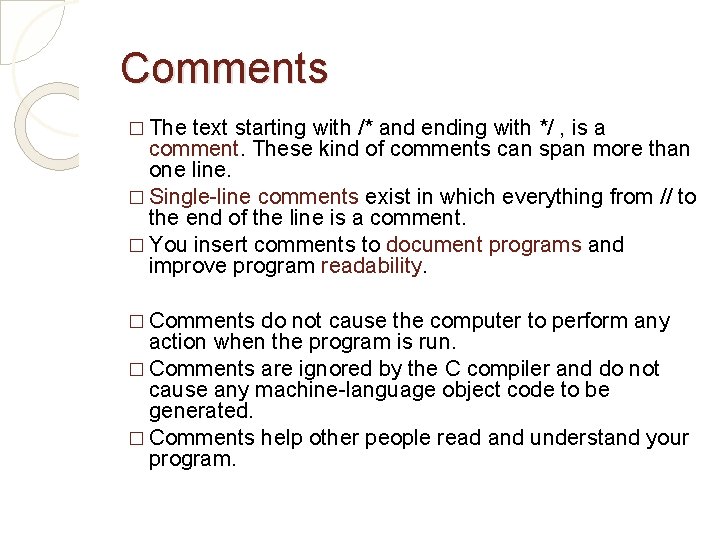
Comments � The text starting with /* and ending with */ , is a comment. These kind of comments can span more than one line. � Single-line comments exist in which everything from // to the end of the line is a comment. � You insert comments to document programs and improve program readability. � Comments do not cause the computer to perform any action when the program is run. � Comments are ignored by the C compiler and do not cause any machine-language object code to be generated. � Comments help other people read and understand your program.
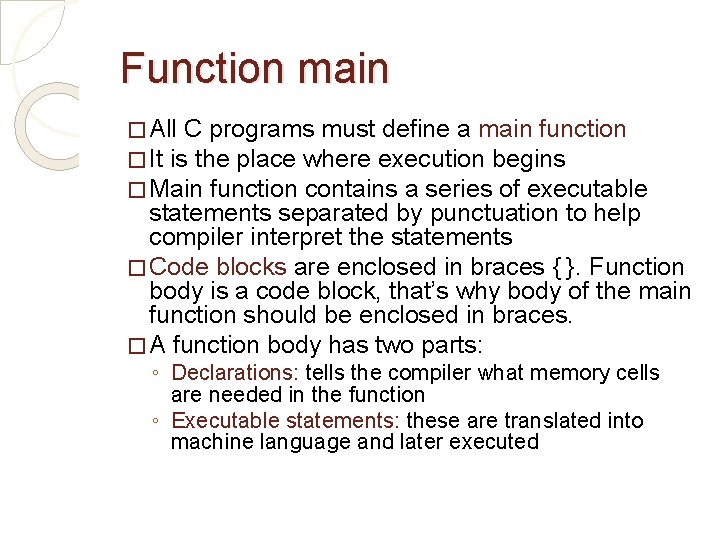
Function main � All C programs must define a main function � It is the place where execution begins � Main function contains a series of executable statements separated by punctuation to help compiler interpret the statements � Code blocks are enclosed in braces { }. Function body is a code block, that’s why body of the main function should be enclosed in braces. � A function body has two parts: ◦ Declarations: tells the compiler what memory cells are needed in the function ◦ Executable statements: these are translated into machine language and later executed
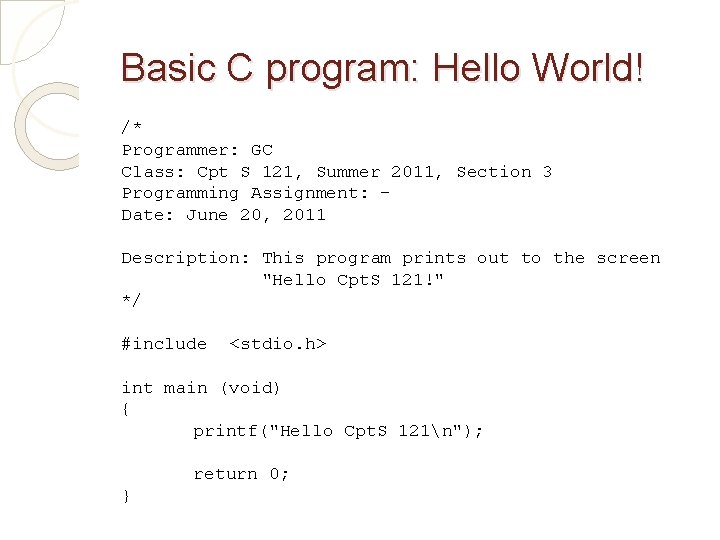
Basic C program: Hello World! /* Programmer: GC Class: Cpt S 121, Summer 2011, Section 3 Programming Assignment: Date: June 20, 2011 Description: This program prints out to the screen "Hello Cpt. S 121!" */ #include <stdio. h> int main (void) { printf("Hello Cpt. S 121n"); return 0; }
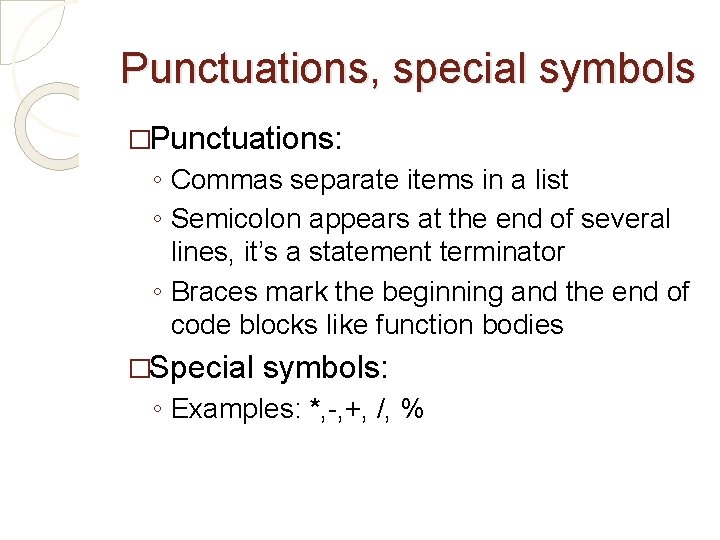
Punctuations, special symbols �Punctuations: ◦ Commas separate items in a list ◦ Semicolon appears at the end of several lines, it’s a statement terminator ◦ Braces mark the beginning and the end of code blocks like function bodies �Special symbols: ◦ Examples: *, -, +, /, %
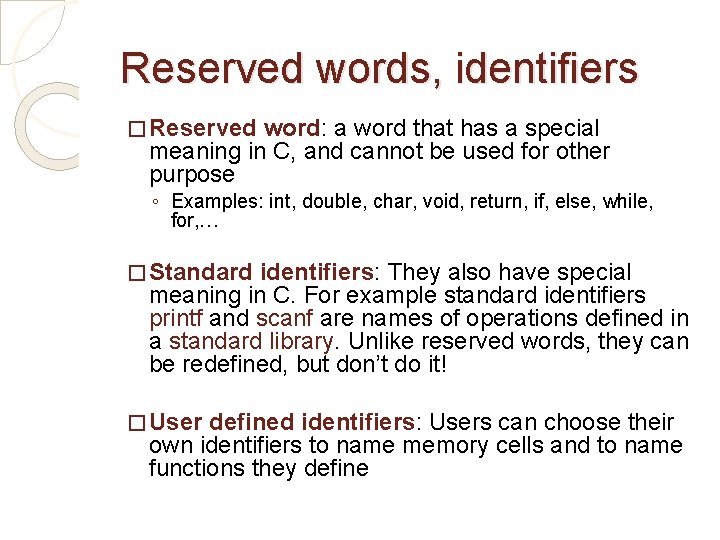
Reserved words, identifiers � Reserved word: a word that has a special meaning in C, and cannot be used for other purpose ◦ Examples: int, double, char, void, return, if, else, while, for, … � Standard identifiers: They also have special meaning in C. For example standard identifiers printf and scanf are names of operations defined in a standard library. Unlike reserved words, they can be redefined, but don’t do it! � User defined identifiers: Users can choose their own identifiers to name memory cells and to name functions they define
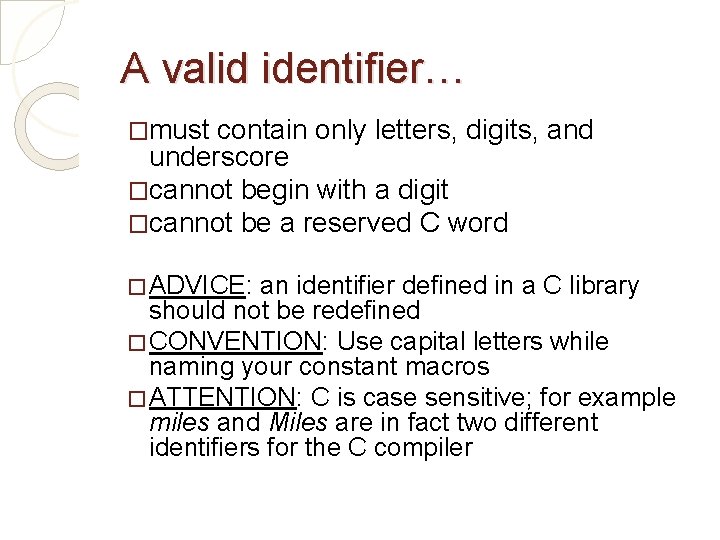
A valid identifier… �must contain only letters, digits, and underscore �cannot begin with a digit �cannot be a reserved C word � ADVICE: an identifier defined in a C library should not be redefined � CONVENTION: Use capital letters while naming your constant macros � ATTENTION: C is case sensitive; for example miles and Miles are in fact two different identifiers for the C compiler
Choose identifier names wisely! �They should be meaningful, indicating the role of the variables they are naming ◦ E. g. , average, not a �Make them meaningful but not excessively long �Make sure that identifier names are sufficiently different, so that you don't accidentally mix them up C. Hundhausen, A. O’Fallon
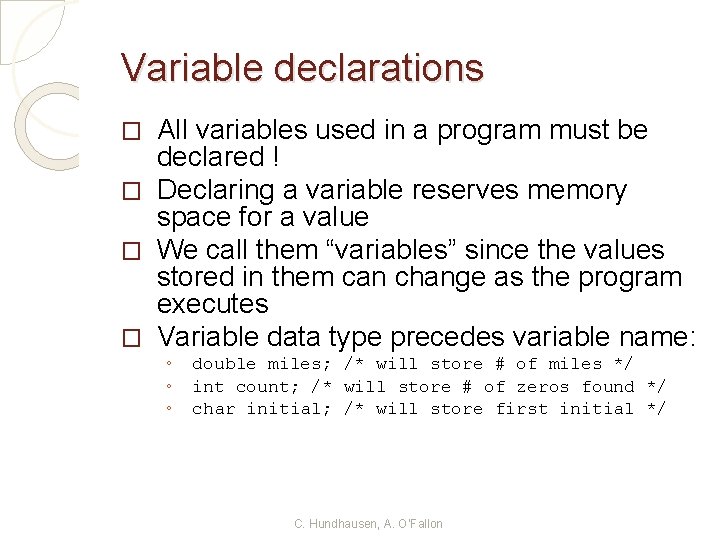
Variable declarations All variables used in a program must be declared ! � Declaring a variable reserves memory space for a value � We call them “variables” since the values stored in them can change as the program executes � Variable data type precedes variable name: � ◦ ◦ ◦ double miles; /* will store # of miles */ int count; /* will store # of zeros found */ char initial; /* will store first initial */ C. Hundhausen, A. O’Fallon
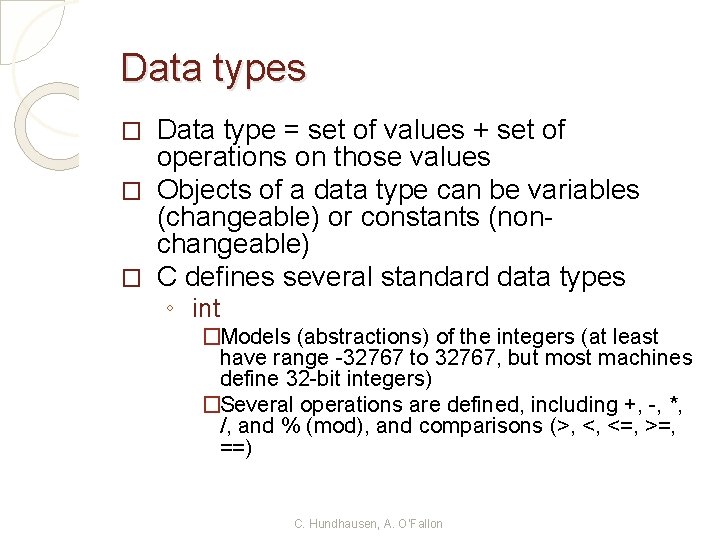
Data types Data type = set of values + set of operations on those values � Objects of a data type can be variables (changeable) or constants (nonchangeable) � C defines several standard data types � ◦ int �Models (abstractions) of the integers (at least have range -32767 to 32767, but most machines define 32 -bit integers) �Several operations are defined, including +, -, *, /, and % (mod), and comparisons (>, <, <=, >=, ==) C. Hundhausen, A. O’Fallon
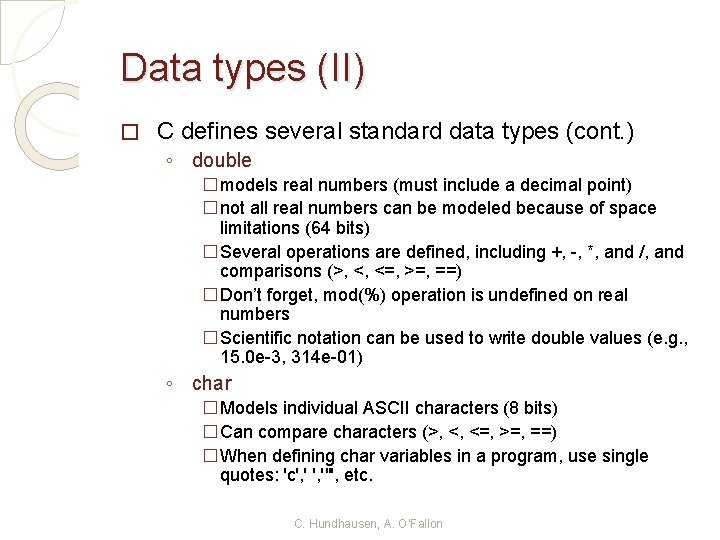
Data types (II) � C defines several standard data types (cont. ) ◦ double �models real numbers (must include a decimal point) �not all real numbers can be modeled because of space limitations (64 bits) �Several operations are defined, including +, -, *, and /, and comparisons (>, <, <=, >=, ==) �Don’t forget, mod(%) operation is undefined on real numbers �Scientific notation can be used to write double values (e. g. , 15. 0 e-3, 314 e-01) ◦ char �Models individual ASCII characters (8 bits) �Can compare characters (>, <, <=, >=, ==) �When defining char variables in a program, use single quotes: 'c', '"', etc. C. Hundhausen, A. O’Fallon
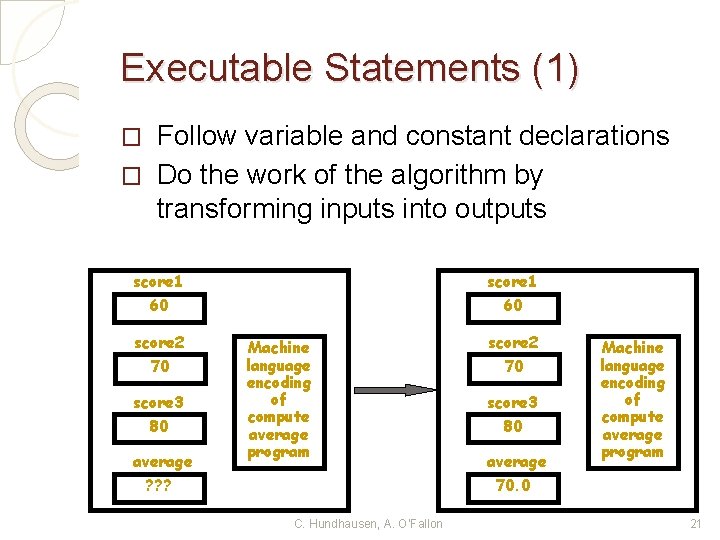
Executable Statements (1) Follow variable and constant declarations � Do the work of the algorithm by transforming inputs into outputs � score 1 60 score 2 70 score 3 80 average ? ? ? score 1 60 Machine language encoding of compute average program C. Hundhausen, A. O’Fallon score 2 70 score 3 80 average 70. 0 Machine language encoding of compute average program 21
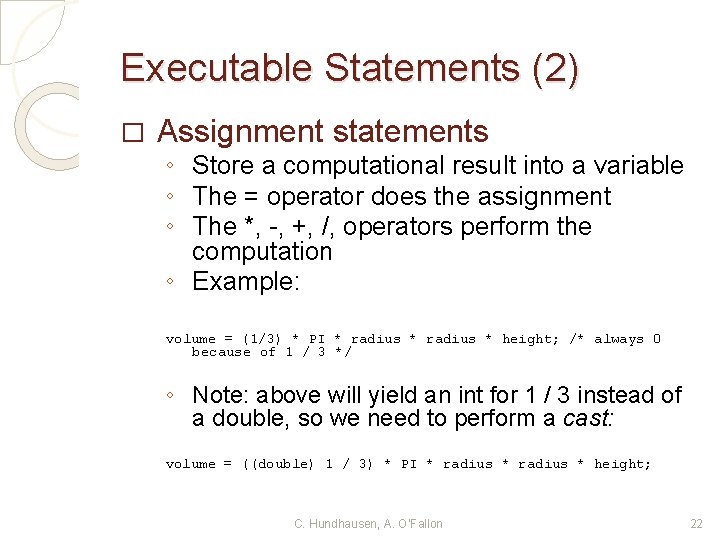
Executable Statements (2) � Assignment statements ◦ Store a computational result into a variable ◦ The = operator does the assignment ◦ The *, -, +, /, operators perform the computation ◦ Example: volume = (1/3) * PI * radius * height; /* always 0 because of 1 / 3 */ ◦ Note: above will yield an int for 1 / 3 instead of a double, so we need to perform a cast: volume = ((double) 1 / 3) * PI * radius * height; C. Hundhausen, A. O’Fallon 22
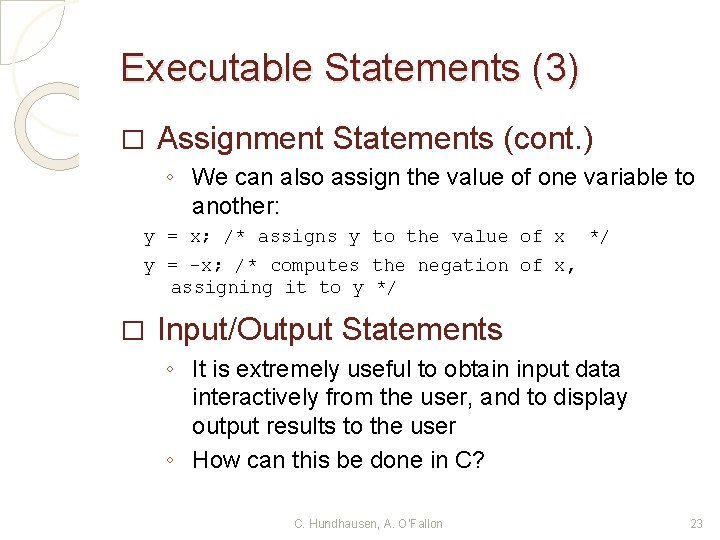
Executable Statements (3) � Assignment Statements (cont. ) ◦ We can also assign the value of one variable to another: y = x; /* assigns y to the value of x */ y = -x; /* computes the negation of x, assigning it to y */ � Input/Output Statements ◦ It is extremely useful to obtain input data interactively from the user, and to display output results to the user ◦ How can this be done in C? C. Hundhausen, A. O’Fallon 23
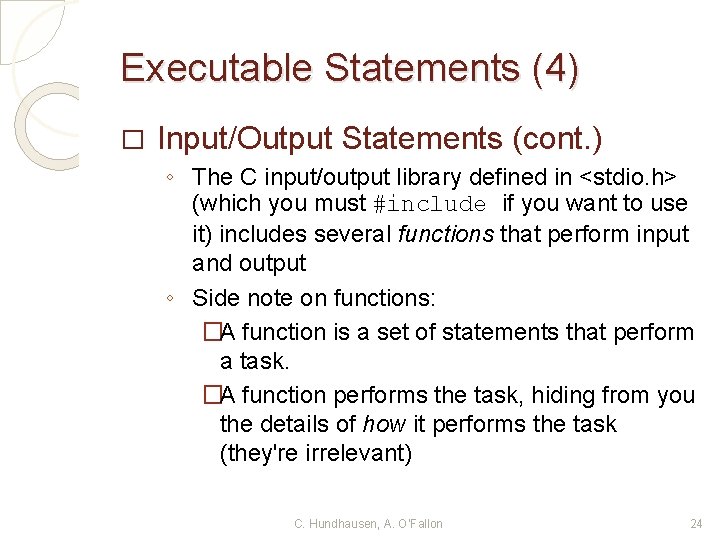
Executable Statements (4) � Input/Output Statements (cont. ) ◦ The C input/output library defined in <stdio. h> (which you must #include if you want to use it) includes several functions that perform input and output ◦ Side note on functions: �A function is a set of statements that perform a task. �A function performs the task, hiding from you the details of how it performs the task (they're irrelevant) C. Hundhausen, A. O’Fallon 24
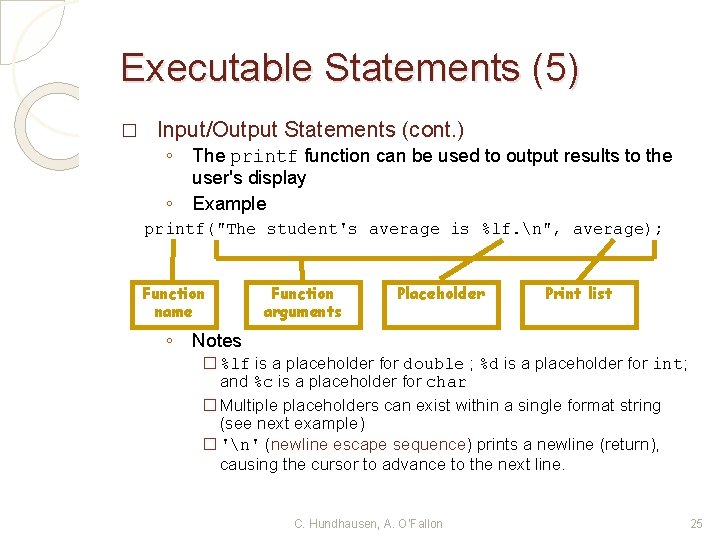
Executable Statements (5) � Input/Output Statements (cont. ) ◦ ◦ The printf function can be used to output results to the user's display Example printf("The student's average is %lf. n", average); Function name ◦ Function arguments Placeholder Print list Notes � %lf is a placeholder for double ; %d is a placeholder for int; and %c is a placeholder for char � Multiple placeholders can exist within a single format string (see next example) � 'n' (newline escape sequence) prints a newline (return), causing the cursor to advance to the next line. C. Hundhausen, A. O’Fallon 25
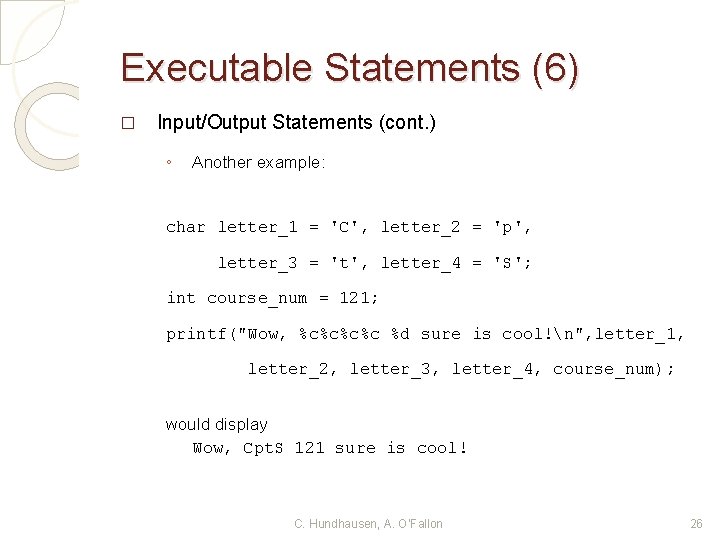
Executable Statements (6) � Input/Output Statements (cont. ) ◦ Another example: char letter_1 = 'C', letter_2 = 'p', letter_3 = 't', letter_4 = 'S'; int course_num = 121; printf("Wow, %c%c %d sure is cool!n", letter_1, letter_2, letter_3, letter_4, course_num); would display Wow, Cpt. S 121 sure is cool! C. Hundhausen, A. O’Fallon 26
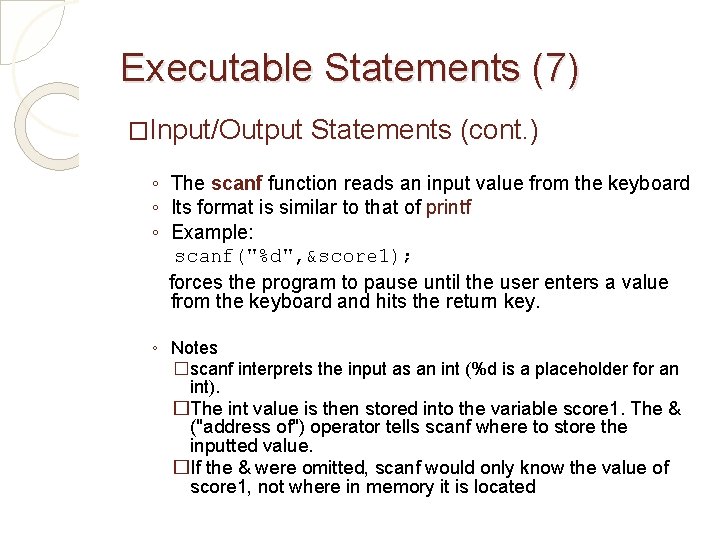
Executable Statements (7) �Input/Output Statements (cont. ) ◦ The scanf function reads an input value from the keyboard ◦ Its format is similar to that of printf ◦ Example: scanf("%d", &score 1); forces the program to pause until the user enters a value from the keyboard and hits the return key. ◦ Notes �scanf interprets the input as an int (%d is a placeholder for an int). �The int value is then stored into the variable score 1. The & ("address of") operator tells scanf where to store the inputted value. �If the & were omitted, scanf would only know the value of score 1, not where in memory it is located
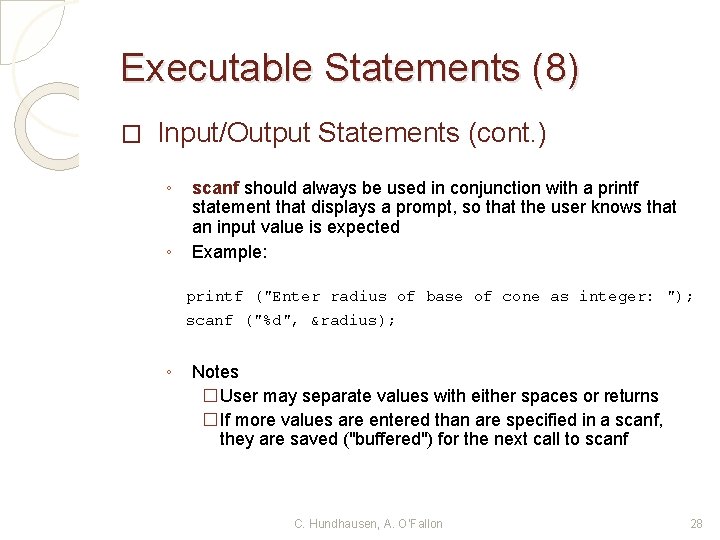
Executable Statements (8) � Input/Output Statements (cont. ) ◦ ◦ scanf should always be used in conjunction with a printf statement that displays a prompt, so that the user knows that an input value is expected Example: printf ("Enter radius of base of cone as integer: "); scanf ("%d", &radius); ◦ Notes �User may separate values with either spaces or returns �If more values are entered than are specified in a scanf, they are saved ("buffered") for the next call to scanf C. Hundhausen, A. O’Fallon 28
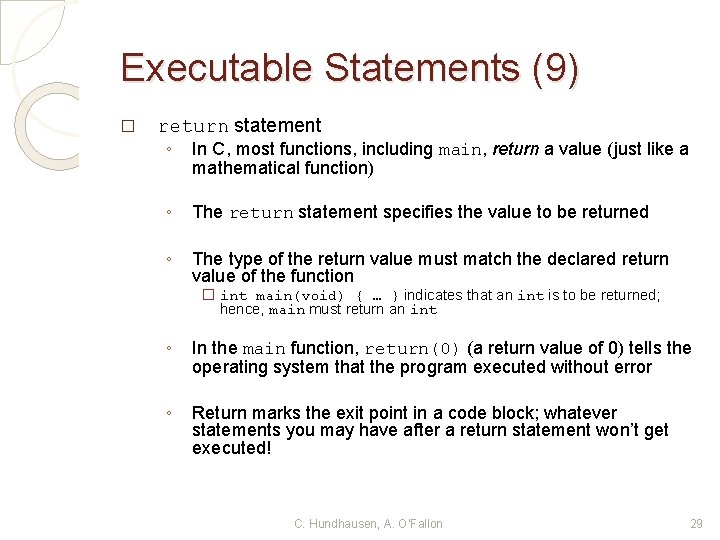
Executable Statements (9) � return statement ◦ In C, most functions, including main, return a value (just like a mathematical function) ◦ The return statement specifies the value to be returned ◦ The type of the return value must match the declared return value of the function � int main(void) { … } indicates that an int is to be returned; hence, main must return an int ◦ In the main function, return(0) (a return value of 0) tells the operating system that the program executed without error ◦ Return marks the exit point in a code block; whatever statements you may have after a return statement won’t get executed! C. Hundhausen, A. O’Fallon 29
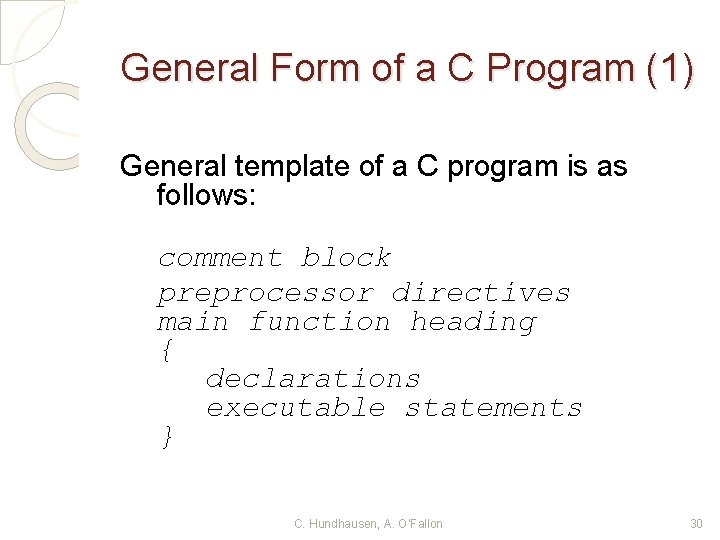
General Form of a C Program (1) General template of a C program is as follows: comment block preprocessor directives main function heading { declarations executable statements } C. Hundhausen, A. O’Fallon 30
General Form of a C Program (2) � ◦ Statements may extend over a single line (return is treated as a space) Exception: Do not break up a statement in the middle of a reserved word, constant, or quoted format string More than one statement can go on a single line � The programs you write should adhere to good C style � ◦ Makes them more readable, but does not affect compilation C. Hundhausen, A. O’Fallon 31
General Form of a C Program (3) � What is good C style? ◦ When you write C programs for this class, refer to the "Recommended C Style and Coding Standards" found on the schedule page ◦ Insert blank space before and after commas and operators such as +, =, /, * C. Hundhausen, A. O’Fallon 32
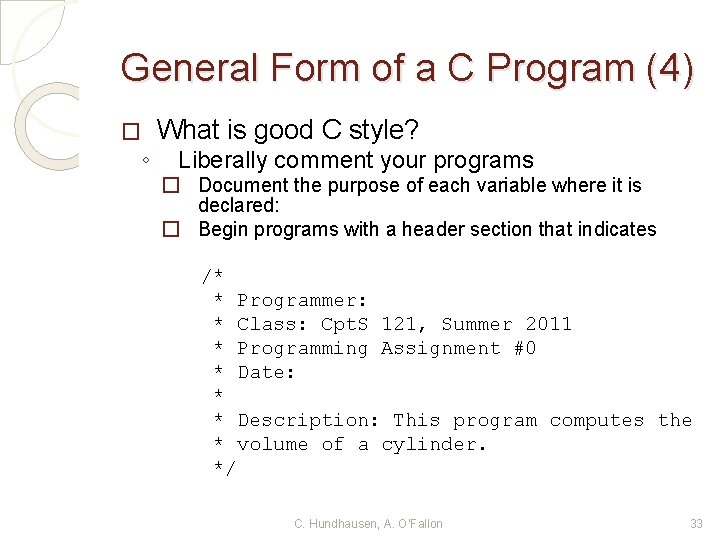
General Form of a C Program (4) � ◦ What is good C style? Liberally comment your programs � Document the purpose of each variable where it is declared: � Begin programs with a header section that indicates /* * Programmer: * Class: Cpt. S 121, Summer 2011 * Programming Assignment #0 * Date: * * Description: This program computes the * volume of a cylinder. */ C. Hundhausen, A. O’Fallon 33
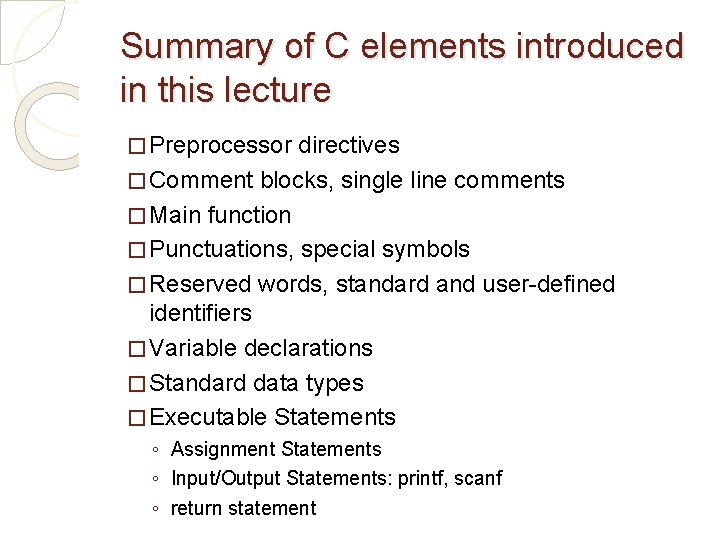
Summary of C elements introduced in this lecture � Preprocessor directives � Comment blocks, single line comments � Main function � Punctuations, special symbols � Reserved words, standard and user-defined identifiers � Variable declarations � Standard data types � Executable Statements ◦ Assignment Statements ◦ Input/Output Statements: printf, scanf ◦ return statement