
Software Development Chapter 1 5 Phases of Software
- Slides: 13
Software Development Chapter 1
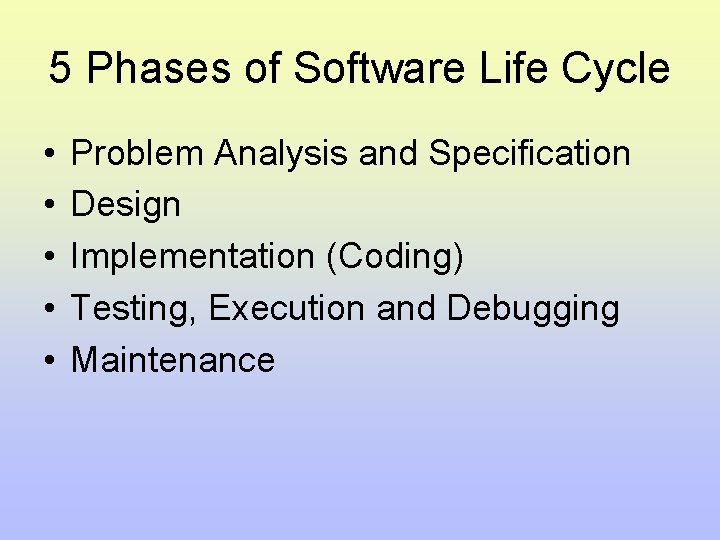
5 Phases of Software Life Cycle • • • Problem Analysis and Specification Design Implementation (Coding) Testing, Execution and Debugging Maintenance
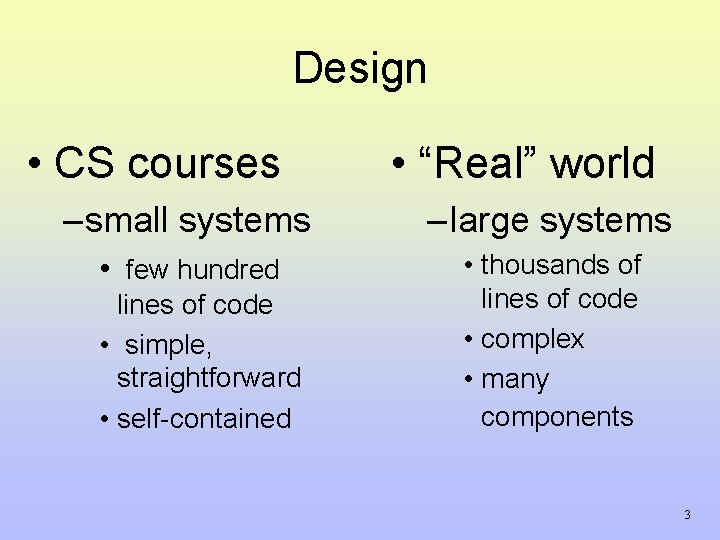
Design • CS courses • “Real” world – small systems – large systems • few hundred • thousands of lines of code • complex • many components lines of code • simple, straightforward • self-contained 3
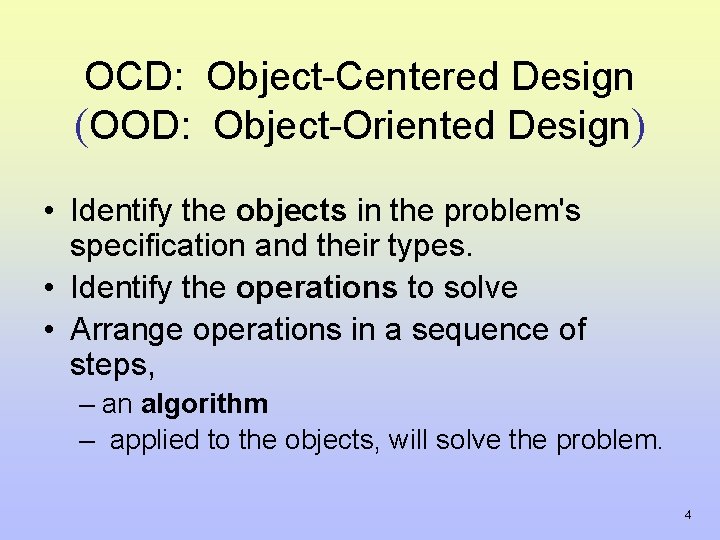
OCD: Object-Centered Design (OOD: Object-Oriented Design) • Identify the objects in the problem's specification and their types. • Identify the operations to solve • Arrange operations in a sequence of steps, – an algorithm – applied to the objects, will solve the problem. 4
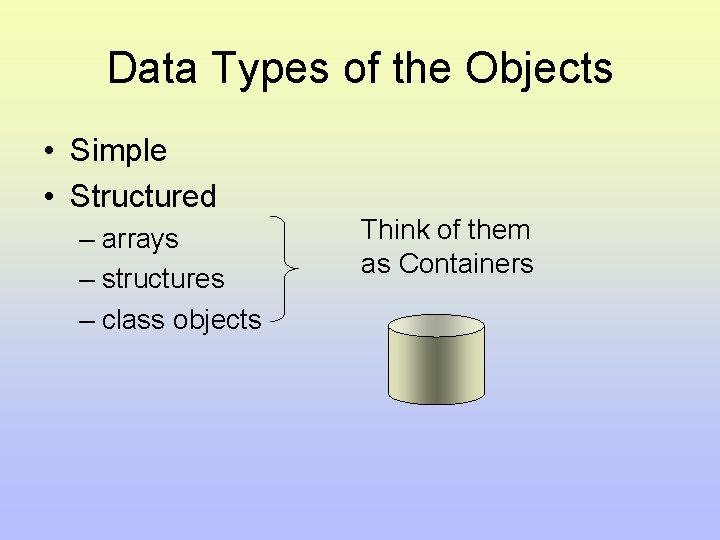
Data Types of the Objects • Simple • Structured – arrays – structures – class objects Think of them as Containers
Algorithms • Pseudo code • Must be – Definite, unambiguous – Simple – Finite – correct and efficient – well structured • Cannot separate data structures from algorithms
Implementation (Coding) • Select language of implementation • Encode the design • Verify integration – combining program units into a complete software system. • Insure quality – programs must be correct, readable, and understandable – well-structured, documented, stylistic 7
Good Programming Practices • Modularize your programs • Use local variables within subprograms – Avoid use of global variables • Use parameters to pass information to and from sub programs • Protect arguments that should not be altered by a subprogram • Don’t use “magic numbers”
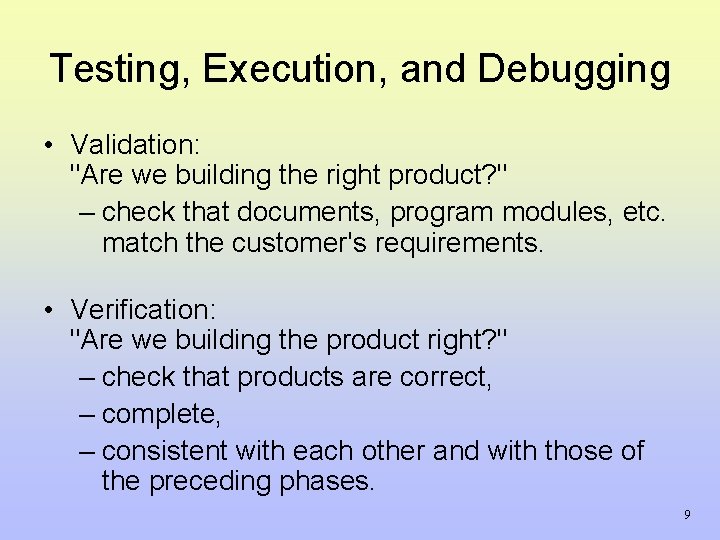
Testing, Execution, and Debugging • Validation: "Are we building the right product? " – check that documents, program modules, etc. match the customer's requirements. • Verification: "Are we building the product right? " – check that products are correct, – complete, – consistent with each other and with those of the preceding phases. 9
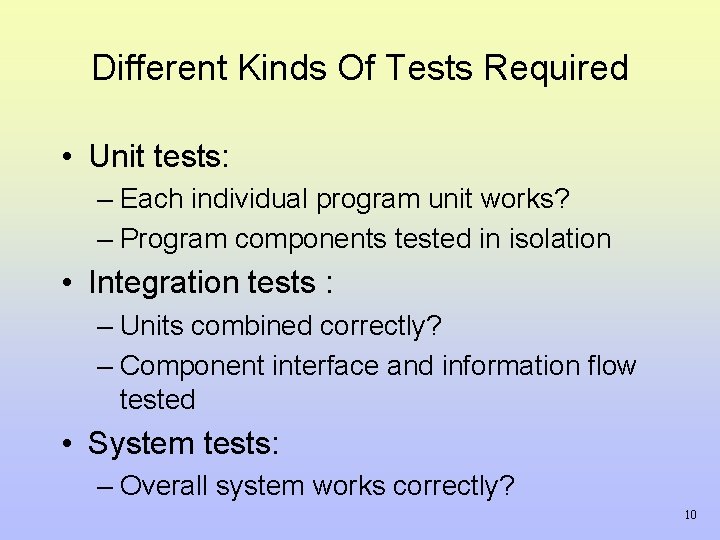
Different Kinds Of Tests Required • Unit tests: – Each individual program unit works? – Program components tested in isolation • Integration tests : – Units combined correctly? – Component interface and information flow tested • System tests: – Overall system works correctly? 10
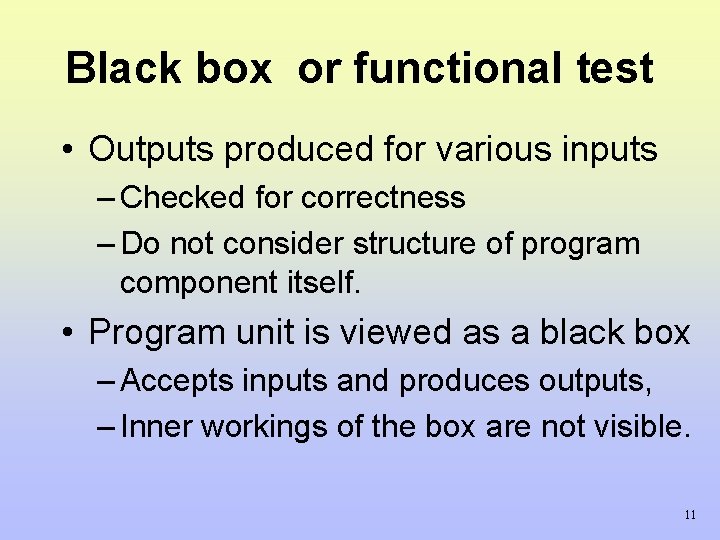
Black box or functional test • Outputs produced for various inputs – Checked for correctness – Do not consider structure of program component itself. • Program unit is viewed as a black box – Accepts inputs and produces outputs, – Inner workings of the box are not visible. 11
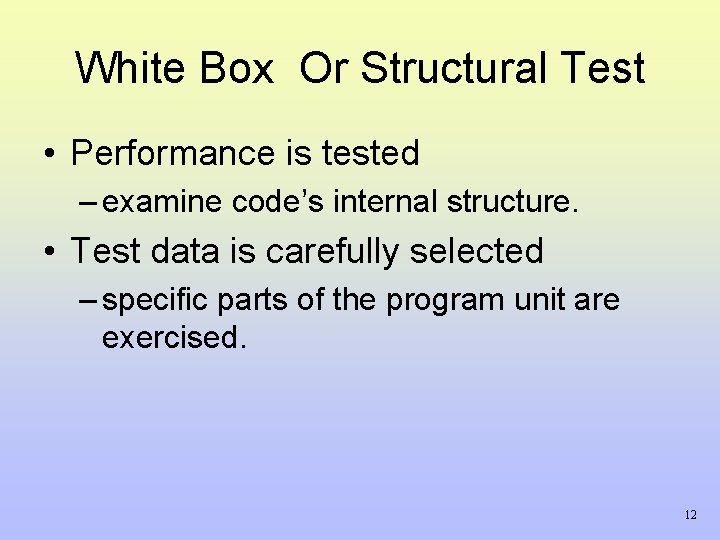
White Box Or Structural Test • Performance is tested – examine code’s internal structure. • Test data is carefully selected – specific parts of the program unit are exercised. 12
Maintenance • Large % of – Computer center budgets – Programmer's time – Software development cost • Because … – Includes modifications and enhancements – Poor structure, poor documentation, poor style • Bug finding and fixing is tougher • Impedes implementation of enhancements 13