
Software Architectural Styles Andrew Midwinter Mark Mullen Kevin
- Slides: 29
Software Architectural Styles Andrew Midwinter, Mark Mullen, Kevin Wong, Matt Jones 1
2
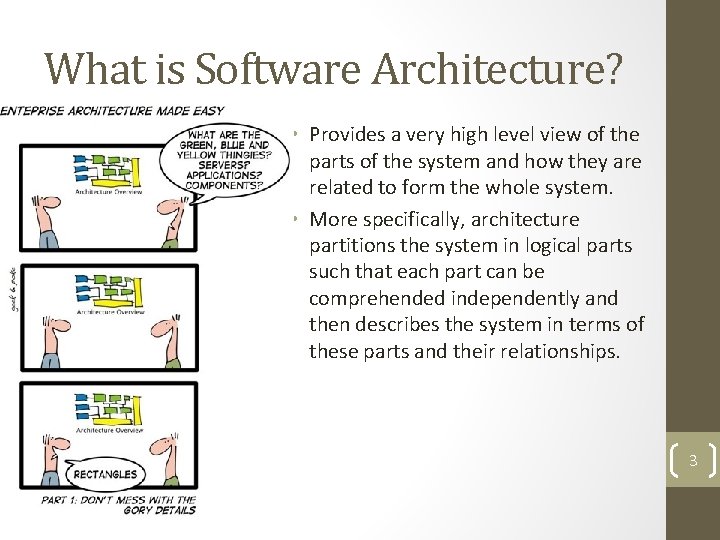
What is Software Architecture? • Provides a very high level view of the parts of the system and how they are related to form the whole system. • More specifically, architecture partitions the system in logical parts such that each part can be comprehended independently and then describes the system in terms of these parts and their relationships. 3
4
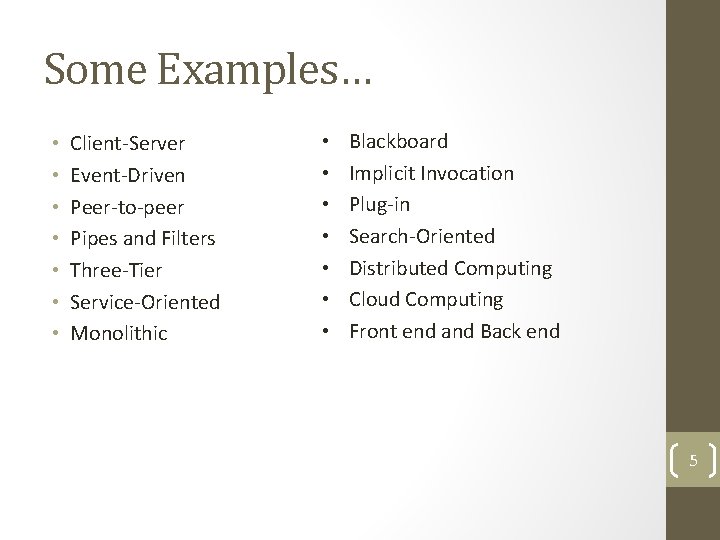
Some Examples… • • Client-Server Event-Driven Peer-to-peer Pipes and Filters Three-Tier Service-Oriented Monolithic • • Blackboard Implicit Invocation Plug-in Search-Oriented Distributed Computing Cloud Computing Front end and Back end 5
What Software Architecture is not • • Design patterns Low-level design Implementation Computer Architecture 6
Design vs. Software Architecture • Architecture deals with “what” and “where” whereas design deals with the “how” • Design patterns are to design as architectural styles are to architecture 7
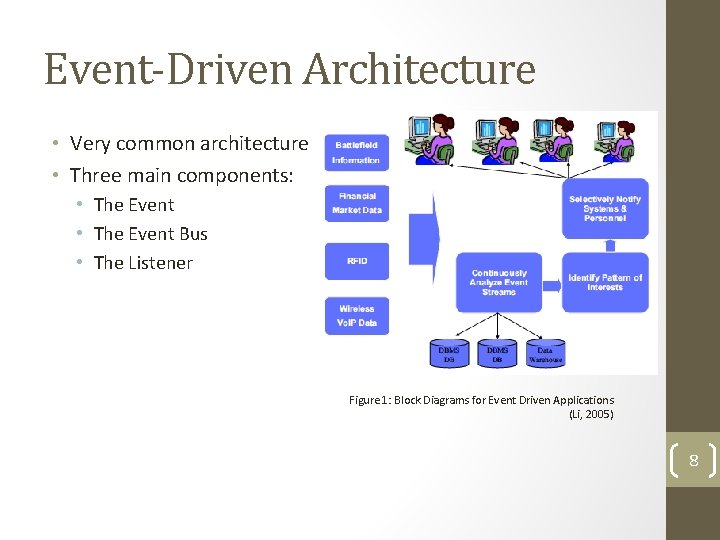
Event-Driven Architecture • Very common architecture • Three main components: • The Event Bus • The Listener Figure 1: Block Diagrams for Event Driven Applications (Li, 2005) 8
The Event • Something that happens, either inside or outside the system, that causes some kind of action in the system. • Most of the time it is an external input, such as input from a keyboard or controller, or sensors. • Can also be other processes. 9
The Event Bus • The connector between events and listeners. • Performs event-stream-analysis, which includes data cleansing and normalization. • Propagates events to the listeners connected to them. • Also handles listener registration. 10
The Listener • An object that executes some function when a specific event occurs. • Registers its interest in certain events through the event bus. 11
Pros and Cons • Pros: • Analysis of events and actions related to them are done quickly. • Very good for systems that need to be able to respond to external events. • Cons: • More complex programs: can be difficult to follow the flow of a system. 12
Uses • Graphical User Interfaces • Swing • • Financial Trading systems Pipeline monitoring systems Sensor networks Heart Rate Monitors 13
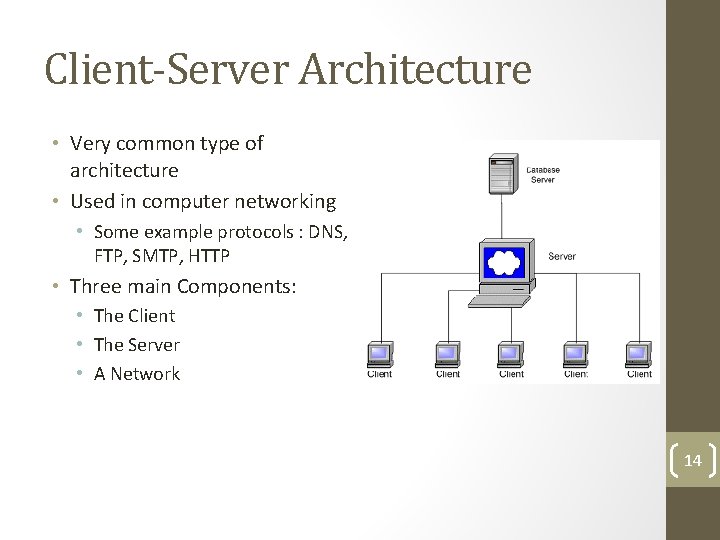
Client-Server Architecture • Very common type of architecture • Used in computer networking • Some example protocols : DNS, FTP, SMTP, HTTP • Three main Components: • The Client • The Server • A Network 14
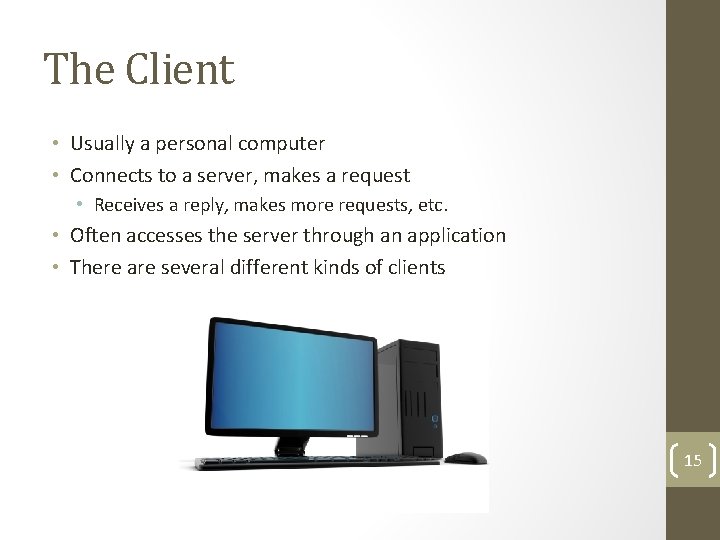
The Client • Usually a personal computer • Connects to a server, makes a request • Receives a reply, makes more requests, etc. • Often accesses the server through an application • There are several different kinds of clients 15
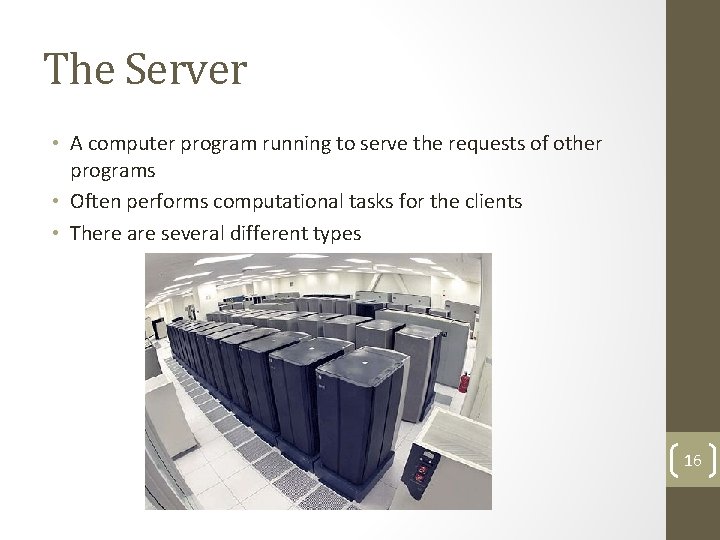
The Server • A computer program running to serve the requests of other programs • Often performs computational tasks for the clients • There are several different types 16
Pros and Cons • Pros: • • Performance Simplicity (for clients) Accessibility Scalability • Cons: • Cost • Overloading 17
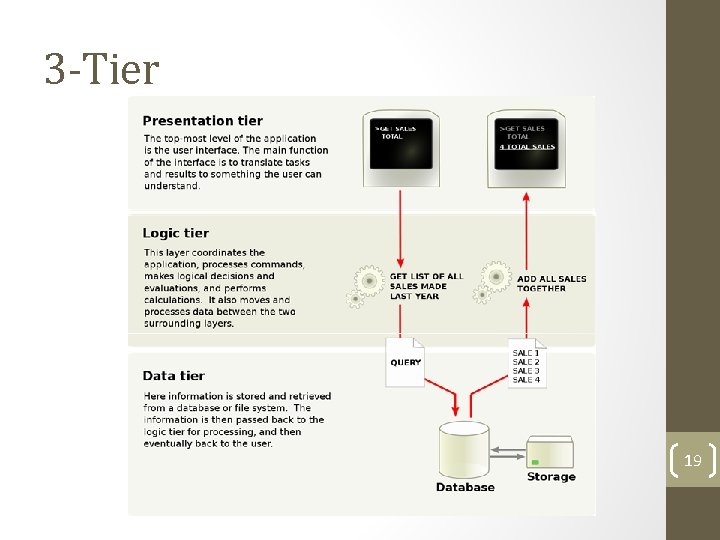
3 -Tier • Was developed by John J. Donovan in Open Environment Corporation (OEC) • User interface, process logic, computer data storage and data access are developed and maintained as independent modules, often on separate platforms • Eg) a change of an OS may want only to change the presentation layer would only affect the UI code (Windows 8? ) 18
3 -Tier 19
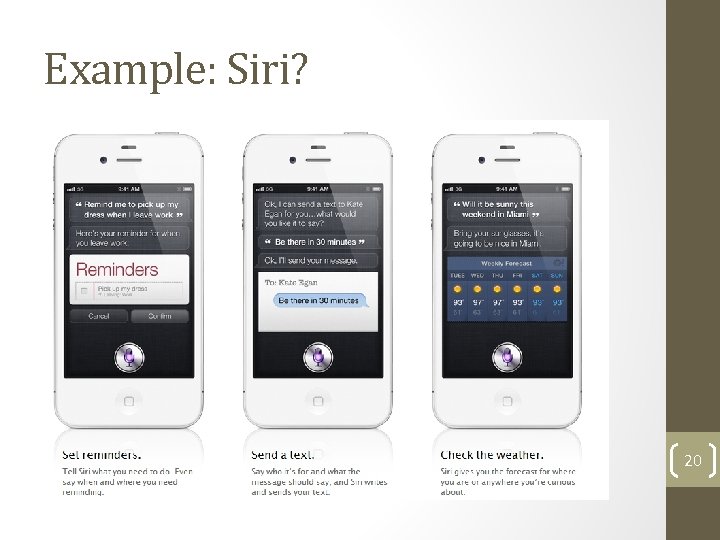
Example: Siri? 20
Peer-to-Peer • P 2 P is a network architecture in which each computer has equivalent capabilities and responsibilities. (Miller, 2001) 21
A better definition • 5 Characteristics: • • • Computers connect to each other in real-time Peers are both clients and servers Primary content is provided by peers Peers are autonomous and control their own activities Peers are not necessarily permanent and many connect and disconnect at will 22
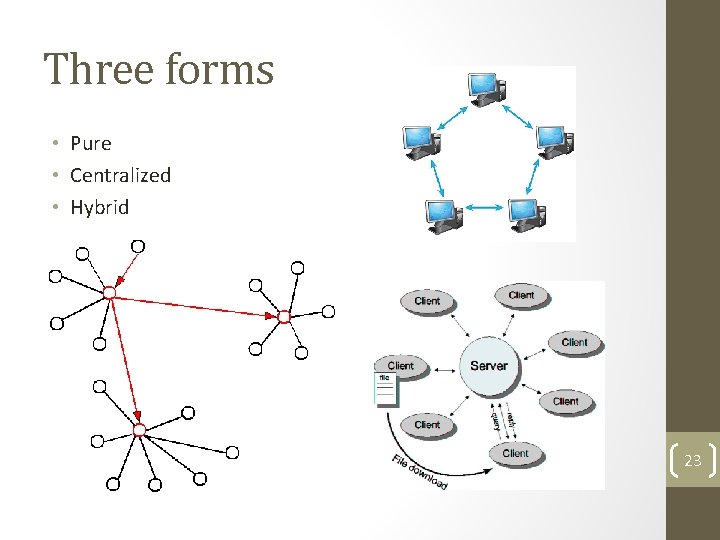
Three forms • Pure • Centralized • Hybrid 23
Pros and Cons • Pros • • • Speed Reliability Availability Privacy Scalability • Cons • Security • No mediator • Unavailability 24
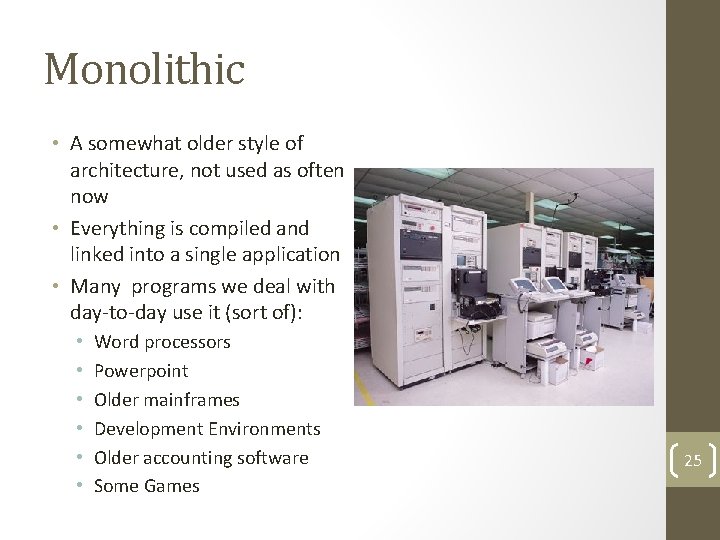
Monolithic • A somewhat older style of architecture, not used as often now • Everything is compiled and linked into a single application • Many programs we deal with day-to-day use it (sort of): • • • Word processors Powerpoint Older mainframes Development Environments Older accounting software Some Games 25
Monolith – In Programming • Usually written in a single programming language • Can operate in both batch mode or GUI mode • Can have concurrency: • Multi-threading • Multi-Processing • But only one executable! 26
Pros and Cons • Pros • Performance • Simplicity • Cons • Problems with shared access • Quantity of Data 27
Summary • Architectural styles are used in most applications today • They implement standards that can be reused • These standards make it easier to make early design decisions 28
Questions? 29