
Software and Licences Lecture 3 COMPSCI 111111 G
- Slides: 31
Software and Licences Lecture 3 – COMPSCI 111/111 G SS 2017
Today’s lecture Describe what software is Understand the legal protections for software Learn about the different software licences Identify different kinds of software
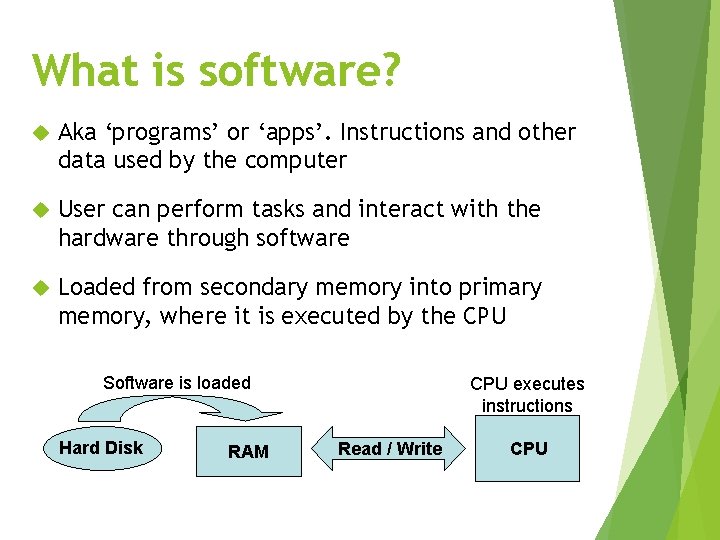
What is software? Aka ‘programs’ or ‘apps’. Instructions and other data used by the computer User can perform tasks and interact with the hardware through software Loaded from secondary memory into primary memory, where it is executed by the CPU Software is loaded Hard Disk RAM CPU executes instructions Read / Write CPU
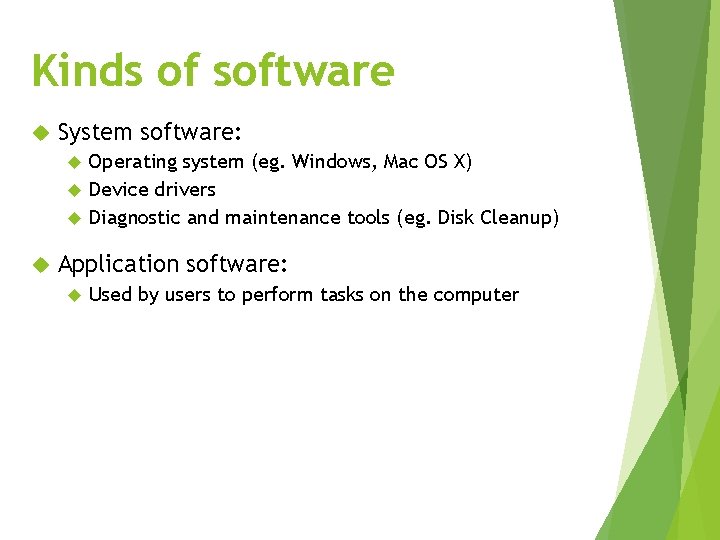
Kinds of software System software: Operating system (eg. Windows, Mac OS X) Device drivers Diagnostic and maintenance tools (eg. Disk Cleanup) Application software: Used by users to perform tasks on the computer
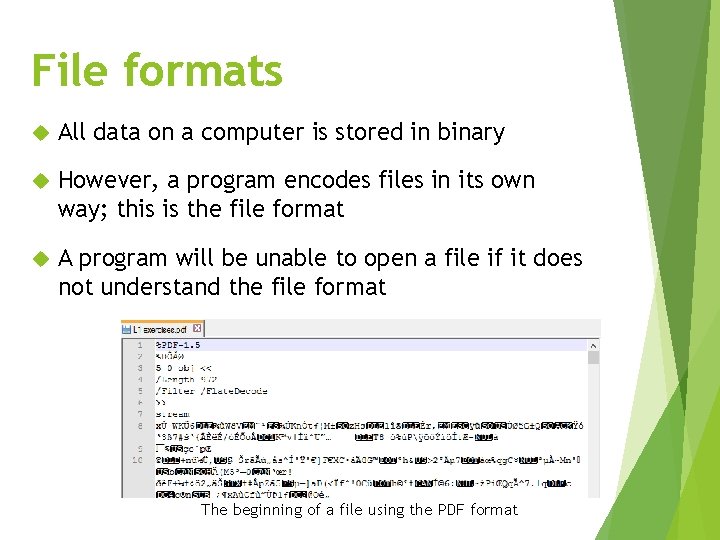
File formats All data on a computer is stored in binary However, a program encodes files in its own way; this is the file format A program will be unable to open a file if it does not understand the file format The beginning of a file using the PDF format
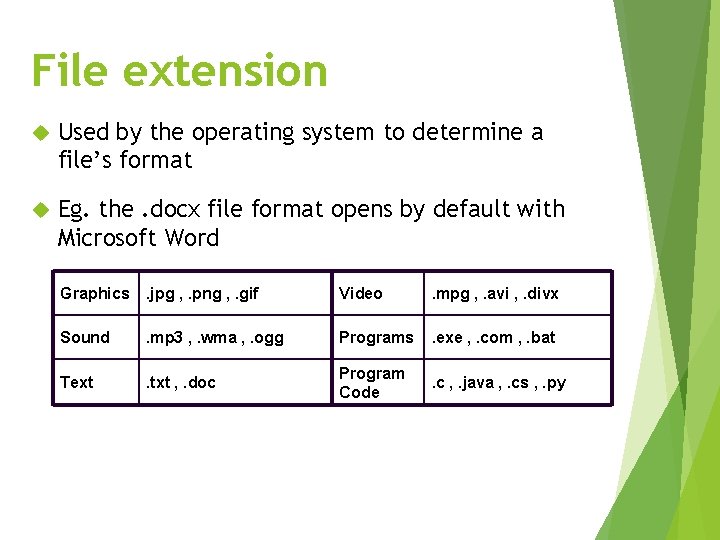
File extension Used by the operating system to determine a file’s format Eg. the. docx file format opens by default with Microsoft Word Graphics . jpg , . png , . gif Video . mpg , . avi , . divx Sound . mp 3 , . wma , . ogg Programs . exe , . com , . bat Text . txt , . doc Program Code . c , . java , . cs , . py
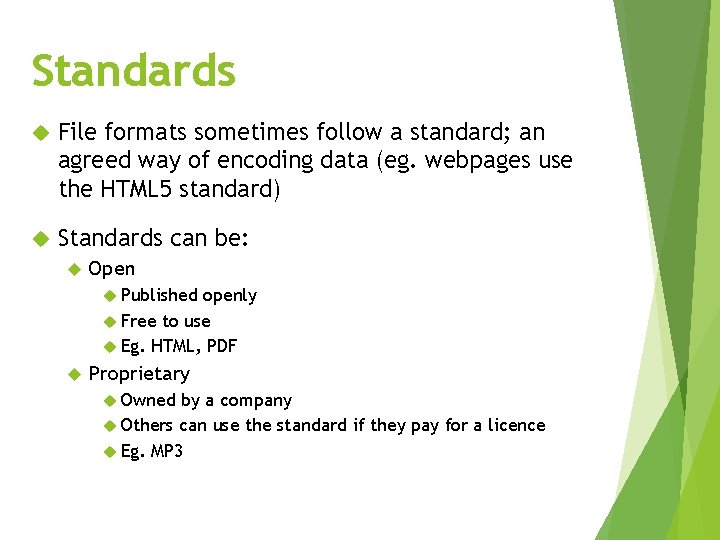
Standards File formats sometimes follow a standard; an agreed way of encoding data (eg. webpages use the HTML 5 standard) Standards can be: Open Published openly Free to use Eg. HTML, PDF Proprietary Owned by a company Others can use the standard if they pay for a licence Eg. MP 3
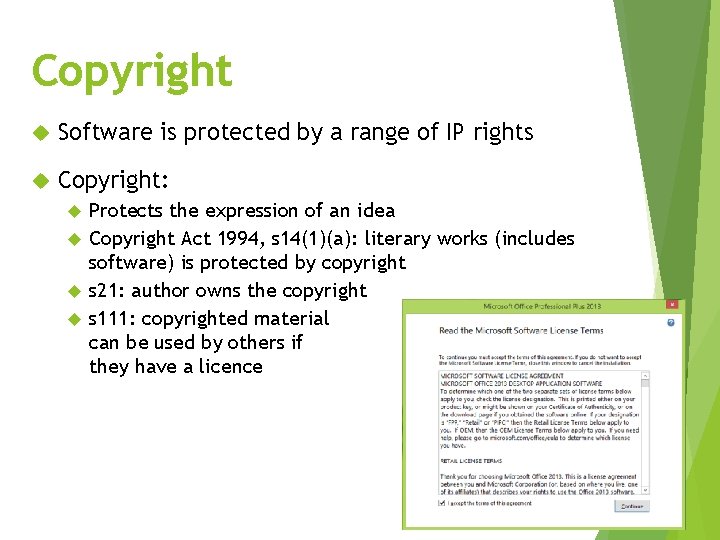
Copyright Software is protected by a range of IP rights Copyright: Protects the expression of an idea Copyright Act 1994, s 14(1)(a): literary works (includes software) is protected by copyright s 21: author owns the copyright s 111: copyrighted material can be used by others if they have a licence
Patents Patents: Protect an idea from being copied by others Patents Act 2013, s 11(1): a computer program is not an invention and therefore can’t be patented Exception for software in embedded systems
Kinds of software Proprietary software Open source software • Owned by an individual or company • Types: • Commercial • Shareware • Freeware • Semi-free (for non-profits) • Freely available • Anyone can use or edit the software’s source code
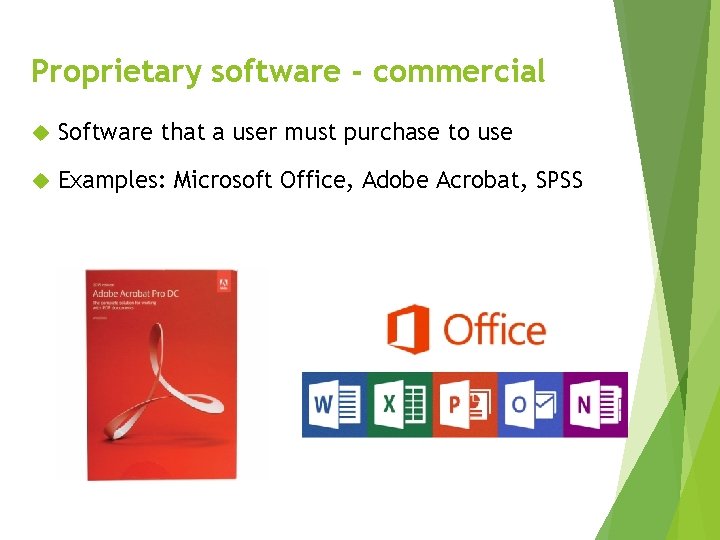
Proprietary software - commercial Software that a user must purchase to use Examples: Microsoft Office, Adobe Acrobat, SPSS
Proprietary software - shareware User has a trial period in which to evaluate the software, and purchase it if they want Nagware: software keeps reminding the user to purchase the full version Crippleware: software that works with limited functionality until the user purchases it Freemium: software with a free tier and paid tier
Proprietary software - freeware Software is free to use but source code is not publically available Freeware can be a loss leader or adware Some freeware is known as abandonware; software no longer maintained but still available
Open source software Software that is free to use and whose source code is public Anyone can use or modify the source code Anyone can create a derivative work from the source code Open source movement started in the late 1980’s and outlined in the Open Source Definition Open source software licences (eg. Apache, GNU) are not as restrictive as commercial software licences
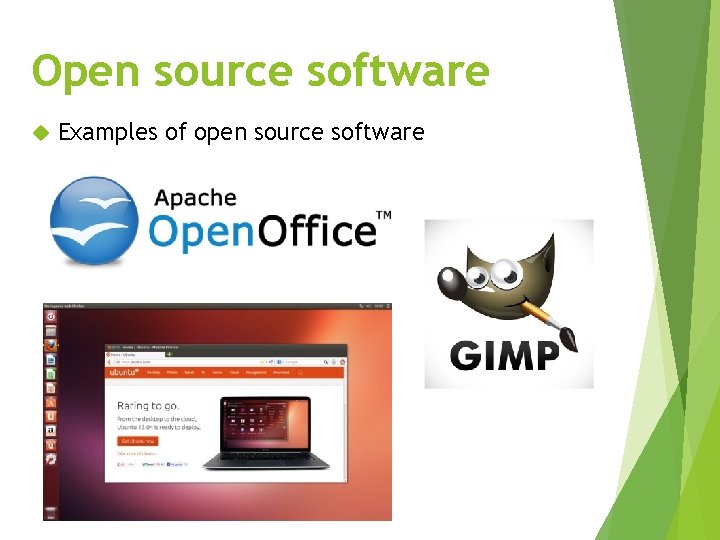
Open source software Examples of open source software
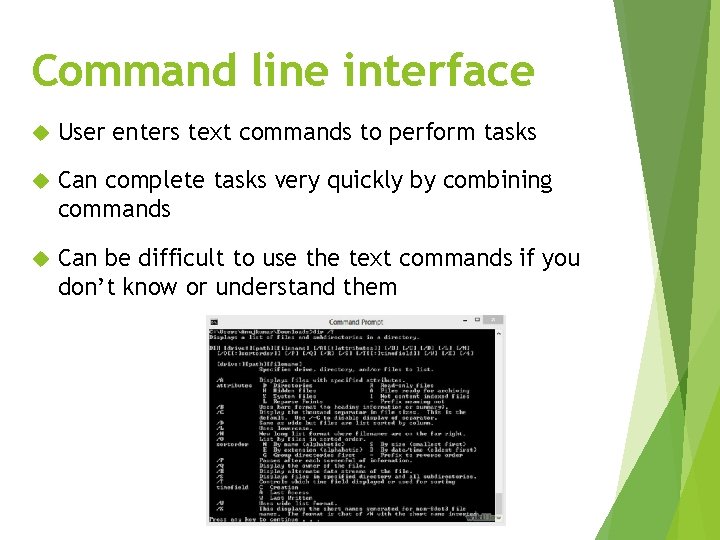
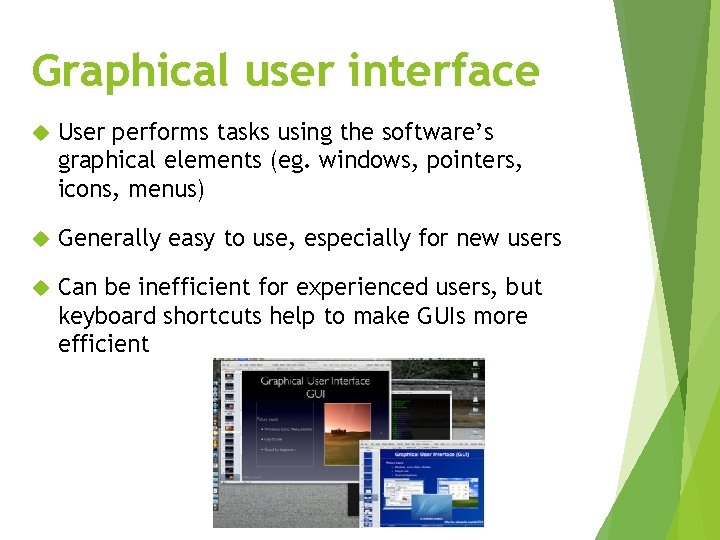
User interfaces Two kinds of user interface Command line interface (CLI) Graphical user interface (GUI) Key difference is that a CLI is text-based while a GUI graphically-based
Command line interface User enters text commands to perform tasks Can complete tasks very quickly by combining commands Can be difficult to use the text commands if you don’t know or understand them
Graphical user interface User performs tasks using the software’s graphical elements (eg. windows, pointers, icons, menus) Generally easy to use, especially for new users Can be inefficient for experienced users, but keyboard shortcuts help to make GUIs more efficient
Application software Two kinds of software: system and application Very wide range of application software
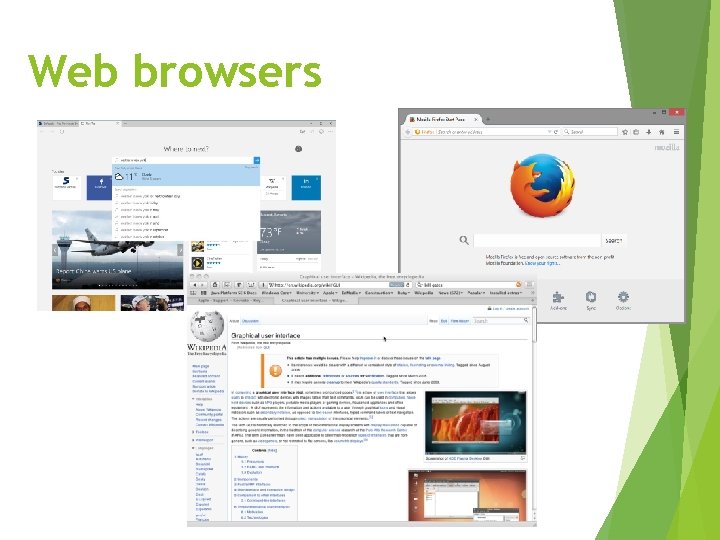
Web browsers
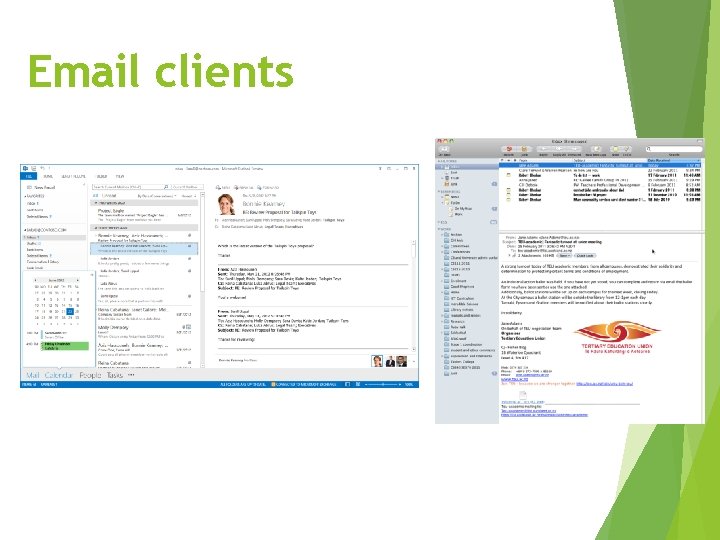
Email clients
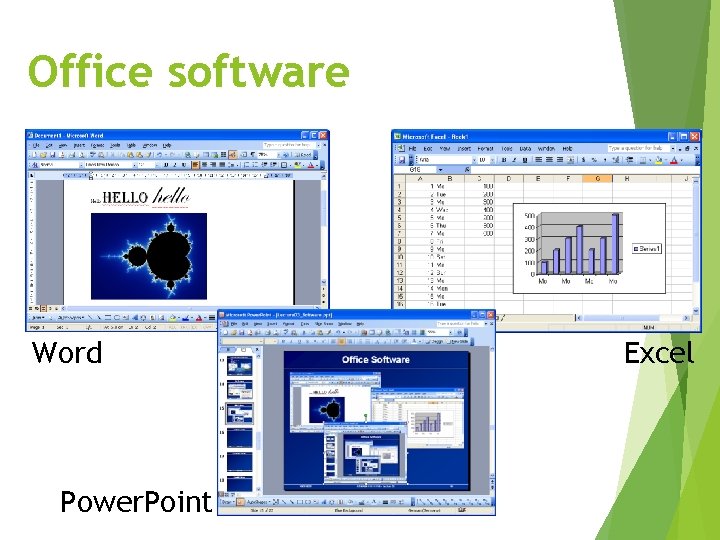
Office software Word Power. Point Excel
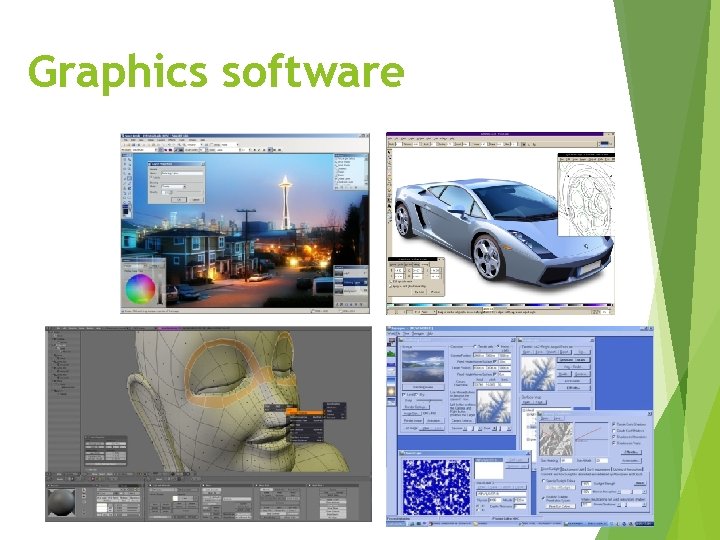
Graphics software
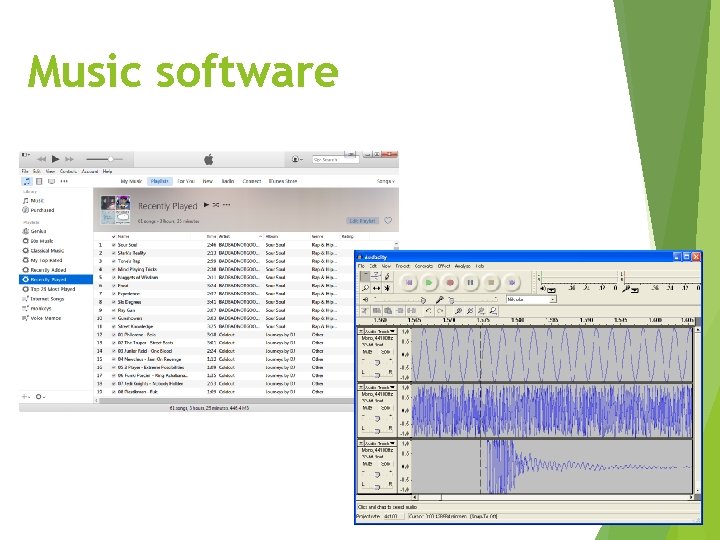
Music software
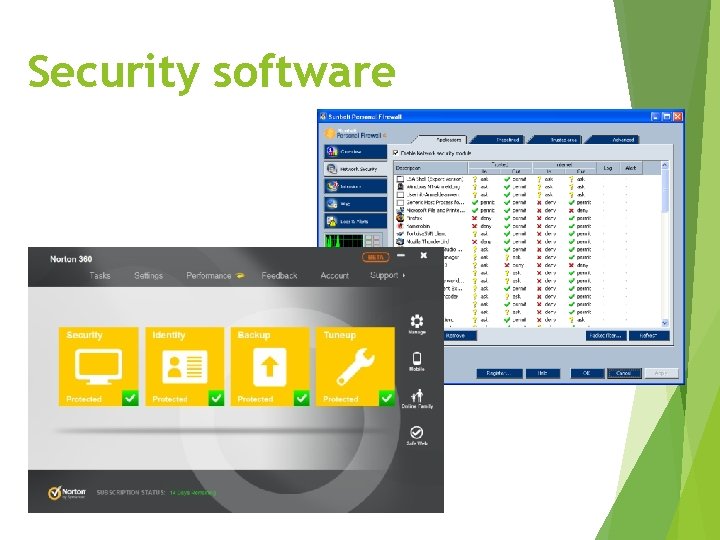
Security software
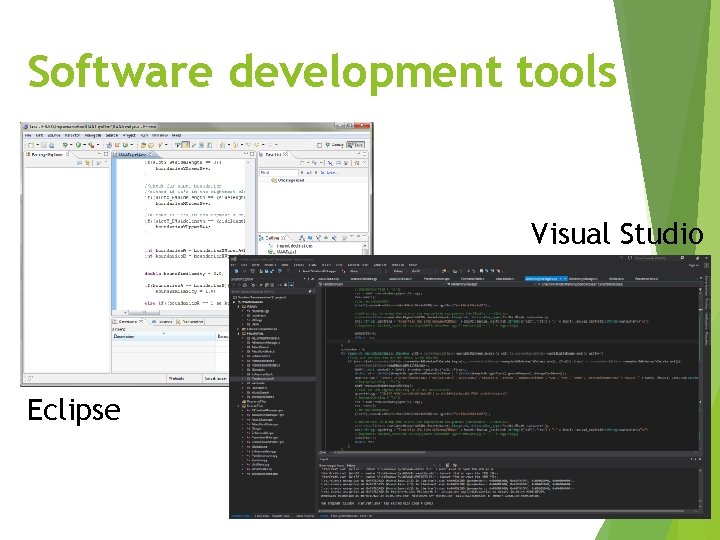
Software development tools Visual Studio Eclipse
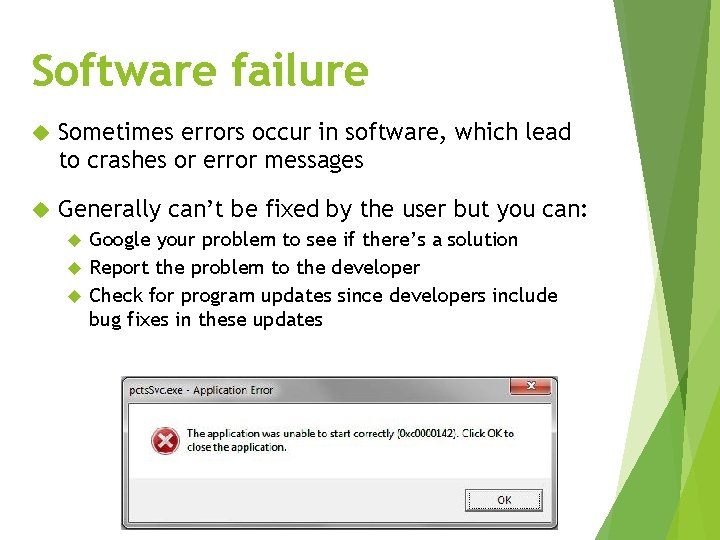
Software failure Sometimes errors occur in software, which lead to crashes or error messages Generally can’t be fixed by the user but you can: Google your problem to see if there’s a solution Report the problem to the developer Check for program updates since developers include bug fixes in these updates
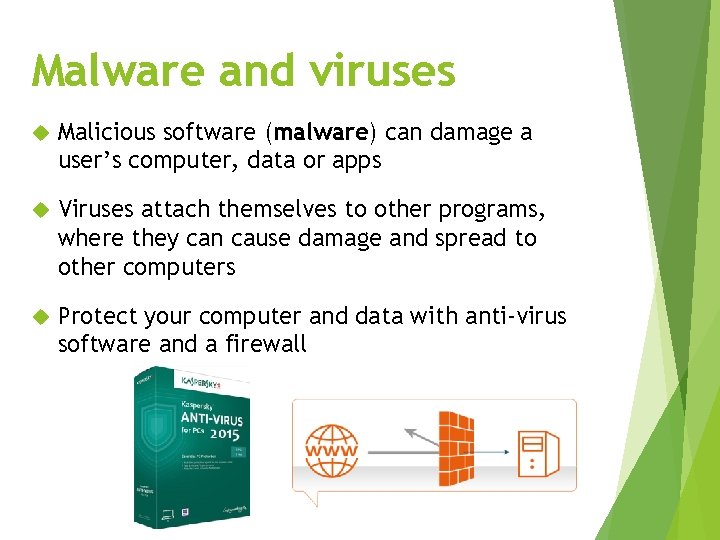
Malware and viruses Malicious software (malware) can damage a user’s computer, data or apps Viruses attach themselves to other programs, where they can cause damage and spread to other computers Protect your computer and data with anti-virus software and a firewall
Questions What kind of licence is best for software you want to give away for free? What is one advantage of the CLI and one disadvantage of the GUI?
Answers What kind of licence is best for software you want to give away for free? Freeware What is one advantage of the CLI and one disadvantage of the GUI? CLI: faster for experienced users GUI: can be cumbersome for experienced users
Summary Software allows users to perform tasks with their computer Software is protected by copyright. Users receive a licence to use software Proprietary software vs open source software CLI vs GUI Different kinds of software can be used to perform different tasks