
Soft Webplus Your Web based Solution for Clinical
Soft. Webplus Your Web based Solution for Clinical Physician Order Entry (CPOE) plus a whole lot more!
Opening Statement Let us show you can use Soft. Webplus as a web based extension of Soft. Lab. Flexible and rich in functionalities. SWP can fill voids that you have with regards to Order Entry, Collections, Compliance, Label Printing, Requisitions, Shipping and Tracking, and Results view in an outreach environment.
SWP • Can be used anywhere in your organization where Soft. Lab would normally be used or where there is a need to compensate for voids(Holes? ? ) in workflow between Order Entry and specimen collections, to transport and processing. • Whether orders are placed in Softlab, Soft. Webplus or you’re HIS, SWP can help.
Features Outline • • • Patient Registration Order Entry Collections Orders Results View Result Reports
Advanced Features Outline • • • Full Compliance checking with ABN printing* Printing of Requisitions Specimen Label Printing ROE Physicians Authorizations Add-on and Cancel functions *Compliance Module is a separate module.
Advanced Features Continued • • Email notification of results to be viewed Mobile Application Flexibility Application not physically loaded to the PC Does not use Soft. Update Customized Order Entry Test templates Test ordering restrictions
Integration • Compatible with 4. 0. x, 4. 0. 7. x and 4. 5. x lines of Soft. Lab/Soft. Mic • Soft. Media • Soft. Express Bridge • Results from SCC’s Genetics Information Systems Suite • Mobile Application
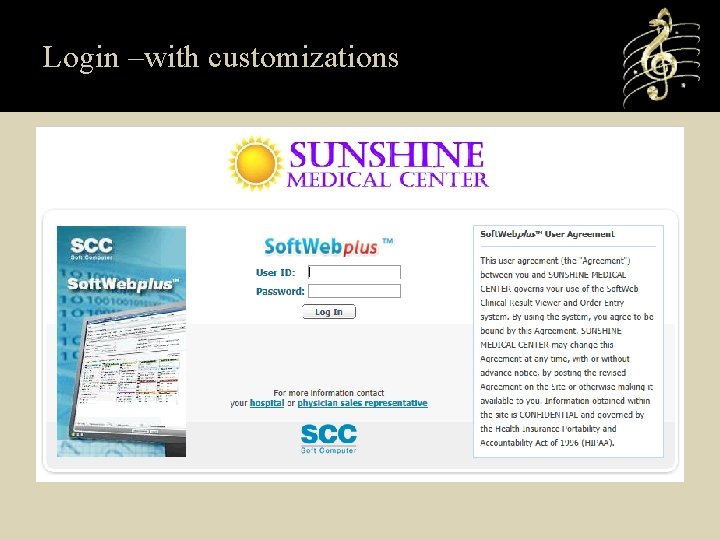
Login –with customizations
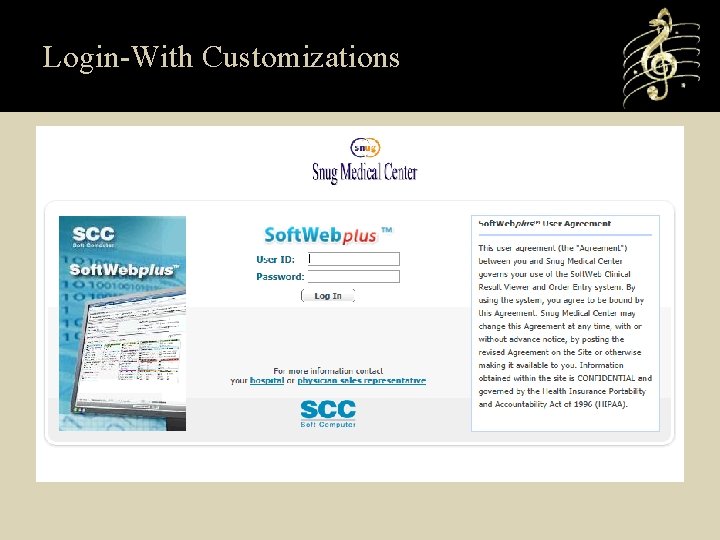
Login-With Customizations
Patient Registration-Outreach • Patient’s can be registered in Soft. Webplus using Multisite and Clinic setup for MRN and depot assignment. • Outreach clinics can be defined to generate specific MRN prefix for ease of following Outreach workload.
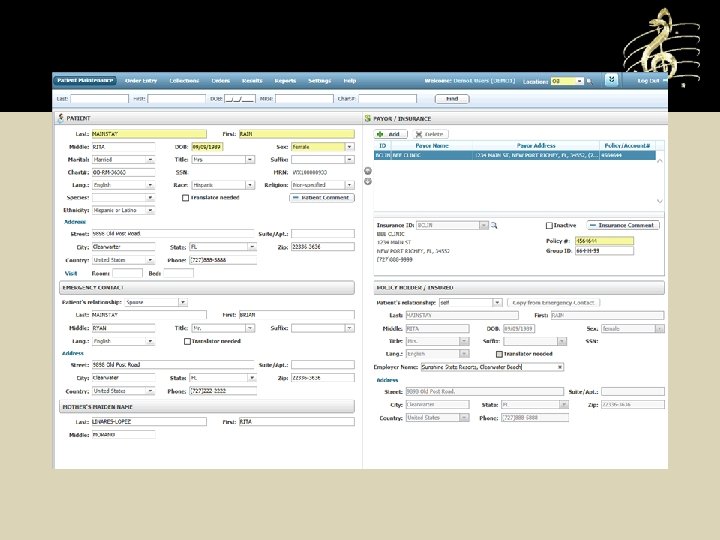
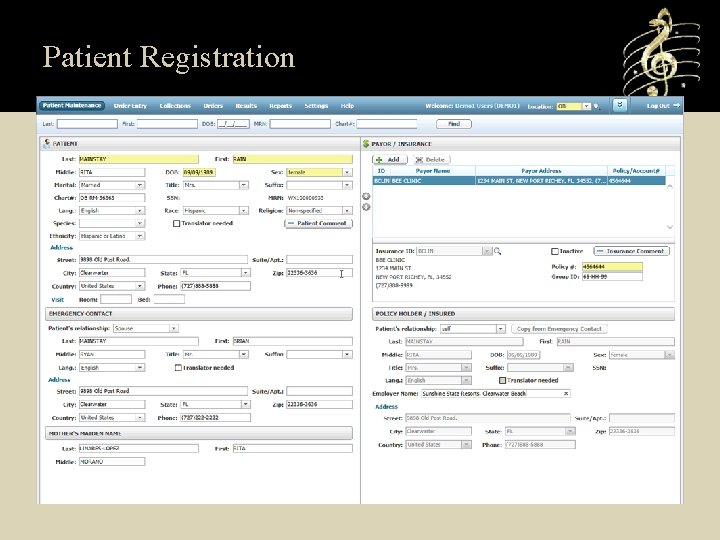
Patient Registration
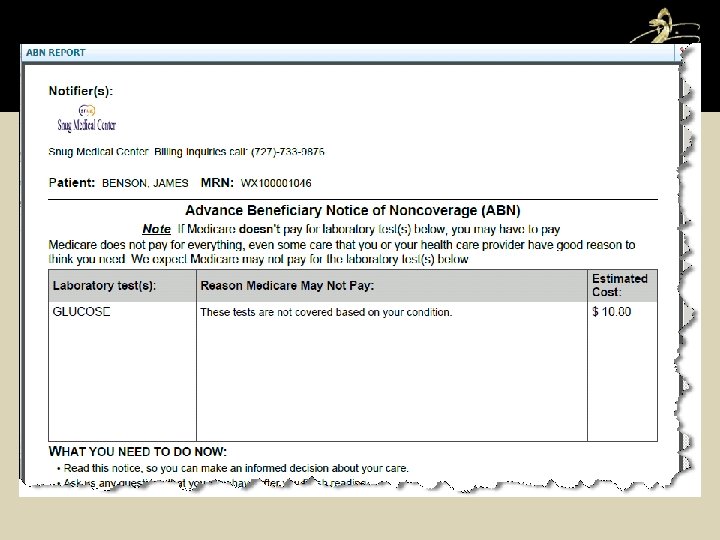
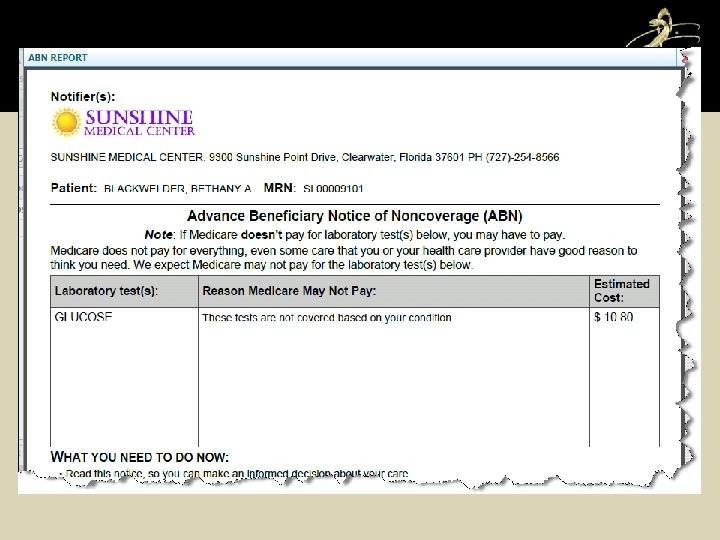
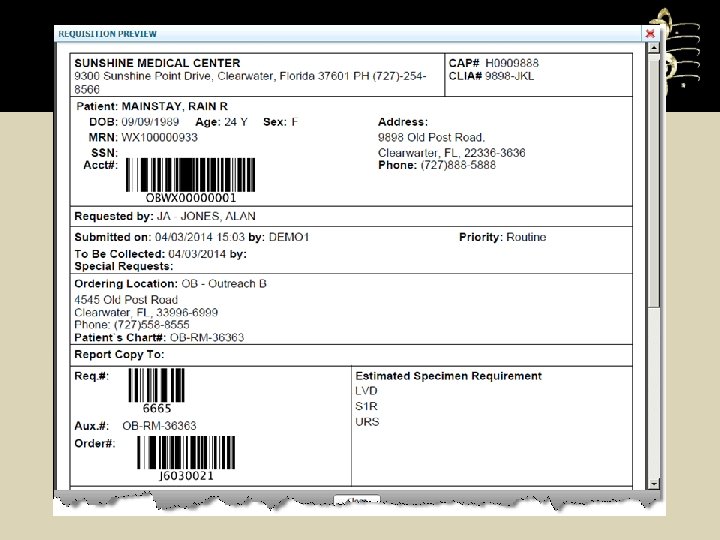
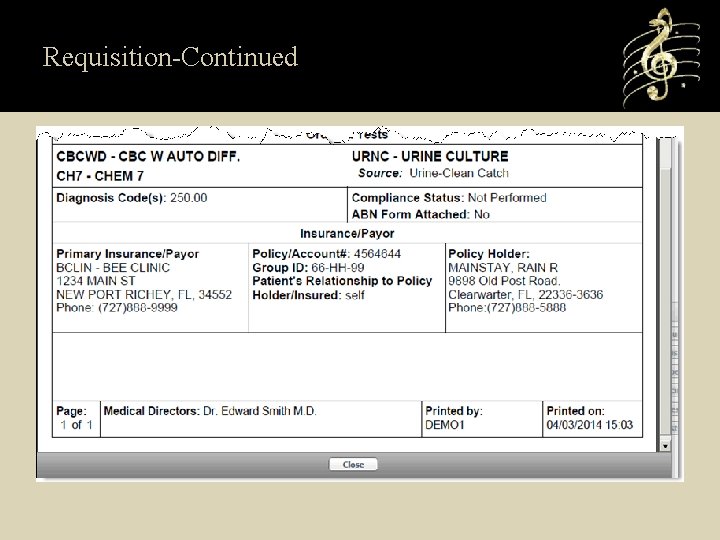
Order Entry • Can create Regular, Standing, Recurring, or future orders • Compliance Checking • ABN printing in English and Spanish • Printing of Specimen Labels • Collections can be done at Order Entry • Printing of Patient Order Requisitions • Ability to place orders on existing stays (Ideal for Nursing Home patients)
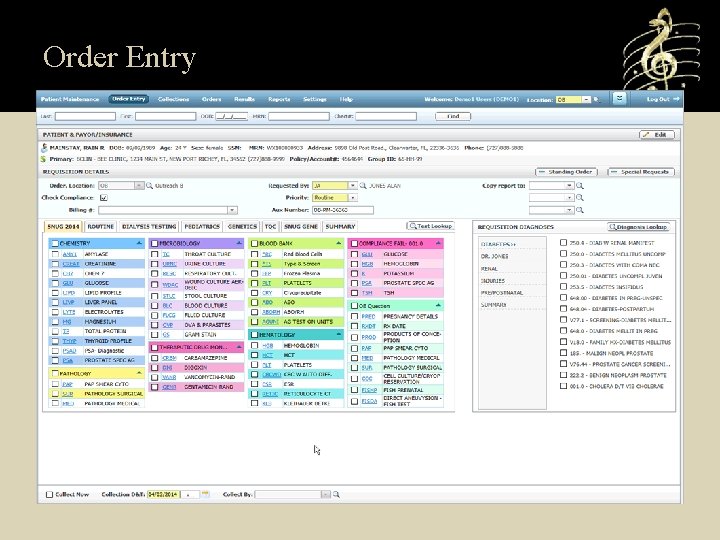
Order Entry
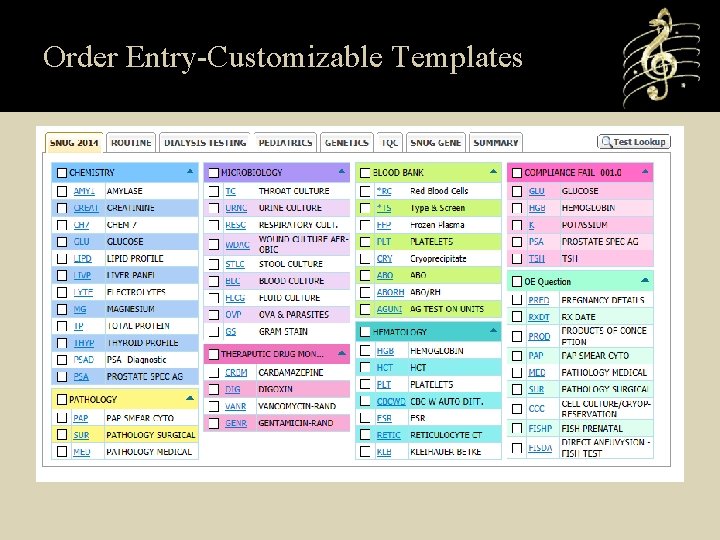
Order Entry-Customizable Templates
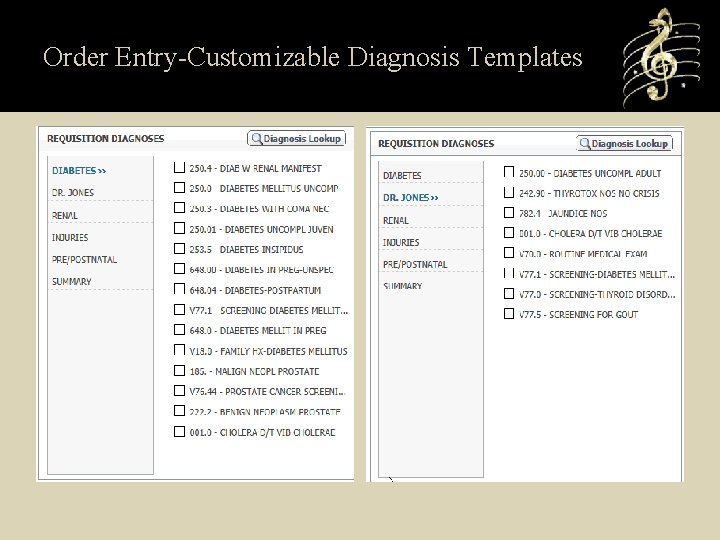
Order Entry-Customizable Diagnosis Templates
Requisition-Continued
Collections • Collect specimens by Phlebotomist id’s or User’s Initials • Collect specimens individually • Assign Transportation Temperatures • More button (2014 Edition EHR Technology) • Can print the Draw List and limit the number of entries on the screen • Ideal for Draw Stations that may or may not place the orders for collection.
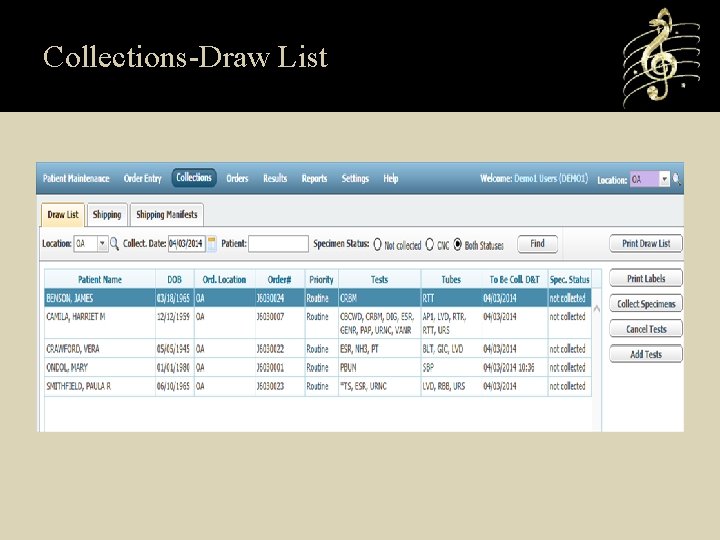
Collections-Draw List
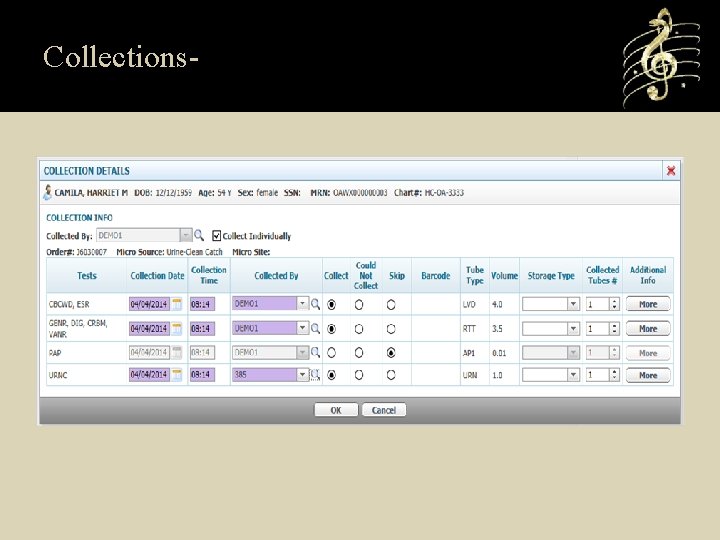
Collections-
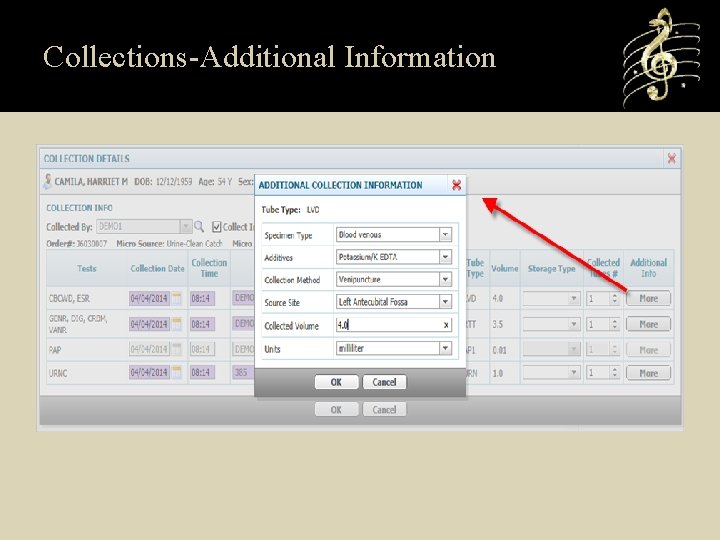
Collections-Additional Information
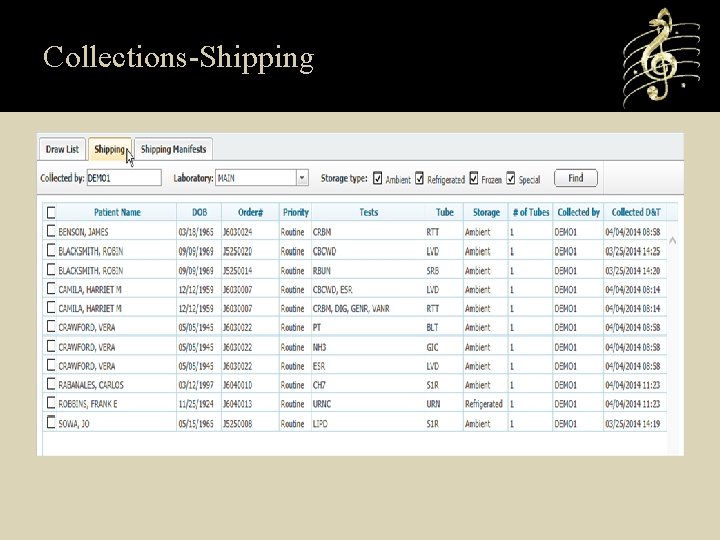
Collections-Shipping
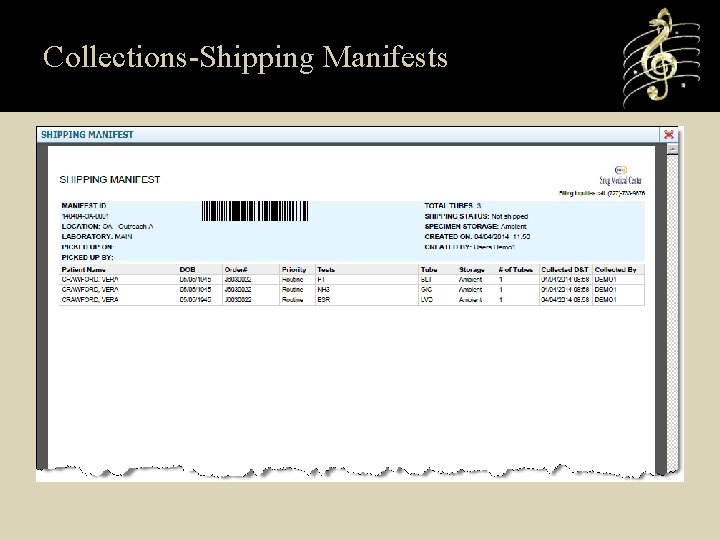
Collections-Shipping Manifests
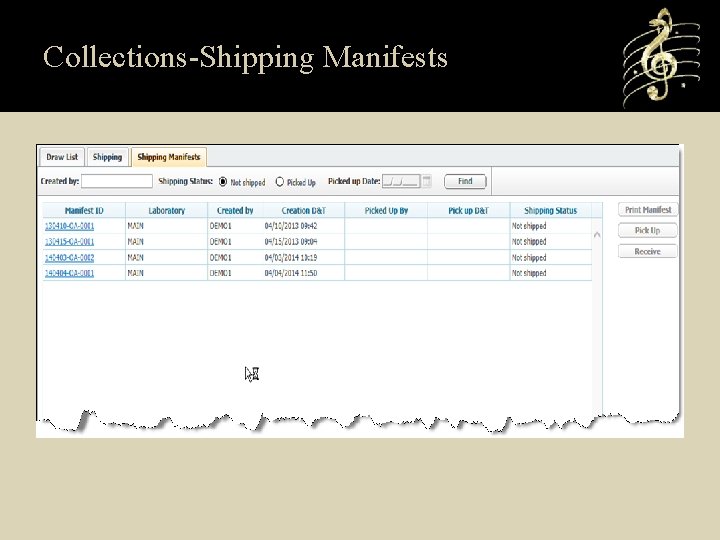
Collections-Shipping Manifests
Orders • Displays all Standing, Recurring, and Future orders on a patient • Shows uncollected orders • Shows recent orders up to 90 days • Provides the ability to view or reprint Requisitions • Add-on tests, Specimen Label Printing, and Specimen Collection • Cancel tests
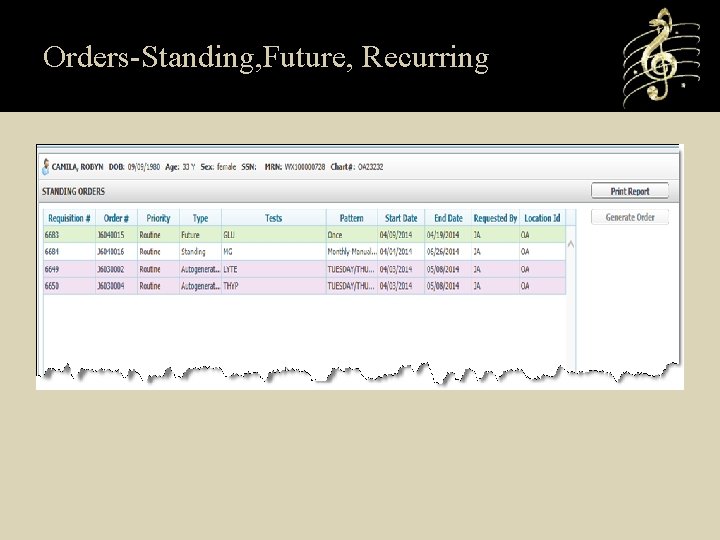
Orders-Standing, Future, Recurring
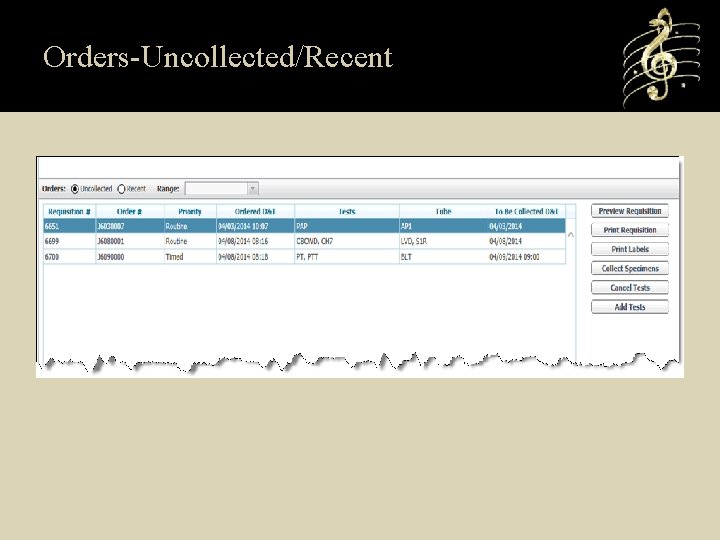
Orders-Uncollected/Recent
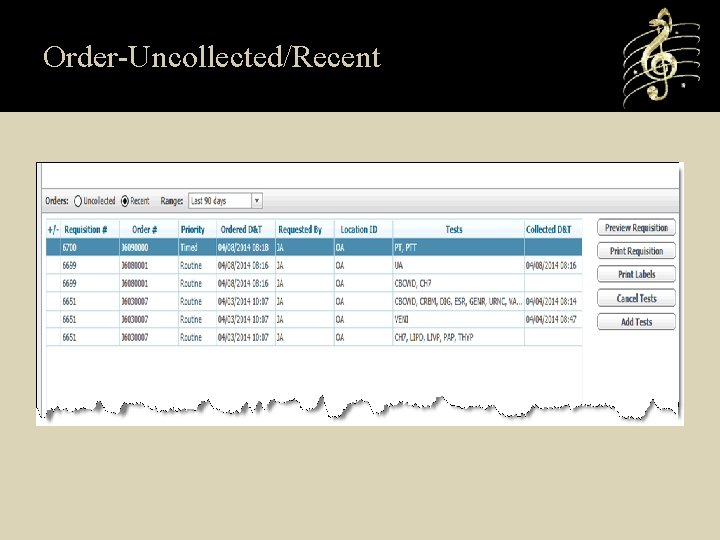
Order-Uncollected/Recent
Results Reports • Scheduled Reports from Soft. Lab delivered to SWP • On Demand Instant Reports from Lab/Mic/Blood Bank • Internal Results Summary Reports • Batch Pathology Scheduled Reports from Soft. Path • Scheduled Requisition printing to network printer
Results Reports • On demand Final reports in PDF format from Soft. Pathology • On demand Final reports in PDF format from SCC’s Genetic Information Systems Suite
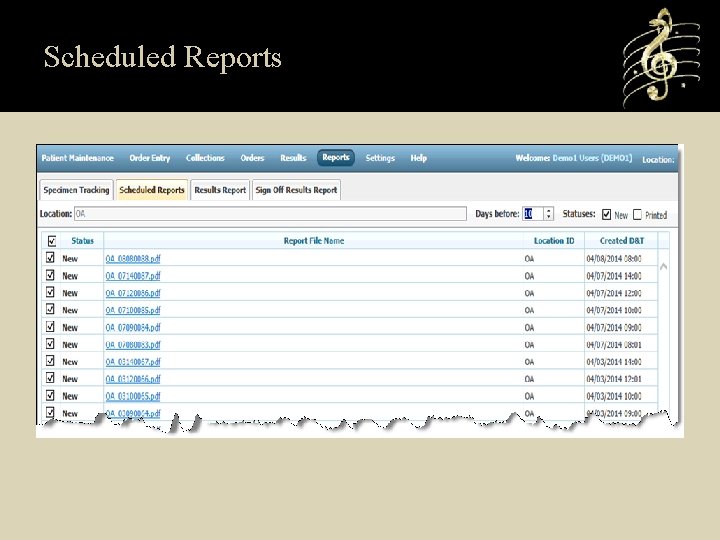
Scheduled Reports
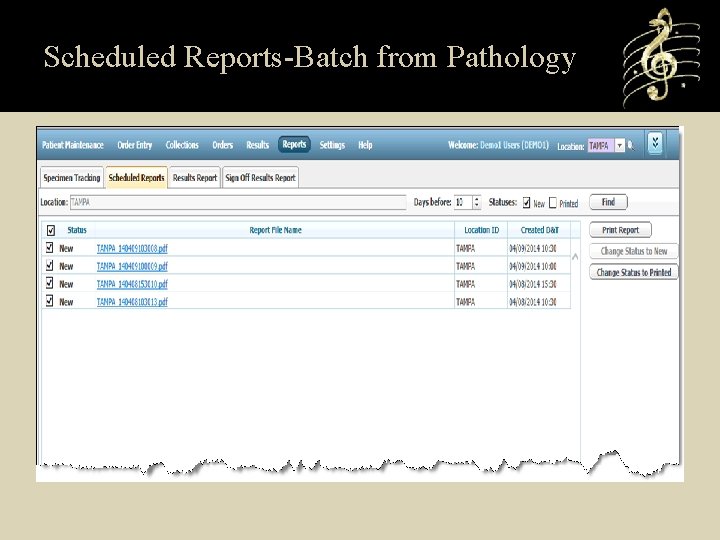
Scheduled Reports-Batch from Pathology
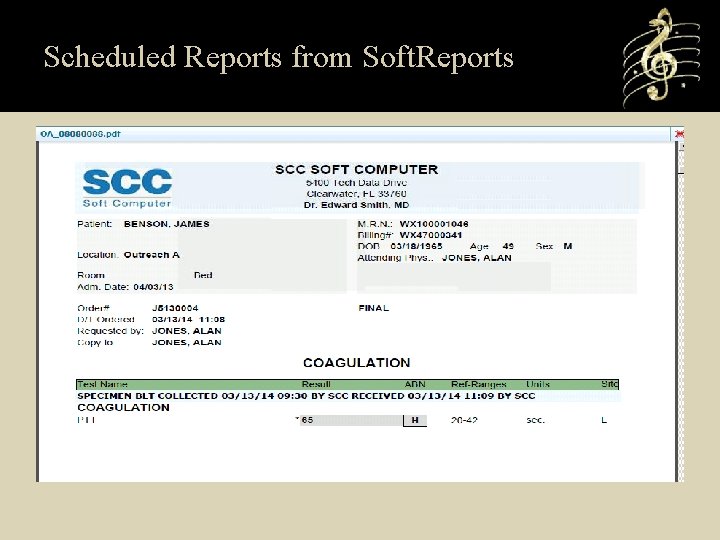
Scheduled Reports from Soft. Reports
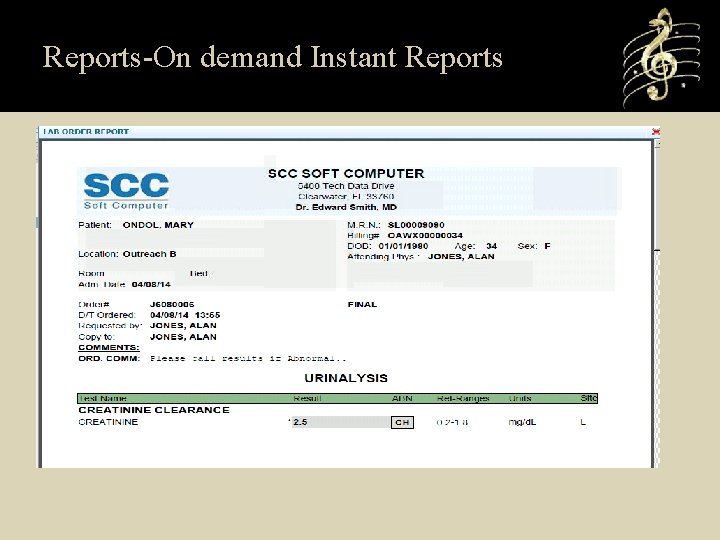
Reports-On demand Instant Reports
Client Management Reports • Specimen Status Reports-Provides the ability to manage specimens at each collection site. Also provides snapshot of employee workload. • Manifest Status Reports-Client can track receipt of Manifests to the processing Laboratory. • Soft. Webplus automatically records ordered and collected Tracking information and transmits to Soft. Lab.
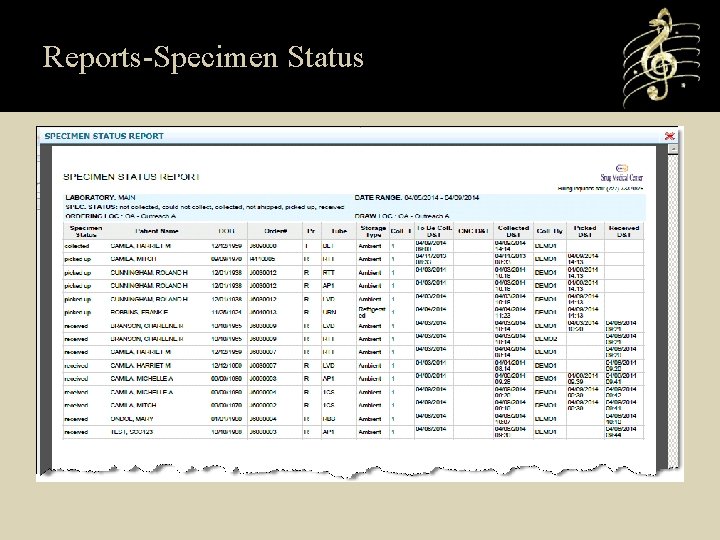
Reports-Specimen Status
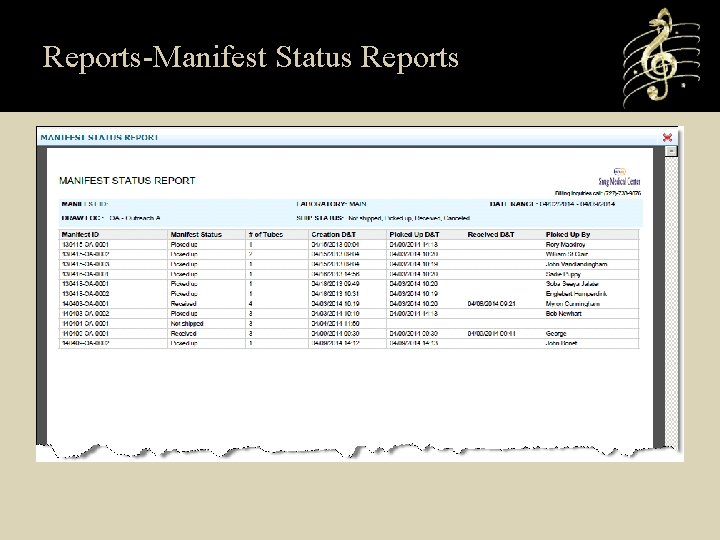
Reports-Manifest Status Reports
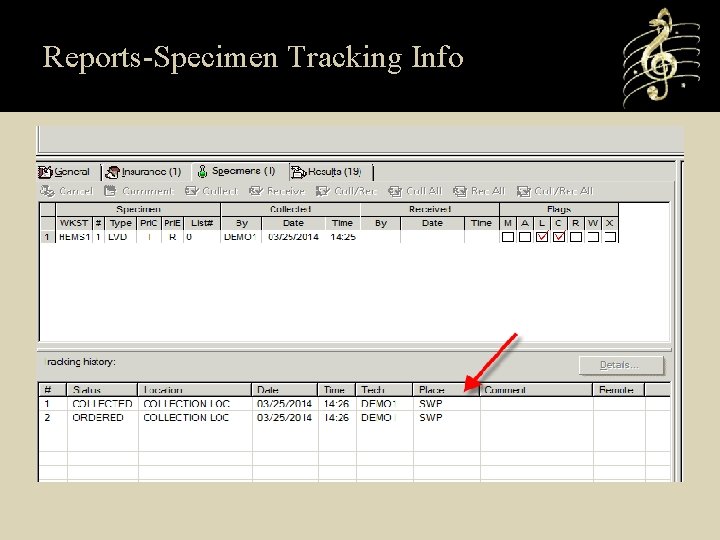
Reports-Specimen Tracking Info
Results View • Results from SCC’s Genetic Information Systems Suite • Soft. Bank • Soft. Lab/Soft. Mic • Soft. Path • Results delivered in Real time upon verification • Pathology Final reports • Can view Soft. Media attachments • Can configure the location to have New results list and require sign off or just search for patient results.
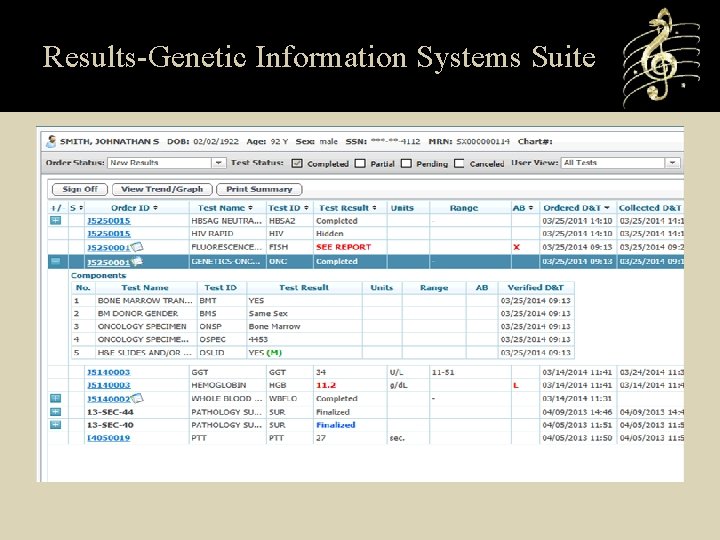
Results-Genetic Information Systems Suite
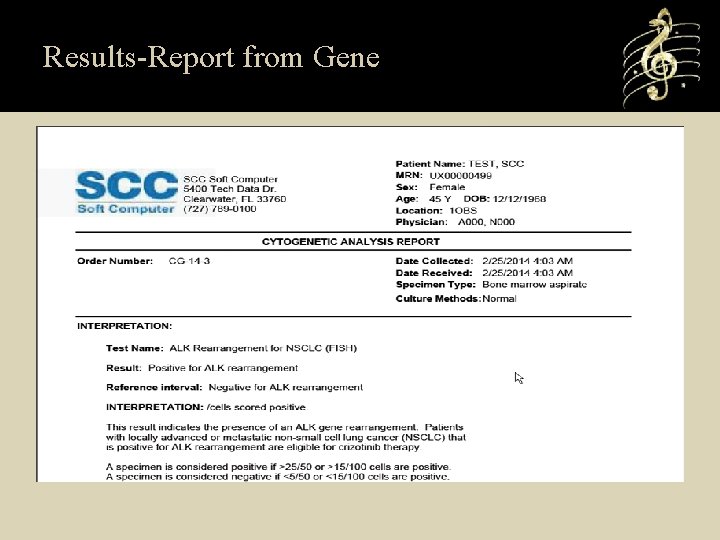
Results-Report from Gene
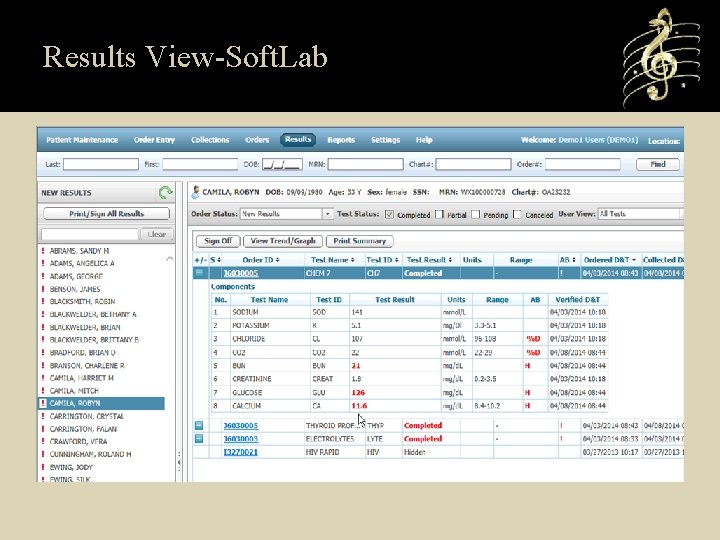
Results View-Soft. Lab
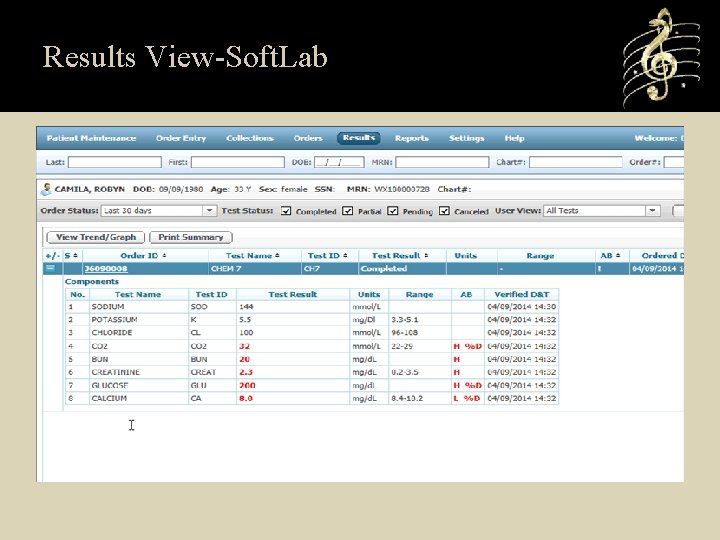
Results View-Soft. Lab
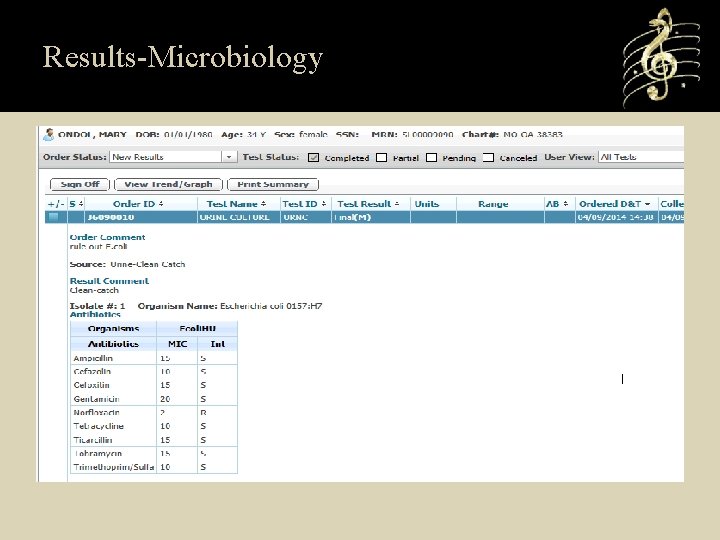
Results-Microbiology
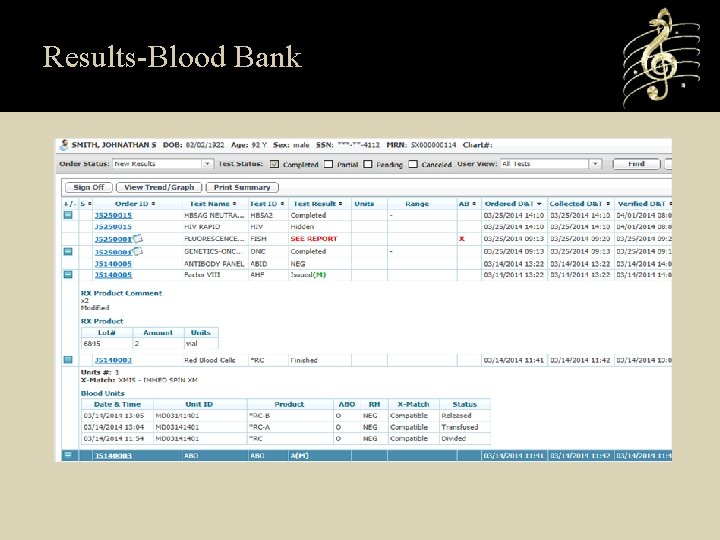
Results-Blood Bank
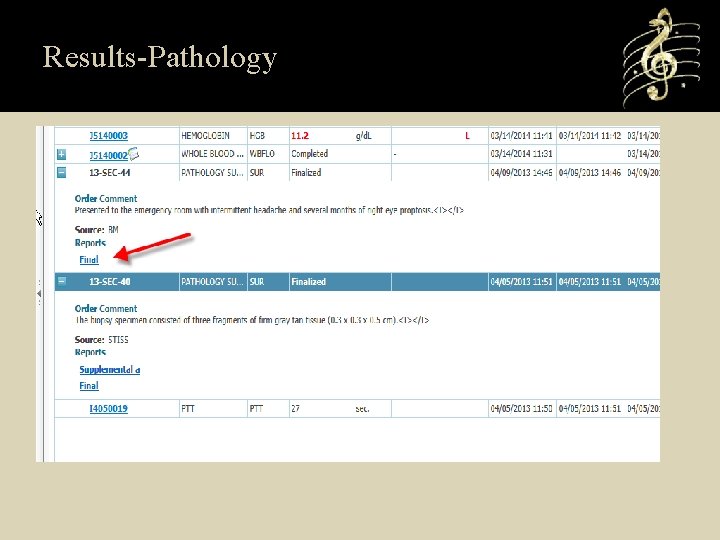
Results-Pathology
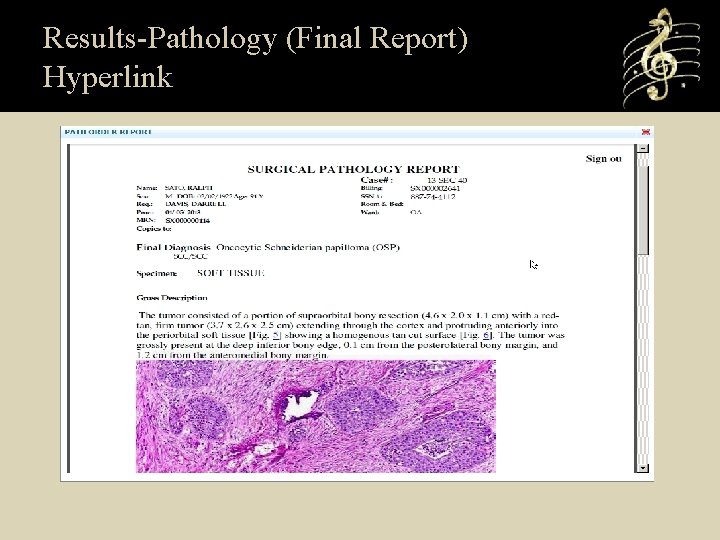
Results-Pathology (Final Report) Hyperlink
Mobile Application • The entire application is available via Mobile Tablet devices. • Android, i-pad, Smart Phones and Tablet devices • Native Browsers for Devices Safari – ios (Apple) devices Google Chrome and Firefox-Android OS Internet Explorer Mobile-Windows Phone, devices • Doctor’s can use their Tablet Device bedside of the patient to view patient results and place orders within the Hospital Network.
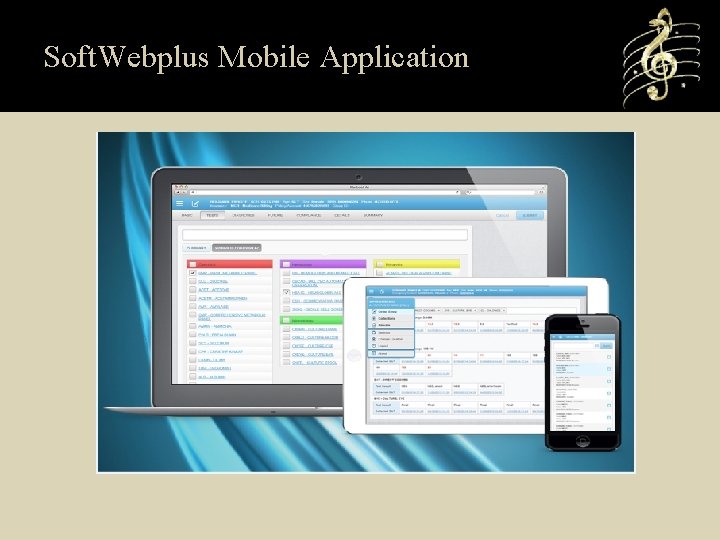
Soft. Webplus Mobile Application
Introducing for SNUG 2014 Patient Portal For patient access to view their Results.
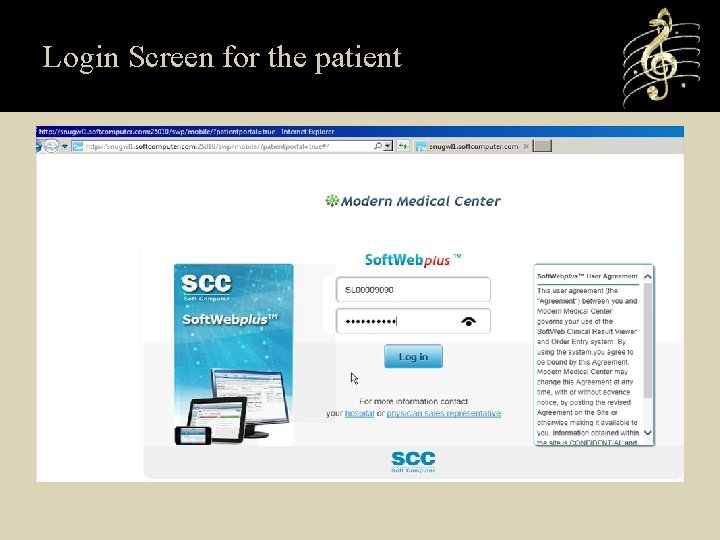
Login Screen for the patient
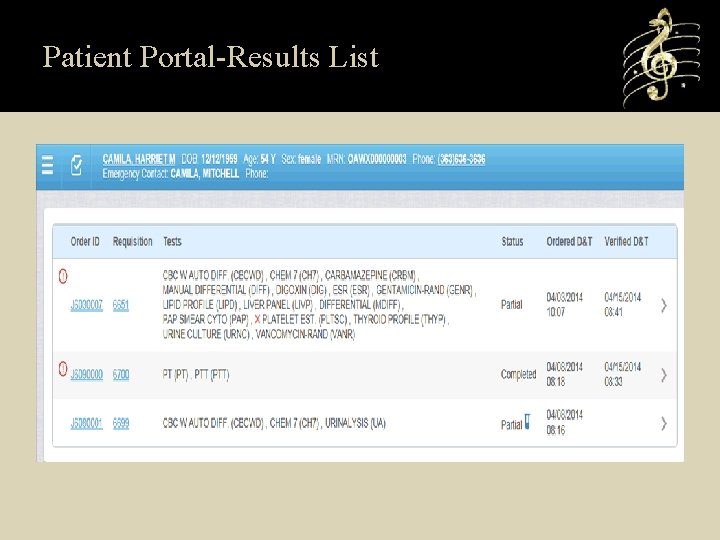
Patient Portal-Results List
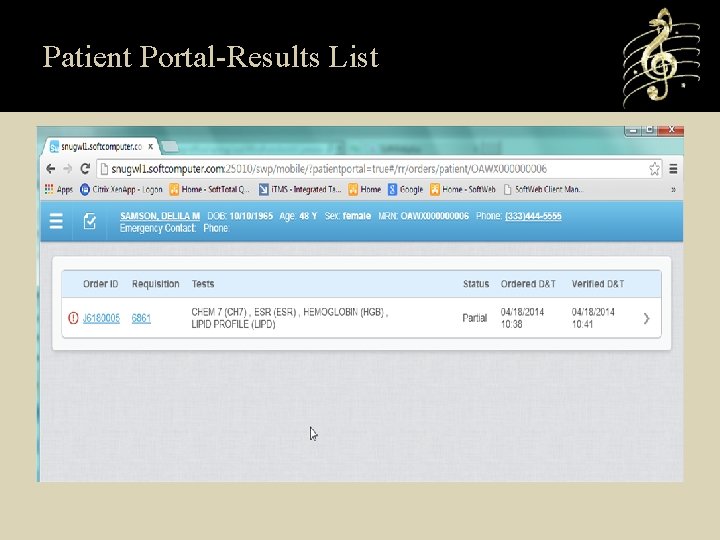
Patient Portal-Results List
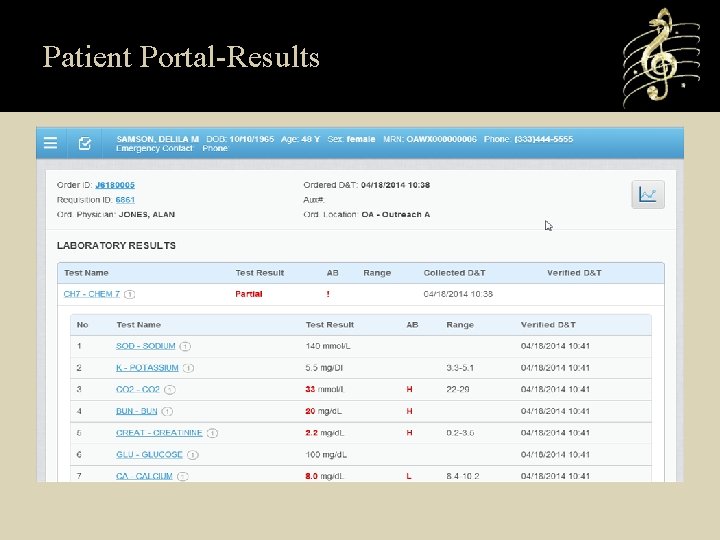
Patient Portal-Results
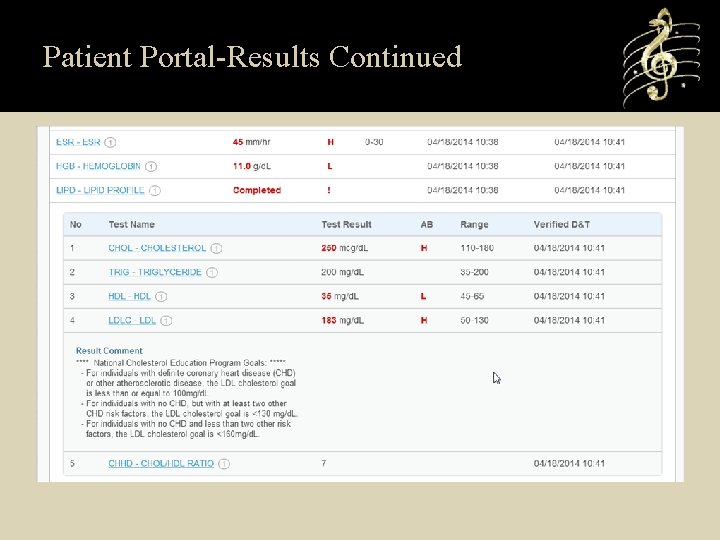
Patient Portal-Results Continued

Thank You!
- Slides: 59