
SOCKETS Lecture 3 The Socket Interface Funded by

SOCKETS Lecture #3
The Socket Interface • Funded by ARPA (Advanced Research Projects Agency) in 1980. • Developed at UC Berkeley • Objective: to transport TCP/IP software to UNIX • The socket interface has become a de facto standard.
Approach • Define functions that support network communications in general, and use parameters to make TCP/IP communication a special case. • Socket calls refer to all TCP/IP protocols as a single protocol family.
TCP/IP • provides peer-to-peer communication. • Is a protocol that provides basic mechanisms to transfer data • provides connectionless and connectionoriented servers.
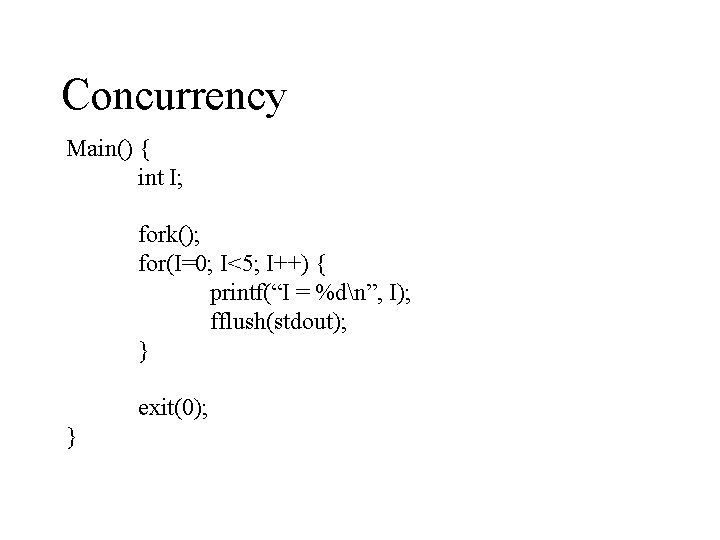
Concurrency Main() { int I; fork(); for(I=0; I<5; I++) { printf(“I = %dn”, I); fflush(stdout); } exit(0); }
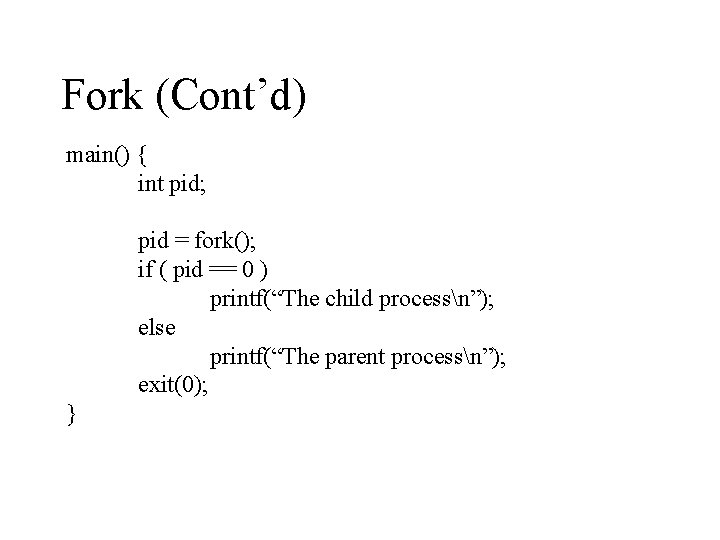
Fork (Cont’d) main() { int pid; pid = fork(); if ( pid == 0 ) printf(“The child processn”); else printf(“The parent processn”); exit(0); }
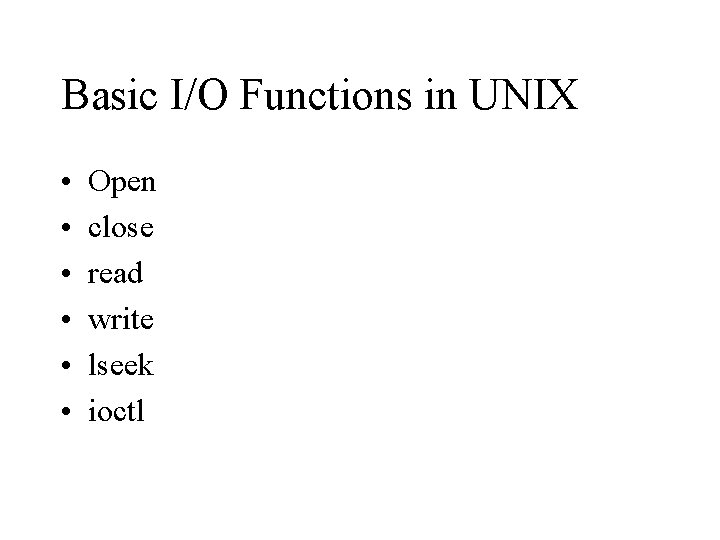
Basic I/O Functions in UNIX • • • Open close read write lseek ioctl
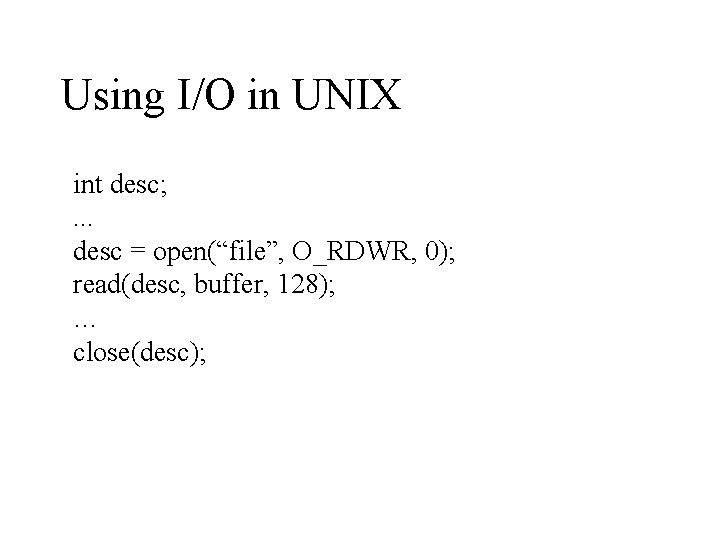
Using I/O in UNIX int desc; . . . desc = open(“file”, O_RDWR, 0); read(desc, buffer, 128); … close(desc);
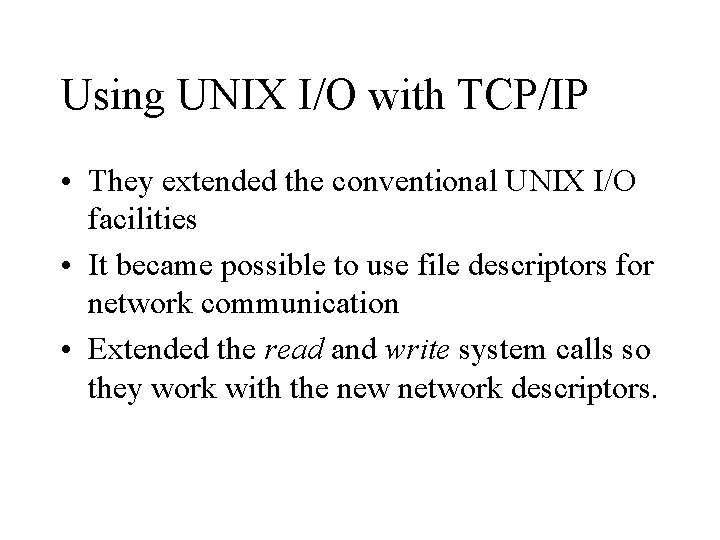
Using UNIX I/O with TCP/IP • They extended the conventional UNIX I/O facilities • It became possible to use file descriptors for network communication • Extended the read and write system calls so they work with the new network descriptors.
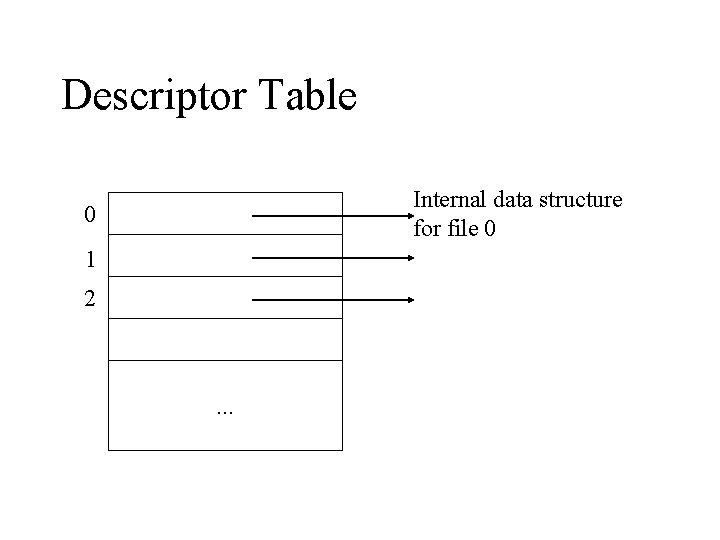
Descriptor Table Internal data structure for file 0 0 1 2 . . .
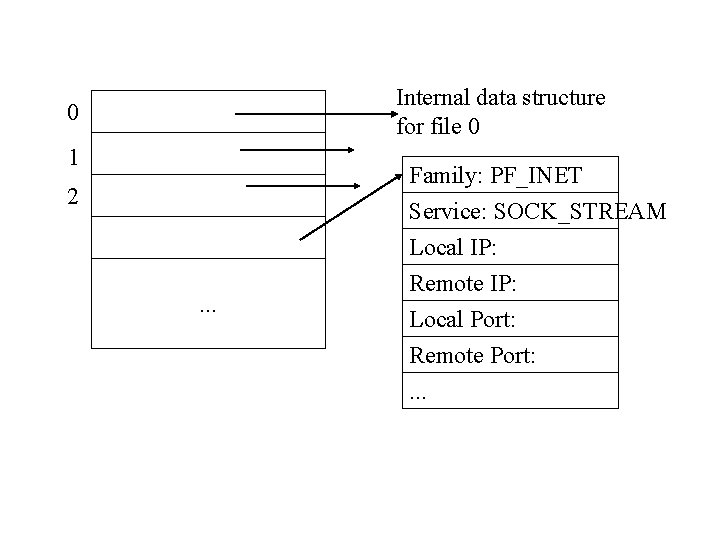
Internal data structure for file 0 0 1 Family: PF_INET Service: SOCK_STREAM Local IP: 2 . . . Remote IP: Local Port: Remote Port: . . .
Passive/Active Socket • A passive socket is used by a server to wait for an incoming connection. • An active socket is used by a client to initiate a connection.
Sockets • When a socket is created it does not contain information about how it will be used. • TCP/IP protocols define a communication endpoint to consist of an IP address and a protocol port number.
Socket Functions • socket: create a descriptor for use in network communication. • connect: connect to a remote peer (used by client) • write: send outgoing data across a connection. • read: acquire incoming data from a connection.
Socket Functions (Cont’d) • close: terminate communication and deallocate a descriptor. • bind: bind a local IP address and protocol number to a socket. • listen: place the socket in passive mode and set the number of incoming TCP connections the system will enqueue. • accept: accept the next incoming connection (by server).
Data Conversion Functions • The functions htons, ntohs, htonl, and ntohl are used to convert binary integers between the host’s native byte order and the network standard byte order. • This makes the source code portable to any machine, independent of the native byte order
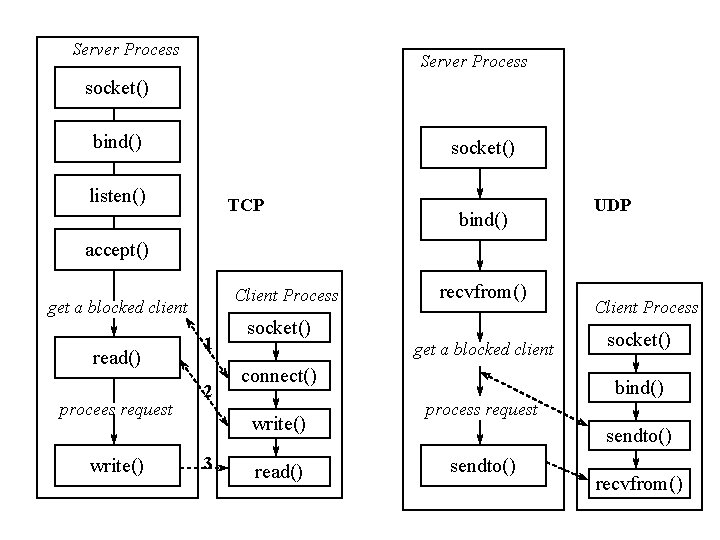
Server Process socket() bind() socket() listen() TCP bind() UDP accept() Client Process get a blocked client read() procees request write() 1 2 socket() get a blocked client connect() write() 3 recvfrom() read() Client Process socket() bind() process request sendto() recvfrom()
TCP vs. UDP • TCP (Transmission Control Protocol – Connection-oriented – Reliability in delivery of messages – Splitting messages into datagrams – keep track of order (or sequence) – Use checksums for detecting errors
TCP vs. UDP (Cont’d) • UDP (User Datagram Protocols) – Connectionless – No attempt to fragment messages – No reassembly and synchronization – In case of error, message is retransmitted – No acknowledgment
Selecting UDP • Remote procedures are idempotent • Server and client messages fit completely within a packet. • The server handles multiple clients (UDP is stateless)
Selecting TCP • Procedures are not idempotent • Reliability is a must • Messages exceed UDP packet size
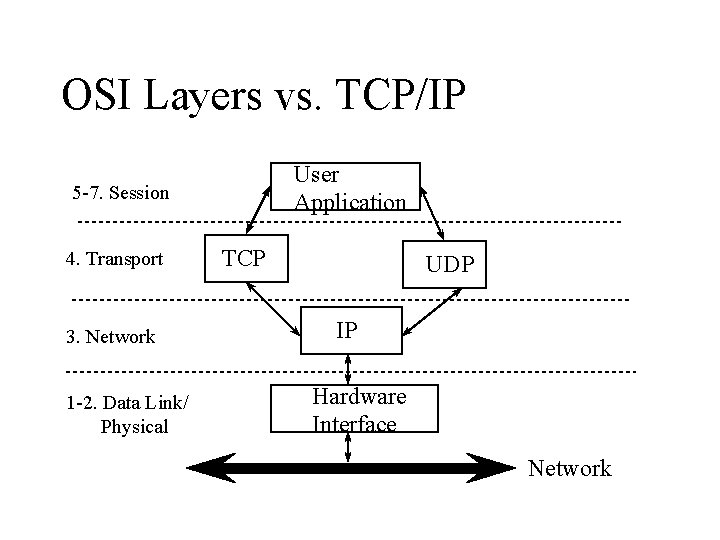
OSI Layers vs. TCP/IP User Application 5 -7. Session 4. Transport 3. Network 1 -2. Data Link/ Physical TCP UDP IP Hardware Interface Network
Client Architecture • Simpler than servers • Most clients do not explicitly handle concurrent interactions with multiple servers. • Most client software executes as a conventional program. • Clients, unlike servers, do not require special privileged ports. • Most clients rely on OS for security.
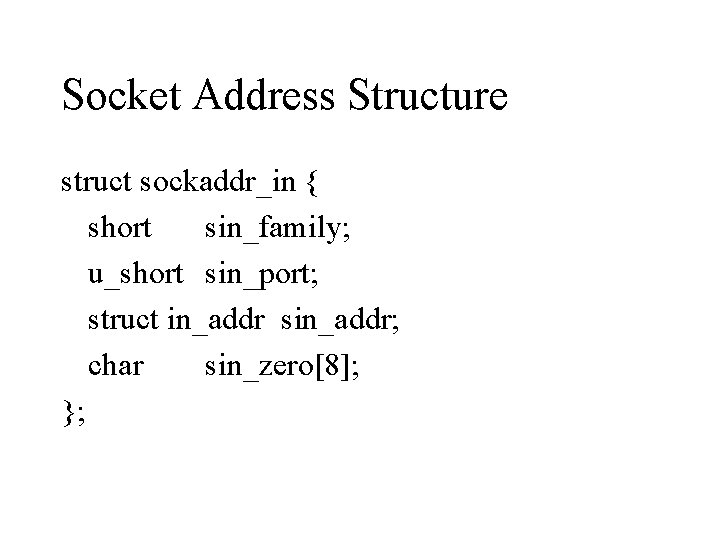
Socket Address Structure struct sockaddr_in { short sin_family; u_short sin_port; struct in_addr sin_addr; char sin_zero[8]; };
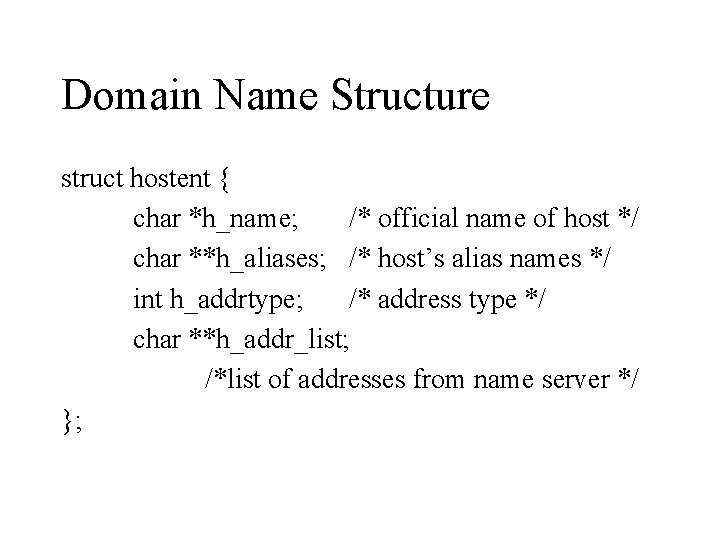
Domain Name Structure struct hostent { char *h_name; /* official name of host */ char **h_aliases; /* host’s alias names */ int h_addrtype; /* address type */ char **h_addr_list; /*list of addresses from name server */ };
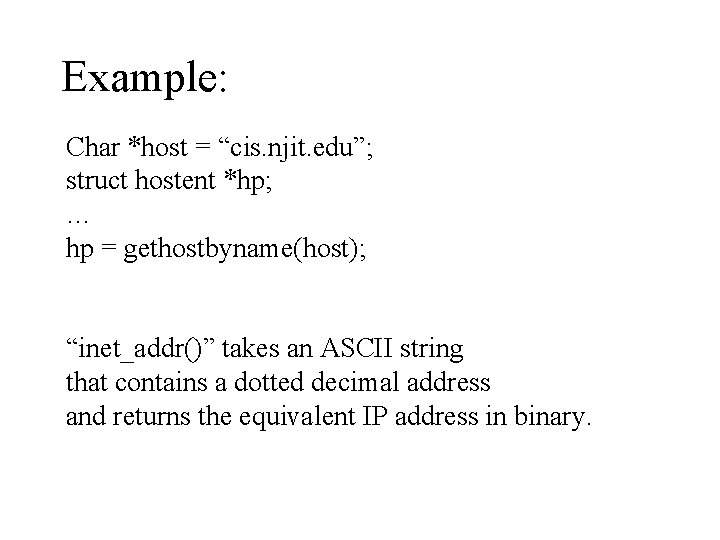
Example: Char *host = “cis. njit. edu”; struct hostent *hp; … hp = gethostbyname(host); “inet_addr()” takes an ASCII string that contains a dotted decimal address and returns the equivalent IP address in binary.
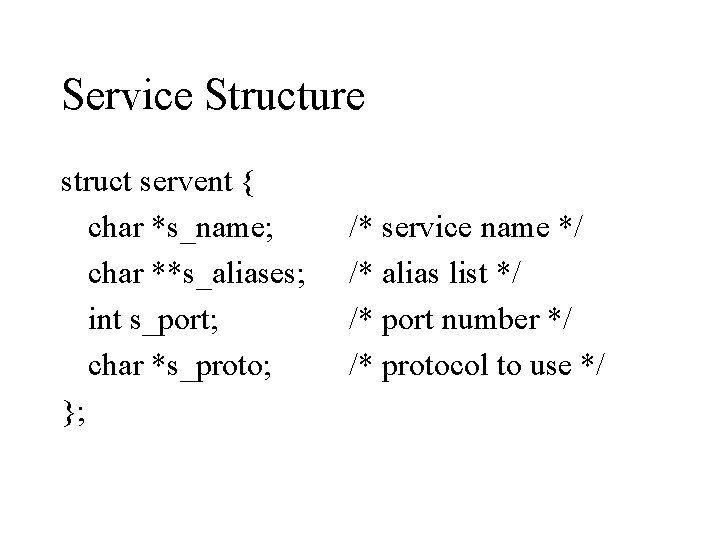
Service Structure struct servent { char *s_name; char **s_aliases; int s_port; char *s_proto; }; /* service name */ /* alias list */ /* port number */ /* protocol to use */
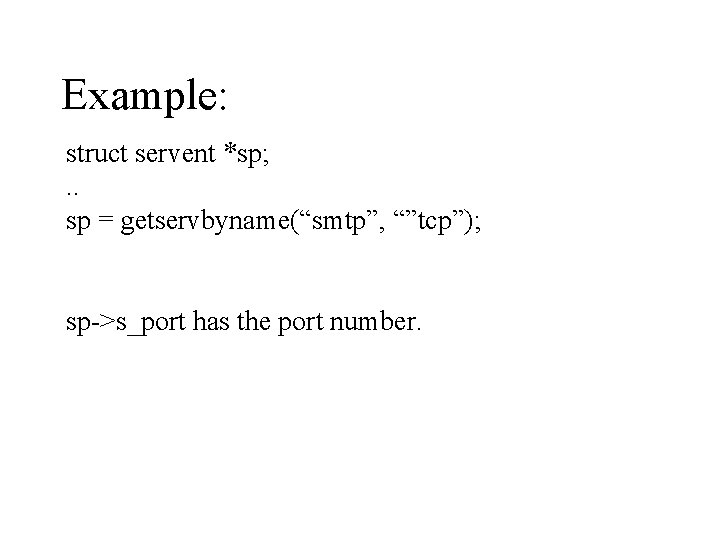
Example: struct servent *sp; . . sp = getservbyname(“smtp”, “”tcp”); sp->s_port has the port number.
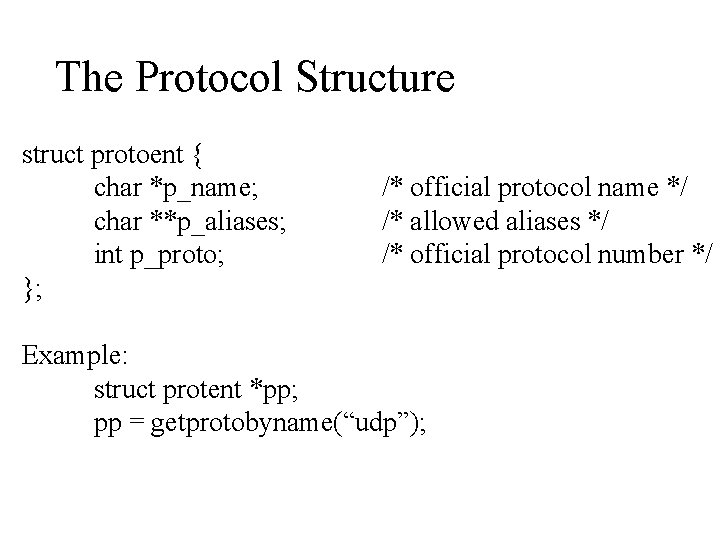
The Protocol Structure struct protoent { char *p_name; char **p_aliases; int p_proto; }; /* official protocol name */ /* allowed aliases */ /* official protocol number */ Example: struct protent *pp; pp = getprotobyname(“udp”);
ACCEPT • accept(s, address, len) • Used by servers to accept the next incoming connection. • Returns the socket descriptor of the new socket. • Used only with TCP
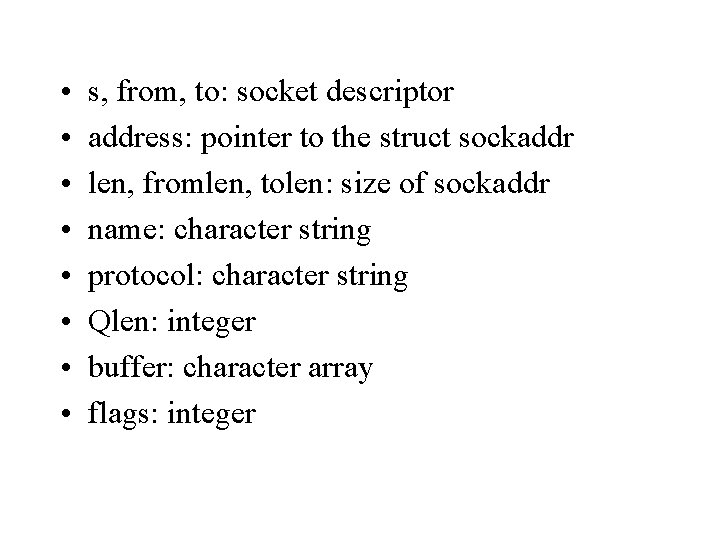
• • s, from, to: socket descriptor address: pointer to the struct sockaddr len, fromlen, tolen: size of sockaddr name: character string protocol: character string Qlen: integer buffer: character array flags: integer
BIND • Bind( s, address, len ) • binds a local IP and protocol number to a socket. • Used by servers primarily • Returns 0 if successful, or -1 in case of error.
CLOSE • close(s) • Terminates communication and deallocates the socket. • Returns 0 or -1
CONNECT • connect( s, address, len ) • Used to specify the remote end point address • Used with TCP and UDP • Returns 0 or -1
GETHOSTBYNAME • gethostbyname( name ) • translates host name to an IP address. • Returns a pointer to a hostent structure, if successful; otherwise it returns 0
GETPROTOBYNAME • getprotobyname( name ) • Translates protocol’s name to its official integer value. • Returns a pointer to the protoent structure; otherwise it returns 0.
LISTEN • listen( s, Qlen) • It puts the socket in a receiving mode to accept incoming requests. • It also sets a limit on the queue size for incoming connection requests. • Returns 0 or -1.
GETSERVBYNAME • getservbyname( name, protocol ) • Used to map a service name to a protocol port number. • Returns a pointer to a servent structure, if successful; otherwise it returns 0.
READ • read( s, buffer, len) • Used to get input from a socket. • Returns 0 in case of error, or the number of bytes read in case of success.
RECV • recv( s, buffer, len, flags ) • gets the next incoming message from a socket. • Flags Control bits that specify whether to receive out-of-band data and whether to look ahead for messages. • Returns the number of bytes in the message, or -1 in case of error.
RECVFROM • recvfrom(s, buffer, len, flags, fromlen) • Gets the next message that arrives at a socket and records the sender’s address. • Returns the number of bytes in the message, or -1 in case of error.
SELECT • select(numfds, refds, wrfds, exfds, time); • Provides asynchronous I/O by permitting a single process to wait for the first of any file descriptors in a specified set to become ready. The caller can also specify a maximum timeout for the wait.
SELECT (Cont’d) • • numfds: number of file descriptors in set refds: address of file descriptors for input wrfds: address of file descriptors for output exfds: address of file descriptors for exceptions • time: maximum time to wait (or zero) • Returns the number of ready file descriptors, 0 if time limit reached, or -1 for error.
SEND • send( s, msg, len, flags) • To transfer a message to another machine. • Returns the number of characters sent, or -1 in case of error.
SENDTO • sendto( s, msg, len, flags, tolen) • To send a message using the destination structure to. • Returns the number of bytes sent, or -1 in case of error.
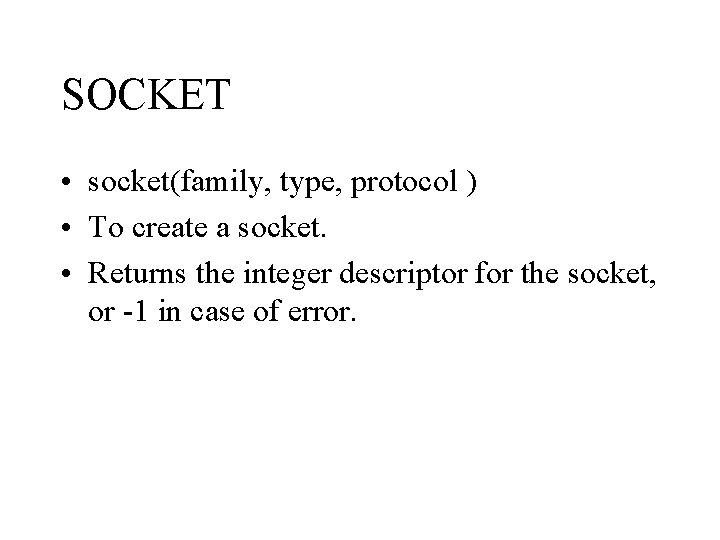
SOCKET • socket(family, type, protocol ) • To create a socket. • Returns the integer descriptor for the socket, or -1 in case of error.
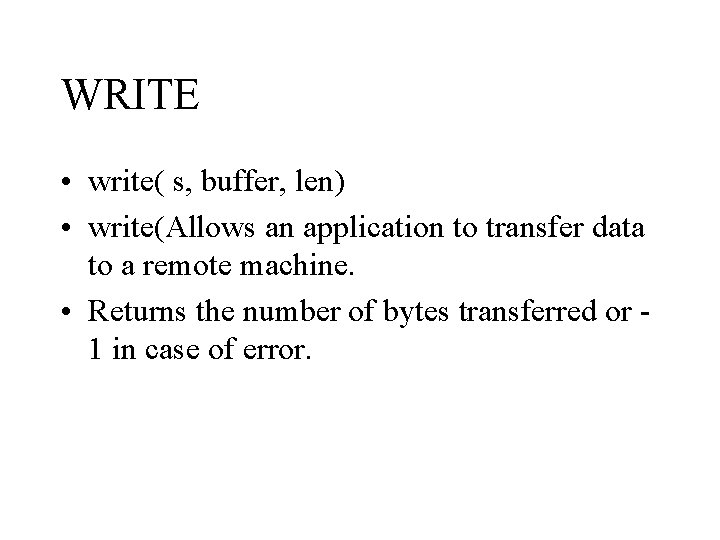
WRITE • write( s, buffer, len) • write(Allows an application to transfer data to a remote machine. • Returns the number of bytes transferred or 1 in case of error.
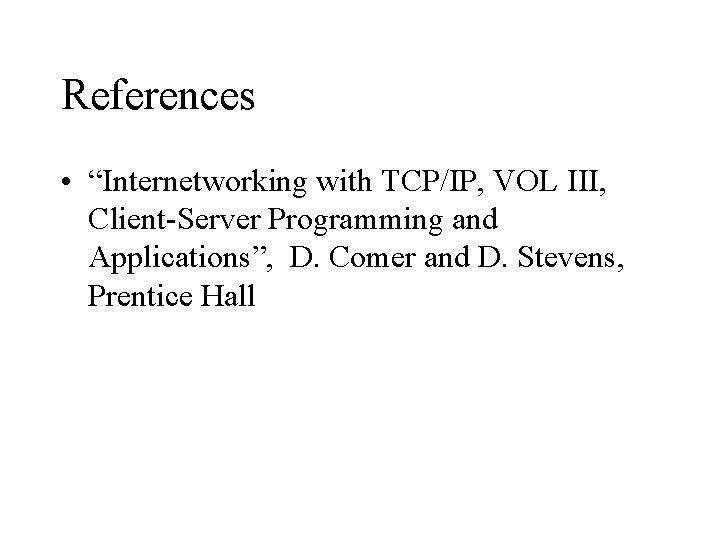
References • “Internetworking with TCP/IP, VOL III, Client-Server Programming and Applications”, D. Comer and D. Stevens, Prentice Hall

UP TO HERE ONLY.
- Slides: 49