
Socketbased IPC EEE 466 Reference CDK 00 chapter
![Socket-based IPC EEE 466 Reference: [CDK 00] chapter 4, [CW 01] “All About Sockets”](https://slidetodoc.com/presentation_image_h2/97ecd14b63458905578447b6b8bb5cf7/image-1.jpg "Socket-based IPC EEE 466 Reference: [CDK 00] chapter 4, [CW 01] “All About Sockets”")
Socket-based IPC EEE 466 Reference: [CDK 00] chapter 4, [CW 01] “All About Sockets”
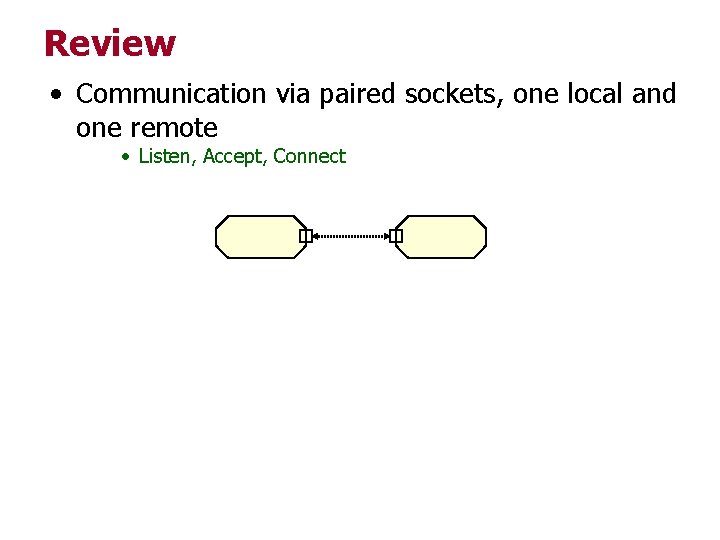
Review • Communication via paired sockets, one local and one remote • Listen, Accept, Connect
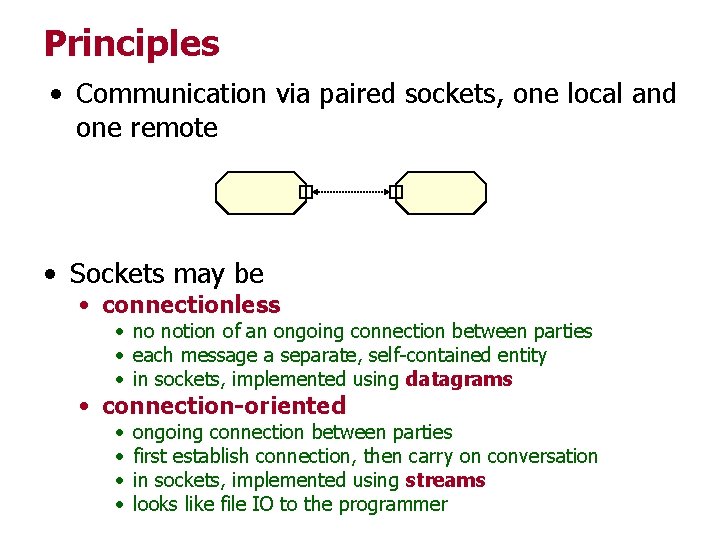
Principles • Communication via paired sockets, one local and one remote • Sockets may be • connectionless • no notion of an ongoing connection between parties • each message a separate, self-contained entity • in sockets, implemented using datagrams • connection-oriented • • ongoing connection between parties first establish connection, then carry on conversation in sockets, implemented using streams looks like file IO to the programmer
Mechanism: Datagrams • server listens on a datagram socket for a packet • client creates a packet • data in a packet is in a byte array; most Java objects can be serialized using Object. Output. Stream • sends it out on a local datagram socket addressed to the server’s socket • on server end, received packet indicates client socket; this allows server to respond • if protocol requires, client may listen for response
Mechanism: Datagrams • Example: • client sends server a text string, • server sends it back, • client prints returned string, repeats twenty times
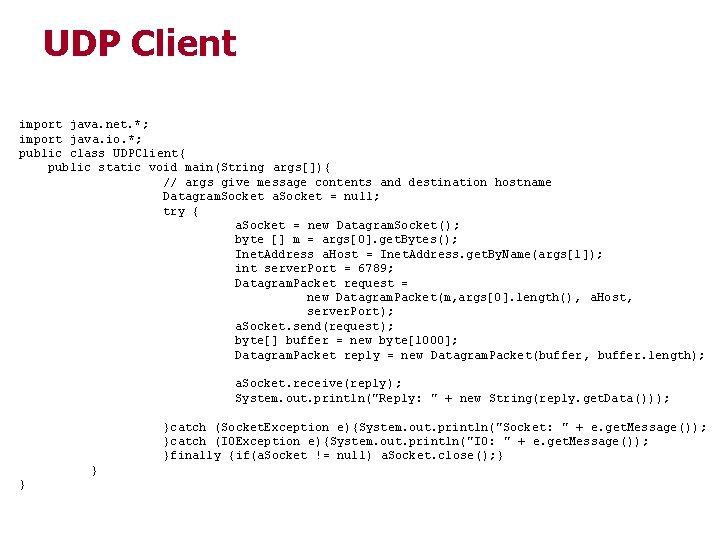
UDP Client import java. net. *; import java. io. *; public class UDPClient{ public static void main(String args[]){ // args give message contents and destination hostname Datagram. Socket a. Socket = null; try { a. Socket = new Datagram. Socket(); byte [] m = args[0]. get. Bytes(); Inet. Address a. Host = Inet. Address. get. By. Name(args[1]); int server. Port = 6789; Datagram. Packet request = new Datagram. Packet(m, args[0]. length(), a. Host, server. Port); a. Socket. send(request); byte[] buffer = new byte[1000]; Datagram. Packet reply = new Datagram. Packet(buffer, buffer. length); a. Socket. receive(reply); System. out. println("Reply : " + new String(reply. get. Data())); }catch (Socket. Exception e){System. out. println("Socket : " + e. get. Message()); }catch (IOException e){System. out. println("IO : " + e. get. Message()); }finally {if(a. Socket != null) a. Socket. close(); } } }
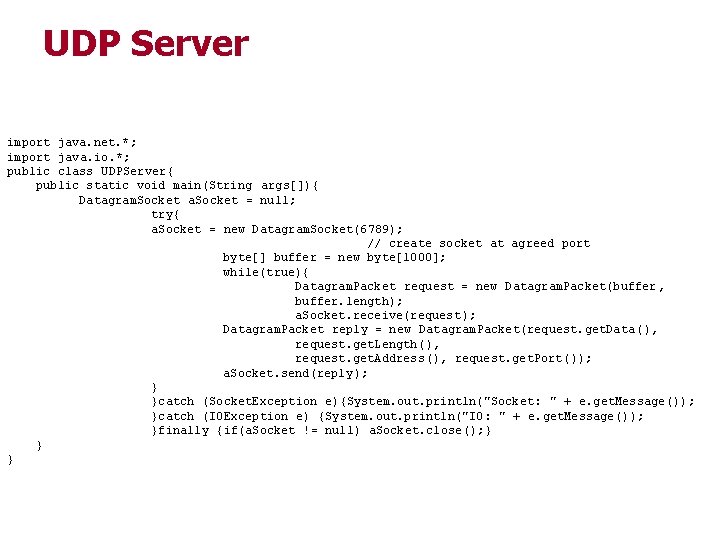
UDP Server import java. net. *; import java. io. *; public class UDPServer{ public static void main(String args[]){ Datagram. Socket a. Socket = null; try{ a. Socket = new Datagram. Socket(6789); // create socket at agreed port byte[] buffer = new byte[1000]; while(true){ Datagram. Packet request = new Datagram. Packet(buffer, buffer. length); a. Socket. receive(request); Datagram. Packet reply = new Datagram. Packet(request. get. Data (), request. get. Length(), request. get. Address(), request. get. Port()); a. Socket. send(reply); } }catch (Socket. Exception e){System. out. println("Socket : " + e. get. Message()); }catch (IOException e) {System. out. println("IO: " + e. get. Message()); }finally {if(a. Socket != null) a. Socket. close(); } } }
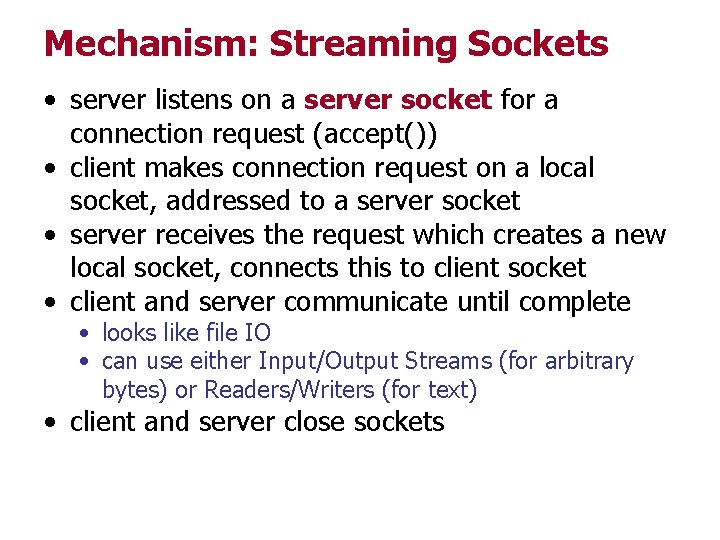
Mechanism: Streaming Sockets • server listens on a server socket for a connection request (accept()) • client makes connection request on a local socket, addressed to a server socket • server receives the request which creates a new local socket, connects this to client socket • client and server communicate until complete • looks like file IO • can use either Input/Output Streams (for arbitrary bytes) or Readers/Writers (for text) • client and server close sockets
Mechanism: Streaming Sockets • Example: • client sends server a text string, • server sends it back, • client prints returned string, repeats twenty times
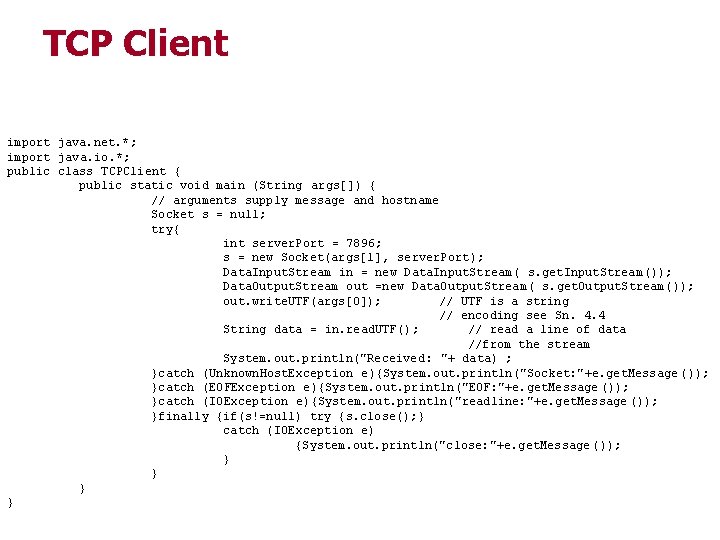
TCP Client import java. net. *; import java. io. *; public class TCPClient { public static void main (String args[]) { // arguments supply message and hostname Socket s = null; try{ int server. Port = 7896; s = new Socket(args[1], server. Port); Data. Input. Stream in = new Data. Input. Stream( s. get. Input. Stream()); Data. Output. Stream out =new Data. Output. Stream( s. get. Output. Stream()); out. write. UTF(args[0]); // UTF is a string // encoding see Sn. 4. 4 String data = in. read. UTF(); // read a line of data //from the stream System. out. println("Received : "+ data) ; }catch (Unknown. Host. Exception e){System. out. println("Socket: "+e. get. Message ()); }catch (EOFException e){System. out. println("EOF: "+e. get. Message ()); }catch (IOException e){System. out. println("readline: "+e. get. Message ()); }finally {if(s!=null) try {s. close(); } catch (IOException e) {System. out. println("close: "+e. get. Message ()); } }
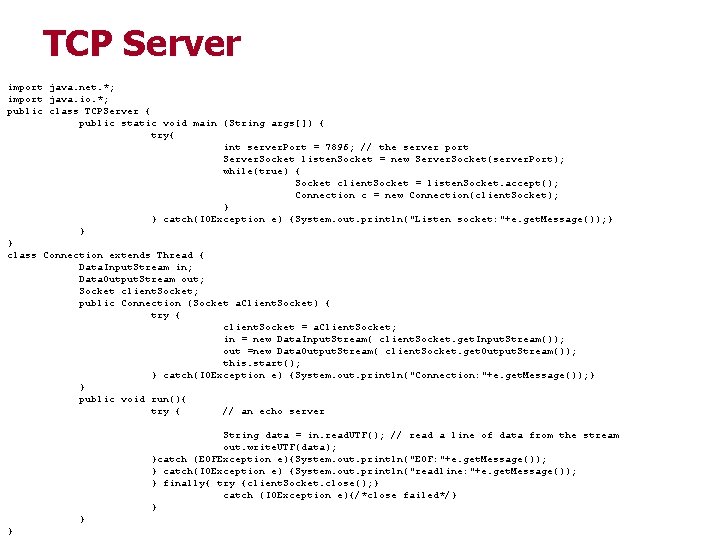
TCP Server import java. net. *; import java. io. *; public class TCPServer { public static void main (String args[]) { try{ int server. Port = 7896; // the server port Server. Socket listen. Socket = new Server. Socket(server. Port); while(true) { Socket client. Socket = listen. Socket. accept(); Connection c = new Connection(client. Socket); } } catch(IOException e) {System. out. println("Listen socket: "+e. get. Message()); } } } class Connection extends Thread { Data. Input. Stream in; Data. Output. Stream out; Socket client. Socket; public Connection (Socket a. Client. Socket) { try { client. Socket = a. Client. Socket; in = new Data. Input. Stream( client. Socket. get. Input. Stream()); out =new Data. Output. Stream( client. Socket. get. Output. Stream()); this. start(); } catch(IOException e) {System. out. println("Connection: "+e. get. Message()); } } public void run(){ try { // an echo server String data = in. read. UTF(); // read a line of data from the stream out. write. UTF(data); }catch (EOFException e){System. out. println("EOF: "+e. get. Message()); } catch(IOException e) {System. out. println("readline: "+e. get. Message()); } finally{ try {client. Socket. close(); } catch (IOException e){/*close failed*/} }
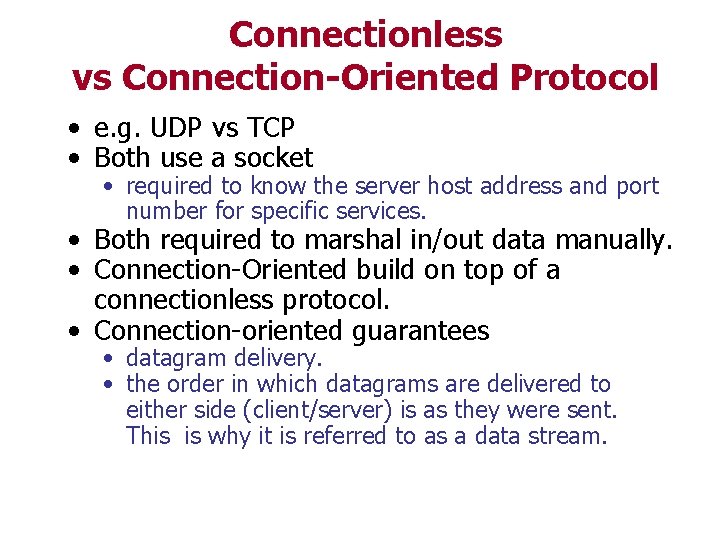
Connectionless vs Connection-Oriented Protocol • e. g. UDP vs TCP • Both use a socket • required to know the server host address and port number for specific services. • Both required to marshal in/out data manually. • Connection-Oriented build on top of a connectionless protocol. • Connection-oriented guarantees • datagram delivery. • the order in which datagrams are delivered to either side (client/server) is as they were sent. This is why it is referred to as a data stream.
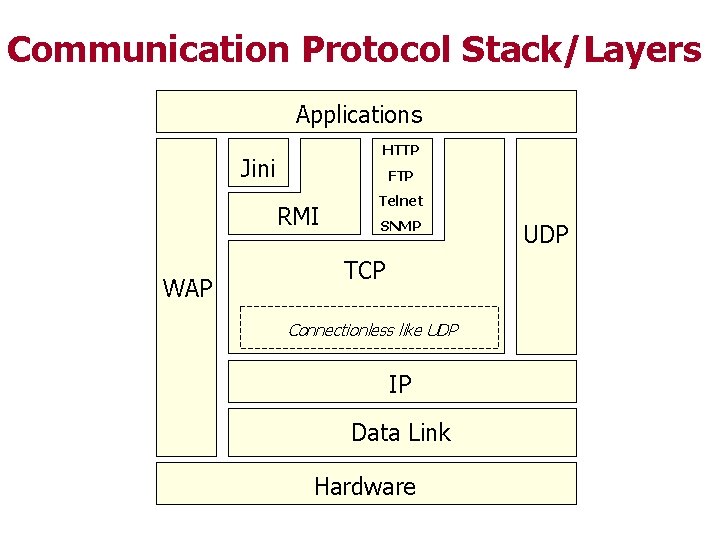
Communication Protocol Stack/Layers Applications HTTP Jini FTP RMI WAP Telnet SNMP TCP Connectionless like UDP IP Data Link Hardware UDP
- Slides: 13