
Social Navigation in Lecture Recordings Robert Mertens rmertensuos
Social Navigation in Lecture Recordings Robert Mertens rmertens@uos. de
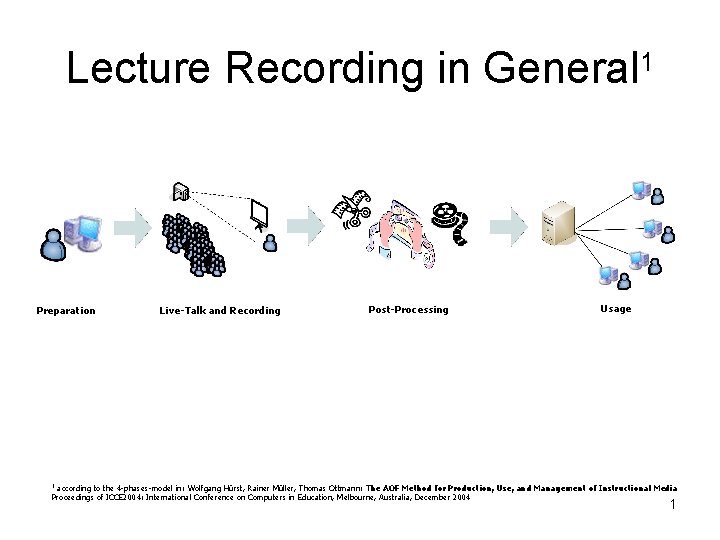
Lecture Recording in General 1 Preparation Live-Talk and Recording Post-Processing Usage according to the 4 -phases-model in: Wolfgang Hürst, Rainer Müller, Thomas Ottmann: The AOF Method for Production, Use, and Management of Instructional Media Proceedings of ICCE 2004: International Conference on Computers in Education, Melbourne, Australia, December 2004 1 1
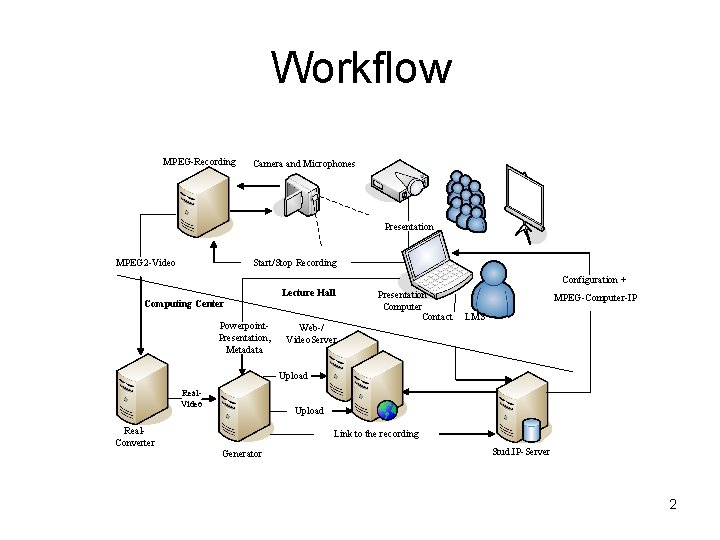
Workflow MPEG-Recording Camera and Microphones Presentation Start/Stop Recording MPEG 2 -Video Configuration + Computing Center Powerpoint. Presentation, Metadata Lecture Hall Web-/ Video. Server Presentation Computer Contact MPEG-Computer-IP LMS Upload Real. Video Real. Converter Upload Link to the recording Generator Stud. IP-Server 2
Hypermedia Navigation • • • Fulltext-Search Footprints Bookmarks Structural elements Backtracking Combined 3
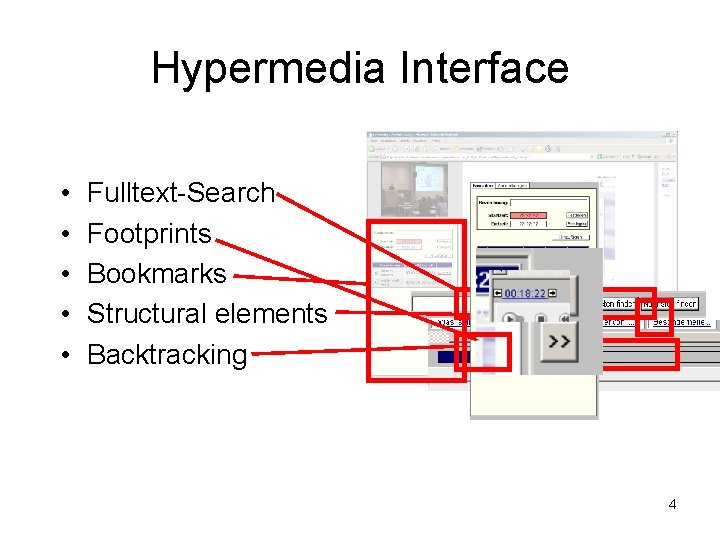
Hypermedia Interface • • • Fulltext-Search Footprints Bookmarks Structural elements Backtracking 4
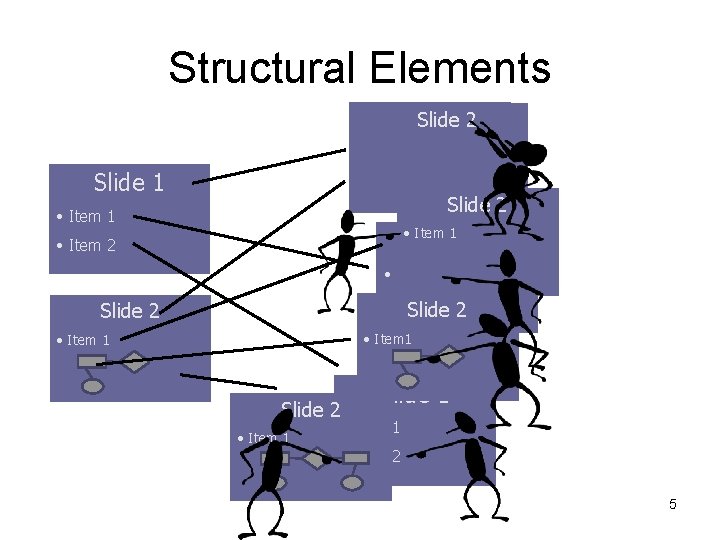
Structural Elements Slide 12 Slide • Item 11 • Punkt Slide 1 • Punkt 2 • Item 1 Slide 1 • Item 2 • Item 1 • Punkt 2 Slide 2 • Item 1 Slide 2 • Item 1 Slide 1 • Item 2 5
Interface Implementation I - SVG and Java. Script • animations in SVG are start-and-forget (text-search and footprint-bar) • SVG can be modified on display and saved on the server • SVG represents its contents symbolically • Interaction between SVG and Java. Script 6
Interface Implementation II – storing interaction data • old version and offline-medium save interaction data in cookies • new version uses a mysql database • Login required (easier way: cookies with login or integration with LMS) 7
Why social navigation in lecture Recordings ? • Social navigation offers a user-defined, alternative structure for search and exploration. • Can use other people’s search history [Ahn, Brusilovsky & Farzan 2005]. • TSR (Time Spent Reading) [Farzan & Brusilovsky 2005] as an unobtrusive measurement (more accurate with lecture recordings). 8
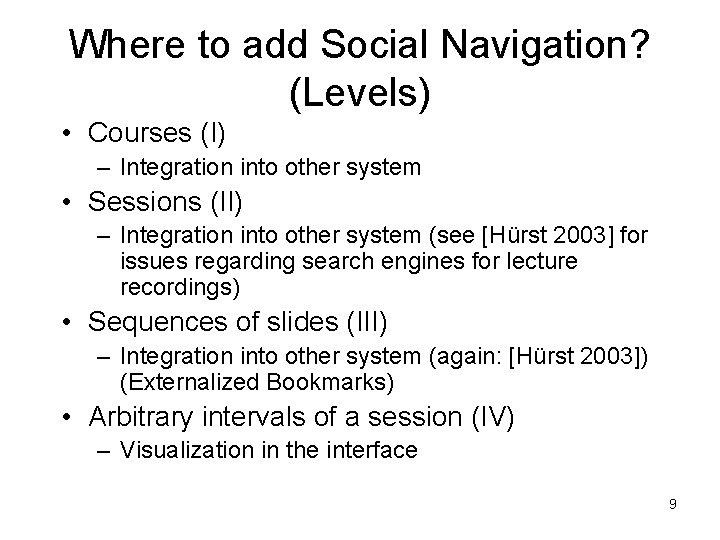
Where to add Social Navigation? (Levels) • Courses (I) – Integration into other system • Sessions (II) – Integration into other system (see [Hürst 2003] for issues regarding search engines for lecture recordings) • Sequences of slides (III) – Integration into other system (again: [Hürst 2003]) (Externalized Bookmarks) • Arbitrary intervals of a session (IV) – Visualization in the interface 9
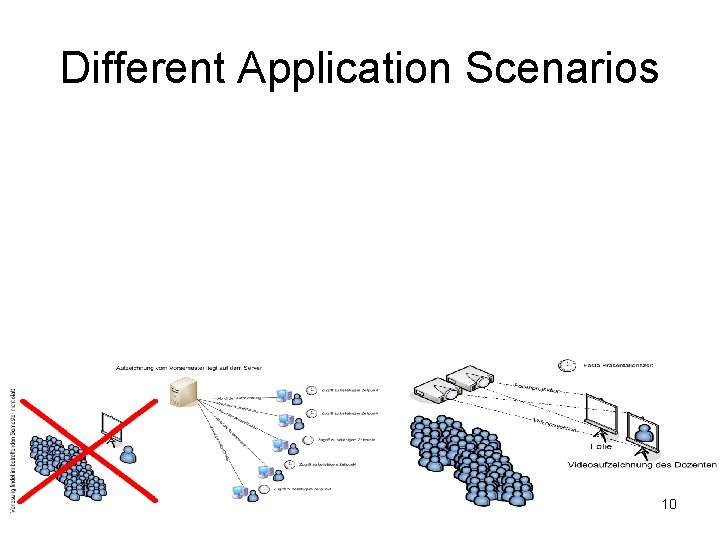
Different Application Scenarios 10
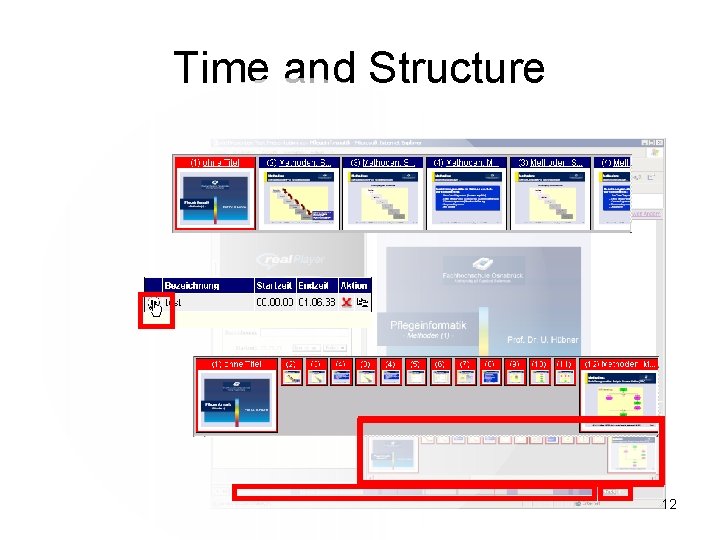
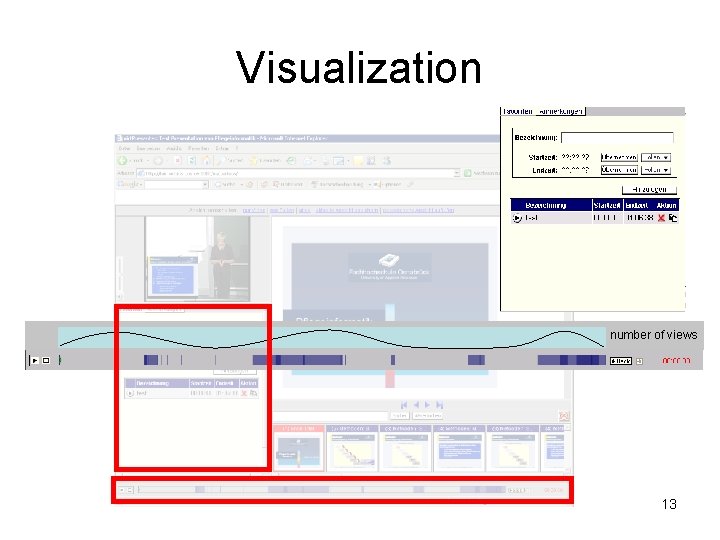
First Concept for Level IV Integration • • Analyze viewing time Categorization by week of session Letting it work on bookmarks, too? Problem: Time vs. structure 11
Time and Structure 12
Visualization number of views 13
Discussion Thank you for your attention 14
![Literature • [Ahn, Brusilovsky & Farzan 2005] Ahn, J. , Brusilovsky, P. , and](http://slidetodoc.com/presentation_image_h2/bd2b453249fe84e3f97ff64fce8f9a3d/image-16.jpg "Literature • [Ahn, Brusilovsky & Farzan 2005] Ahn, J. , Brusilovsky, P. , and")
Literature • [Ahn, Brusilovsky & Farzan 2005] Ahn, J. , Brusilovsky, P. , and Farzan, R: Investigating Users Needs and Behavior for Social Search. In: Brusilovsky, P. , Callaway, C. and Nürnberger, A. (eds. ) Proc. of Workshop on New Technologies for Personalized Information Access at 10 th International User Modeling Conference, UM 2005, (Edinburgh, July 24 -25, 2005), 1 -12 • [Farzan & Brusilovsky 2005] Farzan, R. and Brusilovsky, P: Social navigation support in E-Learning: What are real footprints. In: Anand, S. S. and Mobasher, B. (eds. ) Proc. of IJCAI'05 Workshop on Intelligent Techniques for Web Personalization, (Edinburgh, U. K. , August 1, 2005), 49 -56 • [Hürst 2003] Hürst, W. : Indexing, Searching, and Skimming of Multimedia Documents Containing Recorded Lectures and Live Presentations. Extended abstract of a demonstration at ACM Multimedia 2003, Berkeley, CA, USA, November 2003. 15
- Slides: 16