
Social Media Accessibility Project Dr Scott Hollier OZe
Social Media Accessibility Project Dr Scott Hollier OZe. WAI 2011
WHO IS MEDIA ACCESS AUSTRALIA • Not-for-profit organisation addressing access issues in: • • • TV Cinema DVD Education Digital and Online Media • Access issues include captioning, audio description, computerrelated and Internet-related access issues
WHO AM I? • Professional: • Project Manager & WA Manager for MAA • W 3 C Advisory Committee representative • Academic: Ph. D thesis examined ways to make computers and the Internet more accessible to people with disabilities • Personal: Legally blind, first-hand knowledge of access issues
INTRODUCTION • Why is social media important to consumers with disabilities? • Social media project overview • How social media has changed in recent years • What consumers with disabilities need • Creating consumers resources • Overcoming accessibility issues in popular social media tools • Project timelines and release date

DEFINING SOCIAL MEDIA • Definition of social media: • A group of Internet-based applications that build on the ideological and technological foundations of Web 2. 0, and that allow the creation and exchange of User Generated Content (Kaplan and Halnlien, 2010). • Social media in practical terms: • The need to create, modify, share, and discuss Internet content in a particular situation. (Kietzmann et. Al. 2011)
BENEFITS OF SOCIAL MEDIA • We want to create, modify, share and discuss in areas of: • • • Personal life Work Entertainment Provision of goods and services Education
BENEFITS FOR PEOPLE WITH DISABILITIES • Personal: share and discuss in environments without prejudice • Work: overcome high levels of unemployment through online interaction • Entertainment: sharing captioned videos, play online games • Provision of goods and services: getting Dominos pizza vouchers
SOCIAL MEDIA PROJECT • In 2009, Media Access Australia released its Social Media Accessibility Review • Original aim: to provide guidance in a fledgling social media environment as to which tools were most accessible (eg Facebook V My. Space)
WHAT’S CHANGED? • Consumers with disabilities no longer want to know which tool to use for a particular task, they’ve already decided • New resources need to find the best way for consumers with disabilities to use that tool
CURRENT ACCESSIBILITY PROJECT • Australian Communications Consumers Action Network (ACCAN) provided funding to MAA to update report and create practical consumer guides • Project commenced in June, likely to be completed in February 2012 • Tools selected: Facebook, Twitter, You. Tube, Linked. In, Blog. Spot and Skype
RESEARCH PROCESS • Online marketing with e-mails and Twitter through ACCAN and MAA consumer groups asked consumers with disabilities to share their thoughts • 49 people provided tips and tricks on getting around social media accessibility • This was combined with online research and personal interviews to gain information
KEY QUESTIONS • What can the social media tool do? • What are the specific benefits to me? • What tips and tricks can help me get around the accessibility issues? • How can I get set up to use it for the first time? • How do I perform the necessary everyday tasks? • Where do I go for help?
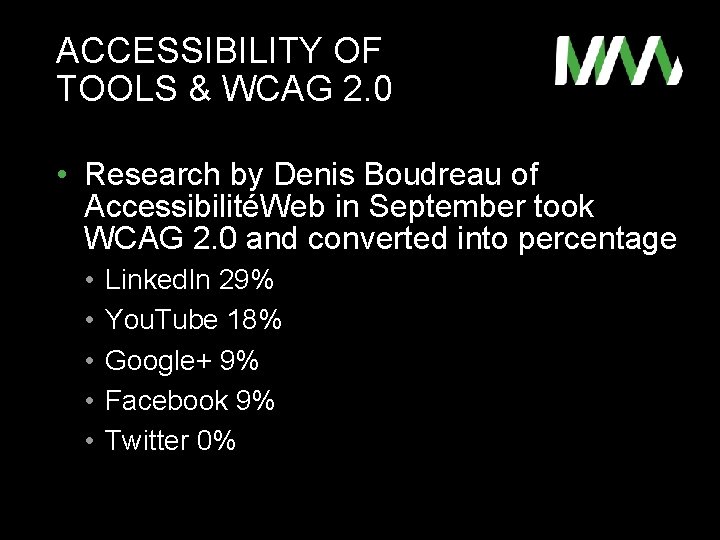
ACCESSIBILITY OF TOOLS & WCAG 2. 0 • Research by Denis Boudreau of AccessibilitéWeb in September took WCAG 2. 0 and converted into percentage • • • Linked. In 29% You. Tube 18% Google+ 9% Facebook 9% Twitter 0%
FACEBOOK TIPS & TRICKS • • Use mobile site m. facebook. com Additional keyboard shortcuts WAI-ARIA support Assistive technology support to overcome CAPTCHA and use screen readers • Facely HD app for i. OS
LINKEDIN TIPS & TRICKS • Finding people easier using Google than Linked. In’s own search • Linked. In support receptive to needs of consumers with disabilities (removed CAPTCHA) • Linked. In app on i. OS accessible
YOUTUBE TIPS AND TRICKS • Automated caption service • Free caption editors: Overstream • Accessible You. Tube players: Accessible You. Tube and Easy You. Tube • You. Tube app on i. OS works well with screen reader
TWITTER TIPS & TRICKS • Easy Chirp accessible Twitter portal www. easychrip. com • Lots of accessible apps on i. OS: main app, Twitterrific, Twittelator for i. Pad, Tweetosaurus, Tweetero, Tweet. List Pro • Using Twitter itself a good way to ask questions about disability-0 related issues
BLOGSPOT TIPS & TRICKS • Embedding accessible media • Redirecting to accessible media players (eg accessible You. Tube) • Using Blog. Spot to blog about disabilityrelated issues
SKYPE • Windows: • Screen reader mode • Additional keyboard commands • Mac: fairly accessible • i. OS: fairly accessible • Resources for accessibility of other platforms
TIMELINE AND RELEASE • The final resources will consist of: • Full report on social media accessibility, accessibility tools in major OS, in-depth consumers guides • Tip sheets for each social media tools • Currently in draft , being user tested • Due for release February 2012
OTHER MAA PROJECTS • Industry course: • Joint project with MAA and Uni. SA • Co-taught with Dr Denise Wood of Uni. SA • 6 weeks online, to help ICT professionals incorporate accessibility into work practices • Includes AT use, WCAG 2. 0 basic and advanced, ATAG 2. 0, website auditing • Pilot currently running with 19 students • 3 -4 planned for next year, taking expressions of interest now
FURTHER INFORMATION Advice is free! • E-mail: scott. hollier@mediaaccess. org. au • Telephone: (08) 9311 8230 • Website: www. mediaaccess. org. au • Twitter: @mediaaccessaus • Linked. In profile and You. Tube clips also online
- Slides: 22