
Social Media Accessibility A QUICK GUIDE FROM THE
Social Media Accessibility A QUICK GUIDE FROM THE HOUSTON MAYOR'S OFFICE FOR PEOPLE WITH DISABILITIES
What is Accessibility? • Accessibility refers to the design of something that can be used and enjoyed by all people. • Generally people think of this in terms of physical applications like wheelchair ramps, something designed to accommodate wheelchair users, but can also be used to alleviate the stress of walking up stairs by people with joint or other mobility issues, or even just someone pushing a stroller. • This also applies to digital spaces as well. When you create a post on social media, are you utilizing the available technologies to make sure that everyone can access that information? • Let's talk about it.
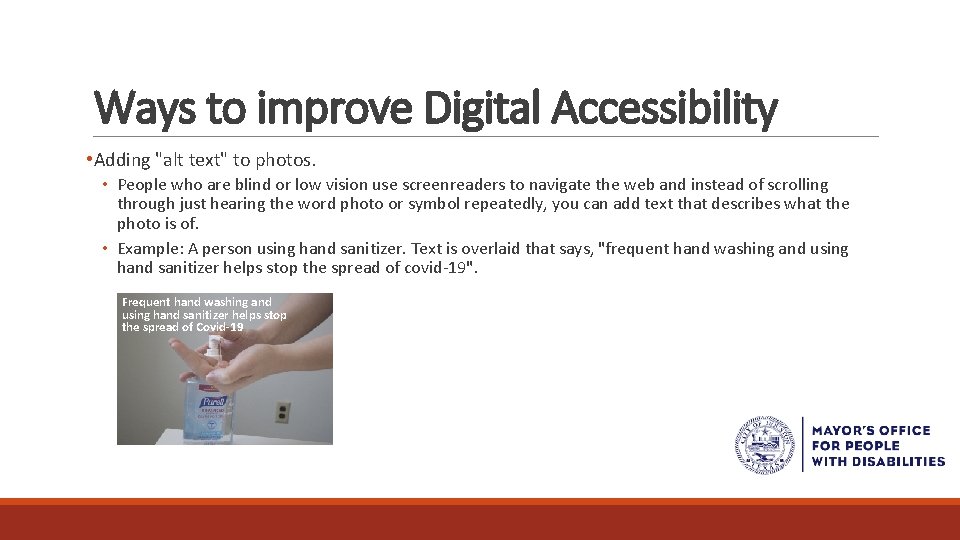
Ways to improve Digital Accessibility • Adding "alt text" to photos. • People who are blind or low vision use screenreaders to navigate the web and instead of scrolling through just hearing the word photo or symbol repeatedly, you can add text that describes what the photo is of. • Example: A person using hand sanitizer. Text is overlaid that says, "frequent hand washing and using hand sanitizer helps stop the spread of covid-19". Frequent hand washing and using hand sanitizer helps stop the spread of Covid-19
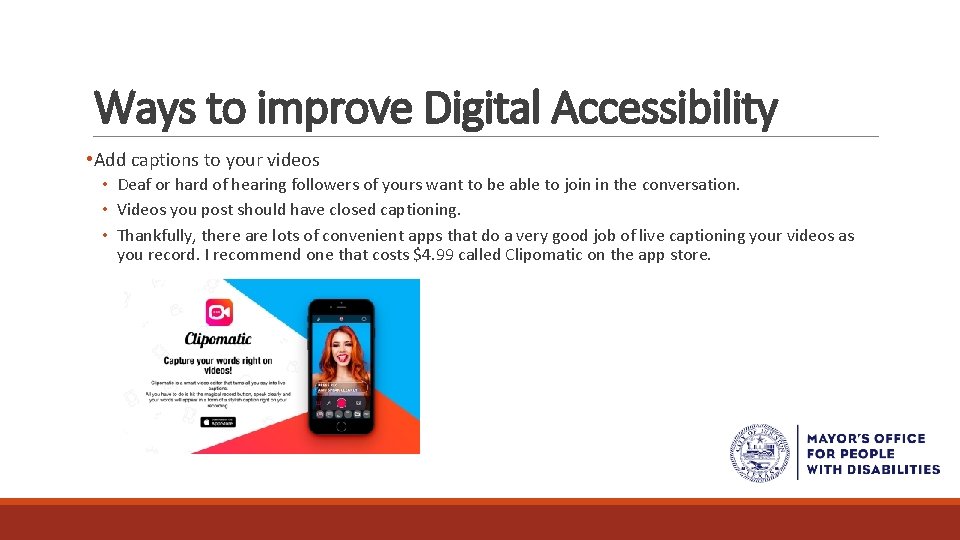
Ways to improve Digital Accessibility • Add captions to your videos • Deaf or hard of hearing followers of yours want to be able to join in the conversation. • Videos you post should have closed captioning. • Thankfully, there are lots of convenient apps that do a very good job of live captioning your videos as you record. I recommend one that costs $4. 99 called Clipomatic on the app store.
Ways to improve Digital Accessibility • Write your hashtags in "camel case" • When blind or low vision people with screen readers read hashtags things can get confusing if they're not formatted correctly. • The easiest way to read a hashtag for everyone is to capitalize the first letter of each new word • For example #Better. Together and #Dont. Stop. Dont. Forget is more readable than #bettertogether or #dontstopdontforget
Twitter Accessibility • How to enable Alt Text • Go to "Settings and Privacy" • Click "Accessibility" • Click "Compose Image Description" • Now when you add images you will see an option to add alt text to it. • The new "Fleet" feature also will show an option to add alt text.
Facebook Accessibility • When you create a post with an image attached, Facebook will auto generate alt text. • As the poster you have the option to change that alt text. • First hover/click the photo you are adding. • Then hit "edit" then type your description in the box labeled "Alt text" • Then click save.
Instagram Accessibility • When you post to Instagram, scroll down to the very bottom and click "Advanced settings" • Under "Accessibility" click "Write alt text" • Type your description and hit "Done"
Together we can make the City of Houston the most accessible city government!
- Slides: 9