
Social Engineering Heads of Security What is Social
- Slides: 37
Social Engineering
Heads of Security
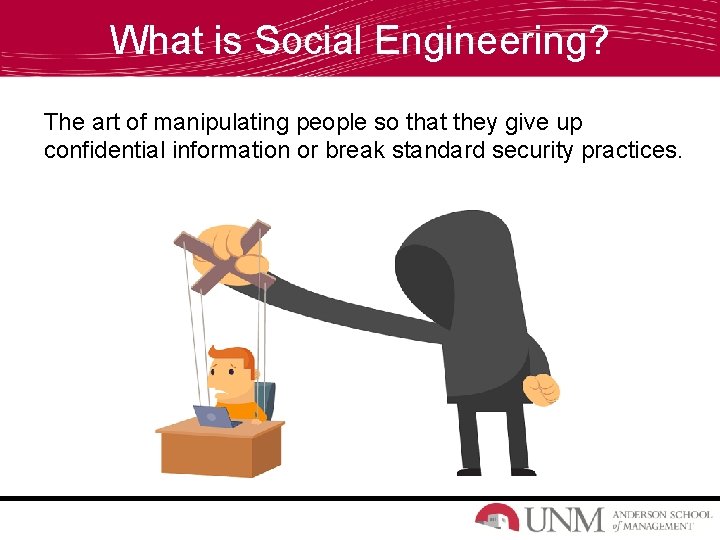
What is Social Engineering? The art of manipulating people so that they give up confidential information or break standard security practices.
What Info is Confidential?
Facts About Social Engineering • Everyone is a potential target! • It’s often easier for cybercriminals to manipulate a human than a computer network or system. • Attacks can be relatively low-tech, lowcost, and easy to execute. • Technology is rapidly accelerating along with the sophistication of attacks.
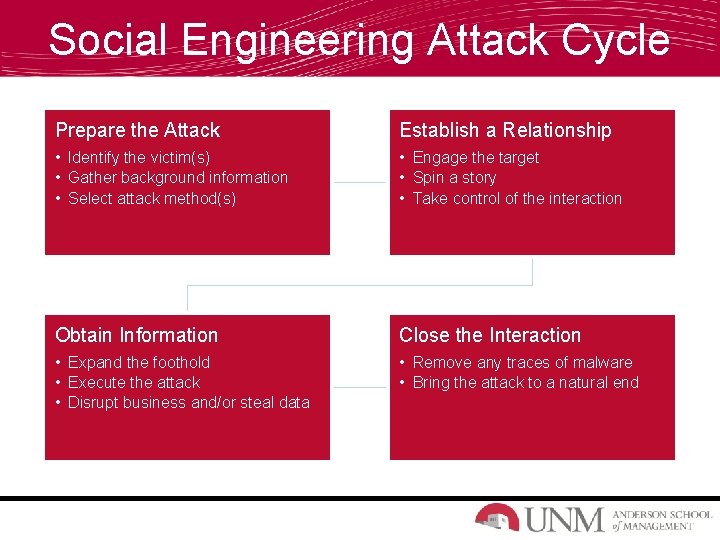
Social Engineering Attack Cycle Prepare the Attack Establish a Relationship • Identify the victim(s) • Gather background information • Select attack method(s) • Engage the target • Spin a story • Take control of the interaction Obtain Information Close the Interaction • Expand the foothold • Execute the attack • Disrupt business and/or steal data • Remove any traces of malware • Bring the attack to a natural end
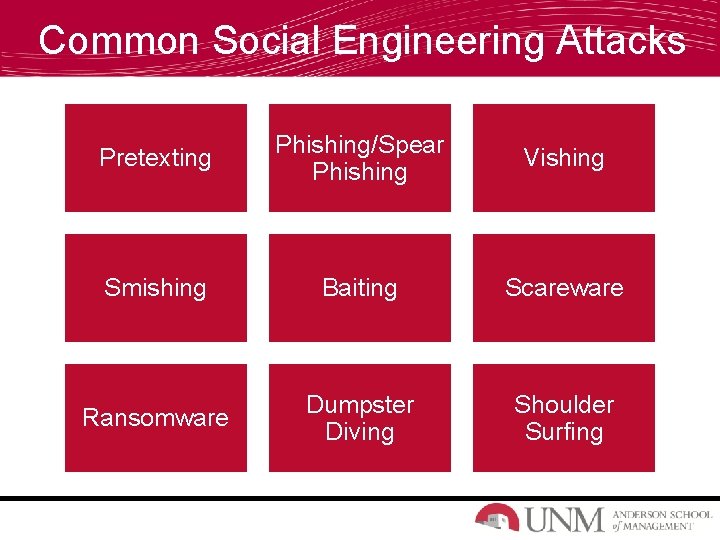
Common Social Engineering Attacks Pretexting Phishing/Spear Phishing Vishing Smishing Baiting Scareware Ransomware Dumpster Diving Shoulder Surfing
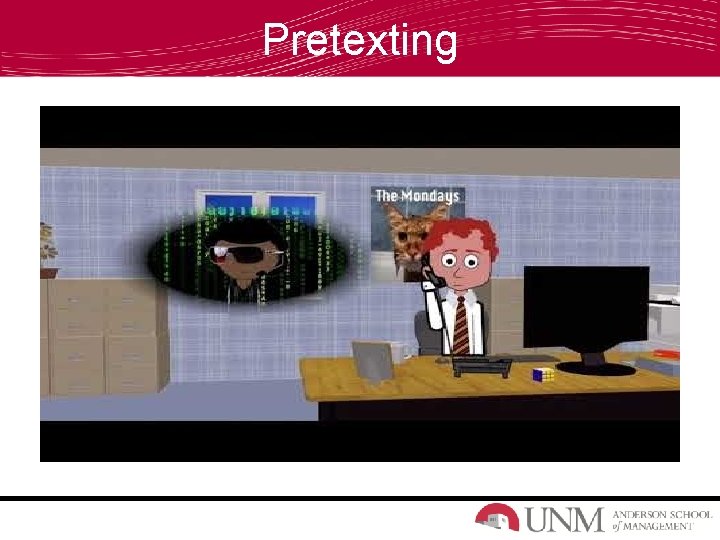
Pretexting
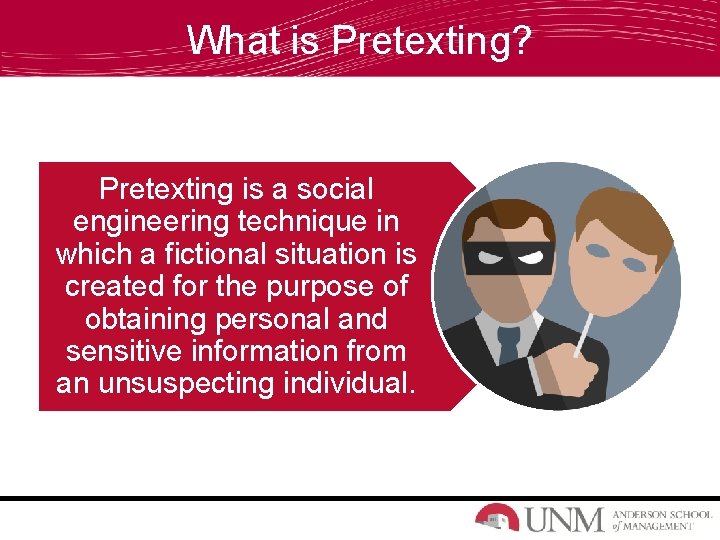
What is Pretexting? Pretexting is a social engineering technique in which a fictional situation is created for the purpose of obtaining personal and sensitive information from an unsuspecting individual.
Pretexting Techniques & Goals How is Pretexting Done? • Attackers impersonate co-workers, police officers, bankers, tax authorities, or charitable organizations. • An attacker builds a credible story (pretext) that leaves little room for doubt on the part of their target. • A false sense of trust is developed with the target. • A pretexter may ask a series of questions designed to gather personally identifiable information. Why is it Done? • Obtain Sensitive Information – Social security number, mothers maiden name, place or date of birth or account numbers.
Phishing
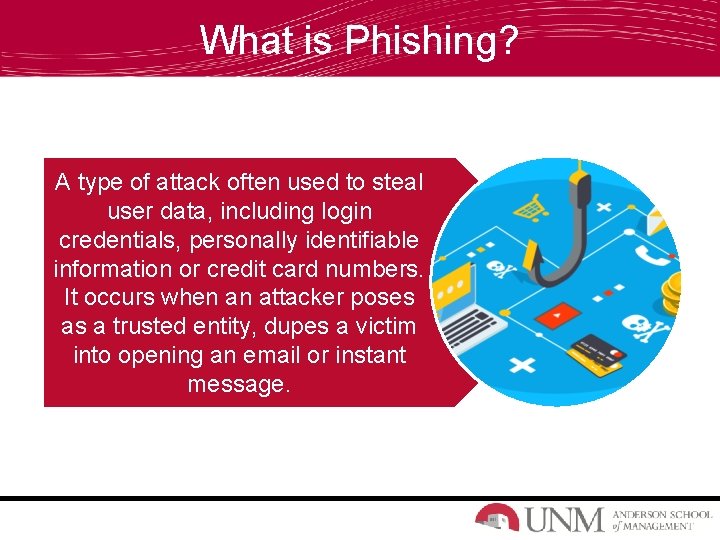
What is Phishing? A type of attack often used to steal user data, including login credentials, personally identifiable information or credit card numbers. It occurs when an attacker poses as a trusted entity, dupes a victim into opening an email or instant message.
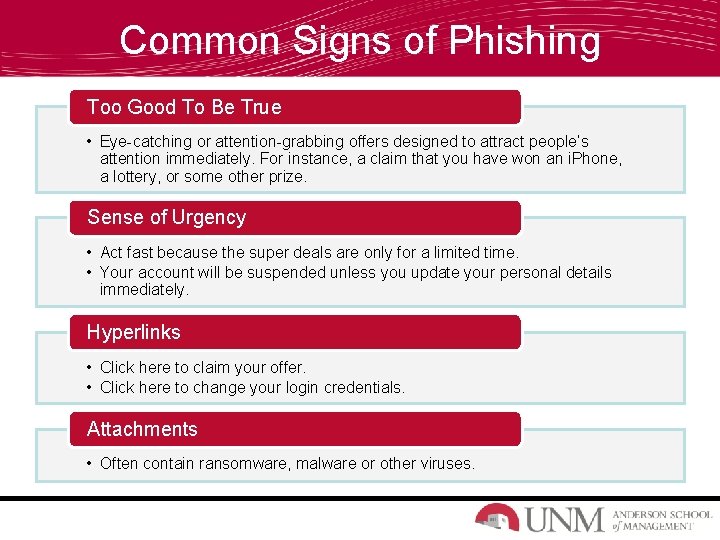
Common Signs of Phishing Too Good To Be True • Eye-catching or attention-grabbing offers designed to attract people’s attention immediately. For instance, a claim that you have won an i. Phone, a lottery, or some other prize. Sense of Urgency • Act fast because the super deals are only for a limited time. • Your account will be suspended unless you update your personal details immediately. Hyperlinks • Click here to claim your offer. • Click here to change your login credentials. Attachments • Often contain ransomware, malware or other viruses.
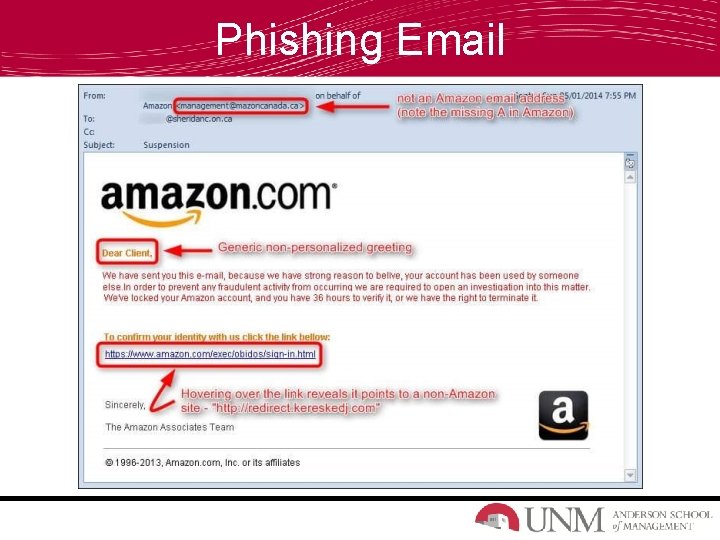
Phishing Email
Phishing Email
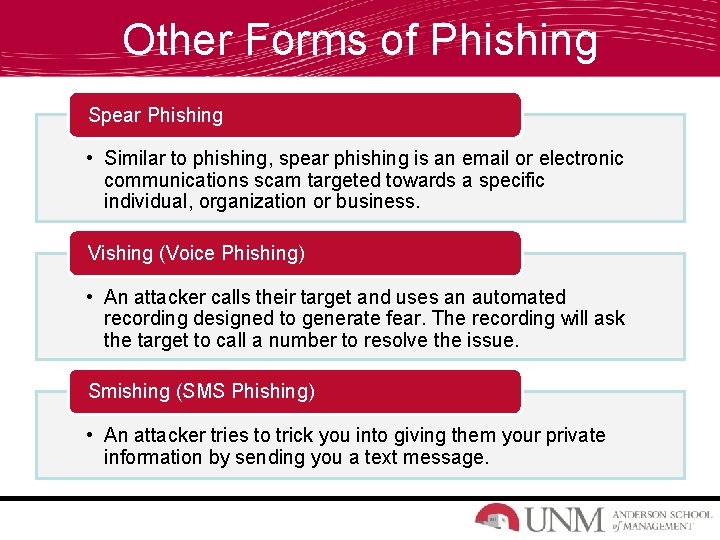
Other Forms of Phishing Spear Phishing • Similar to phishing, spear phishing is an email or electronic communications scam targeted towards a specific individual, organization or business. Vishing (Voice Phishing) • An attacker calls their target and uses an automated recording designed to generate fear. The recording will ask the target to call a number to resolve the issue. Smishing (SMS Phishing) • An attacker tries to trick you into giving them your private information by sending you a text message.
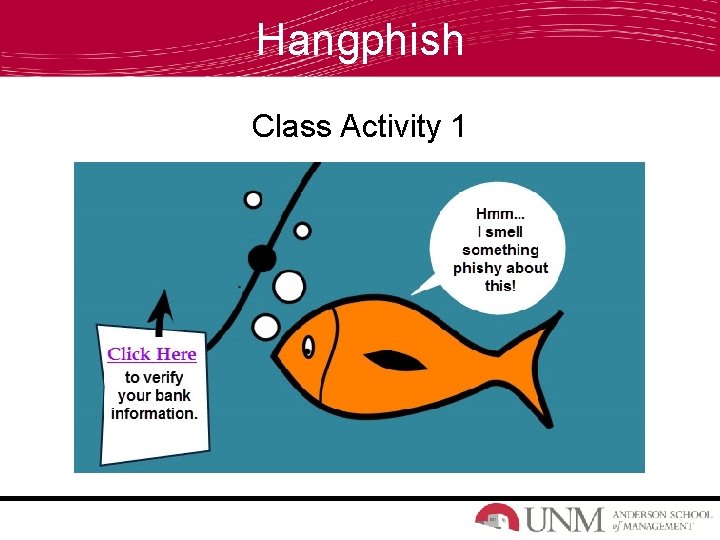
Hangphish Class Activity 1
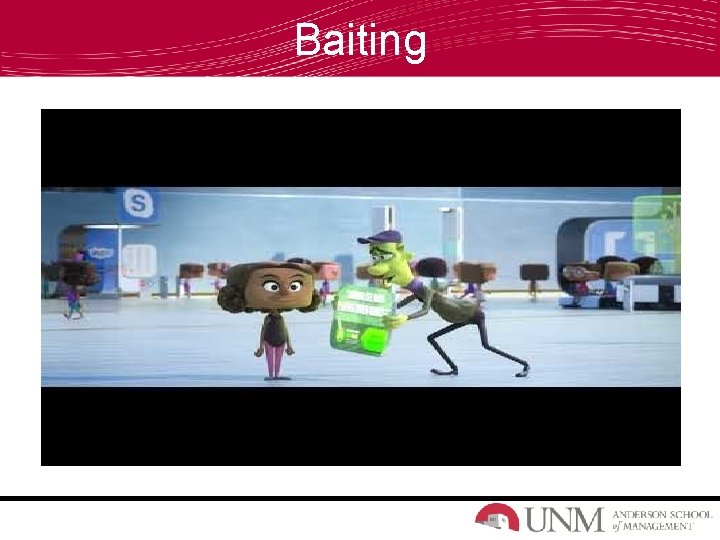
Baiting
Baiting
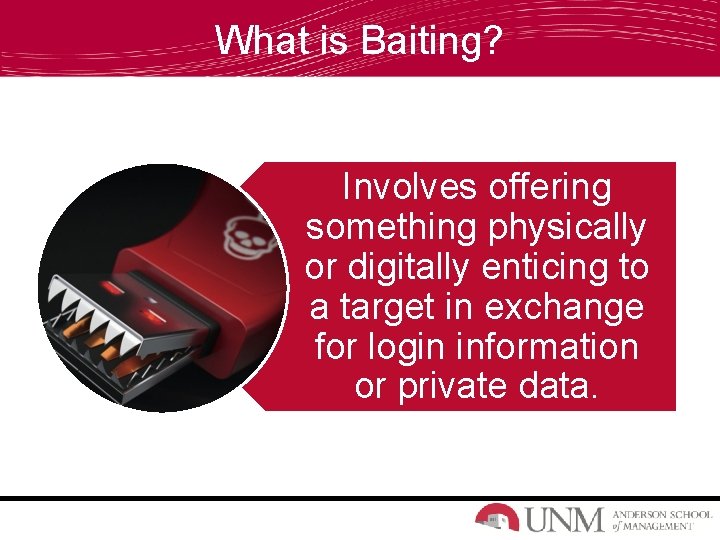
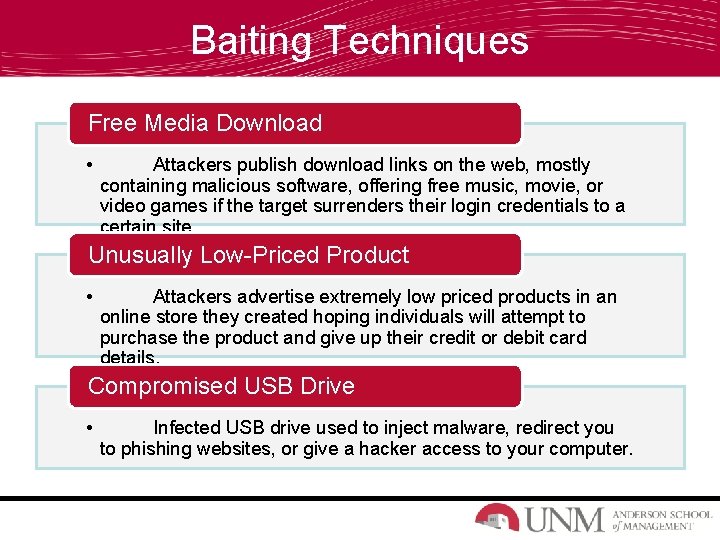
What is Baiting? Involves offering something physically or digitally enticing to a target in exchange for login information or private data.
Baiting Techniques Free Media Download • Attackers publish download links on the web, mostly containing malicious software, offering free music, movie, or video games if the target surrenders their login credentials to a certain site. Unusually Low-Priced Product • Attackers advertise extremely low priced products in an online store they created hoping individuals will attempt to purchase the product and give up their credit or debit card details. Compromised USB Drive • Infected USB drive used to inject malware, redirect you to phishing websites, or give a hacker access to your computer.
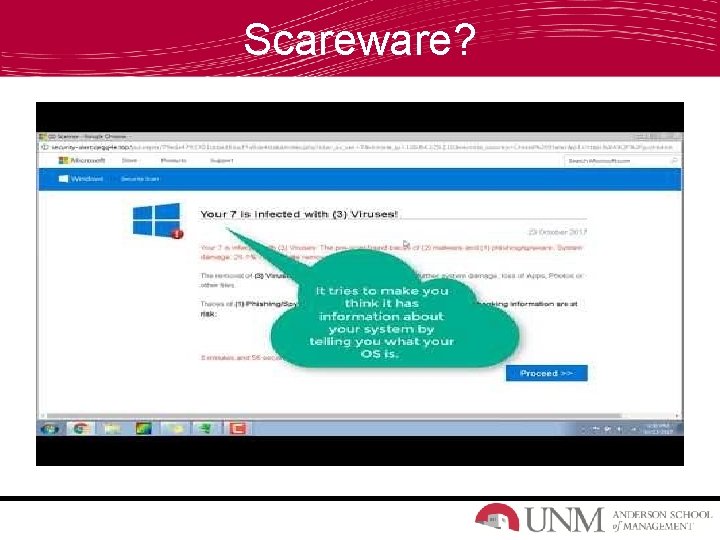
Scareware?
What is Scareware? Malicious computer programs designed to trick a user into buying and downloading unnecessary and potentially dangerous software, such as fake antivirus protection.
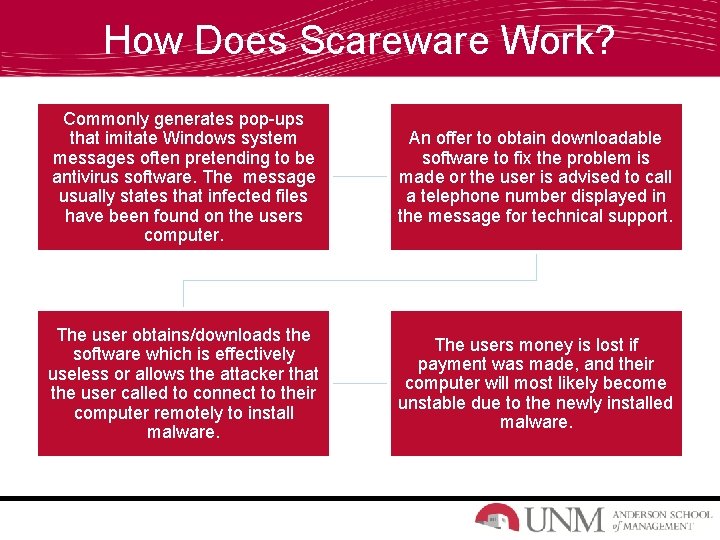
How Does Scareware Work? Commonly generates pop-ups that imitate Windows system messages often pretending to be antivirus software. The message usually states that infected files have been found on the users computer. An offer to obtain downloadable software to fix the problem is made or the user is advised to call a telephone number displayed in the message for technical support. The user obtains/downloads the software which is effectively useless or allows the attacker that the user called to connect to their computer remotely to install malware. The users money is lost if payment was made, and their computer will most likely become unstable due to the newly installed malware.
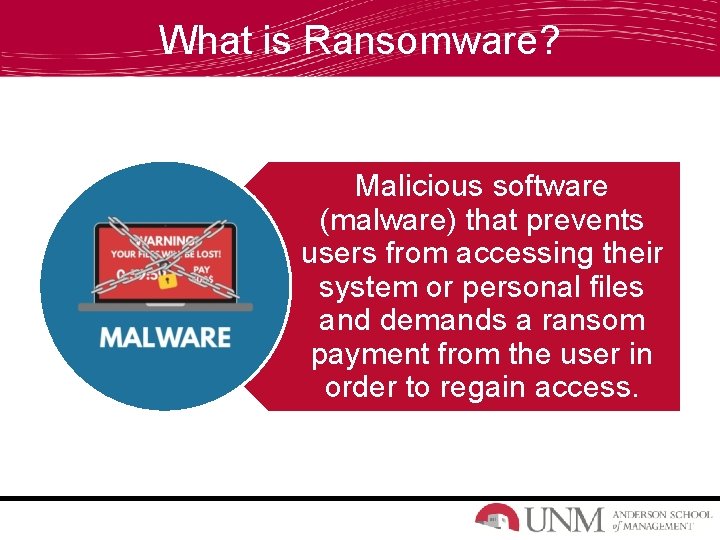
What is Ransomware? Malicious software (malware) that prevents users from accessing their system or personal files and demands a ransom payment from the user in order to regain access.
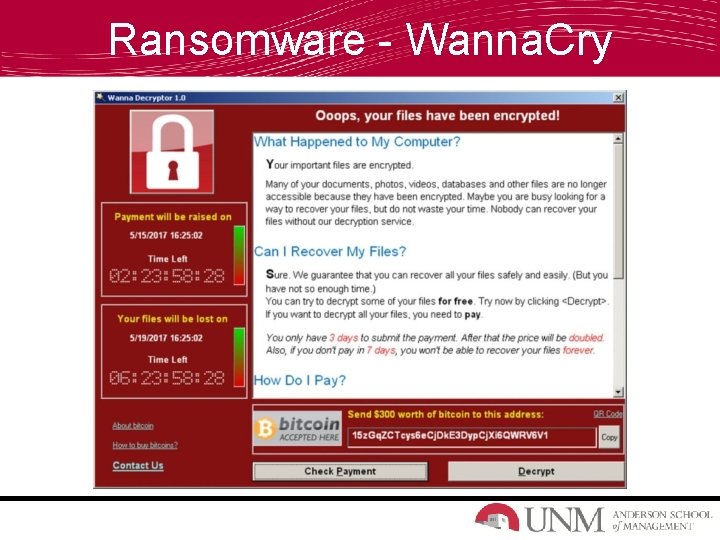
Ransomware - Wanna. Cry
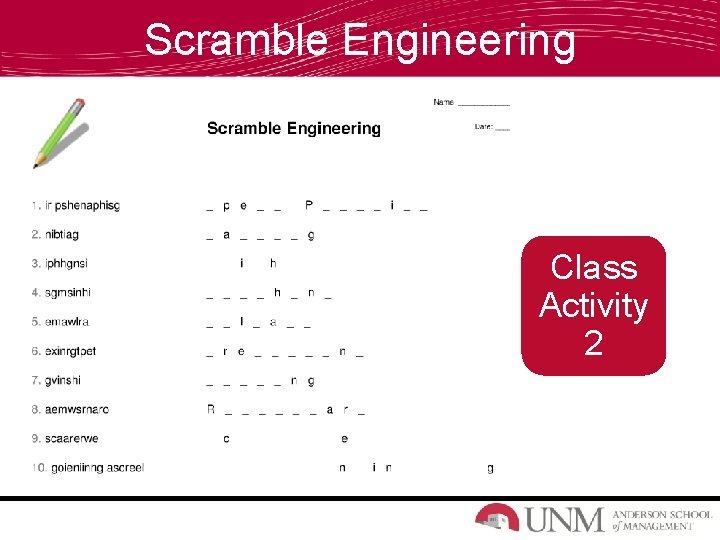
Scramble Engineering Class Activity 2
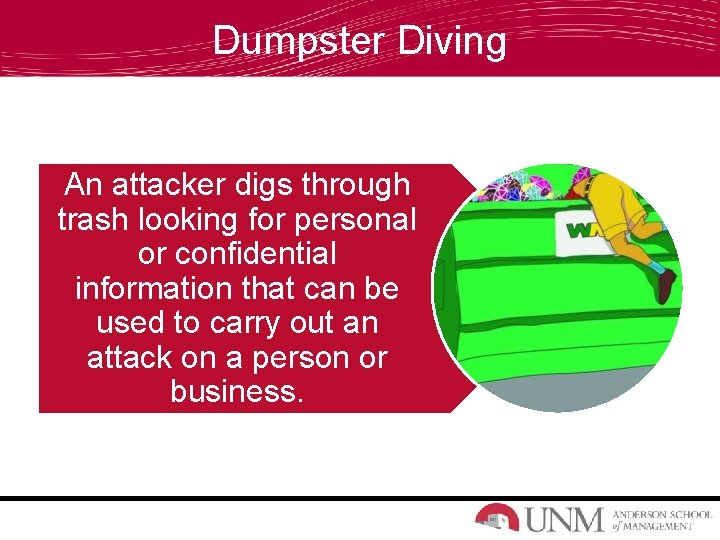
Dumpster Diving An attacker digs through trash looking for personal or confidential information that can be used to carry out an attack on a person or business.
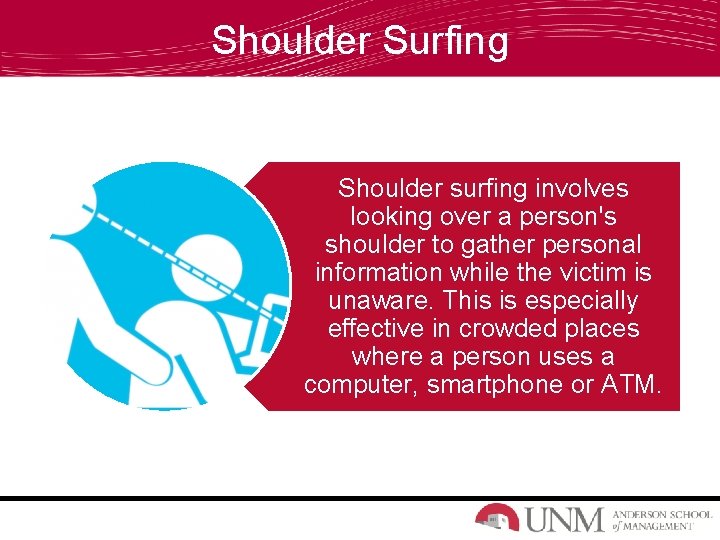
Shoulder Surfing Shoulder surfing involves looking over a person's shoulder to gather personal information while the victim is unaware. This is especially effective in crowded places where a person uses a computer, smartphone or ATM.
Defend Against Pretexting! How to Avoid Pretexting Scams • Never give out private information about yourself or anybody else over the phone or internet unless you initiated the contact. • Legitimate organizations will never contact you via phone requesting personal information. • If you are approached by somebody you don’t know who is requesting personal information about you or somebody you know, end the conversation immediately. Let the individual know you want to contact their organization and verify their identity and motive first.
Defend Against Phishing! How to Avoid Phishing Scams • Do not respond to communication you are unfamiliar with. • Do not call any phone numbers listed in an email, text message, or instant message. • Do not click on any links in an email message and do not open any attachments contained in a suspicious email. • Do not enter personal information in any pop-up screens. Legitimate organizations don’t ask for personal information using pop-up screens. Instead, contact the supposed organization and verify. • If in doubt, delete the email or message.
Defend Against Baiting! How to Avoid Baiting Scams • Think twice before clicking unfamiliar hyperlinks while surfing the web. • Use reputable retailers when shopping for products or services. • Do not click on any hyperlinks that offer free music, movie, or video game downloads. • Avoid any hyperlinks your search engine returns that are classified as ads. • Do not insert any USB drives into your computer that you find laying around. Turn it into your organizations security team.
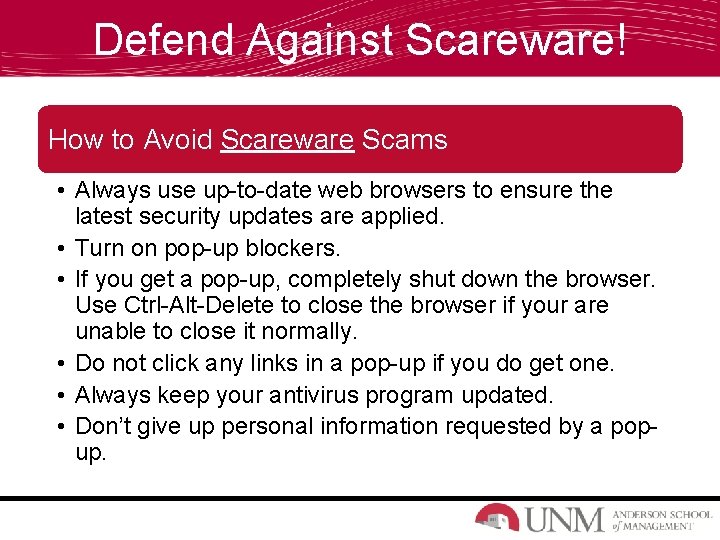
Defend Against Scareware! How to Avoid Scareware Scams • Always use up-to-date web browsers to ensure the latest security updates are applied. • Turn on pop-up blockers. • If you get a pop-up, completely shut down the browser. Use Ctrl-Alt-Delete to close the browser if your are unable to close it normally. • Do not click any links in a pop-up if you do get one. • Always keep your antivirus program updated. • Don’t give up personal information requested by a popup.
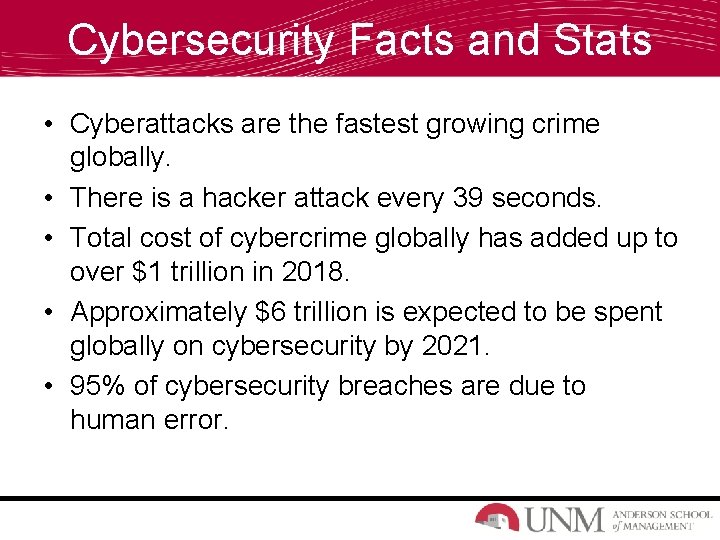
Cybersecurity Facts and Stats • Cyberattacks are the fastest growing crime globally. • There is a hacker attack every 39 seconds. • Total cost of cybercrime globally has added up to over $1 trillion in 2018. • Approximately $6 trillion is expected to be spent globally on cybersecurity by 2021. • 95% of cybersecurity breaches are due to human error.
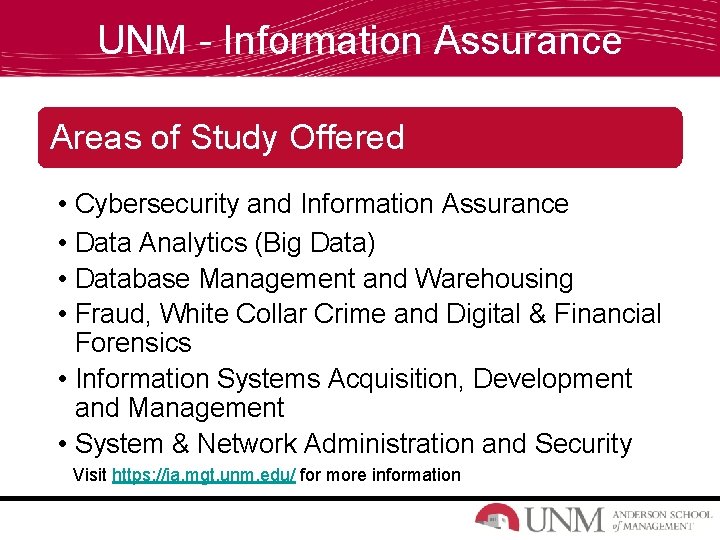
UNM - Information Assurance Areas of Study Offered • • Cybersecurity and Information Assurance Data Analytics (Big Data) Database Management and Warehousing Fraud, White Collar Crime and Digital & Financial Forensics • Information Systems Acquisition, Development and Management • System & Network Administration and Security Visit https: //ia. mgt. unm. edu/ for more information
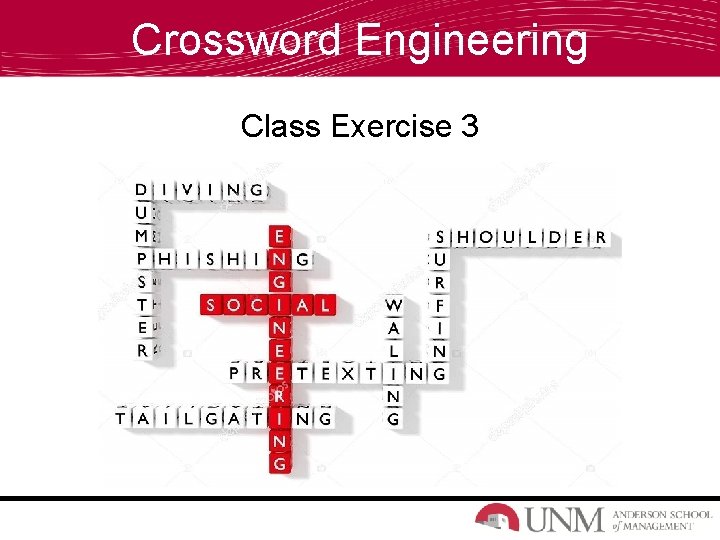
Crossword Engineering Class Exercise 3
References 13 Alarming Cyber Security Facts and Stats. Cybint Cyber Solutions. 3 Dec. 2018. https: //www. cybintsolutions. com/cyber-security-facts-stats/ Social Engineering. Imperva Incapsula. 2 Mar. 2019. https: //www. incapsula. com/web-application-security/social-engineering-attack. html Three Scary Social Engineering Facts. Proofpoint. 31 Oct. 2016. https: //www. wombatsecurity. com/blog/three-scary-social-engineering-facts