
So far Binary numbers Logic gates Digital circuits
So far • Binary numbers • Logic gates • Digital circuits process data using gates – Half and full adder • Data storage – Electronic memory – Magnetic memory – Optical memory – Solid state memory

This week • Software • Operating systems • Shells
Learning outcomes • Describe the functions of the Operating System and its components. • Explain where the operating system is usually stored and how it gets started. • Explain how the operating system manages memory – Partitioning, swapping, paging, demand paging • Explain how the operating system manages I/O devices – Programmed I/O, Interrupt-driven I/O, DMA 4
Additional Reading • Essential Reading – Stalling (2003): Chapter 7 and 8 5
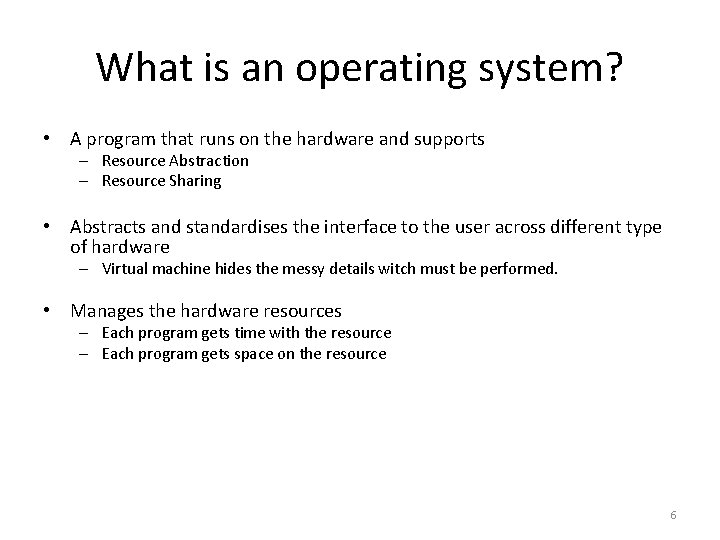
What is an operating system? • A program that runs on the hardware and supports – Resource Abstraction – Resource Sharing • Abstracts and standardises the interface to the user across different type of hardware – Virtual machine hides the messy details witch must be performed. • Manages the hardware resources – Each program gets time with the resource – Each program gets space on the resource 6
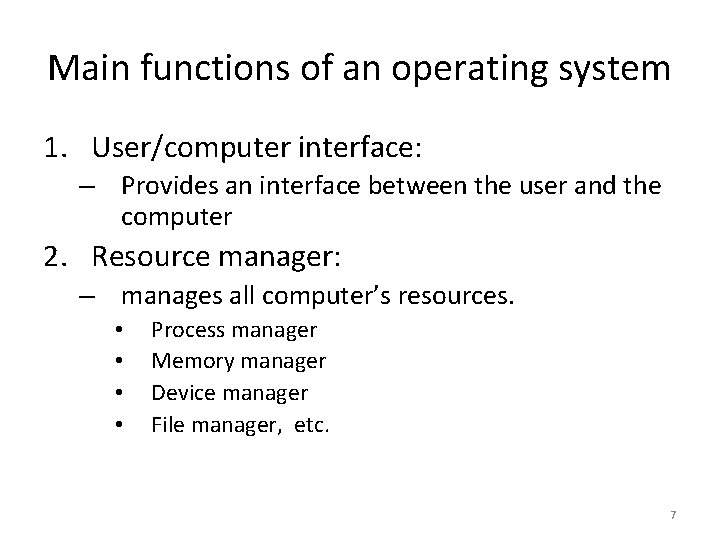
Main functions of an operating system 1. User/computer interface: – Provides an interface between the user and the computer 2. Resource manager: – manages all computer’s resources. • • Process manager Memory manager Device manager File manager, etc. 7
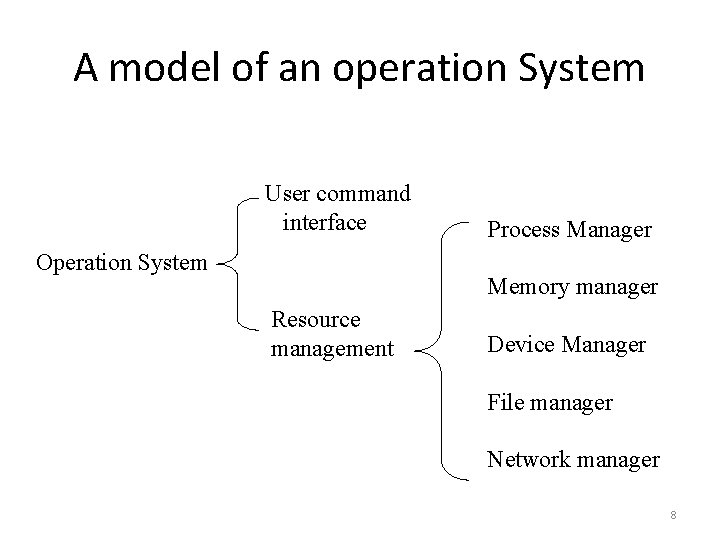
A model of an operation System User command interface Operation System Process Manager Memory manager Resource management Device Manager File manager Network manager 8
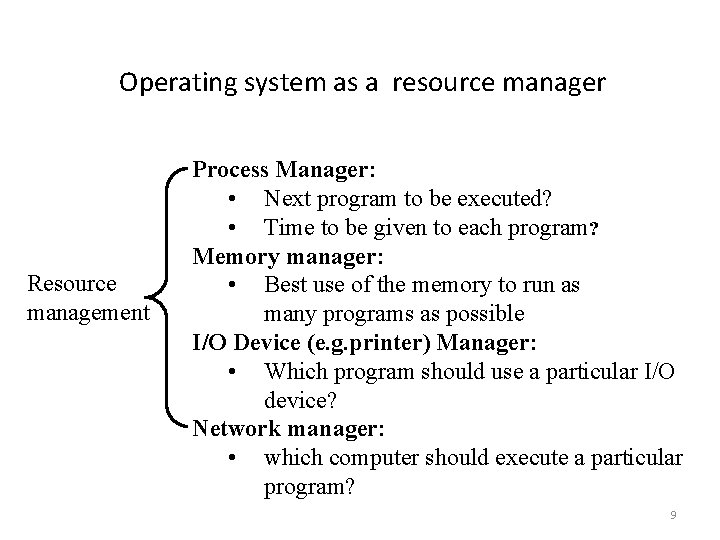
Operating system as a resource manager Resource management Process Manager: • Next program to be executed? • Time to be given to each program? Memory manager: • Best use of the memory to run as many programs as possible I/O Device (e. g. printer) Manager: • Which program should use a particular I/O device? Network manager: • which computer should execute a particular program? 9
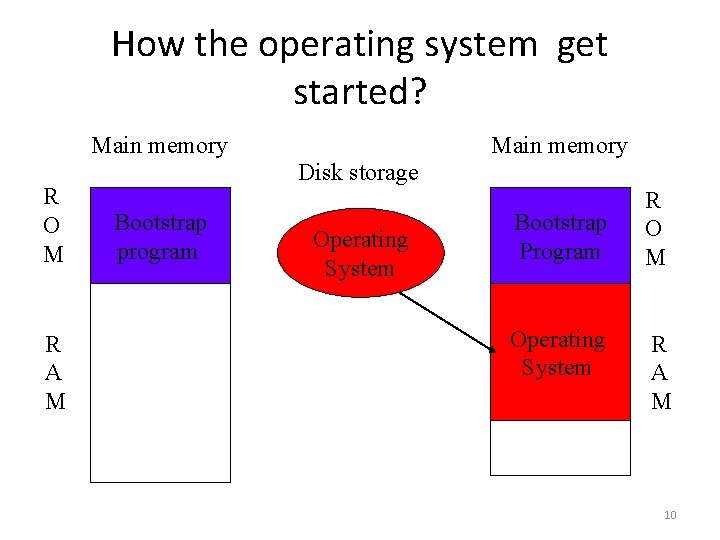
How the operating system get started? Main memory R O M R A M Main memory Disk storage Bootstrap program Operating System Bootstrap Program Operating System R O M R A M 10
Operating system as a process manager • A program is divided into a sequence of instructions • Each instructions is divided into a sequence of processes • Operating System – – Manages the execution of all processes First come first served Shortest job first Round robin 11
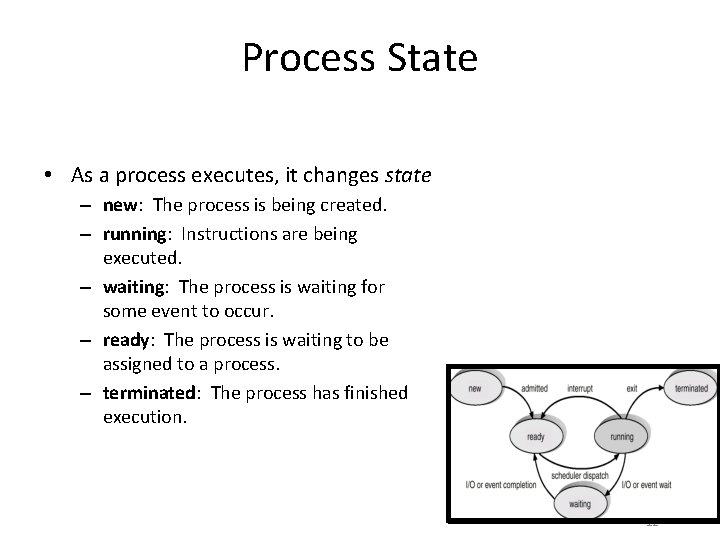
Process State • As a process executes, it changes state – new: The process is being created. – running: Instructions are being executed. – waiting: The process is waiting for some event to occur. – ready: The process is waiting to be assigned to a process. – terminated: The process has finished execution. 12

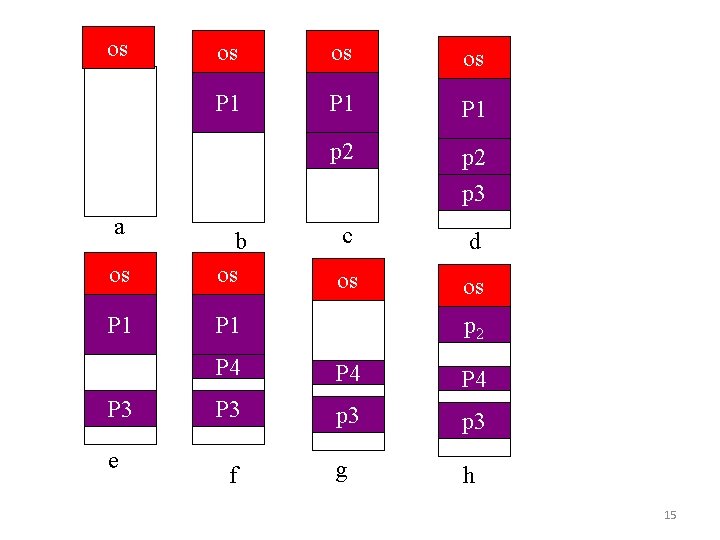
Memory partition • How processes are arranged in the main memory before been executed? • Fixed-sized partitions • Variable-sized partitions • Swapping • Paging 13
Swapping • I/O operations are slow • If a running process requires an I/O operation. The CPU will move to another process in the main memory. • Suppose the main memory is full of processes waiting on I/O. • CPU becomes idle • To solve this problem Swapping technique is used. 14
os a os os os P 1 P 1 p 2 p 3 c d os os os b os P 1 P 3 e p 2 P 4 P 4 P 3 p 3 f g h 15
I/O devices • Called peripherals: – – – – Keyboard Mouse Speakers Monitor scanner Printer Disk drive CD-drive. • OS – manages all I/O operations and devices 16
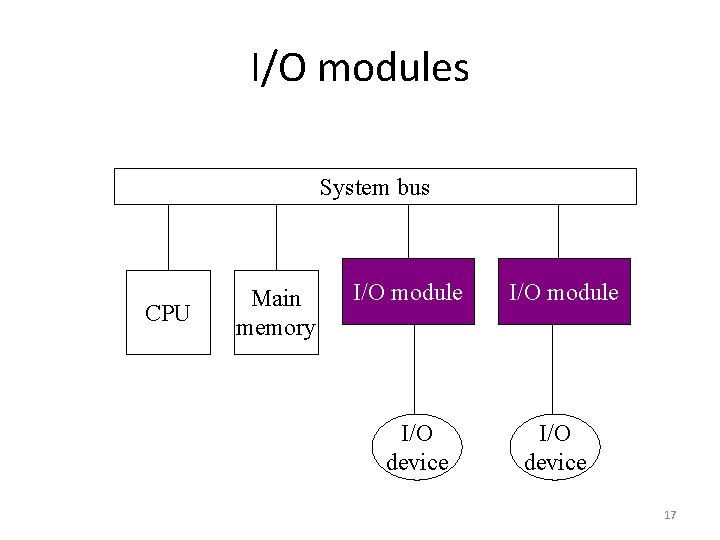
I/O modules System bus CPU Main memory I/O module I/O device 17
Advantages of I/O modules • They are 3 ways in which I/O modules can work – Programmed I/O – Interrupt-driven I/O – Direct memory access. 18
Programmed I/O • The CPU controls I/O device directly Via the I/O modules. • The CPU sends an I/O command to the I/O module. • And waits until the I/O operation is completed before sending another I/O command. • The performance is poor as the CPU spends too much time waiting the I/O device. 19
Interrupt-driven I/O • The CPU issues a command to the I/O module and then gets on with executing other instructions. • The I/O module interrupts the CPU when it is ready to exchange data with the CPU. • The CPU then executes the data transfer. • Most computer have interrupt lines to detect and record the arrival of an interrupt request. 20
Disadvantages of Interrupt-driven I/O • CPU is responsible for managing I/O data transfer. • Every transferred word must go through the CPU. • Devices with large transfer, e. g. disk drive, the CPU wastes time dealing with data transfer. • Solution: Direct-memory-access(DMA). 21
Direct-memory-access - DMA • Special-purpose processor. • Handles data transfer. • CPU issues to the DMA: • starting address in main memory to read/write to. • Starting address in the I/O device to read/write to. • The number of words to be transferred. • DMA transfers data without intervention from the CPU. • DMA sends interrupt to the CPU when transfer is completed. 22
DMA/CPU - bus system • DMA take care data transfer. • CPU free to do other jobs. • However, they can not use the bus at the same time. • DMA can use the bus only when the CPU is not using it. • Some times it has to force to CPU to free the bus, cycles stealing. 23
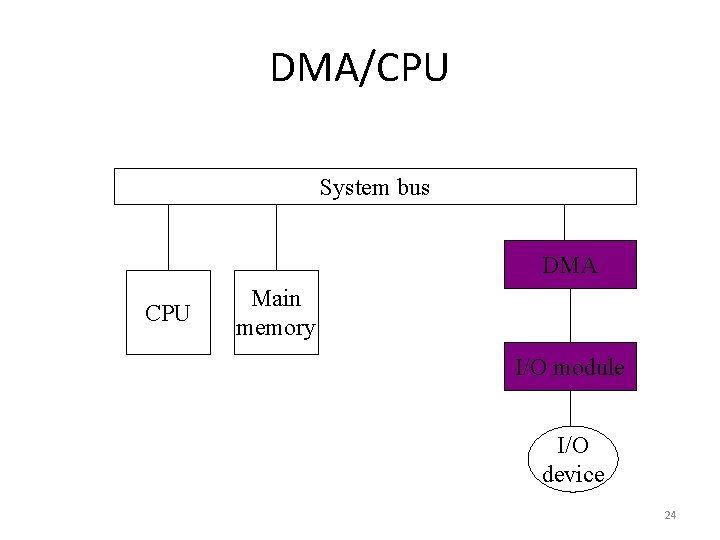
DMA/CPU System bus DMA CPU Main memory I/O module I/O device 24
Summery • OS- memory manager • • Fixed-sized partition: waist of memory. Variable-sized partition: fragmentation. Swapping. Time wasted in swapping the whole process Simple paging: process divided into pages and loaded into main memory(divided into frames). • OS- I/O manager • Programmed I/O: CPU waste waiting for I/O operation. • Interrupt-driven I/O: CPU responsible for data transfer. • DMA: takes care of data transfer instead the CPU. 25
- Slides: 25