
Smartphones Lesson Objectives To understand demonstrate an understanding
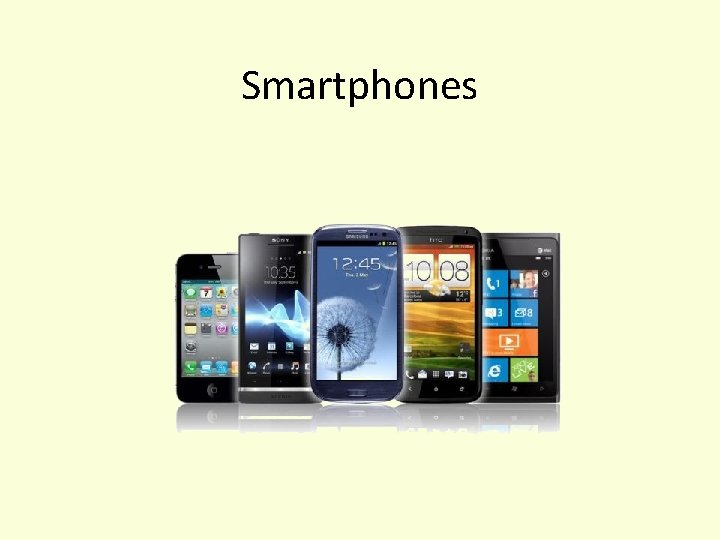
Smartphones
Lesson Objectives • To understand demonstrate an understanding of Smartphones
What is a Smartphone? • A Smartphone is a portable device that is able to perform many of the functions of a computer, typically having a relatively large touch screen and an operating system capable of running general-purpose applications
Who has a Smartphone? • Who has a Smartphone on them now? • Take your Smartphones out. • What do they have in common?
Features of a Smartphone • • Internet browsing sending emails gaming making calls navigating with GPS maps sending messages touch screen on most devices • Any More?
How can a Smartphone track what someone does? • • Call Logs Cookies GPS Internet History
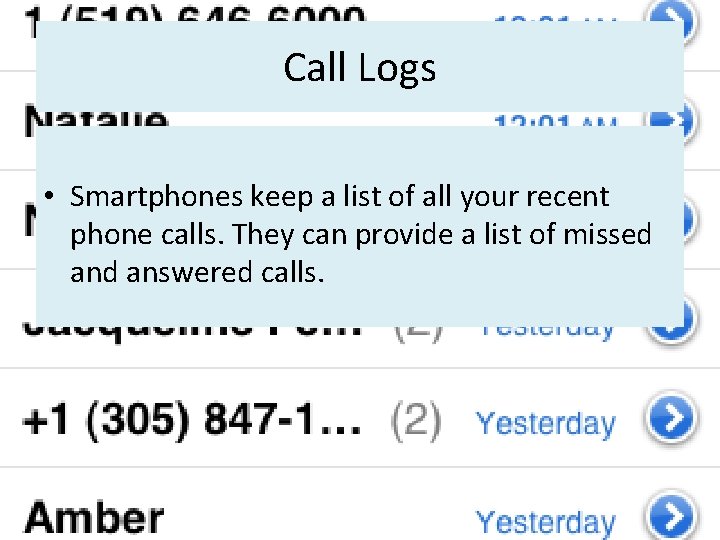
Call Logs • Smartphones keep a list of all your recent phone calls. They can provide a list of missed answered calls.
Cookies • A cookie, also known as an HTTP cookie, web cookie, or browser cookie, is a small piece of data sent from a website and stored in a user's web browser while the user is browsing that website.
GPS • GPS Chip in Device • GPS Chip Picks up signal from satellite to determine location • This can then be sent via internet to 3 rd Party • What Apps use GPS? • https: //youtube. googleapis. com/v/ky 4 Rg. Rv. VDo. A
Internet History • Your mobile phone keeps track of all the web pages you visited • You can then access your history if you wish to revisit a website
How can Smartphone’s connect to a Wired network • Smartphone’s can use their ‘Sync’ cable to connect to a Computer. • PCs on the other hand can connect to a wired network using Ethernet cable.
How can Smartphone’s connect to a Wireless network • Wifi - allows an electronic device to exchange data or connect to the internet wirelessly using microwaves (not microwave ovens) • 3 G or 4 G - stands for third or fourth-generation and refers to technology that allows mobile phones to access the internet • Bluetooth - short-range wireless interconnection of mobile phones, computers, and other electronic devices
How can you communicate using a Smartphone? • • • Calling Texting Emailing Video Conferencing (Facetime, Skype) Using messaging apps (Whats app) Social Networks • Any other ways?
Advantages of a Smartphone • Portable Devices that can fit in your pocket • Can perform similar tasks to that of a PC (Greater functionality) • A better battery life than most portable devices • On the go access to the internet • Allows you to work on the go • Better information sharing • Access to GPS • Entertainment • Any more? • I wish I had my. . .
Disadvantages of a Smartphone • • • Battery may ran out If out of signal then phone functionality drops Some have limited storage Easily lost (How can apps help us? ) Easily damaged Expensive to purchase and run (Contract)
- Slides: 15