
Smart Mapping Make Brilliant Maps Quickly and With
Smart Mapping - Make Brilliant Maps Quickly and With Confidence Jim Herries and Mark Harrower
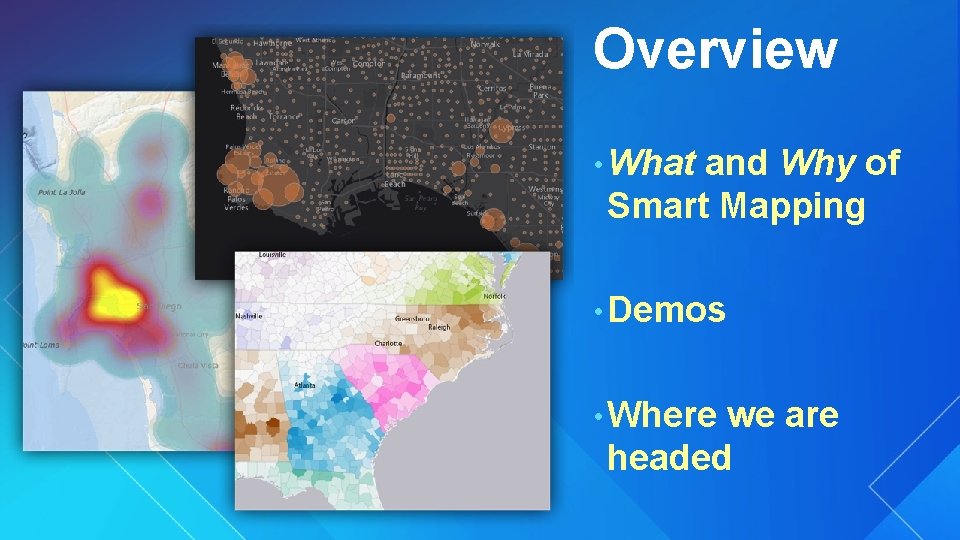
Overview • What and Why of Smart Mapping • Demos • Where we are headed
esri. com/smartmapping
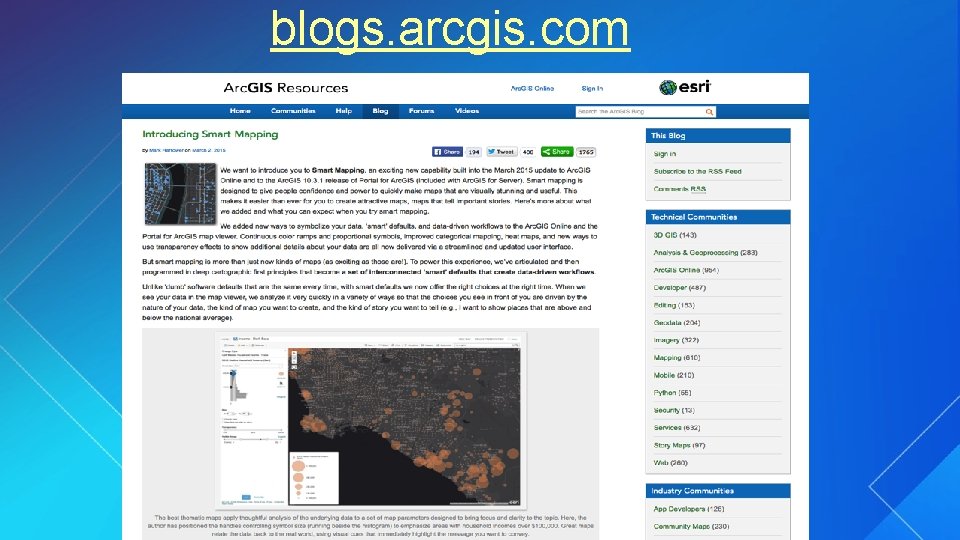
blogs. arcgis. com
Theme 1: Data-driven workflows, intelligent defaults
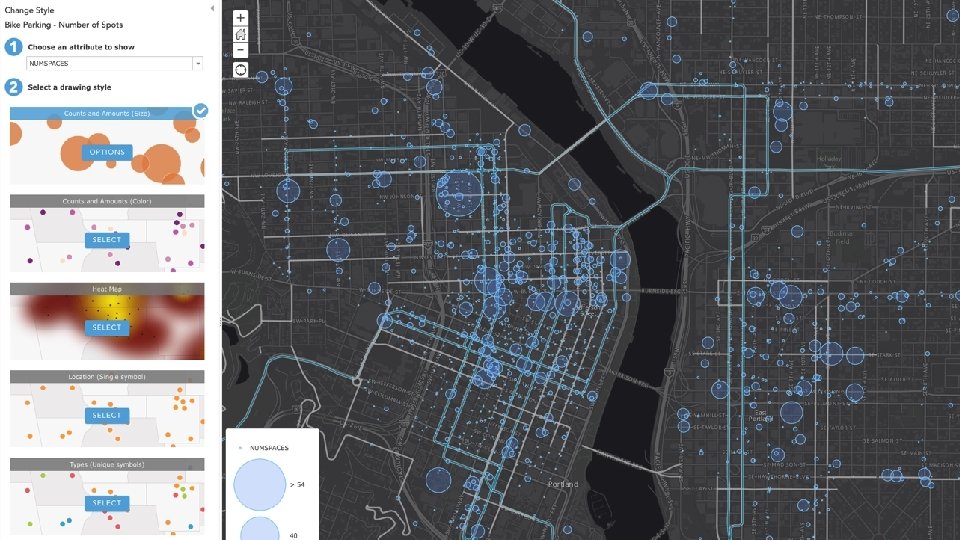
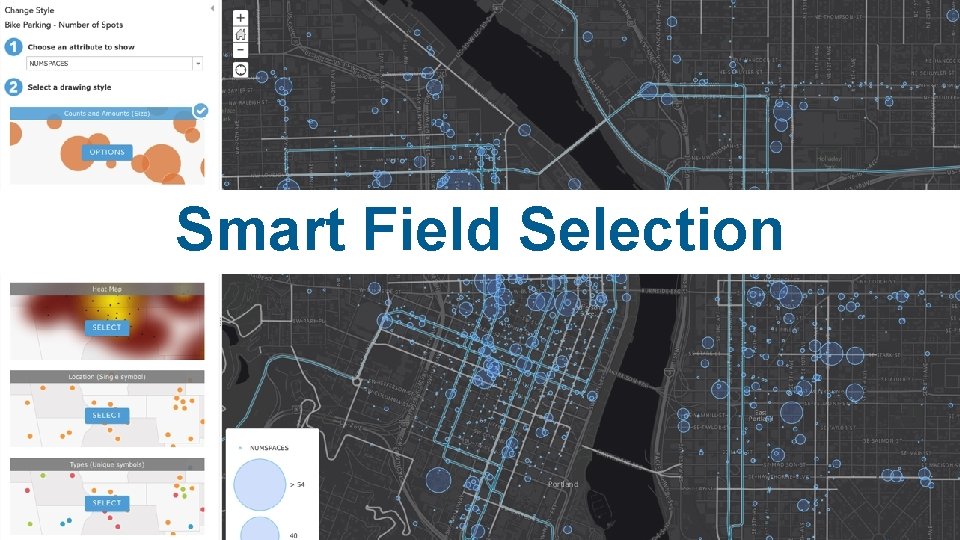
Smart Field Selection
Smart Mapping: Enable people to make brilliant maps quickly and with confidence. Simplify the map authoring experience. Data driven workflows = the right choices at the right time. Bake the expertise into the tools.
Smart Mapping How much of the map making process can we automate? How much about your data can we infer at author-time? Offload work to machine, e. g. , Automatic visible range, setting handles, harmonize colors with basemaps New types of maps = New kinds of stories
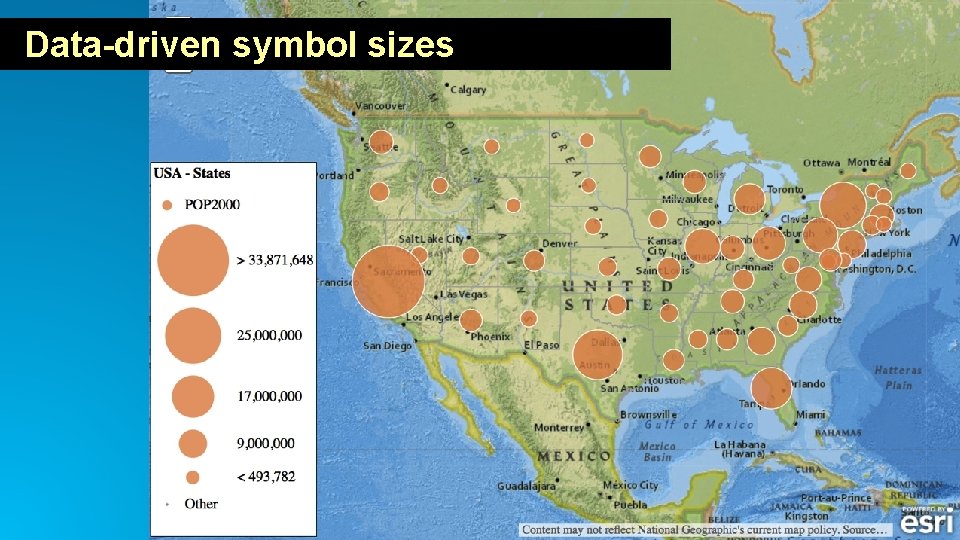
Data-driven symbol sizes
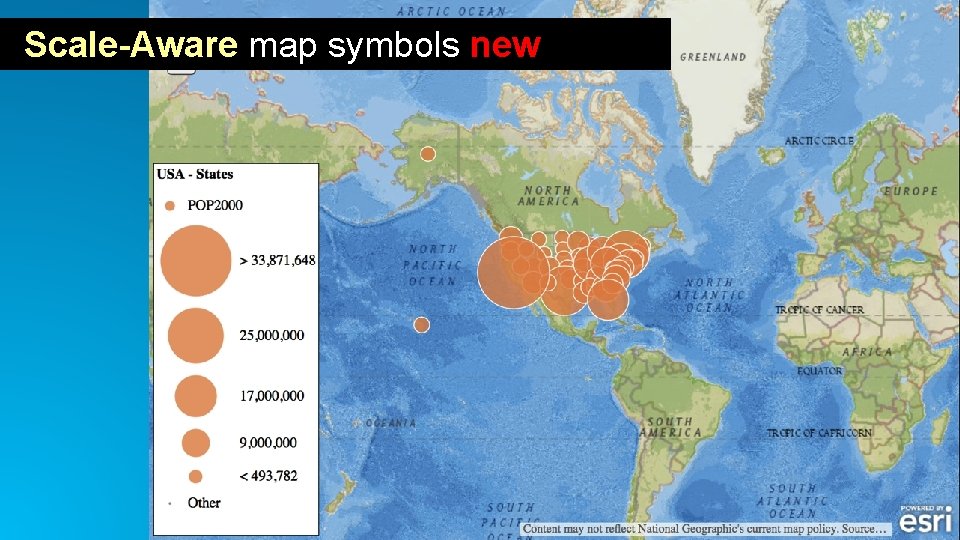
Scale-Aware map symbols new
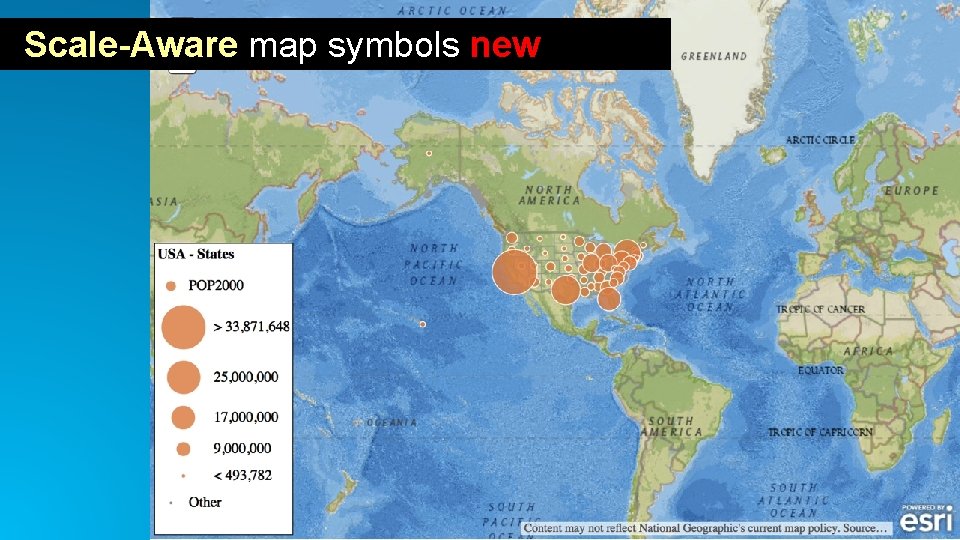
Scale-Aware map symbols new
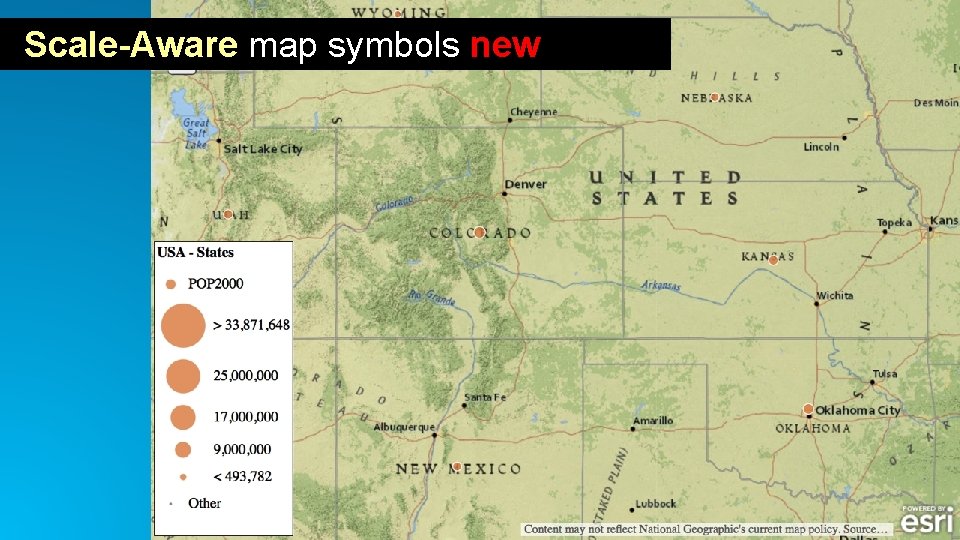
Scale-Aware map symbols new
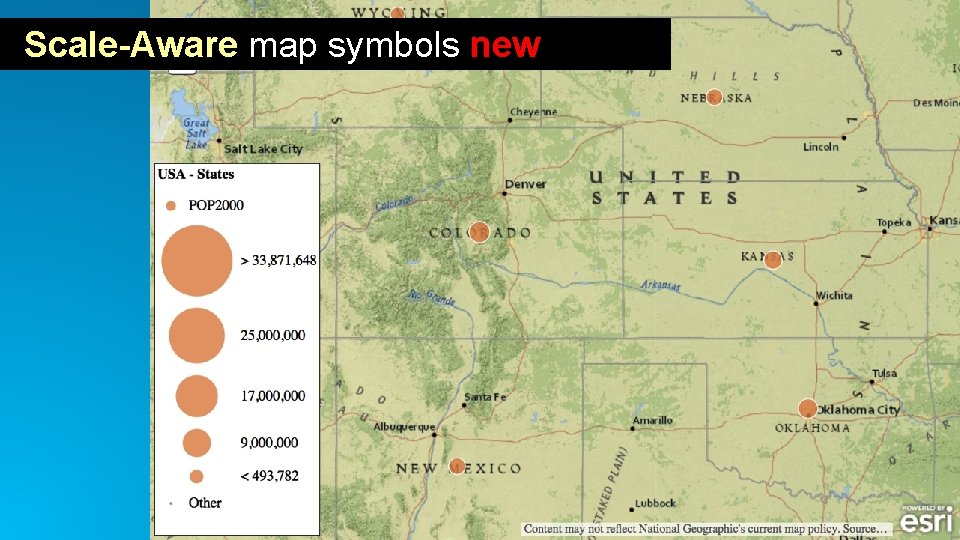
Scale-Aware map symbols new
“ If we’ve done our job well, people won’t even notice what we’re doing; The map will just look right.
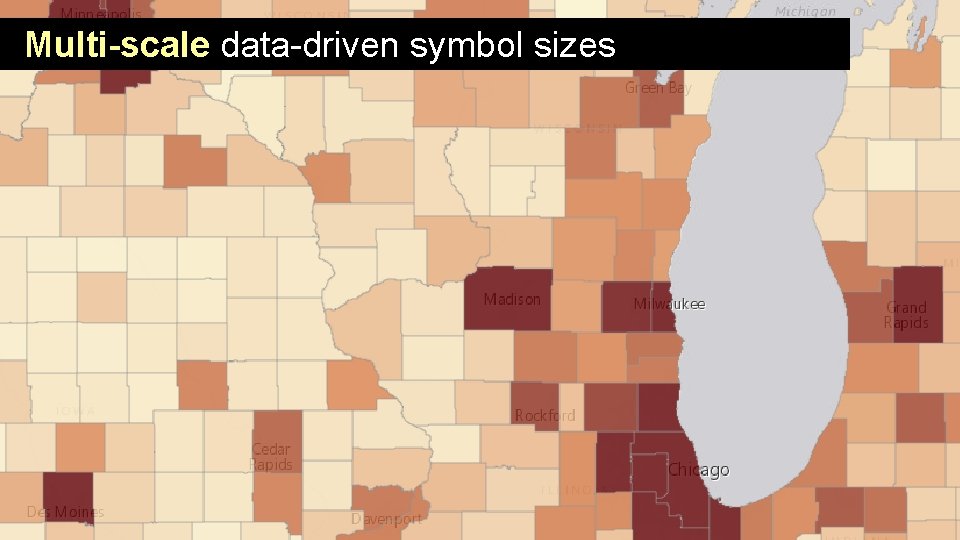
Multi-scale data-driven symbol sizes
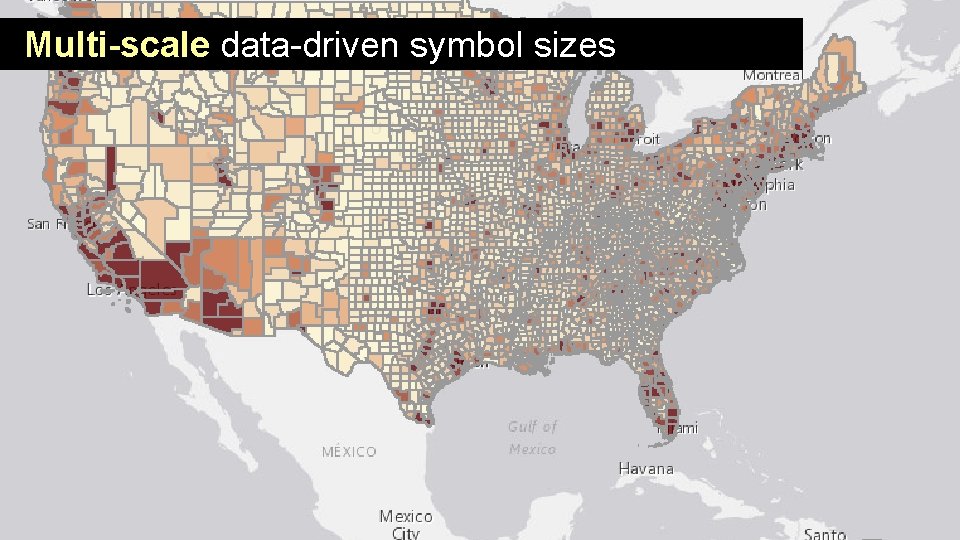
Multi-scale data-driven symbol sizes
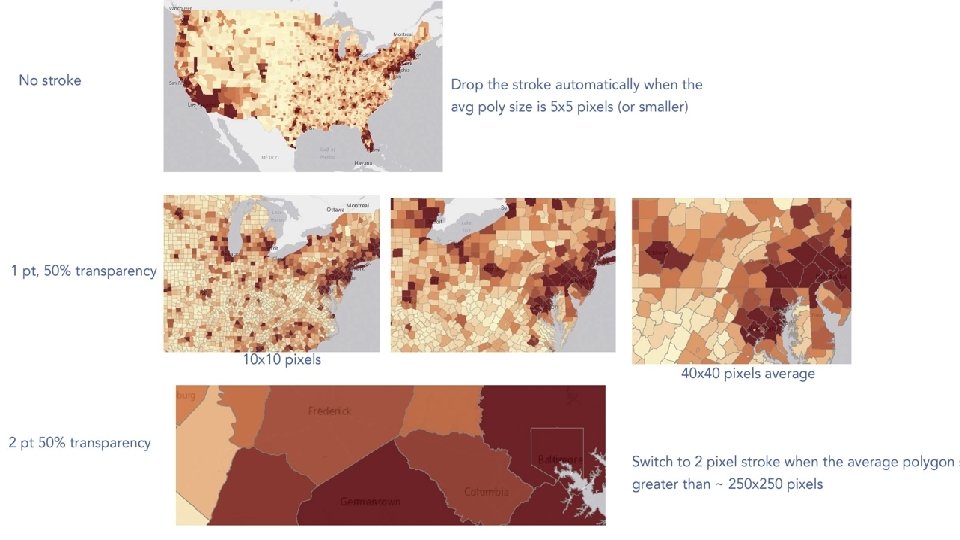
“ Static styling across multiple map zoom levels is just never going to work. Vector Base Maps and Tiles
20 th century cartography Rules for a single scale 21 st century mapping Self-governing maps that look good across a range of scales
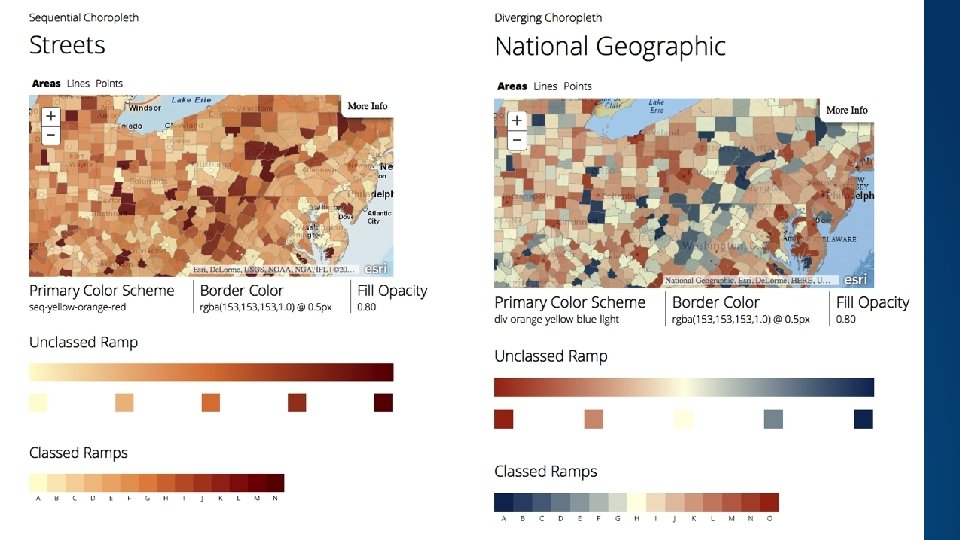
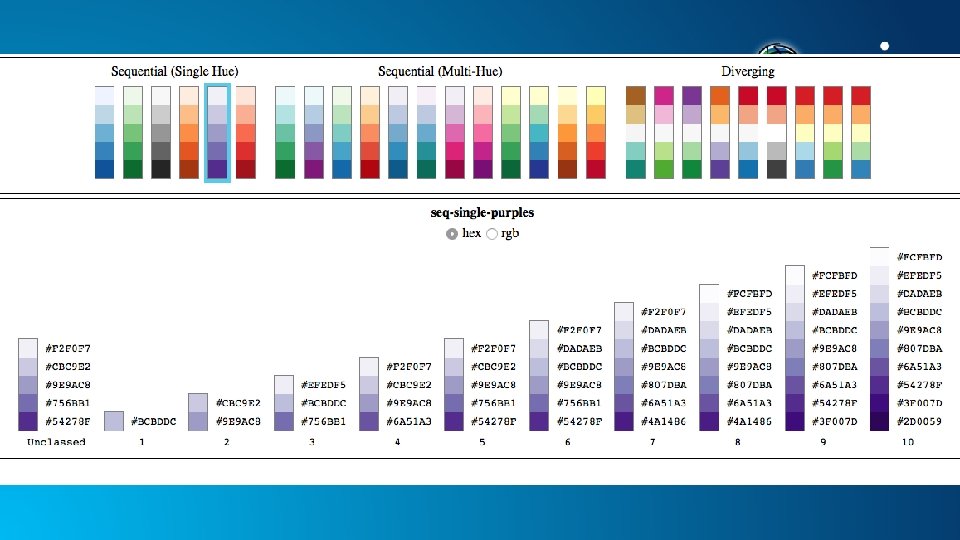
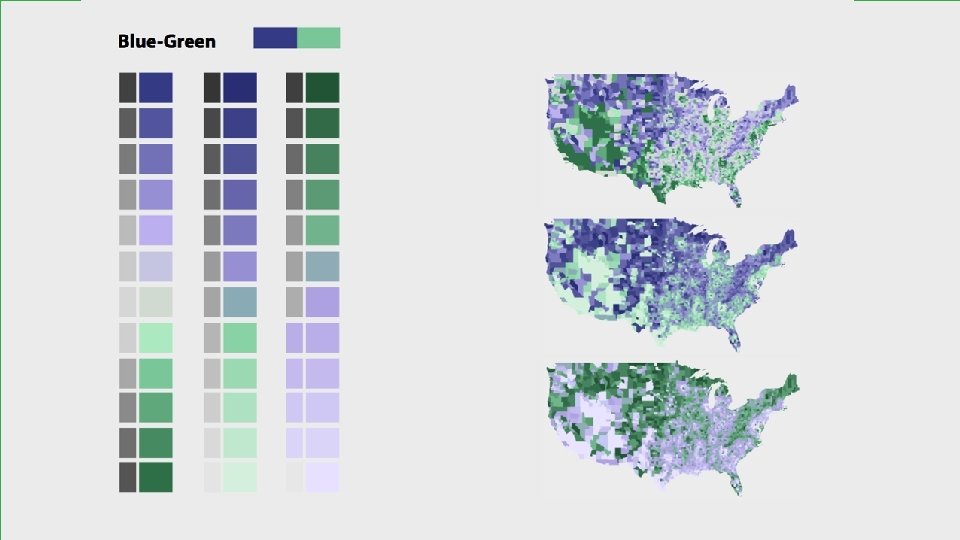
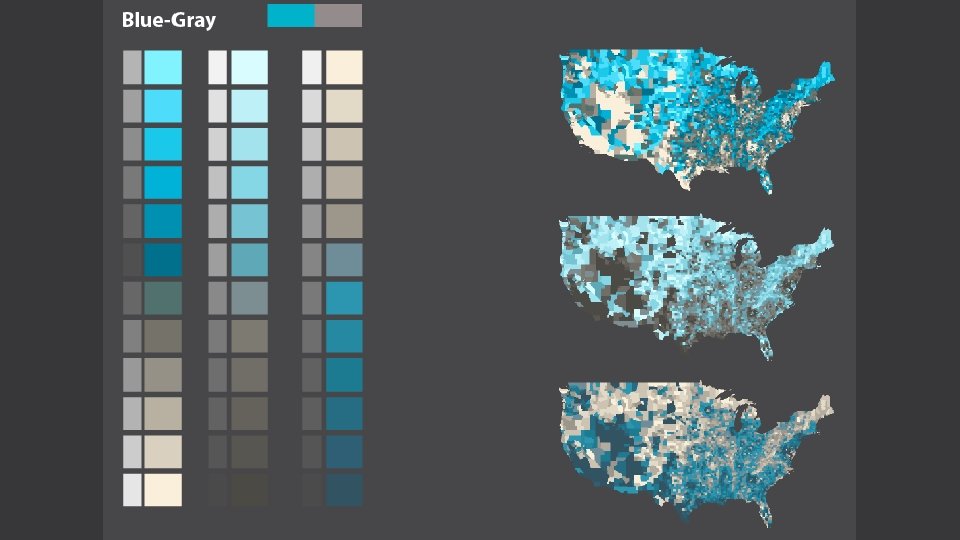
Theme 2: New ways of seeing; new map types
Bounded Unclassed = new map type, solves long-standing issues Transparency Maps (value-by-alpha) = show two things, condition the data, e. g. , uncertainty New Themes = Centered on and extremes
“ The marriage of data-driven defaults + scale aware styling = new and very powerful type of cartography
Our Bottom-line Goal: You don’t need to hire devs / hackers to make amazing maps. You can do this in 30 seconds yourself.

Live Demos!
Rate this Session

Questions? Jim Herries - jherries@esri. com Mark Harrower - mharrower@esri. com
- Slides: 32