
Smalltalk a Pure and first OOPL Smalltalk was
![Messages: Multiple Parameters • For other messages, use the notation • object messagename[: parameters].](https://slidetodoc.com/presentation_image_h2/8a782293d4f32af9f53180fa6bba9695/image-7.jpg "Messages: Multiple Parameters • For other messages, use the notation • object messagename[: parameters].")
![Blocks • Blocks of code are placed inside [ ] • If there are](https://slidetodoc.com/presentation_image_h2/8a782293d4f32af9f53180fa6bba9695/image-12.jpg "Blocks • Blocks of code are placed inside [ ] • If there are")
![Continued • inject: object into: [ block ] • this performs a computation on](https://slidetodoc.com/presentation_image_h2/8a782293d4f32af9f53180fa6bba9695/image-16.jpg "Continued • inject: object into: [ block ] • this performs a computation on")
- Slides: 17
Smalltalk – a Pure (and first) OOPL • Smalltalk was developed by Alan Kay as part of his phd dissertation • It was further developed by AI researchers at Xerox PARC to construct a GUI-based operating system as well as a graphics language called Turtle Graphics • although today Smalltalk has a number of variants, we will limit ourselves to a more recent version called Squeak (an open source product) • Pure OOPL – everything is an object • all data are pointed to by references • all communication through message passing • messages come in a few forms that make the language look more like non-pure OOPLs • that is, message passing doesn’t look like message passing in languages like Java
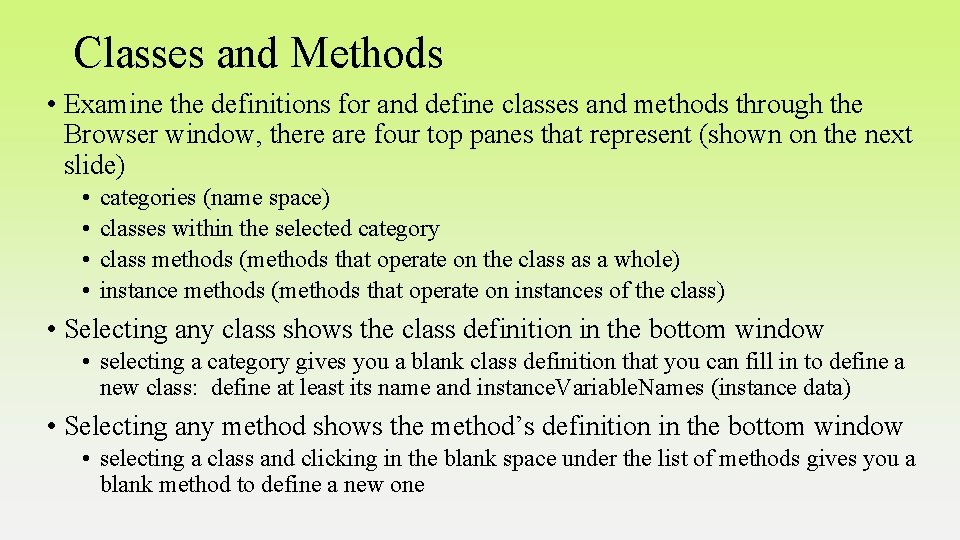
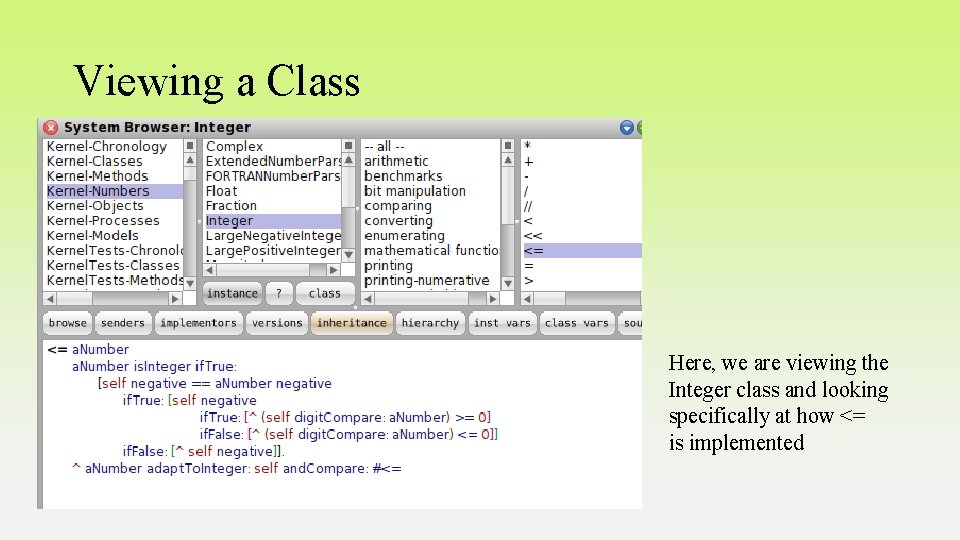
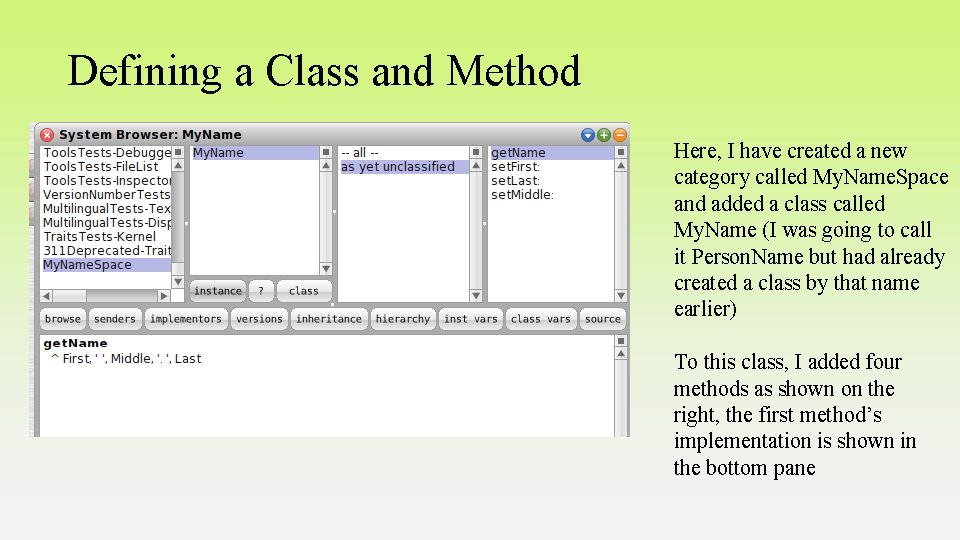
Classes and Methods • Examine the definitions for and define classes and methods through the Browser window, there are four top panes that represent (shown on the next slide) • • categories (name space) classes within the selected category class methods (methods that operate on the class as a whole) instance methods (methods that operate on instances of the class) • Selecting any class shows the class definition in the bottom window • selecting a category gives you a blank class definition that you can fill in to define a new class: define at least its name and instance. Variable. Names (instance data) • Selecting any method shows the method’s definition in the bottom window • selecting a class and clicking in the blank space under the list of methods gives you a blank method to define a new one
Viewing a Class Here, we are viewing the Integer class and looking specifically at how <= is implemented
Defining a Class and Method Here, I have created a new category called My. Name. Space and added a class called My. Name (I was going to call it Person. Name but had already created a class by that name earlier) To this class, I added four methods as shown on the right, the first method’s implementation is shown in the bottom pane
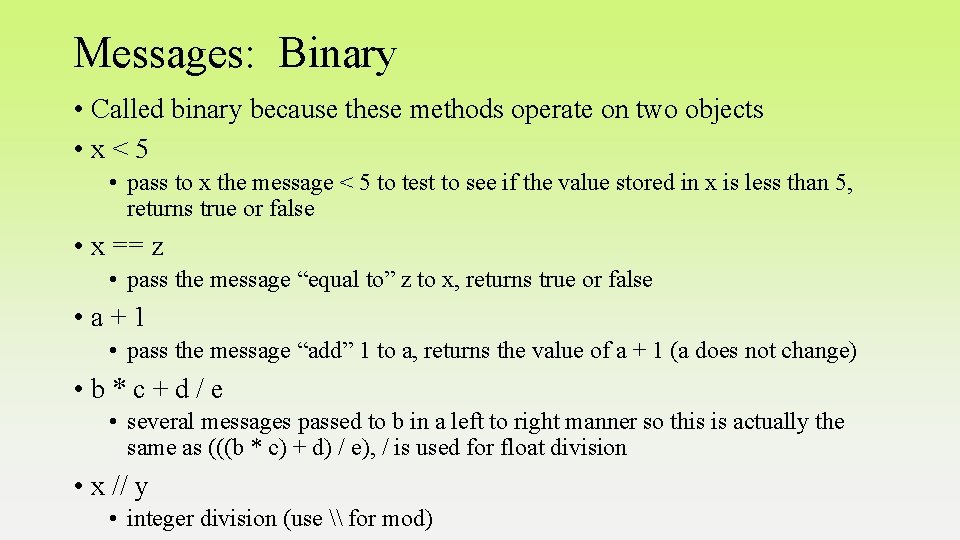
Messages: Binary • Called binary because these methods operate on two objects • x<5 • pass to x the message < 5 to test to see if the value stored in x is less than 5, returns true or false • x == z • pass the message “equal to” z to x, returns true or false • a+1 • pass the message “add” 1 to a, returns the value of a + 1 (a does not change) • b*c+d/e • several messages passed to b in a left to right manner so this is actually the same as (((b * c) + d) / e), / is used for float division • x // y • integer division (use \ for mod)
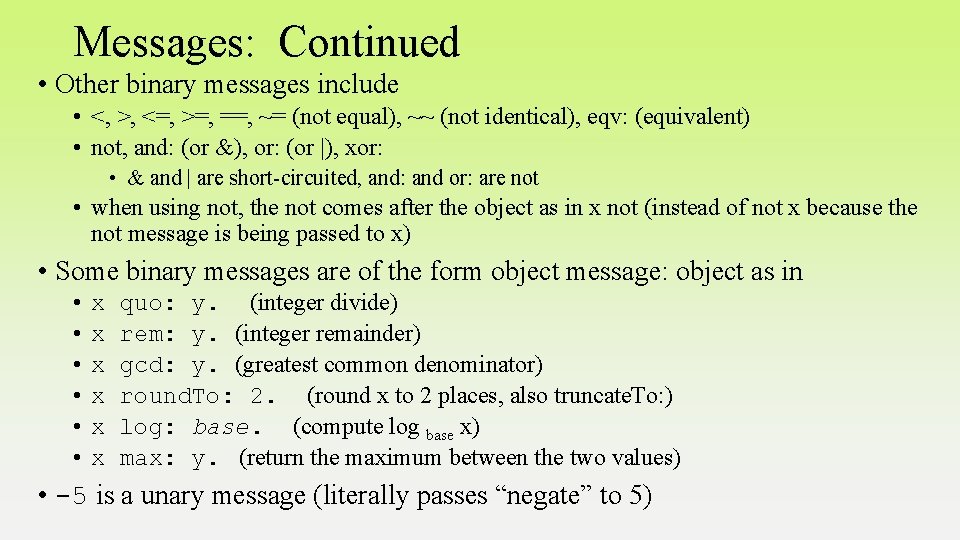
Messages: Continued • Other binary messages include • <, >, <=, >=, ==, ~= (not equal), ~~ (not identical), eqv: (equivalent) • not, and: (or &), or: (or |), xor: • & and | are short-circuited, and: and or: are not • when using not, the not comes after the object as in x not (instead of not x because the not message is being passed to x) • Some binary messages are of the form object message: object as in • • • x x x quo: y. (integer divide) rem: y. (integer remainder) gcd: y. (greatest common denominator) round. To: 2. (round x to 2 places, also truncate. To: ) log: base. (compute log base x) max: y. (return the maximum between the two values) • -5 is a unary message (literally passes “negate” to 5)
Messages: Multiple Parameters • For other messages, use the notation • object messagename[: parameters]. • as in x increment: 5. • pass to variable x the message increment: 5 (presumably to add 5 to the value stored in object x) • object message: firstparam keyword 2: secondparam …. • here, the parameters are denoted by special keywords • Messages can be chained together in which case they operate left to right • x abs sqrt factorial. is the same as sqrt(|x|)!
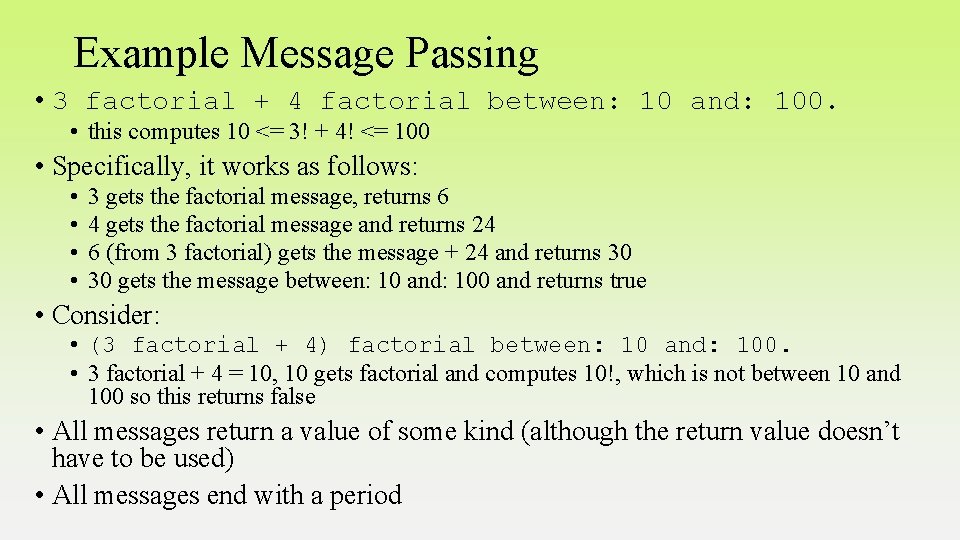
Example Message Passing • 3 factorial + 4 factorial between: 10 and: 100. • this computes 10 <= 3! + 4! <= 100 • Specifically, it works as follows: • • 3 gets the factorial message, returns 6 4 gets the factorial message and returns 24 6 (from 3 factorial) gets the message + 24 and returns 30 30 gets the message between: 10 and: 100 and returns true • Consider: • (3 factorial + 4) factorial between: 10 and: 100. • 3 factorial + 4 = 10, 10 gets factorial and computes 10!, which is not between 10 and 100 so this returns false • All messages return a value of some kind (although the return value doesn’t have to be used) • All messages end with a period
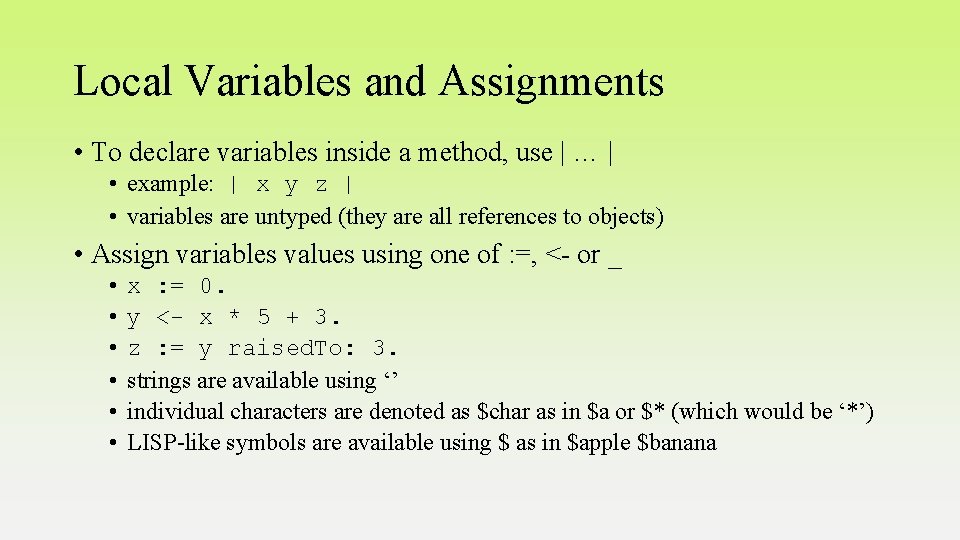
Local Variables and Assignments • To declare variables inside a method, use | … | • example: | x y z | • variables are untyped (they are all references to objects) • Assign variables values using one of : =, <- or _ • • • x : = 0. y <- x * 5 + 3. z : = y raised. To: 3. strings are available using ‘’ individual characters are denoted as $char as in $a or $* (which would be ‘*’) LISP-like symbols are available using $ as in $apple $banana
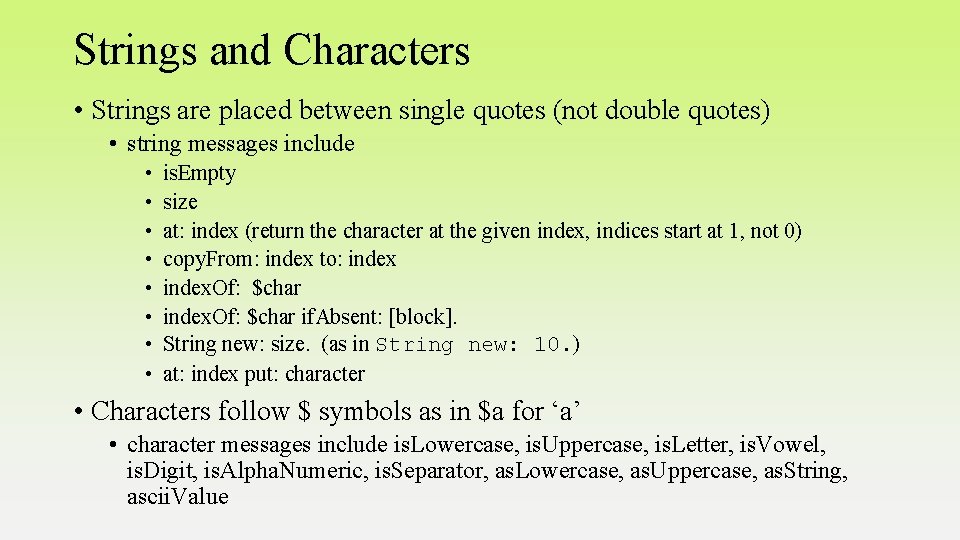
Strings and Characters • Strings are placed between single quotes (not double quotes) • string messages include • • is. Empty size at: index (return the character at the given index, indices start at 1, not 0) copy. From: index to: index. Of: $char if. Absent: [block]. String new: size. (as in String new: 10. ) at: index put: character • Characters follow $ symbols as in $a for ‘a’ • character messages include is. Lowercase, is. Uppercase, is. Letter, is. Vowel, is. Digit, is. Alpha. Numeric, is. Separator, as. Lowercase, as. Uppercase, as. String, ascii. Value
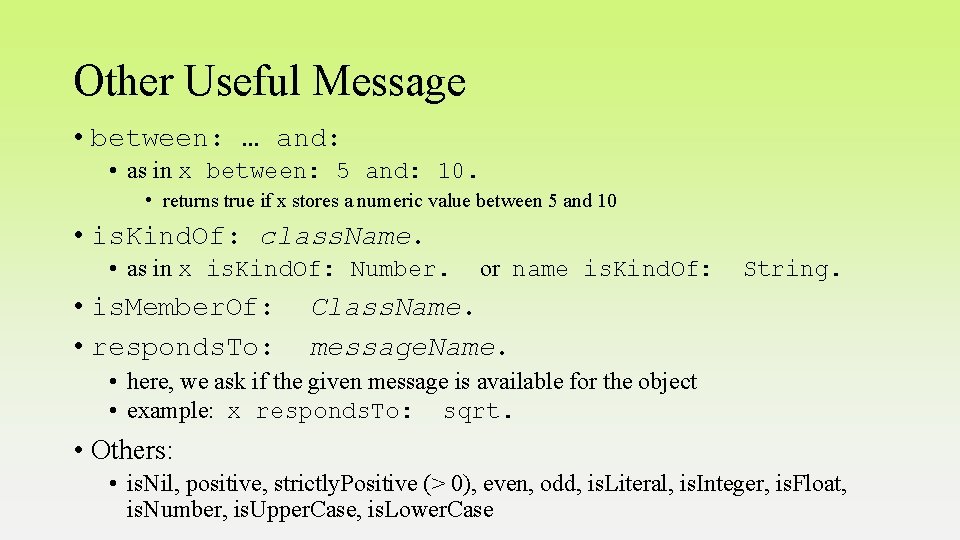
Other Useful Message • between: … and: • as in x between: 5 and: 10. • returns true if x stores a numeric value between 5 and 10 • is. Kind. Of: class. Name. • as in x is. Kind. Of: Number. • is. Member. Of: • responds. To: or name is. Kind. Of: String. Class. Name. message. Name. • here, we ask if the given message is available for the object • example: x responds. To: sqrt. • Others: • is. Nil, positive, strictly. Positive (> 0), even, odd, is. Literal, is. Integer, is. Float, is. Number, is. Upper. Case, is. Lower. Case
Blocks • Blocks of code are placed inside [ ] • If there are parameters passed to the block, use [ : params | block code ]. • the block returns the last value computed in the block, like LISP • Example: [: x | x + 1]. • receives a parameter (x) and returns the value + 1 • Blocks are typically used in control statements • expr if. True: [then clause] if. False: [else clause] • expr if. True: [ expr 2 if. True: [ inner then clause] if. False: [inner else clause]] if. False: [ expr 3 if. True: [ inner then clause 2 ] if. False: [ inner else clause 2]]. • expr while. True: [ while loop body ]. • there is also a while. False: • expr times. Repeat: [ for loop body ].
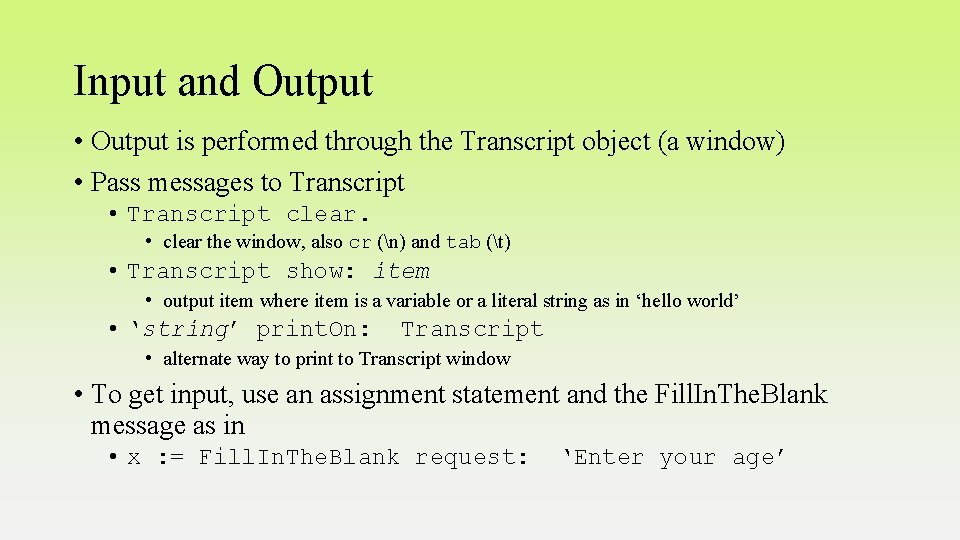
Input and Output • Output is performed through the Transcript object (a window) • Pass messages to Transcript • Transcript clear. • clear the window, also cr (n) and tab (t) • Transcript show: item • output item where item is a variable or a literal string as in ‘hello world’ • ‘string’ print. On: Transcript • alternate way to print to Transcript window • To get input, use an assignment statement and the Fill. In. The. Blank message as in • x : = Fill. In. The. Blank request: ‘Enter your age’
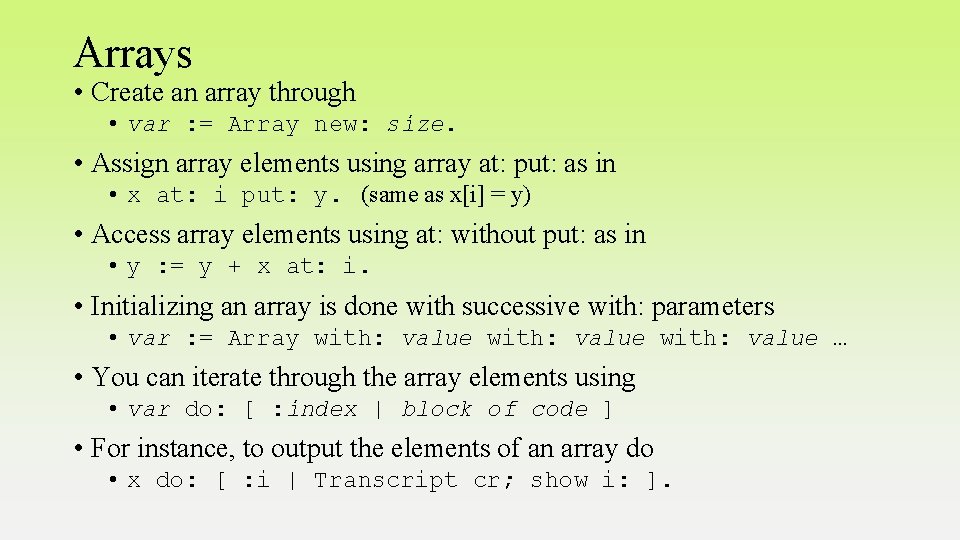
Arrays • Create an array through • var : = Array new: size. • Assign array elements using array at: put: as in • x at: i put: y. (same as x[i] = y) • Access array elements using at: without put: as in • y : = y + x at: i. • Initializing an array is done with successive with: parameters • var : = Array with: value … • You can iterate through the array elements using • var do: [ : index | block of code ] • For instance, to output the elements of an array do • x do: [ : i | Transcript cr; show i: ].
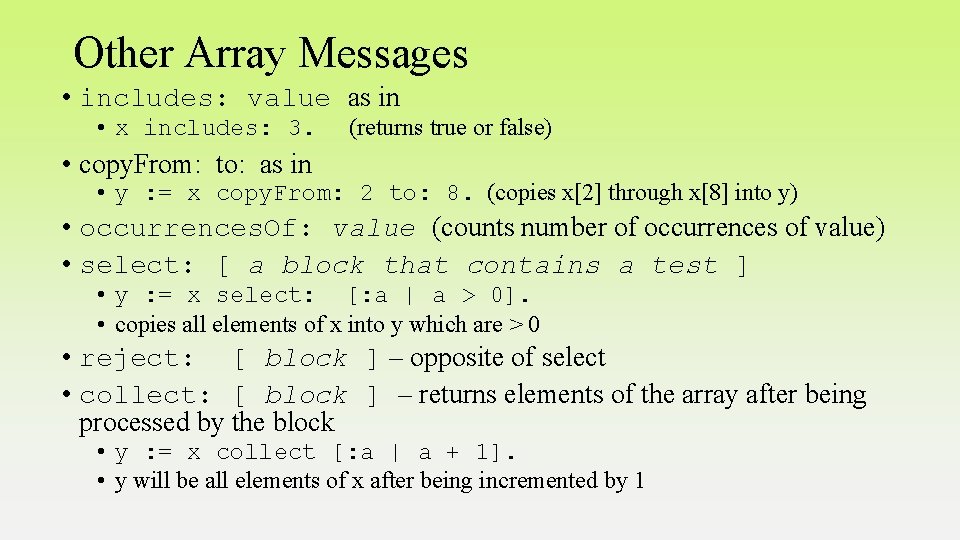
Other Array Messages • includes: value as in • x includes: 3. (returns true or false) • copy. From: to: as in • y : = x copy. From: 2 to: 8. (copies x[2] through x[8] into y) • occurrences. Of: value (counts number of occurrences of value) • select: [ a block that contains a test ] • y : = x select: [: a | a > 0]. • copies all elements of x into y which are > 0 • reject: [ block ] – opposite of select • collect: [ block ] – returns elements of the array after being processed by the block • y : = x collect [: a | a + 1]. • y will be all elements of x after being incremented by 1
Continued • inject: object into: [ block ] • this performs a computation on the array based on instructions in the block • examples: • sum : = x inject: 0 into: [: a : b | a + b]. • Sums up the values in x • max : = x inject: 0 into: [: a : b | (a > b) if. True: [a]. if. False: [c]]. • max gets the max value in array x • shuffled – randomizes elements in the array • as. Sorted. Collection – sorts array • as. Ordered. Collection – same but creates an ordered collection (a flex array) • as. Set – converts array to set
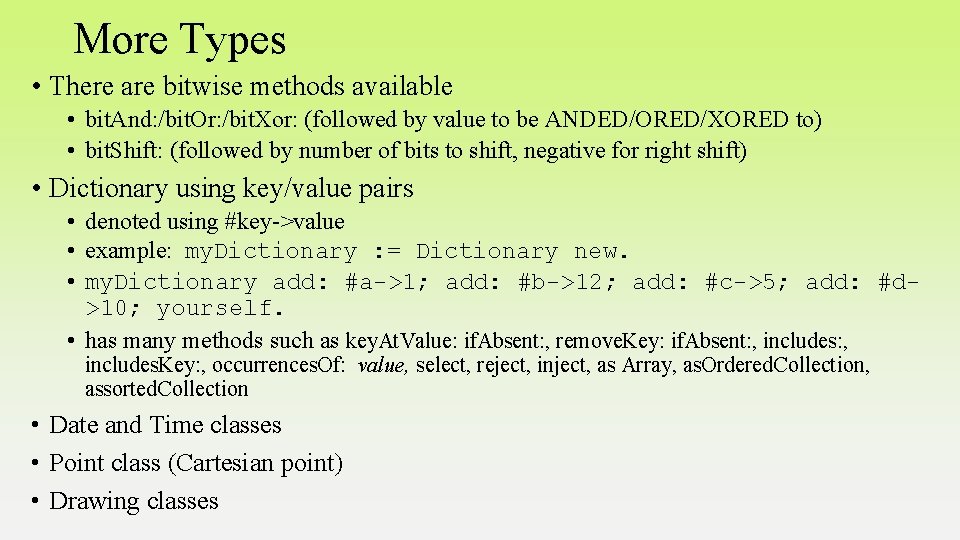
More Types • There are bitwise methods available • bit. And: /bit. Or: /bit. Xor: (followed by value to be ANDED/ORED/XORED to) • bit. Shift: (followed by number of bits to shift, negative for right shift) • Dictionary using key/value pairs • denoted using #key->value • example: my. Dictionary : = Dictionary new. • my. Dictionary add: #a->1; add: #b->12; add: #c->5; add: #d>10; yourself. • has many methods such as key. At. Value: if. Absent: , remove. Key: if. Absent: , includes. Key: , occurrences. Of: value, select, reject, inject, as Array, as. Ordered. Collection, assorted. Collection • Date and Time classes • Point class (Cartesian point) • Drawing classes