
Slides for Schools Use to Brief Parents on
Slides (for School’s Use) to Brief Parents on Helping Your Child Stay Safe Online
Sharing with Parents on Helping Your Child Stay Safe Online
Outline of Presentation To share on: • Current Trends and Issues • MOE’s Cyber Wellness Education • Parents as Partners
Current Trends and Issues
Singapore: A Smart Nation Singapore is fast moving towards becoming a Smart Nation, where technology creates new possibilities to enhance the way we live, work, play, and interact. Internet of Things Virtual Reality Service Robots
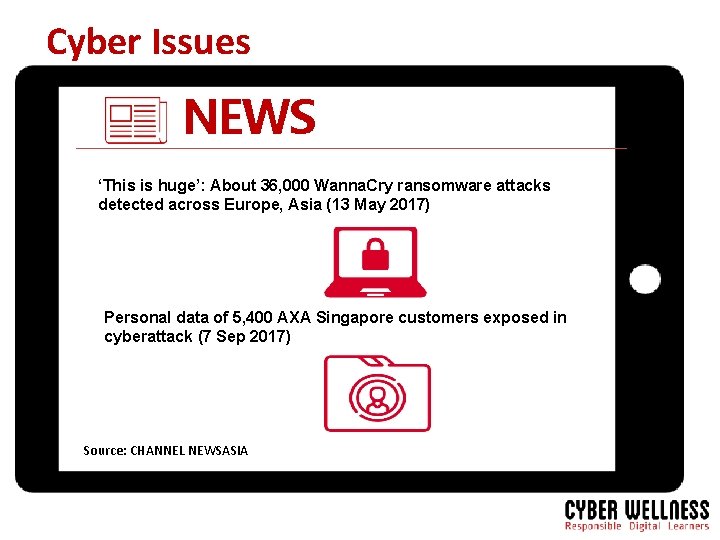
Cyber Issues NEWS ‘This is huge’: About 36, 000 Wanna. Cry ransomware attacks detected across Europe, Asia (13 May 2017) Personal data of 5, 400 AXA Singapore customers exposed in cyberattack (7 Sep 2017) Source: CHANNEL NEWSASIA
What are Cyberthreats? Cyberthreats are malicious attempts to damage or disrupt a computer network or system. Examples of cyberthreats include malware, phishing, hacking and spamming.
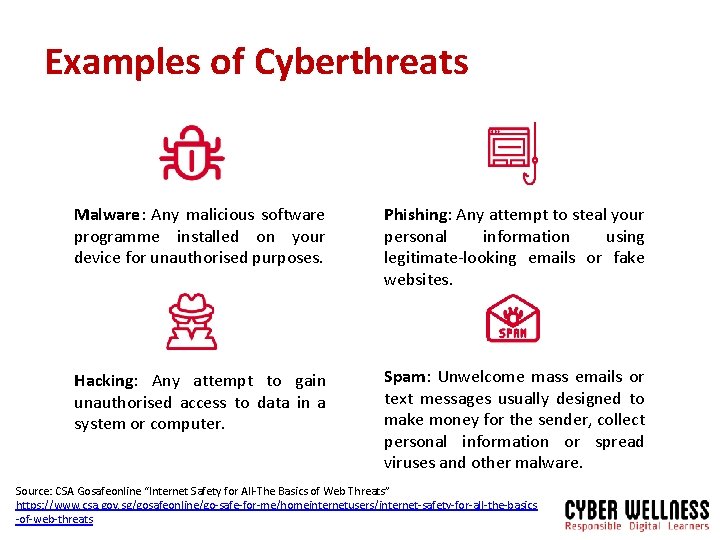
Examples of Cyberthreats Malware: Any malicious software programme installed on your device for unauthorised purposes. Phishing: Any attempt to steal your personal information using legitimate-looking emails or fake websites. Hacking: Any attempt to gain unauthorised access to data in a system or computer. Spam: Unwelcome mass emails or text messages usually designed to make money for the sender, collect personal information or spread viruses and other malware. Source: CSA Gosafeonline “Internet Safety for All-The Basics of Web Threats” https: //www. csa. gov. sg/gosafeonline/go-safe-for-me/homeinternetusers/internet-safety-for-all-the-basics -of-web-threats
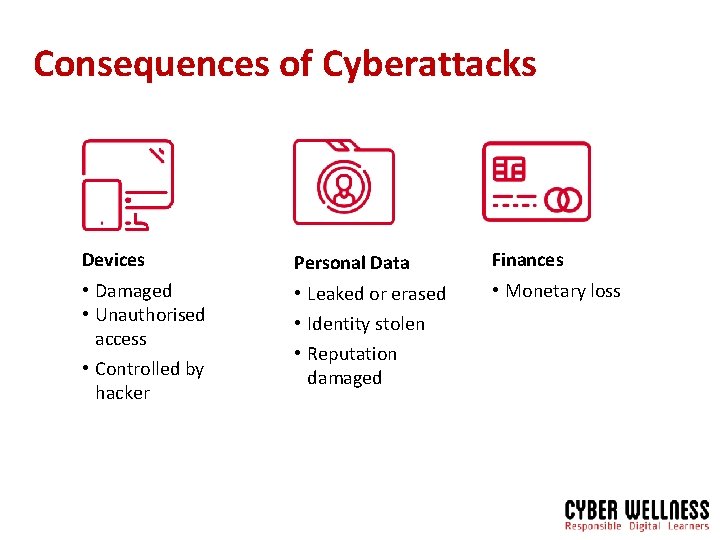
Consequences of Cyberattacks Devices Personal Data Finances • Damaged • Unauthorised access • Controlled by hacker • Leaked or erased • Identity stolen • Reputation damaged • Monetary loss
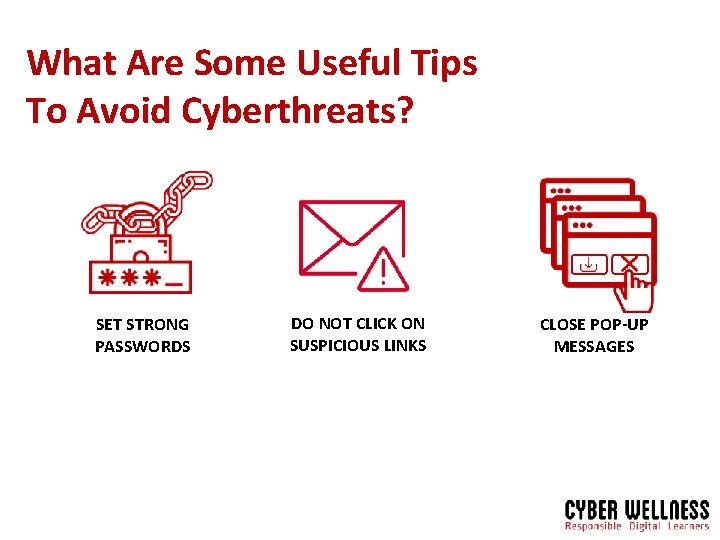
What Are Some Useful Tips To Avoid Cyberthreats? SET STRONG PASSWORDS DO NOT CLICK ON SUSPICIOUS LINKS CLOSE POP-UP MESSAGES
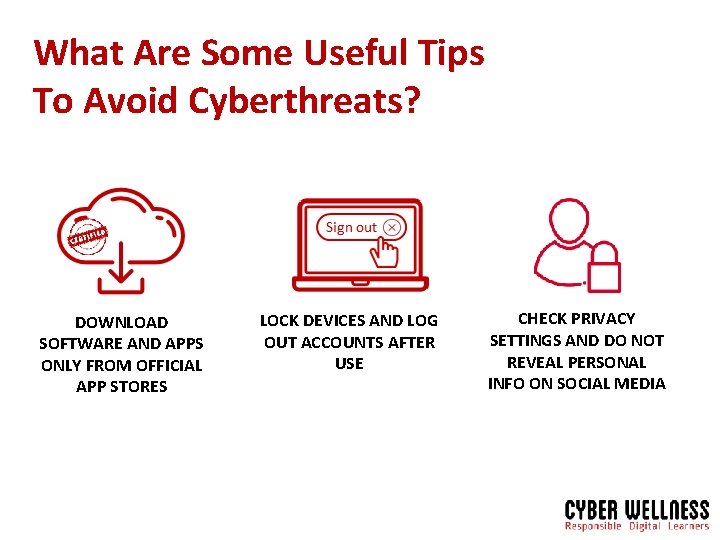
What Are Some Useful Tips To Avoid Cyberthreats? DOWNLOAD SOFTWARE AND APPS ONLY FROM OFFICIAL APP STORES LOCK DEVICES AND LOG OUT ACCOUNTS AFTER USE CHECK PRIVACY SETTINGS AND DO NOT REVEAL PERSONAL INFO ON SOCIAL MEDIA
MOE’s Cyber Wellness Education
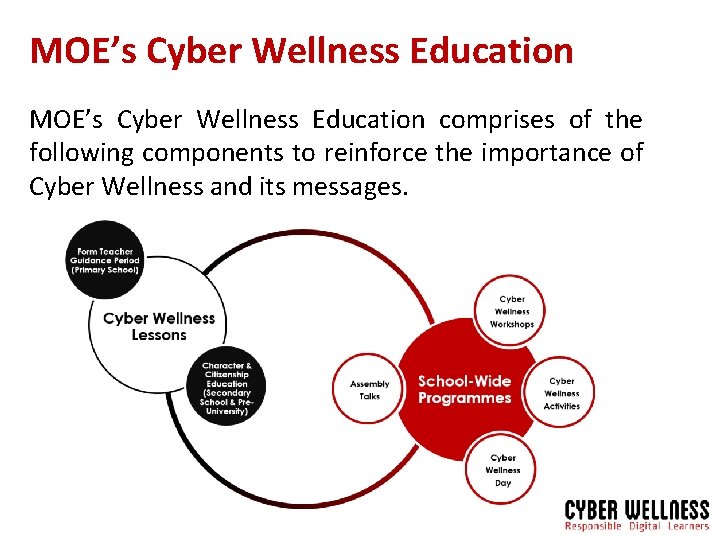
MOE’s Cyber Wellness Education comprises of the following components to reinforce the importance of Cyber Wellness and its messages.
School-wide Programmes Examples of School-wide Programmes << Schools are encouraged to share with parents their school-based CW programmes to create greater awareness how their children are benefitting from the programmes. >> For e. g. Schools can share with parents their school’s cyber wellness student ambassador programme here (i. e. how their students have led in the promotion of safe online habits amongst their peers, helped to look out for their peers who might not be practising safe online habits. )
Parents as Partners
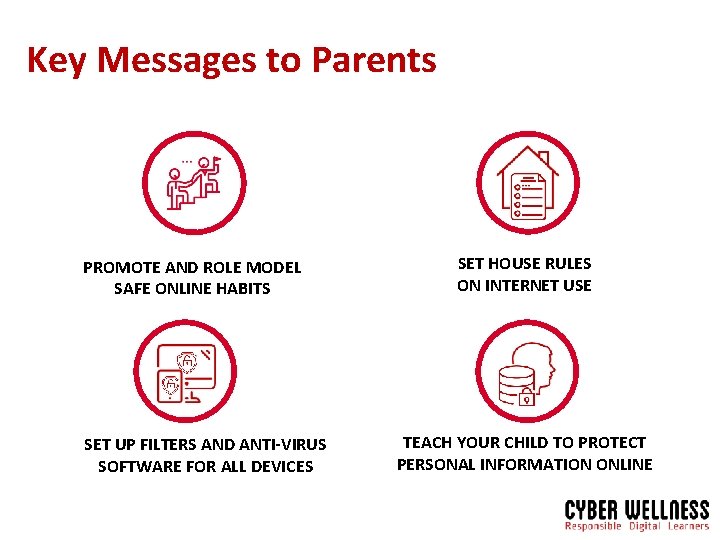
Key Messages to Parents PROMOTE AND ROLE MODEL SAFE ONLINE HABITS SET UP FILTERS AND ANTI-VIRUS SOFTWARE FOR ALL DEVICES SET HOUSE RULES ON INTERNET USE TEACH YOUR CHILD TO PROTECT PERSONAL INFORMATION ONLINE
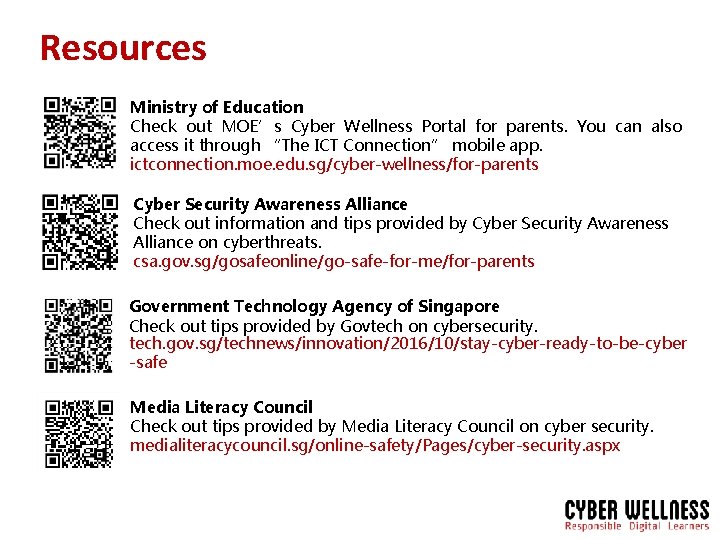
Resources Ministry of Education Check out MOE’s Cyber Wellness Portal for parents. You can also access it through “The ICT Connection” mobile app. ictconnection. moe. edu. sg/cyber-wellness/for-parents Cyber Security Awareness Alliance Check out information and tips provided by Cyber Security Awareness Alliance on cyberthreats. csa. gov. sg/gosafeonline/go-safe-for-me/for-parents Government Technology Agency of Singapore Check out tips provided by Govtech on cybersecurity. tech. gov. sg/technews/innovation/2016/10/stay-cyber-ready-to-be-cyber -safe Media Literacy Council Check out tips provided by Media Literacy Council on cyber security. medialiteracycouncil. sg/online-safety/Pages/cyber-security. aspx
Every Parent A Supportive Partner
- Slides: 18