
SLIDE PROCEDURE A single combined Power Point file
SLIDE PROCEDURE A single combined Power. Point™ file should be submitted for the entire session. • • Must be coordinated with other presenters in your session Slides should be in presentation order Slides should use the official slide template Slides are considered final as submitted

Instructions Slides are due on June 1 and are final as submitted. Required: § Use Calibri Font, minimum size 22. § Do not use copyrighted material without permission. § Changes past the deadline are only made in cases of significant errors in the original. If you are waiting on information that will be released between May and June 1, make the text on your slide less specific and verbally announce the new information during your presentation. Optional: § Polling Questions: See slide 8 § Videos: § Notify us if you embed videos in your slides and indicate which slide #s contain the videos. § Send your video(s) separately as a backup. § AVI, MPG/MPEG, WMV file formats only.
Required Active Learning Techniques v Pre and Post Questions: Present questions related to learning objectives or key takeaways. v Self-Assessment Questions: Present questions for attendees to reflect on what has been taught, to self-assess their learning. v Interactive Scenarios/Case Study: Present a scenario, ask attendees to discuss possible solutions in small groups. v Practice Reflection Questions: Present questions for attendees to reflect on impact to current and future practice.
Session/Presentation Title Speaker Information
Self-Assessment Questions § Question 1 § Question 2
Basic Layout 1 § Add text
Basic Layout 2 § Add text
Audience Response Question What is your favorite color? § Blue All polls are multiple-choice, single answer with strict character limits. § Green • Question: max 60 chars (including spaces) § Red • Answers: max 5 choices, 30 chars each (including spaces) § Black • Internet is required for this type of question and must be § Orange requested and is usually only approved for special activities.
Sample Question Insert answer
(True or False) Sample Statement True False
Sample Question Yes No
Self-Assessment Question 1 § Question 1 Answer: xyz
Self-Assessment Question 2 § Question 2 Answer: xyz
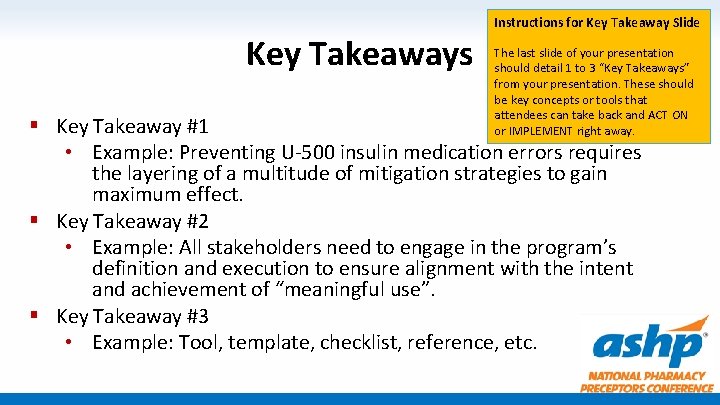
Instructions for Key Takeaway Slide Key Takeaways The last slide of your presentation should detail 1 to 3 “Key Takeaways” from your presentation. These should be key concepts or tools that attendees can take back and ACT ON or IMPLEMENT right away. § Key Takeaway #1 • Example: Preventing U-500 insulin medication errors requires the layering of a multitude of mitigation strategies to gain maximum effect. § Key Takeaway #2 • Example: All stakeholders need to engage in the program’s definition and execution to ensure alignment with the intent and achievement of “meaningful use”. § Key Takeaway #3 • Example: Tool, template, checklist, reference, etc.
- Slides: 14