
SLA First Solution Later tg Thomas Grohser NTT
- Slides: 33
SLA First – Solution Later =tg= Thomas Grohser, NTT DATA SQL Server MVP SQL Server Performance Engineering The Internet, 07/11/2018
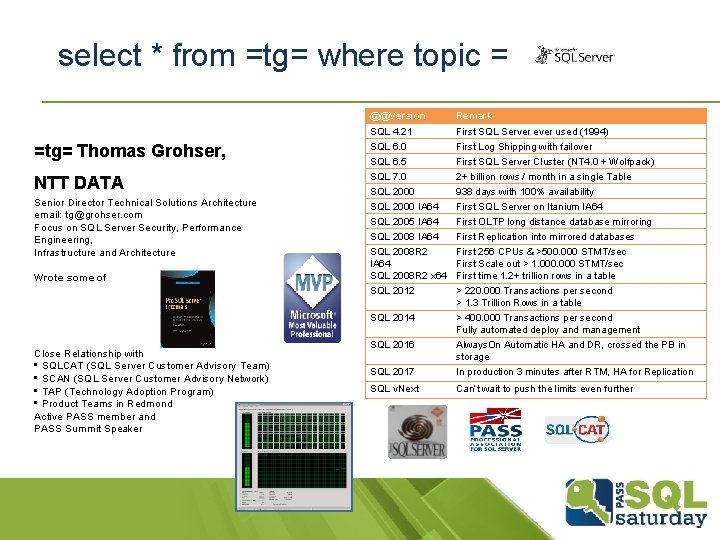
select * from =tg= where topic = @@Version Remark SQL 4. 21 First SQL Server ever used (1994) =tg= Thomas Grohser, SQL 6. 0 First Log Shipping with failover SQL 6. 5 First SQL Server Cluster (NT 4. 0 + Wolfpack) NTT DATA SQL 7. 0 2+ billion rows / month in a single Table SQL 2000 938 days with 100% availability SQL 2000 IA 64 First SQL Server on Itanium IA 64 SQL 2005 IA 64 First OLTP long distance database mirroring SQL 2008 IA 64 First Replication into mirrored databases Senior Director Technical Solutions Architecture email: tg@grohser. com Focus on SQL Server Security, Performance Engineering, Infrastructure and Architecture Wrote some of Close Relationship with • SQLCAT (SQL Server Customer Advisory Team) • SCAN (SQL Server Customer Advisory Network) • TAP (Technology Adoption Program) • Product Teams in Redmond Active PASS member and PASS Summit Speaker SQL 2008 R 2 First 256 CPUs & >500. 000 STMT/sec IA 64 First Scale out > 1. 000 STMT/sec SQL 2008 R 2 x 64 First time 1. 2+ trillion rows in a table SQL 2012 > 220. 000 Transactions per second > 1. 3 Trillion Rows in a table SQL 2014 > 400. 000 Transactions per second Fully automated deploy and management SQL 2016 Always. On Automatic HA and DR, crossed the PB in storage SQL 2017 In production 3 minutes after RTM, HA for Replication SQL v. Next Can’t wait to push the limits even further
Agenda § Why & When? § What & How? § Q&A
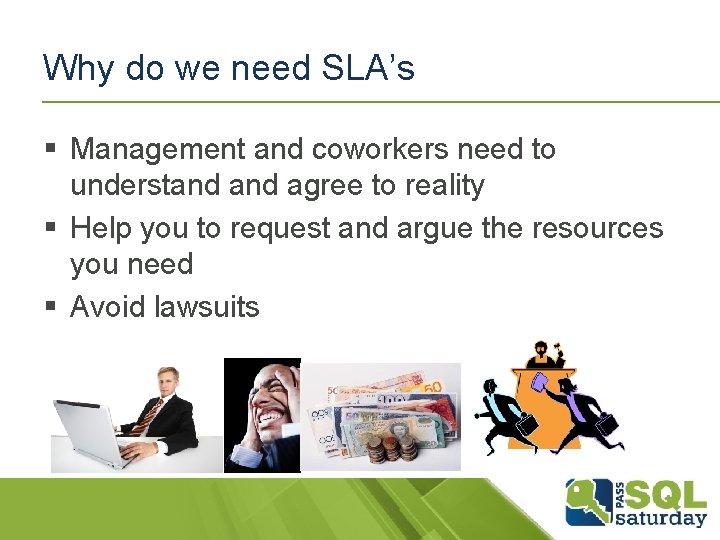
Why do we need SLA’s § Management and coworkers need to understand agree to reality § Help you to request and argue the resources you need § Avoid lawsuits
Rule Number One! § SLA first § Solution later § If you already have a solution don’t agree to a SLA the solution can’t support
What should be in a SLA? § Everything § § § Operational requirements Maintenance windows Responsibilities Dependencies What happens if the SLA is not met
RPO – Recovery Point Objective § In plain English: How much data can we lose? § Samples § Your last log backup is from 12 minutes ago 12 minutes § Your last full backup is from last week 1 week § You do not have a backup all
RTO – Recovery Time Objective § In plain English: How much time after a failure till we have to be available again § Samples § Your restore takes 6 hours 6+ hours § Your last backup does not work you have to go to tape 24+ hours
Availability § Time the database is available within a period of time divided by the length of the period of time. § Don’t confuse luck with availability! § How fast to you think you can fix data corruption or human error in your database?
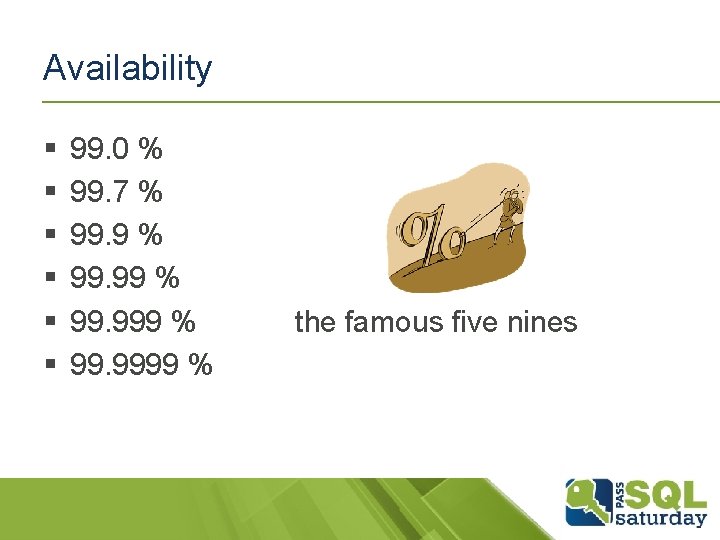
Availability § § § 99. 0 % 99. 7 % 99. 9999 % the famous five nines
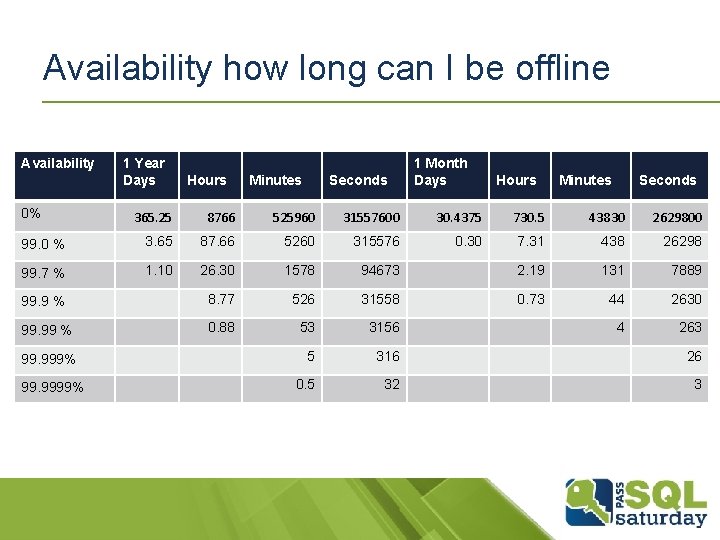
Availability how long can I be offline Availability 0% 1 Year Days Hours Minutes Seconds 1 Month Days Hours Minutes Seconds 365. 25 8766 525960 31557600 30. 4375 730. 5 43830 2629800 99. 0 % 3. 65 87. 66 5260 315576 0. 30 7. 31 438 26298 99. 7 % 1. 10 26. 30 1578 94673 2. 19 131 7889 99. 9 % 8. 77 526 31558 0. 73 44 2630 99. 99 % 0. 88 53 3156 4 263 5 316 26 0. 5 32 3 99. 999% 99. 9999%
Available § Is a database available when § § § § It is online in SSMS? I can login? I can select data? I can update data? I can insert data? I can change the schema? … you get the idea? § And don’t get me started on defining performance
When is a database needed? § Is the database used on the web 24 x 7 or just in the office from 9 to 5 or just once a month to process payroll? § Do the availability requirements apply all the time or just during the periods its actually used?
Service Windows § Specify times when you can service your system § The more the better § Every night from 11 pm till 5 am, all day Saturday and Sunday, except the weekend before the year end results are due. § First Sunday every month from 2 am till 4 am
Planned versus Unplanned § Big debate is planned maintenance part of the yearly downtime or not? § Big difference between the two cases § Make sure its clearly defined and understood
Monitoring availability § 99. 999% is equivalent to less than 5. 2 minutes of outage per year or less than a 0. 8 seconds per day § This requires you to do an availability check at least every 0. 4 seconds otherwise you waste valuable time to failover or recover. § BTW each transaction must finish in less than 0. 8 seconds or the rollback prevents availability….
Availability § Having a certain availability vs. guaranteeing it. § Easy to end up with 100% availability § Hard to guarantee even 99. 7
Differentiate between HA, DR and LR § HA § DR § LR … High Availability … Disaster recovery … Last Resort § Have different RPO and RTO values for all three cases. § Define worst case scenarios each level has to deal with
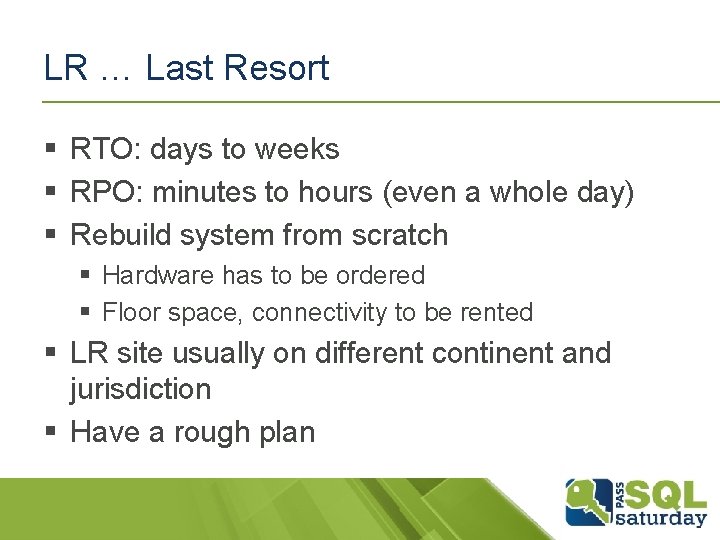
HA … High Availability § § § RTO: seconds to minutes RPO: Zero to seconds Automatic failover HA site usually close by (< 30 miles) Well tested (maybe with each patch or release)
DR … Disaster recovery § § § RTO: minutes to hours RPO: seconds to minutes (even hours) Manual failover into prepared environment DR site usually several hundred miles away Tested from time to time
LR … Last Resort § RTO: days to weeks § RPO: minutes to hours (even a whole day) § Rebuild system from scratch § Hardware has to be ordered § Floor space, connectivity to be rented § LR site usually on different continent and jurisdiction § Have a rough plan
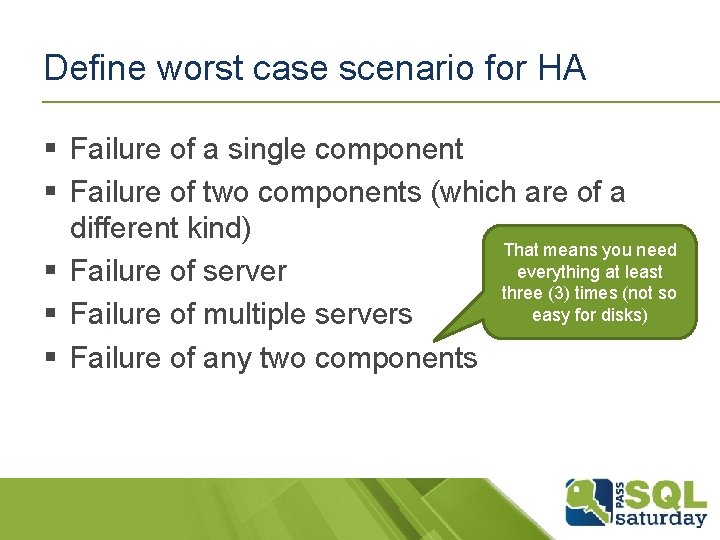
Define worst case scenario for HA § Failure of a single component § Failure of two components (which are of a different kind) That means you need everything at least § Failure of server three (3) times (not so easy for disks) § Failure of multiple servers § Failure of any two components
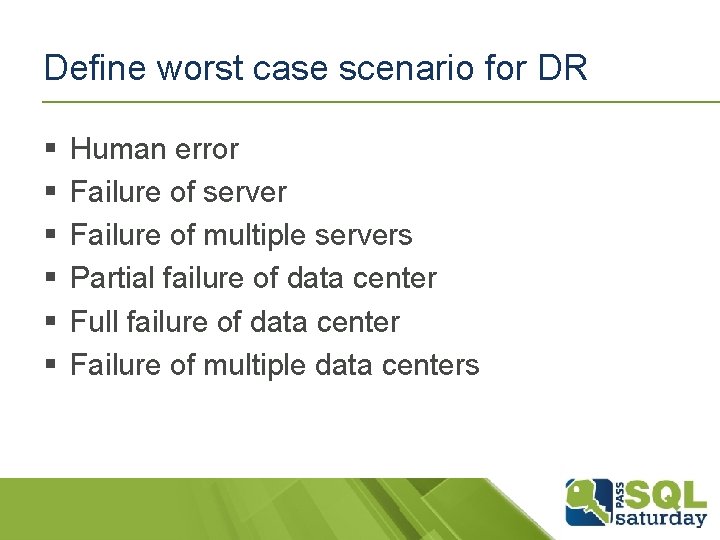
Define worst case scenario for DR § § § Human error Failure of server Failure of multiple servers Partial failure of data center Full failure of data center Failure of multiple data centers
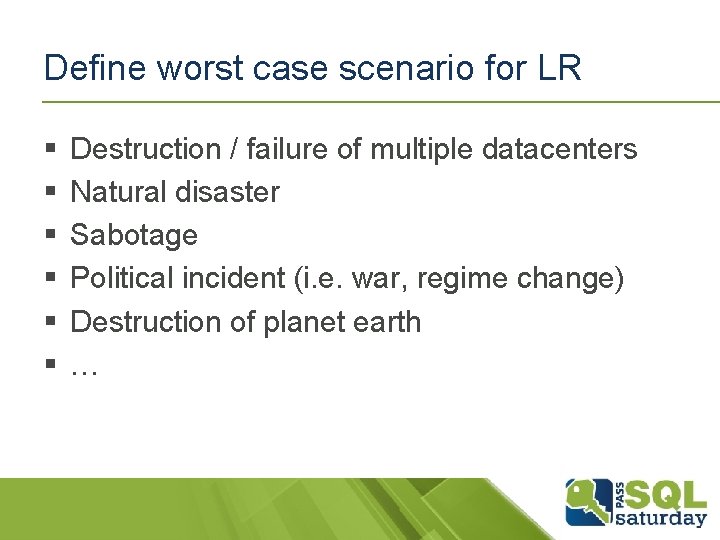
Define worst case scenario for LR § § § Destruction / failure of multiple datacenters Natural disaster Sabotage Political incident (i. e. war, regime change) Destruction of planet earth …
Outside SQL Server § Make sure you state that you depend on the underlying infrastructure and failures of that infrastructure don’t count for you! § Make sure no processes are interfering § Example: async database mirroring + failover OK for loosing data. Only one person allowed to give the OK. The guy is 3 weeks on vacation and availability is down to 94. 2%
Dependencies § Who needs this database/server § What does this server need to operate § § § § Power Cooling Network Firewall rules Domain Controller Other servers (linked server) …
Responsibilities § Who can actually make a decision for a database/server § Who owns the data § Who needs to be notified if something is wrong
Backup retention and granularity § How far must you be able to go back? § Hours, Days, Weeks, Months, Years § And how accurate must the restore be § I need the database restored to November 15, 2008 at 6: 27… § How much time do you need for this historic restores § Test them from time to time (you need the resources and time)
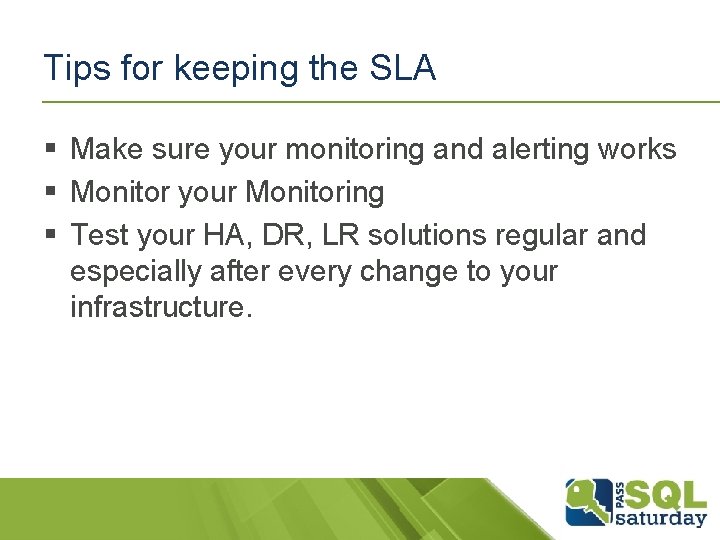
Tips for keeping the SLA § Make sure your monitoring and alerting works § Monitor your Monitoring § Test your HA, DR, LR solutions regular and especially after every change to your infrastructure.
DR and LR Instructions § Keep printed copies in several places trust me your electronic documentation won’t be there when you are in a DR or LR situation
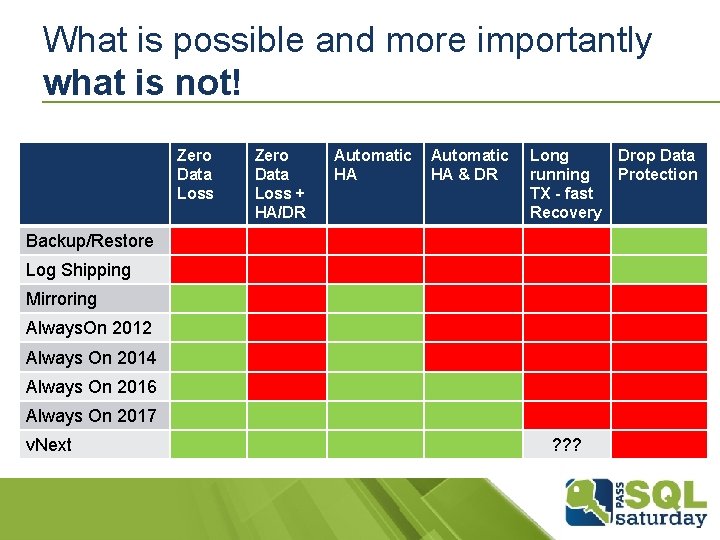
What is possible and more importantly what is not! Zero Data Loss + HA/DR Automatic HA & DR Long running TX - fast Recovery Backup/Restore Log Shipping Mirroring Always. On 2012 Always On 2014 Always On 2016 Always On 2017 v. Next ? ? ? Drop Data Protection
Summary § Remember Rule Number one § SLA first § Solution later § If you already have a solution don’t agree to a SLA the solution can’t support § The laws of physics apply (even to the best DBA : -)
THANK YOU! Questions? tg@grohser. com