
SL 500 Modular Library System Objectives Locate needed
SL 500 Modular Library System
Objectives Locate needed information. Define the safety and ESD requirements. Identify and locate major components. Unpack , install & configure the library. De-install the Library. Configure switches, bridges and hubs. Label and route cables drives to other equipment. • Verify and /or install library firmware. • •

Objectives • Setup and operating performance. • Diagram and document the installation. • Update the site logs to reflect the customer’s subsystem configuration.
Prerequisites • • • SL 500 Principles of Operation SAN Concepts and Connectivity. L-Series Library course. LTO Ultrium course. SDLT course.
Personal Safety • • • Safety Precautions Lifting Techniques Shoulder, Elbow, Wrist, and Hand Safety Fiber -optic Safety Rack Safety

Product Precautions • Electrostatic Discharge (ESD) Damage Prevention ØESD Precautions ØESD Protection Procedure Ø Prepare the work Area Ø Access the Equipment Ø Replace components Ø Cleanup • Fiber – optic Cable Installation ØCable routing ØCable Management ØConnector protection
Planning the Installation • General Information ØPrepare the Installation location ØKnowledge in SCSI principles ØKnowledge in Fibre channel principles ØConfiguration Diagram
SL 500 Tape Library Types • • Library with LTO Cartridge Slots Library with Mixed-Media Cartridge Slots

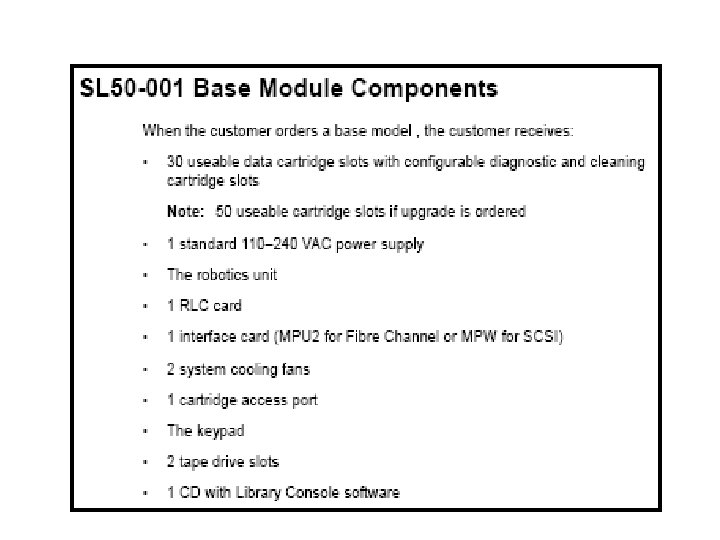
Library with LTO Cartridge Slots • The Base module contains Ø 50 cartridge slots ØOne or two tape drives Ø 5 – slot cartridge access port(CAP)

Library with LTO Cartridge Slots base module
LTO Slot Physical Configurations • Slot Numbering scheme Ø Four Integers 1. 2. 3. 4. Library number Library module number Library row number Library column number
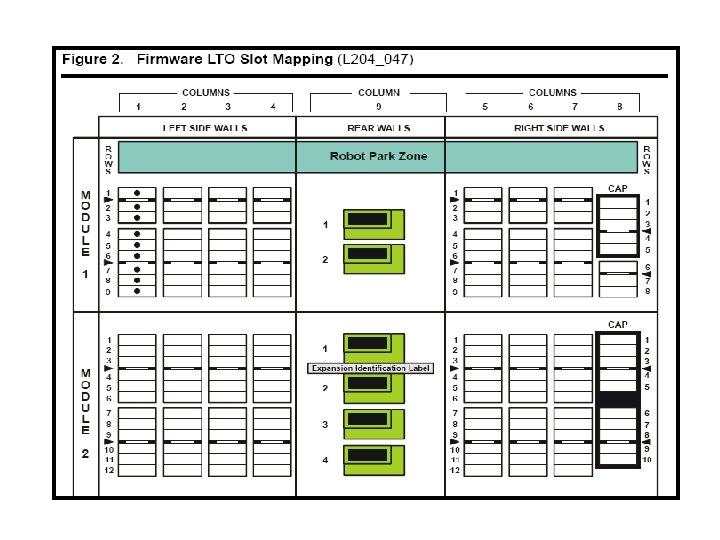
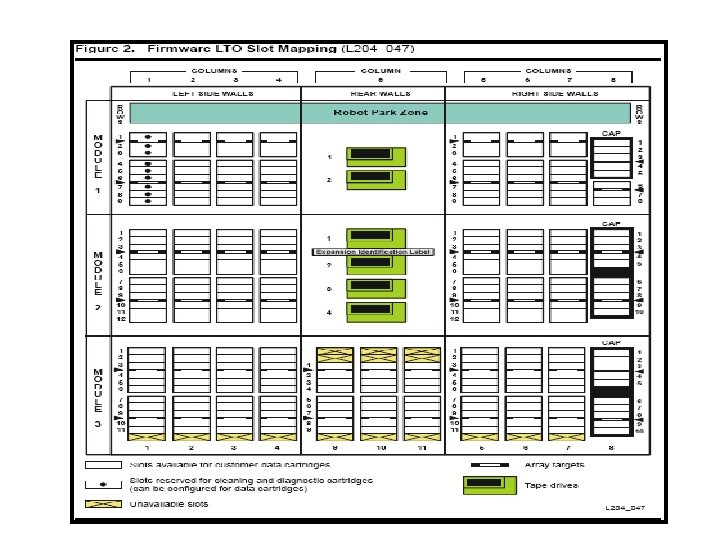

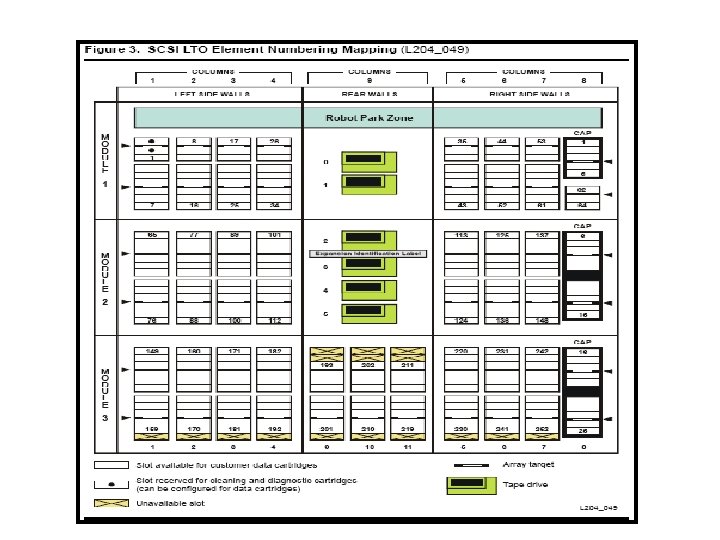


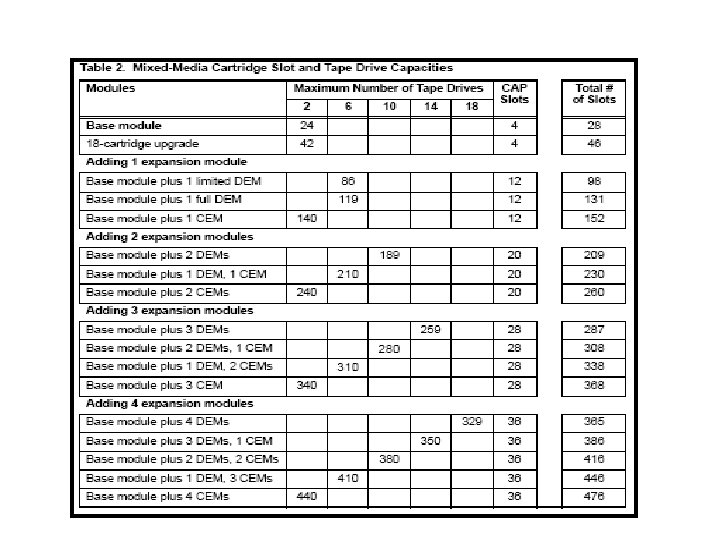
Library with Mixed - Media Cartridge Slots



Library and Rack Dimensions

Library and Rack Dimensions

Library Components Weights

Library Environment Specifications
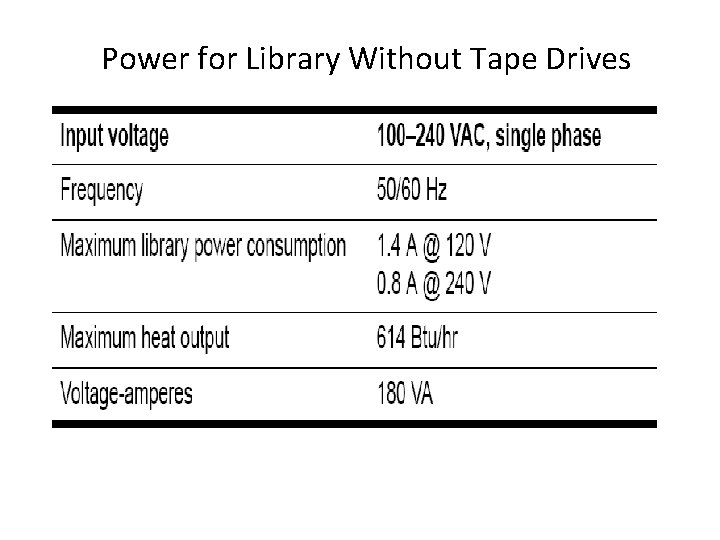
Power for Library Without Tape Drives

Power for Base Unit and Two LTO Tape Drives
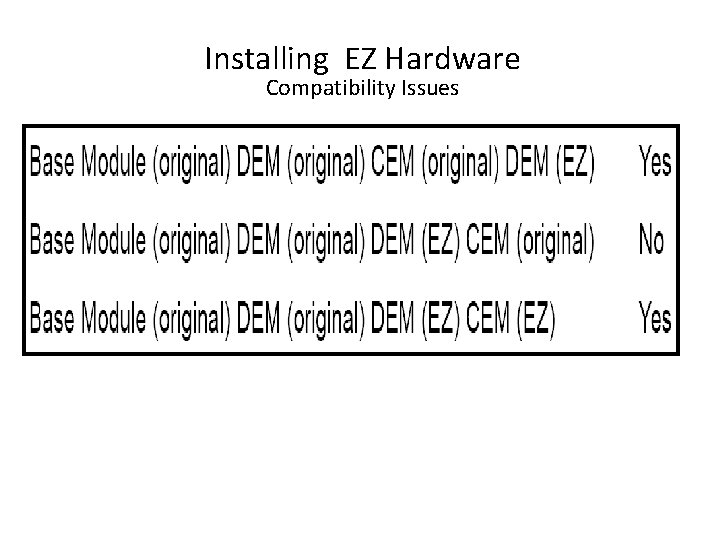
Installing EZ Hardware Compatibility Issues
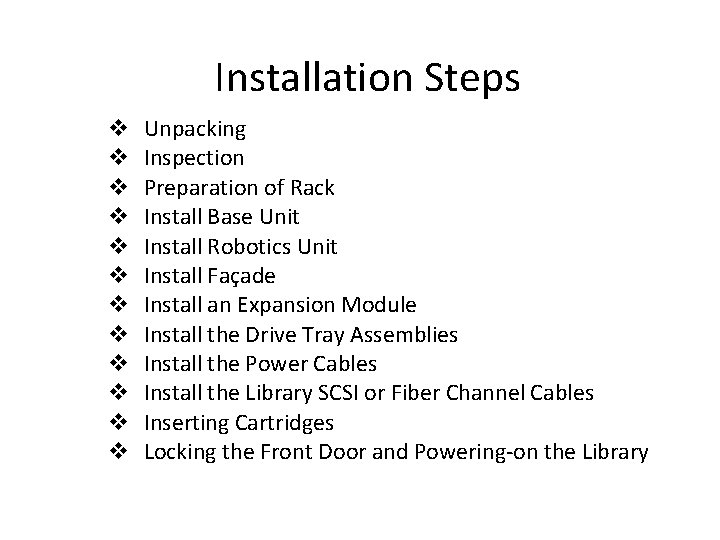
Installation Steps v v v Unpacking Inspection Preparation of Rack Install Base Unit Install Robotics Unit Install Façade Install an Expansion Module Install the Drive Tray Assemblies Install the Power Cables Install the Library SCSI or Fiber Channel Cables Inserting Cartridges Locking the Front Door and Powering-on the Library
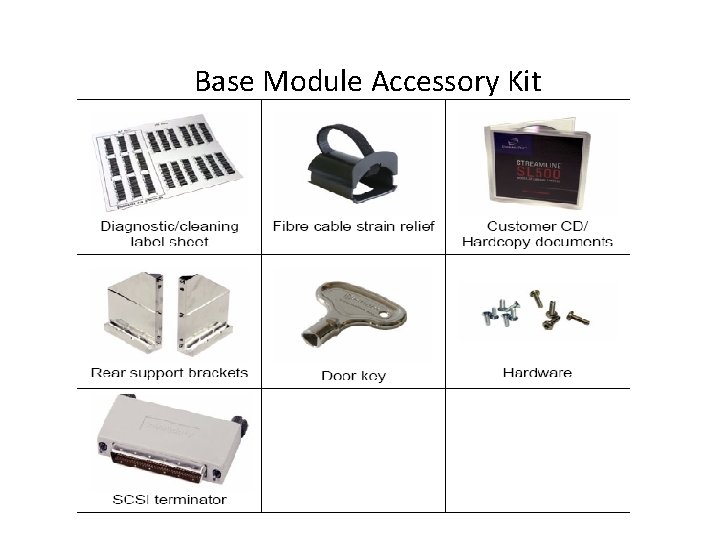
Base Module Accessory Kit

Expansion Module Accessory Kit
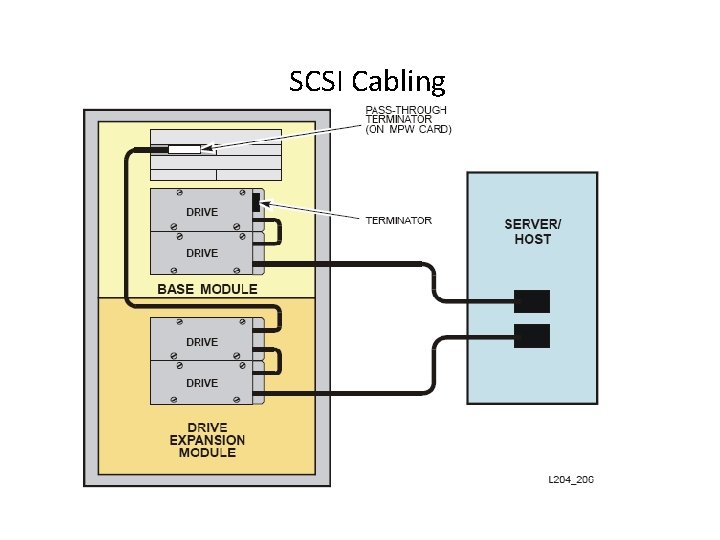
SCSI Cabling
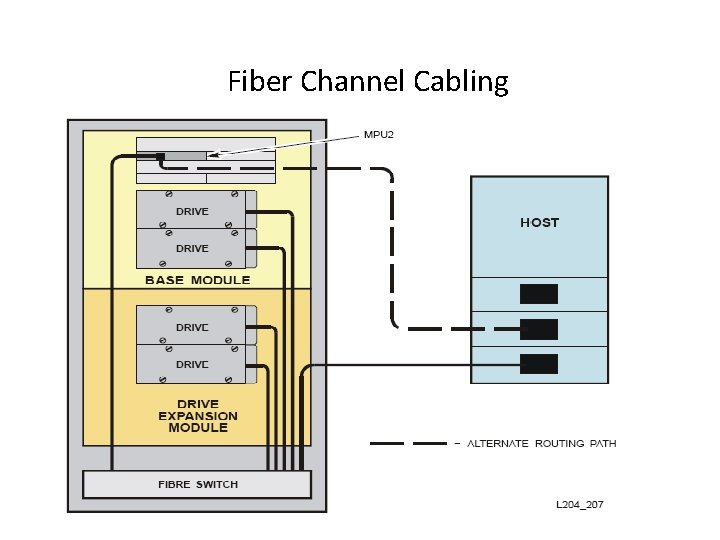
Fiber Channel Cabling
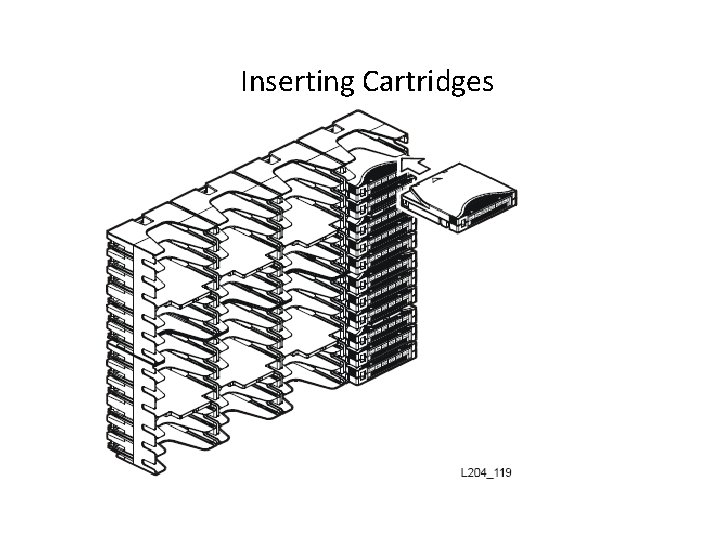
Inserting Cartridges

Powering - on the Library
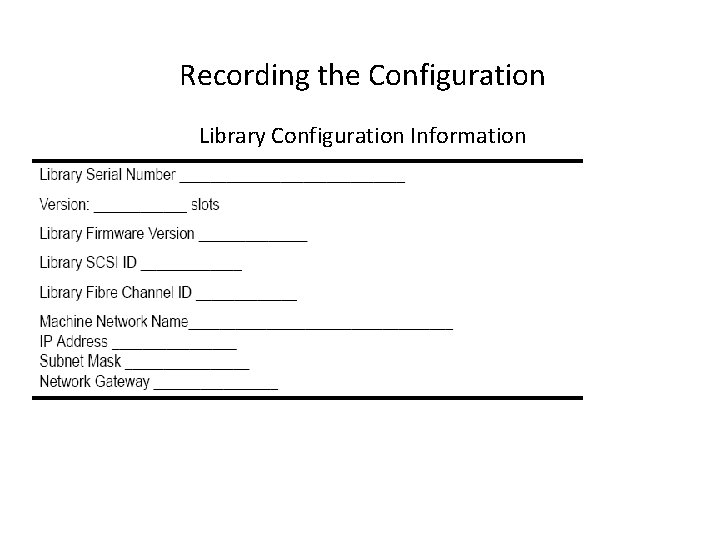
Recording the Configuration Library Configuration Information
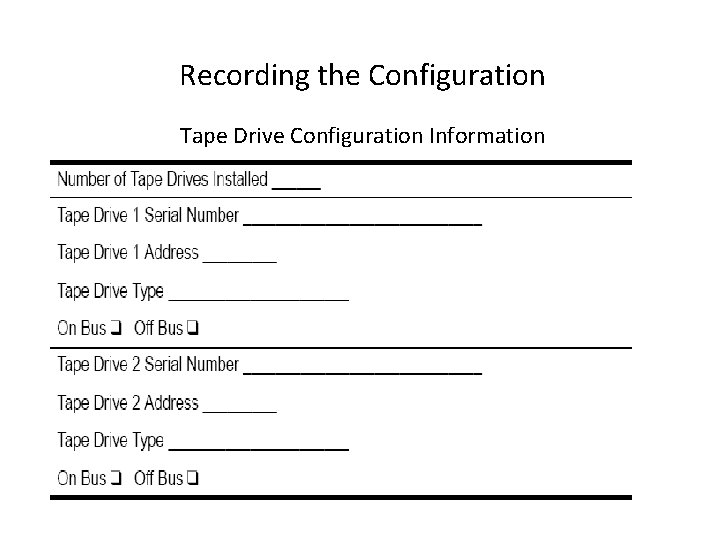
Recording the Configuration Tape Drive Configuration Information
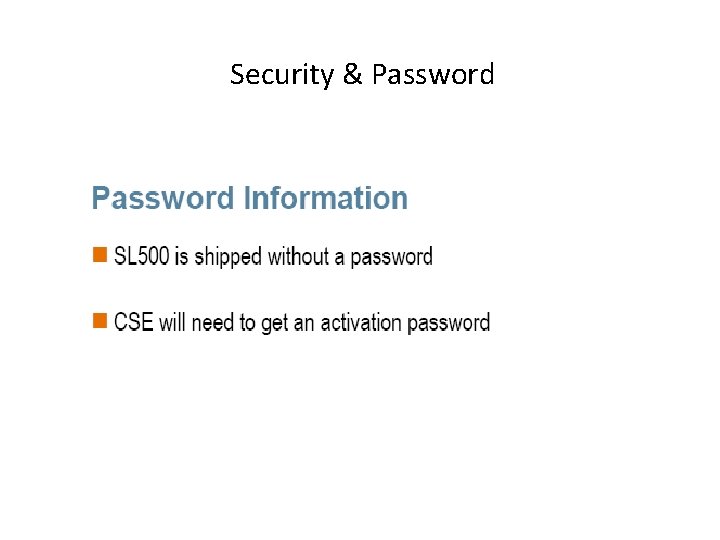
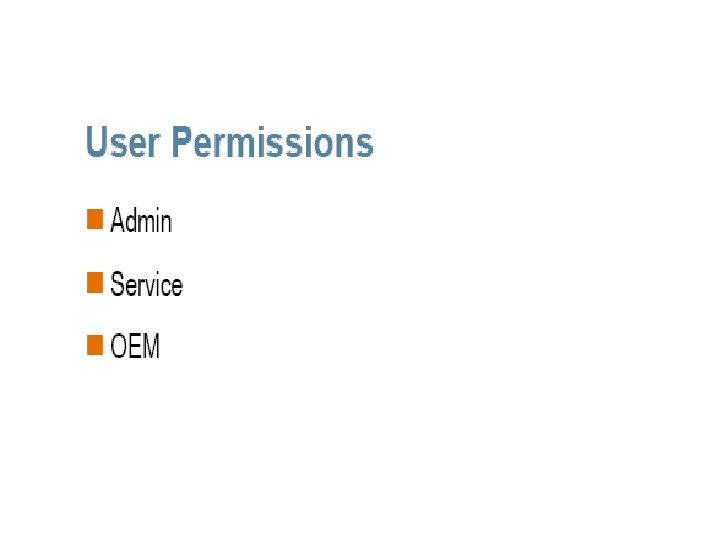
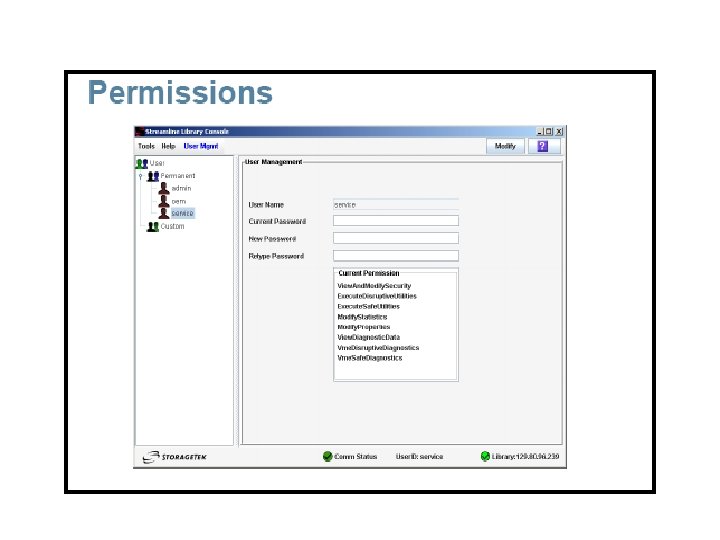
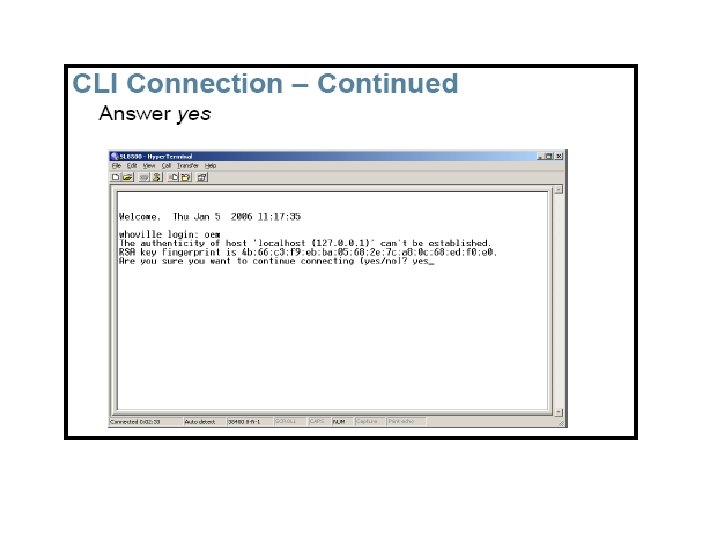
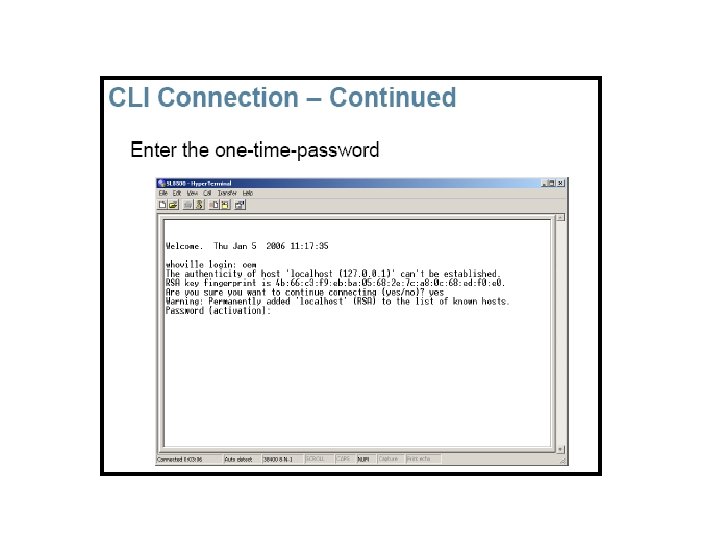
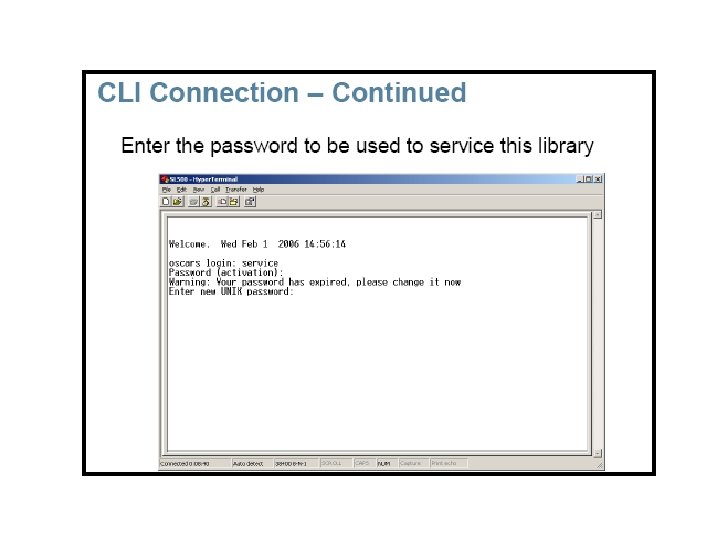
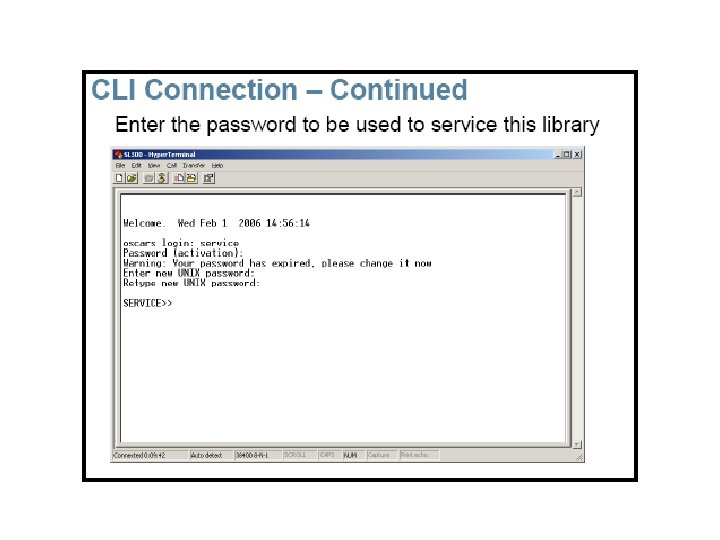
Security & Password



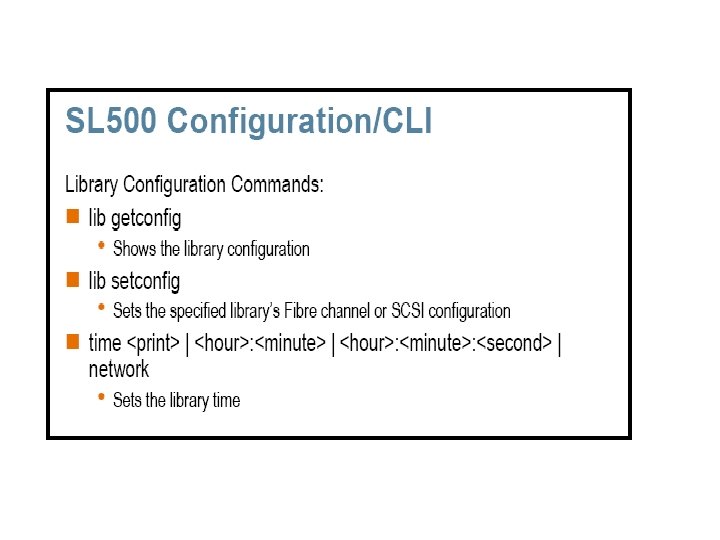

FRU and Spares Replacement v Library FRU list v Drive FRU list
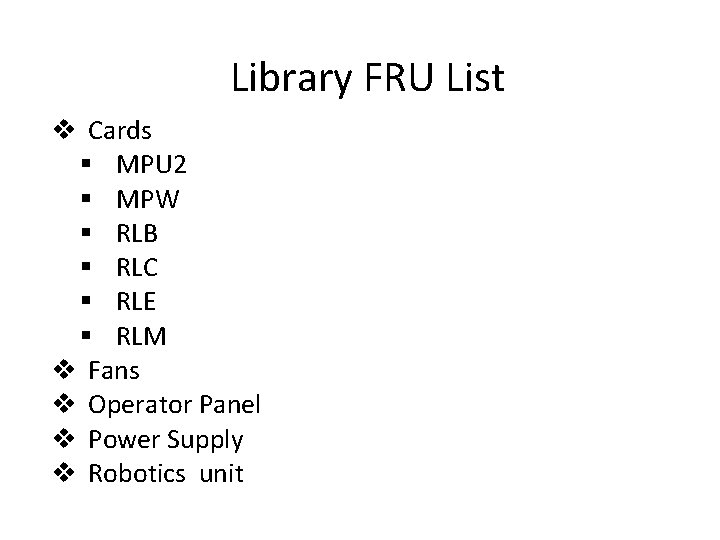
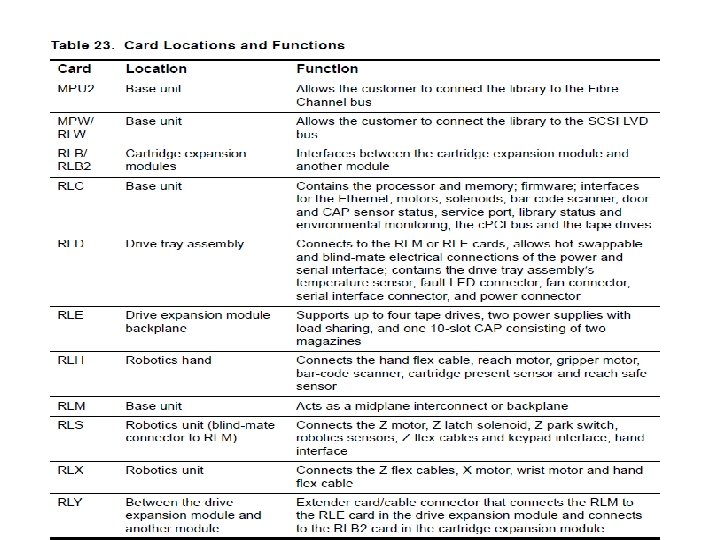
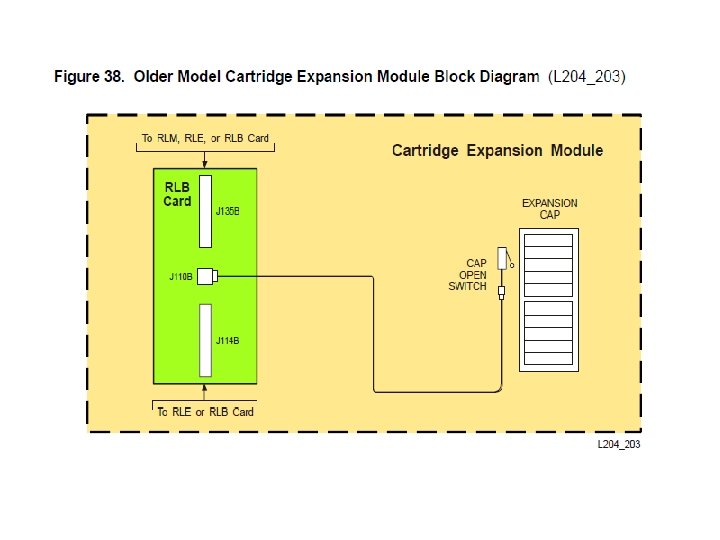
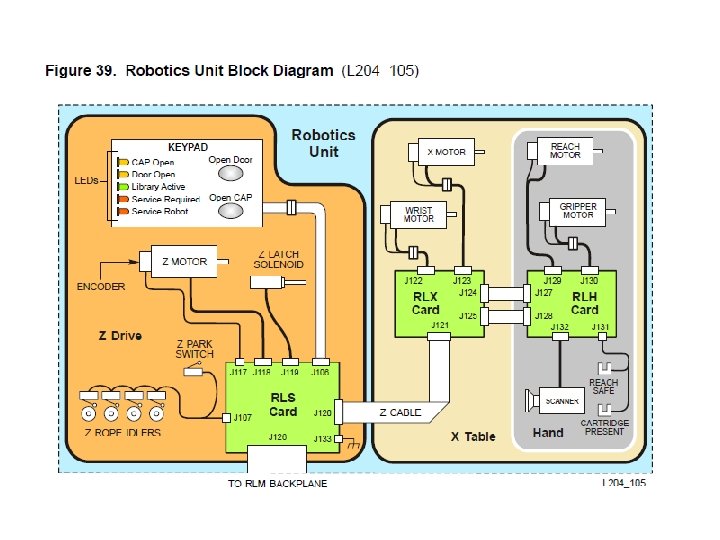
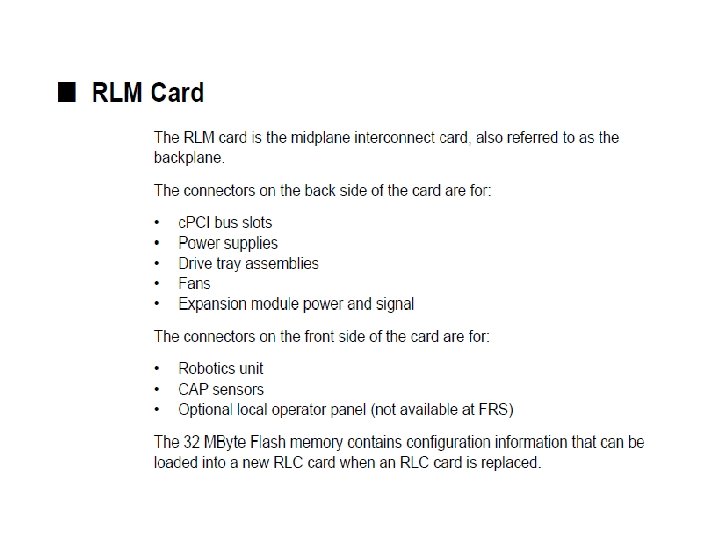
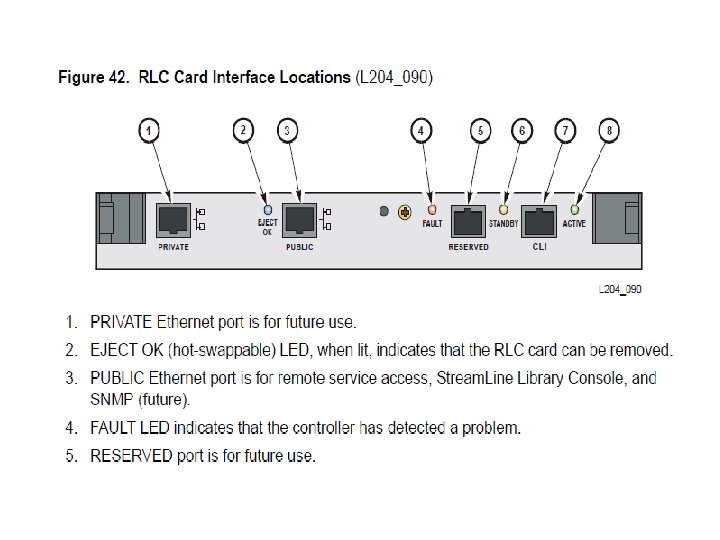
Library FRU List v Cards § MPU 2 § MPW § RLB § RLC § RLE § RLM v Fans v Operator Panel v Power Supply v Robotics unit
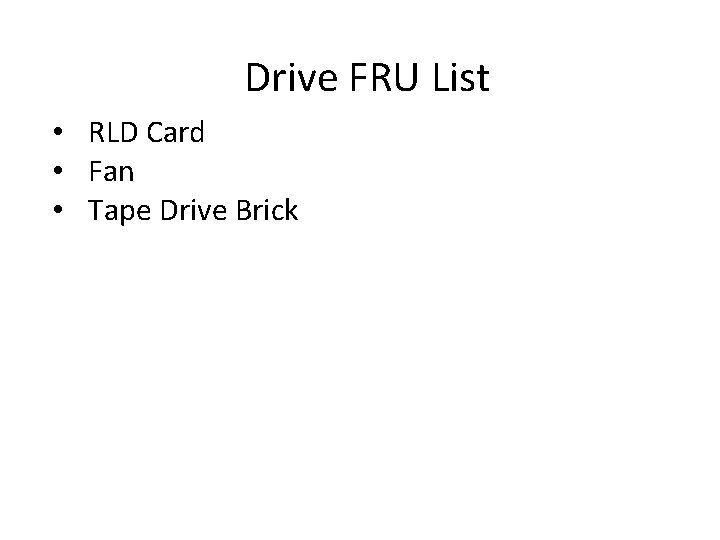
Drive FRU List • RLD Card • Fan • Tape Drive Brick
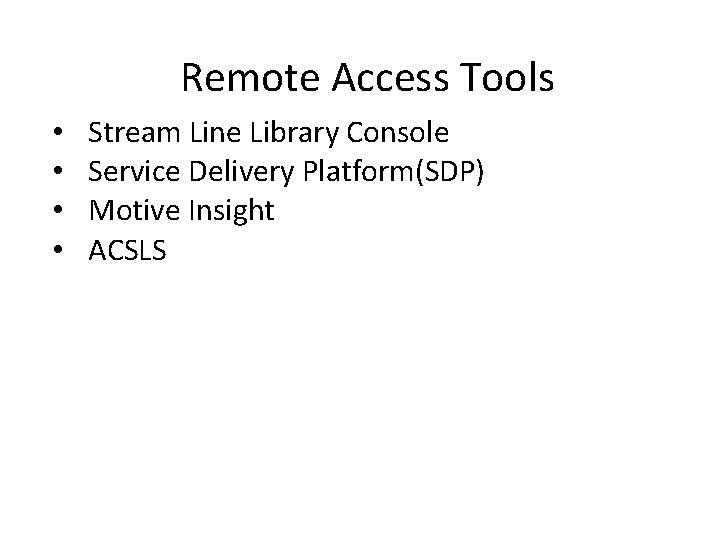
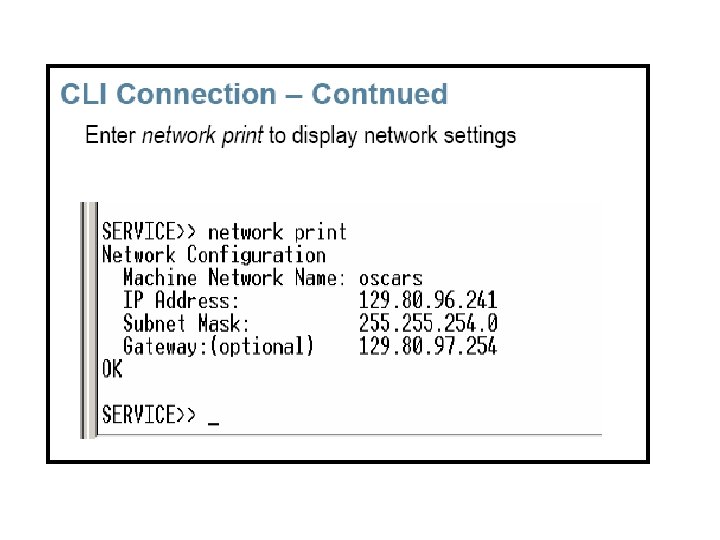
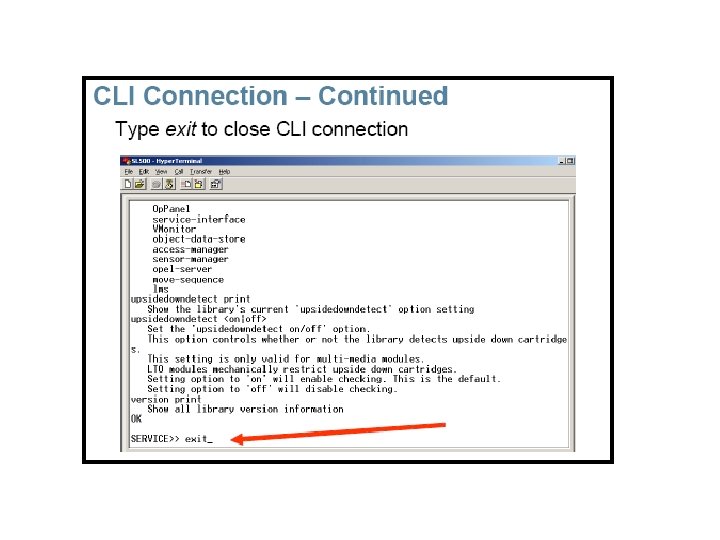
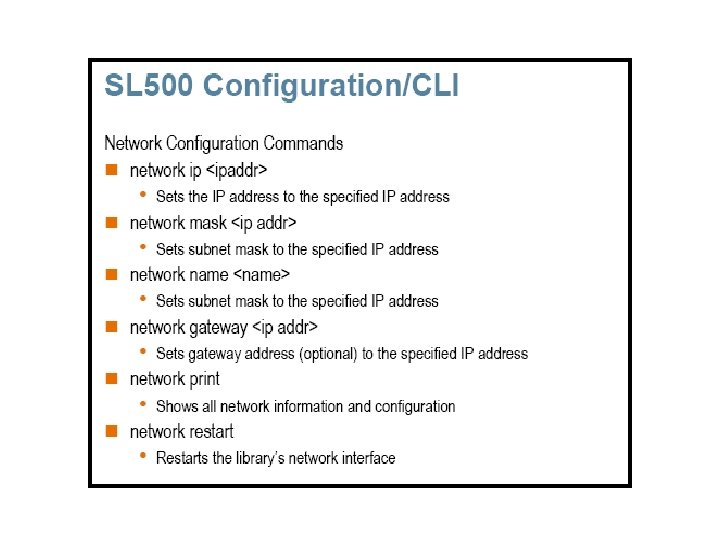
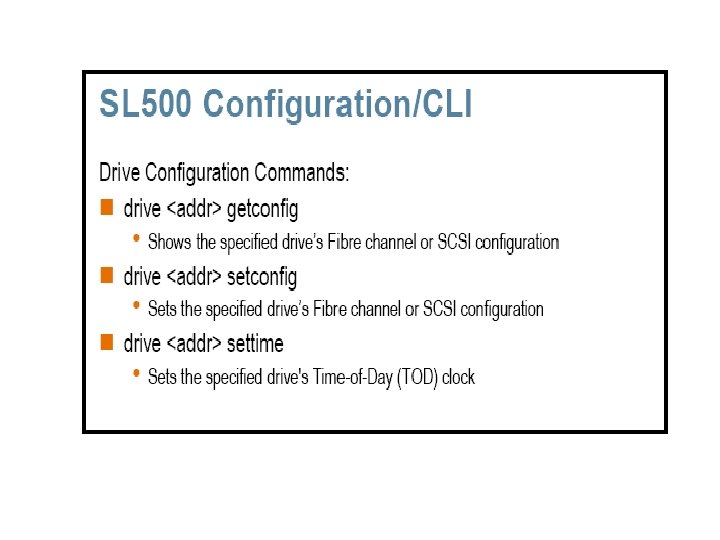
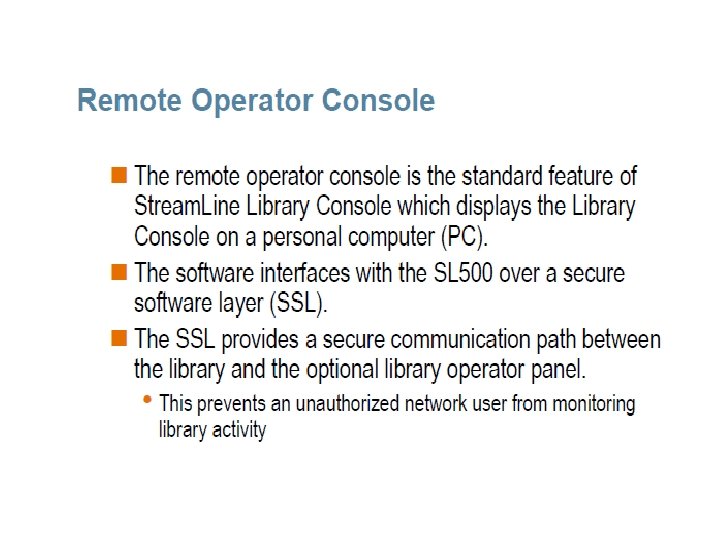
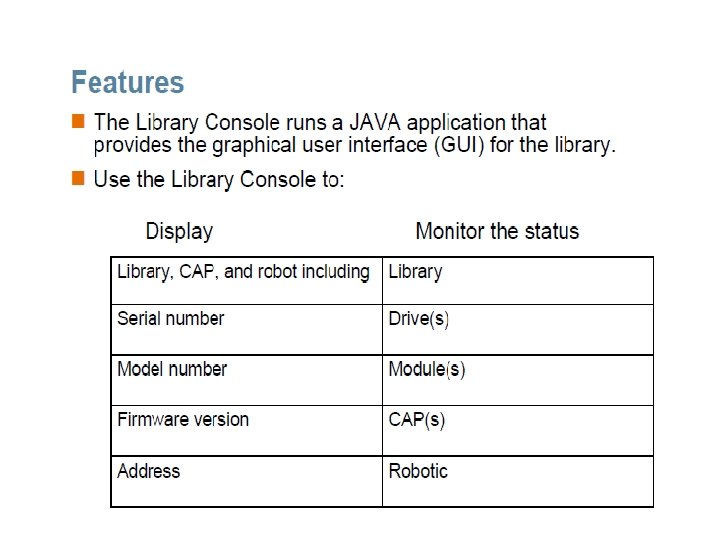
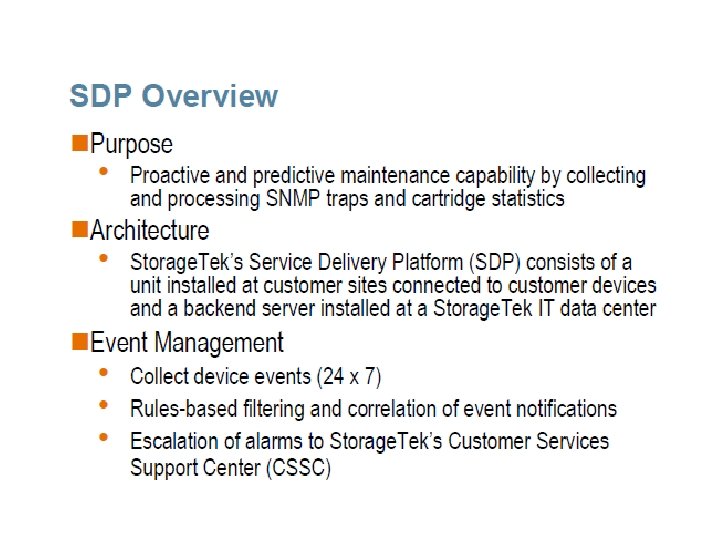
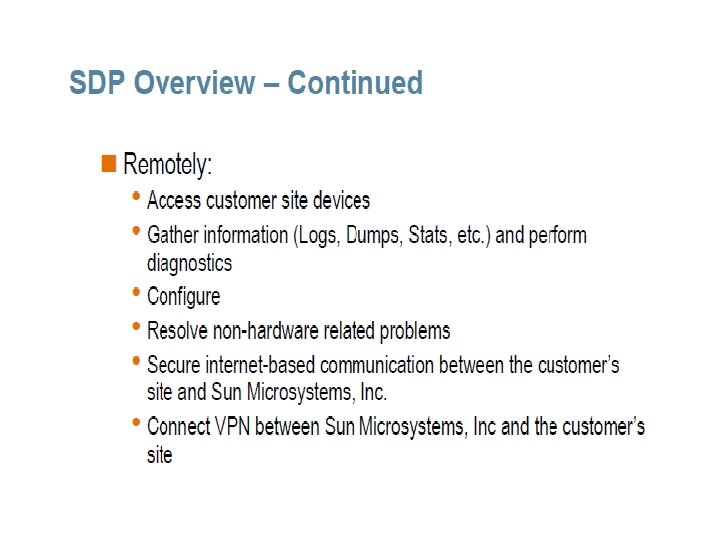
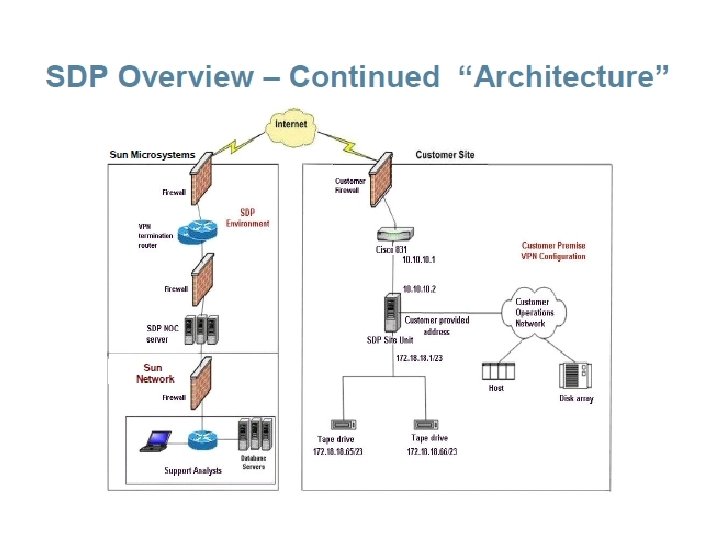
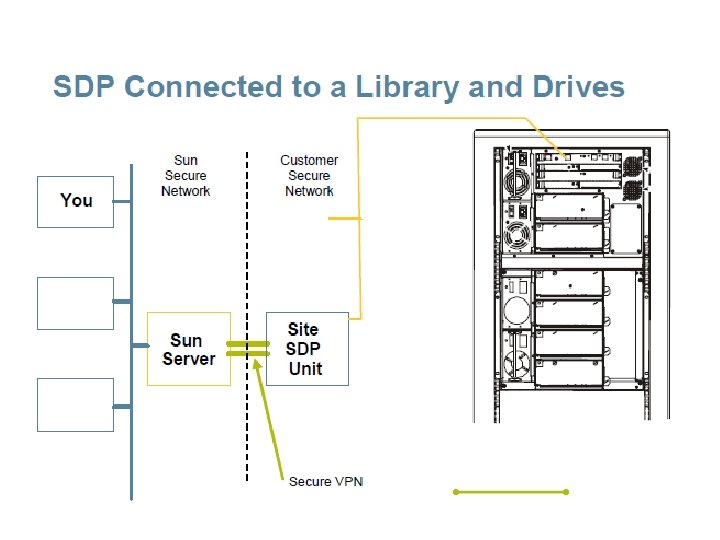
Remote Access Tools • • Stream Line Library Console Service Delivery Platform(SDP) Motive Insight ACSLS











- Slides: 111