
SKYWARD MOODLE GOOGLE CLASSROOM GOOGLE CALENDAR KEYS TO
- Slides: 25
SKYWARD MOODLE GOOGLE CLASSROOM GOOGLE CALENDAR KEYS TO YOUR CHILD’S SUCCESS Parent Night October 05, 2017 Kelli Kesler, Maria Daly, and Rebecca Wilson NLMS
THANK YOU! • Thanks for coming tonight! • We value your time • Continue to eat while we chat then later we will get out chromebooks to try things out! • Restrooms down the hall on the left side
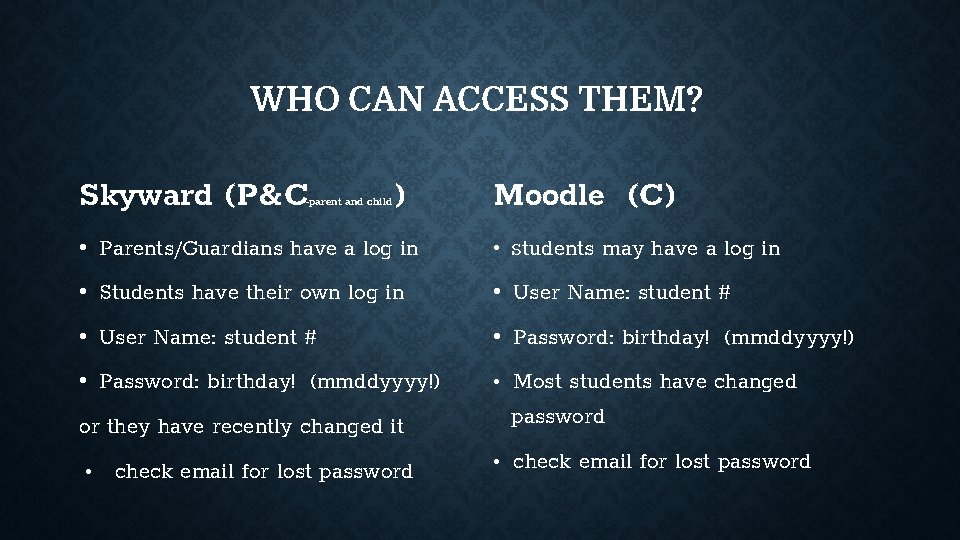
WHO CAN ACCESS THEM? Skyward (P&C -parent and child ) Moodle (C) • Parents/Guardians have a log in • Students may have a log in • Students have their own log in • User Name: student # • Password: birthday! (mmddyyyy!) • Most students have changed password or they have recently changed it • check email for lost password
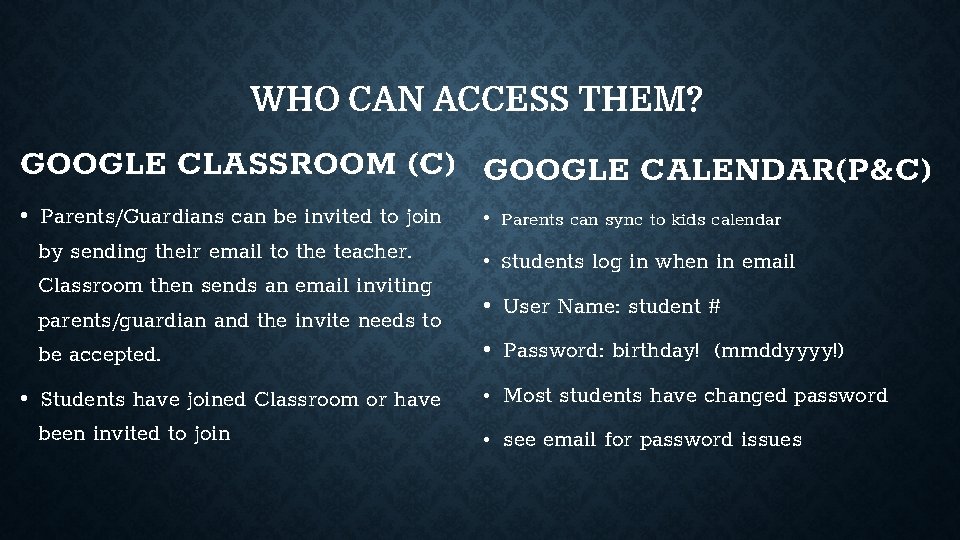
WHO CAN ACCESS THEM? GOOGLE CLASSROOM (C) GOOGLE CALENDAR(P&C) • Parents/Guardians can be invited to join by sending their email to the teacher. Classroom then sends an email inviting parents/guardian and the invite needs to be accepted. • Parents can sync to kids calendar • Students have joined Classroom or have been invited to join • Most students have changed password • Students log in when in email • User Name: student # • Password: birthday! (mmddyyyy!) • see email for password issues
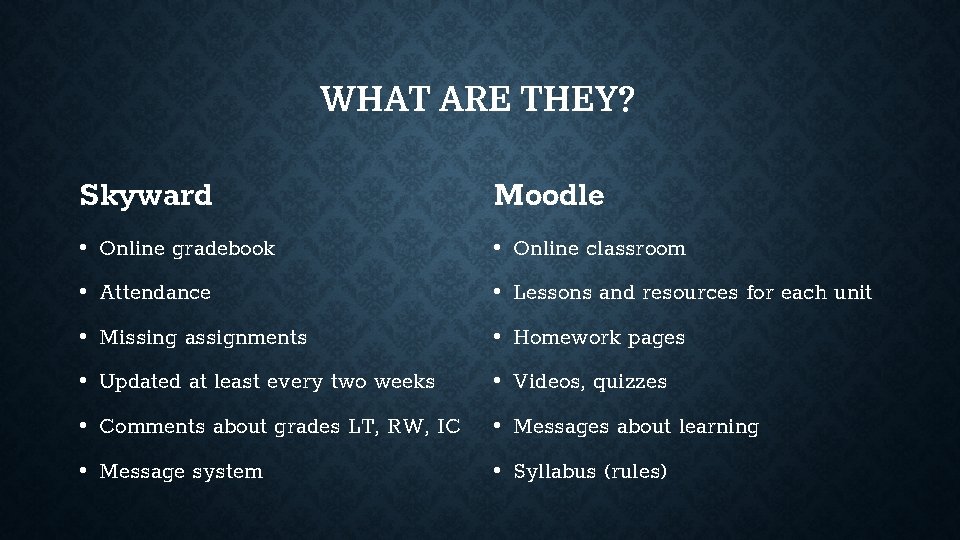
WHAT ARE THEY? Skyward Moodle • Online gradebook • Online classroom • Attendance • Lessons and resources for each unit • Missing assignments • Homework pages • Updated at least every two weeks • Videos, quizzes • Comments about grades LT, RW, IC • Messages about learning • Message system • Syllabus (rules)
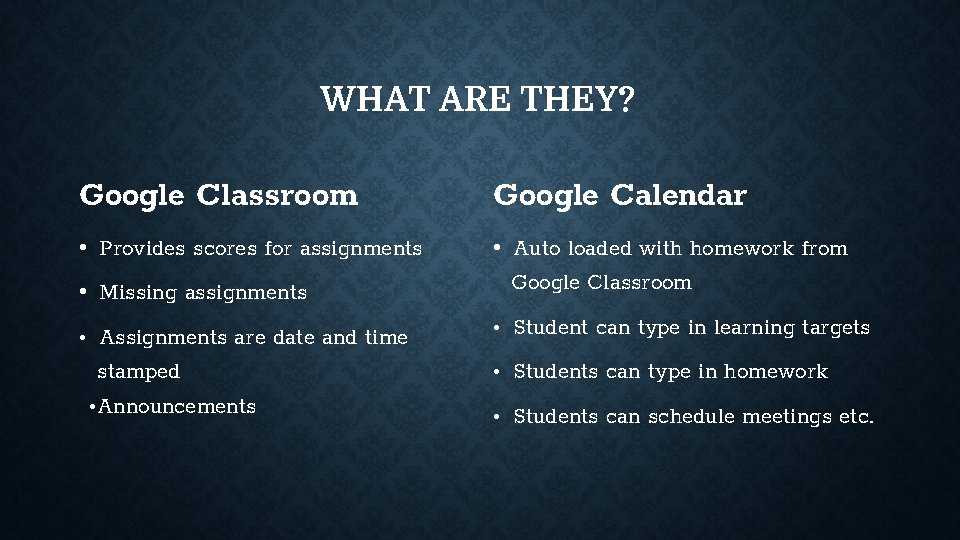
WHAT ARE THEY? Google Classroom Google Calendar • Provides scores for assignments • Auto loaded with homework from Google Classroom • Missing assignments • Assignments are date and time stamped • Announcements • Student can type in learning targets • Students can type in homework • Students can schedule meetings etc.
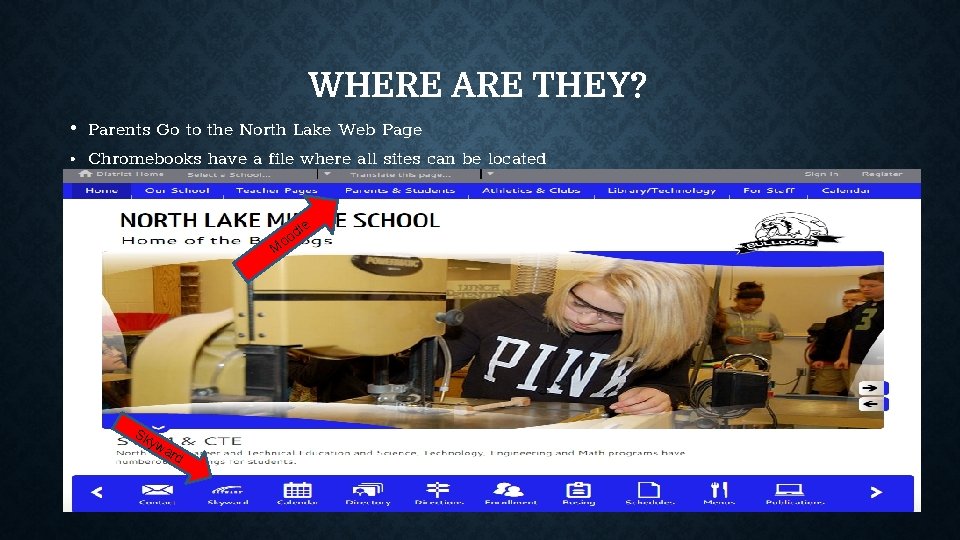
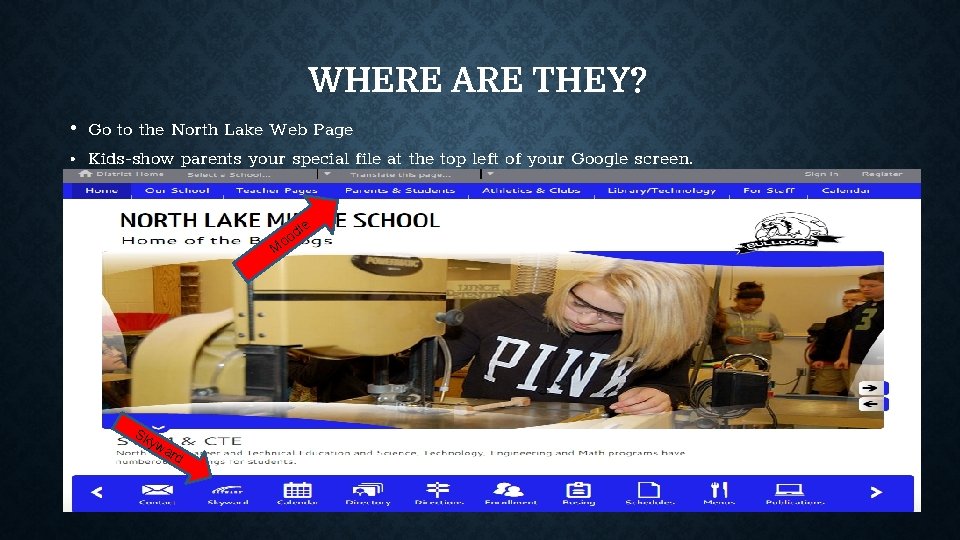
WHERE ARE THEY? • Parents Go to the North Lake Web Page • Chromebooks have a file where all sites can be located le d oo M Sk yw a rd
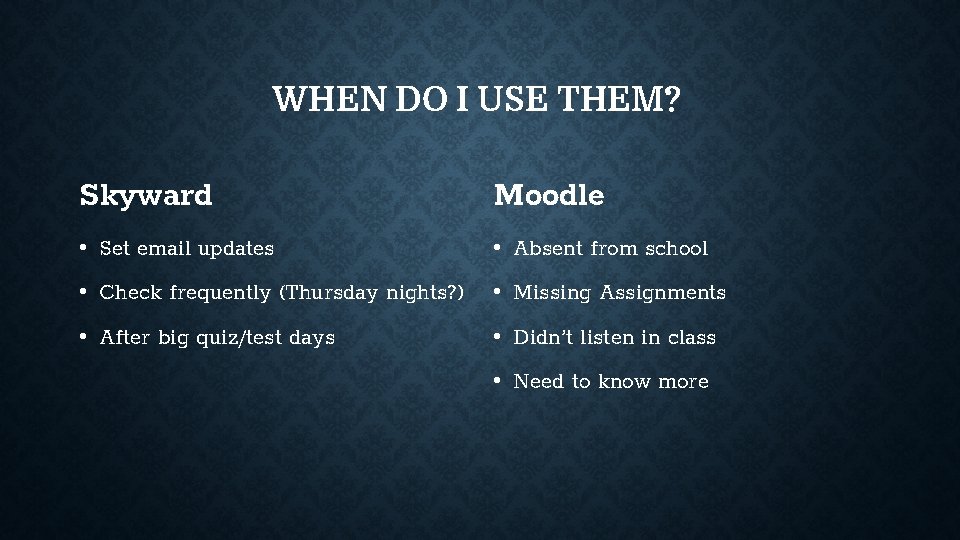
WHEN DO I USE THEM? Skyward Moodle • Set email updates • Absent from school • Check frequently (Thursday nights? ) • Missing Assignments • After big quiz/test days • Didn’t listen in class • Need to know more
WHEN DO I USE THEM? Google Classroom Google Calendar • Formative and/or Summative Writing • Daily to check for homework • Some teachers use Classroom as a resource for units of study • Daily to see what you did today-no longer accept “nothing” as an answer.
WHY DO I USE THEM • You all are here, so you know why! • Keep the communication between school and home going. • Complete homework, writing assignments, resources for units. • Fill in the blanks of your child’s response to what they did in school today. • To catch up easily when school is missed. • Help your child stay on top of things BEFORE the report cards come home.
HOW DO I USE THEM? • Trial run shortly • They have an app for that (Skyward, Google) • Internet access • Log in…play with them—you can’t break it! Explore! • Pull out the Chromebooks and we’ll walk you through logging into Skyward, then Moodle.
WHERE ARE THEY? • Go to the North Lake Web Page • Kids-show parents your special file at the top left of your Google screen. le d oo M Sk yw a rd
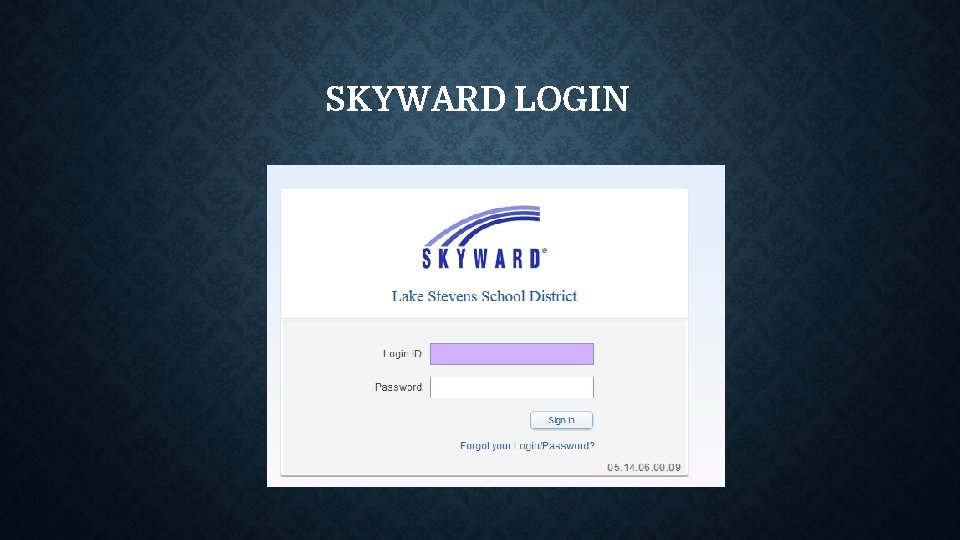
SKYWARD LOGIN
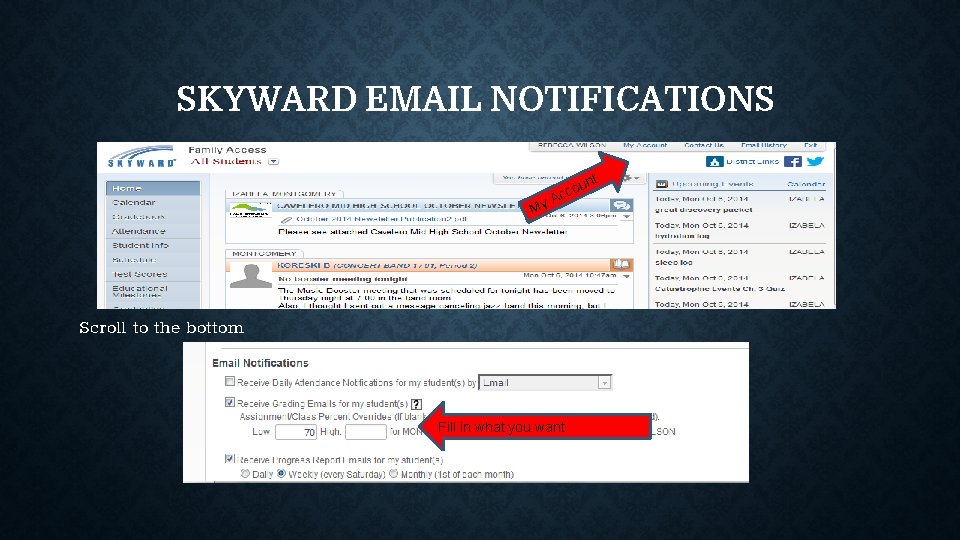
SKYWARD EMAIL NOTIFICATIONS nt My u cco A Scroll to the bottom Fill in what you want
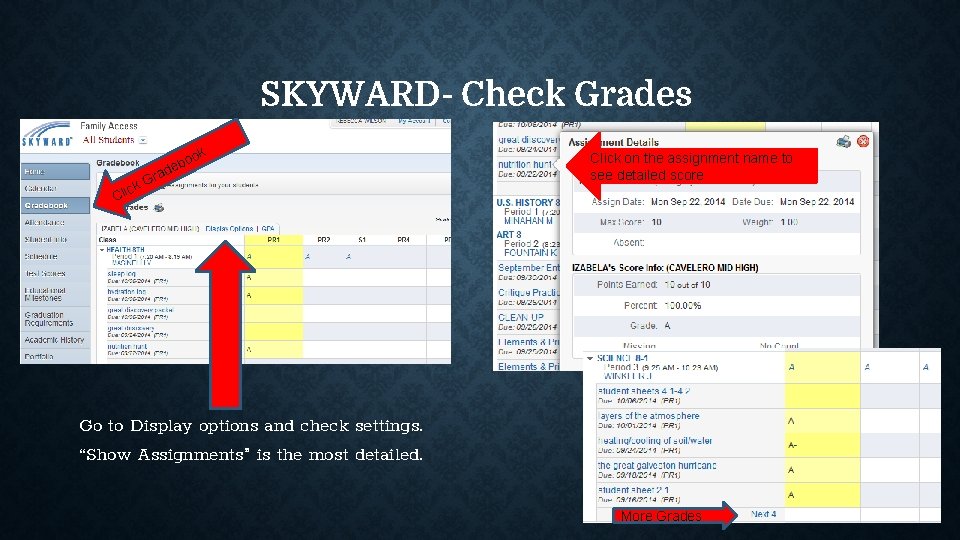
SKYWARD- Check Grades ck Cli rad G ok o eb Click on the assignment name to see detailed score Go to Display options and check settings. “Show Assignments” is the most detailed. More Grades
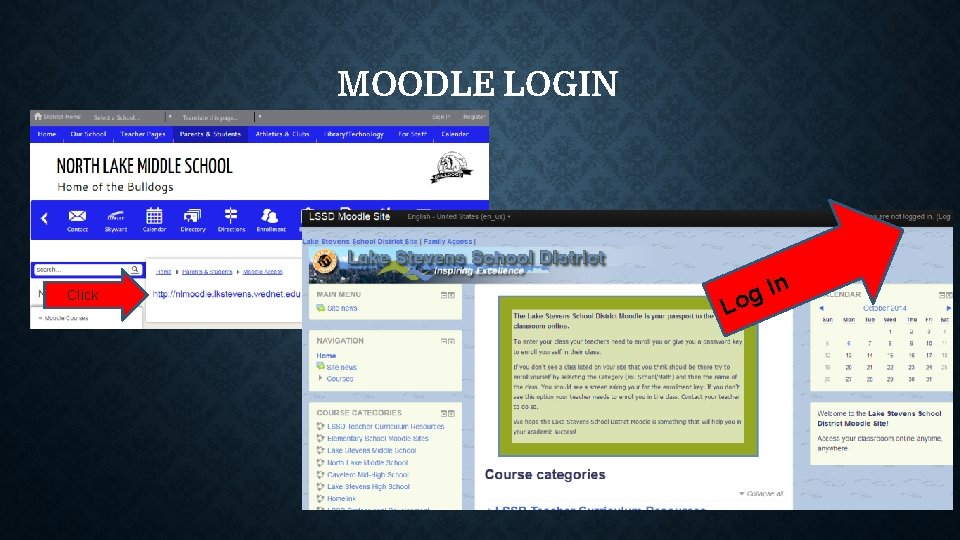
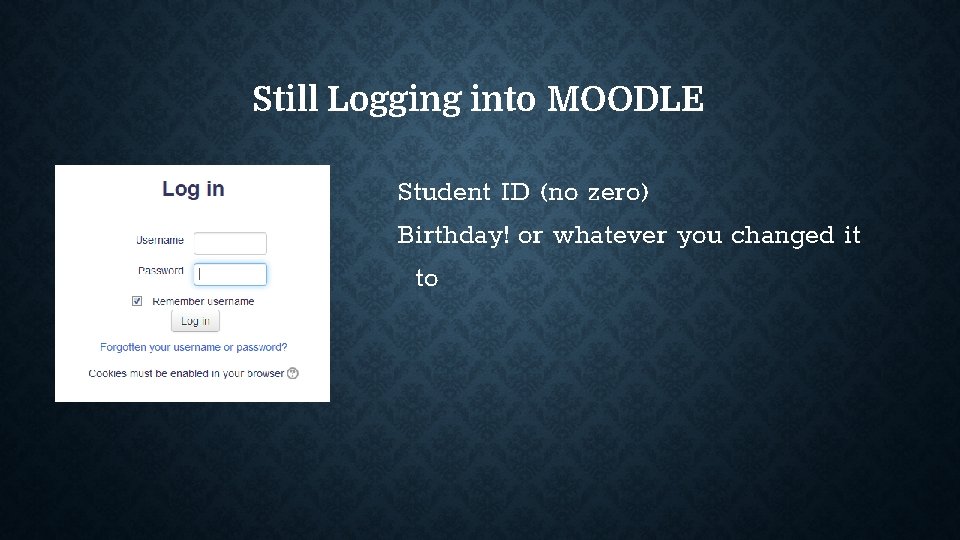
MOODLE LOGIN Click In g Lo
Still Logging into MOODLE Student ID (no zero) Birthday! or whatever you changed it to
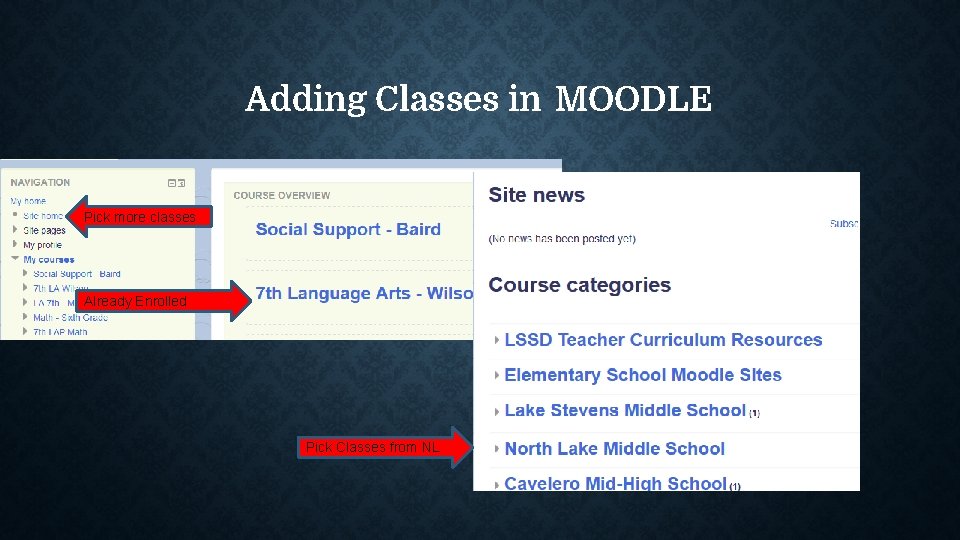
Adding Classes in MOODLE Pick more classes Already Enrolled Pick Classes from NL
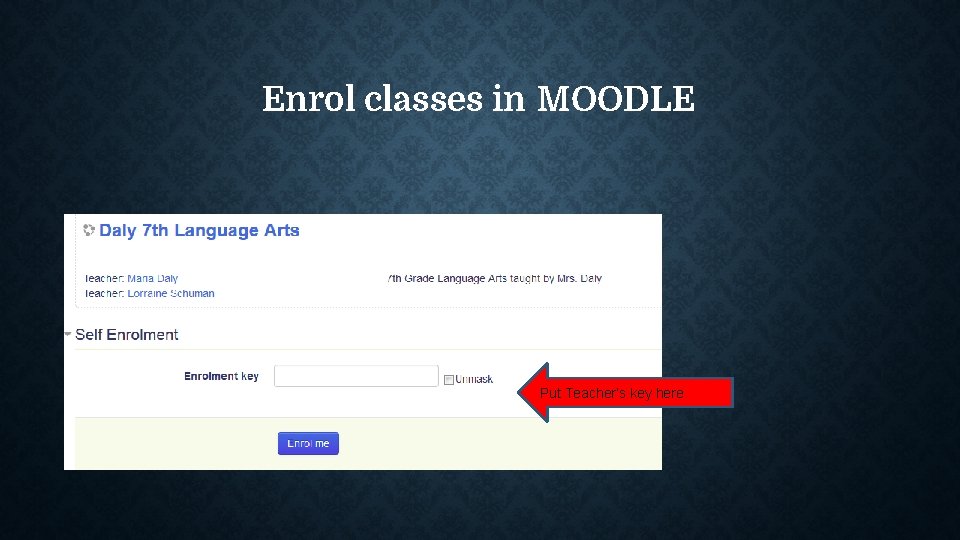
Enrol classes in MOODLE Put Teacher’s key here
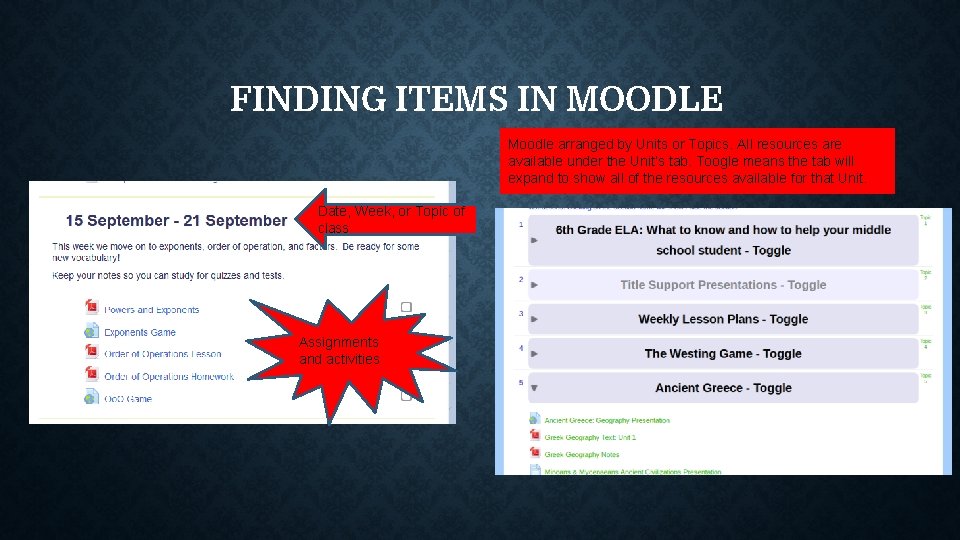
FINDING ITEMS IN MOODLE Moodle arranged by Units or Topics. All resources are available under the Unit’s tab. Toogle means the tab will expand to show all of the resources available for that Unit. Date, Week, or Topic of class Assignments and activities
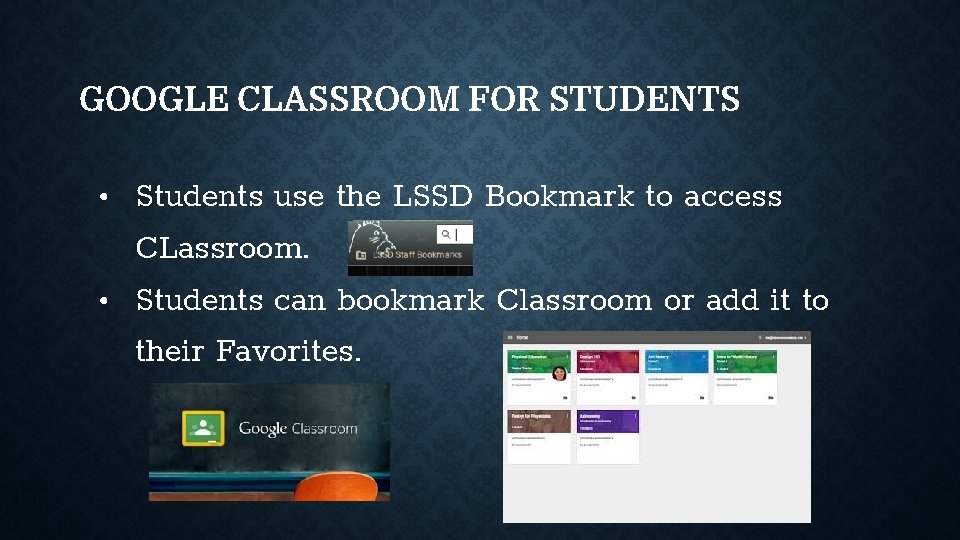
GOOGLE CLASSROOM FOR STUDENTS • Students use the LSSD Bookmark to access CLassroom. • Students can bookmark Classroom or add it to their Favorites.
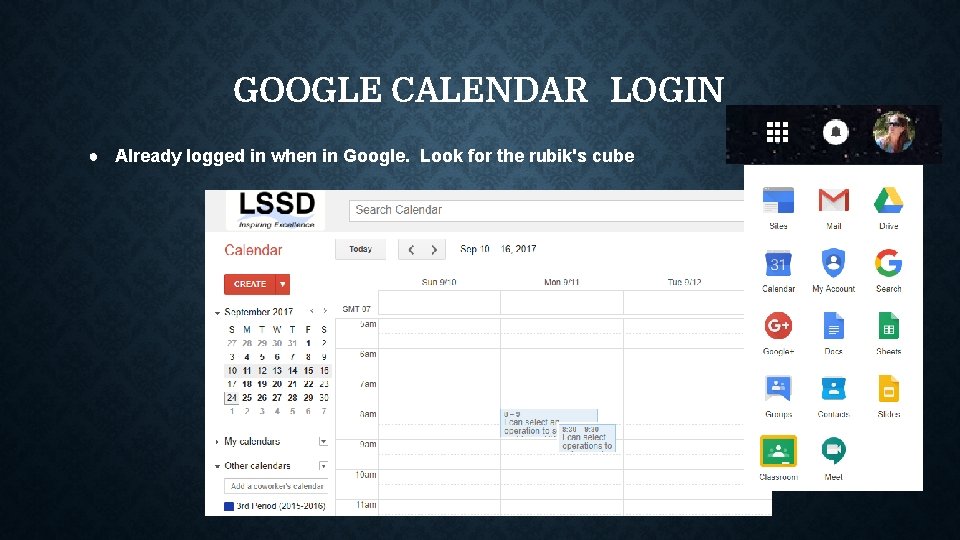
GOOGLE CALENDAR LOGIN ● Already logged in when in Google. Look for the rubik's cube
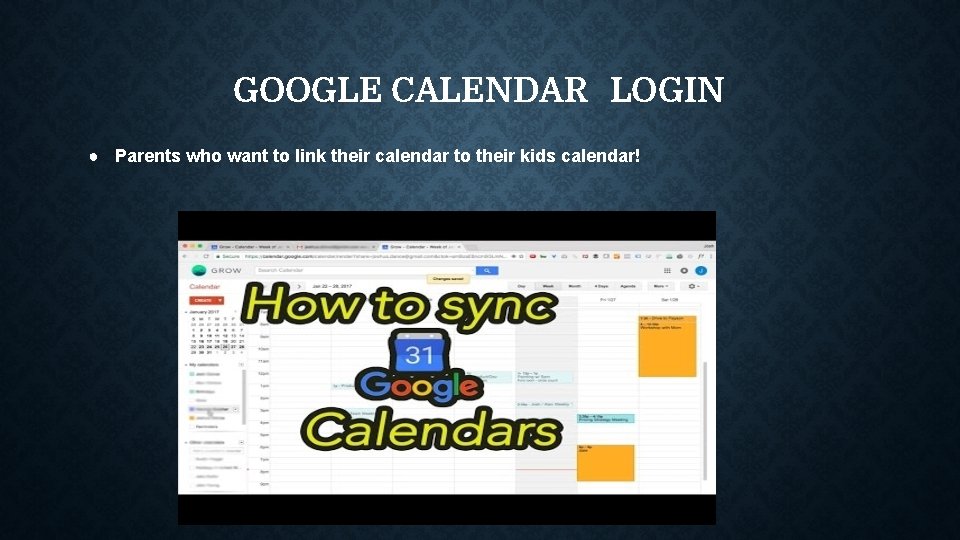
GOOGLE CALENDAR LOGIN ● Parents who want to link their calendar to their kids calendar!
OTHER WEBSITES THIS YEAR Find other helpful sites on the North Lake Web Page • AR Book finder • Renaissance Home Connect - AR progress • Khan Academy (on Clever) • Prodigy • Newsela • Games on Moodle • Big Ideas Math (on Clever)----Parent Night Oct. 17
THANK YOU FOR COMING! • We appreciate your time tonight. • Email or call teachers with any questions! • See you Tuesday, October 17 th for Big Ideas Math night! Kelli_Kesler@lkstevens. wednet. edu Maria_Daly@lkstevens. wednet. edu Rebecca_Wilson@lkstevens. wednet. edu