
SIT AT YOUR ASSIGNED SEAT Computer lab guidelines
SIT AT YOUR ASSIGNED SEAT Computer lab guidelines: Sit at your assigned seat each time. Your computer will run faster if you use the same one. Take out your pencil and notebook. Backpack should be in a cubby after unpacking. Log in to your computer and wait for instructions.
USING THE CLASS WEBPAGE LEARNING OBJECTIVE: USING THE CLASS WEBPAGE FOR MAKE-UP WORK AND CLASSWORK
OUR CLASS WEBPAGE Launch Google Chrome. Type in this address: www. kyrene. org/sryan. Click the three dots on the right. Click Bookmark this page, and choose Bookmarks Bar.
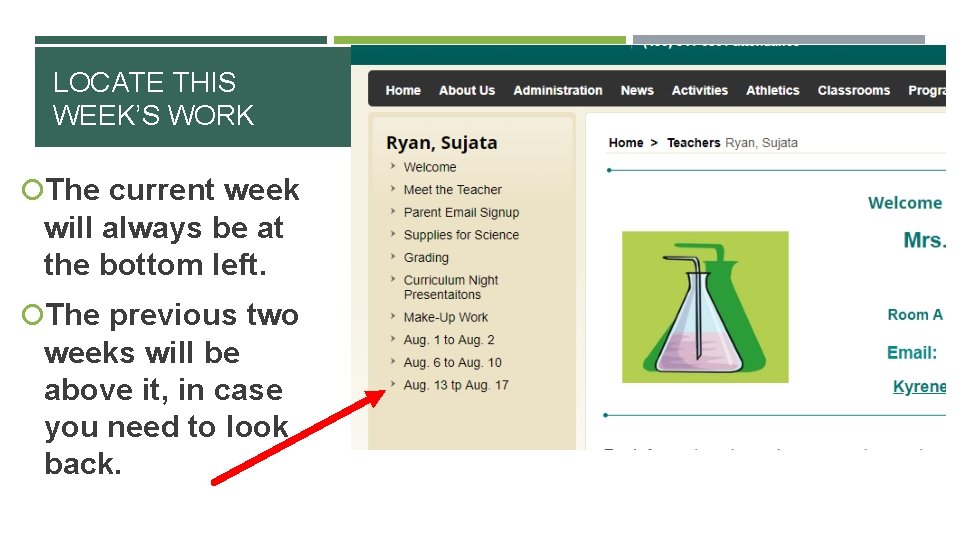
LOCATE THIS WEEK’S WORK The current week will always be at the bottom left. The previous two weeks will be above it, in case you need to look back.
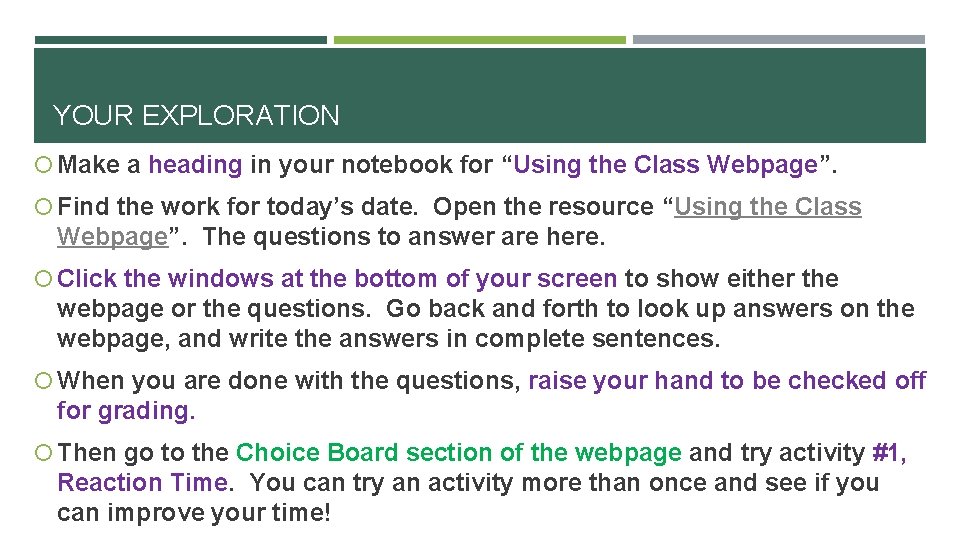
YOUR EXPLORATION Make a heading in your notebook for “Using the Class Webpage”. Find the work for today’s date. Open the resource “Using the Class Webpage”. The questions to answer are here. Click the windows at the bottom of your screen to show either the webpage or the questions. Go back and forth to look up answers on the webpage, and write the answers in complete sentences. When you are done with the questions, raise your hand to be checked off for grading. Then go to the Choice Board section of the webpage and try activity #1, Reaction Time. You can try an activity more than once and see if you can improve your time!
- Slides: 5