
Single Image Haze Removal Using Dark Channel Prior

- Slides: 13
Single Image Haze Removal Using Dark Channel Prior and Other Techniques By: Rachel Yuen, Chad Van De Hey, and Jake Trotman
Problem Statement • Accurately determine which areas are hazy and which are not • Complete all rendering in a reasonable amount of time (30 seconds to a minute, if possible)
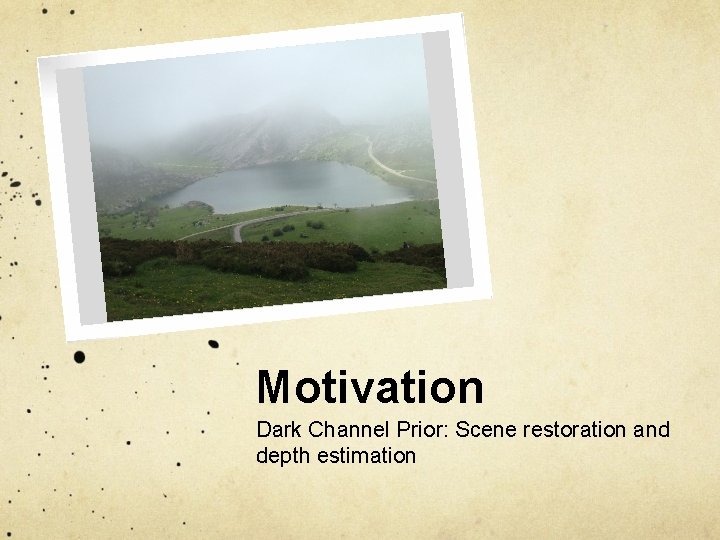
Motivation Dark Channel Prior: Scene restoration and depth estimation
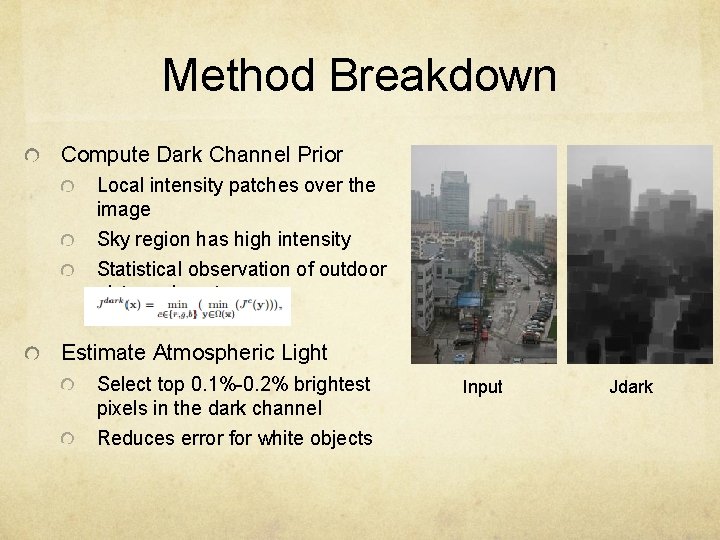
Method Breakdown Compute Dark Channel Prior Local intensity patches over the image Sky region has high intensity Statistical observation of outdoor pictures in nature Estimate Atmospheric Light Select top 0. 1%-0. 2% brightest pixels in the dark channel Reduces error for white objects Input Jdark
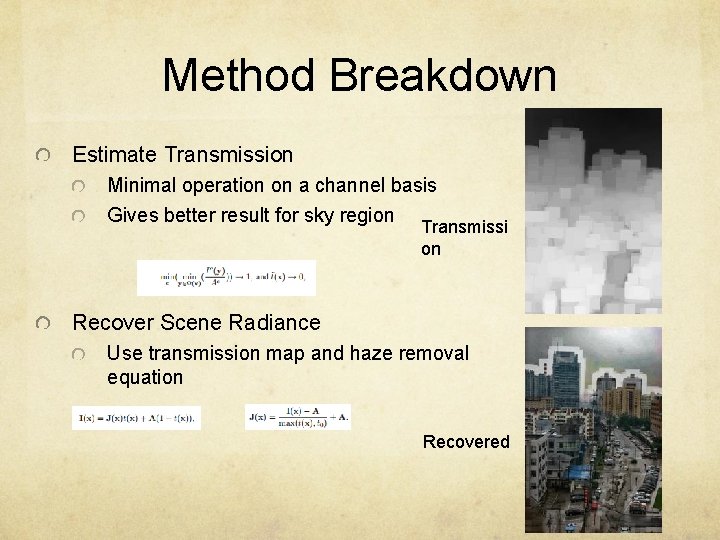
Method Breakdown Estimate Transmission Minimal operation on a channel basis Gives better result for sky region Transmissi on Recover Scene Radiance Use transmission map and haze removal equation Recovered
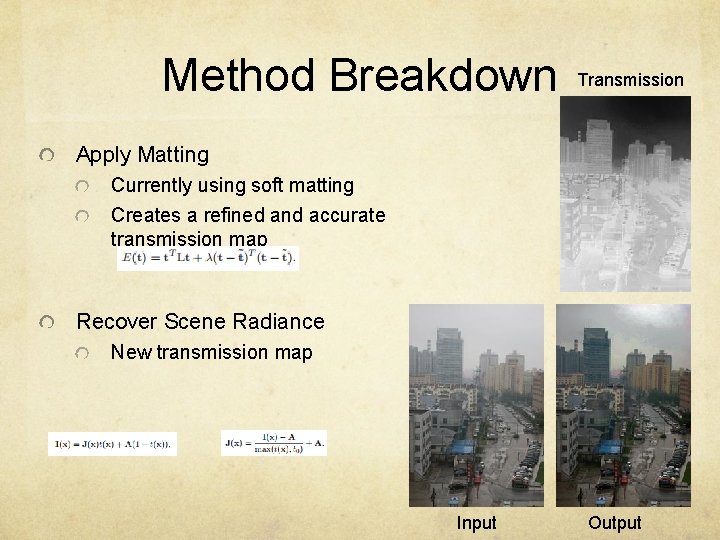
Method Breakdown Transmission Apply Matting Currently using soft matting Creates a refined and accurate transmission map Recover Scene Radiance New transmission map Input Output
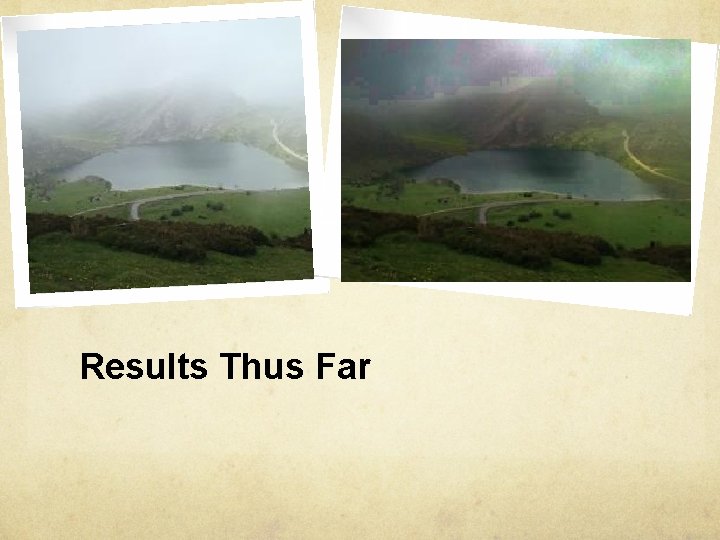
Results Thus Far
Performance Improvement Methods Guided Filter Fast Matting A. I.
Guided Filtering Retrieve the transmission variable “T” from a “down sampled” image and “up sample” with a guided filter. Guided filter function in Matlab. Image dehazing time performance becomes linear to its size.
Fast Matting Gaussian filter to smooth image after removing artifacts. Use large kernel matting laplacian matrices instead of soft matting.
A. I. Methods Bays Nets and K-Nearest Neighbors methods to accurately estimate the atmospheric variable “A” using a probability function over density of the haze.
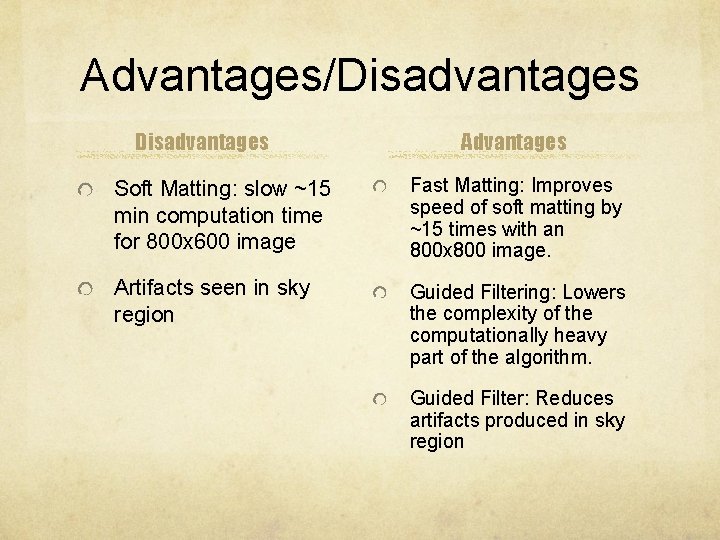
Advantages/Disadvantages Advantages Soft Matting: slow ~15 min computation time for 800 x 600 image Fast Matting: Improves speed of soft matting by ~15 times with an 800 x 800 image. Artifacts seen in sky region Guided Filtering: Lowers the complexity of the computationally heavy part of the algorithm. Guided Filter: Reduces artifacts produced in sky region
Questions?