
Single Display Groupware Ana Zanella CPSC 601 13
![SDG Applications • Mid. Draw MID [Bederson]](https://slidetodoc.com/presentation_image_h2/dcd8ffc948b6859a525764ee63d0eafd/image-10.jpg "SDG Applications • Mid. Draw MID [Bederson]")
![SDG Applications • Kid. Pad MID [Bederson]](https://slidetodoc.com/presentation_image_h2/dcd8ffc948b6859a525764ee63d0eafd/image-11.jpg "SDG Applications • Kid. Pad MID [Bederson]")
![SDG Applications • Pebbles. Draw Pebbles [Myers]](https://slidetodoc.com/presentation_image_h2/dcd8ffc948b6859a525764ee63d0eafd/image-12.jpg "SDG Applications • Pebbles. Draw Pebbles [Myers]")
![SDG Applications • MID Editor [Zanella] uses MIDFrame [Shoemaker]](https://slidetodoc.com/presentation_image_h2/dcd8ffc948b6859a525764ee63d0eafd/image-13.jpg "SDG Applications • MID Editor [Zanella] uses MIDFrame [Shoemaker]")
![SDG Applications • Connect the Dots games [Zanella] uses MIDFrame [Shoemaker]](https://slidetodoc.com/presentation_image_h2/dcd8ffc948b6859a525764ee63d0eafd/image-14.jpg "SDG Applications • Connect the Dots games [Zanella] uses MIDFrame [Shoemaker]")
- Slides: 36
Single Display Groupware Ana Zanella - CPSC 601. 13 -
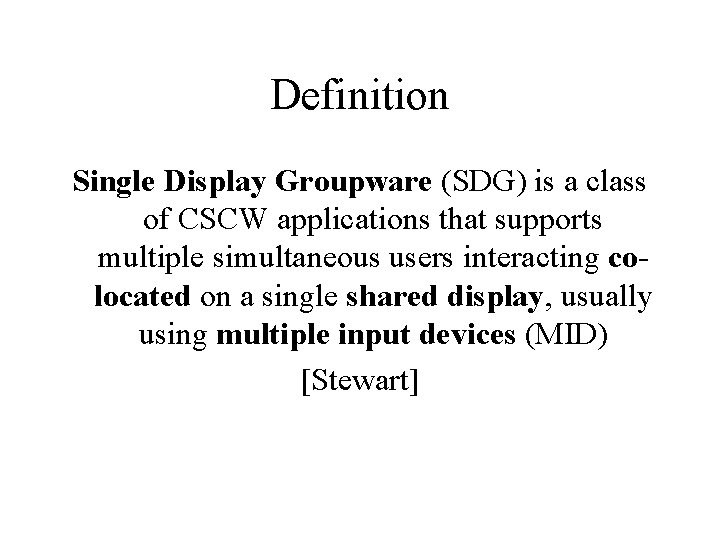
Definition Single Display Groupware (SDG) is a class of CSCW applications that supports multiple simultaneous users interacting colocated on a single shared display, usually using multiple input devices (MID) [Stewart]
Group’s Interactions • What are the types of functions groups execute during the work? • How do groups interact in terms of shared artifacts being manipulated? • How do groups communicate in a face-toface situation?
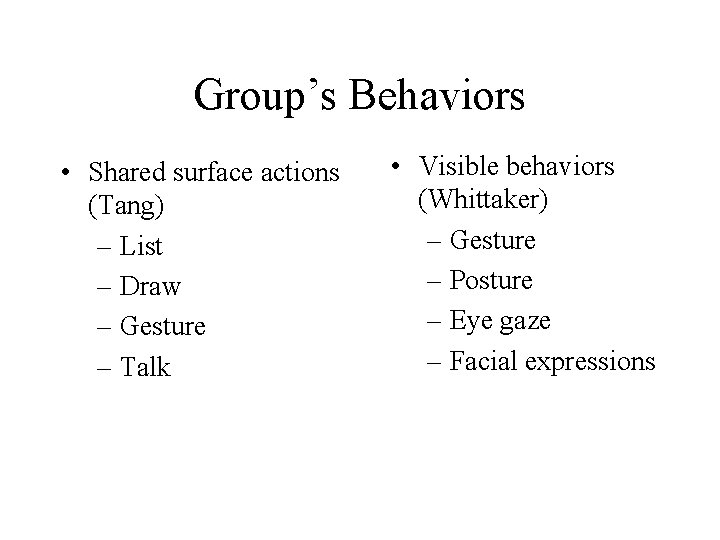
Group’s Behaviors • Shared surface actions (Tang) – List – Draw – Gesture – Talk • Visible behaviors (Whittaker) – Gesture – Posture – Eye gaze – Facial expressions
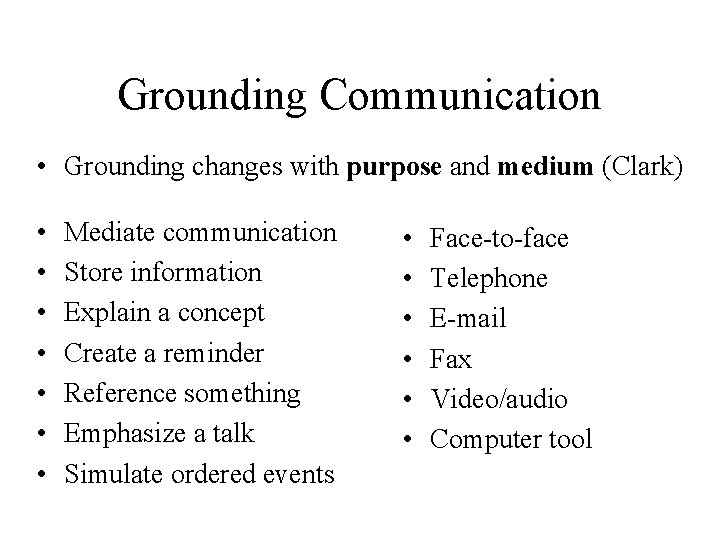
Grounding Communication • Grounding changes with purpose and medium (Clark) • • Mediate communication Store information Explain a concept Create a reminder Reference something Emphasize a talk Simulate ordered events • • • Face-to-face Telephone E-mail Fax Video/audio Computer tool
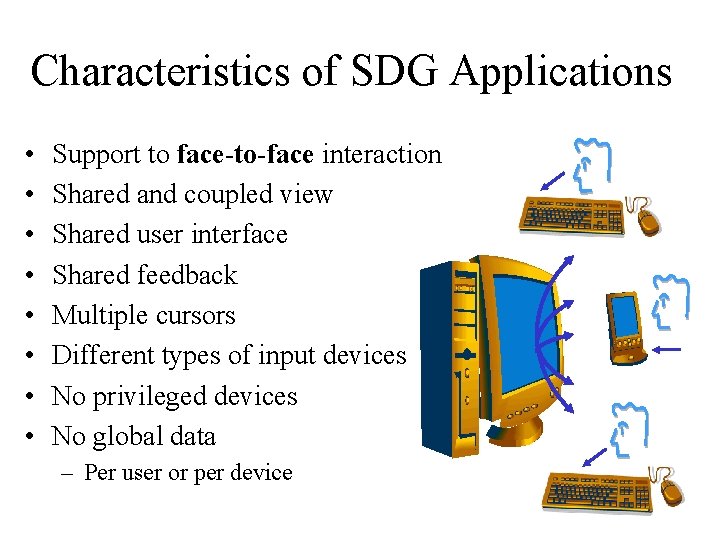
Characteristics of SDG Applications • • Support to face-to-face interaction Shared and coupled view Shared user interface Shared feedback Multiple cursors Different types of input devices No privileged devices No global data – Per user or per device
Potential Advantages • Maintaining face-to-face interactions • Enabling collaboration that was inhibited by social barriers • Enabling types of collaborations that require multiple users • Enriching existing collaborations • Reducing/eliminating conflicts • Encouraging peer learning/teaching • Strengthening communication skills
Potential Disadvantages • • • It may take longer to complete tasks Navigation may be frustrating Applications may be slower Applications may not be portable Screen real state problem Adding technology may add constrains to face-to-face interactions
Types of SDG Applications • Children’s Application • games, educational tools • Software demonstration • Meeting Tools • brainstorming, discussing and design tasks • SDG Editors • text, drawing • Multiple Input Device Systems • two handed input
SDG Applications • Mid. Draw MID [Bederson]
SDG Applications • Kid. Pad MID [Bederson]
SDG Applications • Pebbles. Draw Pebbles [Myers]
SDG Applications • MID Editor [Zanella] uses MIDFrame [Shoemaker]
SDG Applications • Connect the Dots games [Zanella] uses MIDFrame [Shoemaker]
Issues in SDG Design • Technological issues – Input devices – Output devices • Widgets issues • Data issues
Issue: Input Devices • Multiple users and input – Operating Systems do not allow several inputs at the same time: mouse vs. keyboard – Simultaneous input data to be treated • Average of the inputs
Issue: Input Devices • Multiple input devices and multiple pointers – Operating System allows one cursor only • Two mice connected, input is the average of both – Several pointers: • One pointer per user in the room – Confusion • More users than pointers – Who is interacting and who is not
Issue: Input Devices • Multiple input devices • Turn taking vs. Simultaneous access – One user per device • Parallel work: collaboration may not occur – More users than devices • Some turn-taking: may encourage users to collaborate more, even though some are working in parallel
Issue: Input Devices • Different types of input devices • Treat different devices’ inputs • Different issues: – Mouse, joystick : restricts gestures, do not avoid interference, not much awareness – PDA’s: personal screen, restricts gestures – Pens: allows some gestures, awareness of users, avoid interference – Touch screen: allows gestures, awareness of users, avoid interference
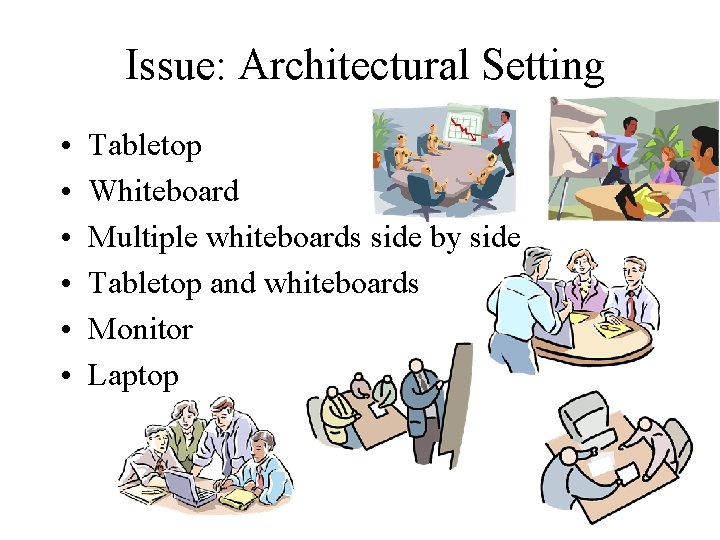
Issue: Architectural Setting • • • Tabletop Whiteboard Multiple whiteboards side by side Tabletop and whiteboards Monitor Laptop
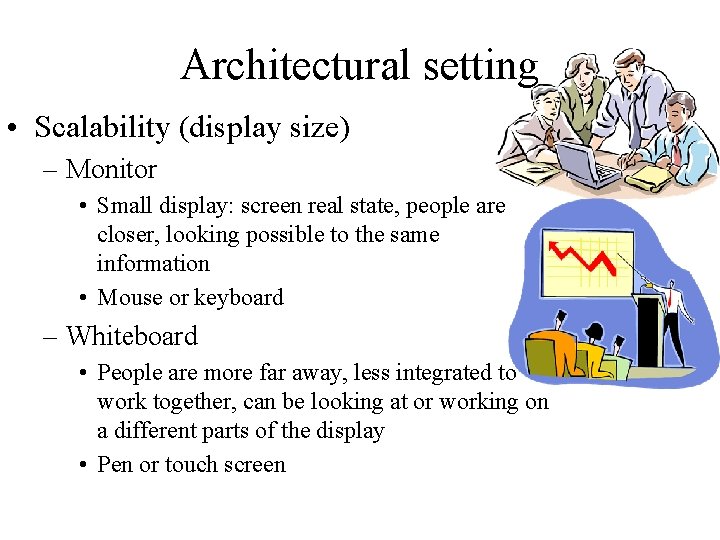
Architectural setting • Scalability (display size) – Monitor • Small display: screen real state, people are closer, looking possible to the same information • Mouse or keyboard – Whiteboard • People are more far away, less integrated to work together, can be looking at or working on a different parts of the display • Pen or touch screen
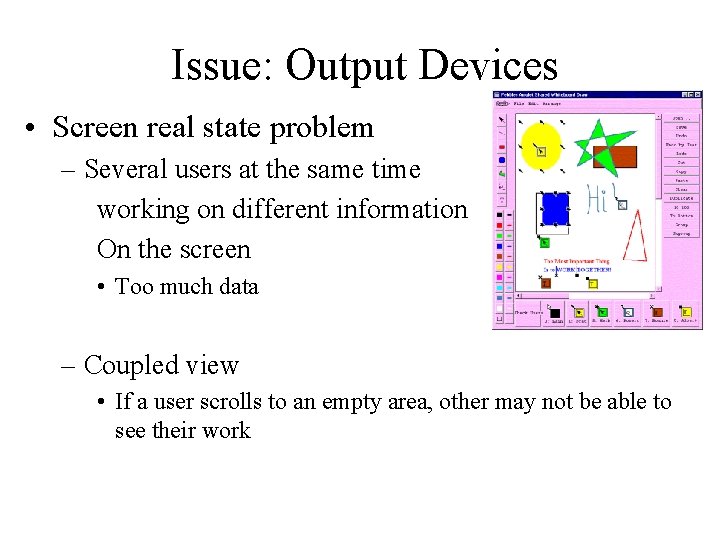
Issue: Output Devices • Screen real state problem – Several users at the same time working on different information On the screen • Too much data – Coupled view • If a user scrolls to an empty area, other may not be able to see their work
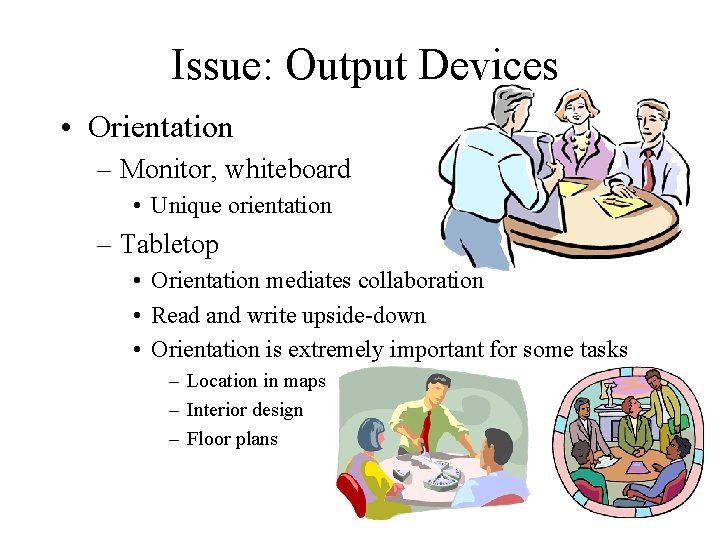
Issue: Output Devices • Orientation – Monitor, whiteboard • Unique orientation – Tabletop • Orientation mediates collaboration • Read and write upside-down • Orientation is extremely important for some tasks – Location in maps – Interior design – Floor plans
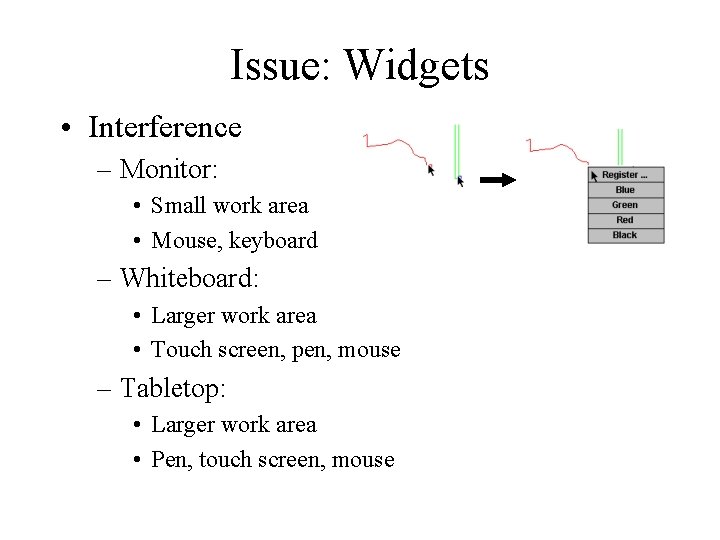
Issue: Widgets • Interference – Monitor: • Small work area • Mouse, keyboard – Whiteboard: • Larger work area • Touch screen, pen, mouse – Tabletop: • Larger work area • Pen, touch screen, mouse
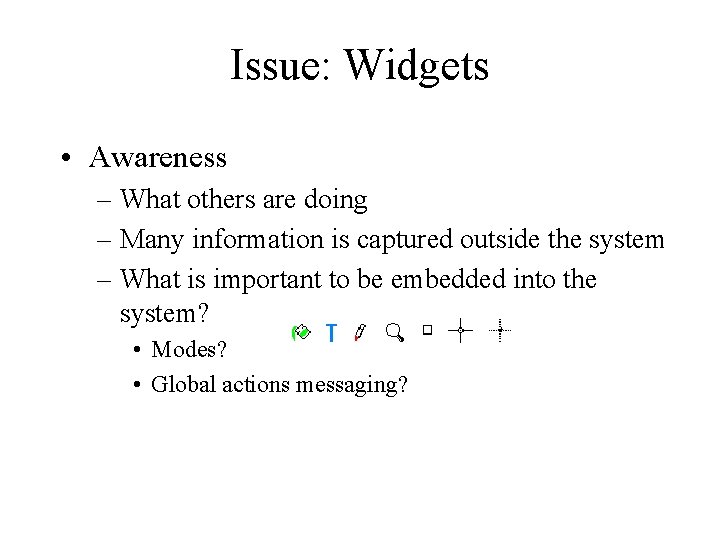
Issue: Widgets • Awareness – What others are doing – Many information is captured outside the system – What is important to be embedded into the system? • Modes? • Global actions messaging?
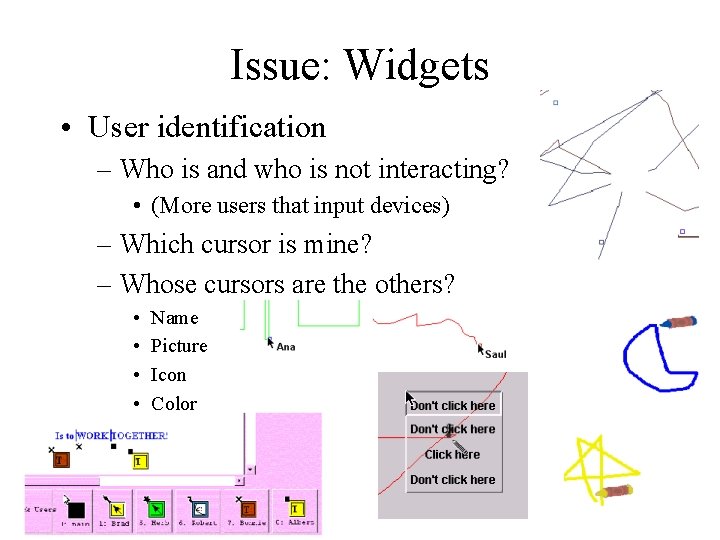
Issue: Widgets • User identification – Who is and who is not interacting? • (More users that input devices) – Which cursor is mine? – Whose cursors are the others? • • Name Picture Icon Color
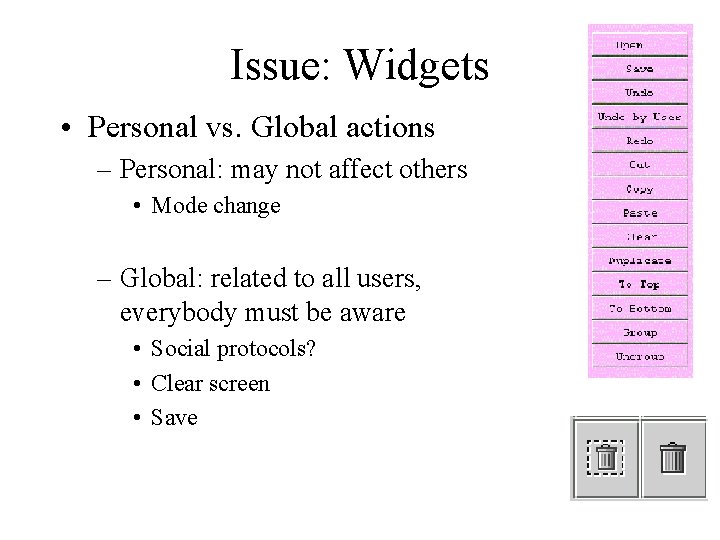
Issue: Widgets • Personal vs. Global actions – Personal: may not affect others • Mode change – Global: related to all users, everybody must be aware • Social protocols? • Clear screen • Save
Issue: Widgets • Joint actions – Kid. Pad – Educational applications – How does it apply to meetings? (real world applications) • Marking important topics • Persistent data
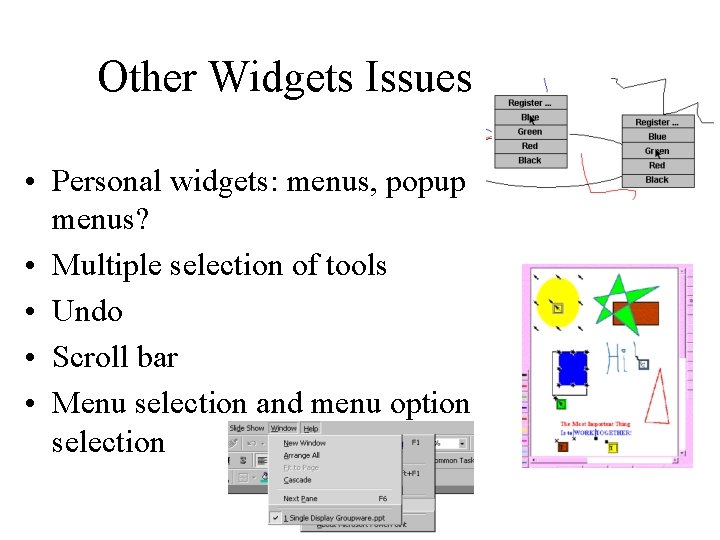
Other Widgets Issues • Personal widgets: menus, popup menus? • Multiple selection of tools • Undo • Scroll bar • Menu selection and menu option selection
Issue: Data • Multiple selection of data at a time: – Move – Delete – Modify • Data per user – Can others delete my data? – When I undo: does it undo my last action or general last action?
Restriction on the Definition • One display – Single display groupware Vs. – Co-located groupware • Multiple screens • Multiple input devices – some with own display • Some issues apply to both, but new ones can be added with the addition of several displays
Conclusions • Based on face-to-face interactions – Some aspects are maintained – When technology is added some behaviors may change • Multiple input devices is necessary – Simultaneity • Operating Systems do not support multiple input devices – Applications have to treat MID – Non portable applications
Conclusions • Several issues have not been studied in detail: – Different types of devices – Scalability – Interference – Orientation – Co-located groupware: several displays
What I Am Doing • Widgets • Interference • Architecture for SDG – multiple types of devices
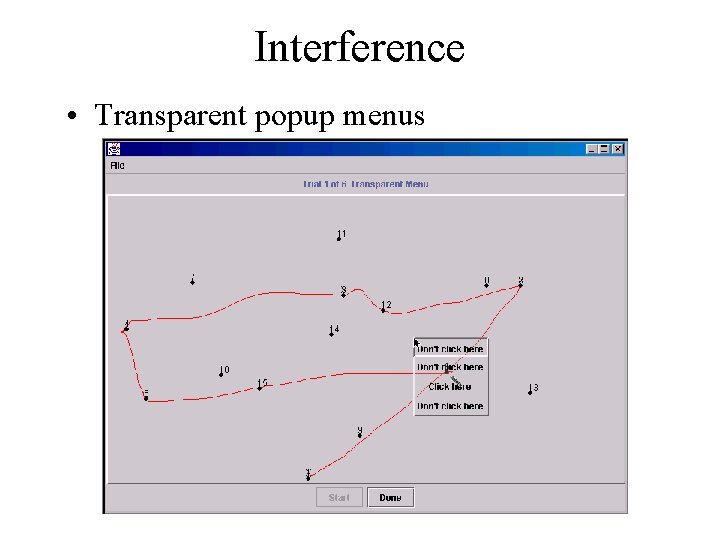
Interference • Transparent popup menus
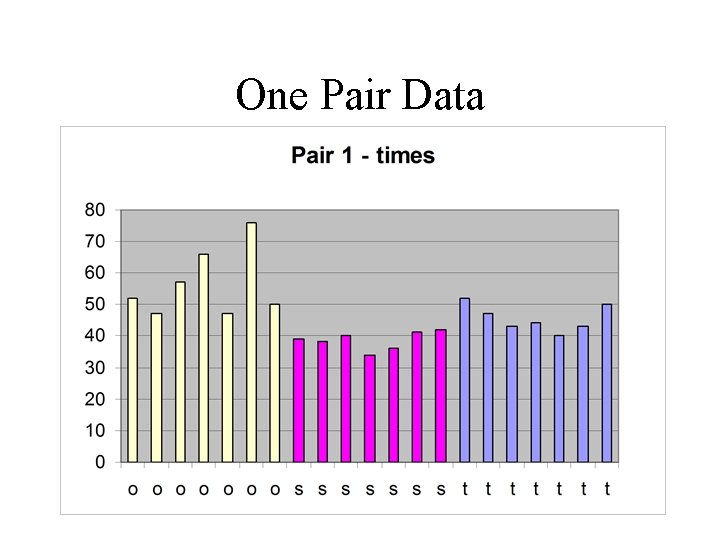
One Pair Data