
Simulation component and MODFLOW Data Model Simulation Component




- Slides: 17
Simulation component and MODFLOW Data Model
Simulation Component
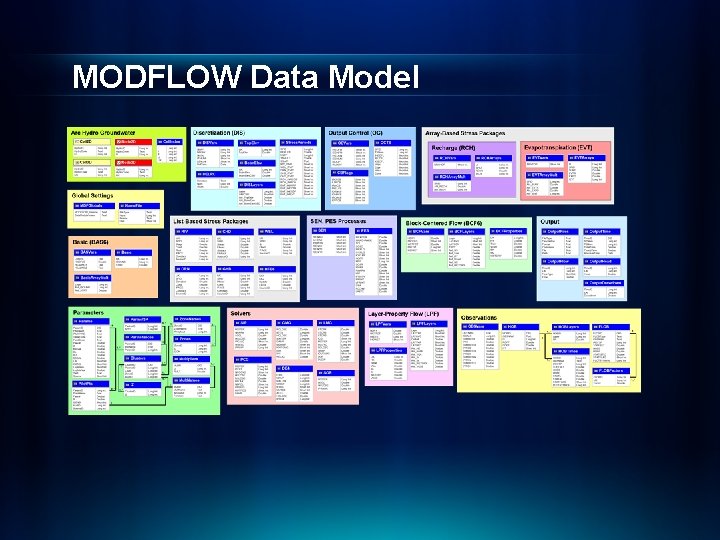
MODFLOW Data Model • Data standard for storing MODFLOW models in a GIS database • Importing models built externally • Archiving calibrated models • Building new MODFLOW models inside Arc. GIS • Custom scripts for analyzing/modifying models can be developed as geoprocessing tools
Boundary Polygon J I
Cell 2 D and Node 2 D Features Cell 2 D Node 2 D
Cell 3 D and Node 3 D Features • Define the model cells and nodes as 3 D features (points and multipatches) • Mostly used for visualization of 3 D models
MODFLOW Data Model
MODFLOW Analyst Tools • Developed as geoprocessing (GP) tools • Classes of tools: - Import - Export - Visualization/Map Layers - Model editing - Building package input - Working with transient input/solutions
Import MODFLOW Model Tool Input Output
Make MODFLOW Features Tool + Or Node 2 D Cell 2 D INPUT OUTPUT
Map Layer – Computed Head
Build Package Input Discretize: Spatial q - Polygons K zones (overlay) Points K values (interpolate) Polylines River cells Points Wells Temporal q - Time Series Stress Periods
Discretization of Features
Geoprocessing Tools
Geoprocessing Tools
Geoprocessing Tools - Workflows • GP tools enable the development of workflows as models or scripts • Extendable – You can create your own workflows • Leverage low-level tools to create new tools
MODFLOW Analyst Demo