
Simulation and Visualization Imaging Robotics Intelligent Systems Laboratory
Simulation and Visualization Imaging, Robotics, & Intelligent Systems Laboratory University of Tennessee Chris Kammerud Spring 2004
Outline • 4 Tasks • Luggage Simulation – Enhancements – Literature Review • Collisions • Placement • Viz-Tek – Eon Studio • Interface • Nodes – Application to Luggage – Model library • Publication • Conclusions 2
4 Tasks • • Luggage Simulation in 3 D Studio Max Applying to Luggage Publication Project 3 D Transform Methods, Dr. Roberts 3
Luggage Sim Objectives • Add enhancments to previous semester’s algorithm – Automation – Manual placement – Constraints on how placement occurs • Literature Review 4
Enhancements • • Automation Sort items as acquired Voxel creation based on size of items New way of generating random numbers • Placement with gravity in mind • Literature review 5
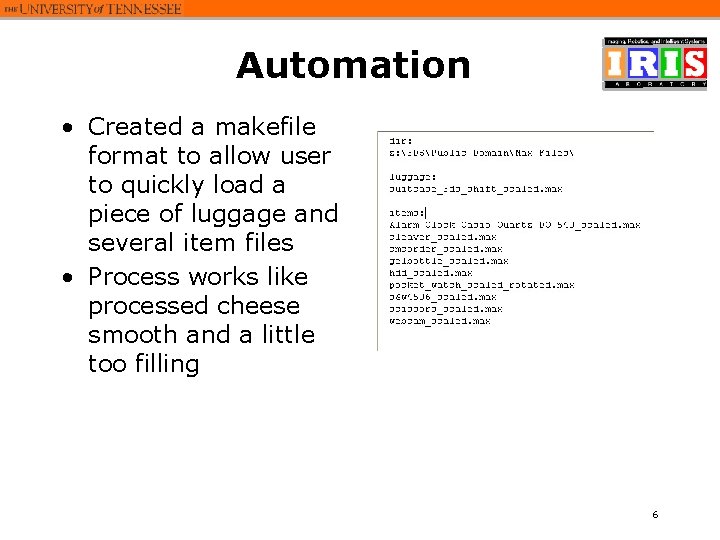
Automation • Created a makefile format to allow user to quickly load a piece of luggage and several item files • Process works like processed cheese smooth and a little too filling 6
Ordering Items • Items are sorted into the items array as they are loaded into the simulation • The order is from largest to smallest • This to let the placement algorithm easily place larger items before smaller items 7
Voxel Creation • The number of voxels was originally fairly arbitrary like the weather or course of an ant’s life in relation to man • The size of a voxel is set to be that of the smallest item to efficiently use space • Max number of cubes is enforced 8
Random Numbers • 3 DS Max function not good enough • My original stop-gap fix, keeping track of which numbers were used, was not really a solution • Looked up and found website of research and I took method from there 9
Gravity • A suggestion, was rightfully made that the simulation would appear more realistic if objects didn’t hang in mid-air • So a method was devised to keep items as close to the bottom of the luggage as possible 10
Literature Review • A quick little overview on methods of dividing space and detecting collisions was done • Ideas included – Division by grids – Binary space partition trees – R-trees 11
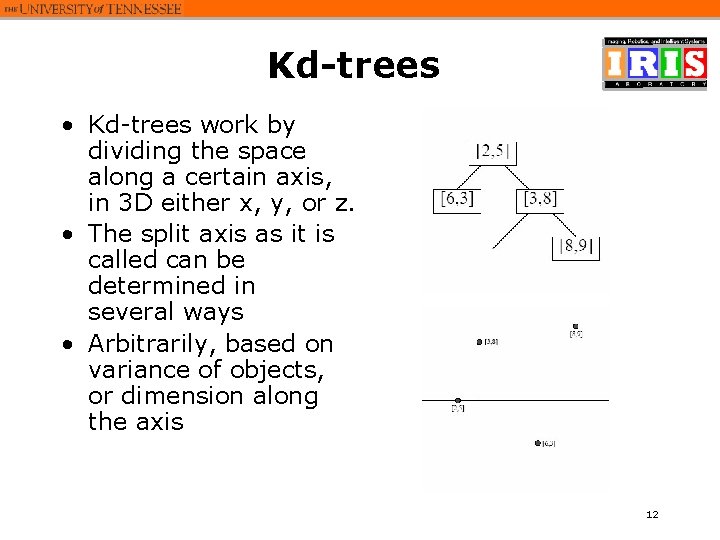
Kd-trees • Kd-trees work by dividing the space along a certain axis, in 3 D either x, y, or z. • The split axis as it is called can be determined in several ways • Arbitrarily, based on variance of objects, or dimension along the axis 12
R-Trees • R-Trees divide an area so that objects(or object triangles) appear in only one division of space • Generally each division of space splits the objects/triangles into two groups half as big 13
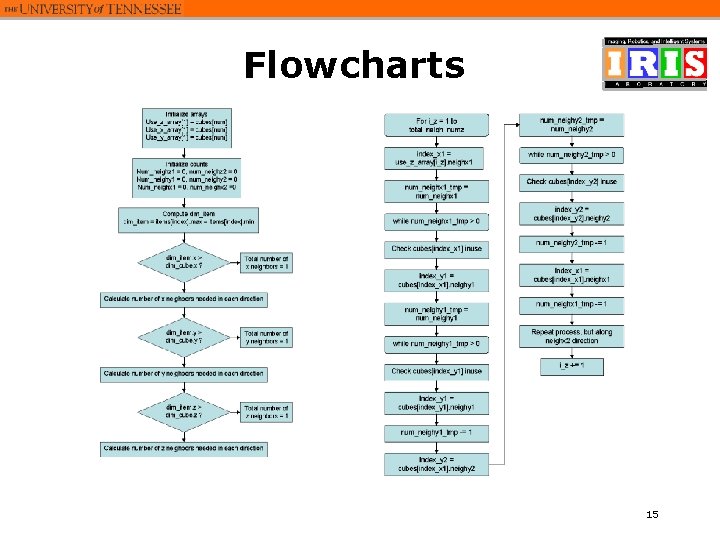
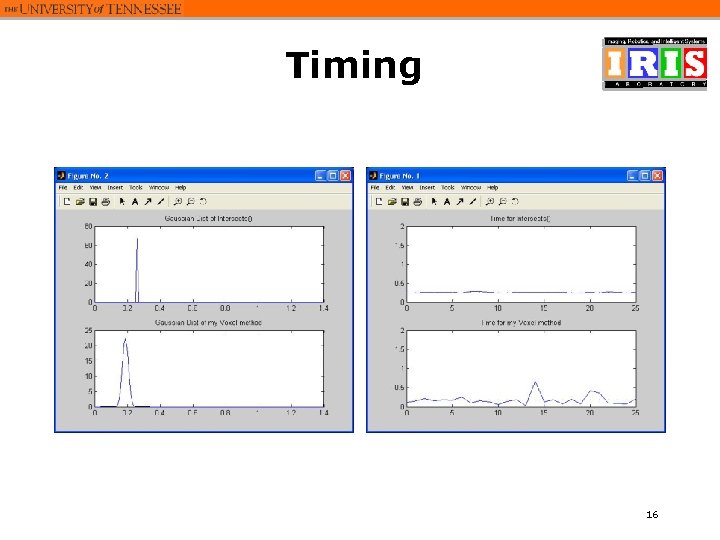
Publication Objectives • Create flowcharts • Study timing of different parts 14
Flowcharts 15
Timing 16
Luggage in Viz-Tek Objectives • Successfully import 3 DSM models • Add ways for user to interact and move objects in the simulation 17
Viz-Tek • First part of the semester spent learning and getting familiar with system • Loaded several types of data from fellow students • Applied software to allow manipulation of luggage models 18
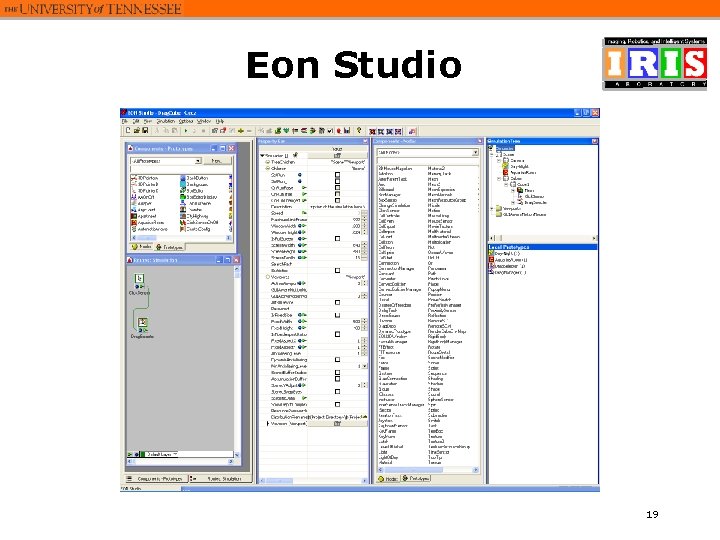
Eon Studio 19
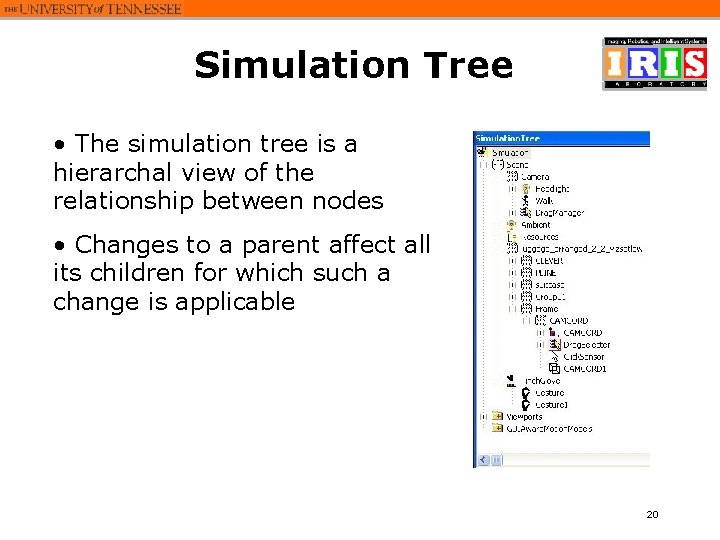
Simulation Tree • The simulation tree is a hierarchal view of the relationship between nodes • Changes to a parent affect all its children for which such a change is applicable 20
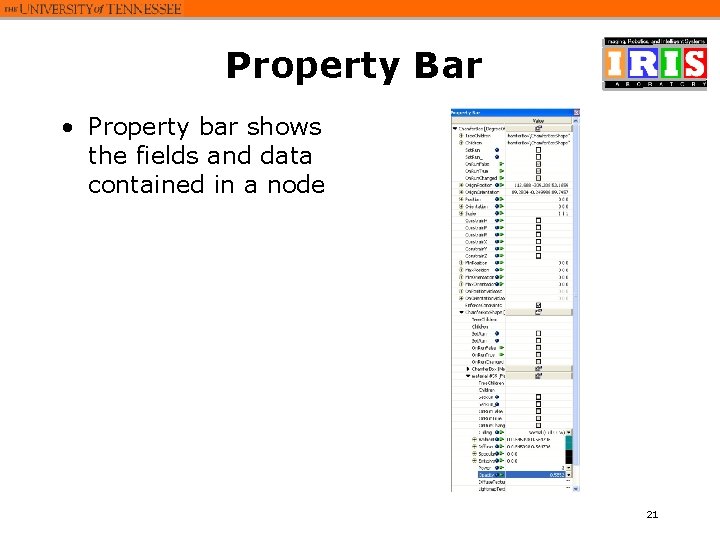
Property Bar • Property bar shows the fields and data contained in a node 21
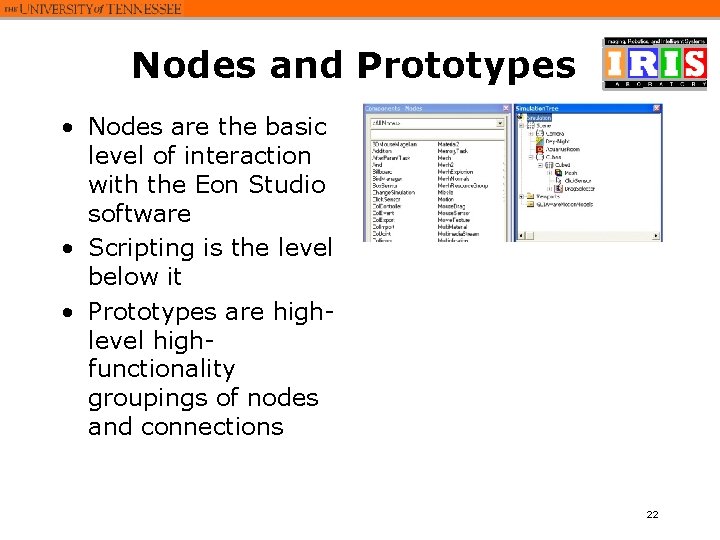
Nodes and Prototypes • Nodes are the basic level of interaction with the Eon Studio software • Scripting is the level below it • Prototypes are highlevel highfunctionality groupings of nodes and connections 22
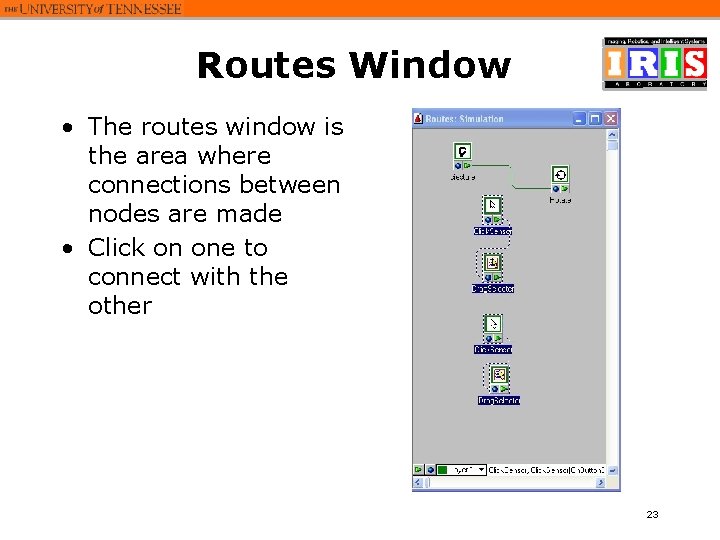
Routes Window • The routes window is the area where connections between nodes are made • Click on one to connect with the other 23
Application to Luggage • Loaded and visualized luggage in Viz. Tek system • Added systems of movement 24
Keyboard 25
Mouse 26
Pinch Gloves • The pinch gloves can be used to select and move items in a simulation 27
Menu System • A menu system was created to choose between the three systems of movement • In order to access the menu, the user can right-click on any item loaded in the simulation 28
Model Library 29
- Slides: 29