
Simple Programs Simple Strings Writing some programs Only
![Average some numbers class Average { public static void main(String args[]) { double x](https://slidetodoc.com/presentation_image_h/7f4f5a4e1d00ebba08544887fed114ae/image-6.jpg "Average some numbers class Average { public static void main(String args[]) { double x")
![Print some text class Print. Demo { public static void main(String args[]) { System.](https://slidetodoc.com/presentation_image_h/7f4f5a4e1d00ebba08544887fed114ae/image-9.jpg "Print some text class Print. Demo { public static void main(String args[]) { System.")
![Tester class Stub { public static void main(String args[]) { String s; double d;](https://slidetodoc.com/presentation_image_h/7f4f5a4e1d00ebba08544887fed114ae/image-12.jpg "Tester class Stub { public static void main(String args[]) { String s; double d;")

- Slides: 18
Simple Programs Simple Strings Writing some programs Only in Parameters? I/O Gadget
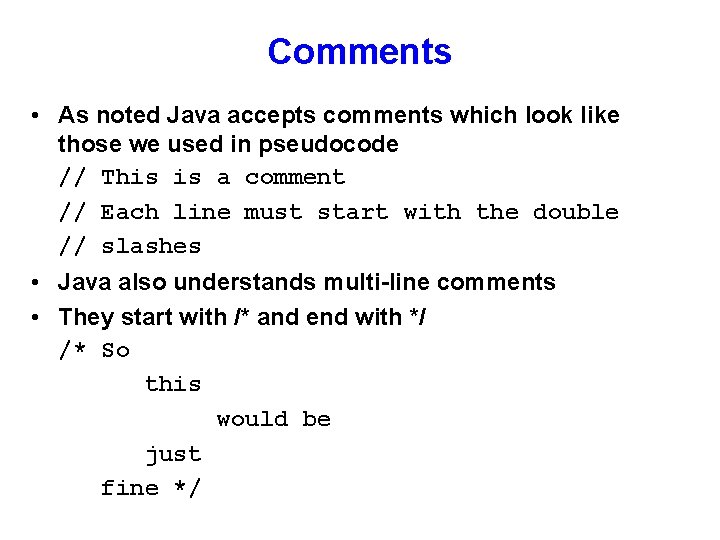
Comments • As noted Java accepts comments which look like those we used in pseudocode // This is a comment // Each line must start with the double // slashes • Java also understands multi-line comments • They start with /* and end with */ /* So this would be just fine */
Jumping Ahead • To make life easier we’re going to start using a type of object that comes with Java: • A String • We’ll give you a simplified version for now and simply say that it will be a little more complicated than Pseudocode Strings
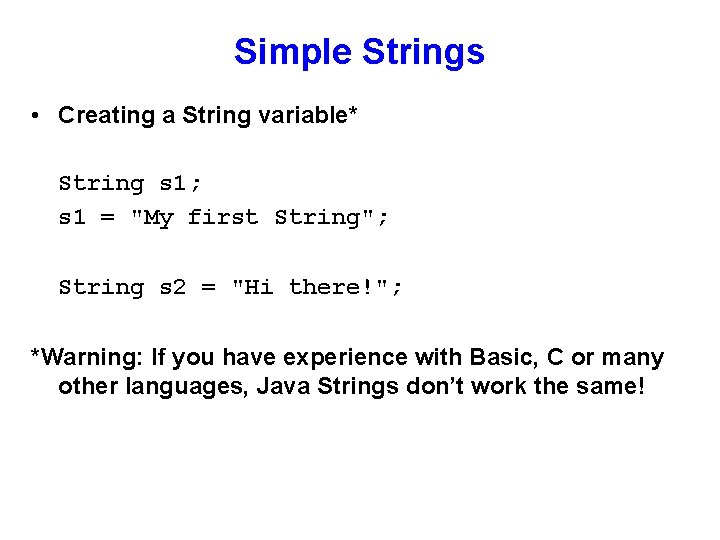
Simple Strings • Creating a String variable* String s 1; s 1 = "My first String"; String s 2 = "Hi there!"; *Warning: If you have experience with Basic, C or many other languages, Java Strings don’t work the same!
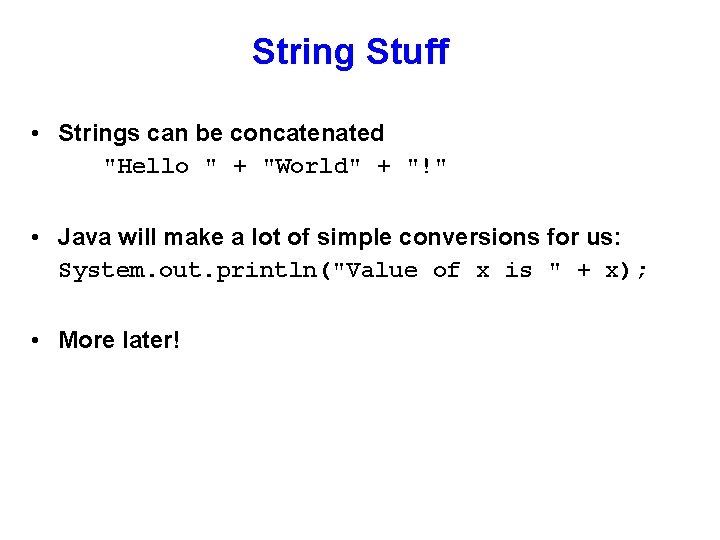
String Stuff • Strings can be concatenated "Hello " + "World" + "!" • Java will make a lot of simple conversions for us: System. out. println("Value of x is " + x); • More later!
Average some numbers class Average { public static void main(String args[]) { double x = 27. 33; double y = 37. 98; double z = 12. 00; System. out. println((x + y + z)/3. ); } // main Recall: Typing } // Average java Average will cause Java to search in class Average for method main
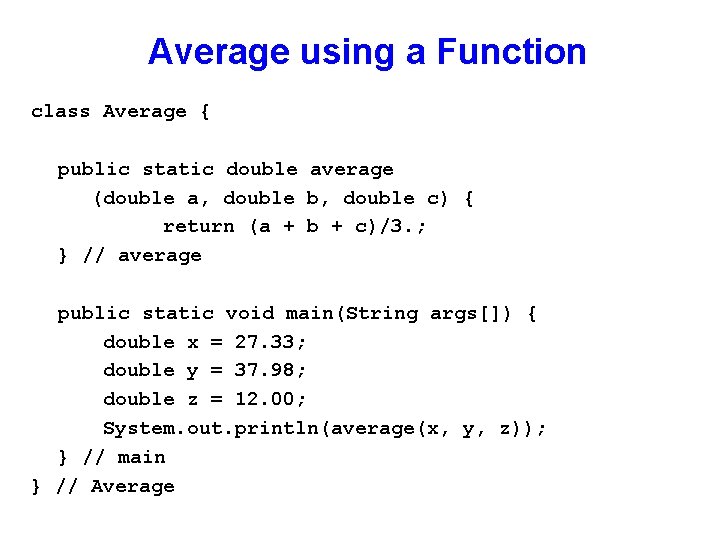
Average using a Function class Average { public static double average (double a, double b, double c) { return (a + b + c)/3. ; } // average public static void main(String args[]) { double x = 27. 33; double y = 37. 98; double z = 12. 00; System. out. println(average(x, y, z)); } // main } // Average
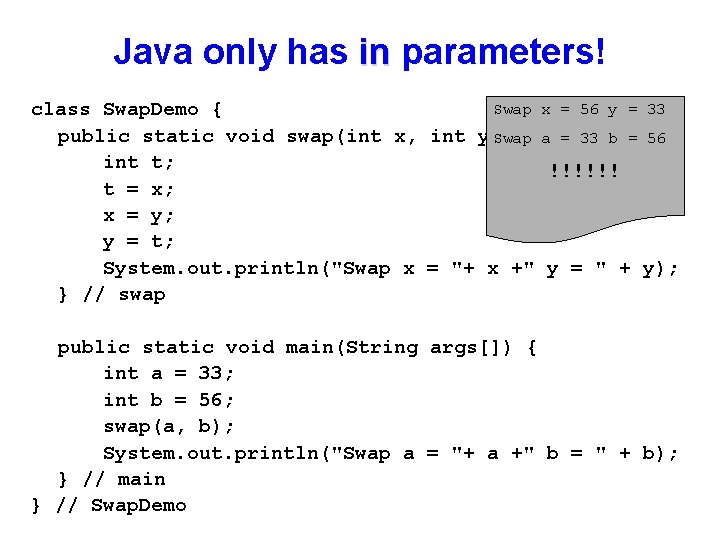
Java only has in parameters! Swap x = 56 y = 33 class Swap. Demo { public static void swap(int x, int y)Swap { a = 33 b = 56 int t; !!!!!! t = x; x = y; y = t; System. out. println("Swap x = "+ x +" y = " + y); } // swap public static void main(String args[]) { int a = 33; int b = 56; swap(a, b); System. out. println("Swap a = "+ a +" b = " + b); } // main } // Swap. Demo
Print some text class Print. Demo { public static void main(String args[]) { System. out. println("If lines are too long " + "They can be broken up with the + sign " + "In addition special characters can ben" + "inserted. They are always prefaced by " + "the backslash character \"); } } If lines are too long They can be broken up with the + sign In addition special cha inserted. They are always prefaced by the backslash character
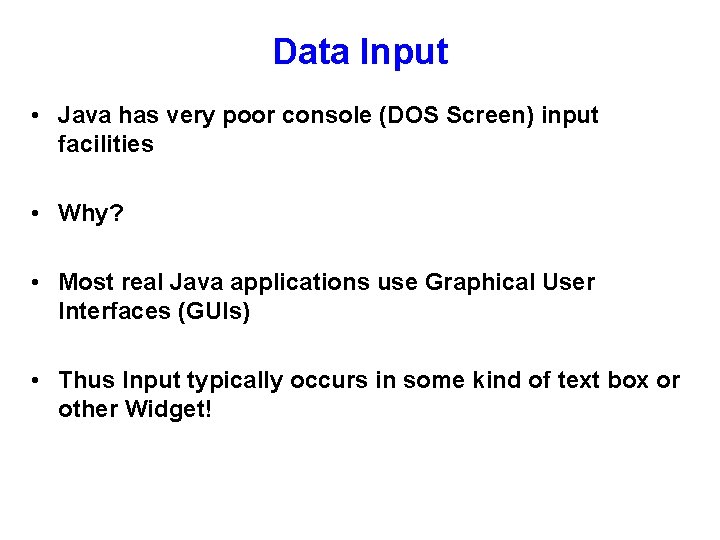
Data Input • Java has very poor console (DOS Screen) input facilities • Why? • Most real Java applications use Graphical User Interfaces (GUIs) • Thus Input typically occurs in some kind of text box or other Widget!
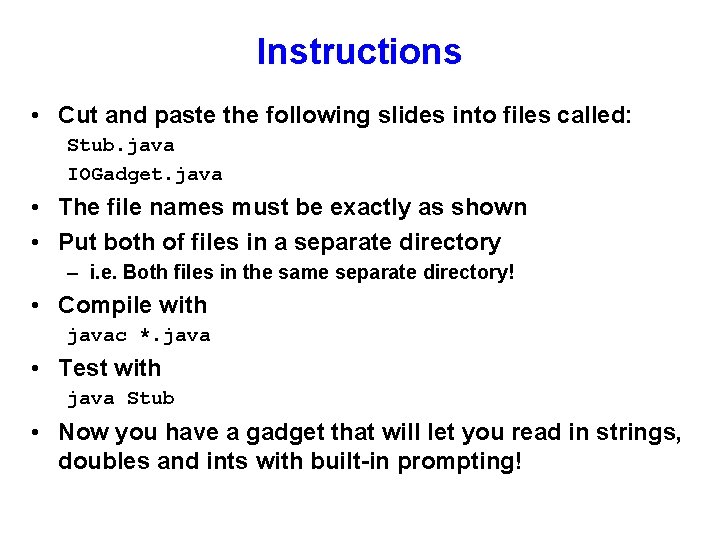
Instructions • Cut and paste the following slides into files called: Stub. java IOGadget. java • The file names must be exactly as shown • Put both of files in a separate directory – i. e. Both files in the same separate directory! • Compile with javac *. java • Test with java Stub • Now you have a gadget that will let you read in strings, doubles and ints with built-in prompting!
Tester class Stub { public static void main(String args[]) { String s; double d; int i; s = IOGadget. read. Line("Enter a string"); d = IOGadget. read. Double("Enter a double"); i = IOGadget. read. Int("Enter an int"); System. out. println ("Just read in string: " + s + " double: " + d + " int: " + i); } // main } // Stub
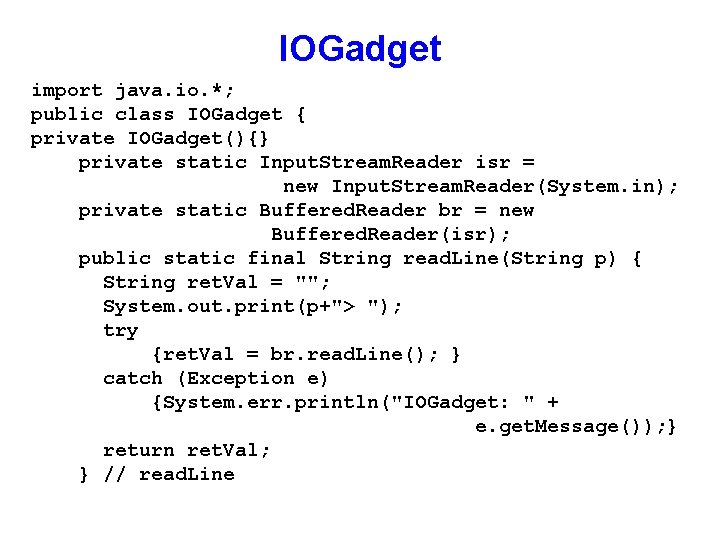
IOGadget import java. io. *; public class IOGadget { private IOGadget(){} private static Input. Stream. Reader isr = new Input. Stream. Reader(System. in); private static Buffered. Reader br = new Buffered. Reader(isr); public static final String read. Line(String p) { String ret. Val = ""; System. out. print(p+"> "); try {ret. Val = br. read. Line(); } catch (Exception e) {System. err. println("IOGadget: " + e. get. Message()); } return ret. Val; } // read. Line
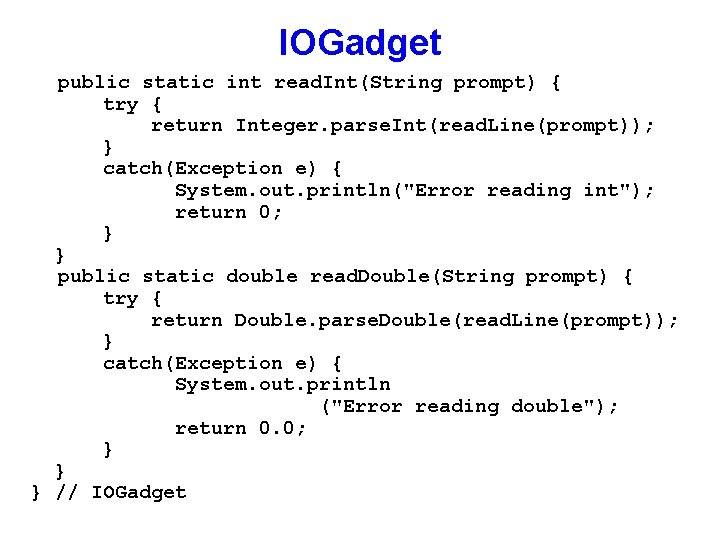
IOGadget public static int read. Int(String prompt) { try { return Integer. parse. Int(read. Line(prompt)); } catch(Exception e) { System. out. println("Error reading int"); return 0; } } public static double read. Double(String prompt) { try { return Double. parse. Double(read. Line(prompt)); } catch(Exception e) { System. out. println ("Error reading double"); return 0. 0; } } } // IOGadget
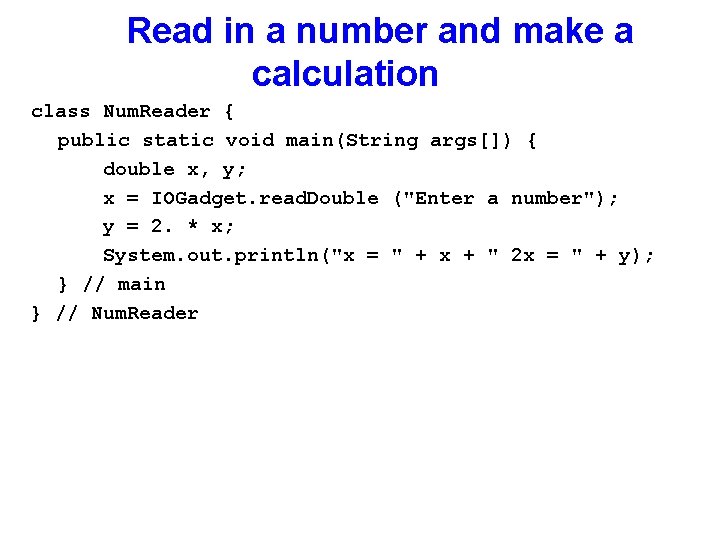
Read in a number and make a calculation class Num. Reader { public static void main(String args[]) { double x, y; x = IOGadget. read. Double ("Enter a number"); y = 2. * x; System. out. println("x = " + x + " 2 x = " + y); } // main } // Num. Reader
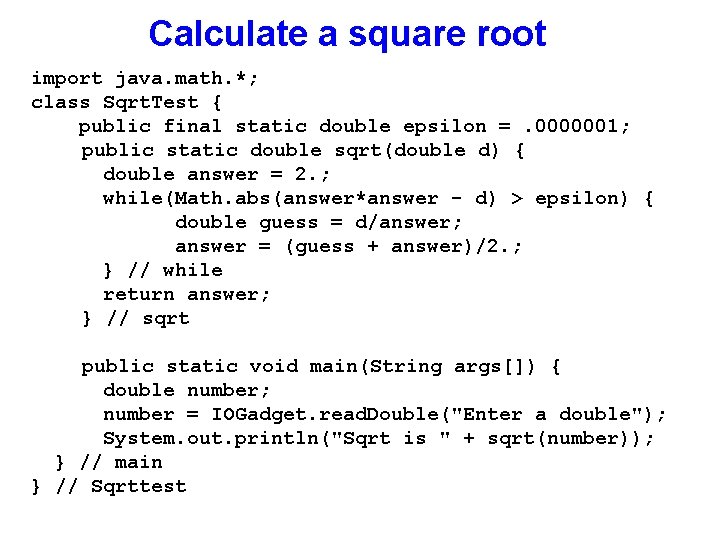
Calculate a square root import java. math. *; class Sqrt. Test { public final static double epsilon =. 0000001; public static double sqrt(double d) { double answer = 2. ; while(Math. abs(answer*answer - d) > epsilon) { double guess = d/answer; answer = (guess + answer)/2. ; } // while return answer; } // sqrt public static void main(String args[]) { double number; number = IOGadget. read. Double("Enter a double"); System. out. println("Sqrt is " + sqrt(number)); } // main } // Sqrttest
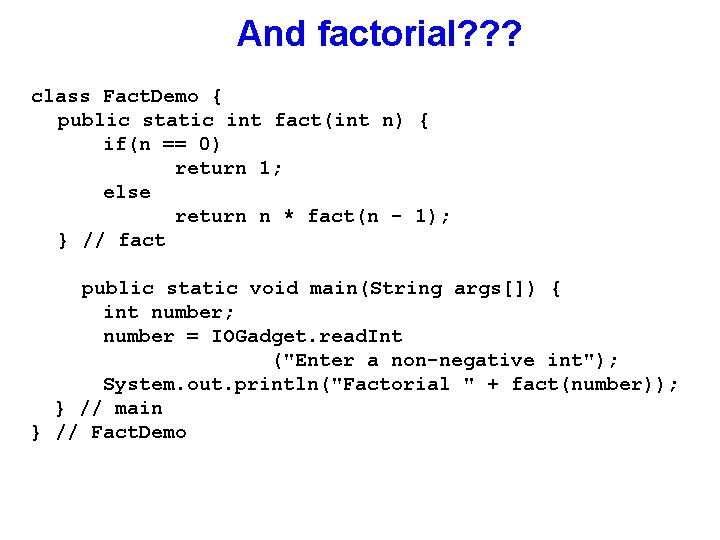
And factorial? ? ? class Fact. Demo { public static int fact(int n) { if(n == 0) return 1; else return n * fact(n - 1); } // fact public static void main(String args[]) { int number; number = IOGadget. read. Int ("Enter a non-negative int"); System. out. println("Factorial " + fact(number)); } // main } // Fact. Demo