
Simple File IO 137 Objective Learn to Create
Simple File I/O 1/37
Objective • Learn to • Create and use disk files to store program input • How to read such data in a program • How to specify and declare file variables • How to save program output to disk files 2/37
External Stream File • File acts as • Input • Output 3/37
Filenames and file variables • First step in using a disk file for program output is • Choose an appropriate filename • Appropriate filename depend on operating system • DOS • Filename. Extension • 8 Letters. 3 Letters 4/37
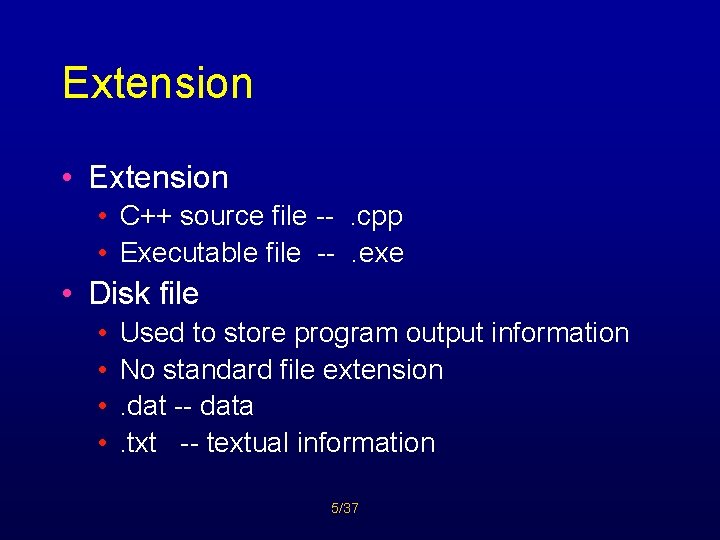
Extension • C++ source file --. cpp • Executable file --. exe • Disk file • • Used to store program output information No standard file extension. dat -- data. txt -- textual information 5/37
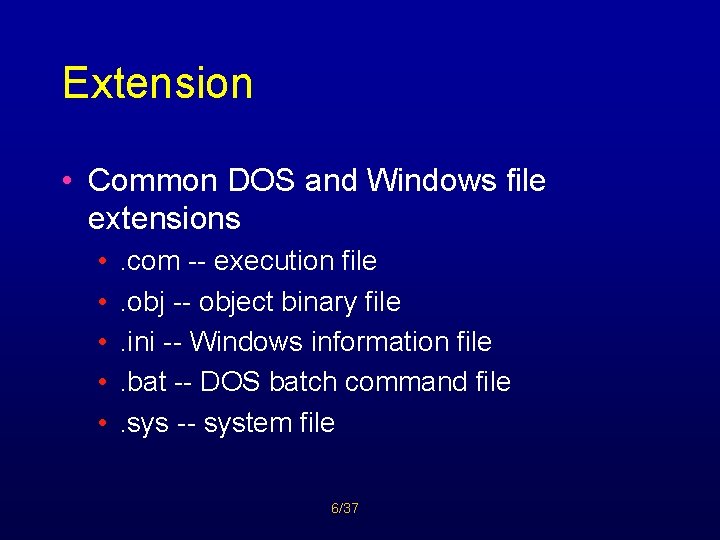
Extension • Common DOS and Windows file extensions • • • . com -- execution file. obj -- object binary file. ini -- Windows information file. bat -- DOS batch command file. sys -- system file 6/37
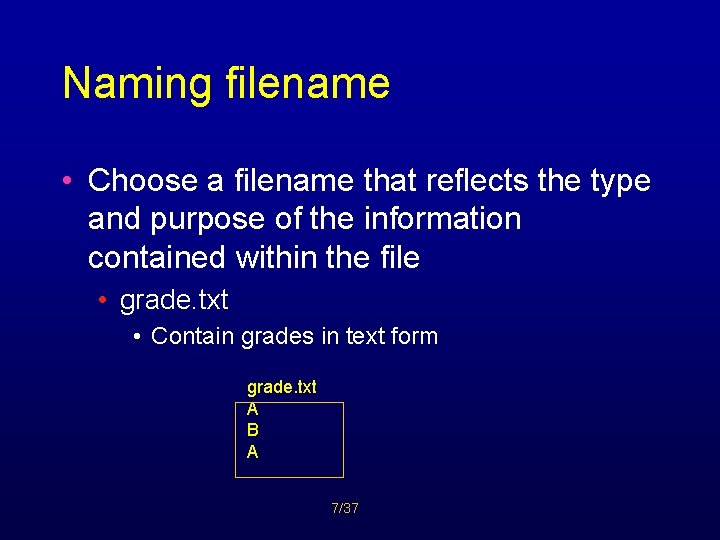
Naming filename • Choose a filename that reflects the type and purpose of the information contained within the file • grade. txt • Contain grades in text form grade. txt A B A 7/37
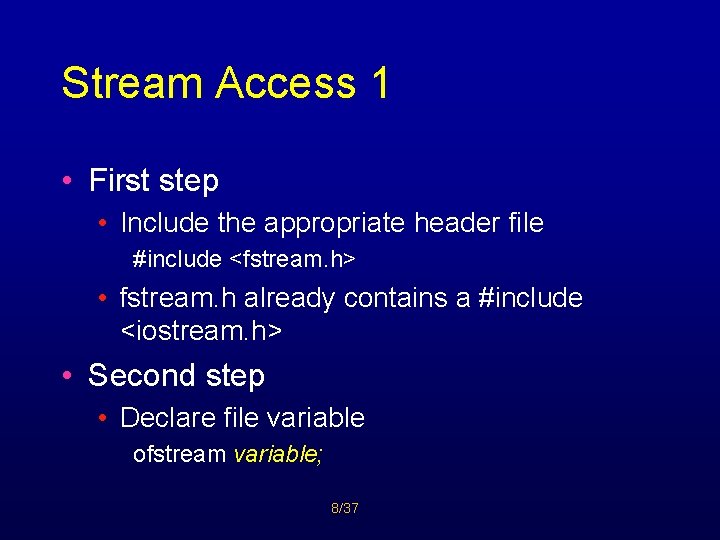
Stream Access 1 • First step • Include the appropriate header file #include <fstream. h> • fstream. h already contains a #include <iostream. h> • Second step • Declare file variable ofstream variable; 8/37
Stream Access 2 • Third step • Open disk file variable. open(filename); • Open() command • Causes C++ to formulate a request to the OS to open the indicated file 9/37
Stream Access 3 • Example ofstream newfile; newfile. open(“grades. txt”); • Variable newfile • Keep track of the state of the file during execution • Filename may include a disk drive specifier/or a directory path newfile. open(“a: grades. txt”); 10/37
Stream Access 4 • Fourth Step • Write to disk file newfile << “this is written to disk file” << endl; cout << “this is written to screen” << endl; 11/37
Sample Program 1 #include <iostream. h> #include <fstream. h> void main() { char done = ‘y’; int acnt_num; float balance; ofstream outfile; outfile. open(“accnts. dat”); 12/37
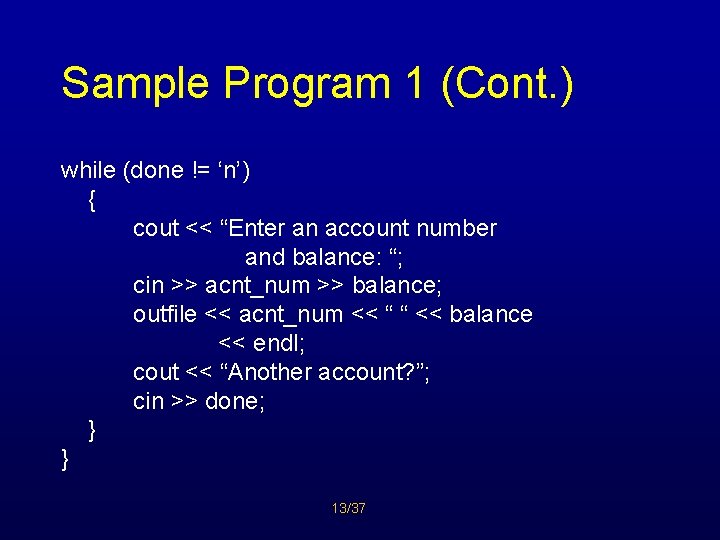
Sample Program 1 (Cont. ) while (done != ‘n’) { cout << “Enter an account number and balance: “; cin >> acnt_num >> balance; outfile << acnt_num << “ “ << balance << endl; cout << “Another account? ”; cin >> done; } } 13/37
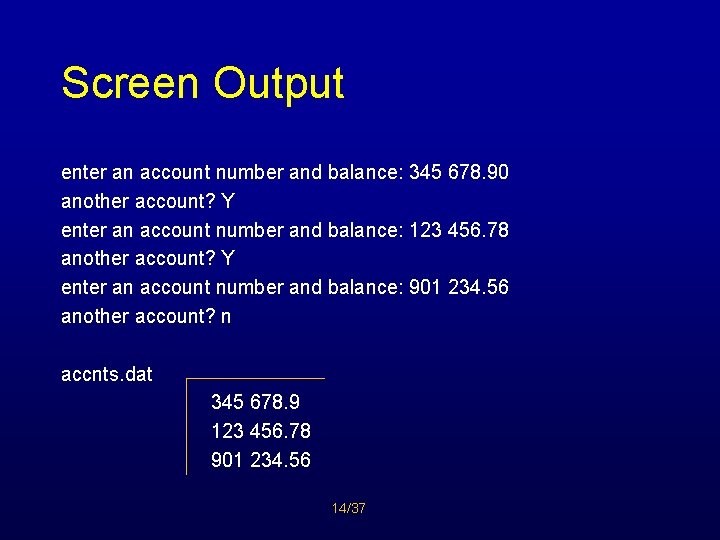
Screen Output enter an account number and balance: 345 678. 90 another account? Y enter an account number and balance: 123 456. 78 another account? Y enter an account number and balance: 901 234. 56 another account? n accnts. dat 345 678. 9 123 456. 78 901 234. 56 14/37
Record • Each account is represented by 2 pieces of information • Account number • Balance • Each group of related information called record 15/37

Input Files • Input file declaration ifstream variable; Ex. ifstream infile; • Open file Ex. infile. open(“accnts. dat”); • Input is accomplished using • >> (Extraction Operator) Ex. infile >> acntnum >> balance; 16/37
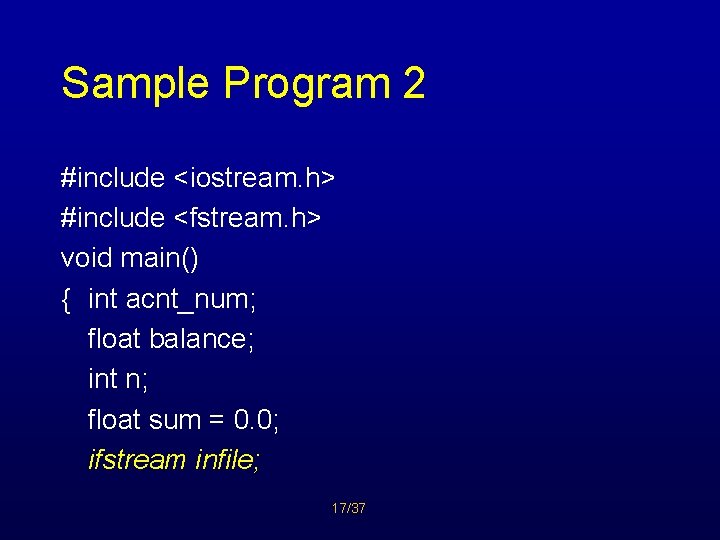
Sample Program 2 #include <iostream. h> #include <fstream. h> void main() { int acnt_num; float balance; int n; float sum = 0. 0; ifstream infile; 17/37
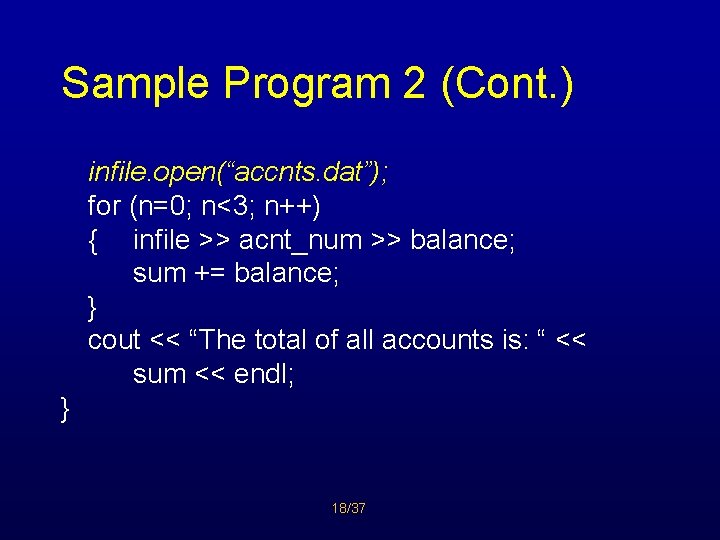
Sample Program 2 (Cont. ) infile. open(“accnts. dat”); for (n=0; n<3; n++) { infile >> acnt_num >> balance; sum += balance; } cout << “The total of all accounts is: “ << sum << endl; } 18/37
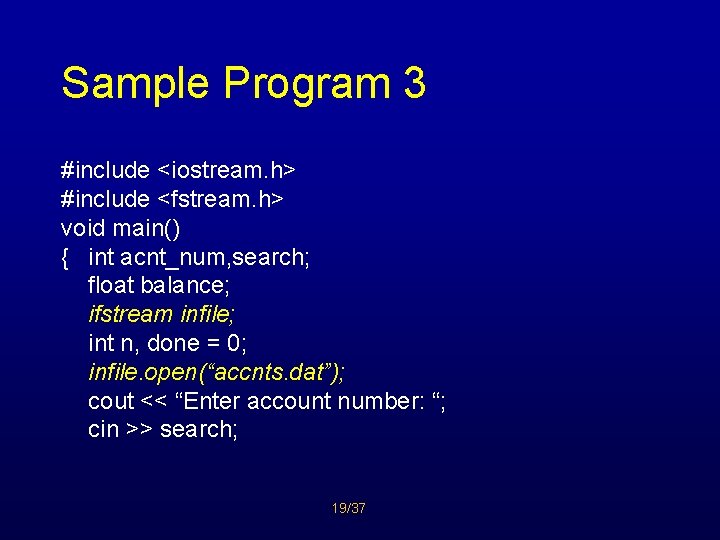
Sample Program 3 #include <iostream. h> #include <fstream. h> void main() { int acnt_num, search; float balance; ifstream infile; int n, done = 0; infile. open(“accnts. dat”); cout << “Enter account number: “; cin >> search; 19/37
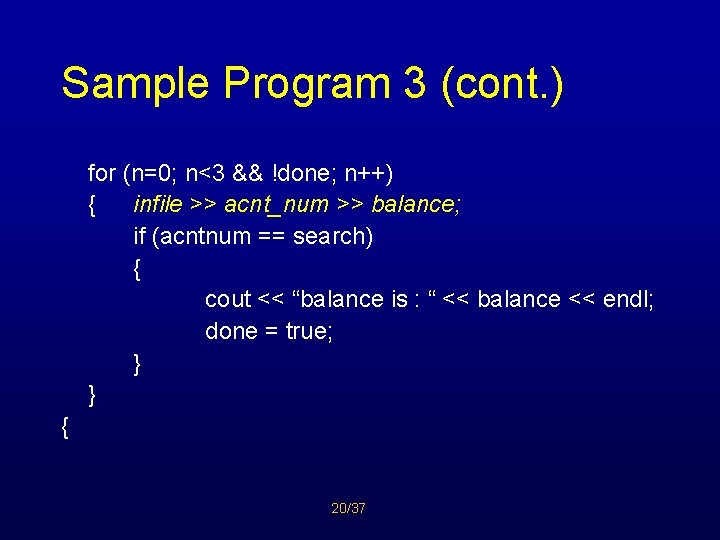
Sample Program 3 (cont. ) for (n=0; n<3 && !done; n++) { infile >> acnt_num >> balance; if (acntnum == search) { cout << “balance is : “ << balance << endl; done = true; } } { 20/37
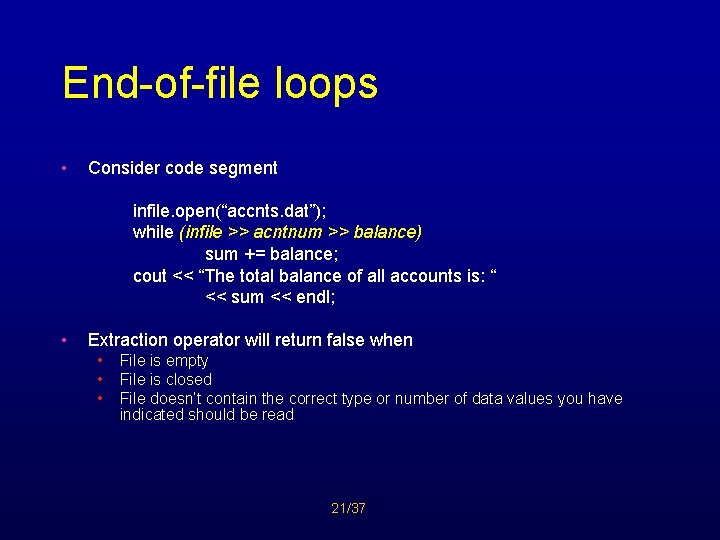
End-of-file loops • Consider code segment infile. open(“accnts. dat”); while (infile >> acntnum >> balance) sum += balance; cout << “The total balance of all accounts is: “ << sum << endl; • Extraction operator will return false when • • • File is empty File is closed File doesn’t contain the correct type or number of data values you have indicated should be read 21/37
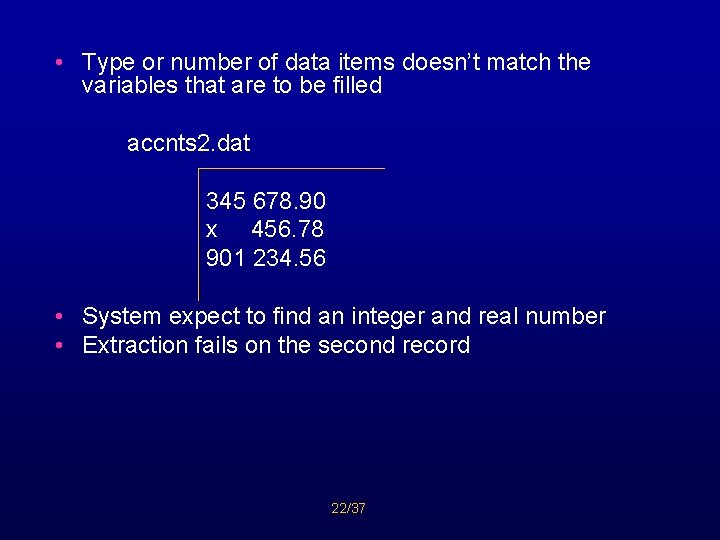
• Type or number of data items doesn’t match the variables that are to be filled accnts 2. dat 345 678. 90 x 456. 78 901 234. 56 • System expect to find an integer and real number • Extraction fails on the second record 22/37
Closing Files • Good operating system attempt to minimize the number of times a disk access is made by • Pooling operation until a larger number of requests can be blocked together • In reserved location in memory, called buffer • When buffer is full, system will then perform one disk access to write the entire buffer 23/37
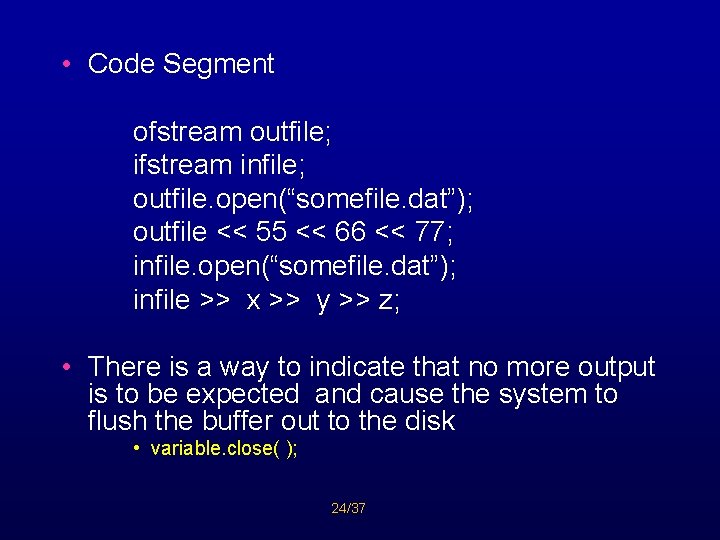
• Code Segment ofstream outfile; ifstream infile; outfile. open(“somefile. dat”); outfile << 55 << 66 << 77; infile. open(“somefile. dat”); infile >> x >> y >> z; • There is a way to indicate that no more output is to be expected and cause the system to flush the buffer out to the disk • variable. close( ); 24/37
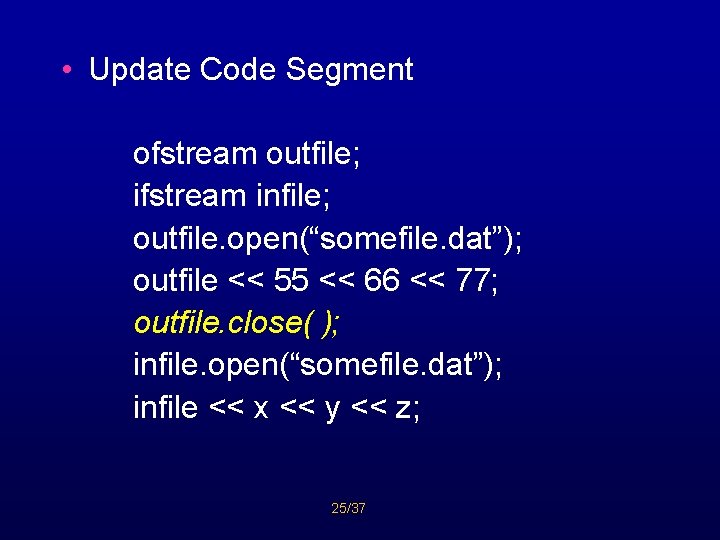
• Update Code Segment ofstream outfile; ifstream infile; outfile. open(“somefile. dat”); outfile << 55 << 66 << 77; outfile. close( ); infile. open(“somefile. dat”); infile << x << y << z; 25/37
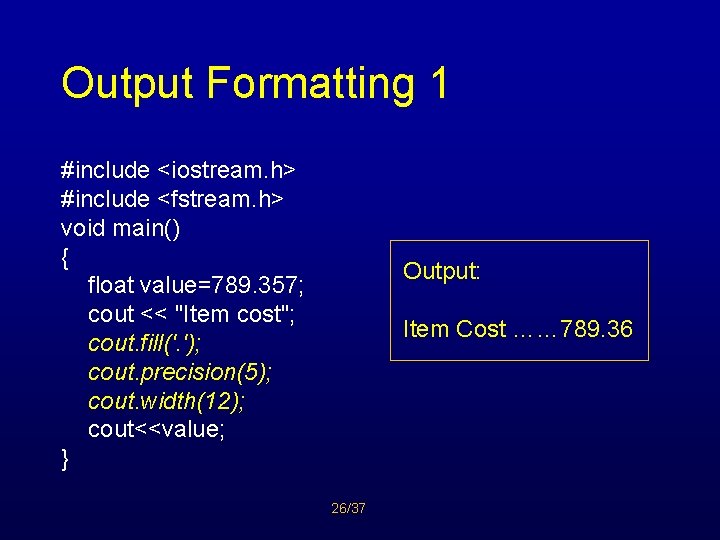
Output Formatting 1 #include <iostream. h> #include <fstream. h> void main() { float value=789. 357; cout << "Item cost"; cout. fill('. '); cout. precision(5); cout. width(12); cout<<value; } Output: Item Cost …… 789. 36 26/37
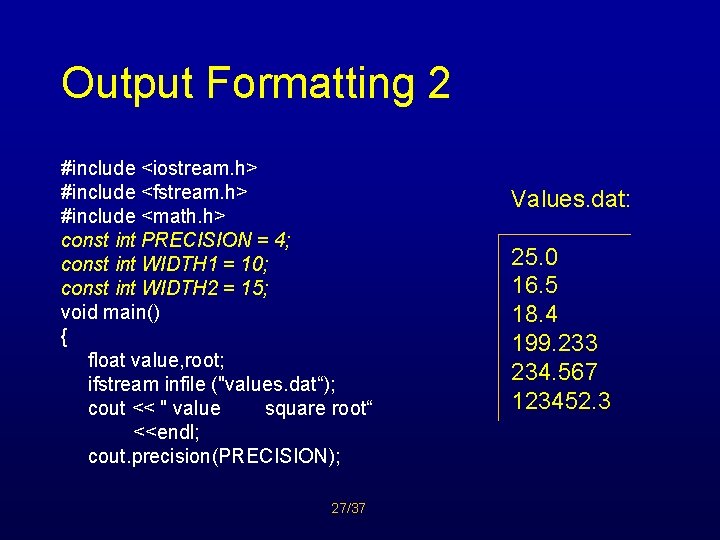
Output Formatting 2 #include <iostream. h> #include <fstream. h> #include <math. h> const int PRECISION = 4; const int WIDTH 1 = 10; const int WIDTH 2 = 15; void main() { float value, root; ifstream infile ("values. dat“); cout << " value square root“ <<endl; cout. precision(PRECISION); 27/37 Values. dat: 25. 0 16. 5 18. 4 199. 233 234. 567 123452. 3
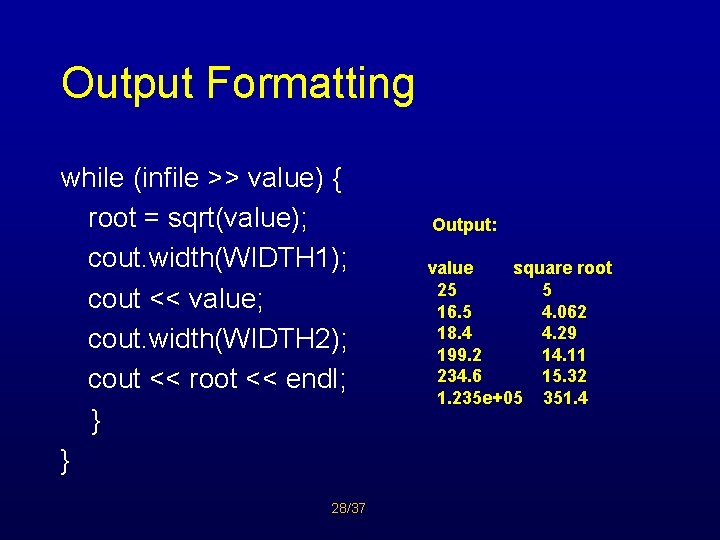
Output Formatting while (infile >> value) { root = sqrt(value); cout. width(WIDTH 1); cout << value; cout. width(WIDTH 2); cout << root << endl; } } 28/37 Output: value square root 25 5 16. 5 4. 062 18. 4 4. 29 199. 2 14. 11 234. 6 15. 32 1. 235 e+05 351. 4
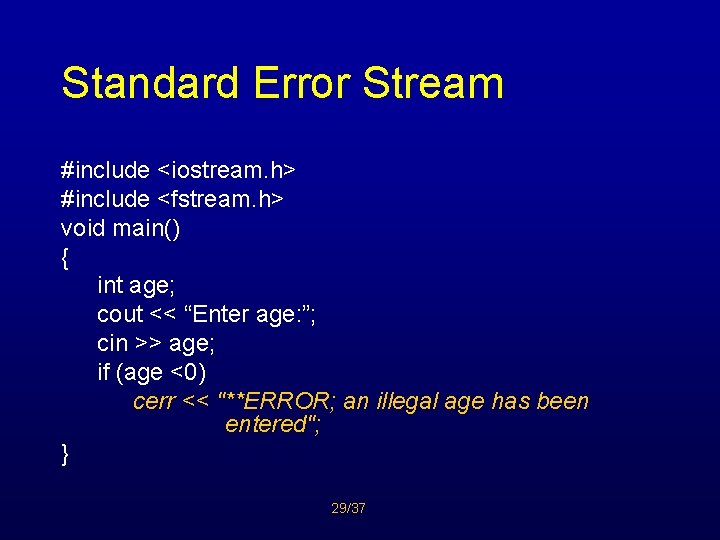
Standard Error Stream #include <iostream. h> #include <fstream. h> void main() { int age; cout << “Enter age: ”; cin >> age; if (age <0) cerr << "**ERROR; an illegal age has been entered"; } 29/37
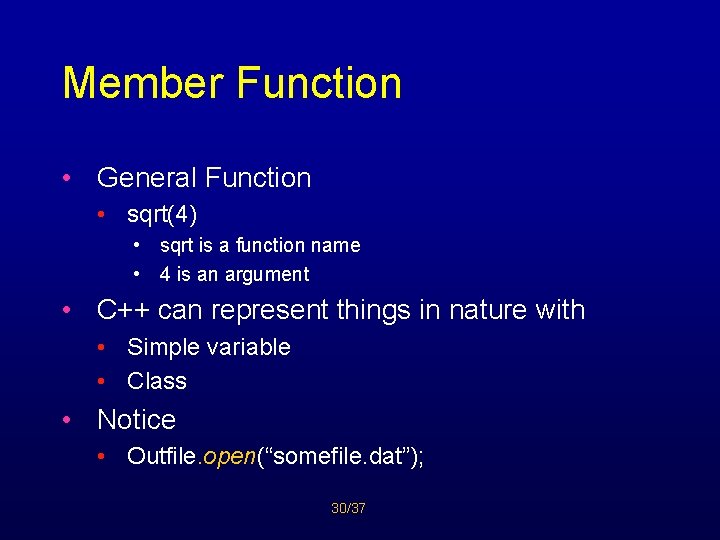
Member Function • General Function • sqrt(4) • sqrt is a function name • 4 is an argument • C++ can represent things in nature with • Simple variable • Class • Notice • Outfile. open(“somefile. dat”); 30/37
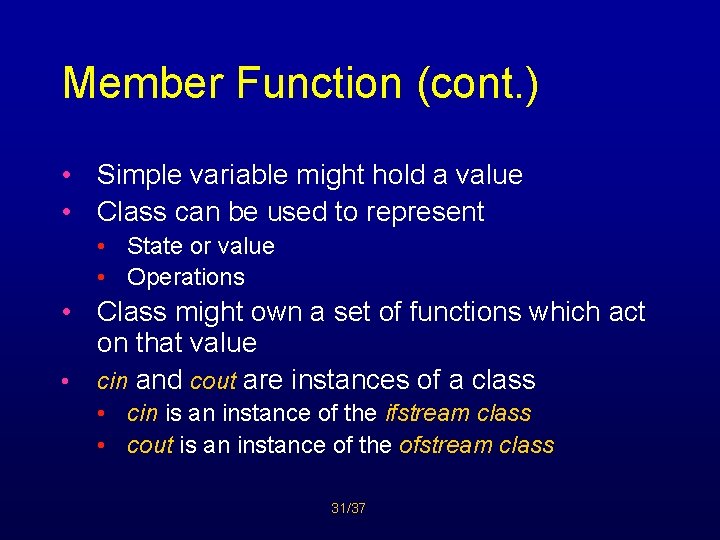
Member Function (cont. ) • Simple variable might hold a value • Class can be used to represent • State or value • Operations • Class might own a set of functions which act on that value • cin and cout are instances of a class • cin is an instance of the ifstream class • cout is an instance of the ofstream class 31/37
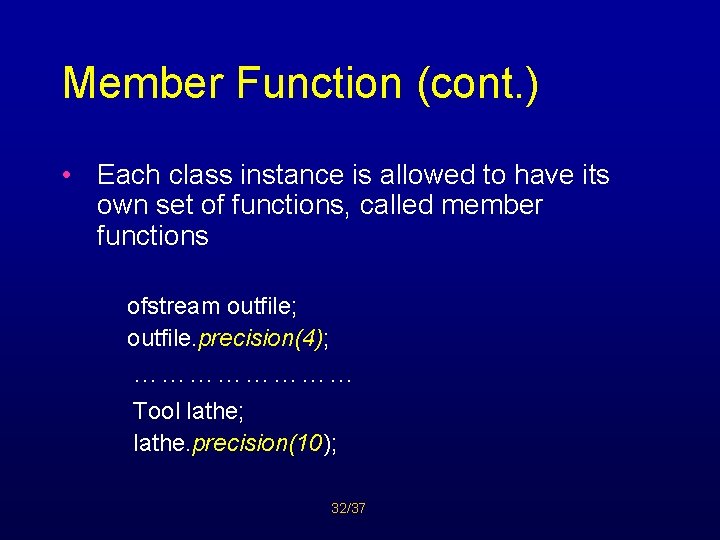
Member Function (cont. ) • Each class instance is allowed to have its own set of functions, called member functions ofstream outfile; outfile. precision(4); ………… Tool lathe; lathe. precision(10); 32/37
Member Function (cont. ) • Functions dealing with files (open(), close(), precision(), width(), fill() • Must all be invoked by preceding them with the associated file variable name (class instance) and a dot 33/37
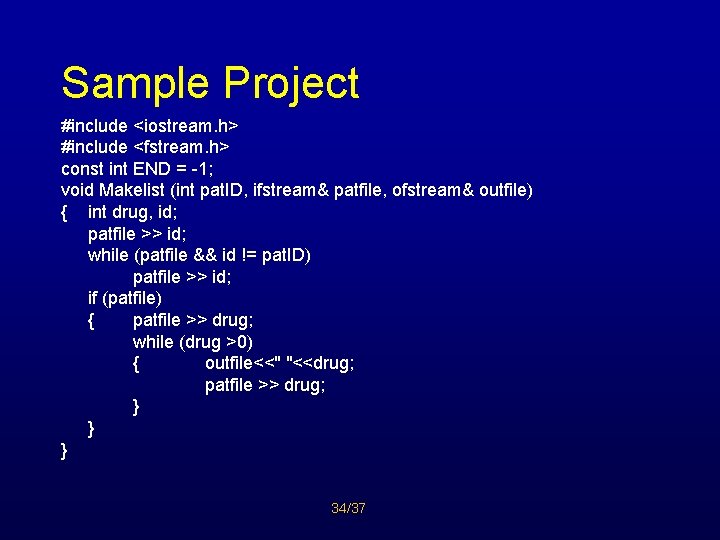
Sample Project #include <iostream. h> #include <fstream. h> const int END = -1; void Makelist (int pat. ID, ifstream& patfile, ofstream& outfile) { int drug, id; patfile >> id; while (patfile && id != pat. ID) patfile >> id; if (patfile) { patfile >> drug; while (drug >0) { outfile<<" "<<drug; patfile >> drug; } } } 34/37
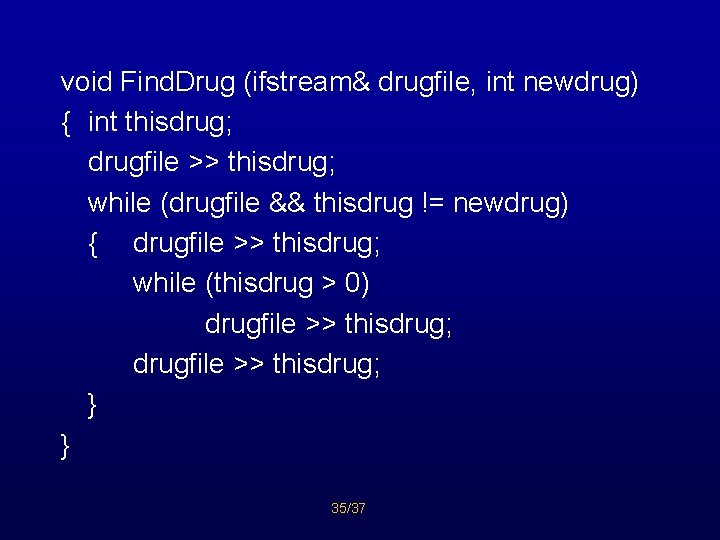
void Find. Drug (ifstream& drugfile, int newdrug) { int thisdrug; drugfile >> thisdrug; while (drugfile && thisdrug != newdrug) { drugfile >> thisdrug; while (thisdrug > 0) drugfile >> thisdrug; } } 35/37
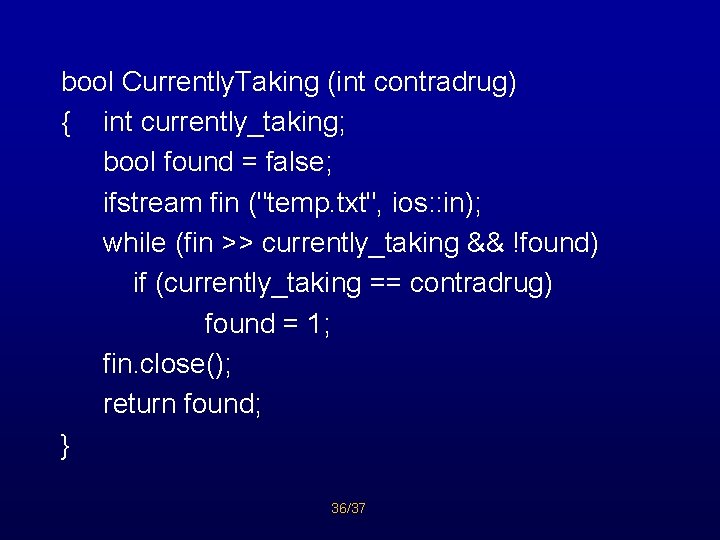
bool Currently. Taking (int contradrug) { int currently_taking; bool found = false; ifstream fin ("temp. txt", ios: : in); while (fin >> currently_taking && !found) if (currently_taking == contradrug) found = 1; fin. close(); return found; } 36/37
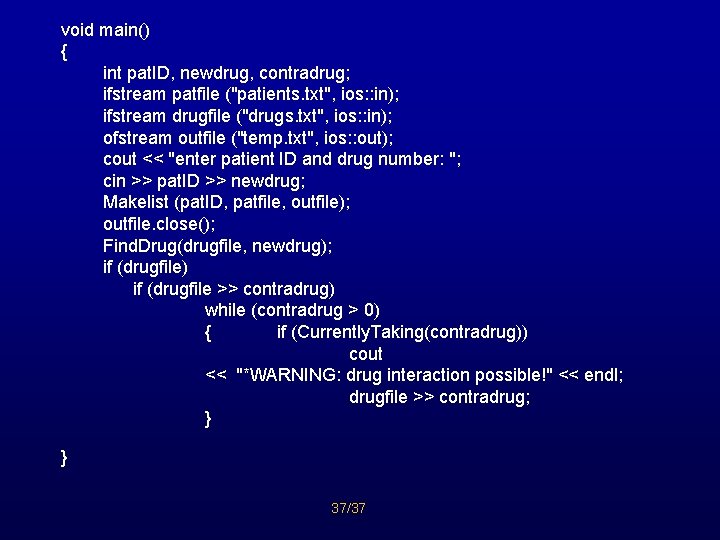
void main() { int pat. ID, newdrug, contradrug; ifstream patfile ("patients. txt", ios: : in); ifstream drugfile ("drugs. txt", ios: : in); ofstream outfile ("temp. txt", ios: : out); cout << "enter patient ID and drug number: "; cin >> pat. ID >> newdrug; Makelist (pat. ID, patfile, outfile); outfile. close(); Find. Drug(drugfile, newdrug); if (drugfile) if (drugfile >> contradrug) while (contradrug > 0) { if (Currently. Taking(contradrug)) cout << "*WARNING: drug interaction possible!" << endl; drugfile >> contradrug; } } 37/37
- Slides: 37