
SIGNING ON TO YOUR SCHOOL EMAIL ACCOUNT AND
- Slides: 9
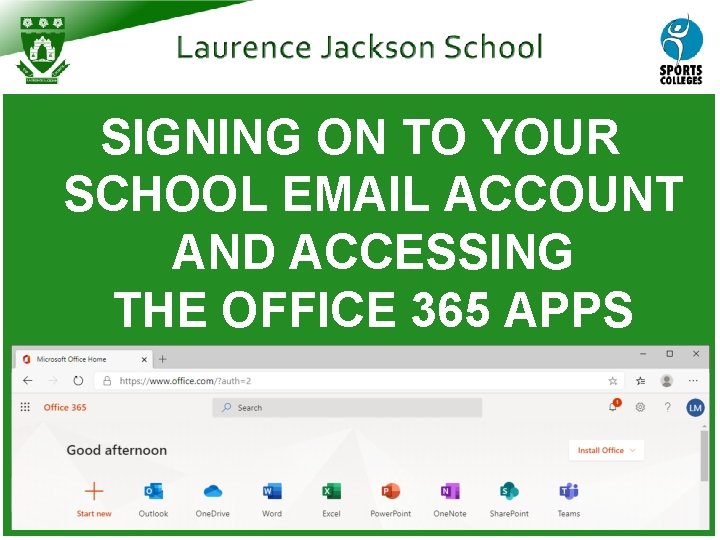
SIGNING ON TO YOUR SCHOOL EMAIL ACCOUNT AND ACCESSING THE OFFICE 365 APPS
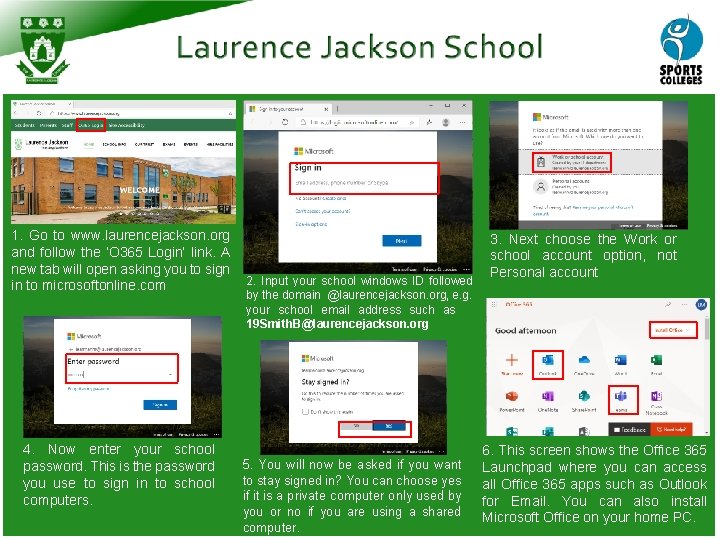
1. Go to www. laurencejackson. org and follow the ‘O 365 Login’ link. A new tab will open asking you to sign in to microsoftonline. com 4. Now enter your school password. This is the password you use to sign in to school computers. 2. Input your school windows ID followed by the domain @laurencejackson. org, e. g. your school email address such as 19 Smith. B@laurencejackson. org 5. You will now be asked if you want to stay signed in? You can choose yes if it is a private computer only used by you or no if you are using a shared computer. 3. Next choose the Work or school account option, not Personal account 6. This screen shows the Office 365 Launchpad where you can access all Office 365 apps such as Outlook for Email. You can also install Microsoft Office on your home PC.
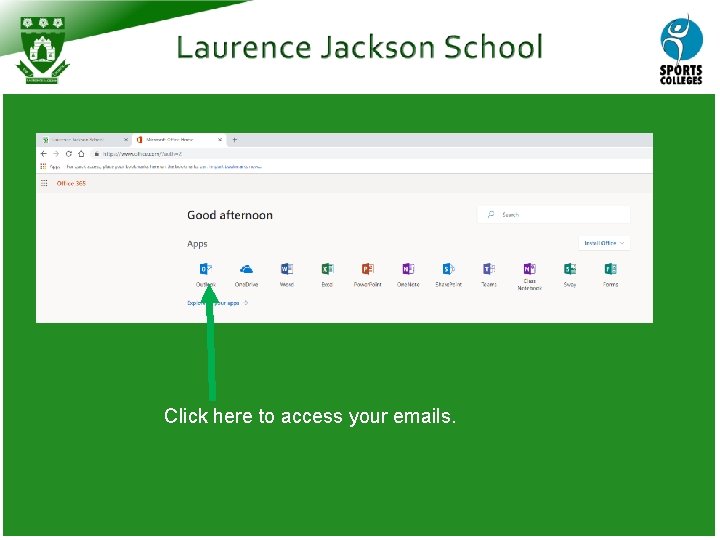
Click here to access your emails.
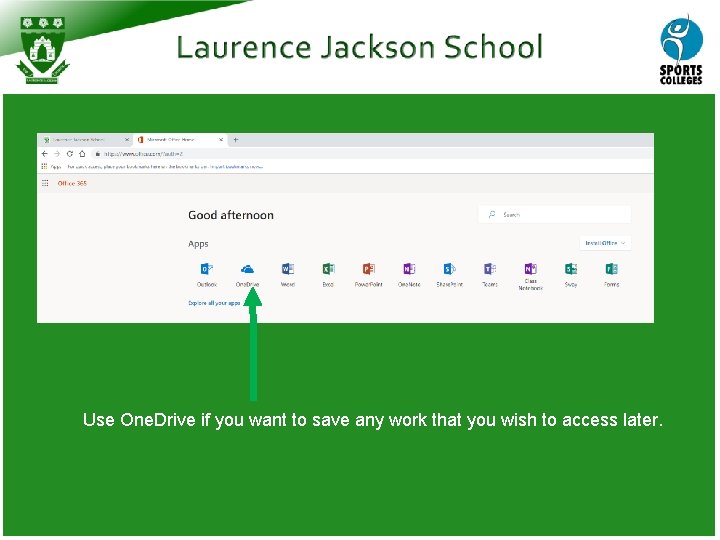
Use One. Drive if you want to save any work that you wish to access later.
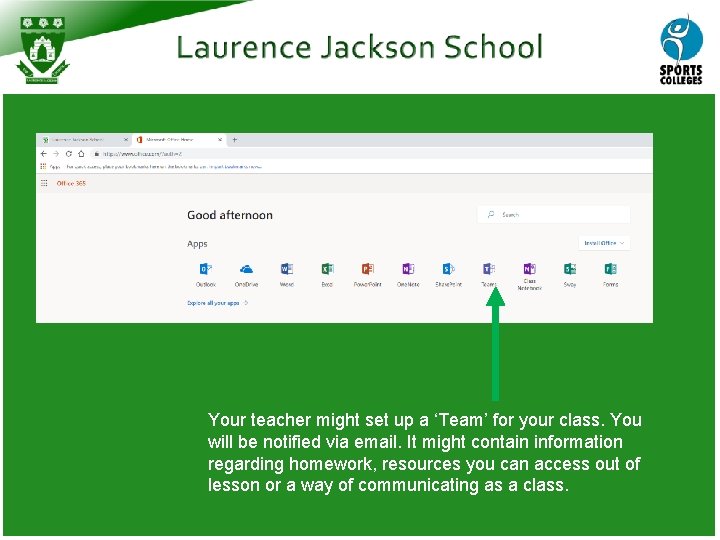
Your teacher might set up a ‘Team’ for your class. You will be notified via email. It might contain information regarding homework, resources you can access out of lesson or a way of communicating as a class.
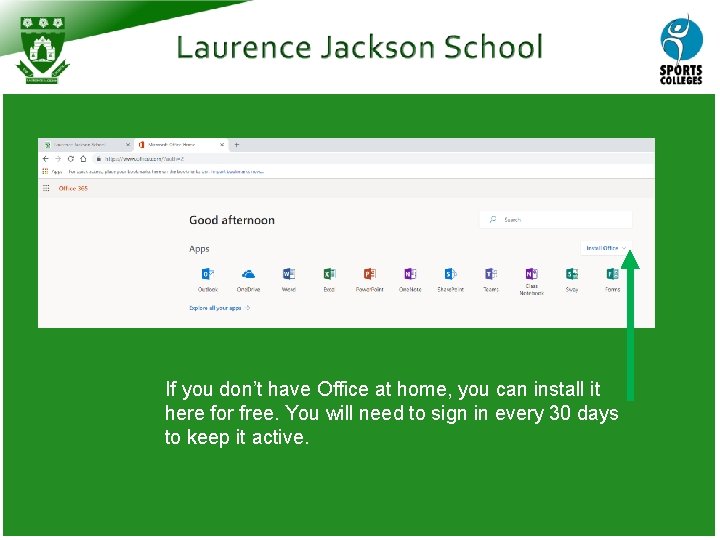
If you don’t have Office at home, you can install it here for free. You will need to sign in every 30 days to keep it active.
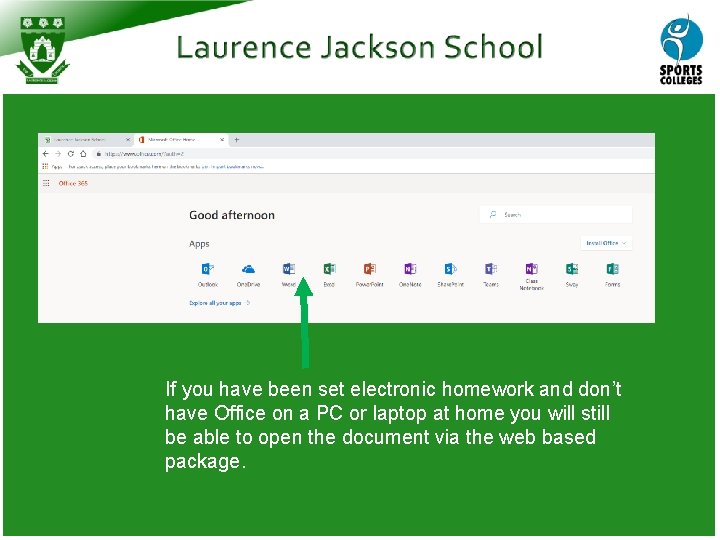
If you have been set electronic homework and don’t have Office on a PC or laptop at home you will still be able to open the document via the web based package.
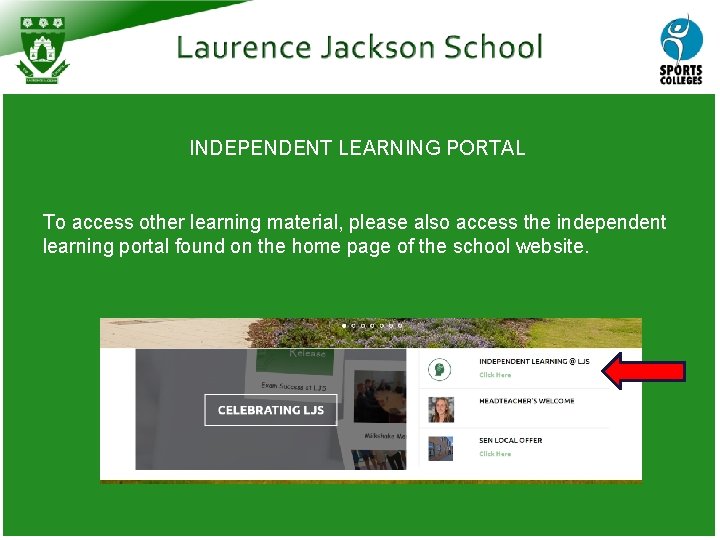
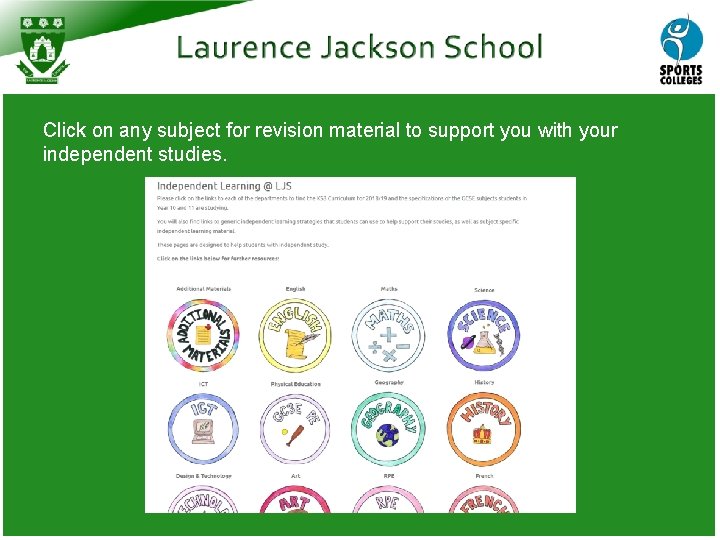
INDEPENDENT LEARNING PORTAL To access other learning material, please also access the independent learning portal found on the home page of the school website.
Click on any subject for revision material to support you with your independent studies.