
Significant Figures Definition Measures the degree of confidence






![Using A Calculator [2 nd] [SCI] = regular notation to scientific notation To convert](https://slidetodoc.com/presentation_image_h/9d60a403ed0ed37d132752238307f5a0/image-35.jpg "Using A Calculator [2 nd] [SCI] = regular notation to scientific notation To convert")
![Using A Calculator [2 nd] [FLO] = scientific notation to regular notation To convert](https://slidetodoc.com/presentation_image_h/9d60a403ed0ed37d132752238307f5a0/image-36.jpg "Using A Calculator [2 nd] [FLO] = scientific notation to regular notation To convert")
- Slides: 38
Significant Figures
Definition Measures the degree of confidence of a measurement.
Includes all digits that are known accurately plus a digit that is estimated.
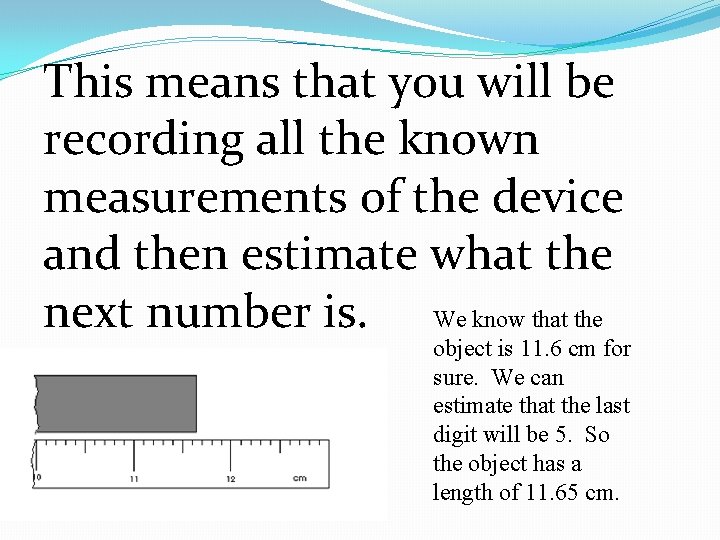
This means that you will be recording all the known measurements of the device and then estimate what the next number is. We know that the object is 11. 6 cm for sure. We can estimate that the last digit will be 5. So the object has a length of 11. 65 cm.
Rules Read the four rules given and answer the questions. These are the rules from the EOC Chemistry Chart. We can sum up the four rules into only TWO rules!!!
Rules There are ONLY two rules to remember to tell the # of Sig Figs.
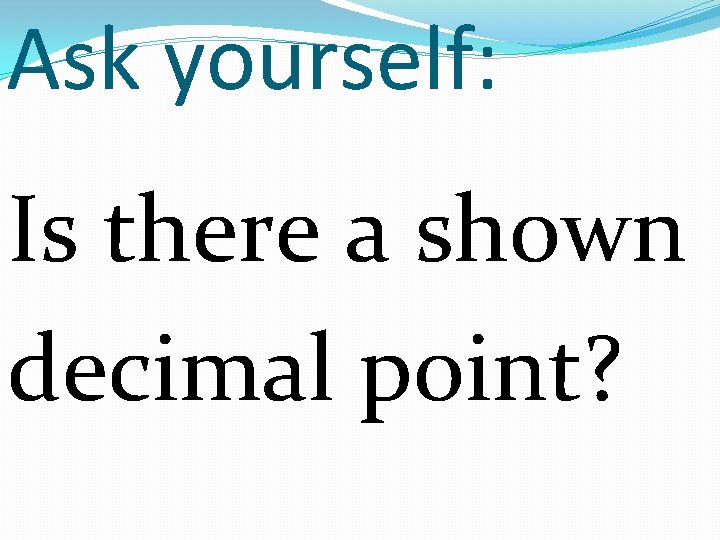
Ask yourself: Is there a shown decimal point?
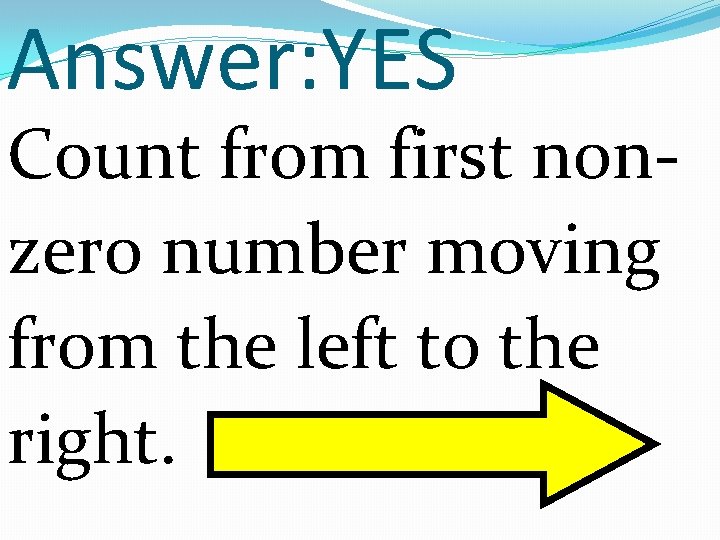
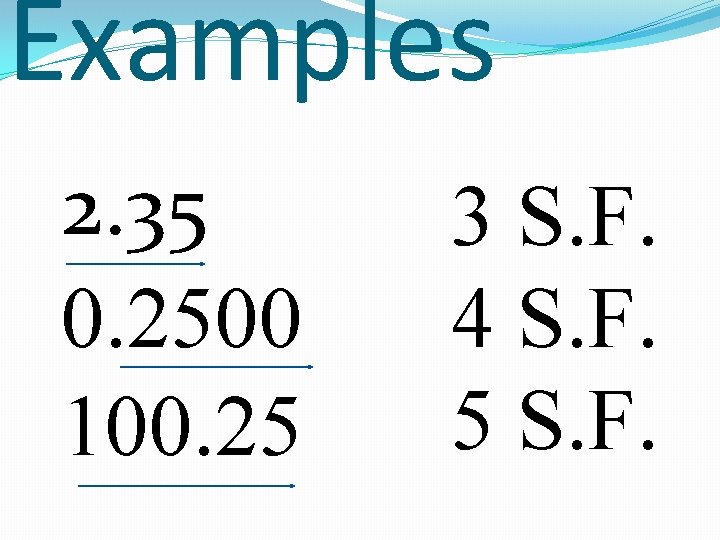
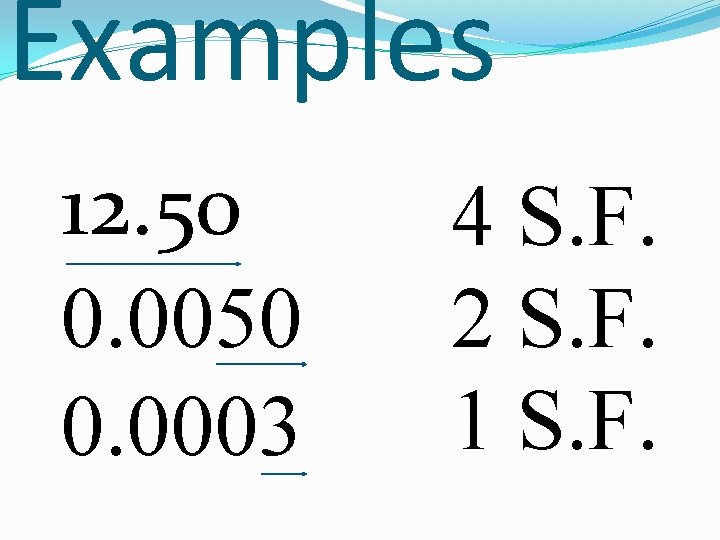
Answer: YES Count from first nonzero number moving from the left to the right.
Examples 2. 35 0. 2500 100. 25 3 S. F. 4 S. F. 5 S. F.
Examples 12. 50 0. 0003 4 S. F. 2 S. F. 1 S. F.
Ask yourself: Is there a shown decimal point?
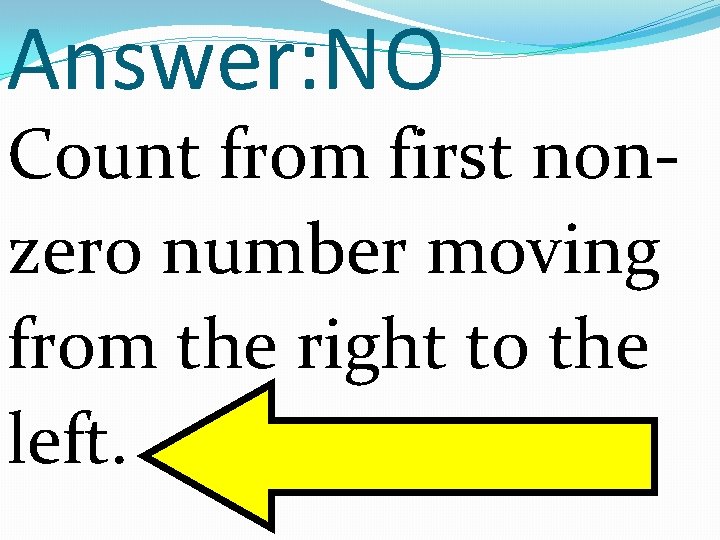
Answer: NO Count from first nonzero number moving from the right to the left.
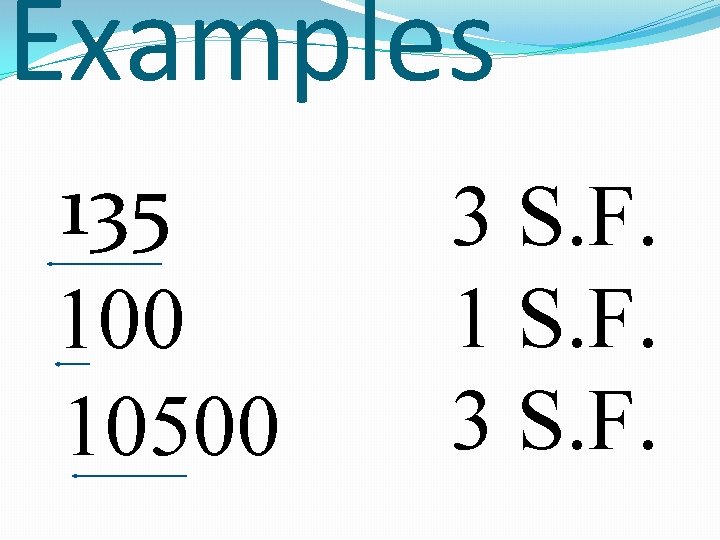
Examples 135 100 10500 3 S. F. 1 S. F. 3 S. F.
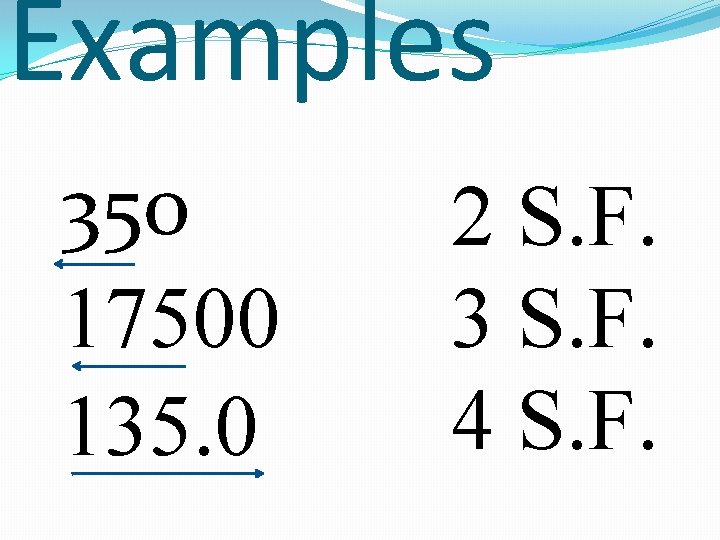
Examples 350 17500 135. 0 2 S. F. 3 S. F. 4 S. F.
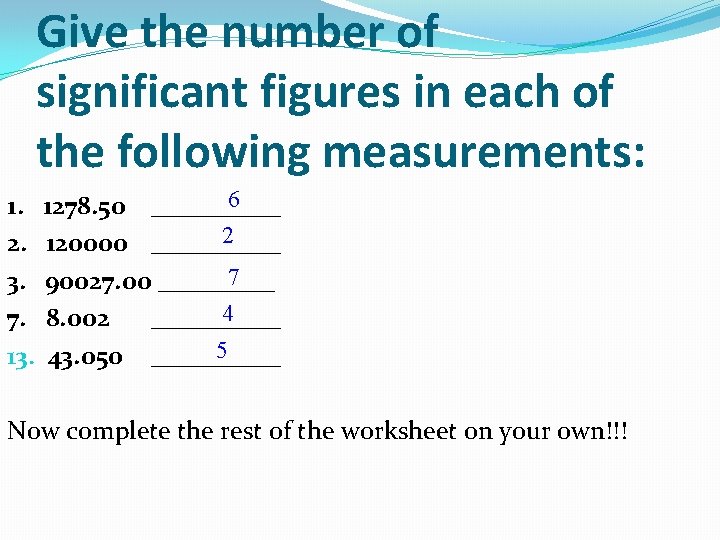
Give the number of significant figures in each of the following measurements: 6 1. 1278. 50 _____ 2 2. 120000 _____ 7 3. 90027. 00 _____ 4 7. 8. 002 _____ 5 13. 43. 050 _____ Now complete the rest of the worksheet on your own!!!
Rounding Numbers Four or less round down.
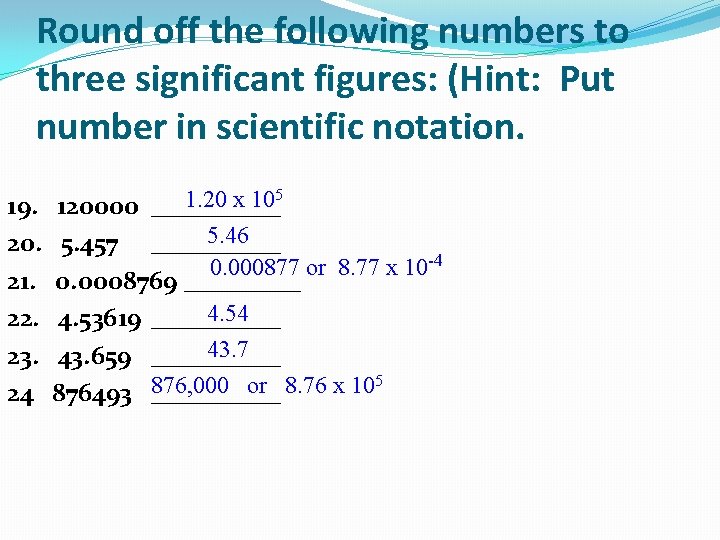
Round off the following numbers to three significant figures: (Hint: Put number in scientific notation. 5 1. 20 x 10 19. 120000 _____ 5. 46 20. 5. 457 _____ 0. 000877 or 8. 77 x 10 -4 21. 0. 0008769 _____ 4. 54 22. 4. 53619 _____ 43. 7 23. 43. 659 _____ 5 876, 000 or 8. 76 x 10 24 876493 _____
Using in calculations
Rules There are ONLY two rules to remember to use S. F. in calculations
For multiplication and division.
Your answer can not be more accurate than the least accurate measurement.
Your answer MUST have the same number of sig figs as the least number of sig figs.
Examples
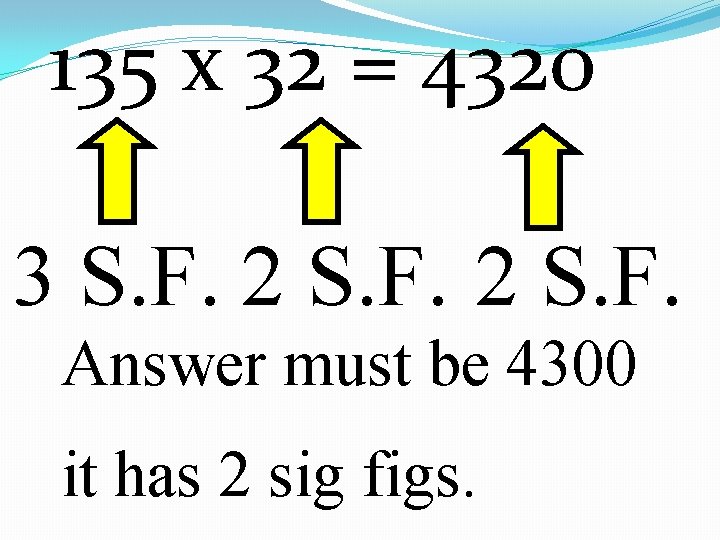
135 x 32 = 4320 3 S. F. 2 S. F. Answer must be 4300 it has 2 sig figs.
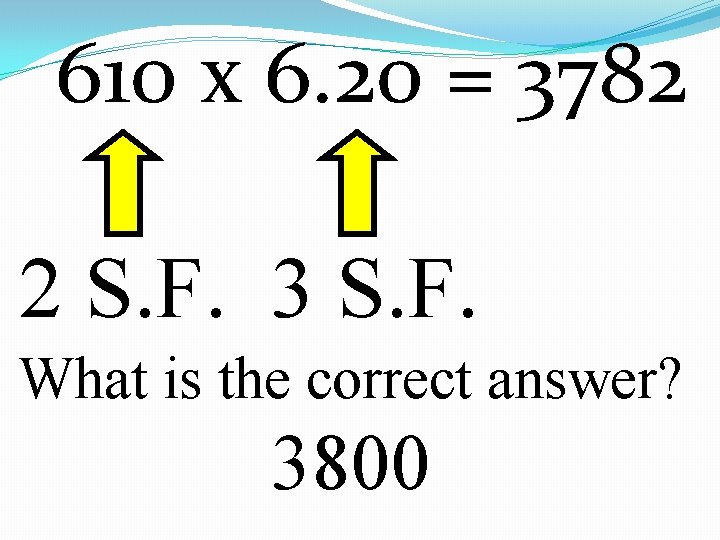
610 x 6. 20 = 3782 2 S. F. 3 S. F. What is the correct answer? 3800
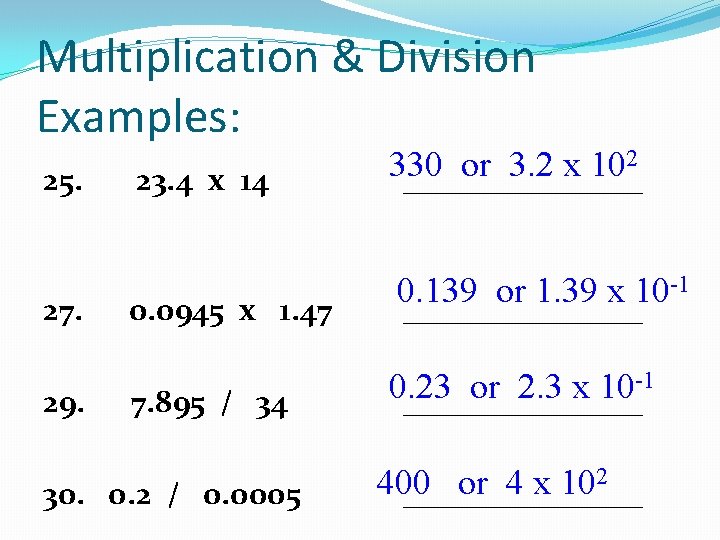
Multiplication & Division Examples: 25. 23. 4 x 14 27. 0. 0945 x 1. 47 29. 7. 895 / 34 30. 0. 2 / 0. 0005 2 330 or 3. 2 x 10 ________ -1 0. 139 or 1. 39 x 10 ________ -1 0. 23 or 2. 3 x 10 ________ 2 400 or 4 x 10 ________
For addition and subtraction
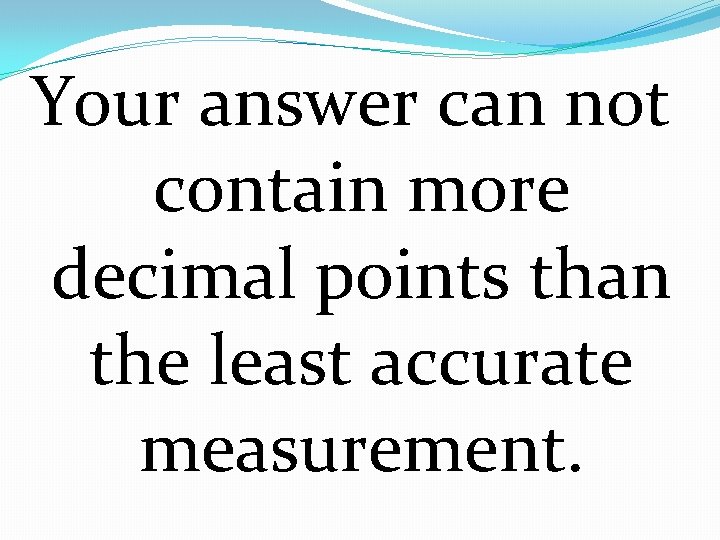
Your answer can not contain more decimal points than the least accurate measurement.
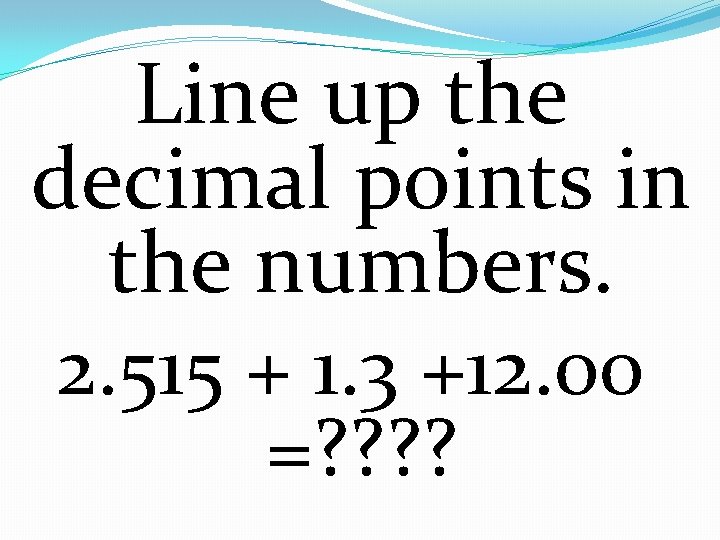
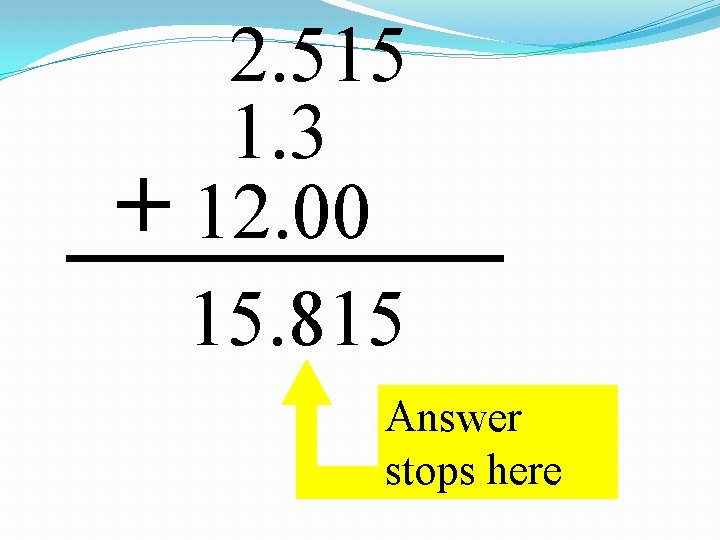
Line up the decimal points in the numbers. 2. 515 + 1. 3 +12. 00 =? ?
2. 515 1. 3 + 12. 00 15. 815 Answer stops here
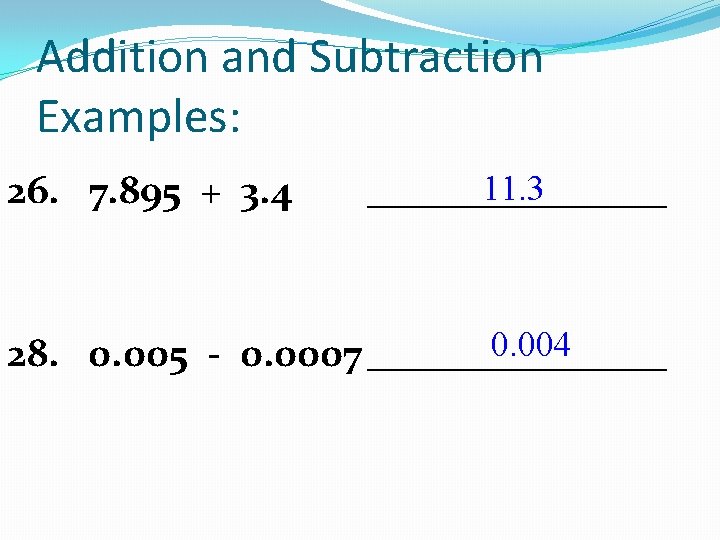
Addition and Subtraction Examples: 26. 7. 895 + 3. 4 11. 3 ________ 0. 004 28. 0. 005 - 0. 0007 ________
Scientific notation
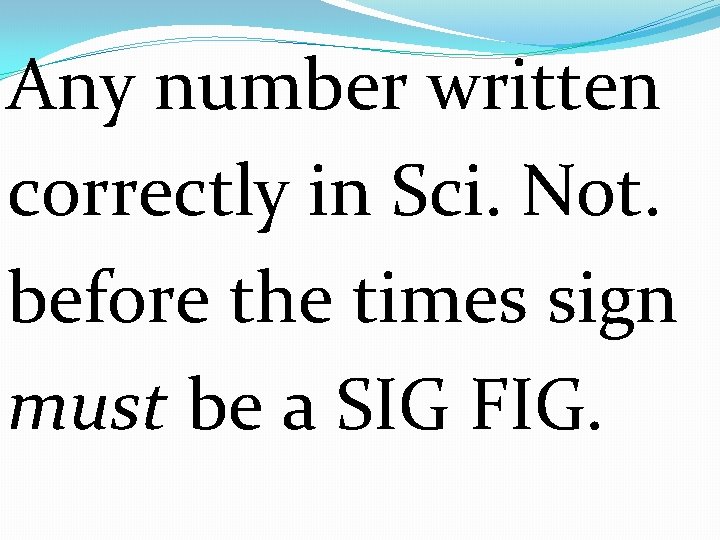
Any number written correctly in Sci. Not. before the times sign must be a SIG FIG.
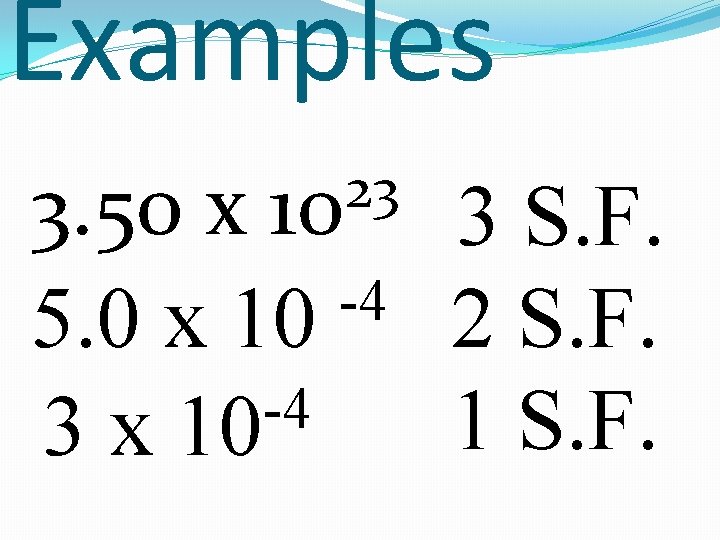
Examples 23 10 3. 50 x 3 S. F. -4 5. 0 x 10 2 S. F. -4 1 S. F. 3 x 10
Using A Calculator [2 nd] [SCI] = regular notation to scientific notation To convert a number from regular notation to scientific notation: Example: enter. 00163 then hit [2 nd] [SCI] and arrow over to SCI and press enter twice. The display will read 1. 63 x 10 -03.
Using A Calculator [2 nd] [FLO] = scientific notation to regular notation To convert a number from scientific notation to regular notation: Example: The display reads 1. 63 x 10 -03. Press [2 nd] [SCI] and arrow over to FLO and press enter. The display will read 0. 00163
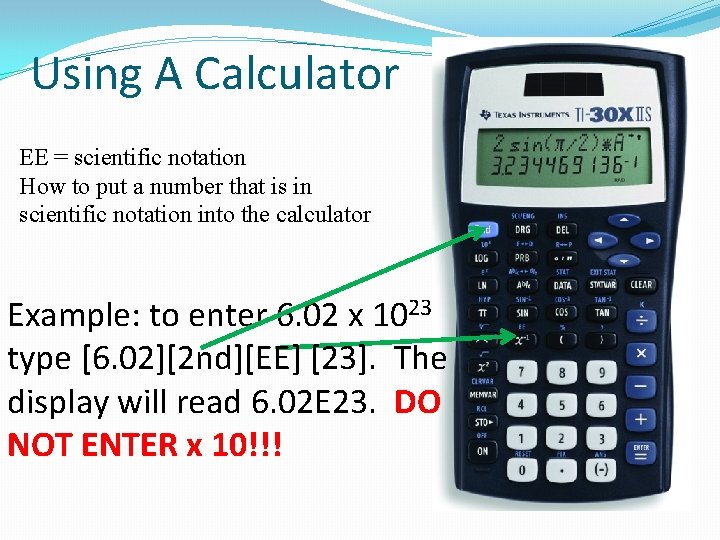
Using A Calculator EE = scientific notation How to put a number that is in scientific notation into the calculator Example: to enter 6. 02 x 1023 type [6. 02][2 nd][EE] [23]. The display will read 6. 02 E 23. DO NOT ENTER x 10!!!
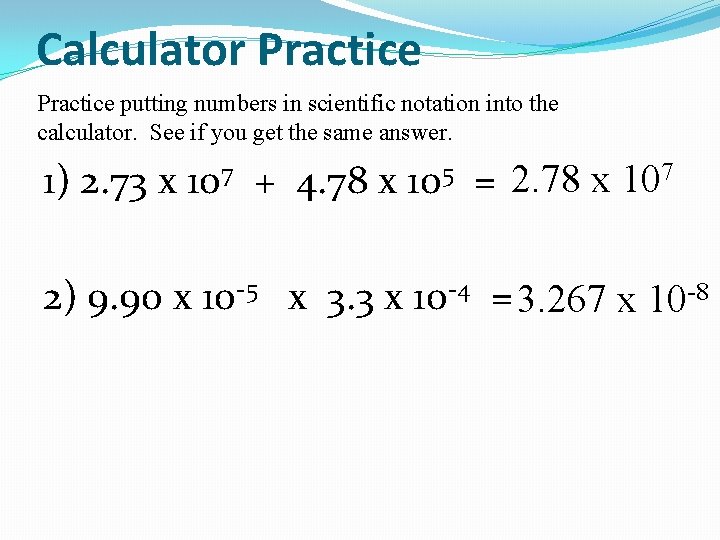
Calculator Practice putting numbers in scientific notation into the calculator. See if you get the same answer. 1) 2. 73 x 107 + 4. 78 x 105 = 2. 78 x 107 2) 9. 90 x 10 -5 x 3. 3 x 10 -4 = 3. 267 x 10 -8