
Sign into CERN CERN IT Services for You



- Slides: 23
Sign into CERN: CERN IT Services for You! Sebastian Łopieński CERN Deputy Computer Security Officer (slides by Stefan Lueders)
Academic Freedom Dr. Stefan Lüders (CERN IT/CO) DESY ― 20. for Februar 2007 Sebastian. Lopienski@cern. ch — “Sign into CERN: CERN IT―Services You!” Welcome to CERN!!! You are now +1 user at CERN: ► …from 100 s of universities worldwide ► Pupils, students, post-docs, professors, technicians, engineers, physicists, … ► High turn-over (~12 k per year) Academic Freedom in Research: ► Open campus attitude (consider CERN as an ISP): No boundaries if possible: free communication & freedom to publish ► Cacophony of O/S, programming languages, applications ► Merger of professional & private life incl. mobile revolution ► The trial of the new & all-time prototypes
Academic Freedom Dr. Stefan Lüders (CERN IT/CO) DESY ― 20. for Februar 2007 Sebastian. Lopienski@cern. ch — “Sign into CERN: CERN IT―Services You!” Welcome to CERN!!! : ” y it l i ► …from 100 s of universities worldwide b OU i s Y n o to ► Pupils, students, post-docs, professors, p d s Re egate t, …! technicians, engineers, physicists, “… r s del e n p a ► High turn-over (~10 k per year) e s r, ex i m N ” R rato m E o ed at C inist e r y in d F t m i r c Academic Freedom Research: i u a m Sec er, e d ► Open p (consider CERN as an ISP): a campus r attitude c o e l t A e u “No boundaries vif possible: free communication & freedom to publish p e d m Co ser, of O/S, programming languages, applications ► Cacophony u s a ► Merge of professional & private life incl. mobile revolution You are now +1 user at CERN:
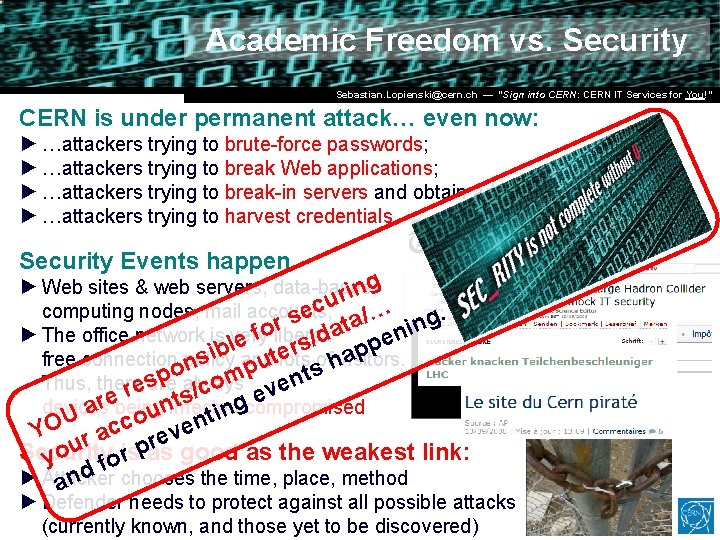
Academic Freedom vs. Security Dr. Stefan Lüders (CERN IT/CO) DESY ― 20. for Februar 2007 Sebastian. Lopienski@cern. ch — “Sign into CERN: CERN IT―Services You!” CERN is under permanent attack… even now: ► …attackers trying to brute-force passwords; ► …attackers trying to break Web applications; ► …attackers trying to break-in servers and obtain administrator rights. ► …attackers trying to harvest credentials. Security Events happen ► Web sites & web servers, data-bases, computing nodes, mail accounts, … ► The office network is very liberal: free connection policy and lots of visitors. Thus, there always devices being infected/compromised. Security is as good as the weakest link: ► Attacker chooses the time, place, method ► Defender needs to protect against all possible attacks (currently known, and those yet to be discovered)
Academic Freedom vs. Security Dr. Stefan Lüders (CERN IT/CO) DESY ― 20. for Februar 2007 Sebastian. Lopienski@cern. ch — “Sign into CERN: CERN IT―Services You!” CERN is under permanent attack… even now: ► …attackers trying to brute-force passwords; ► …attackers trying to break Web applications; ► …attackers trying to break-in servers and obtain administrator rights. ► …attackers trying to harvest credentials. Security Events happen ► Web sites & web servers, data-bases, ng i r u… c computing nodes, mail accounts, e /… ing. s a r t a foliberal: n ► The office network is very d / e e l s p r ib and e ofhvisitors. ap t s free connection policy lots u n p nts o p m s Thus, there always o e e s/c r v e e t devices ar being uninfected/compromised ting U o YO r acc reven Security r pas good as the weakest link: you fois ► Attacker and chooses the time, place, method ► Defender needs to protect against all possible attacks (currently known, and those yet to be discovered)
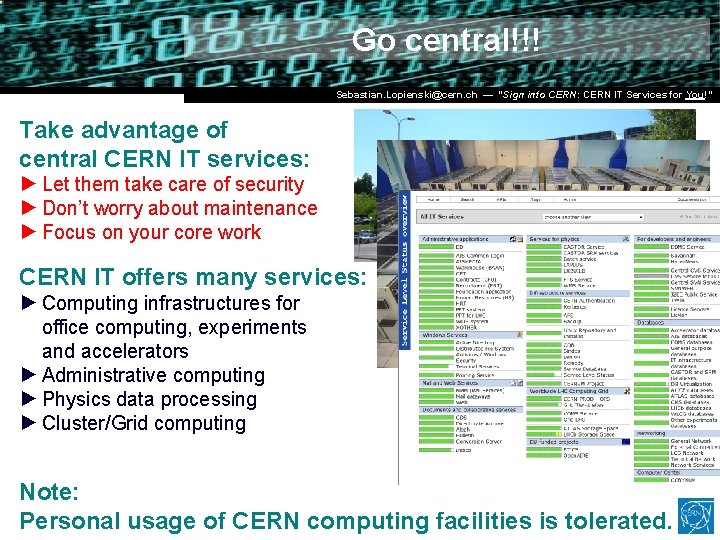
Go central!!! Dr. Stefan Lüders (CERN IT/CO) DESY ― 20. for Februar 2007 Sebastian. Lopienski@cern. ch — “Sign into CERN: CERN IT―Services You!” Take advantage of central CERN IT services: ► Let them take care of security ► Don’t worry about maintenance ► Focus on your core work CERN IT offers many services: ► Computing infrastructures for office computing, experiments and accelerators ► Administrative computing ► Physics data processing ► Cluster/Grid computing Note: Personal usage of CERN computing facilities is tolerated.
Go central!!! Dr. Stefan Lüders (CERN IT/CO) DESY ― 20. for Februar 2007 Sebastian. Lopienski@cern. ch — “Sign into CERN: CERN IT―Services You!” Take advantage of central CERN IT services: ► Let them take care of security ► Don’t worry about maintenance ► Focus on your core work nt. e tm r a p CERN IT offers many services: De T ” I y ► Computing infrastructures for the el r u o c t office computing, experiments e y s t “ li k r and accelerators sibi ! o n w ! o s o p t ► Administrative computing e s c i n r v re processing r a e e e ► Physics data th ral s d: L s ►PCluster/Grid in as ent computing m e c your s U en p O Note: Personal usage of CERN computing facilities is tolerated.
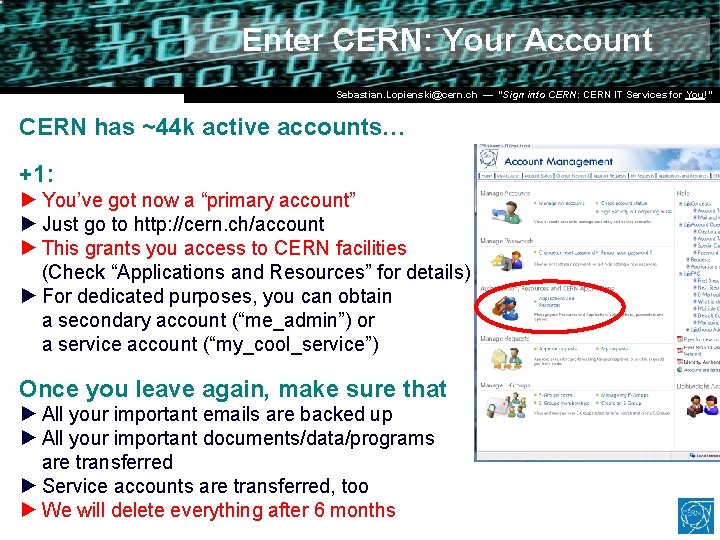
Enter CERN: Your Account Dr. Stefan Lüders (CERN IT/CO) DESY ― 20. for Februar 2007 Sebastian. Lopienski@cern. ch — “Sign into CERN: CERN IT―Services You!” CERN has ~44 k active accounts… +1: ► You’ve got now a “primary account” ► Just go to http: //cern. ch/account ► This grants you access to CERN facilities (Check “Applications and Resources” for details) ► For dedicated purposes, you can obtain a secondary account (“me_admin”) or a service account (“my_cool_service”) Once you leave again, make sure that ► All your important emails are backed up ► All your important documents/data/programs are transferred ► Service accounts are transferred, too ► We will delete everything after 6 months
Enter CERN: Your Account Dr. Stefan Lüders (CERN IT/CO) DESY ― 20. for Februar 2007 Sebastian. Lopienski@cern. ch — “Sign into CERN: CERN IT―Services You!” CERN has ~44 k active accounts… +1: ► You’ve got now a “primary account” ► Just go to http: //cern. ch/account ► This grants you access to CERN facilities ! details). h y l s (Check “Applications and Resources” for r u ula r t. b i h obtain g r ► For dedicated purposes, youocan t re u fo o t t i r a secondary account (“you_admin”) e or yo u g o n k y a service accountis(“cool_service”) a h ^2 c r e rd and =c v o = e ) l w l b t i s ( i r s w e q a Oncer pyou leave r again, e 2 make s sure that a t + h a s * backed up memails * ouyour i ► important are T t a i YAll O leg : x N e l ►D Allo yourdimportant y p documents/data/programs m o o b c are transferred o t i N e k ► Service Ma accounts are transferred, too ► We will delete everything after 6 months
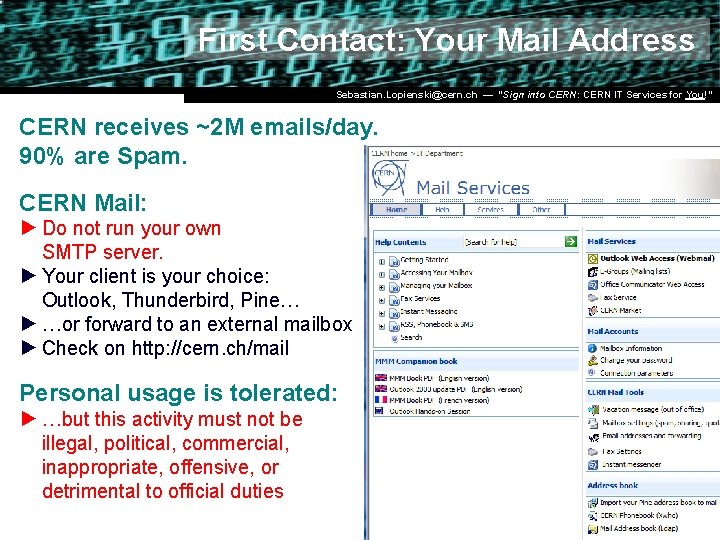
First Contact: Your Mail Address Dr. Stefan Lüders (CERN IT/CO) DESY ― 20. for Februar 2007 Sebastian. Lopienski@cern. ch — “Sign into CERN: CERN IT―Services You!” CERN receives ~2 M emails/day. 90% are Spam. CERN Mail: ► Do not run your own SMTP server. ► Your client is your choice: Outlook, Thunderbird, Pine… ► …or forward to an external mailbox ► Check on http: //cern. ch/mail Personal usage is tolerated: ► …but this activity must not be illegal, political, commercial, inappropriate, offensive, or detrimental to official duties
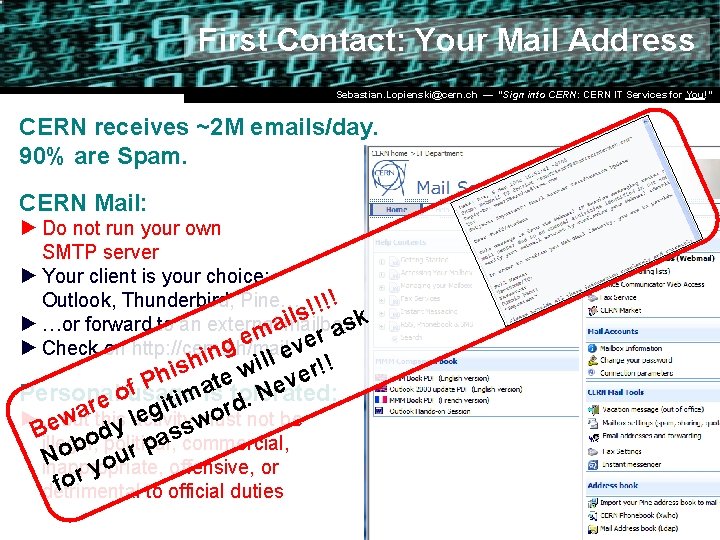
First Contact: Your Mail Address Dr. Stefan Lüders (CERN IT/CO) DESY ― 20. for Februar 2007 Sebastian. Lopienski@cern. ch — “Sign into CERN: CERN IT―Services You!” CERN receives ~2 M emails/day. 90% are Spam. CERN Mail: ► Do not run your own SMTP server ► Your client is your choice: Outlook, Thunderbird, Pine… !!!! ils ask ► …or forward to an external mailbox a em ver g ► Check on http: //cern. ch/mail in le ish e wil ver!! h e at tolerated: f P imis Personal usage N o. re egit ord a ► …but activity must not be l w ew this y s Billegal, dpolitical, scommercial, a o p b o r u N o inappropriate, offensive, or y r fo detrimental to official duties
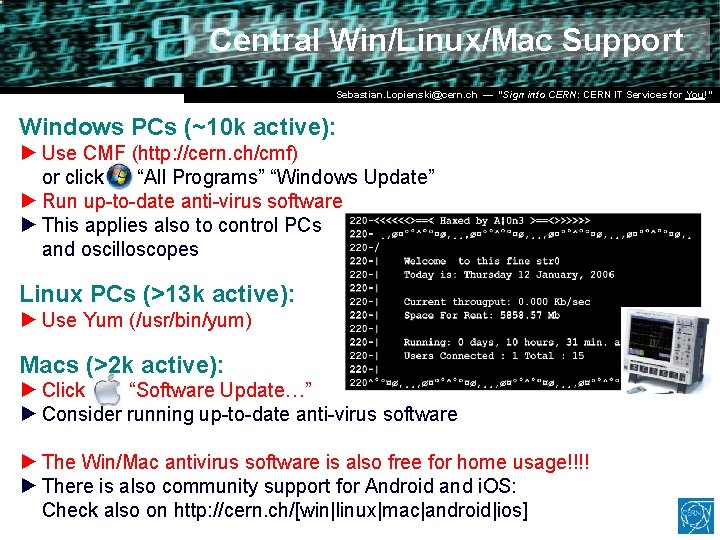
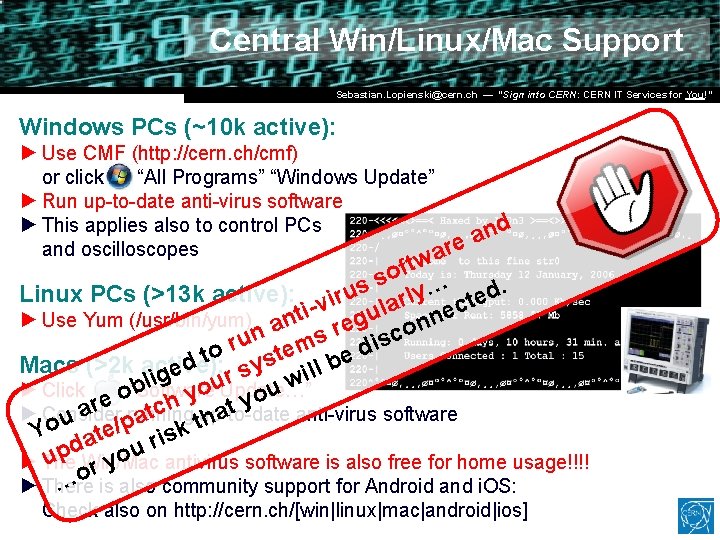
Central Win/Linux/Mac Support Dr. Stefan Lüders (CERN IT/CO) DESY ― 20. for Februar 2007 Sebastian. Lopienski@cern. ch — “Sign into CERN: CERN IT―Services You!” Windows PCs (~10 k active): ► Use CMF (http: //cern. ch/cmf) or click “All Programs” “Windows Update” ► Run up-to-date anti-virus software ► This applies also to control PCs and oscilloscopes Linux PCs (>13 k active): ► Use Yum (/usr/bin/yum) Macs (>2 k active): ► Click “Software Update…” ► Consider running up-to-date anti-virus software ► The Win/Mac antivirus software is also free for home usage!!!! ► There is also community support for Android and i. OS: Check also on http: //cern. ch/[win|linux|mac|android|ios]
Central Win/Linux/Mac Support Dr. Stefan Lüders (CERN IT/CO) DESY ― 20. for Februar 2007 Sebastian. Lopienski@cern. ch — “Sign into CERN: CERN IT―Services You!” Windows PCs (~10 k active): ► Use CMF (http: //cern. ch/cmf) or click “All Programs” “Windows Update” ► Run up-to-date anti-virus software ► This applies also to control PCs nd a and oscilloscopes are tw f o s s Linux PCs (>13 k active): viru arly… ted. c l e u n ► Use Yum (/usr/bin/yum) anti g n e r o n c u ems dis r to yst e b d Macs (>2 k active): l e s l i g r i l w u b o Update…” ► Click “Software u o y o e y h t c up-to-date ar running t a ► Consider anti-virus software a h u t p o / e risk Y t a d ou p u ► The Win/Mac antivirus software is also free for home usage!!!! ry o … is also community support for Android and i. OS: ► There Check also on http: //cern. ch/[win|linux|mac|android|ios]
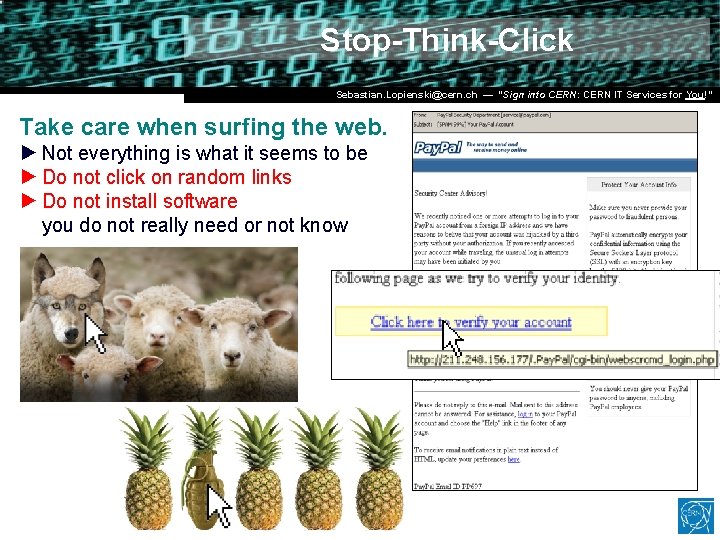
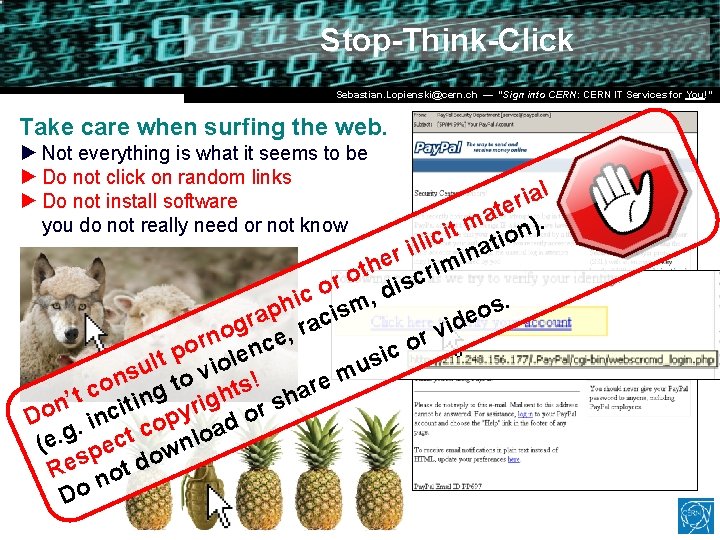
Stop-Think-Click Dr. Stefan Lüders (CERN IT/CO) DESY ― 20. for Februar 2007 Sebastian. Lopienski@cern. ch — “Sign into CERN: CERN IT―Services You!” Take care when surfing the web. ► Not everything is what it seems to be ► Do not click on random links ► Do not install software you do not really need or not know
Stop-Think-Click Dr. Stefan Lüders (CERN IT/CO) DESY ― 20. for Februar 2007 Sebastian. Lopienski@cern. ch — “Sign into CERN: CERN IT―Services You!” Take care when surfing the web. ► Not everything is what it seems to be ► Do not click on random links ► Do not install software you do not really need or not know l a i r te a m n). t i ic atio l l i n r i e m h ot iscri r o d c , i. h m s p s o i a e c r d a g i r v o , n r e r o c o n c t p iole si l u u s to v m n ! e o s r t c ing a h t h ’ g s i t n Do. inci opyr ad or c g. t lo e c n ( e sp t dow e R no Do
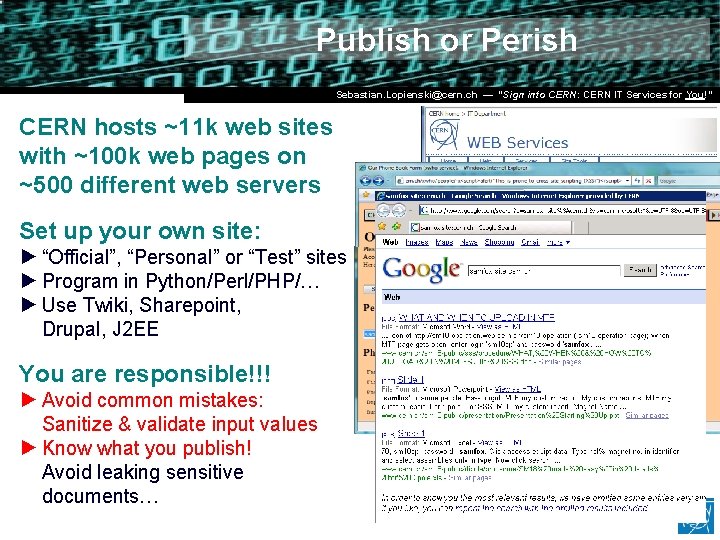
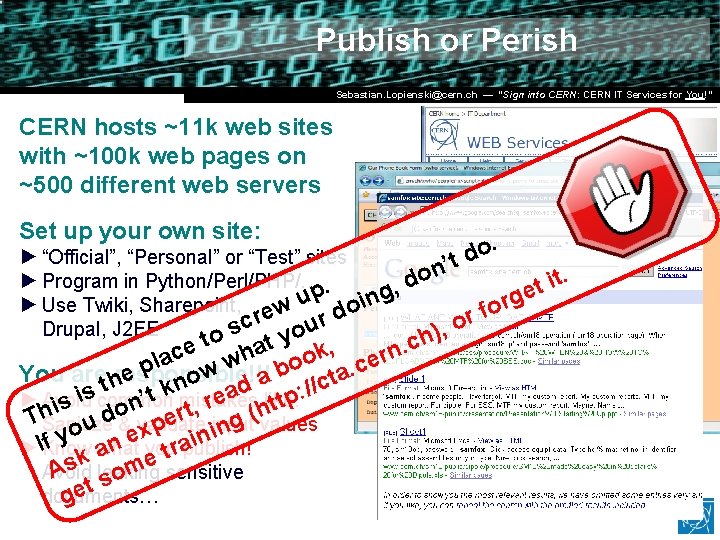
Publish or Perish Dr. Stefan Lüders (CERN IT/CO) DESY ― 20. for Februar 2007 Sebastian. Lopienski@cern. ch — “Sign into CERN: CERN IT―Services You!” CERN hosts ~11 k web sites with ~100 k web pages on ~500 different web servers Set up your own site: ► “Official”, “Personal” or “Test” sites ► Program in Python/Perl/PHP/… ► Use Twiki, Sharepoint, Drupal, J 2 EE You are responsible!!! ► Avoid common mistakes: Sanitize & validate input values ► Know what you publish! Avoid leaking sensitive documents…
Publish or Perish Dr. Stefan Lüders (CERN IT/CO) DESY ― 20. for Februar 2007 Sebastian. Lopienski@cern. ch — “Sign into CERN: CERN IT―Services You!” CERN hosts ~11 k web sites with ~100 k web pages on ~500 different web servers Set up your own site: . o d ’t ► “Official”, “Personal” or “Test” sites n o t. ► Program in Python/Perl/PHP/…. i d t , p ing e u g r ► Use Twiki, Sharepoint, ew o o f d r r r c o u s Drupal, J 2 EE , o ) o y h t t. c , e a n k c h r la w w boo. ce p You arethresponsible!!! a e t o a c n / d k mistakes : / a like: scommon t i p e ’ ► Avoid t r s n i o t, g (ht r d Th e Sanitize values u &evalidate p ninput n o i x y i f n youtrapublish! ►IKnow what a k me As leaking Avoid sensitive o s documents… get
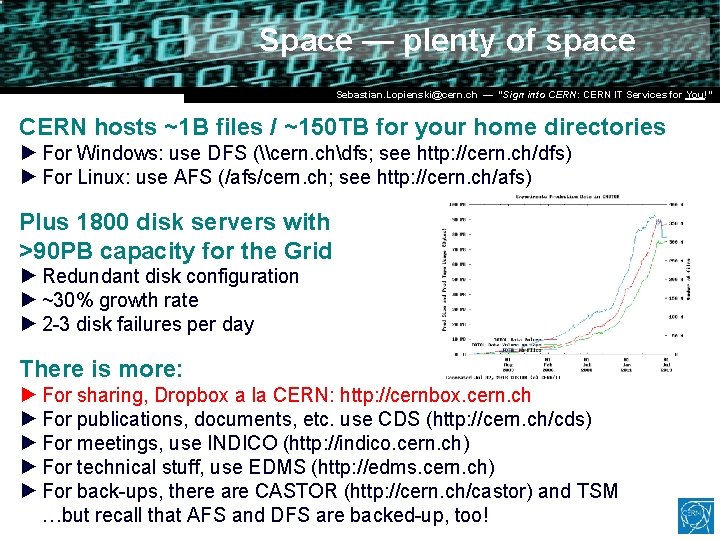
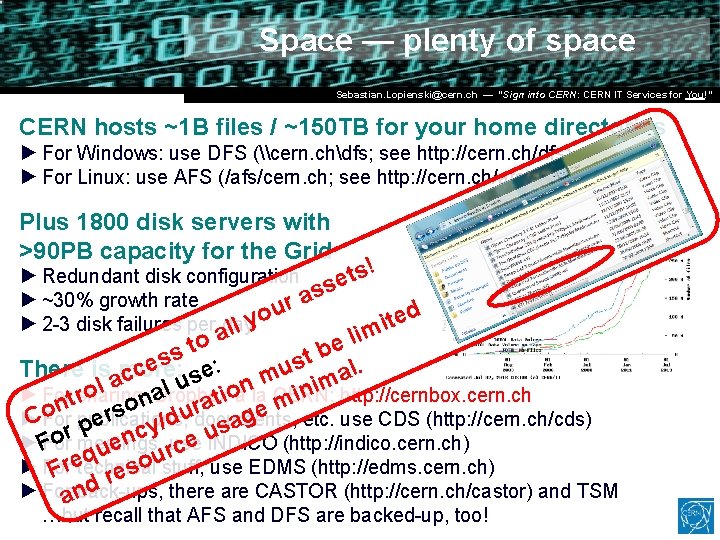
Space — plenty of space Dr. Stefan Lüders (CERN IT/CO) DESY ― 20. for Februar 2007 Sebastian. Lopienski@cern. ch — “Sign into CERN: CERN IT―Services You!” CERN hosts ~1 B files / ~150 TB for your home directories ► For Windows: use DFS (\cern. chdfs; see http: //cern. ch/dfs) ► For Linux: use AFS (/afs/cern. ch; see http: //cern. ch/afs) Plus 1800 disk servers with >90 PB capacity for the Grid ► Redundant disk configuration ► ~30% growth rate ► 2 -3 disk failures per day There is more: ► For sharing, Dropbox a la CERN: http: //cernbox. cern. ch ► For publications, documents, etc. use CDS (http: //cern. ch/cds) ► For meetings, use INDICO (http: //indico. cern. ch) ► For technical stuff, use EDMS (http: //edms. cern. ch) ► For back-ups, there are CASTOR (http: //cern. ch/castor) and TSM …but recall that AFS and DFS are backed-up, too!
Space — plenty of space Dr. Stefan Lüders (CERN IT/CO) DESY ― 20. for Februar 2007 Sebastian. Lopienski@cern. ch — “Sign into CERN: CERN IT―Services You!” CERN hosts ~1 B files / ~150 TB for your home directories ► For Windows: use DFS (\cern. chdfs; see http: //cern. ch/dfs) ► For Linux: use AFS (/afs/cern. ch; see http: //cern. ch/afs) Plus 1800 disk servers with >90 PB capacity for the Grid ► Redundant disk configuration sets! as ► ~30% growth rate r u d o e y t i ► 2 -3 disk failures per day ll m a i l o e t b s t s s al. u There is amore: ce se: c m im u n l l n http: //cernbox. cern. ch o o a i ► Fortsharing, Dropbox a la CERN: i r t n m a o r e etc. use CDS (http: //cern. ch/cds) s on publications, u r g CFor ► documents, d e / a p y s c r u n o e INDICO (http: //indico. cern. ch) ►F For meetings, use e c u r q ustuff, use EDMS (http: //edms. cern. ch) o ► For s Fretechnical re d ► Foran back-ups, there are CASTOR (http: //cern. ch/castor) and TSM …but recall that AFS and DFS are backed-up, too!
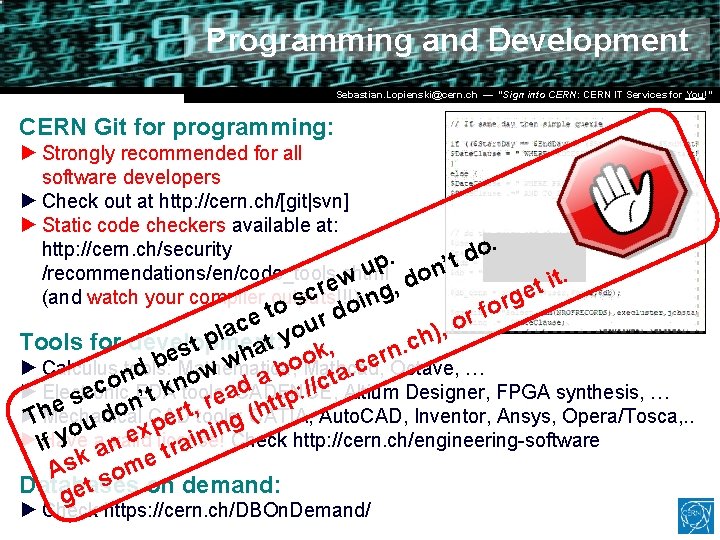
Programming and Development Dr. Stefan Lüders (CERN IT/CO) DESY ― 20. for Februar 2007 Sebastian. Lopienski@cern. ch — “Sign into CERN: CERN IT―Services You!” CERN Git for programming: ► Strongly recommended for all software developers ► Check out at http: //gitlab. cern. ch ► Static code checkers available at: http: //cern. ch/security /recommendations/en/code_tools. shtml (and watch your compiler outputs!!!) Tools for development: ► Calculus tools: Mathematica, Mathcad, Octave, … ► Electronic EDA tools: CADENCE, Altium Designer, FPGA synthesis, … ► Mechanical CAD tools: CATIA, Auto. CAD, Inventor, Ansys, Opera/Tosca, . . ► Have a valid license! Check http: //cern. ch/engineering-software Databases on demand: ► Check https: //cern. ch/DBOn. Demand/
Programming and Development Dr. Stefan Lüders (CERN IT/CO) DESY ― 20. for Februar 2007 Sebastian. Lopienski@cern. ch — “Sign into CERN: CERN IT―Services You!” CERN Git for programming: ► Strongly recommended for all software developers ► Check out at http: //cern. ch/[git|svn] ► Static code checkers available at: . http: //cern. ch/security o d p. ’t u n /recommendations/en/code_tools. shtml. o t w i d e t , (and watch your compiler outputs!!!) scr ing rge fo to r do r e o c u , a o ) l h p at y Tools for development: c t. , s n h ook e. Mathematica, r. Octave, … e b w c ► Calculus n tools: Mathcad, . d b w a t o a o c n d p: // Altium Designer, FPGA synthesis, … k tools: ► Electronic CADENCE, a ec n. EDA t e ’ s r (htt e , o t h r ► Mechanical CAD tools: CATIA, Auto. CAD, Inventor, Ansys, Opera/Tosca, . . d T e g u p n i Check http: //cern. ch/engineering-software ex license! n ►IHave valid i f yo aan tra k e As som Databases on demand: get ► Check https: //cern. ch/DBOn. Demand/
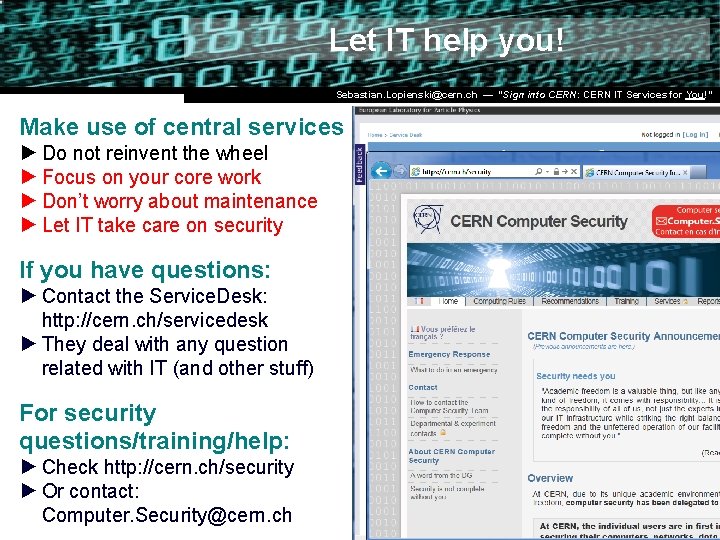
Let IT help you! Dr. Stefan Lüders (CERN IT/CO) DESY ― 20. for Februar 2007 Sebastian. Lopienski@cern. ch — “Sign into CERN: CERN IT―Services You!” Make use of central services ► Do not reinvent the wheel ► Focus on your core work ► Don’t worry about maintenance ► Let IT take care on security If you have questions: ► Contact the Service. Desk: http: //cern. ch/servicedesk ► They deal with any question related with IT (and other stuff) For security questions/training/help: ► Check http: //cern. ch/security ► Or contact: Computer. Security@cern. ch
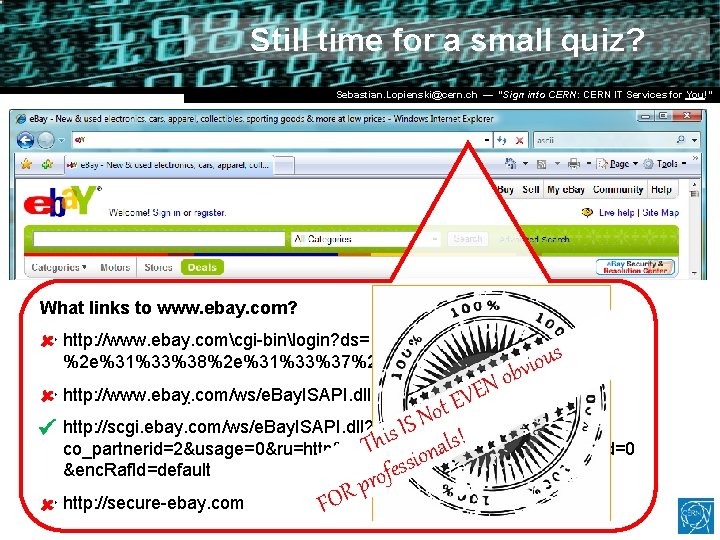
Still time for a small quiz? Dr. Stefan Lüders (CERN IT/CO) DESY ― 20. for Februar 2007 Sebastian. Lopienski@cern. ch — “Sign into CERN: CERN IT―Services You!” What links to www. ebay. com? u http: //www. ebay. comcgi-binlogin? ds=1%204324@%31%33%37 s %2 e%31%33%38%2 e%31%33%37%2 e%31%37%37/p? uh 3 f 223 d viou b o N EVE u http: //www. ebaỵ. com/ws/e. Bay. ISAPI. dll? Sign. In t o N S u http: //scgi. ebay. com/ws/e. Bay. ISAPI. dll? Register. Enter. Info&siteid=0& I s i s! h T ional co_partnerid=2&usage=0&ru=http%3 A%2 F%2 Fwww. ebay. com&raf. Id=0 s s &enc. Raf. Id=default e f o u http: //secure-ebay. com pr R FO