
Siebel 8 0 Essentials Introducing Siebel Applications 1
Siebel 8. 0 Essentials Introducing Siebel Applications 1 of 19
Module 1: Introducing Siebel Applications
Module Objectives • To understand the term Customer Relationship Management (CRM) • To describe Siebel CRM and Identify the common entities found in Siebel CRM Introducing Siebel Applications 3 of 19
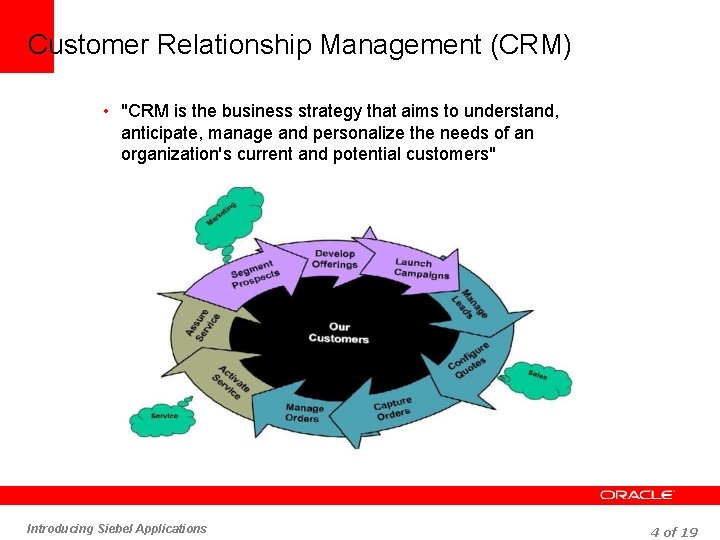
Customer Relationship Management (CRM) • "CRM is the business strategy that aims to understand, anticipate, manage and personalize the needs of an organization's current and potential customers" Introducing Siebel Applications 4 of 19

Introduction to Siebel Applications • Siebel CRM Applications are available tailored for: - different types of customers, partners or employees interaction and channel (Horizontal Applications) - different types of Industries (Industry Applications) Industry Applications Siebel Consumer Sector Siebel Energy Siebel Financial Services Siebel Life Sciences Siebel Public Sector Siebel Travel & Transportation Horizontal Applications Employee Applications Customer Applications Siebel Call Center Siebel Service Siebel Sales Siebel e. Service Siebel Orders Siebel Pricer Introducing Siebel Applications Partner Applications Siebel Partner Manager Siebel Partner Portal 5 of 19

Employee Application: Siebel Sales • Siebel Sales application is used by a company’s employees (Sales Representatives, Sales Managers) to manage Accounts, Contacts, Sales Opportunities and to forecast the revenues. Siebel Sales Opportunities Screen Introducing Siebel Applications 6 of 19
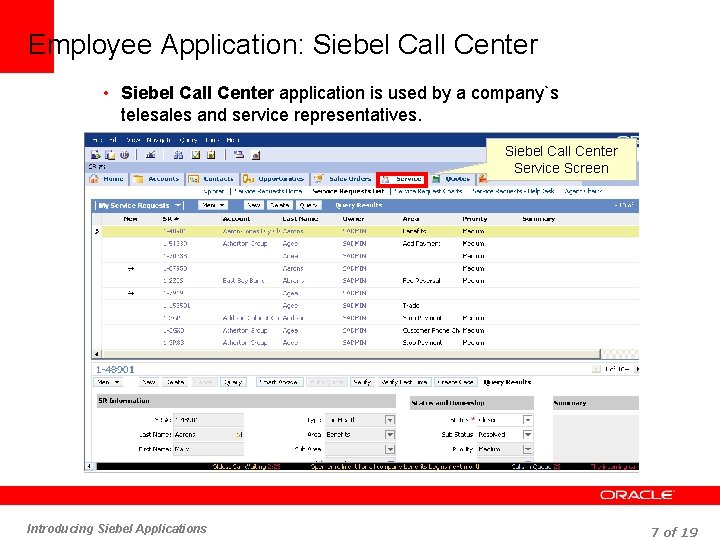
Employee Application: Siebel Call Center • Siebel Call Center application is used by a company`s telesales and service representatives. Siebel Call Center Service Screen Introducing Siebel Applications 7 of 19
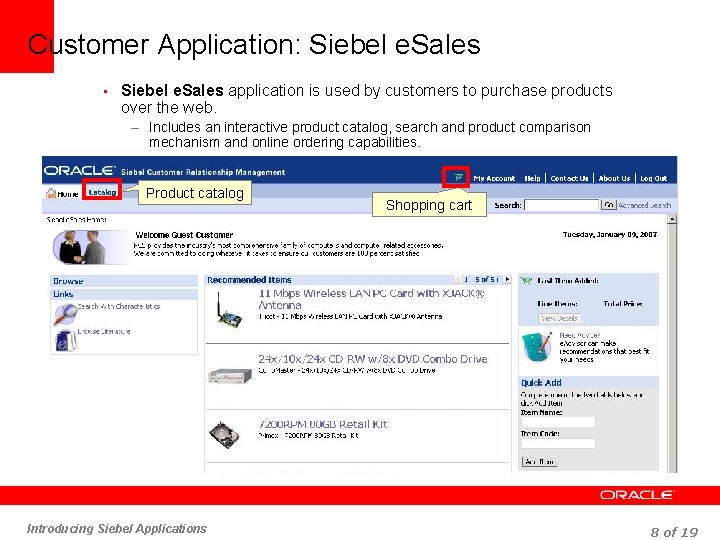
Customer Application: Siebel e. Sales • Siebel e. Sales application is used by customers to purchase products over the web. – Includes an interactive product catalog, search and product comparison mechanism and online ordering capabilities. Product catalog Introducing Siebel Applications Shopping cart 8 of 19
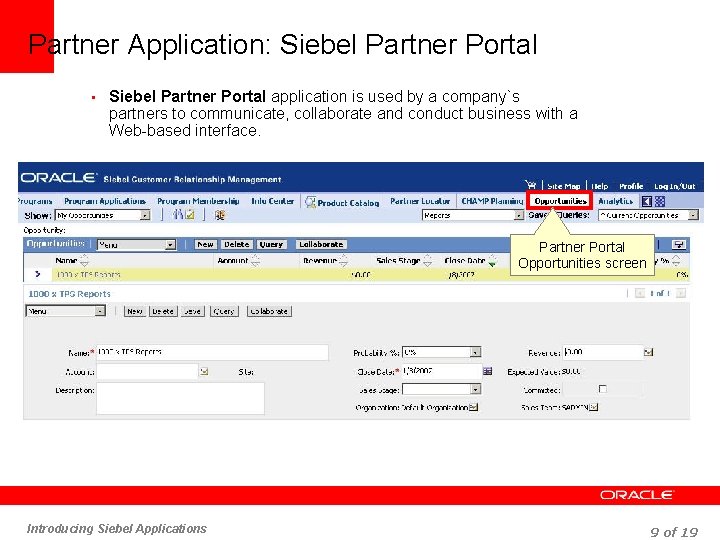
Partner Application: Siebel Partner Portal • Siebel Partner Portal application is used by a company`s partners to communicate, collaborate and conduct business with a Web-based interface. Partner Portal Opportunities screen Introducing Siebel Applications 9 of 19
Types of Siebel Interfaces (UI) • Siebel UI is rendered in one of the two modes – High Interactivity Mode • is available for employee applications supporting highly interactive users. • requires Internet Explorer (check documentation for versions) • provides additional functionality (using additional code such as Active X controls) • has drag-and-drop for setting column width • reduces number of page refreshes • has menu bar and tool bars • has implicit save – Standard Interactivity Mode • is available for customer and employee Applications. • behaves like typical HTML based Web Application. • is available on a wide variety of browsers. Introducing Siebel Applications 10 of 19
Differences between User Interfaces • The following features are supported only by high interactivity: – Client-side scripting. • with access to Siebel objects on the client side – Interactive controls. • like calculator, calendar date/time selector – Implicit save. • saves the record without having to press the save button Introducing Siebel Applications 11 of 19
Common Business Entities in Siebel Application • A business entity is something which is of business interest in the real world • Siebel Application refers to these entities as Business Components – Examples • Accounts • Contacts • Opportunities • Service Requests • Assets Introducing Siebel Applications 12 of 19
Common Siebel Business Components • Accounts • Contacts • Opportunities • Service Requests • Assets Introducing Siebel Applications 13 of 19
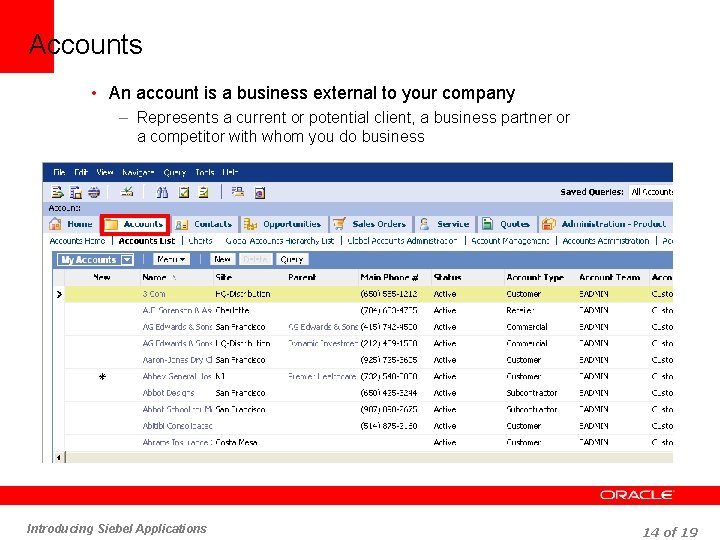
Accounts • An account is a business external to your company – Represents a current or potential client, a business partner or a competitor with whom you do business Introducing Siebel Applications 14 of 19
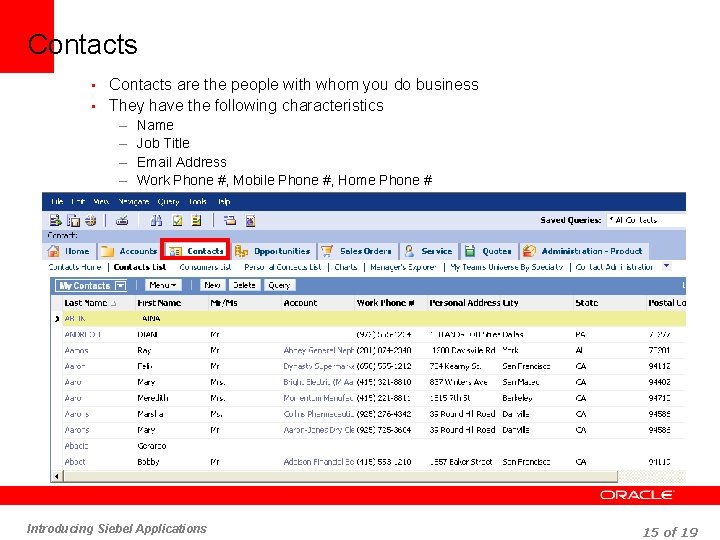
Contacts • Contacts are the people with whom you do business • They have the following characteristics – Name – Job Title – Email Address – Work Phone #, Mobile Phone #, Home Phone # Introducing Siebel Applications 15 of 19
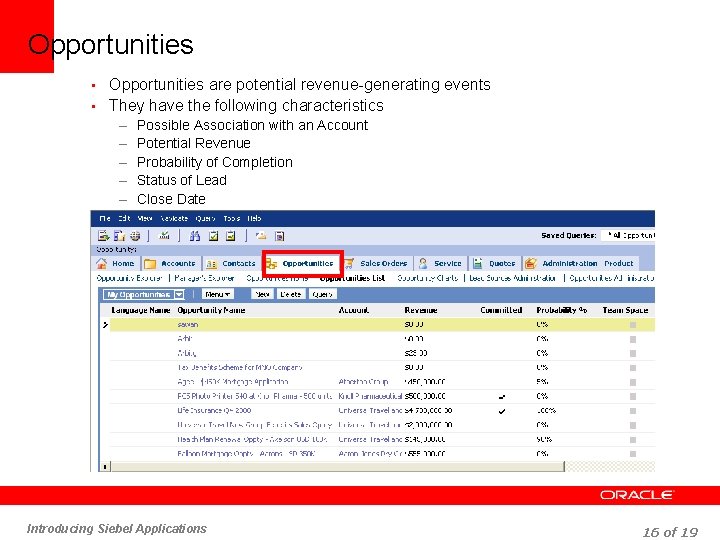
Opportunities • Opportunities are potential revenue-generating events • They have the following characteristics – Possible Association with an Account – Potential Revenue – Probability of Completion – Status of Lead – Close Date Introducing Siebel Applications 16 of 19
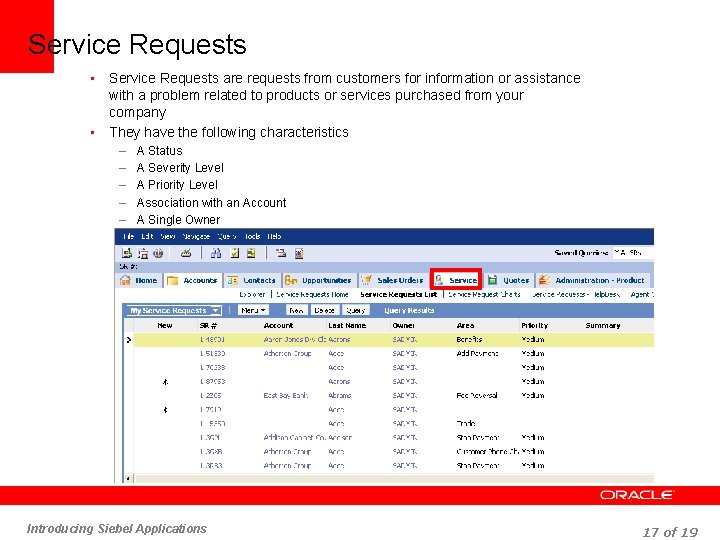
Service Requests are requests from customers for information or assistance with a problem related to products or services purchased from your company • They have the following characteristics • – – – A Status A Severity Level A Priority Level Association with an Account A Single Owner Introducing Siebel Applications 17 of 19
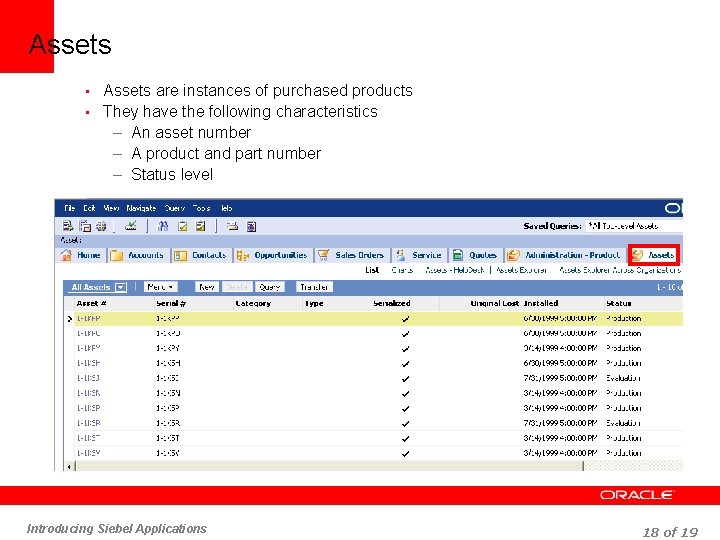
Assets • Assets are instances of purchased products • They have the following characteristics – An asset number – A product and part number – Status level Introducing Siebel Applications 18 of 19
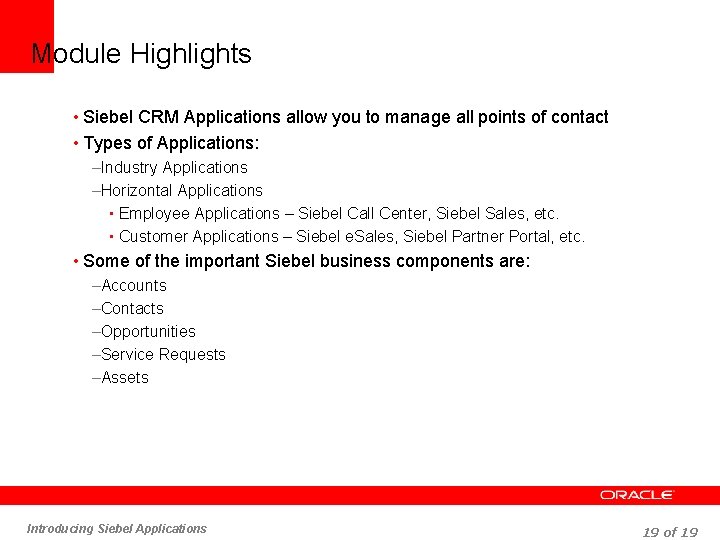
Module Highlights • Siebel CRM Applications allow you to manage all points of contact • Types of Applications: –Industry Applications –Horizontal Applications • Employee Applications – Siebel Call Center, Siebel Sales, etc. • Customer Applications – Siebel e. Sales, Siebel Partner Portal, etc. • Some of the important Siebel business components are: –Accounts –Contacts –Opportunities –Service Requests –Assets Introducing Siebel Applications 19 of 19
- Slides: 19