
Short Doyle MediCal Phase II Mental Health Provider
- Slides: 54
Short Doyle Medi-Cal Phase II Mental Health Provider Training 1
Training Topics Ø Ø Ø 2 Reminder of System Upgrades Other Health Insurance Coverage (OHC) Test Claim Process Resource Links and Information Training Highlights
Reminder of System Upgrades l l 3 Emergency Indicator Pregnancy Indicator Duplicate Override Medi-Cal Benefits Help Desk
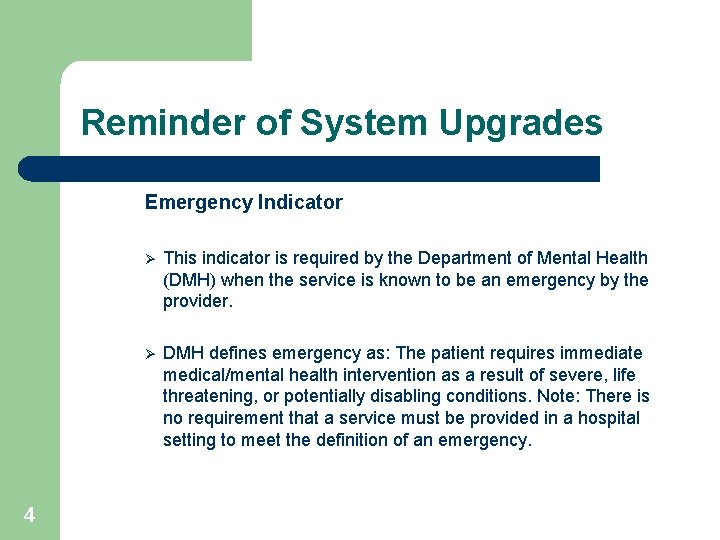
Reminder of System Upgrades Emergency Indicator 4 Ø This indicator is required by the Department of Mental Health (DMH) when the service is known to be an emergency by the provider. Ø DMH defines emergency as: The patient requires immediate medical/mental health intervention as a result of severe, life threatening, or potentially disabling conditions. Note: There is no requirement that a service must be provided in a hospital setting to meet the definition of an emergency.
Reminder of System Upgrades l Title 9 CCR, Section 1810. 216 says: “’Emergency Psychiatric Condition’ means a condition that meets the criteria in Section 1820. 205 when the beneficiary with the condition, due to a mental disorder, is a danger to self or others, or immediately unable to provide for or utilize, food, shelter or clothing, and requires psychiatric inpatient or psychiatric health facility services. ” The Department of Health Care Services (DHCS) provided the following clarification regarding the definition of an emergency service for DMH services: Title 9 Section 1810. 216 defines "Emergency Psychiatric Condition" in terms of an inpatient. There is no separate definition for outpatients. The definition (with the exception of facility specifics) should be construed to apply to outpatients as well. 5
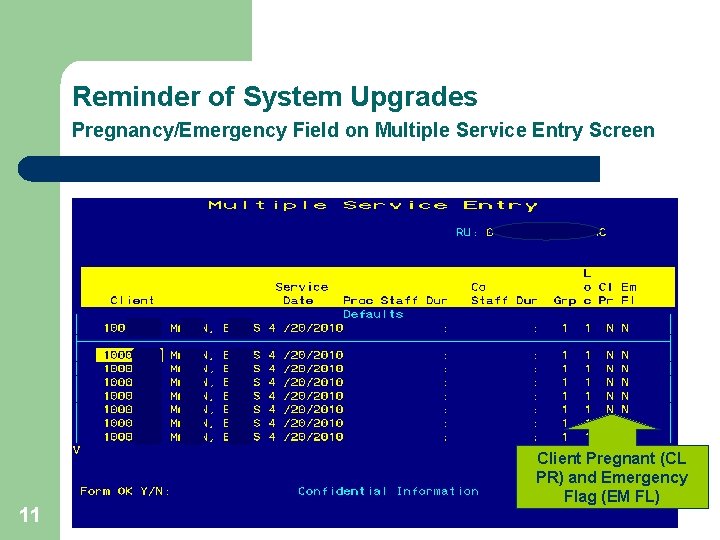
Reminder of System Upgrades When a service provided meets the above criteria of an EMERGENCY you must code the service with an emergency indicator of “Y” within the In. Syst system. l 6 Note: The Emergency indicator field is now available on all service entry screens.
Reminder of System Upgrades Pregnancy Indicator !DMH UPDATE! As of 4/8/10 the instructions from DMH are as follows: The pregnancy indicator should be used to identify the beneficiary as pregnant when the beneficiary has a restricted Emergency/Pregnancy Aid Code or Pregnancy Aid Code. Per DMH Medi-Cal audit protocols, the individual must meet medical necessity criteria; the service must be driven by the client plan; and supported by the documentation. 7
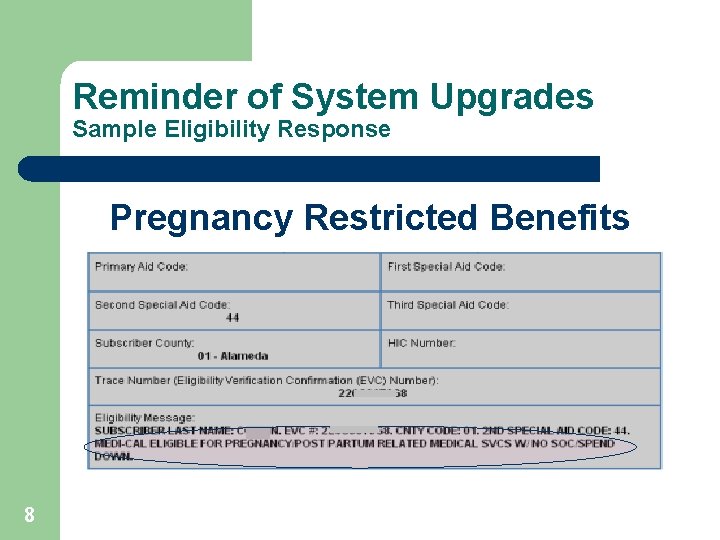
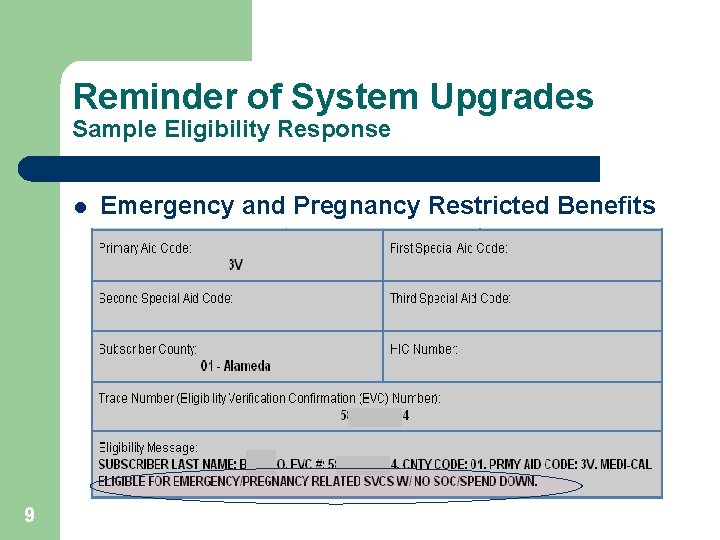
Reminder of System Upgrades Sample Eligibility Response Pregnancy Restricted Benefits 8
Reminder of System Upgrades Sample Eligibility Response l 9 Emergency and Pregnancy Restricted Benefits
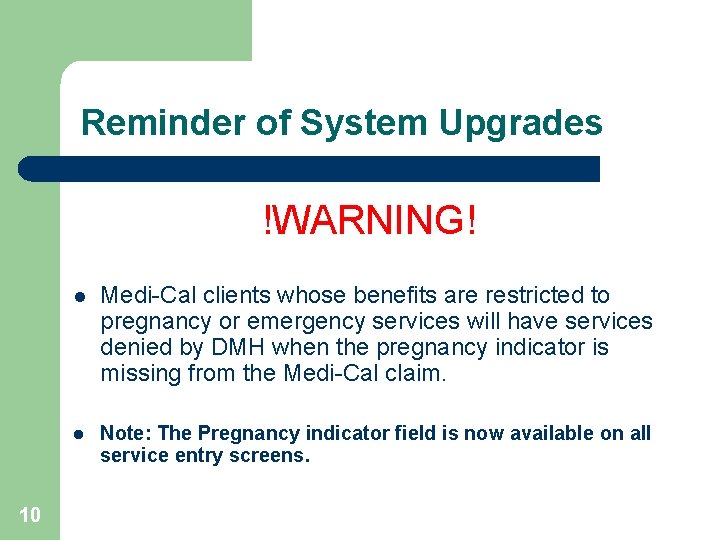
Reminder of System Upgrades !WARNING! 10 l Medi-Cal clients whose benefits are restricted to pregnancy or emergency services will have services denied by DMH when the pregnancy indicator is missing from the Medi-Cal claim. l Note: The Pregnancy indicator field is now available on all service entry screens.
Reminder of System Upgrades Pregnancy/Emergency Field on Multiple Service Entry Screen 11 Client Pregnant (CL PR) and Emergency Flag (EM FL)
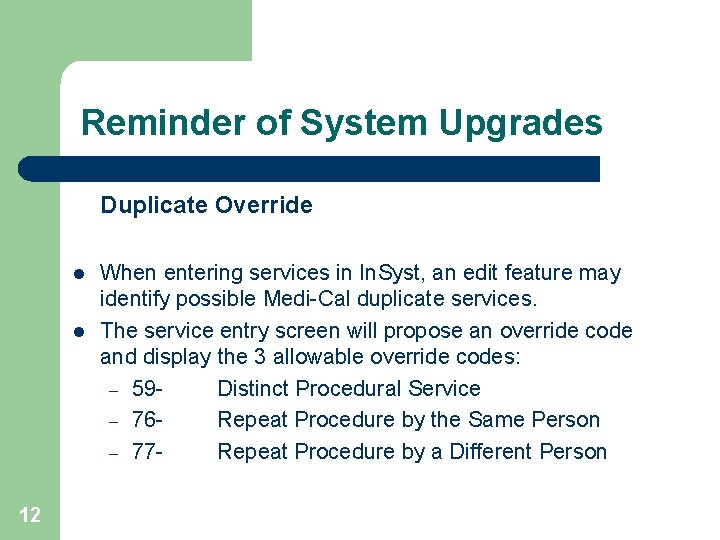
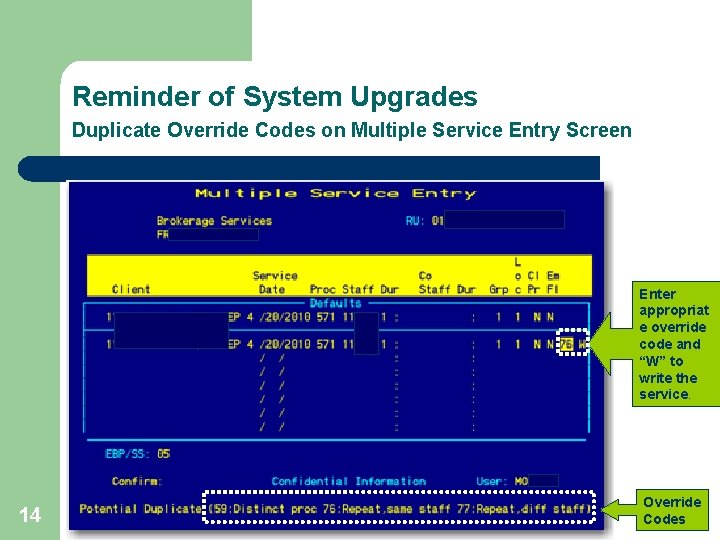
Reminder of System Upgrades Duplicate Override l l 12 When entering services in In. Syst, an edit feature may identify possible Medi-Cal duplicate services. The service entry screen will propose an override code and display the 3 allowable override codes: – 59 Distinct Procedural Service – 76 Repeat Procedure by the Same Person – 77 Repeat Procedure by a Different Person
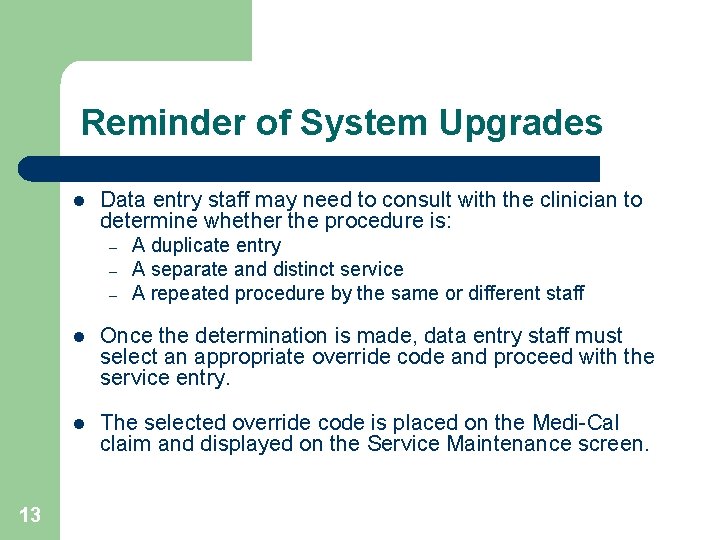
Reminder of System Upgrades l Data entry staff may need to consult with the clinician to determine whether the procedure is: – – – 13 A duplicate entry A separate and distinct service A repeated procedure by the same or different staff l Once the determination is made, data entry staff must select an appropriate override code and proceed with the service entry. l The selected override code is placed on the Medi-Cal claim and displayed on the Service Maintenance screen.
Reminder of System Upgrades Duplicate Override Codes on Multiple Service Entry Screen Enter appropriat e override code and “W” to write the service. 14 Override Codes
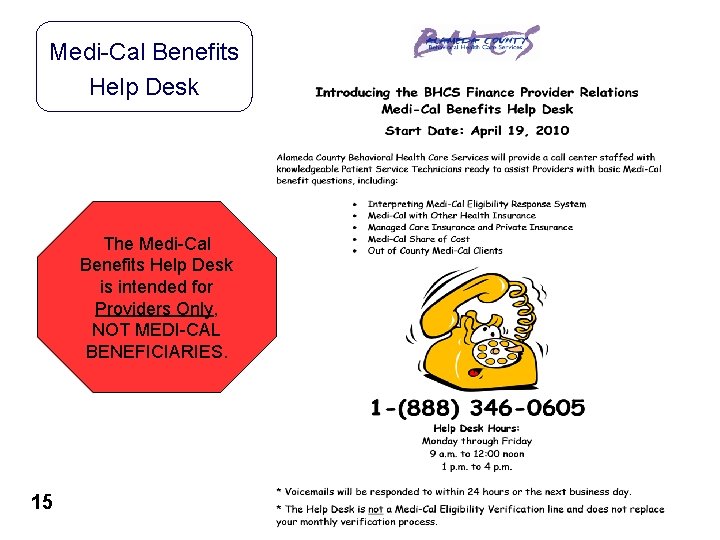
Medi-Cal Benefits Help Desk The Medi-Cal Benefits Help Desk is intended for Providers Only, NOT MEDI-CAL BENEFICIARIES. 15
Other Health Insurance Coverage (OHC) 16
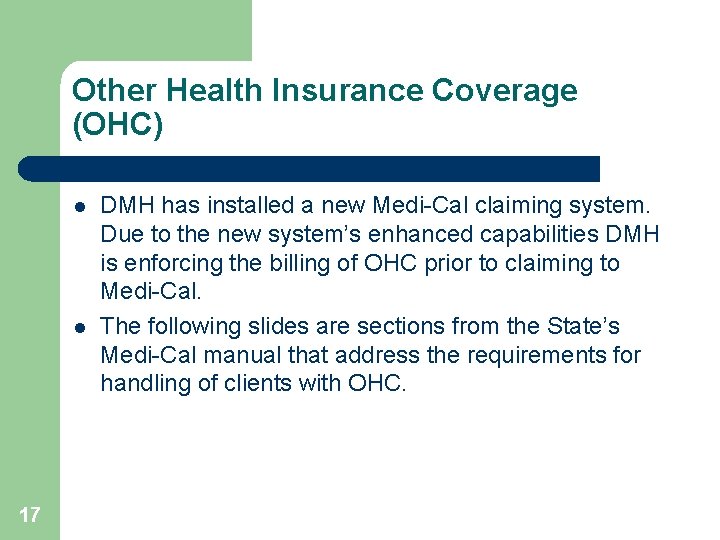
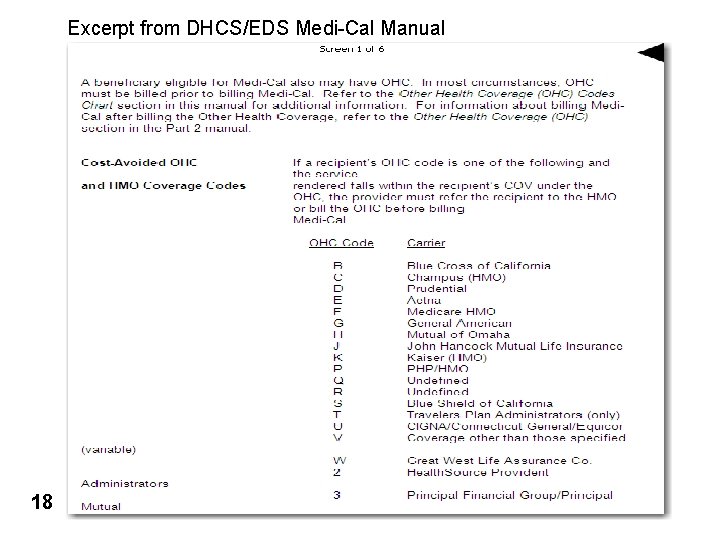
Other Health Insurance Coverage (OHC) l l 17 DMH has installed a new Medi-Cal claiming system. Due to the new system’s enhanced capabilities DMH is enforcing the billing of OHC prior to claiming to Medi-Cal. The following slides are sections from the State’s Medi-Cal manual that address the requirements for handling of clients with OHC.
Excerpt from DHCS/EDS Medi-Cal Manual • Add State pages 18
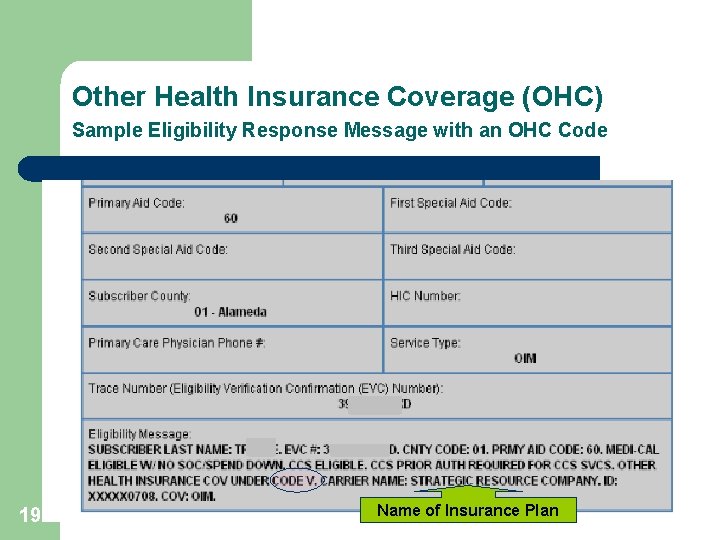
Other Health Insurance Coverage (OHC) Sample Eligibility Response Message with an OHC Code 19 Name of Insurance Plan
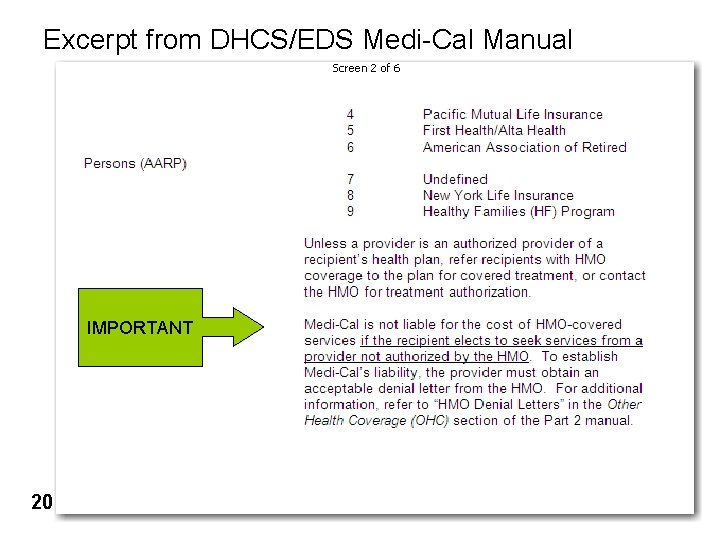
Excerpt from DHCS/EDS Medi-Cal Manual IMPORTANT 20
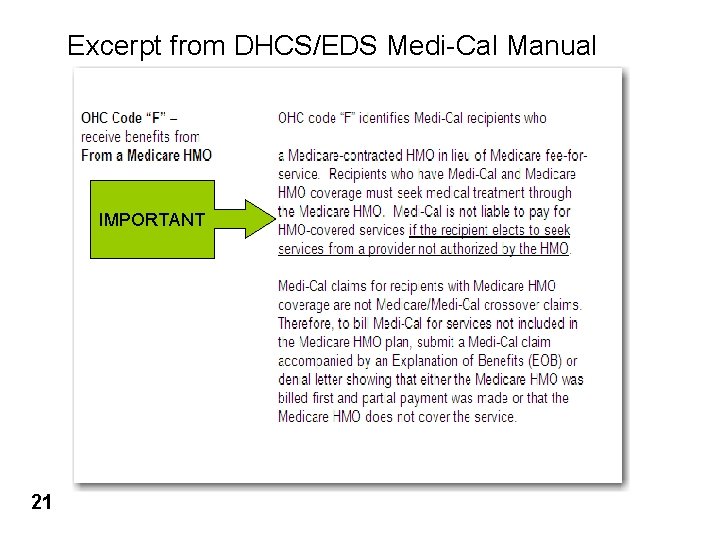
Excerpt from DHCS/EDS Medi-Cal Manual IMPORTANT 21
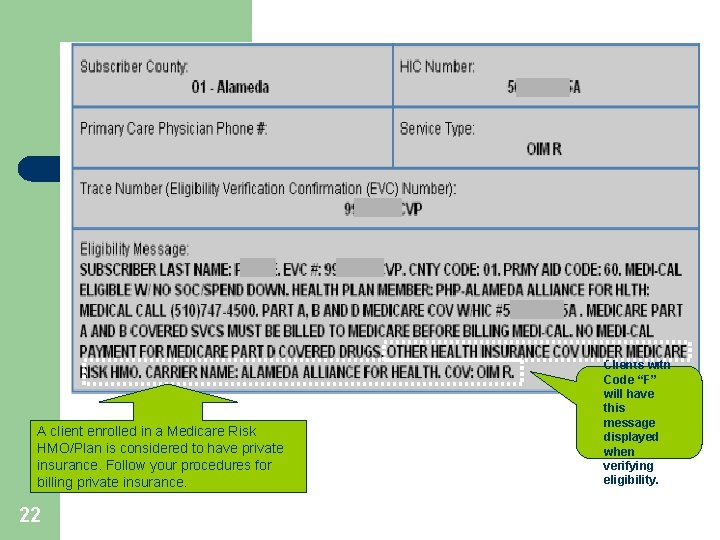
A client enrolled in a Medicare Risk HMO/Plan is considered to have private insurance. Follow your procedures for billing private insurance. 22 Clients with Code “F” will have this message displayed when verifying eligibility.
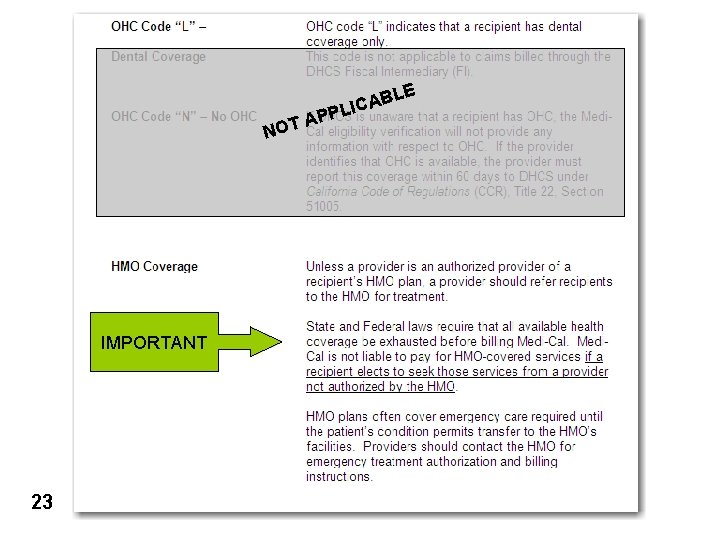
E NO IMPORTANT 23 BL A C I PL T AP
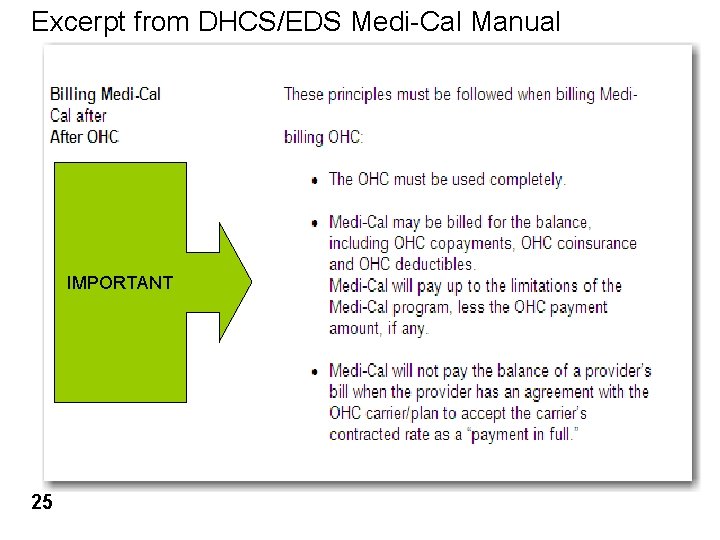
Excerpt from DHCS/EDS Medi-Cal Manual IMPORTANT 25
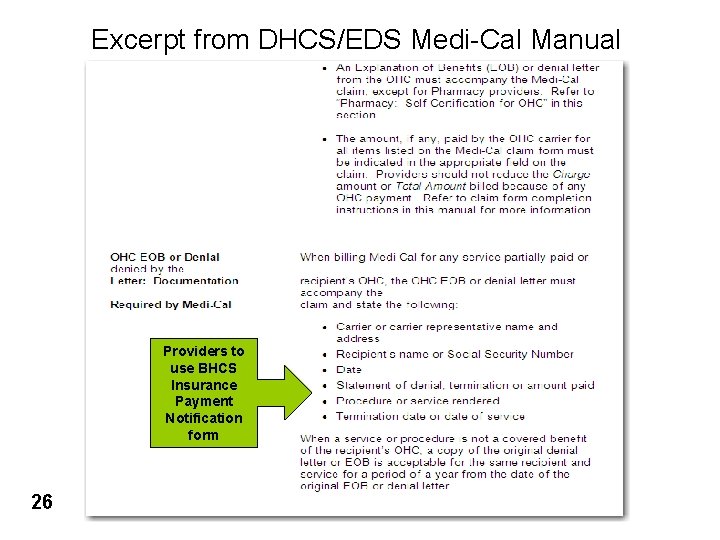
Excerpt from DHCS/EDS Medi-Cal Manual Providers to use BHCS Insurance Payment Notification form 26
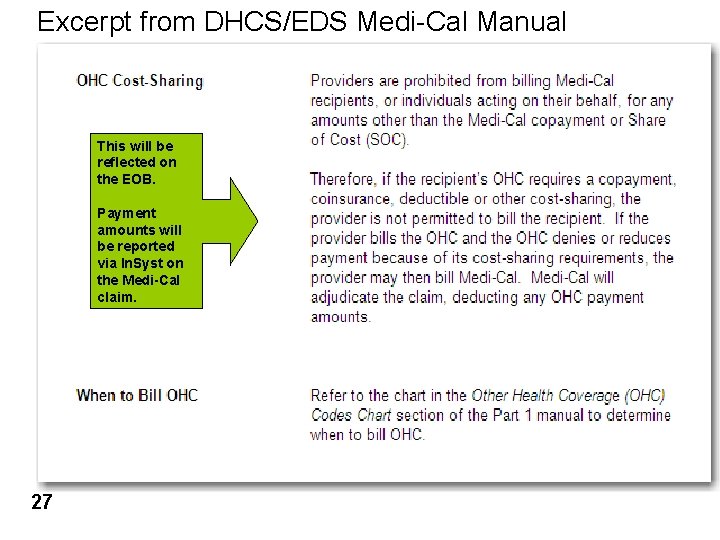
Excerpt from DHCS/EDS Medi-Cal Manual This will be reflected on the EOB. Payment amounts will be reported via In. Syst on the Medi-Cal claim. 27
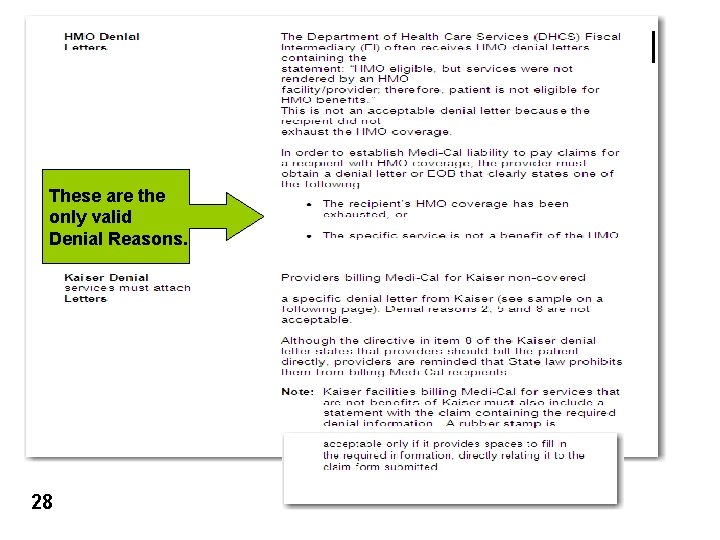
These are the only valid Denial Reasons. 28
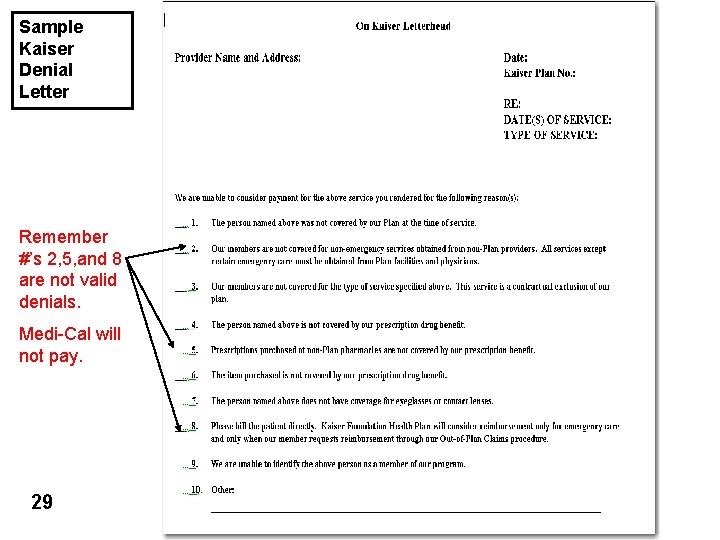
Sample Kaiser Denial Letter Remember #’s 2, 5, and 8 are not valid denials. Medi-Cal will not pay. 29
Other Health Insurance Coverage (OHC) l What 30 does this mean to you?
Other Health Insurance Coverage (OHC) 31 l When verifying a client’s Medi-Cal eligibility each month, if the eligibility response indicates the client has private insurance (OHC), you must bill the OHC. l DHCS/DMH will deny all Medi-Cal claims submitted without supporting documentation that the OHC was paid or denied. l Note: If a client reports to you they no longer have OHC and it’s still reflecting on their Medi-Cal Eligibility record, the record must be corrected by contacting the client’s Eligibility Technician. This action must by taken prior to claiming to Medi-Cal.
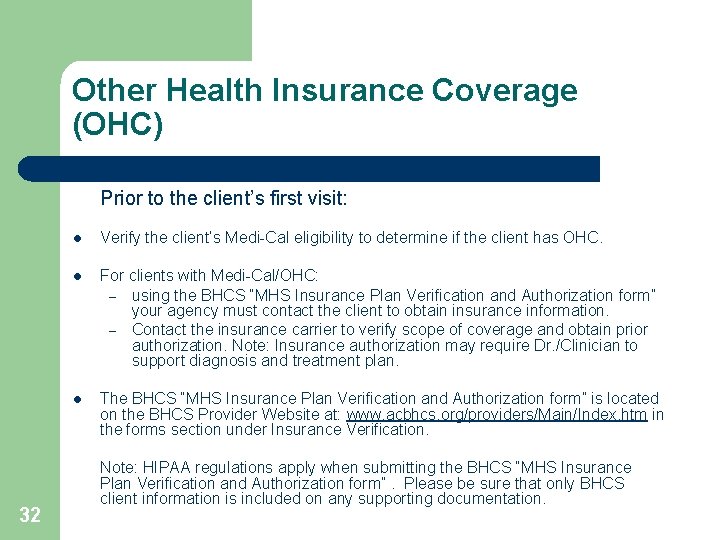
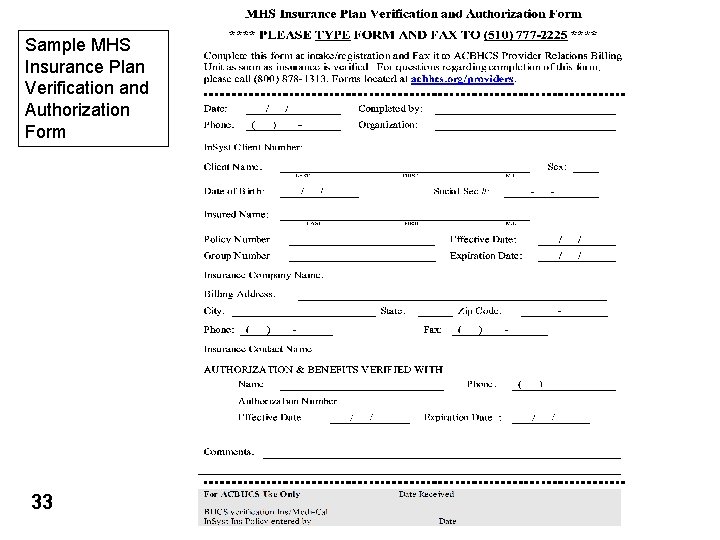
Other Health Insurance Coverage (OHC) Prior to the client’s first visit: 32 l Verify the client’s Medi-Cal eligibility to determine if the client has OHC. l For clients with Medi-Cal/OHC: – using the BHCS “MHS Insurance Plan Verification and Authorization form” your agency must contact the client to obtain insurance information. – Contact the insurance carrier to verify scope of coverage and obtain prior authorization. Note: Insurance authorization may require Dr. /Clinician to support diagnosis and treatment plan. l The BHCS “MHS Insurance Plan Verification and Authorization form” is located on the BHCS Provider Website at: www. acbhcs. org/providers/Main/Index. htm in the forms section under Insurance Verification. Note: HIPAA regulations apply when submitting the BHCS “MHS Insurance Plan Verification and Authorization form”. Please be sure that only BHCS client information is included on any supporting documentation.
Sample MHS Insurance Plan Verification and Authorization Form 33
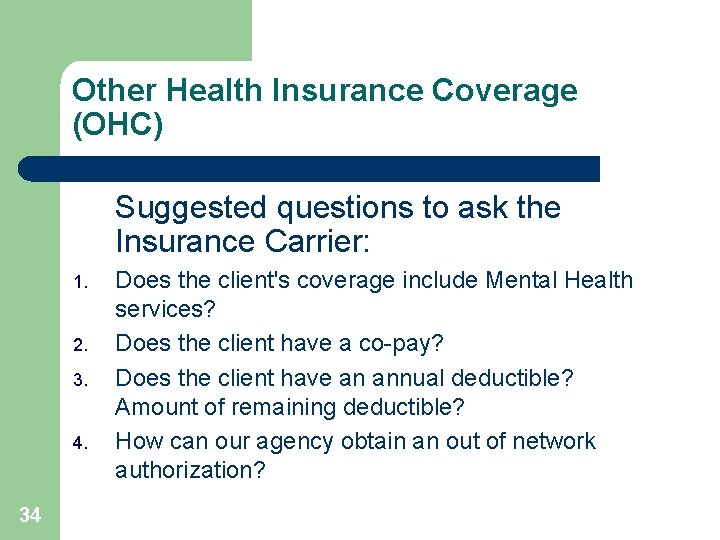
Other Health Insurance Coverage (OHC) Suggested questions to ask the Insurance Carrier: 1. 2. 3. 4. 34 Does the client's coverage include Mental Health services? Does the client have a co-pay? Does the client have an annual deductible? Amount of remaining deductible? How can our agency obtain an out of network authorization?
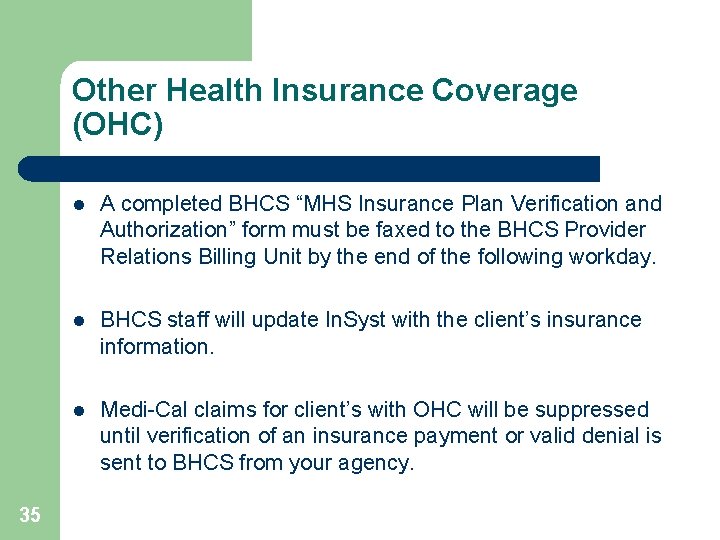
Other Health Insurance Coverage (OHC) 35 l A completed BHCS “MHS Insurance Plan Verification and Authorization” form must be faxed to the BHCS Provider Relations Billing Unit by the end of the following workday. l BHCS staff will update In. Syst with the client’s insurance information. l Medi-Cal claims for client’s with OHC will be suppressed until verification of an insurance payment or valid denial is sent to BHCS from your agency.
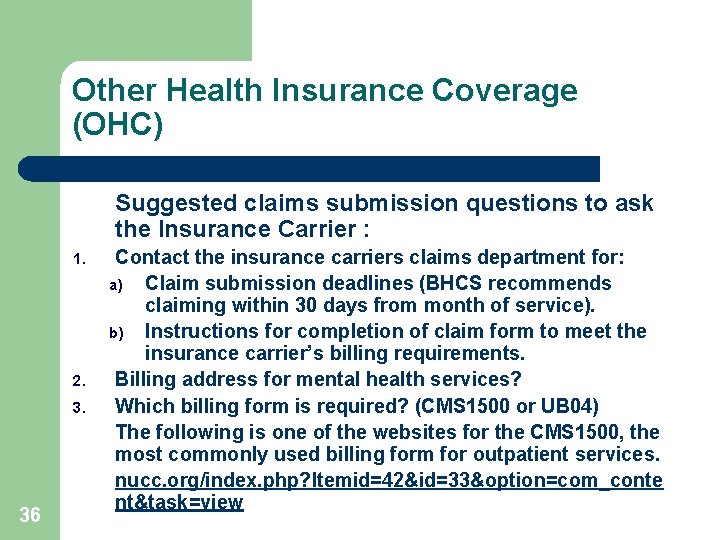
Other Health Insurance Coverage (OHC) Suggested claims submission questions to ask the Insurance Carrier : 1. 2. 3. 36 Contact the insurance carriers claims department for: a) Claim submission deadlines (BHCS recommends claiming within 30 days from month of service). b) Instructions for completion of claim form to meet the insurance carrier’s billing requirements. Billing address for mental health services? Which billing form is required? (CMS 1500 or UB 04) The following is one of the websites for the CMS 1500, the most commonly used billing form for outpatient services. nucc. org/index. php? Itemid=42&id=33&option=com_conte nt&task=view
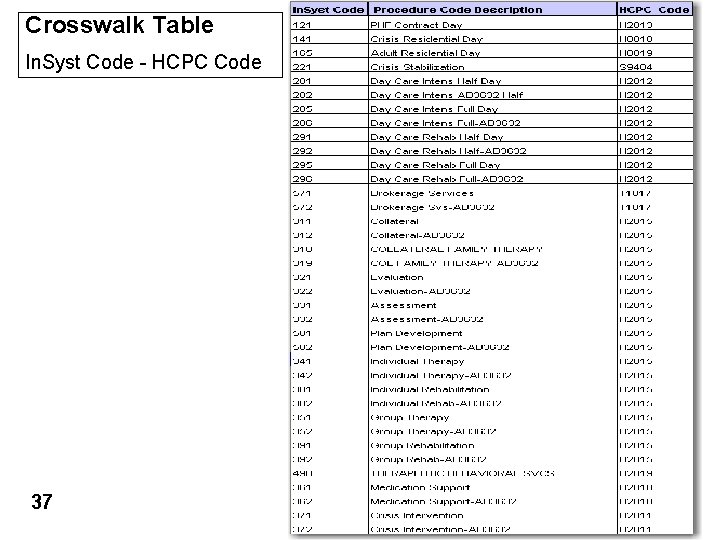
Crosswalk Table In. Syst Code - HCPC Code 37
Other Health Insurance Coverage (OHC) Insurance Claim Follow-Up Ø Ø 38 BHCS strongly recommends each agency develop an internal process to monitor and follow-up on submitted insurance claims. Development of an “Aging”/open receivable reports will assist your agency with timely follow-up to minimize revenue delays. Medi-Cal services can not be claimed to DMH until an insurance payment or valid denial is reported to BHCS. Payments and/or denials should be reported to BHCS within one week of receipt.
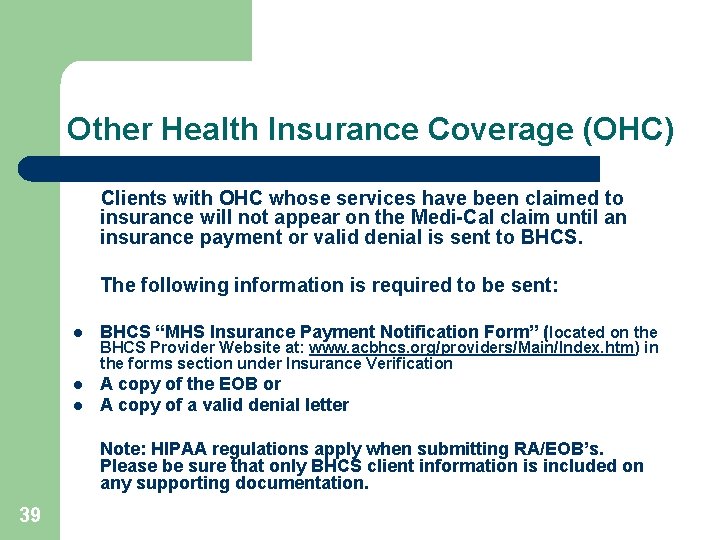
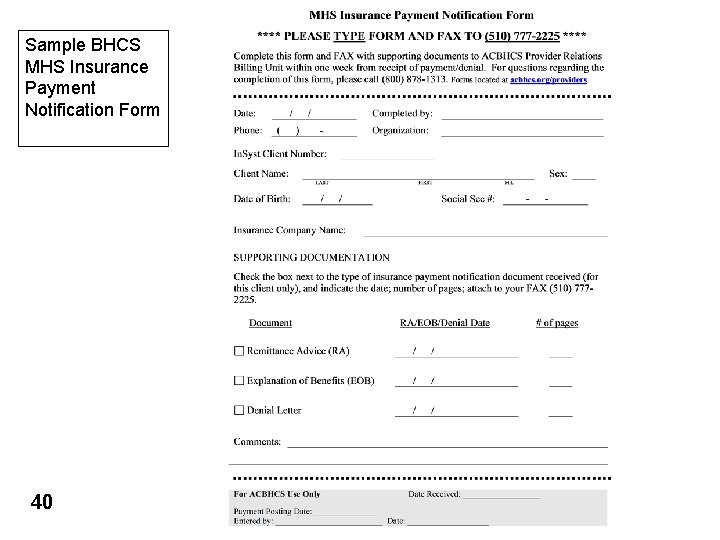
Other Health Insurance Coverage (OHC) Clients with OHC whose services have been claimed to insurance will not appear on the Medi-Cal claim until an insurance payment or valid denial is sent to BHCS. The following information is required to be sent: l BHCS “MHS Insurance Payment Notification Form” (located on the l A copy of the EOB or A copy of a valid denial letter l BHCS Provider Website at: www. acbhcs. org/providers/Main/Index. htm) in the forms section under Insurance Verification Note: HIPAA regulations apply when submitting RA/EOB’s. Please be sure that only BHCS client information is included on any supporting documentation. 39
Sample BHCS MHS Insurance Payment Notification Form 40
Test Claim Review Process How will you score on your Test Claim? 41
Medi-Cal Claiming l l BHCS Short Doyle Medi-Cal claims are produced based on a monthly claiming schedule. The ability to produce a Medi-Cal claim can be affected by many factors: – – – 42 State’s release/changes to annual rates Operational restrictions from DMH/DHCS In. Syst system limitations/problems
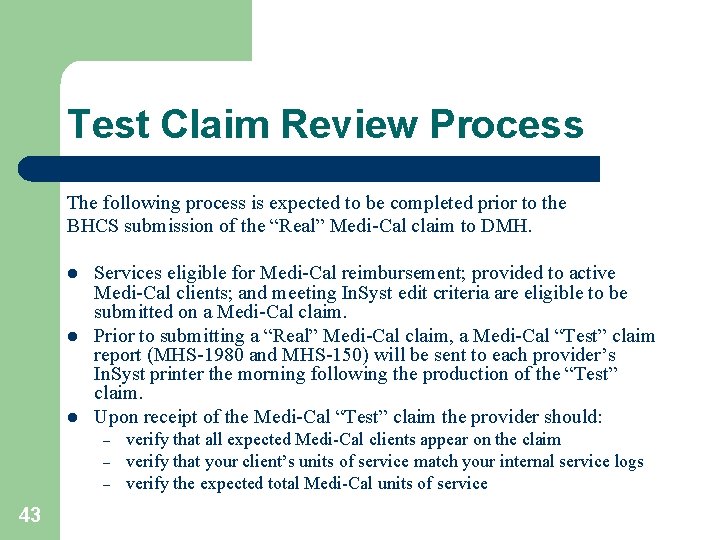
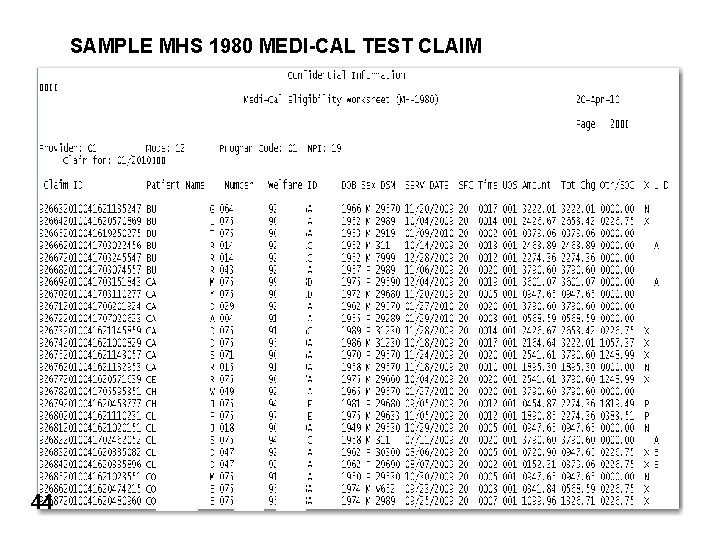
Test Claim Review Process The following process is expected to be completed prior to the BHCS submission of the “Real” Medi-Cal claim to DMH. l l l Services eligible for Medi-Cal reimbursement; provided to active Medi-Cal clients; and meeting In. Syst edit criteria are eligible to be submitted on a Medi-Cal claim. Prior to submitting a “Real” Medi-Cal claim, a Medi-Cal “Test” claim report (MHS-1980 and MHS-150) will be sent to each provider’s In. Syst printer the morning following the production of the “Test” claim. Upon receipt of the Medi-Cal “Test” claim the provider should: – – – 43 verify that all expected Medi-Cal clients appear on the claim verify that your client’s units of service match your internal service logs verify the expected total Medi-Cal units of service
SAMPLE MHS 1980 MEDI-CAL TEST CLAIM 44
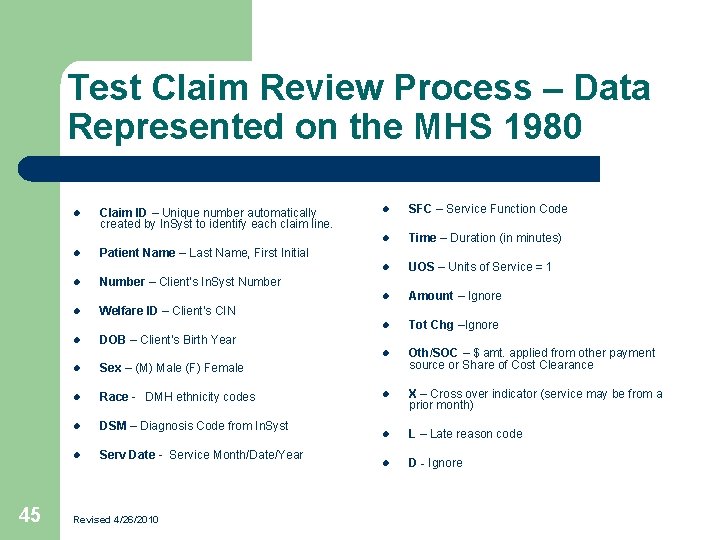
Test Claim Review Process – Data Represented on the MHS 1980 l l l 45 Claim ID – Unique number automatically created by In. Syst to identify each claim line. l SFC – Service Function Code l Time – Duration (in minutes) l UOS – Units of Service = 1 l Amount – Ignore l Tot Chg –Ignore l Oth/SOC – $ amt. applied from other payment source or Share of Cost Clearance l X – Cross over indicator (service may be from a prior month) l L – Late reason code l D - Ignore Patient Name – Last Name, First Initial Number – Client’s In. Syst Number l Welfare ID – Client’s CIN l DOB – Client’s Birth Year l Sex – (M) Male (F) Female l Race - DMH ethnicity codes l DSM – Diagnosis Code from In. Syst l Serv Date - Service Month/Date/Year Revised 4/26/2010
Test Claim Review Process Example #1 Why is my claim different than I expected? l 46 Example #1: Mary Jones Medi-Cal was verified for the month of 7/09. She received five Medi-Cal reimbursable services in the month of 7/09 according to the internal service log. However, six units of service are appearing on the “Test” Medi-Cal claim.
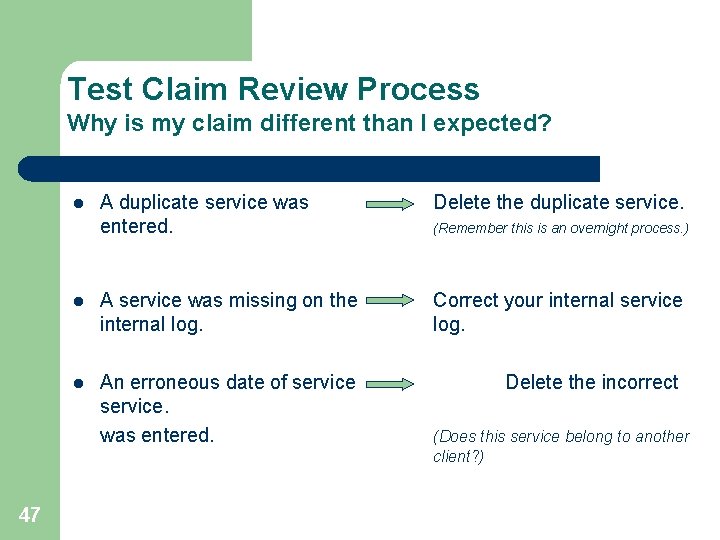
Test Claim Review Process Why is my claim different than I expected? A duplicate service was entered. Delete the duplicate service. l A service was missing on the internal log. Correct your internal service log. l An erroneous date of service. was entered. Delete the incorrect l 47 (Remember this is an overnight process. ) (Does this service belong to another client? )
How could this have been identified prior to the Medi-Cal “Test” claim? l 48 Working the MHS 442 Report daily l Working the MHS 696 Report prior to the “Test” Medi-Cal claim
Test Claim Review Process Example #2 Why is my claim different than I expected? l 49 Example #2: Mary Jones received five Medi-Cal reimbursable services in the month of 7/09 according to the internal service log. No services are appearing on the “Test” Medi-Cal claim.
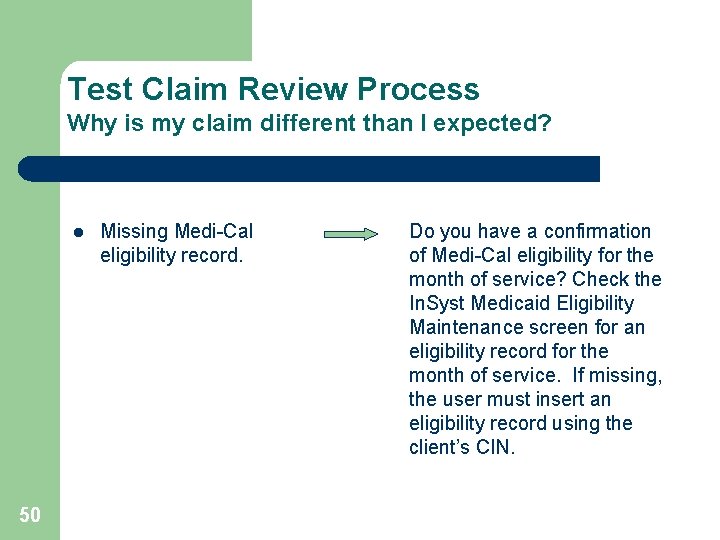
Test Claim Review Process Why is my claim different than I expected? l 50 Missing Medi-Cal eligibility record. Do you have a confirmation of Medi-Cal eligibility for the month of service? Check the In. Syst Medicaid Eligibility Maintenance screen for an eligibility record for the month of service. If missing, the user must insert an eligibility record using the client’s CIN.
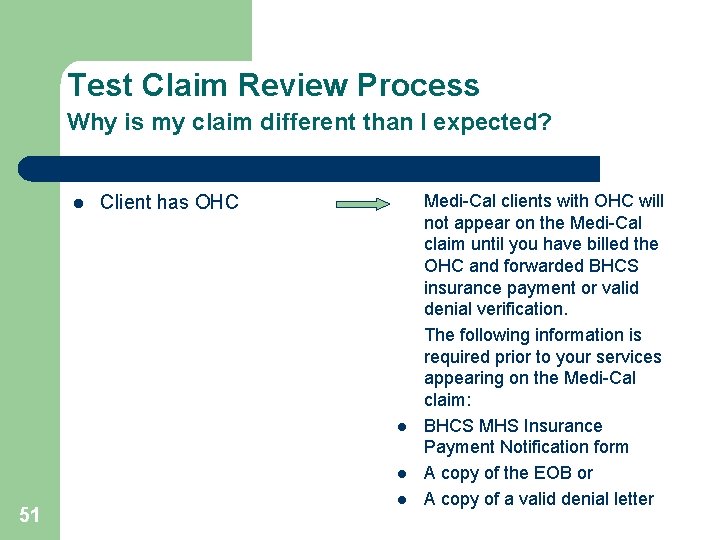
Test Claim Review Process Why is my claim different than I expected? l Client has OHC l l 51 l Medi-Cal clients with OHC will not appear on the Medi-Cal claim until you have billed the OHC and forwarded BHCS insurance payment or valid denial verification. The following information is required prior to your services appearing on the Medi-Cal claim: BHCS MHS Insurance Payment Notification form A copy of the EOB or A copy of a valid denial letter
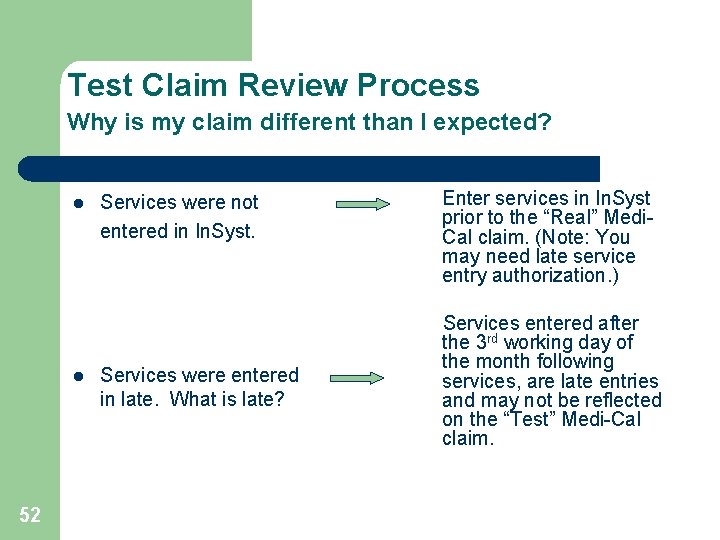
Test Claim Review Process Why is my claim different than I expected? l l 52 Services were not entered in In. Syst. Services were entered in late. What is late? Enter services in In. Syst prior to the “Real” Medi. Cal claim. (Note: You may need late service entry authorization. ) Services entered after the 3 rd working day of the month following services, are late entries and may not be reflected on the “Test” Medi-Cal claim.
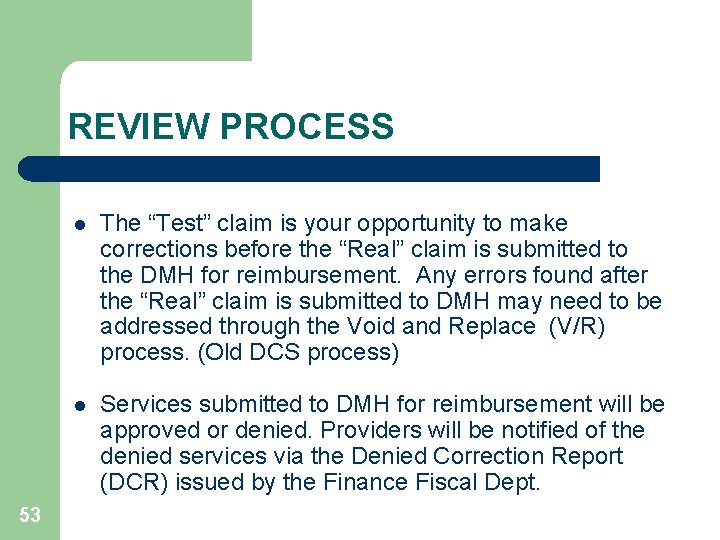
REVIEW PROCESS 53 l The “Test” claim is your opportunity to make corrections before the “Real” claim is submitted to the DMH for reimbursement. Any errors found after the “Real” claim is submitted to DMH may need to be addressed through the Void and Replace (V/R) process. (Old DCS process) l Services submitted to DMH for reimbursement will be approved or denied. Providers will be notified of the denied services via the Denied Correction Report (DCR) issued by the Finance Fiscal Dept.
Resource Links & Information v. BHCS Provider Website: www. acbhcs. org/providers (In. Syst) Medi-Cal Claim Ø Claim Schedule • Training Ø Provider Training Short Doyle Medi-Cal Phase II – Mental Health Ø FAQs (Updates Coming Soon) (Forms) • Insurance Verification Ø MHS Insurance Plan Verification and Authorization form Ø MHS Insurance Payment Notification Form • v. CMS 1500 Billing Form and Guide Website: www. nucc. org/index. php? Itemid=42&id=33&option=com_content&task=view 54
Training Highlights Client Emergency and Pregnancy Ø Reminder of the Emergency and Pregnancy definitions and indicator requirements. (slides 4 – 11) Ø Fields added to all service entry screens. (slides 6, 10, and 11) Ø DMH update regarding requirements to indicate a client is pregnant. (slides 7 - 11) Duplicate Services Ø Reminder of the enhanced edit which identifies potential duplicate services on all service entry screens and requires entry of duplicate override codes. (slides 12 -14) Medi-Cal Benefits Help Desk Ø New call center to assist providers with basic Medi-Cal benefit questions @ 1(888) 346 -0605 (slide 15). 55 Other Health Coverage (OHC) Requirements Ø DMH requirements for handling of clients with OHC. (slides 17 -29) Ø Sample Eligibility Response Message for clients with an OHC Code. (slides 19 and 22) Ø BHCS Provider requirements regarding billing for clients with OHC. (slides 30 - 40) Test Claim MHS 1980 Ø New Medi-Cal claim review tool and process. (slides 41 -53) review