
Short about Java Script Running in browser on
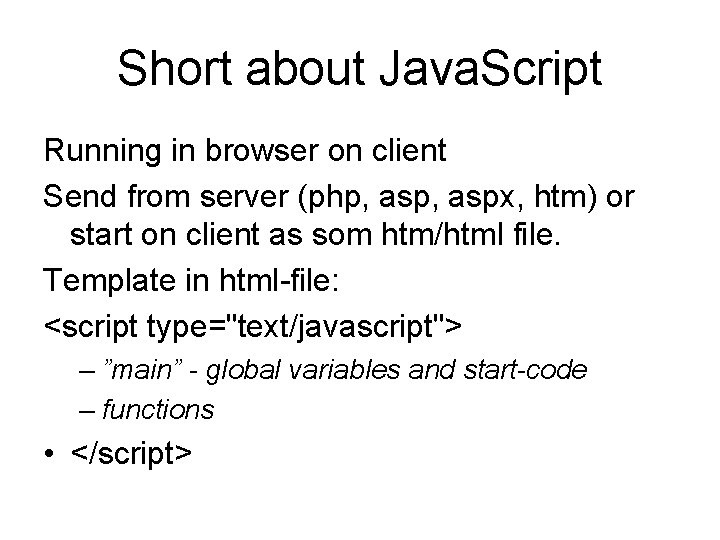
Short about Java. Script Running in browser on client Send from server (php, aspx, htm) or start on client as som htm/html file. Template in html-file: <script type="text/javascript"> – ”main” - global variables and start-code – functions • </script>
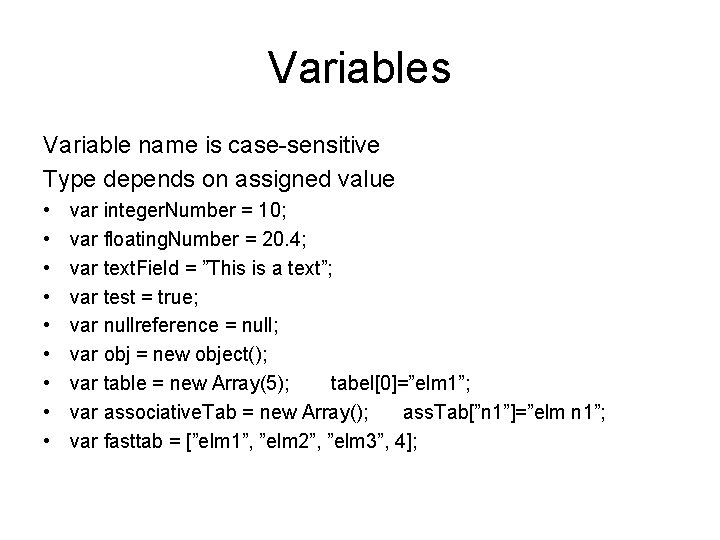
Variables Variable name is case-sensitive Type depends on assigned value • • • var integer. Number = 10; var floating. Number = 20. 4; var text. Field = ”This is a text”; var test = true; var nullreference = null; var obj = new object(); var table = new Array(5); tabel[0]=”elm 1”; var associative. Tab = new Array(); ass. Tab[”n 1”]=”elm n 1”; var fasttab = [”elm 1”, ”elm 2”, ”elm 3”, 4];
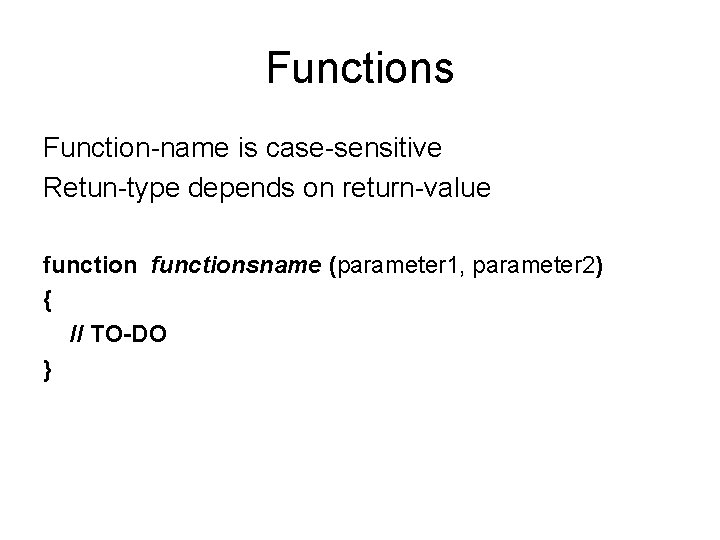
Functions Function-name is case-sensitive Retun-type depends on return-value functionsname (parameter 1, parameter 2) { // TO-DO }
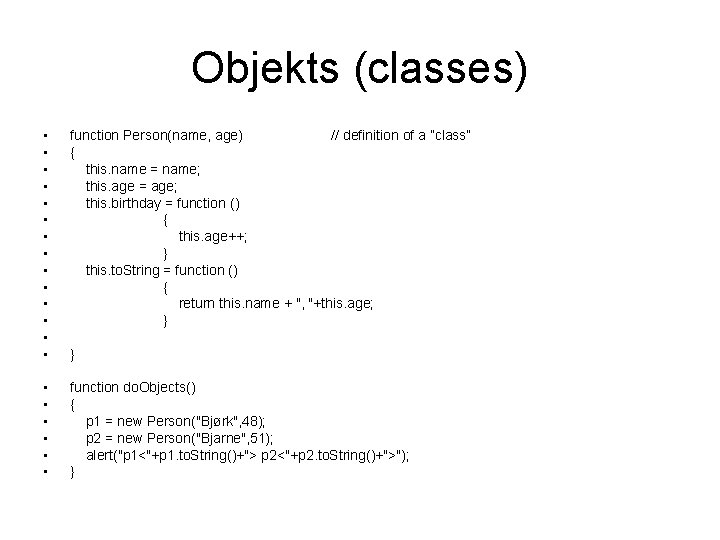
Objekts (classes) • • • • function Person(name, age) // definition of a ”class” { this. name = name; this. age = age; this. birthday = function () { this. age++; } this. to. String = function () { return this. name + ", "+this. age; } • • • function do. Objects() { p 1 = new Person("Bjørk", 48); p 2 = new Person("Bjarne", 51); alert("p 1<"+p 1. to. String()+"> p 2<"+p 2. to. String()+">"); } }
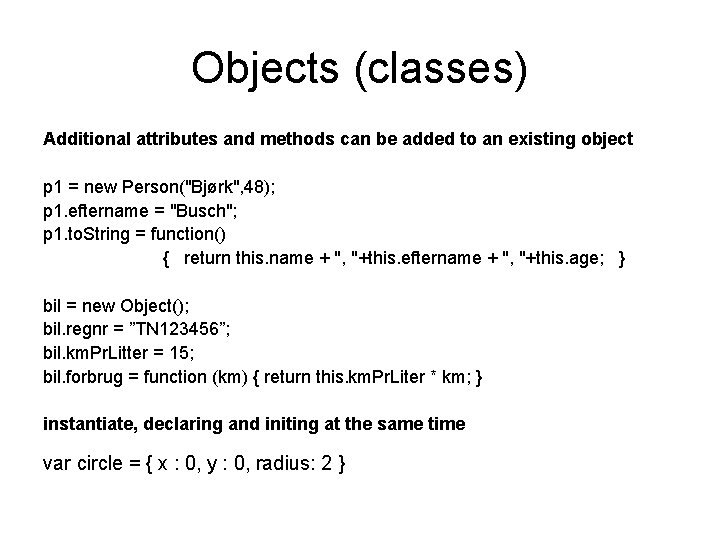
Objects (classes) Additional attributes and methods can be added to an existing object p 1 = new Person("Bjørk", 48); p 1. eftername = "Busch"; p 1. to. String = function() { return this. name + ", "+this. eftername + ", "+this. age; } bil = new Object(); bil. regnr = ”TN 123456”; bil. km. Pr. Litter = 15; bil. forbrug = function (km) { return this. km. Pr. Liter * km; } instantiate, declaring and initing at the same time var circle = { x : 0, y : 0, radius: 2 }
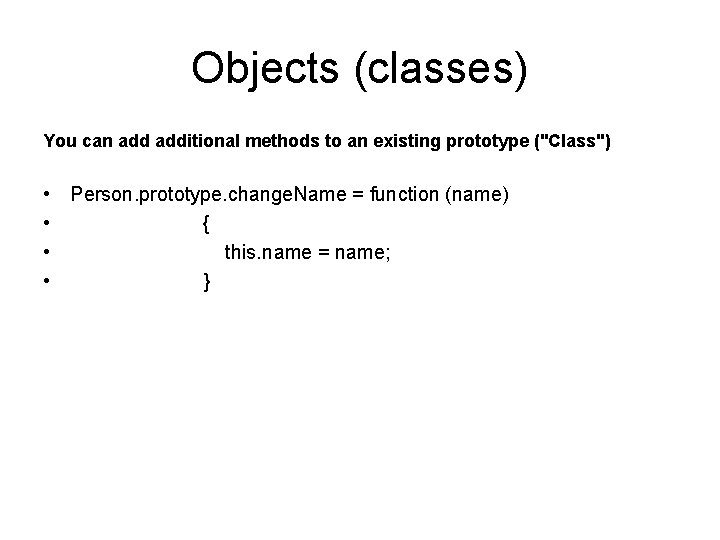
Objects (classes) You can additional methods to an existing prototype ("Class") • Person. prototype. change. Name = function (name) • { • this. name = name; • }
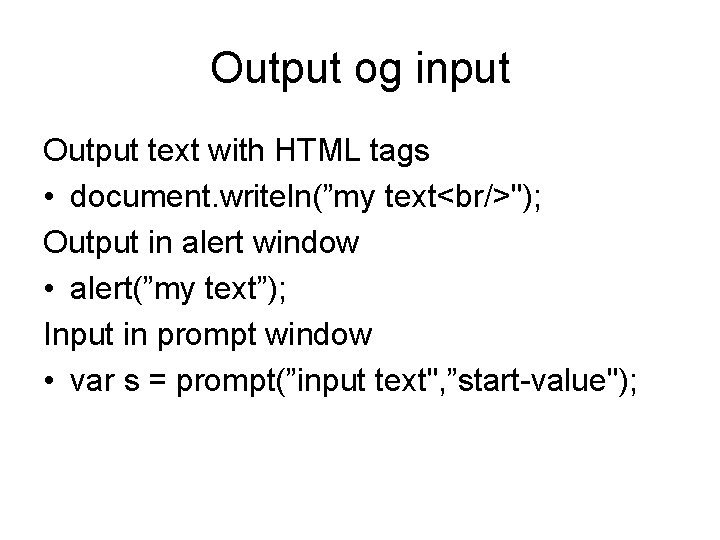
Output og input Output text with HTML tags • document. writeln(”my text<br/>"); Output in alert window • alert(”my text”); Input in prompt window • var s = prompt(”input text", ”start-value");
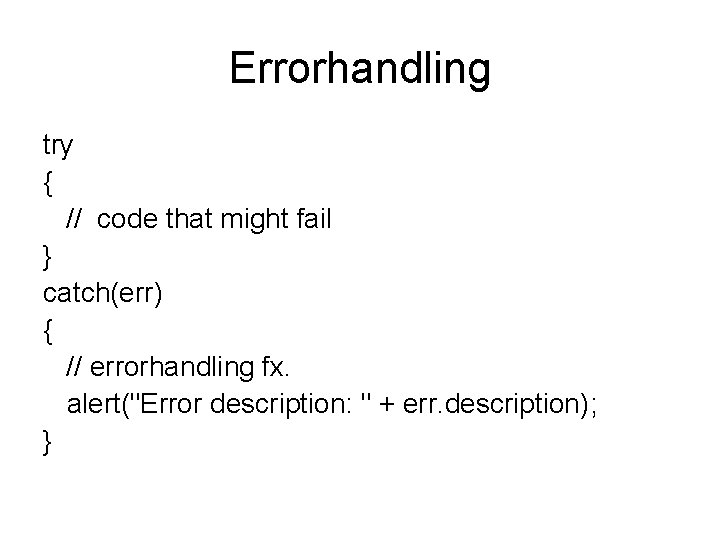
Errorhandling try { // code that might fail } catch(err) { // errorhandling fx. alert("Error description: " + err. description); }
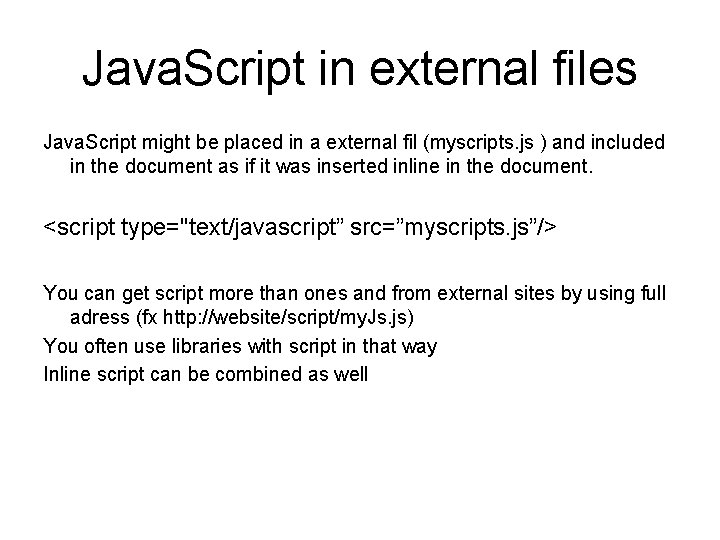
Java. Script in external files Java. Script might be placed in a external fil (myscripts. js ) and included in the document as if it was inserted inline in the document. <script type="text/javascript” src=”myscripts. js”/> You can get script more than ones and from external sites by using full adress (fx http: //website/script/my. Js. js) You often use libraries with script in that way Inline script can be combined as well
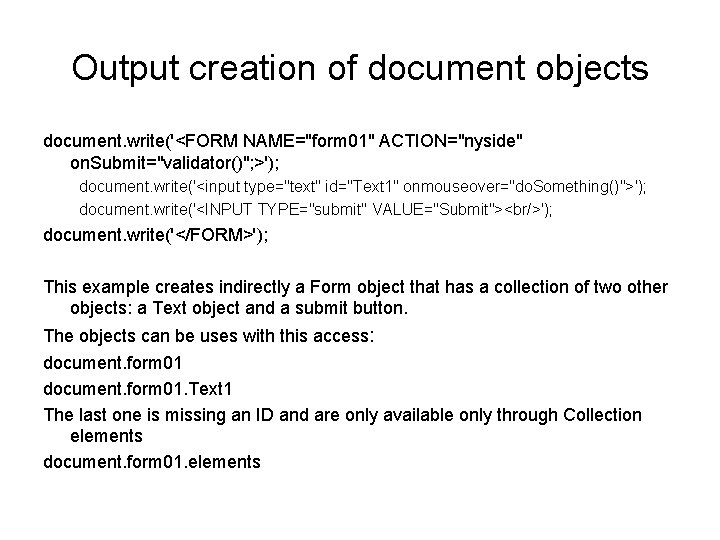
Output creation of document objects document. write('<FORM NAME="form 01" ACTION="nyside" on. Submit="validator()"; >'); document. write('<input type="text" id="Text 1" onmouseover="do. Something()">'); document. write('<INPUT TYPE="submit" VALUE="Submit"><br/>'); document. write('</FORM>'); This example creates indirectly a Form object that has a collection of two other objects: a Text object and a submit button. The objects can be uses with this access: document. form 01. Text 1 The last one is missing an ID and are only available only through Collection elements document. form 01. elements
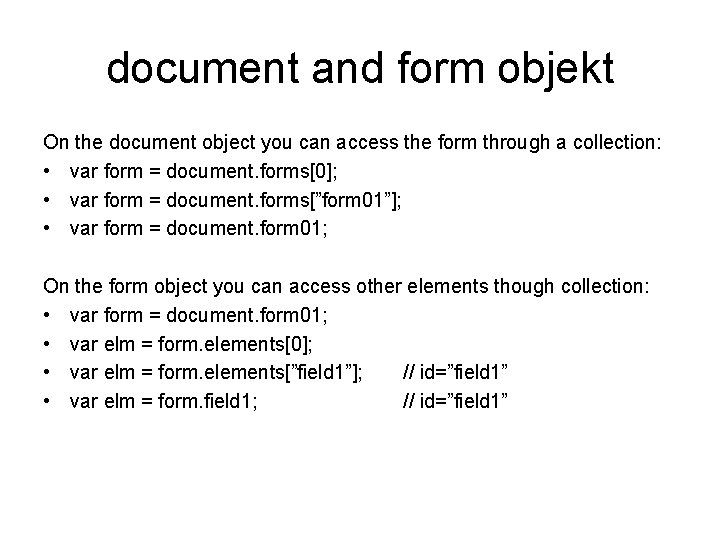
document and form objekt On the document object you can access the form through a collection: • var form = document. forms[0]; • var form = document. forms[”form 01”]; • var form = document. form 01; On the form object you can access other elements though collection: • var form = document. form 01; • var elm = form. elements[0]; • var elm = form. elements[”field 1”]; // id=”field 1” • var elm = form. field 1; // id=”field 1”
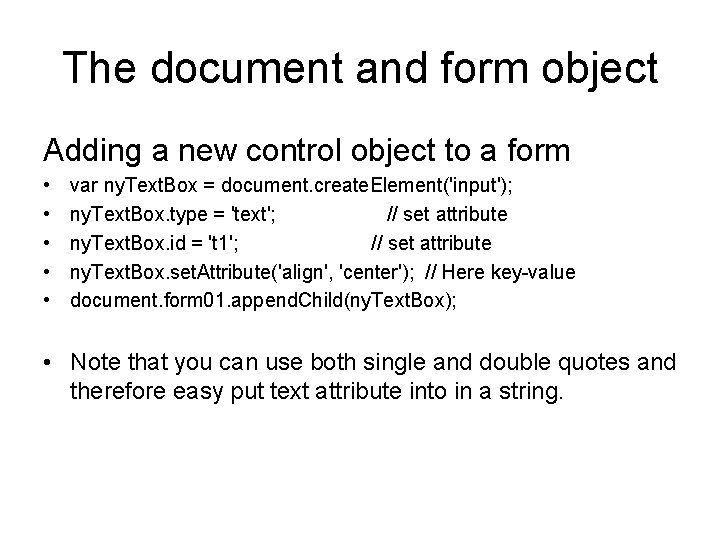
The document and form object Adding a new control object to a form • • • var ny. Text. Box = document. create. Element('input'); ny. Text. Box. type = 'text'; // set attribute ny. Text. Box. id = 't 1'; // set attribute ny. Text. Box. set. Attribute('align', 'center'); // Here key-value document. form 01. append. Child(ny. Text. Box); • Note that you can use both single and double quotes and therefore easy put text attribute into in a string.
events You can add various events to control objects on the screen: example. onclick=”click. Funktion()” or onmouseover=”mouseover. Function()"
new window object Creation of a new window object • • • var window. URL = ""; var window. ID = "My. Win’; var window. Property = 'left=20, top=20, width=500, height=500, toolbar=0, resizable=0'; • • • var new. Win = window. open(window. URL, window. ID, window. Property); new. Win. document. owner. Window = this; // let ”child window” get access for this var new. Doc = new. Win. document; • new. Doc. write("<html><body>New dokument<br/>"); • new. Doc. write('<input id=”close. Button" type="button" value=”close" onclick="window. close()" />'); • • new. Doc. write("</body></html>"); new. Doc. close(); You can add properties and functions to both the new window object (new. Win) as for all other objects, and thus can also be transmitted reference to other objects, and you can change in the new window object's properties such document object (new. Doc).
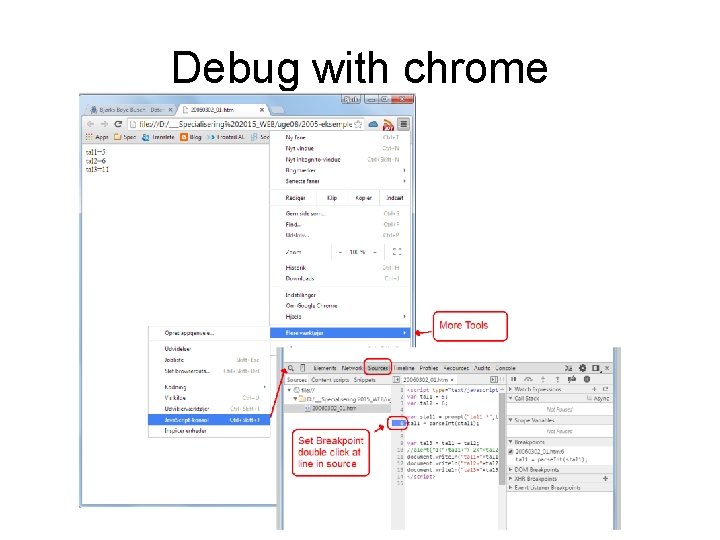
Debug with chrome
- Slides: 15