
SHIFTING TO ONLINE LEARNING SESSION 2 Curriculum Instruction


- Slides: 33
SHIFTING TO ONLINE LEARNING SESSION #2 Curriculum, Instruction & Assessment
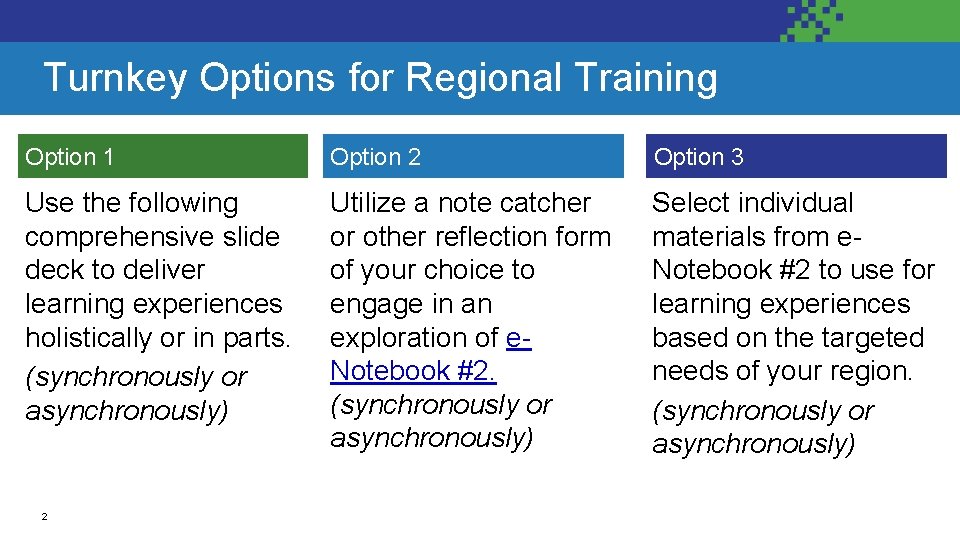
Turnkey Options for Regional Training Option 1 Option 2 Option 3 Use the following comprehensive slide deck to deliver learning experiences holistically or in parts. (synchronously or asynchronously) Utilize a note catcher or other reflection form of your choice to engage in an exploration of e. Notebook #2. (synchronously or asynchronously) Select individual materials from e. Notebook #2 to use for learning experiences based on the targeted needs of your region. (synchronously or asynchronously) 2
Bright Spot Thinking Think about a lesson you have recently taught or observed in a hybrid or online setting. What was a strength or positive from the lesson? 3
Session Goals 1. Review suggested frameworks for developing curriculum and instruction in multiple instructional models (in person, hybrid, remote) 2. Review resources to create engaging learning experiences in multiple instructional models (in person, hybrid, remote).
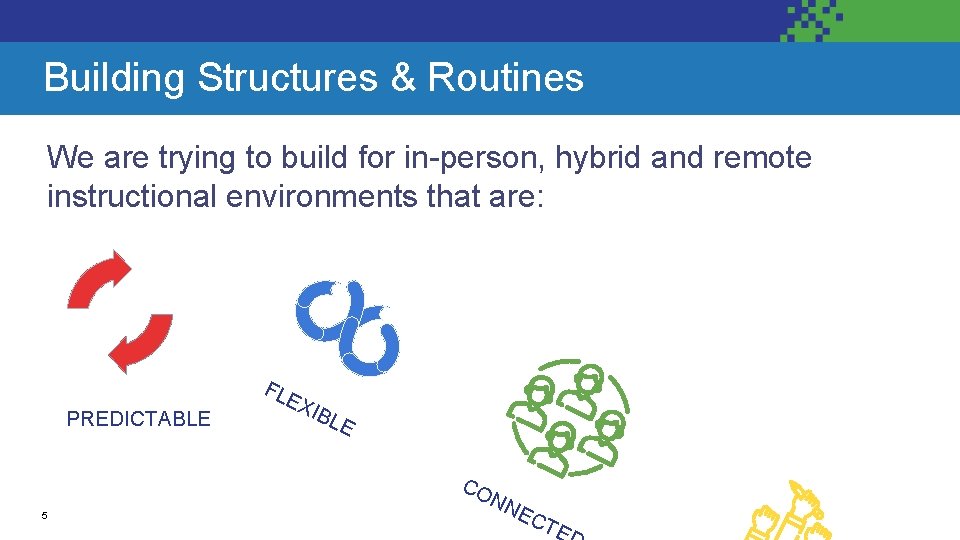
Building Structures & Routines We are trying to build for in-person, hybrid and remote instructional environments that are: FL PREDICTABLE EX IBL E CO 5 NN EC TE
CURRICULUM 6
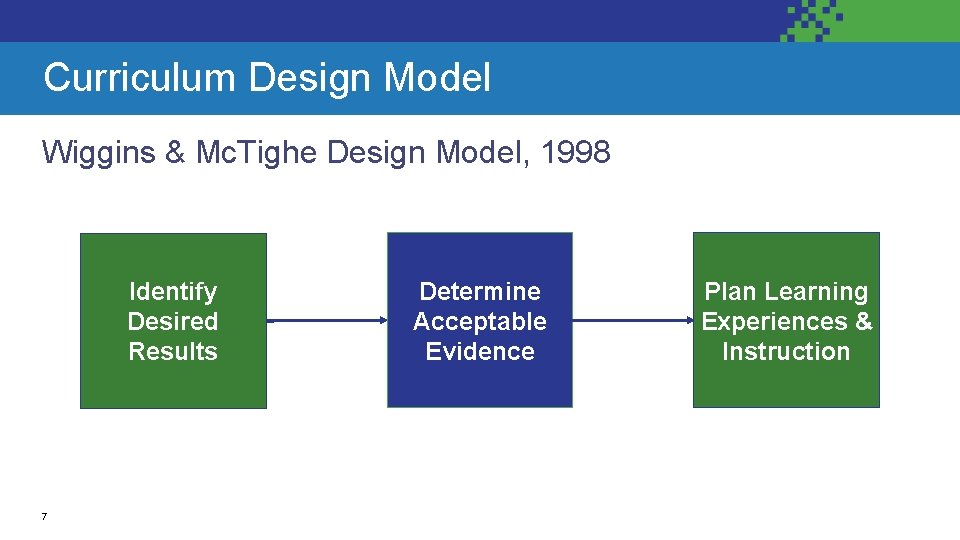
Curriculum Design Model Wiggins & Mc. Tighe Design Model, 1998 Identify Desired Results 7 Determine Acceptable Evidence Plan Learning Experiences & Instruction
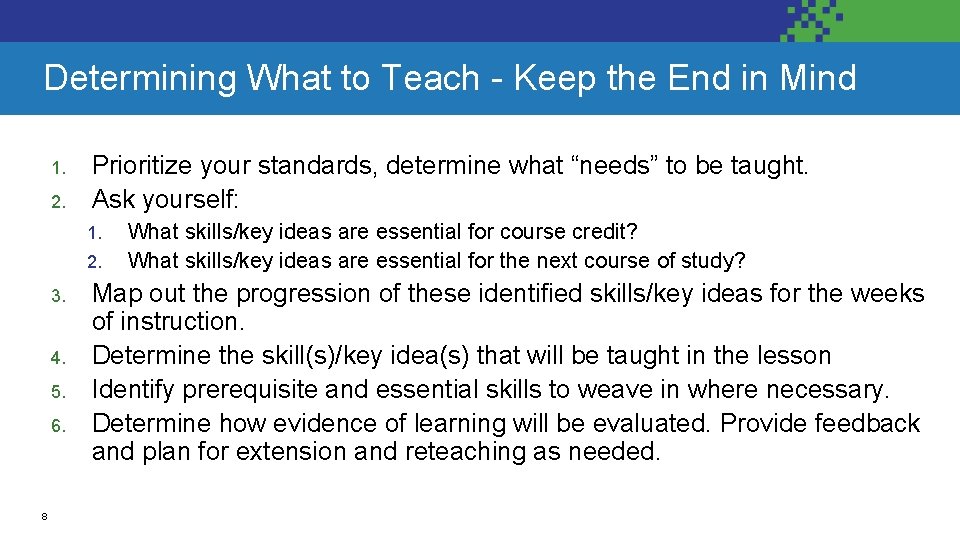
Determining What to Teach - Keep the End in Mind 1. 2. Prioritize your standards, determine what “needs” to be taught. Ask yourself: 1. 2. 3. 4. 5. 6. 8 What skills/key ideas are essential for course credit? What skills/key ideas are essential for the next course of study? Map out the progression of these identified skills/key ideas for the weeks of instruction. Determine the skill(s)/key idea(s) that will be taught in the lesson Identify prerequisite and essential skills to weave in where necessary. Determine how evidence of learning will be evaluated. Provide feedback and plan for extension and reteaching as needed.
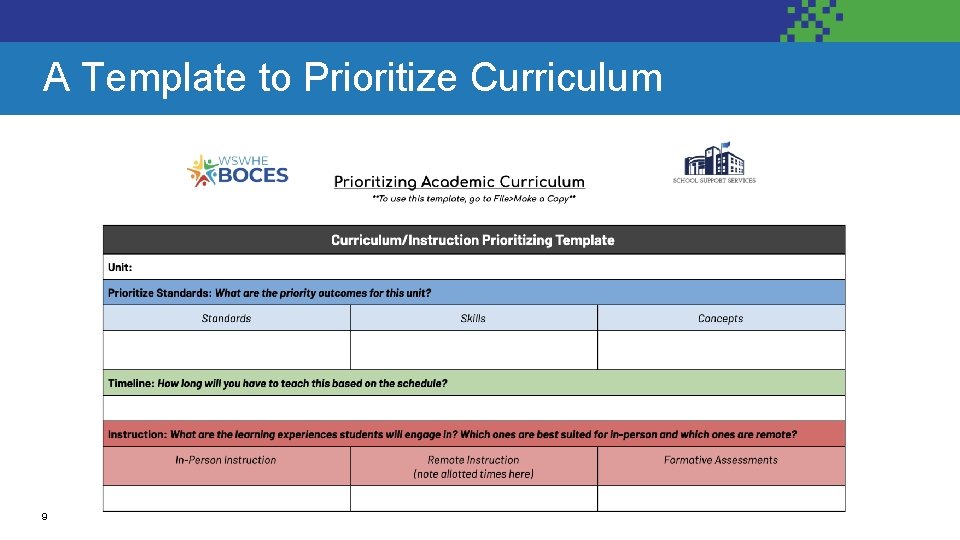
A Template to Prioritize Curriculum 9
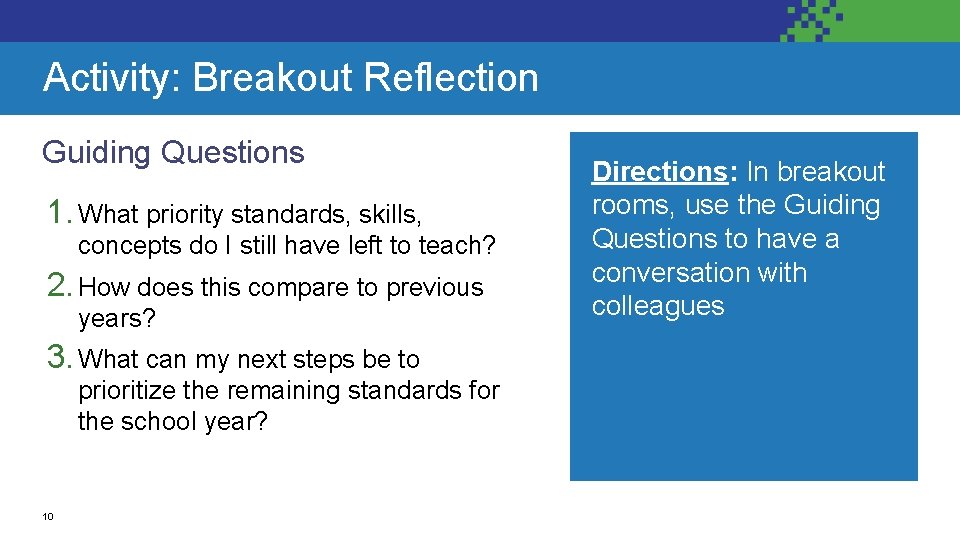
Activity: Breakout Reflection Guiding Questions 1. What priority standards, skills, concepts do I still have left to teach? 2. How does this compare to previous years? 3. What can my next steps be to prioritize the remaining standards for the school year? 10 Directions: In breakout rooms, use the Guiding Questions to have a conversation with colleagues
INSTRUCTION 11
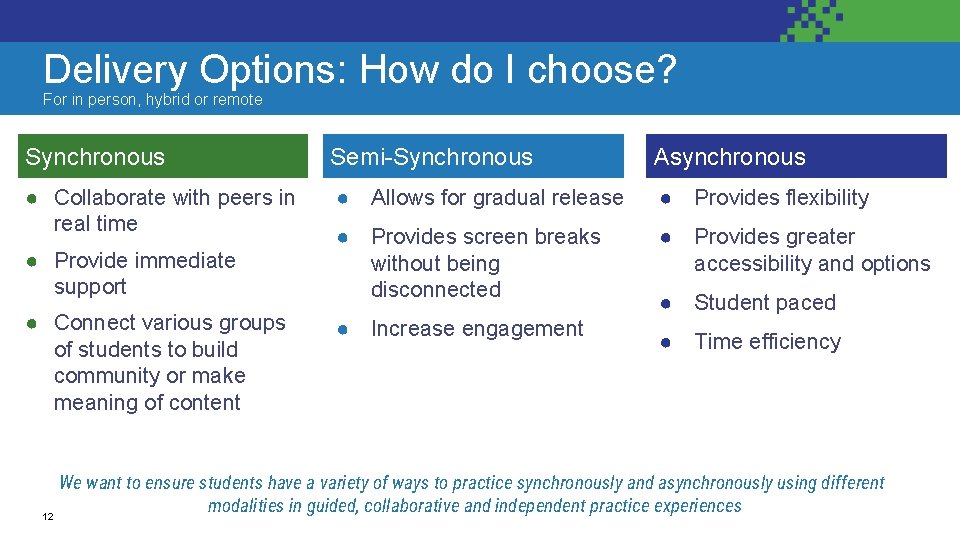
Delivery Options: How do I choose? For in person, hybrid or remote Synchronous Semi-Synchronous Asynchronous ● Collaborate with peers in real time ● Allows for gradual release ● Provides flexibility ● Provides screen breaks without being disconnected ● Provides greater accessibility and options ● Provide immediate support ● Connect various groups of students to build community or make meaning of content 12 ● Increase engagement ● Student paced ● Time efficiency We want to ensure students have a variety of ways to practice synchronously and asynchronously using different modalities in guided, collaborative and independent practice experiences
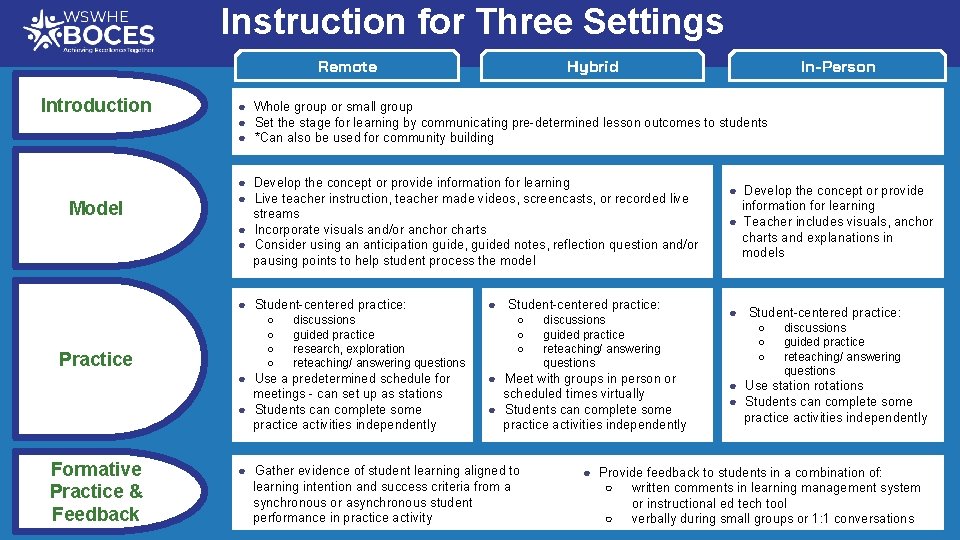
Instruction for Three Settings Remote Introduction Model ● Develop the concept or provide information for learning ● Live teacher instruction, teacher made videos, screencasts, or recorded live streams ● Incorporate visuals and/or anchor charts ● Consider using an anticipation guide, guided notes, reflection question and/or pausing points to help student process the model ○ ○ discussions guided practice research, exploration reteaching/ answering questions ● Use a predetermined schedule for meetings - can set up as stations ● Students can complete some practice activities independently Formative Practice & Feedback In-Person ● Whole group or small group ● Set the stage for learning by communicating pre-determined lesson outcomes to students ● *Can also be used for community building ● Student-centered practice: Practice Hybrid ● Student-centered practice: ○ ○ ○ discussions guided practice reteaching/ answering questions ● Meet with groups in person or scheduled times virtually ● Students can complete some practice activities independently ● Gather evidence of student learning aligned to learning intention and success criteria from a synchronous or asynchronous student performance in practice activity ● Develop the concept or provide information for learning ● Teacher includes visuals, anchor charts and explanations in models ● Student-centered practice: ○ ○ ○ discussions guided practice reteaching/ answering questions ● Use station rotations ● Students can complete some practice activities independently ● Provide feedback to students in a combination of: ○ written comments in learning management system or instructional ed tech tool ○ verbally during small groups or 1: 1 conversations
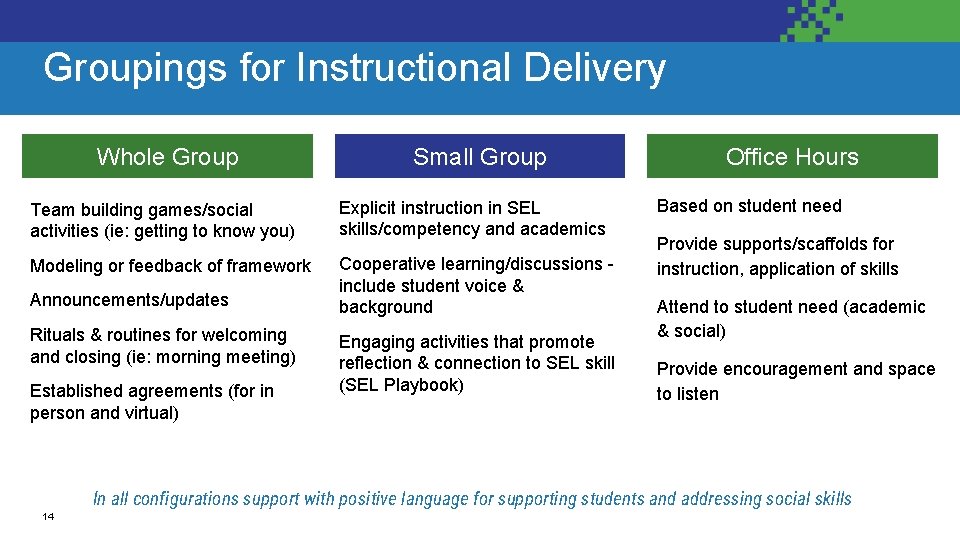
Groupings for Instructional Delivery Whole Group Small Group Team building games/social activities (ie: getting to know you) Explicit instruction in SEL skills/competency and academics Modeling or feedback of framework Cooperative learning/discussions include student voice & background Announcements/updates Rituals & routines for welcoming and closing (ie: morning meeting) Established agreements (for in person and virtual) Engaging activities that promote reflection & connection to SEL skill (SEL Playbook) Office Hours Based on student need Provide supports/scaffolds for instruction, application of skills Attend to student need (academic & social) Provide encouragement and space to listen In all configurations support with positive language for supporting students and addressing social skills 14
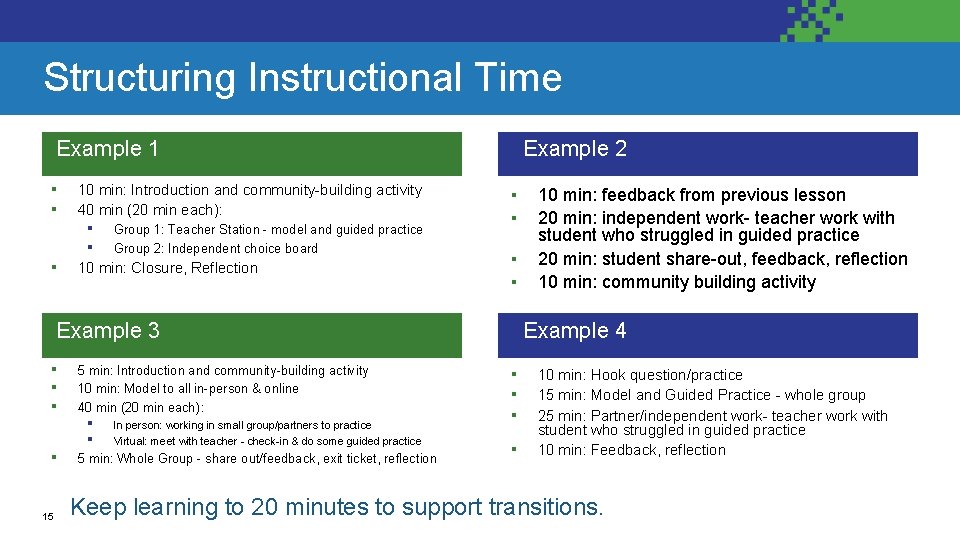
Structuring Instructional Time Example 1 ▪ ▪ ▪ 10 min: Introduction and community-building activity 40 min (20 min each): ▪ ▪ Group 1: Teacher Station - model and guided practice Group 2: Independent choice board 10 min: Closure, Reflection Example 2 ▪ ▪ Example 3 ▪ ▪ 15 5 min: Introduction and community-building activity 10 min: Model to all in-person & online 40 min (20 min each): ▪ ▪ In person: working in small group/partners to practice Virtual: meet with teacher - check-in & do some guided practice 5 min: Whole Group - share out/feedback, exit ticket, reflection 10 min: feedback from previous lesson 20 min: independent work- teacher work with student who struggled in guided practice 20 min: student share-out, feedback, reflection 10 min: community building activity Example 4 ▪ ▪ 10 min: Hook question/practice 15 min: Model and Guided Practice - whole group 25 min: Partner/independent work- teacher work with student who struggled in guided practice 10 min: Feedback, reflection Keep learning to 20 minutes to support transitions.
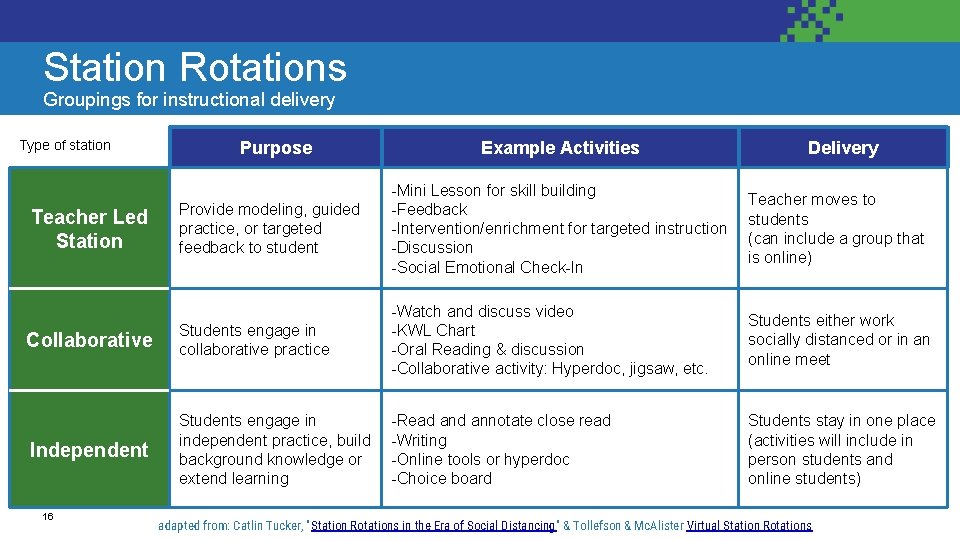
Station Rotations Groupings for instructional delivery Type of station Purpose Example Activities Delivery Provide modeling, guided practice, or targeted feedback to student -Mini Lesson for skill building -Feedback -Intervention/enrichment for targeted instruction -Discussion -Social Emotional Check-In Teacher moves to students (can include a group that is online) Collaborative Students engage in collaborative practice -Watch and discuss video -KWL Chart -Oral Reading & discussion -Collaborative activity: Hyperdoc, jigsaw, etc. Students either work socially distanced or in an online meet Independent Students engage in independent practice, build background knowledge or extend learning -Read annotate close read -Writing -Online tools or hyperdoc -Choice board Students stay in one place (activities will include in person students and online students) Teacher Led Station 16 adapted from: Catlin Tucker, "Station Rotations in the Era of Social Distancing" & Tollefson & Mc. Alister Virtual Station Rotations
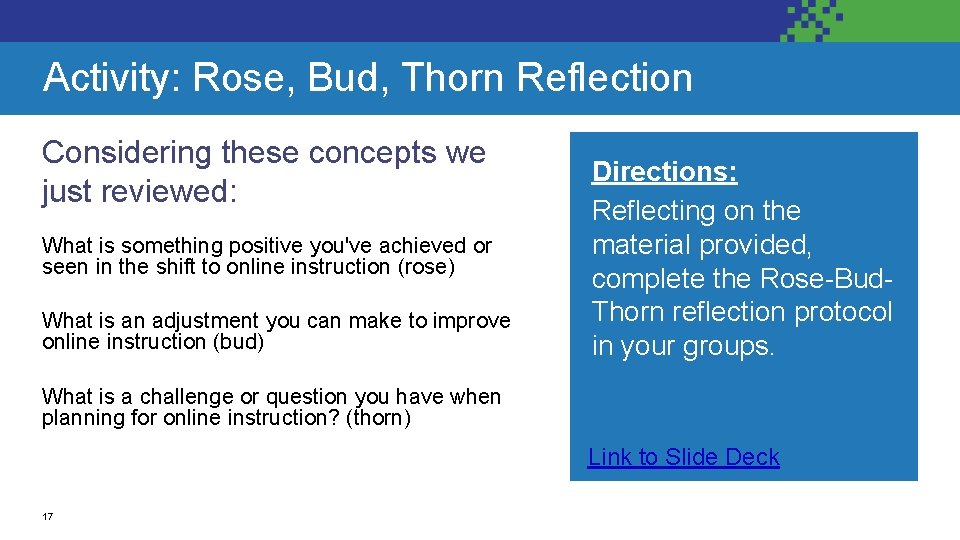
Activity: Rose, Bud, Thorn Reflection Considering these concepts we just reviewed: What is something positive you've achieved or seen in the shift to online instruction (rose) What is an adjustment you can make to improve online instruction (bud) Directions: Reflecting on the material provided, complete the Rose-Bud. Thorn reflection protocol in your groups. What is a challenge or question you have when planning for online instruction? (thorn) Link to Slide Deck 17
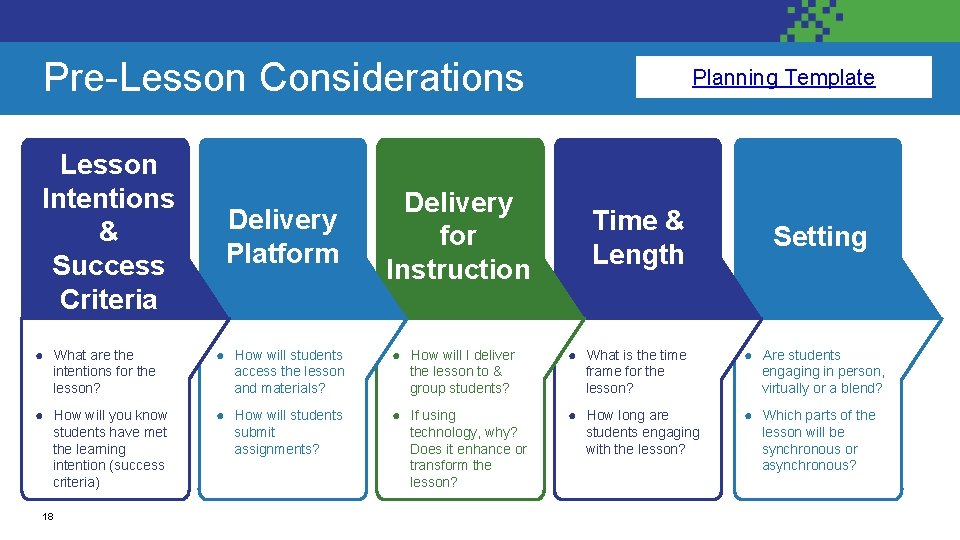
Pre-Lesson Considerations Pre-Lesson Consideration Lesson Intentions & Success Criteria Delivery Platform Delivery for Instruction Link to Planning Hybrid & Virtual Lessons Template Planning Time & Length Setting ● What are the intentions for the lesson? ● How will students access the lesson and materials? ● How will I deliver the lesson to & group students? ● What is the time frame for the lesson? ● Are students engaging in person, virtually or a blend? ● How will you know students have met the learning intention (success criteria) ● How will students submit assignments? ● If using technology, why? Does it enhance or transform the lesson? ● How long are students engaging with the lesson? ● Which parts of the lesson will be synchronous or asynchronous? 18
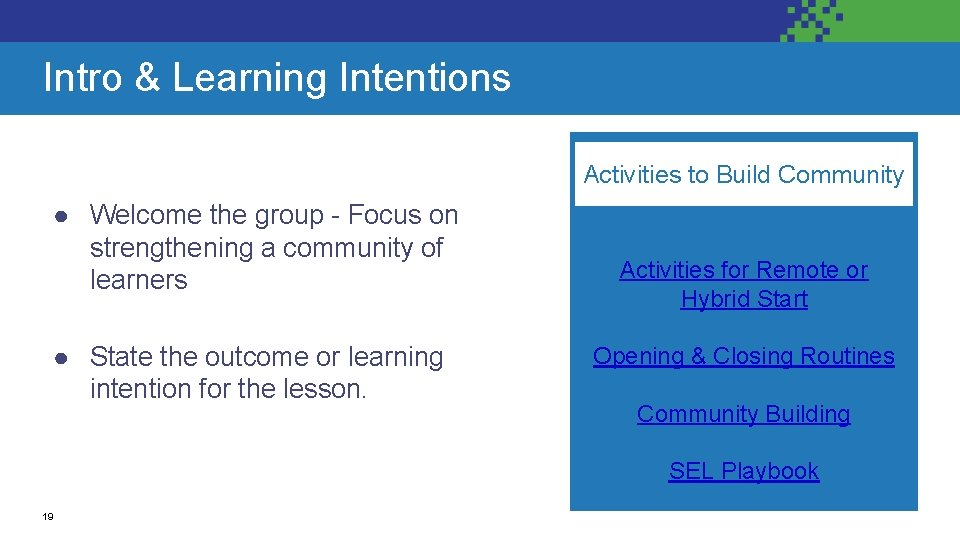
Intro & Learning Intentions Activities to Build Community ● Welcome the group - Focus on strengthening a community of learners ● State the outcome or learning intention for the lesson. Activities for Remote or Hybrid Start Opening & Closing Routines Community Building SEL Playbook 19
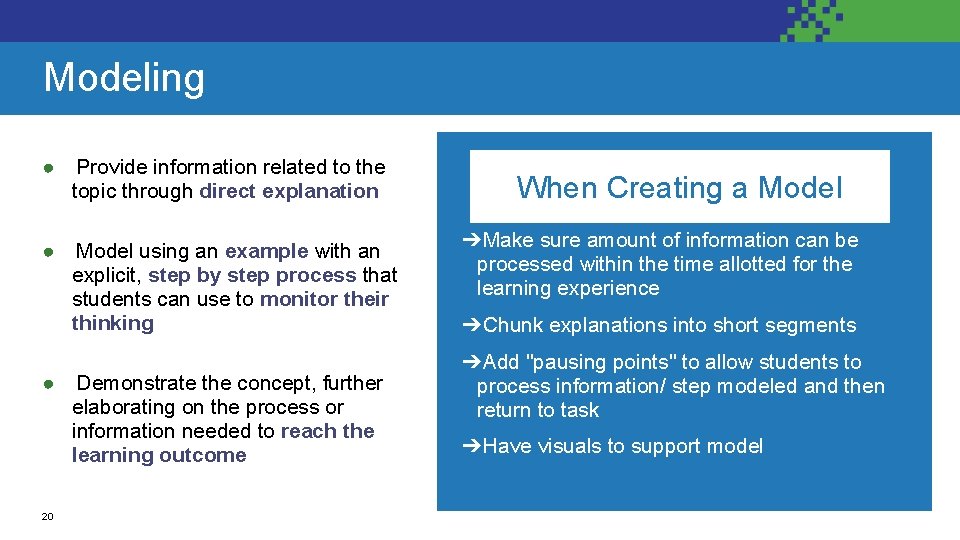
What it is: Modeling ● Provide information related to the topic through direct explanation ● Model using an example with an explicit, step by step process that students can use to monitor their thinking ● Demonstrate the concept, further elaborating on the process or information needed to reach the learning outcome 20 When Creating a Model ➔Make sure amount of information can be processed within the time allotted for the learning experience ➔Chunk explanations into short segments ➔Add "pausing points" to allow students to process information/ step modeled and then return to task ➔Have visuals to support model
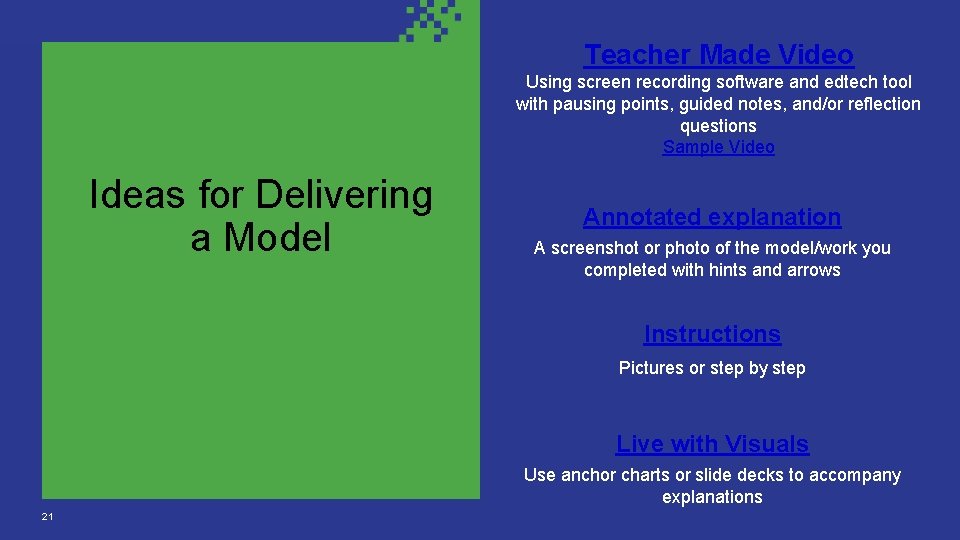
Teacher Made Video Using screen recording software and edtech tool with pausing points, guided notes, and/or reflection questions Sample Video Ideas for Delivering a Model Annotated explanation A screenshot or photo of the model/work you completed with hints and arrows Instructions Pictures or step by step Live with Visuals Use anchor charts or slide decks to accompany explanations 21
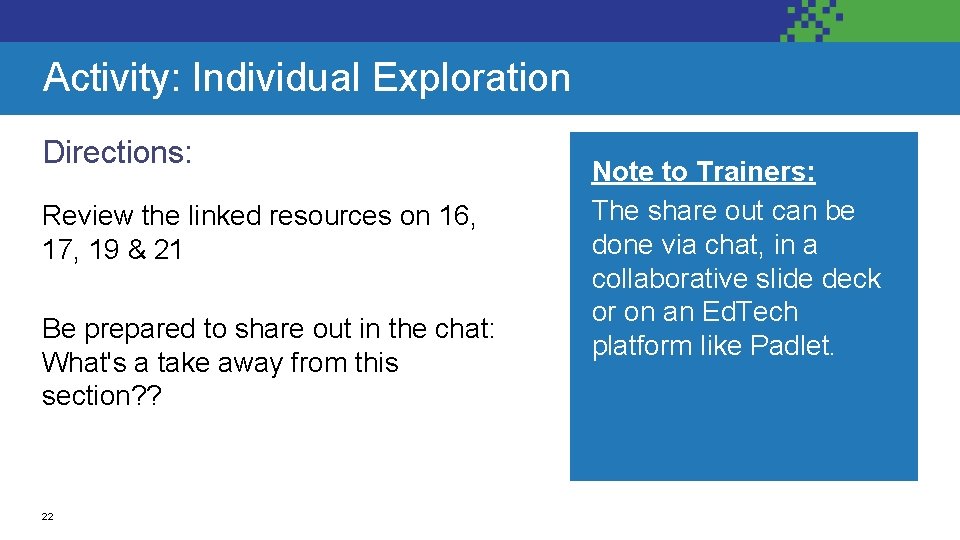
Activity: Individual Exploration Directions: Review the linked resources on 16, 17, 19 & 21 Be prepared to share out in the chat: What's a take away from this section? ? 22 Note to Trainers: The share out can be done via chat, in a collaborative slide deck or on an Ed. Tech platform like Padlet.
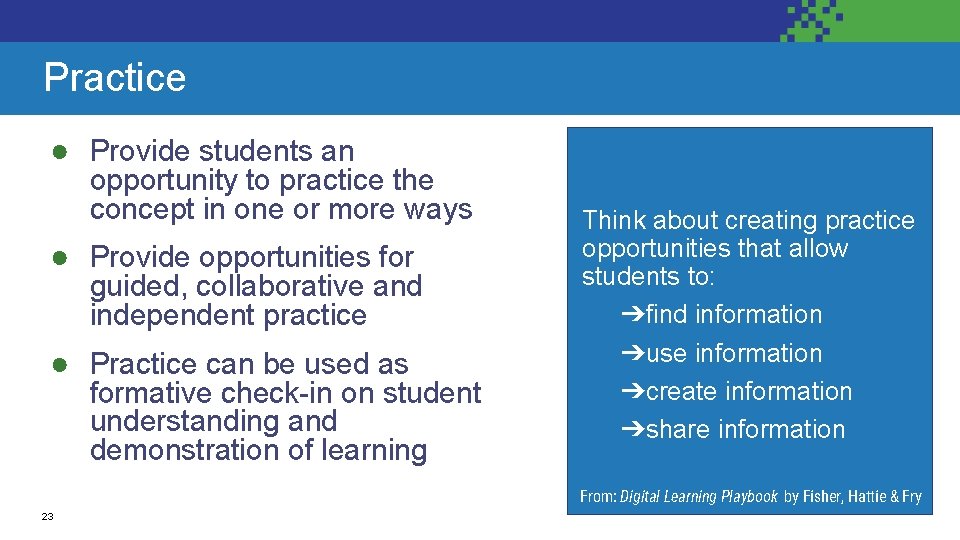
Practice ● Provide students an opportunity to practice the concept in one or more ways ● Provide opportunities for guided, collaborative and independent practice ● Practice can be used as formative check-in on student understanding and demonstration of learning Think about creating practice opportunities that allow students to: ➔find information ➔use information ➔create information ➔share information From: Digital Learning Playbook by Fisher, Hattie & Fry 23
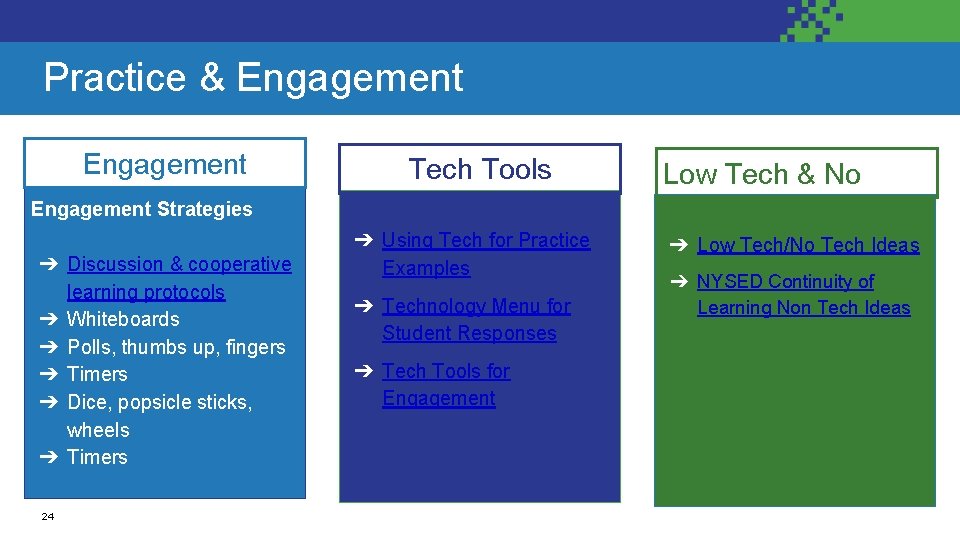
Practice & Engagement Tech Tools Engagement Strategies ➔ Discussion & cooperative learning protocols ➔ Whiteboards ➔ Polls, thumbs up, fingers ➔ Timers ➔ Dice, popsicle sticks, wheels ➔ Timers 24 ➔ Using Tech for Practice Examples ➔ Technology Menu for Student Responses ➔ Tech Tools for Engagement Low Tech & No Tech ➔ Low Tech/No Tech Ideas ➔ NYSED Continuity of Learning Non Tech Ideas
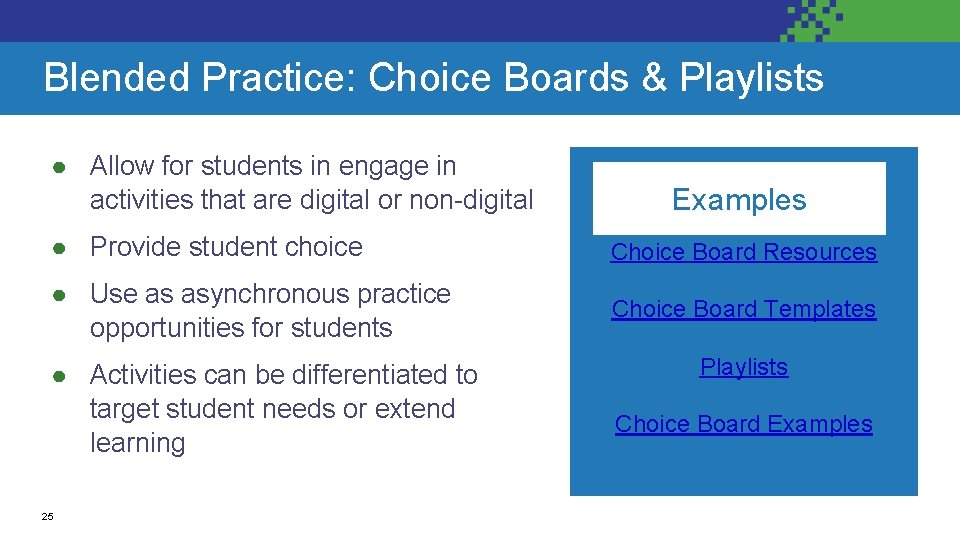
Blended Practice: Choice Boards & Playlists ● Allow for students in engage in activities that are digital or non-digital Examples ● Provide student choice Choice Board Resources ● Use as asynchronous practice opportunities for students Choice Board Templates ● Activities can be differentiated to target student needs or extend learning 25 Playlists Choice Board Examples
Activity Directions: 1. Explore resources from slides 2325 2. Complete the Compass Points Padlet Link to Padlet 26 Note to Trainers: This activity can be done individually or in small groups. It can also be done using a slide deck (example linked here) instead of a padlet.
ASSESSMENT 27
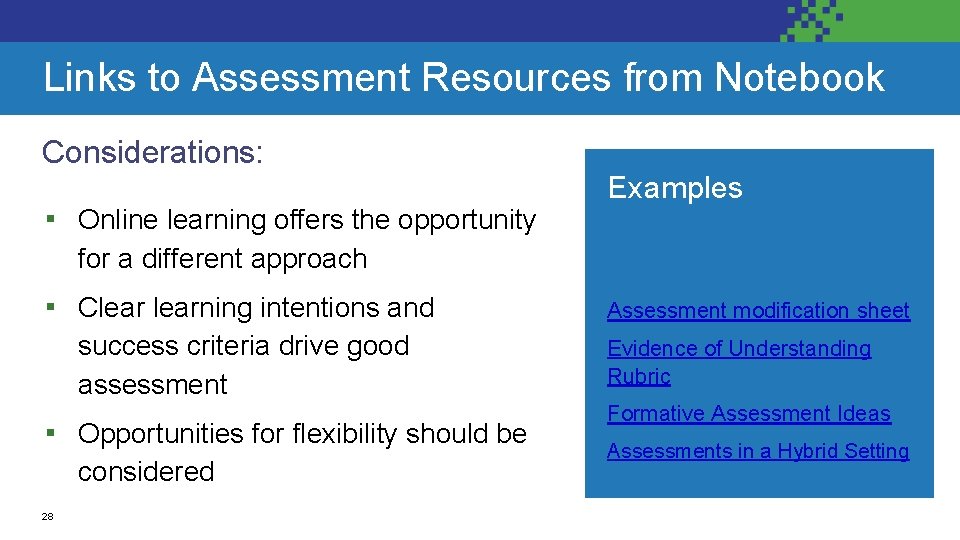
Links to Assessment Resources from Notebook Considerations: ▪ Online learning offers the opportunity Examples for a different approach ▪ Clearning intentions and success criteria drive good assessment ▪ Opportunities for flexibility should be considered 28 Assessment modification sheet Evidence of Understanding Rubric Formative Assessment Ideas Assessments in a Hybrid Setting
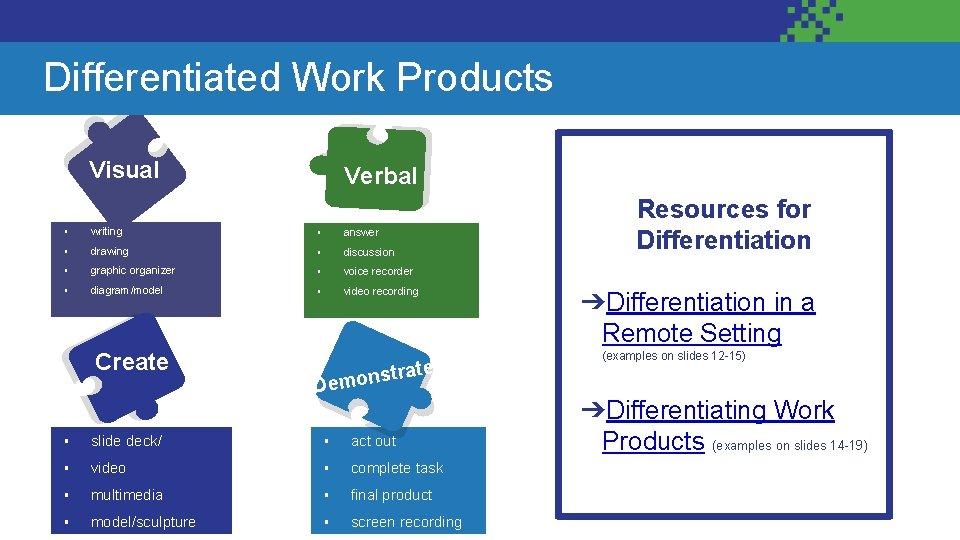
Differentiate Work Products Differentiated Work Products Visual Verbal ▪ writing ▪ answer ▪ drawing ▪ discussion ▪ graphic organizer ▪ voice recorder ▪ diagram/model ▪ video recording Create nstrate Demo ▪ slide deck/ ▪ act out ▪ video ▪ complete task ▪ multimedia ▪ final product ▪ model/sculpture ▪ screen recording Resources for Differentiation ➔Differentiation in a Remote Setting (examples on slides 12 -15) ➔Differentiating Work Products (examples on slides 14 -19)
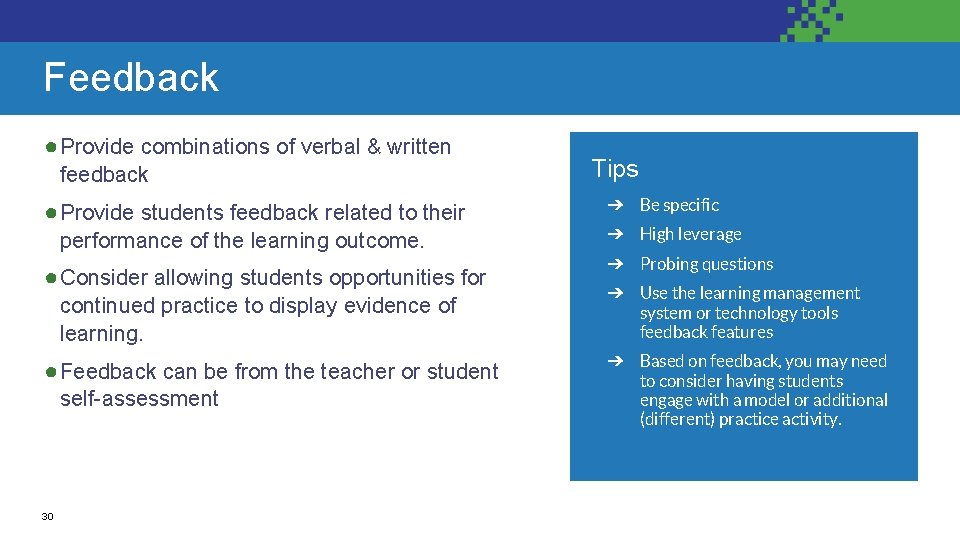
Feedback ● Provide combinations of verbal & written feedback ● Provide students feedback related to their performance of the learning outcome. ● Consider allowing students opportunities for continued practice to display evidence of learning. ● Feedback can be from the teacher or student self-assessment 30 Tips ➔ Be specific ➔ High leverage ➔ Probing questions ➔ Use the learning management system or technology tools feedback features ➔ Based on feedback, you may need to consider having students engage with a model or additional (different) practice activity.
Activity: Reflection Guiding Question: Considering the information provided, how can you improve your assessment & feedback process in an online environment? Be prepared to share out thoughts in the chat. 31 Note to Trainers: This activity can be done individually or in small groups. Participants can share out via chat, collaborative slide deck or ed tech tool like Padlet.
What are your next steps from here? Add to the Padlet 32
Thank you Photos from Unsplashed. com 33