
Shell Programming The Microsoft Windows user interface UI
- Slides: 16
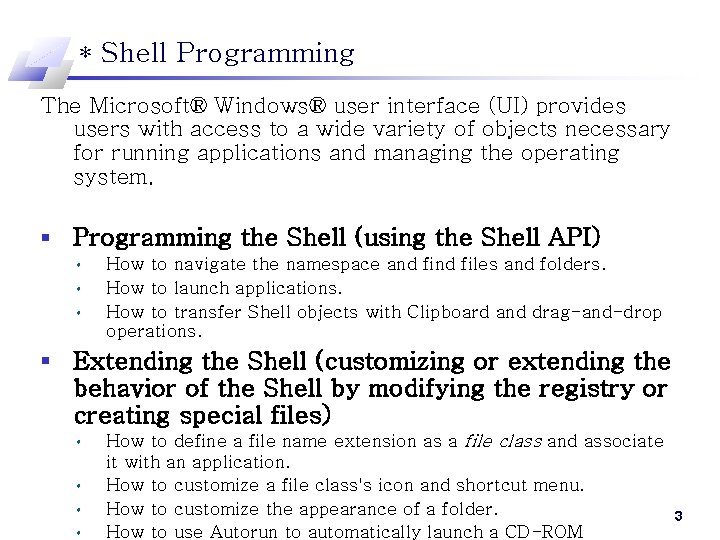
* Shell Programming The Microsoft® Windows® user interface (UI) provides users with access to a wide variety of objects necessary for running applications and managing the operating system. § Programming the Shell (using the Shell API) • • • How to navigate the namespace and files and folders. How to launch applications. How to transfer Shell objects with Clipboard and drag-and-drop operations. § Extending the Shell (customizing or extending the behavior of the Shell by modifying the registry or creating special files) • • How to define a file name extension as a file class and associate it with an application. How to customize a file class's icon and shortcut menu. How to customize the appearance of a folder. How to use Autorun to automatically launch a CD-ROM 3
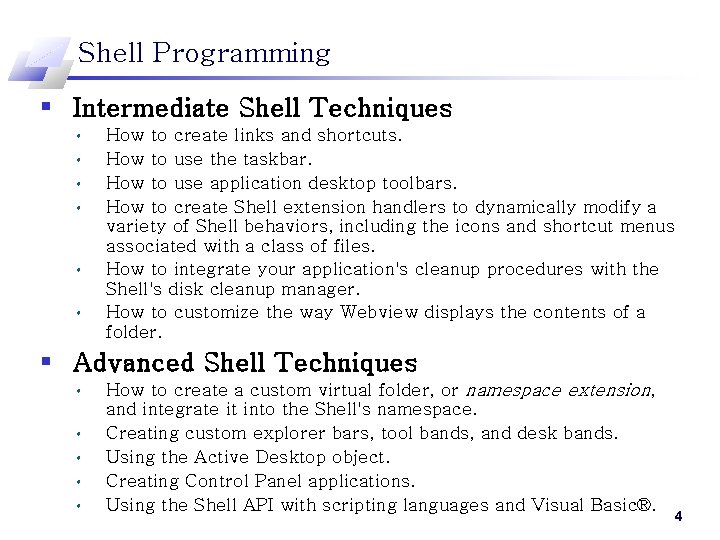
Shell Programming § Intermediate Shell Techniques • • • How to create links and shortcuts. How to use the taskbar. How to use application desktop toolbars. How to create Shell extension handlers to dynamically modify a variety of Shell behaviors, including the icons and shortcut menus associated with a class of files. How to integrate your application's cleanup procedures with the Shell's disk cleanup manager. How to customize the way Webview displays the contents of a folder. § Advanced Shell Techniques • • • How to create a custom virtual folder, or namespace extension, and integrate it into the Shell's namespace. Creating custom explorer bars, tool bands, and desk bands. Using the Active Desktop object. Creating Control Panel applications. Using the Shell API with scripting languages and Visual Basic®. 4
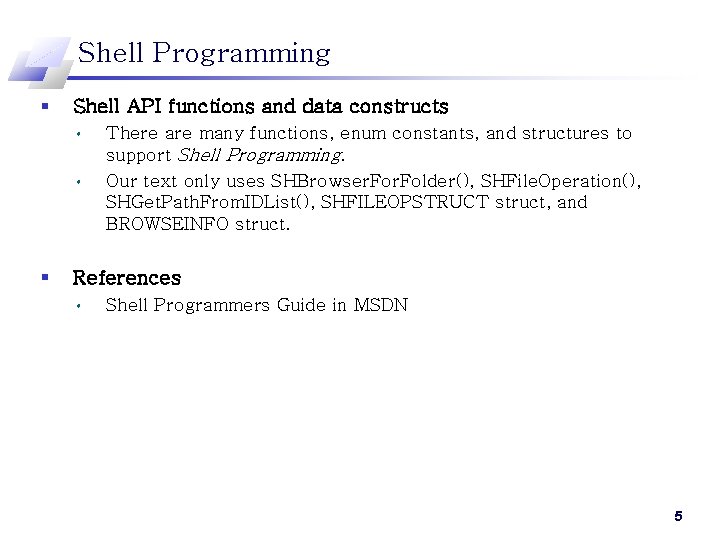
Shell Programming § Shell API functions and data constructs • • § There are many functions, enum constants, and structures to support Shell Programming. Our text only uses SHBrowser. Folder(), SHFile. Operation(), SHGet. Path. From. IDList(), SHFILEOPSTRUCT struct, and BROWSEINFO struct. References • Shell Programmers Guide in MSDN 5
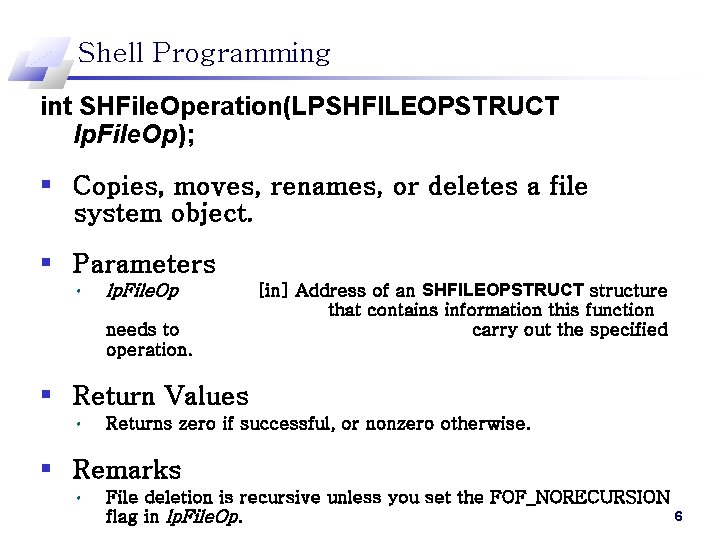
Shell Programming int SHFile. Operation(LPSHFILEOPSTRUCT lp. File. Op); § Copies, moves, renames, or deletes a file system object. § Parameters • lp. File. Op needs to operation. [in] Address of an SHFILEOPSTRUCT structure that contains information this function carry out the specified § Return Values • Returns zero if successful, or nonzero otherwise. § Remarks • File deletion is recursive unless you set the FOF_NORECURSION 6 flag in lp. File. Op.
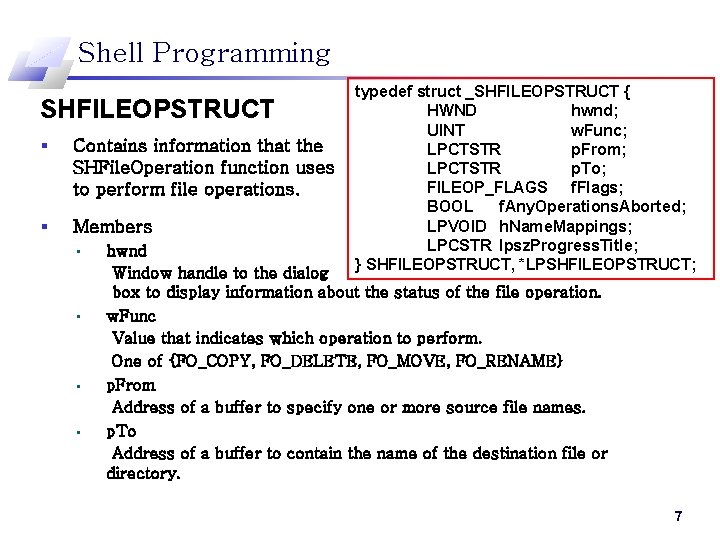
Shell Programming SHFILEOPSTRUCT § Contains information that the SHFile. Operation function uses to perform file operations. § Members • • typedef struct _SHFILEOPSTRUCT { HWND hwnd; UINT w. Func; LPCTSTR p. From; LPCTSTR p. To; FILEOP_FLAGS f. Flags; BOOL f. Any. Operations. Aborted; LPVOID h. Name. Mappings; LPCSTR lpsz. Progress. Title; } SHFILEOPSTRUCT, *LPSHFILEOPSTRUCT; hwnd Window handle to the dialog box to display information about the status of the file operation. w. Func Value that indicates which operation to perform. One of {FO_COPY, FO_DELETE, FO_MOVE, FO_RENAME} p. From Address of a buffer to specify one or more source file names. p. To Address of a buffer to contain the name of the destination file or directory. 7
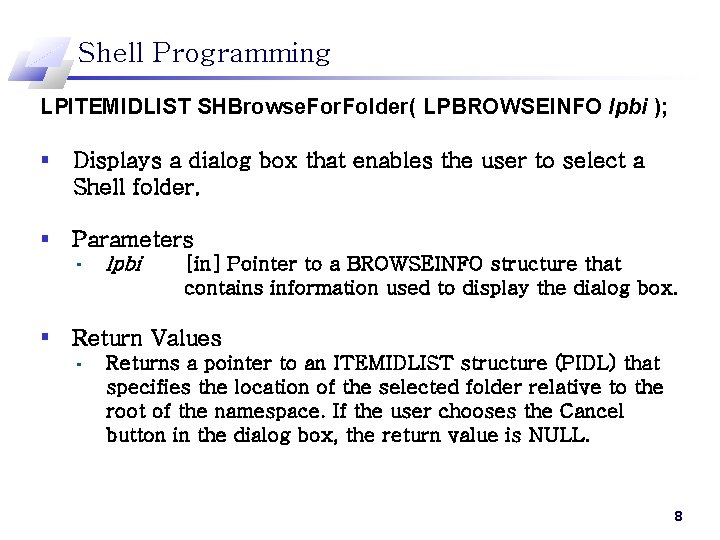
Shell Programming LPITEMIDLIST SHBrowse. For. Folder( LPBROWSEINFO lpbi ); § Displays a dialog box that enables the user to select a Shell folder. § Parameters • lpbi [in] Pointer to a BROWSEINFO structure that contains information used to display the dialog box. § Return Values • Returns a pointer to an ITEMIDLIST structure (PIDL) that specifies the location of the selected folder relative to the root of the namespace. If the user chooses the Cancel button in the dialog box, the return value is NULL. 8
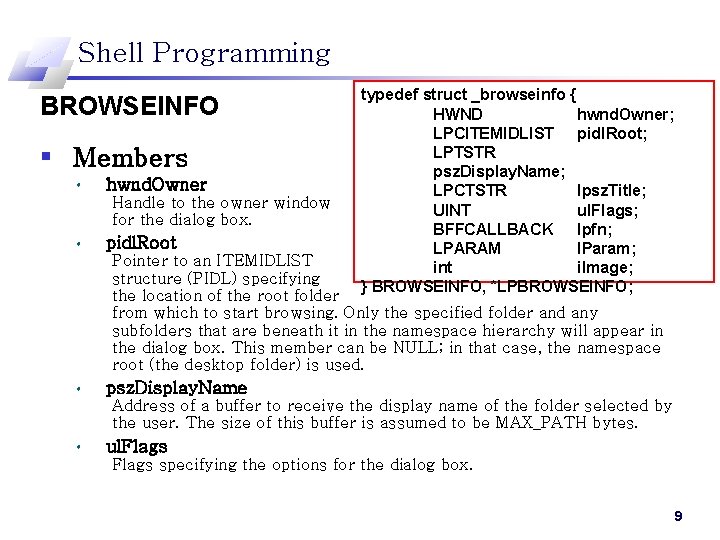
Shell Programming BROWSEINFO § Members • hwnd. Owner Handle to the owner window for the dialog box. • pidl. Root typedef struct _browseinfo { HWND hwnd. Owner; LPCITEMIDLIST pidl. Root; LPTSTR psz. Display. Name; LPCTSTR lpsz. Title; UINT ul. Flags; BFFCALLBACK lpfn; LPARAM l. Param; int i. Image; } BROWSEINFO, *LPBROWSEINFO; Pointer to an ITEMIDLIST structure (PIDL) specifying the location of the root folder from which to start browsing. Only the specified folder and any subfolders that are beneath it in the namespace hierarchy will appear in the dialog box. This member can be NULL; in that case, the namespace root (the desktop folder) is used. • psz. Display. Name Address of a buffer to receive the display name of the folder selected by the user. The size of this buffer is assumed to be MAX_PATH bytes. • ul. Flags specifying the options for the dialog box. 9
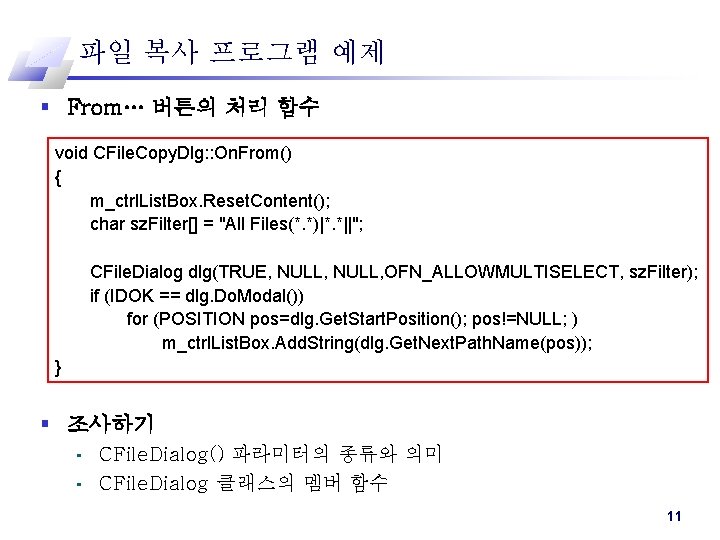
파일 복사 프로그램 예제 § From… 버튼의 처리 함수 void CFile. Copy. Dlg: : On. From() { m_ctrl. List. Box. Reset. Content(); char sz. Filter[] = "All Files(*. *)|*. *||"; CFile. Dialog dlg(TRUE, NULL, OFN_ALLOWMULTISELECT, sz. Filter); if (IDOK == dlg. Do. Modal()) for (POSITION pos=dlg. Get. Start. Position(); pos!=NULL; ) m_ctrl. List. Box. Add. String(dlg. Get. Next. Path. Name(pos)); } § 조사하기 • • CFile. Dialog() 파라미터의 종류와 의미 CFile. Dialog 클래스의 멤버 함수 11
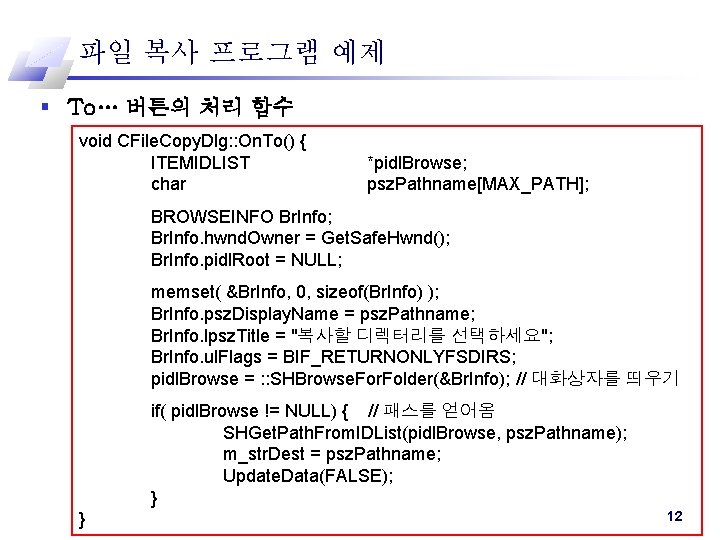
파일 복사 프로그램 예제 § To… 버튼의 처리 함수 void CFile. Copy. Dlg: : On. To() { ITEMIDLIST char *pidl. Browse; psz. Pathname[MAX_PATH]; BROWSEINFO Br. Info; Br. Info. hwnd. Owner = Get. Safe. Hwnd(); Br. Info. pidl. Root = NULL; memset( &Br. Info, 0, sizeof(Br. Info) ); Br. Info. psz. Display. Name = psz. Pathname; Br. Info. lpsz. Title = "복사할 디렉터리를 선택하세요"; Br. Info. ul. Flags = BIF_RETURNONLYFSDIRS; pidl. Browse = : : SHBrowse. For. Folder(&Br. Info); // 대화상자를 띄우기 if( pidl. Browse != NULL) { // 패스를 얻어옴 SHGet. Path. From. IDList(pidl. Browse, psz. Pathname); m_str. Dest = psz. Pathname; Update. Data(FALSE); } } 12
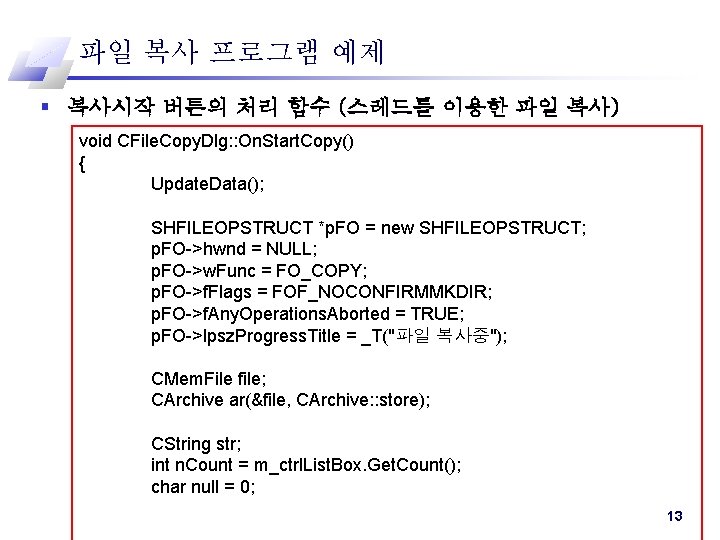
파일 복사 프로그램 예제 § 복사시작 버튼의 처리 함수 (스레드를 이용한 파일 복사) void CFile. Copy. Dlg: : On. Start. Copy() { Update. Data(); SHFILEOPSTRUCT *p. FO = new SHFILEOPSTRUCT; p. FO->hwnd = NULL; p. FO->w. Func = FO_COPY; p. FO->f. Flags = FOF_NOCONFIRMMKDIR; p. FO->f. Any. Operations. Aborted = TRUE; p. FO->lpsz. Progress. Title = _T("파일 복사중"); CMem. File file; CArchive ar(&file, CArchive: : store); CString str; int n. Count = m_ctrl. List. Box. Get. Count(); char null = 0; 13
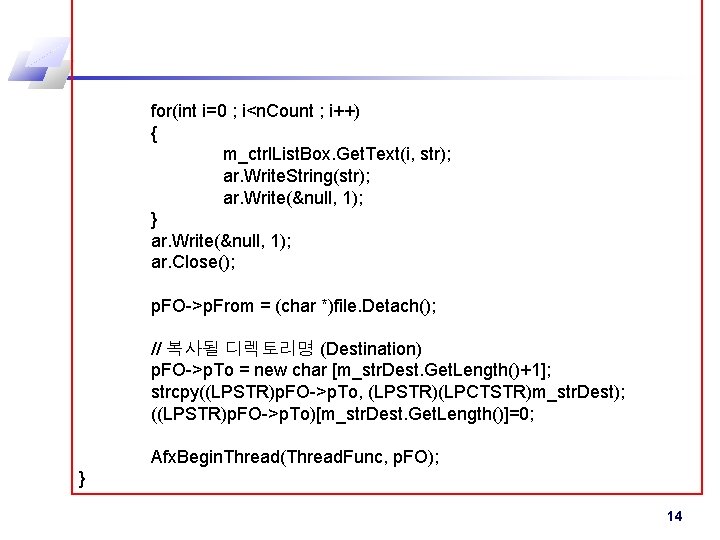
for(int i=0 ; i<n. Count ; i++) { m_ctrl. List. Box. Get. Text(i, str); ar. Write. String(str); ar. Write(&null, 1); } ar. Write(&null, 1); ar. Close(); p. FO->p. From = (char *)file. Detach(); // 복사될 디렉토리명 (Destination) p. FO->p. To = new char [m_str. Dest. Get. Length()+1]; strcpy((LPSTR)p. FO->p. To, (LPSTR)(LPCTSTR)m_str. Dest); ((LPSTR)p. FO->p. To)[m_str. Dest. Get. Length()]=0; Afx. Begin. Thread(Thread. Func, p. FO); } 14
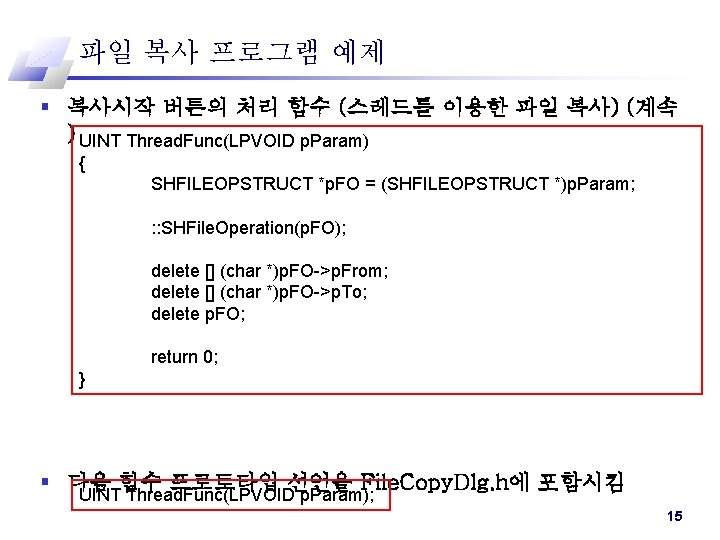
파일 복사 프로그램 예제 § 복사시작 버튼의 처리 함수 (스레드를 이용한 파일 복사) (계속 ) UINT Thread. Func(LPVOID p. Param) { SHFILEOPSTRUCT *p. FO = (SHFILEOPSTRUCT *)p. Param; : : SHFile. Operation(p. FO); delete [] (char *)p. FO->p. From; delete [] (char *)p. FO->p. To; delete p. FO; return 0; } § 다음 함수 프로토타입 선언을 File. Copy. Dlg. h에 포함시킴 UINT Thread. Func(LPVOID p. Param); 15