
Shark Gate Ltd To Login to your Shark


- Slides: 14
Shark. Gate Ltd.
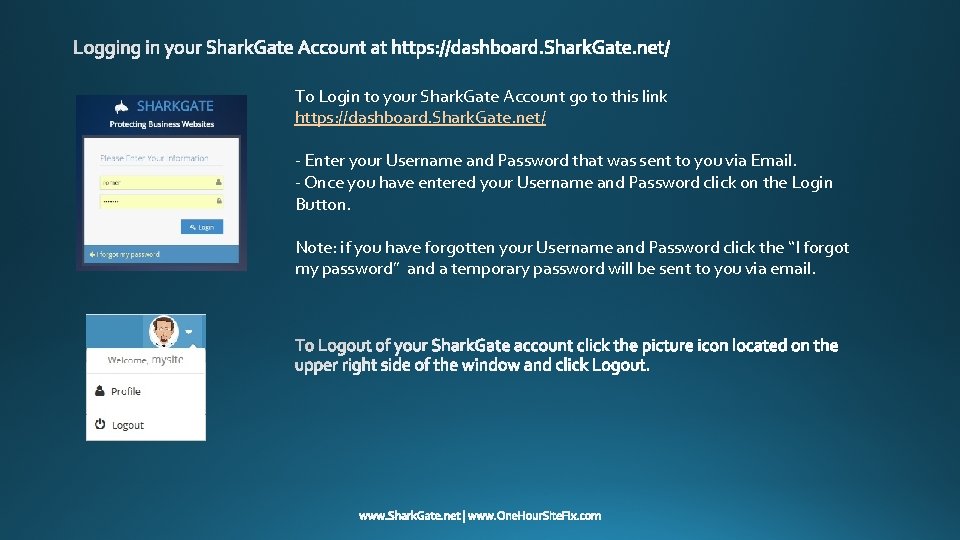
To Login to your Shark. Gate Account go to this link https: //dashboard. Shark. Gate. net/ - Enter your Username and Password that was sent to you via Email. - Once you have entered your Username and Password click on the Login Button. Note: if you have forgotten your Username and Password click the “I forgot my password” and a temporary password will be sent to you via email.
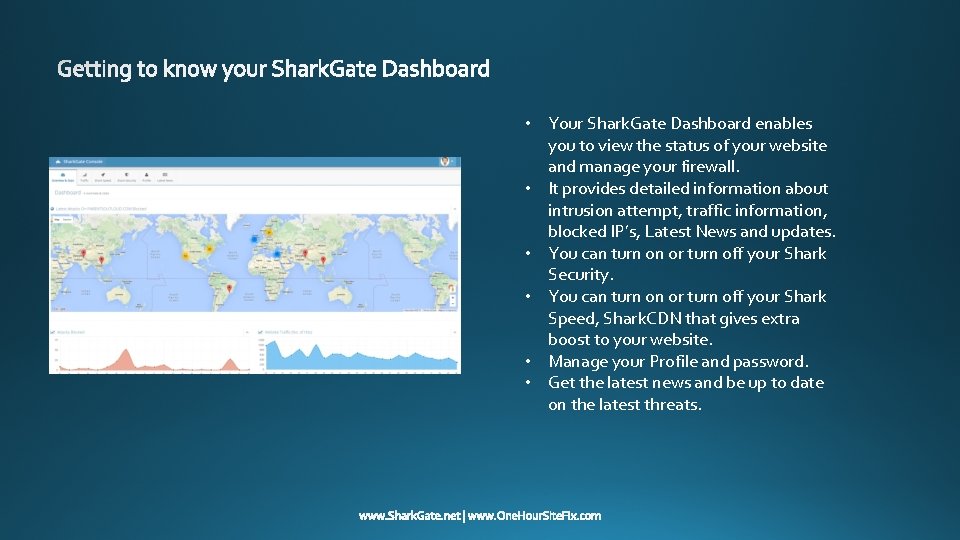
• Your Shark. Gate Dashboard enables you to view the status of your website and manage your firewall. • It provides detailed information about intrusion attempt, traffic information, blocked IP’s, Latest News and updates. • You can turn on or turn off your Shark Security. • You can turn on or turn off your Shark Speed, Shark. CDN that gives extra boost to your website. • Manage your Profile and password. • Get the latest news and be up to date on the latest threats.
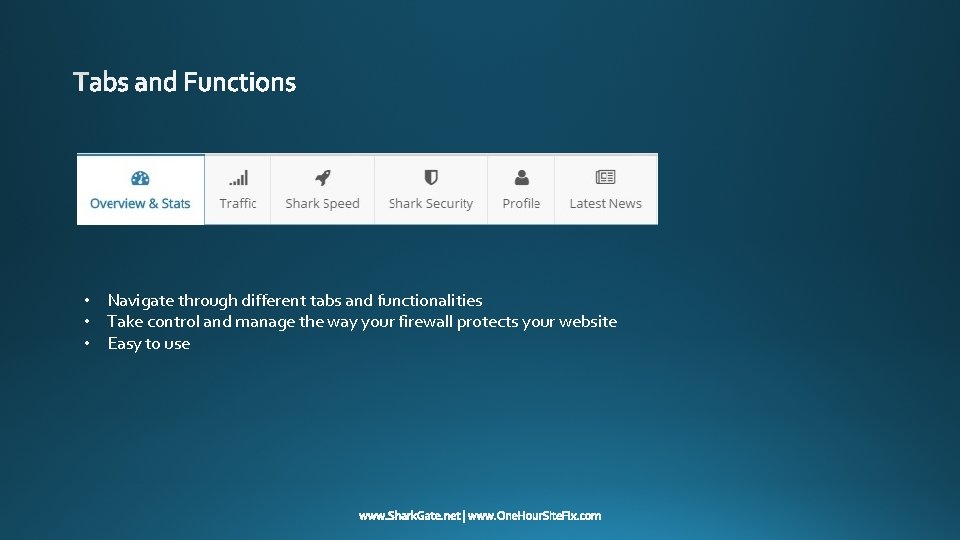
• Navigate through different tabs and functionalities • Take control and manage the way your firewall protects your website • Easy to use
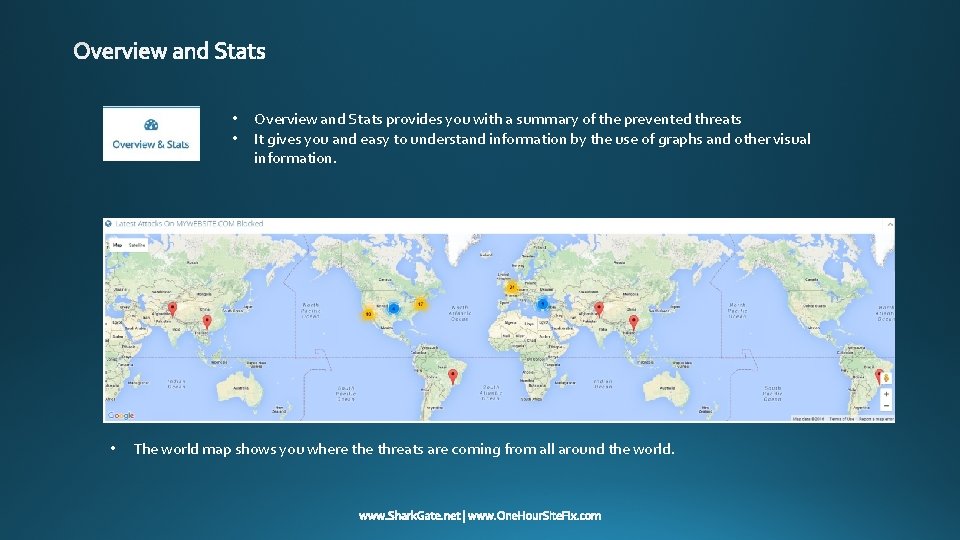
• • • Overview and Stats provides you with a summary of the prevented threats It gives you and easy to understand information by the use of graphs and other visual information. The world map shows you where threats are coming from all around the world.
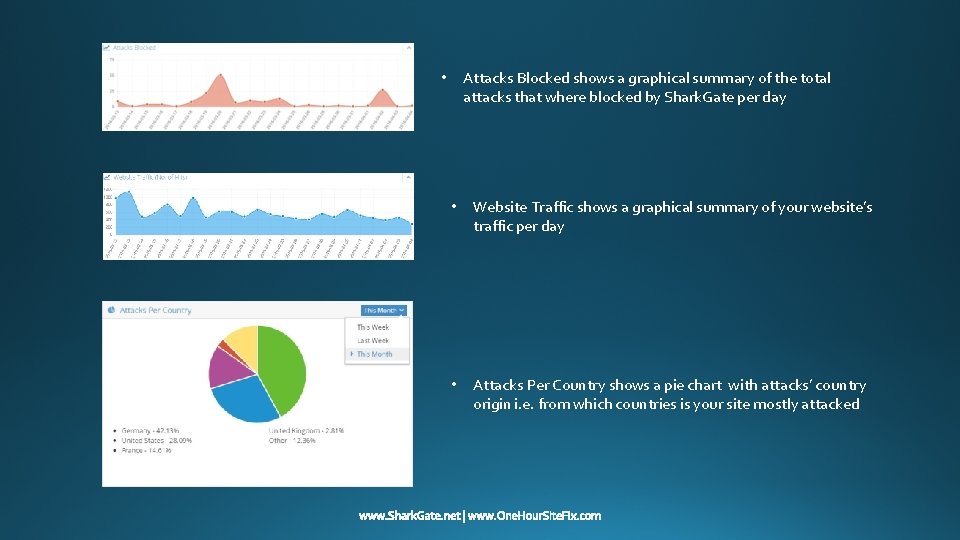
Attacks Blocked shows a graphical summary of the total attacks that where blocked by Shark. Gate per day • • Website Traffic shows a graphical summary of your website’s traffic per day • Attacks Per Country shows a pie chart with attacks’ country origin i. e. from which countries is your site mostly attacked
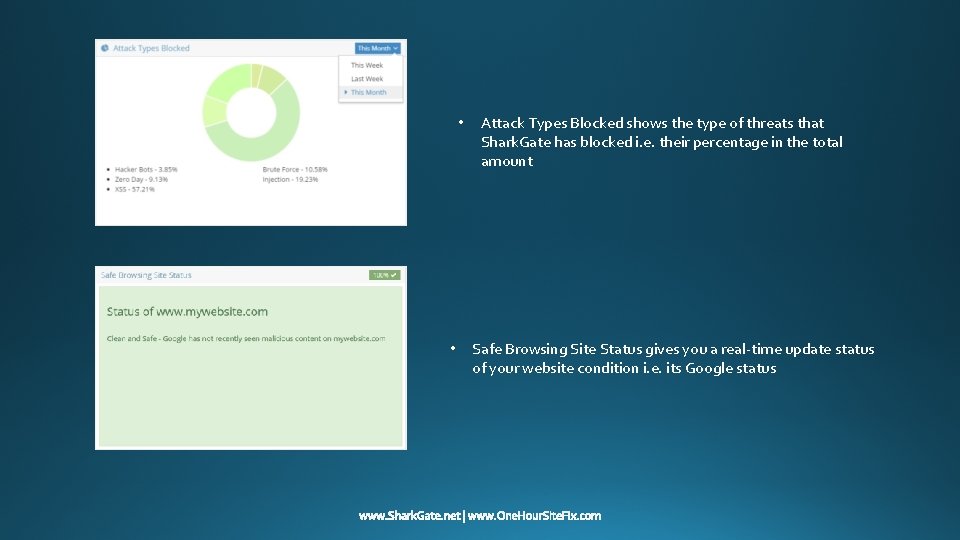
• • Attack Types Blocked shows the type of threats that Shark. Gate has blocked i. e. their percentage in the total amount Safe Browsing Site Status gives you a real-time update status of your website condition i. e. its Google status
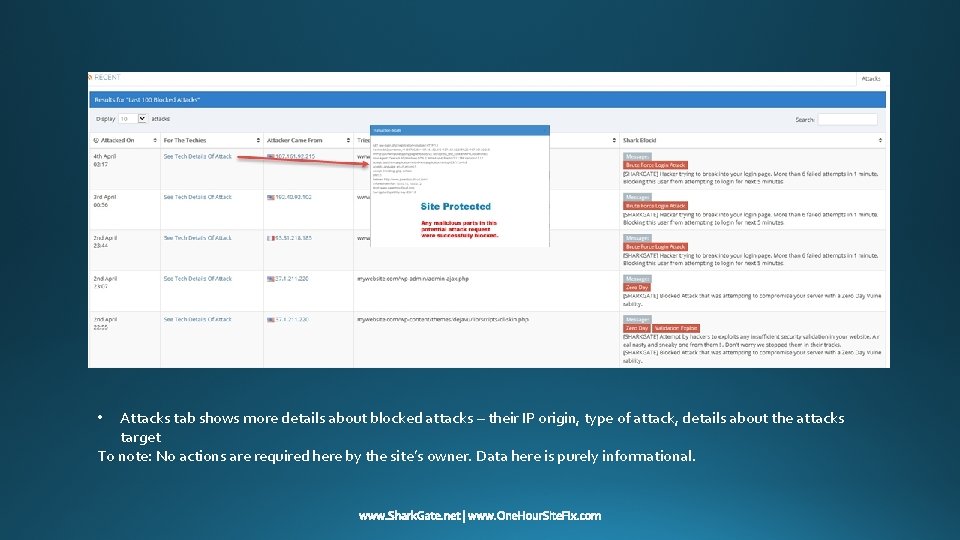
Attacks tab shows more details about blocked attacks – their IP origin, type of attack, details about the attacks target To note: No actions are required here by the site’s owner. Data here is purely informational. •
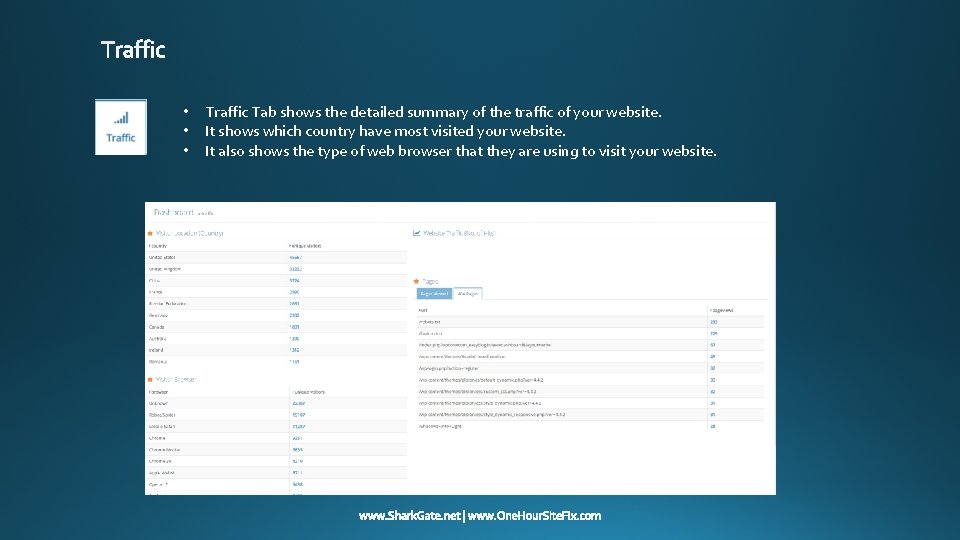
• • • Traffic Tab shows the detailed summary of the traffic of your website. It shows which country have most visited your website. It also shows the type of web browser that they are using to visit your website.
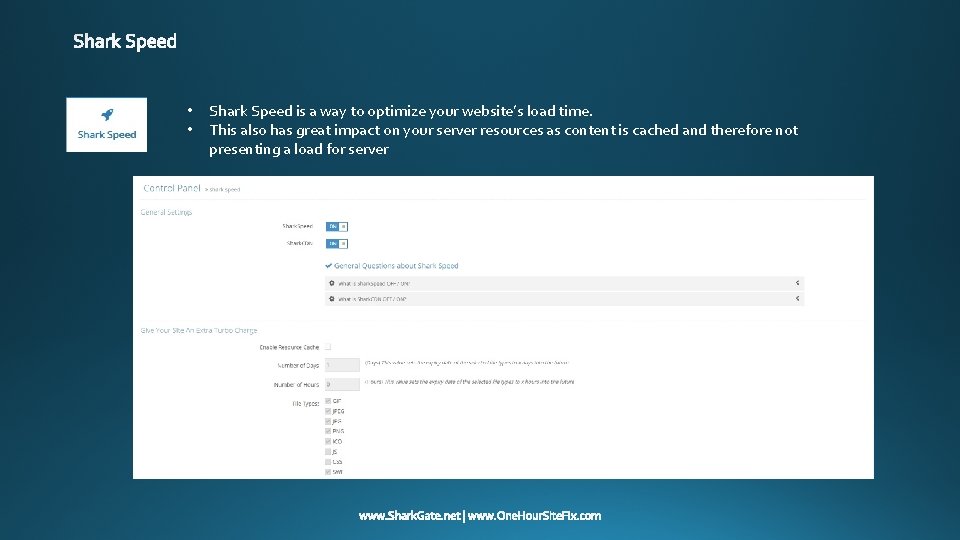
• • Shark Speed is a way to optimize your website’s load time. This also has great impact on your server resources as content is cached and therefore not presenting a load for server
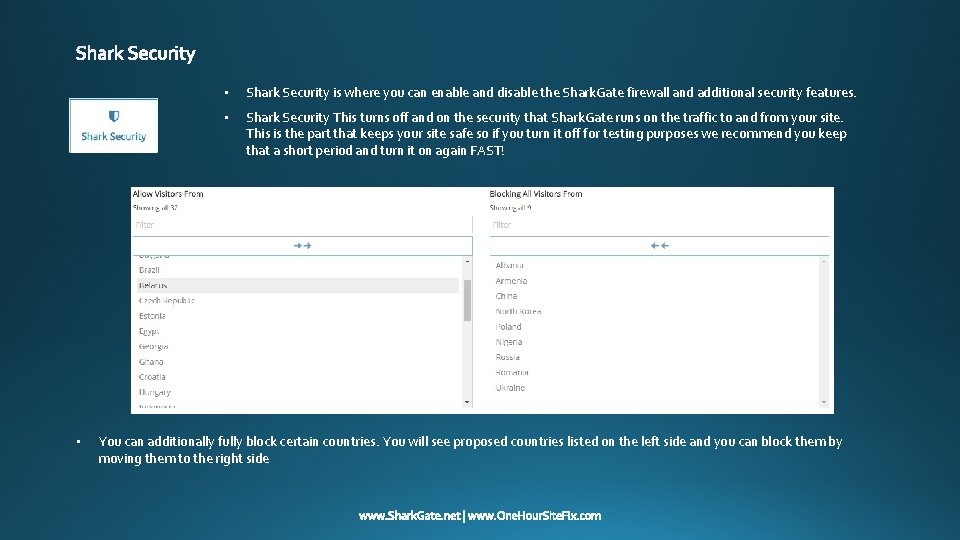
• • Shark Security is where you can enable and disable the Shark. Gate firewall and additional security features. • Shark Security This turns off and on the security that Shark. Gate runs on the traffic to and from your site. This is the part that keeps your site safe so if you turn it off for testing purposes we recommend you keep that a short period and turn it on again FAST! You can additionally fully block certain countries. You will see proposed countries listed on the left side and you can block them by moving them to the right side
Profile is where you can change your information details such as your email address, Name, Username, and password. • • Latest News shows you the recent update, changes and latest treats that are out there and what can be done to prevent them.
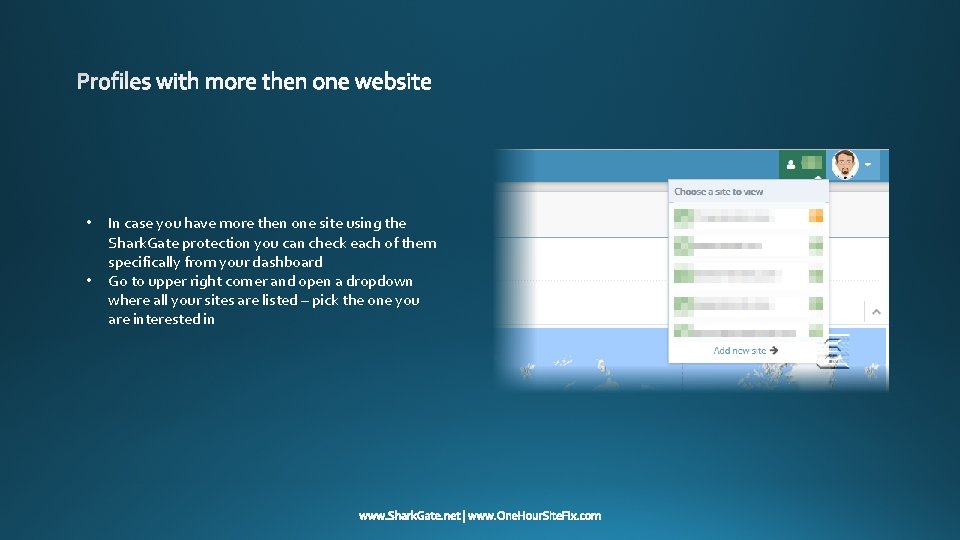
• • In case you have more then one site using the Shark. Gate protection you can check each of them specifically from your dashboard Go to upper right corner and open a dropdown where all your sites are listed – pick the one you are interested in